
Inspiration
We believe that many language apps fall short when it comes to teaching vocabulary that's truly relevant to a user's daily life. With TailorText, we set out to create a tool that allows users to learn through content that aligns with their personal interests—anytime, anywhere. By integrating learning into the user's existing browsing experience, we lower the barrier to entry for those who are busy with work and life. Traditional apps often require users to open a separate platform, which can feel like an added chore. TailorText is designed to remove those obstacles and make language learning feel natural, seamless, and genuinely useful.
What it does
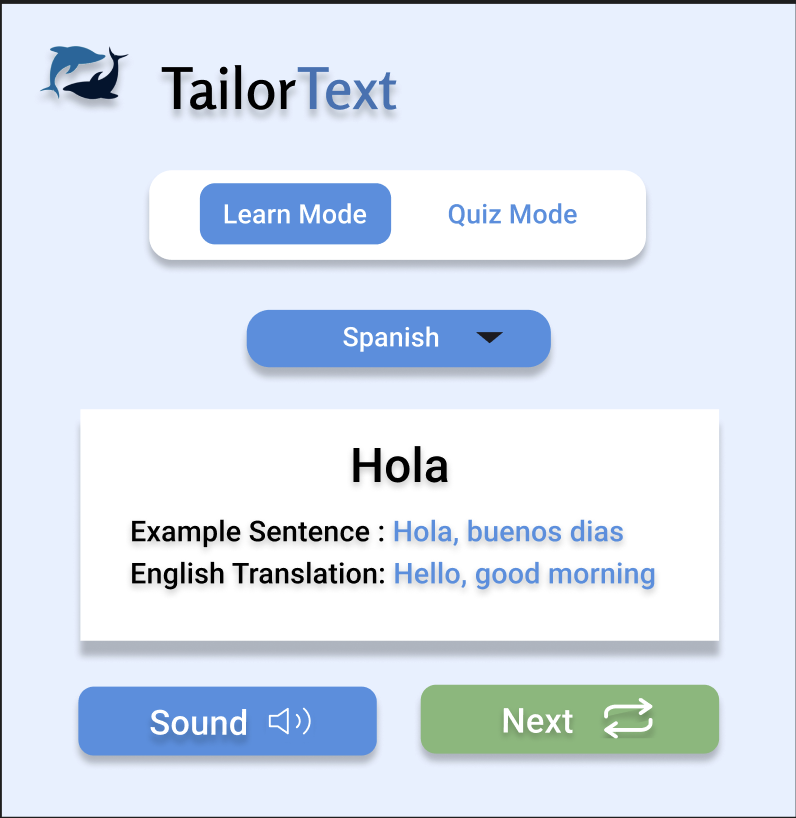
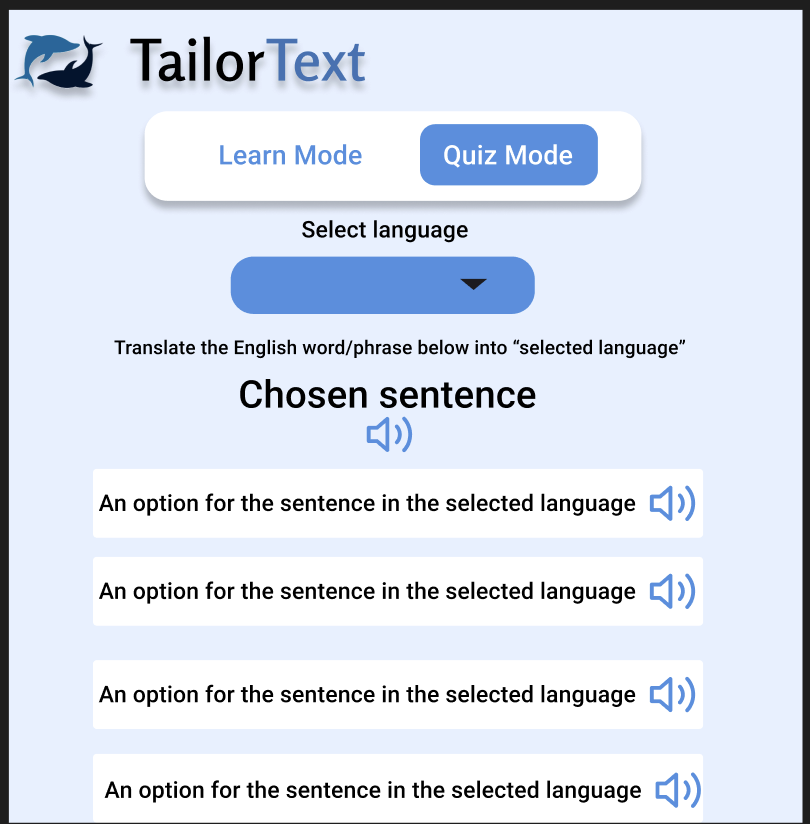
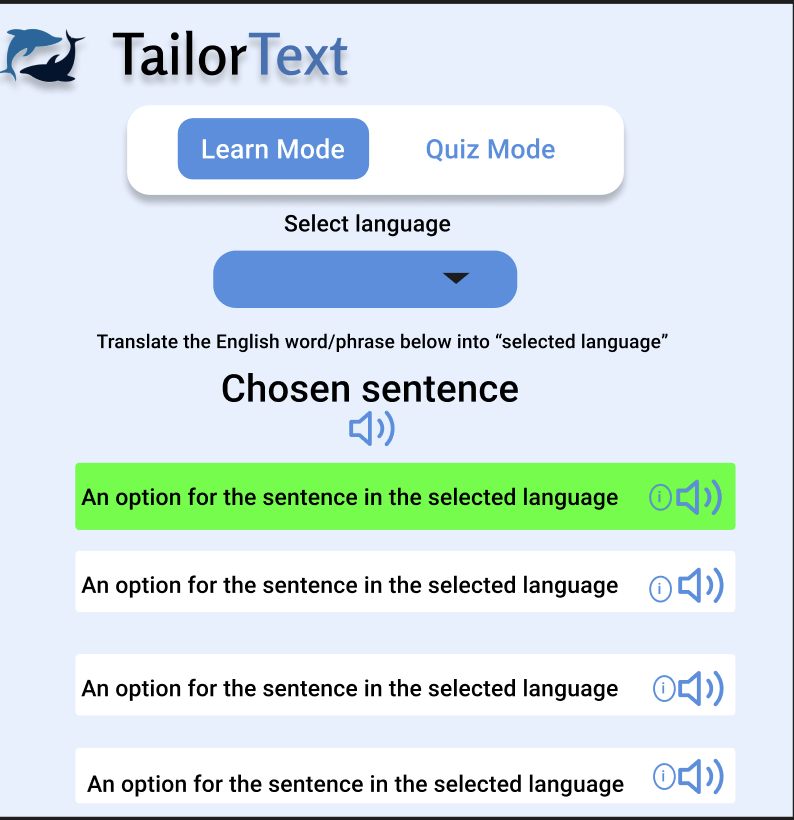
TailorText first is prompted by the user when clicked. It then automatically calls Gemini API to scrape the webpage and pull relevant vocabulary. From the selected language, it generates vocabulary that the users can review in LEARN mode. We give users the translation, an example, and its definition. Then, when the user is ready, they can enter QUIZ mode and answer multiple-choice questions to test their understanding.
How we built it
We used HTML, CSS, and JavaScript as the foundation to develop a dropdown-style Chrome extension. To handle translations, we integrated the Gemini API, which generates accurate translations and example sentences. We used Vite as our build tool to streamline development and optimize performance during the bundling process.
Challenges we ran into
One of the biggest challenges we faced was merging everyone’s work into a single cohesive project. When combining components, the API integration occasionally broke, and debugging these issues across different files took time and coordination. We also struggled with learning how to structure a Chrome extension properly, especially with connecting background scripts, managing permissions, and ensuring the UI functioned smoothly within the extension environment.
Accomplishments that we're proud of
We're proud to have built a fully functional Chrome extension from the ground up. Successfully integrating the Gemini API was a major milestone, and seeing it generate accurate translations and example sentences felt rewarding. We're also proud that we created something we're passionate about an extension that not only enhances language learning but also serves as a practical productivity tool for others. Creating something useful and meaningful to both ourselves and future users made this project fulfilling.
What we learned
This project was a great learning experience for our entire team. It was our first time building a Chrome extension, so we learned how to structure it using a json file connect background scripts, and design an intuitive popup interface. We also became familiar with the Chrome extension environment and how to test and deploy extensions using chrome extension. We gained hands-on experience with Vite, learning how it streamlines development with fast bundling and support for modern JavaScript features. We also learned how to implement AI tools by integrating the Gemini API and designing prompts to generate useful, context-aware translations. Overall, this project strengthened our front-end development skills and introduced us to new technologies we're excited to keep exploring.
What's next for TailorText
In the future, we plan to add voice pronunciation and speech recognition for practice. We also aim to expand the vocabulary features, introduce sentence-building capabilities, support more languages, implement user login and progress tracking, and create a separate web dashboard where users can track their learning.


Log in or sign up for Devpost to join the conversation.