-
-
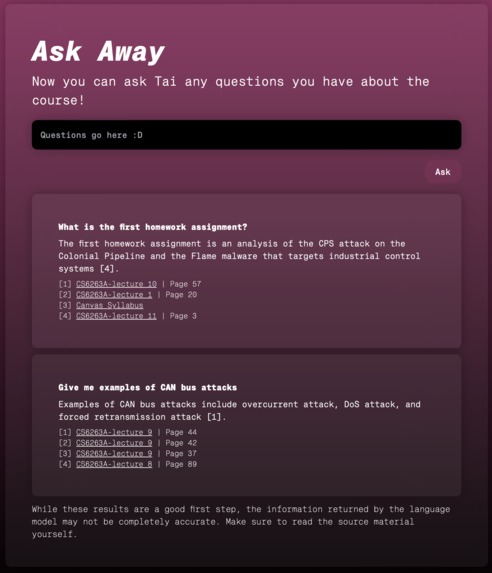
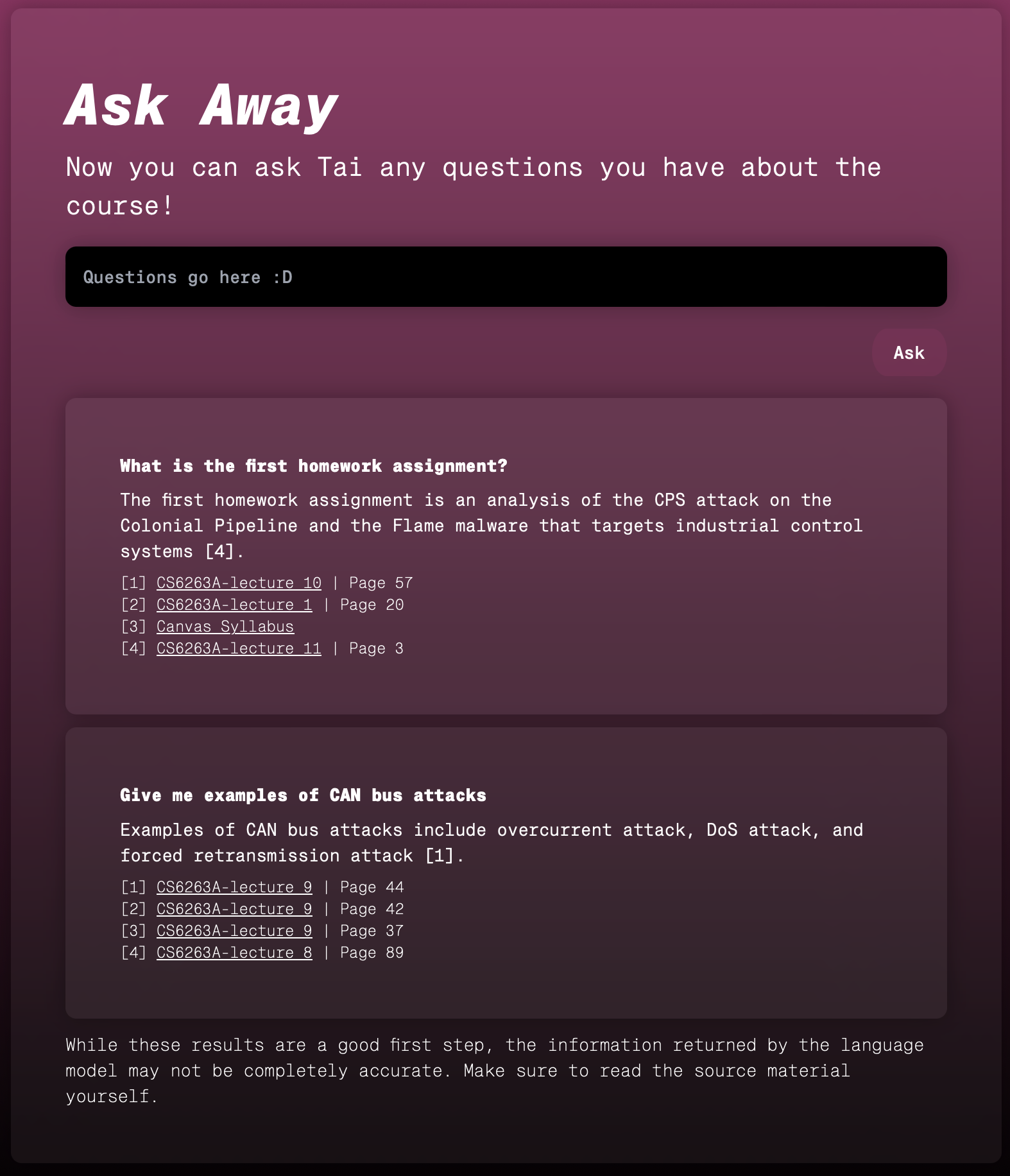
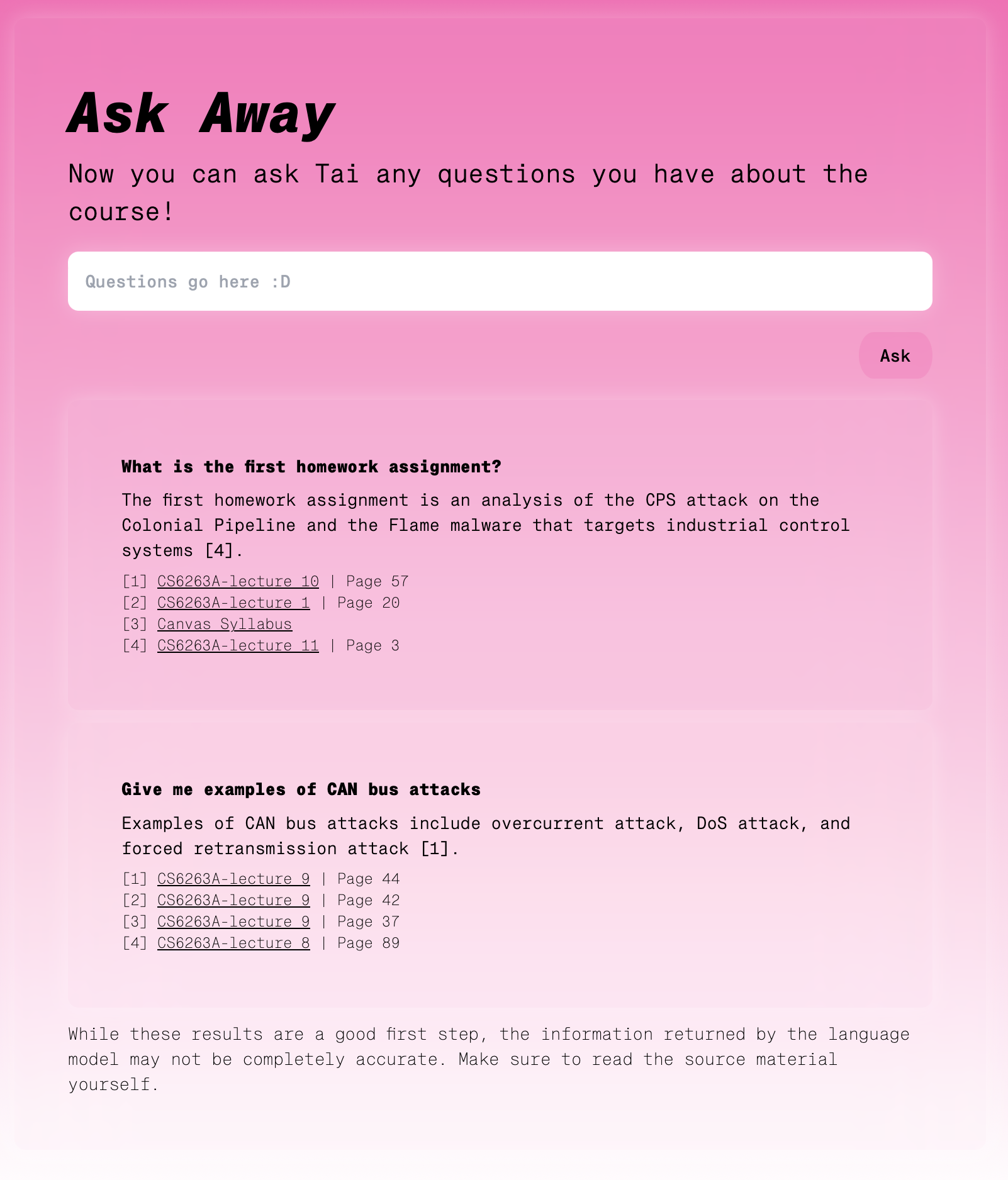
Asking Tai some questions.
-
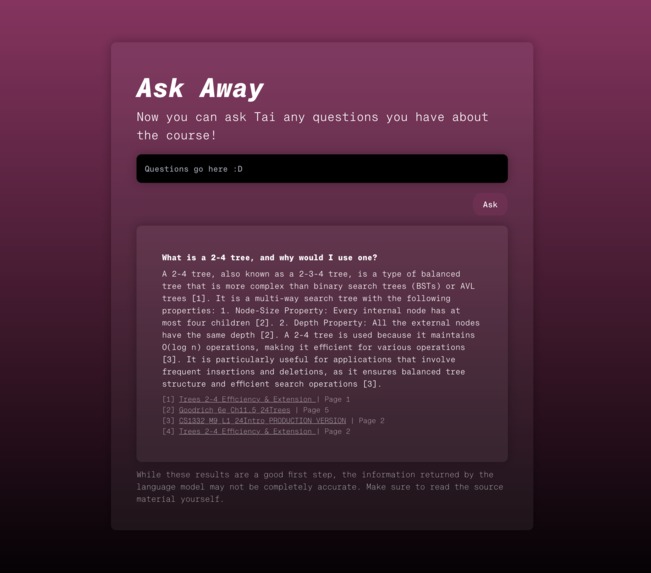
Asking a technical question.
-
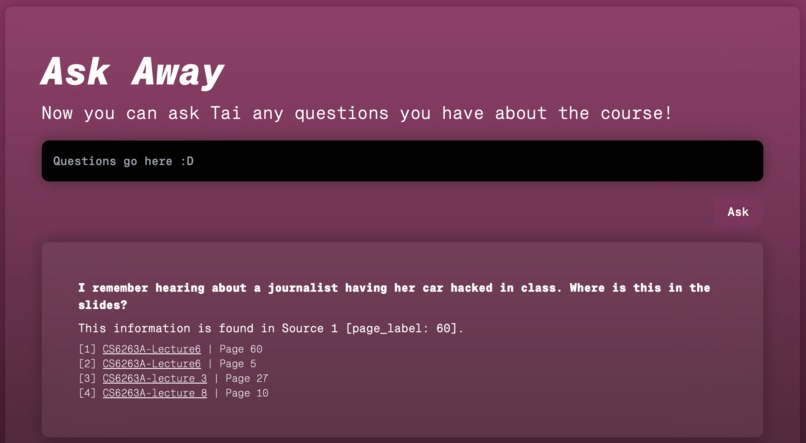
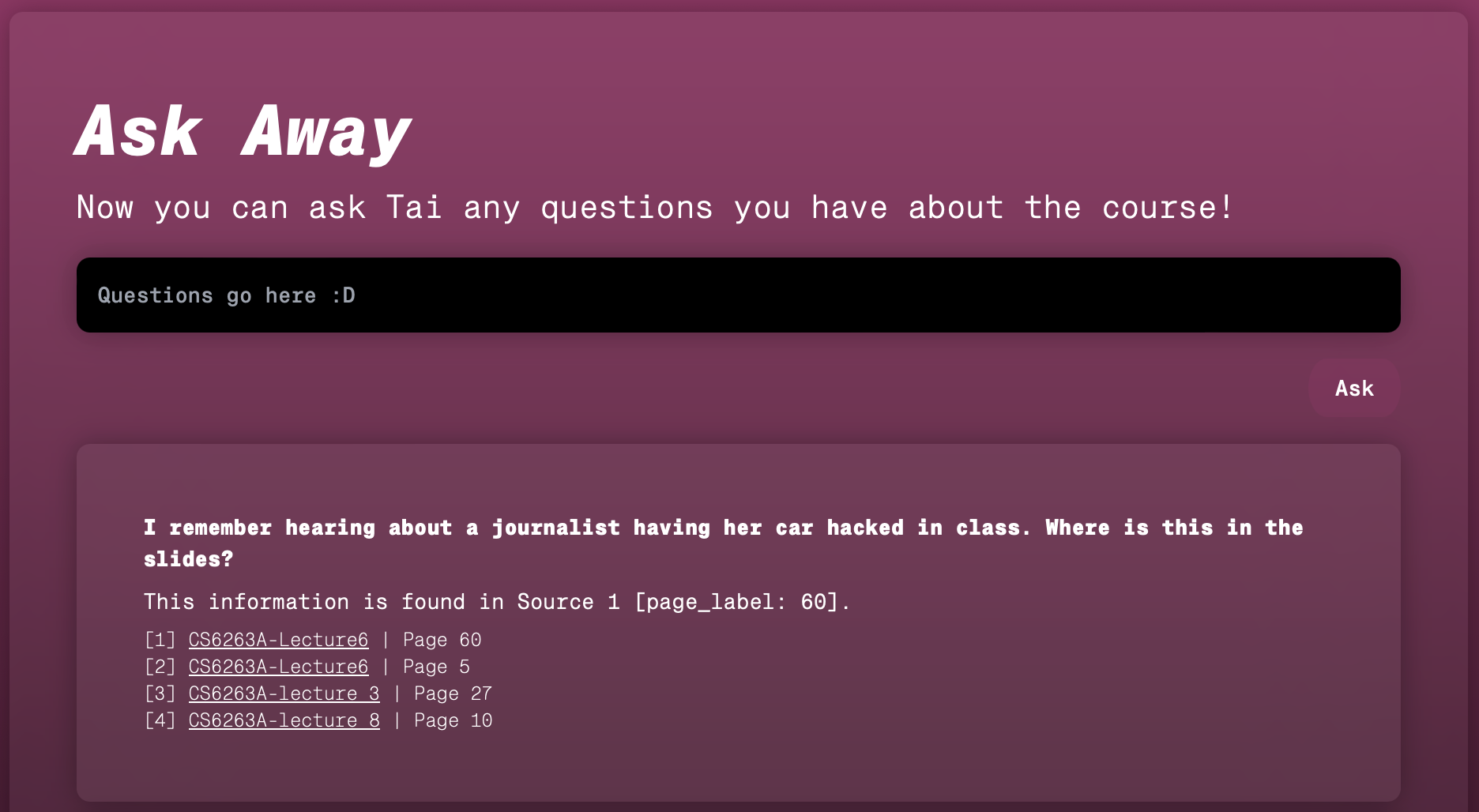
Asking Tai to find a slide.
-
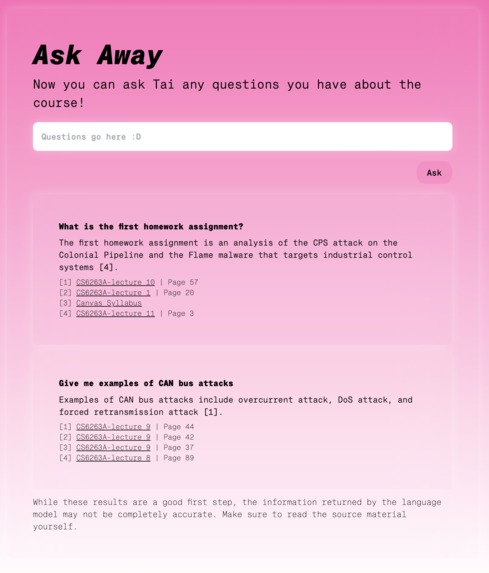
Tai in light mode!
-
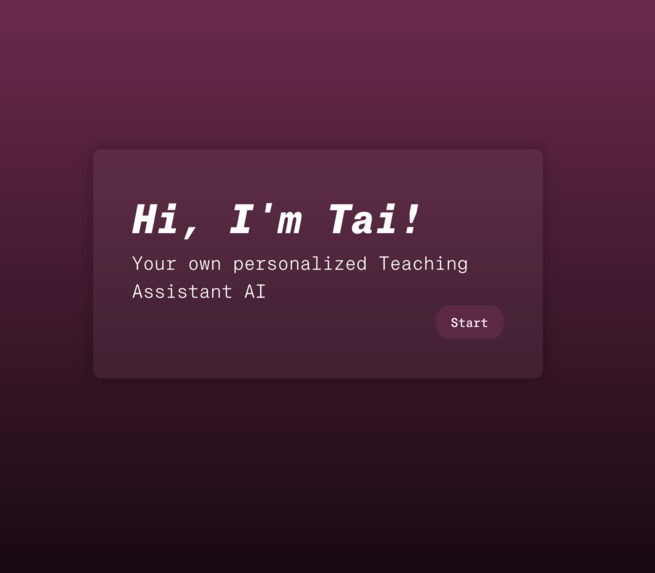
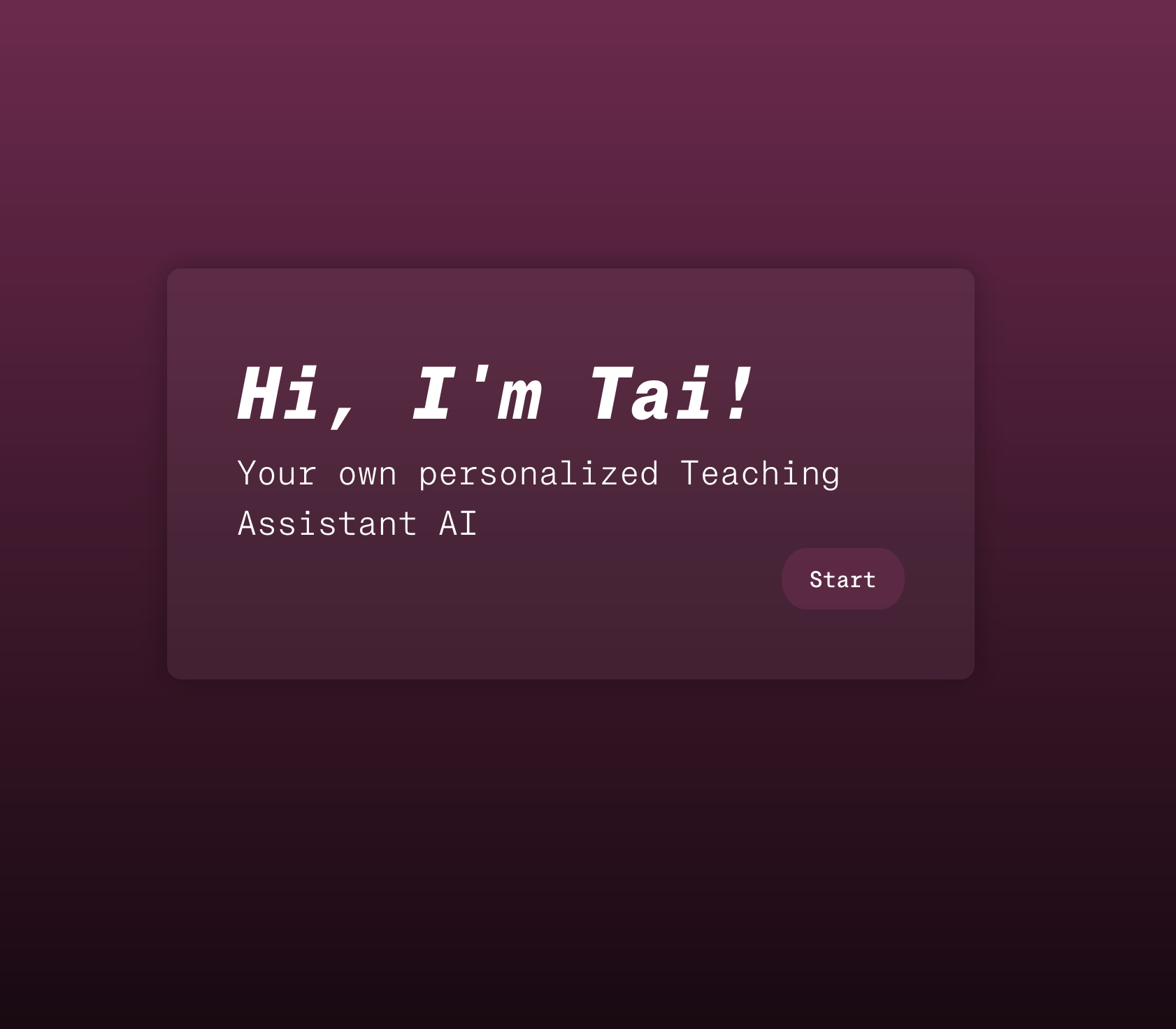
The Tai landing page.
-
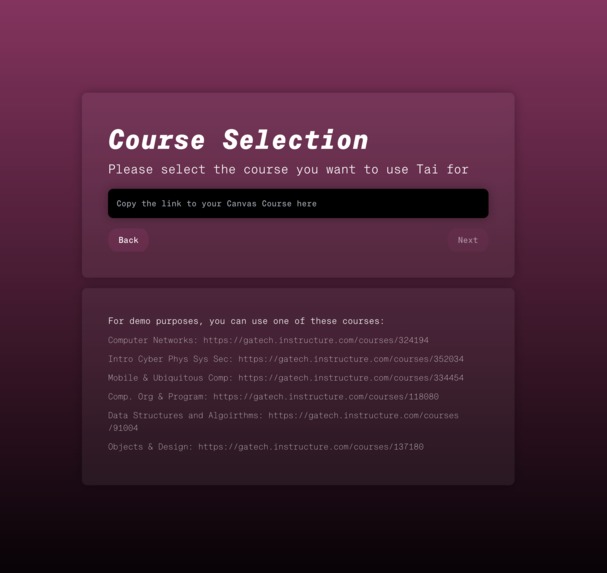
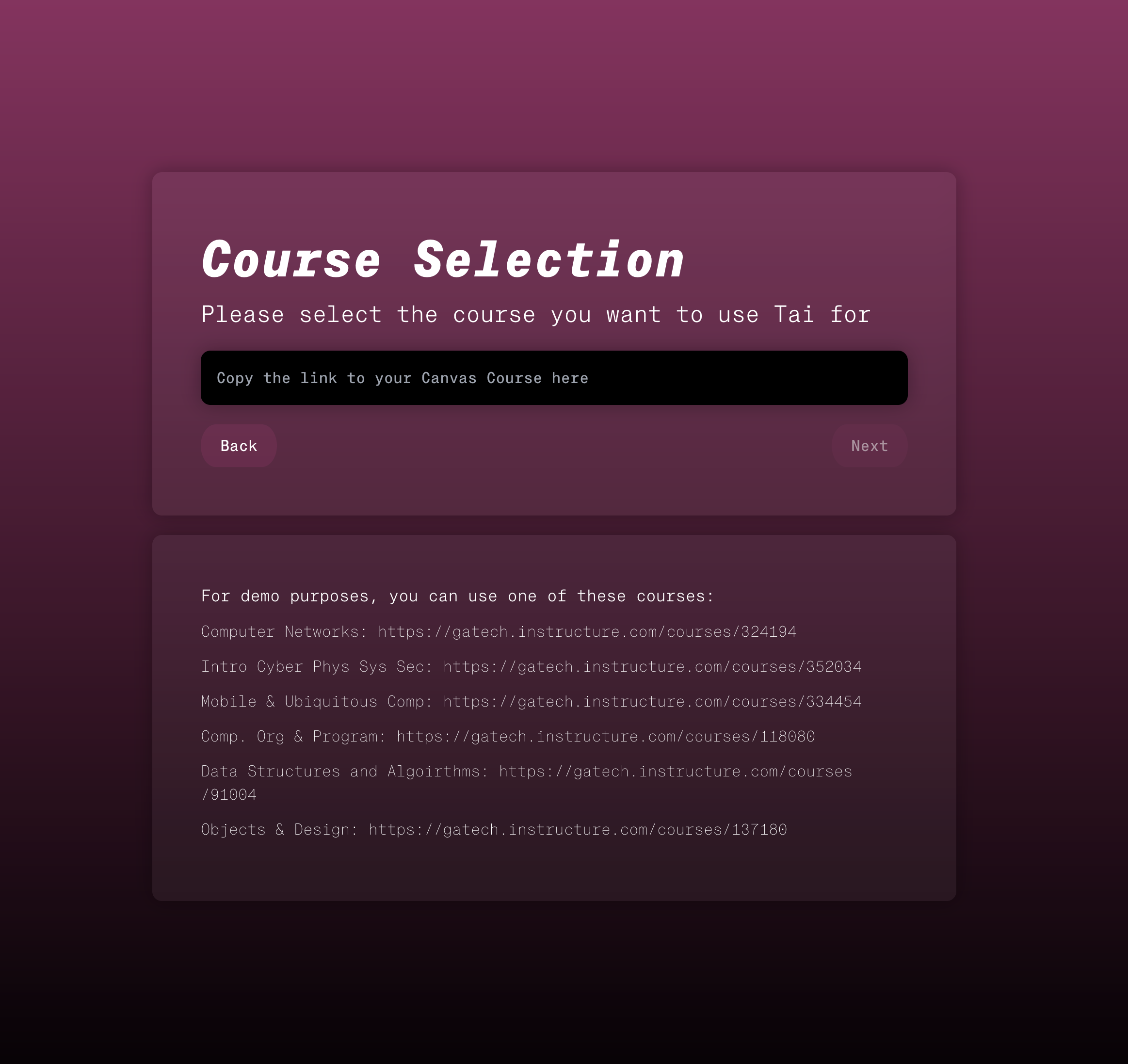
Course selection.

Inspiration
Large language models like GPT-4 are an incredibly powerful learning tool. They can explain complex topics, give specific results to very specific searches, and lend a hand with problem-solving.
However, their weaknesses can be incredibly frustrating. You generally can't ask an LLM for information about your courses specifically, because that information wasn't in the training set. Additionally, LLMs will frequently hallucinate when asked for information they don't know—making up false details. This makes them difficult to adopt as a learning tool.
We wanted to change that—designing an LLM system which could answer questions based on specific details from course content, and cite its sources as it went along. We wanted to make a tool that you could ask about the topics for your upcoming exam, or ask about that one detail you forgot from last week's lecture slides.
TAI is an implementation of that goal. It downloads data from Canvas, and feeds that data to the LLM in a way that maintains provenance of facts, and allows the LLM to cite its sources. It can answer a wide array of course-related questions in seconds, while linking you to the resources it used to do so.
What it does
TAI uses the Canvas API to implement retrieval-augmented generation, using the contents of a canvas course. We take all of the files, the announcements, assignments, modules, quizzes, and the syllabus, and compute text embeddings for each. Then, in response to a question, we fetch the most relevant information from the course based on semantic similarity, and supply that information into the GPT-4 context window. This allows us to generate responses which cite specific documents and pages from the Canvas course---pointing students directly to the source material used to answer their query.
How we built it
We divided the problem into three tasks: fetching data from Canvas, building a semantic index of that data, and finally LLM based question answering on top of that semantic index.
To fetch data from Canvas, we used the Canvas API to download the following resources from a Canvas course:
- Course Homepage
- Course Syllabus
- Files (lecture slides, notes, documents, etc.)
- Announcements
- Assignments
- Quizzes
- Modules
The second step was building the semantic index. For this, we used LlamaIndex. We used the OpenAI text-embedding-ada-002 model to compute embeddings for each chunk of text found in the Canvas resources. We also tracked metadata, such as the original URL and page number the text was found on.
Finally, we performed question answering by finding the set of the most relevant documents to a specific query and passing those into the GPT-4 context window. We instruct GPT-4 to cite the specific documents it refers to as it writes its answer. In our UI, we expose this as a list of footnotes that link directly back to our Canvas course.
To tie everything together, we created a frontend using the Next.js framework to take user input and communicate with a backend API to compute the answer to the user's questions. This was finally hosted on Fly.io.
Challenges we ran into
For the Canvas API, many of the endpoints that exposed lists of useful resources such as pages or quizzes were limited to those with administrative access in these courses. This led us to have to find crafty ways to navigate around the API in order to find and retrieve the files we wanted.
The dataset sizes also tended to be rather large, as they were pulling nearly all of the files off of their respective canvas pages. This made the project much more challenging to deal with, as any new changes meant we'd have to deal with lengthy runtimes.
Additionally, we needed to figure out how to prioritize the information sent into GPT-4's context window. Since this window is a fixed size, we needed to carefully determine what information was the most useful to provide.
Finally, deployment was a challenge, as none of us had a ton of experience in DevOps.
Accomplishments that we're proud of
We're really proud of the variety of questions that you can ask which either give a direct and truthful answer, or cause the model to admit that it cannot find the information that it needs. As some examples, for the class CS 1332 (Data Structures & Algorithms) we were able to ask:
"What is a 2-4 tree? Why would I want to use one?" "When are the office hours?" "When is the due date for Exam 1?" "What topics should I study to well prepared for the final exam?"
For all of these questions, we got accurate answers, with links that denoted the exact places within the Canvas course that the model pulled this information from.
We're also proud of making a fully fledged service, with a complete front-end and a fully scaleable backend whose stack was implemented from the ground up by our team.
We're also excited that we've produced a product that provides immediate benefit to our own learning experiences. This tool does exactly what it set out to do, and in such a way that it could be extremely beneficial within our day to day lives.
What we learned
- How to leverage the Canvas API
- Collaborative tooling (VSCode's Live Share & Slack Canvas)
- Pair programming helps when there's too many people working on the same problem
- How retrieval-augmented generation works
- How to deploy to Fly.io
What's next for TAI: Teaching Assistant AI
Currently, there's a heavy pre-processing step for any course that needs to be added. We'd like to automate this step, and allow users to provide their own Canvas API tokens to allow TAI to work with any Canvas course they have access to.
Built With
- fly.io
- gpt-4
- llamaindex
- openai
- python


Log in or sign up for Devpost to join the conversation.