-
-
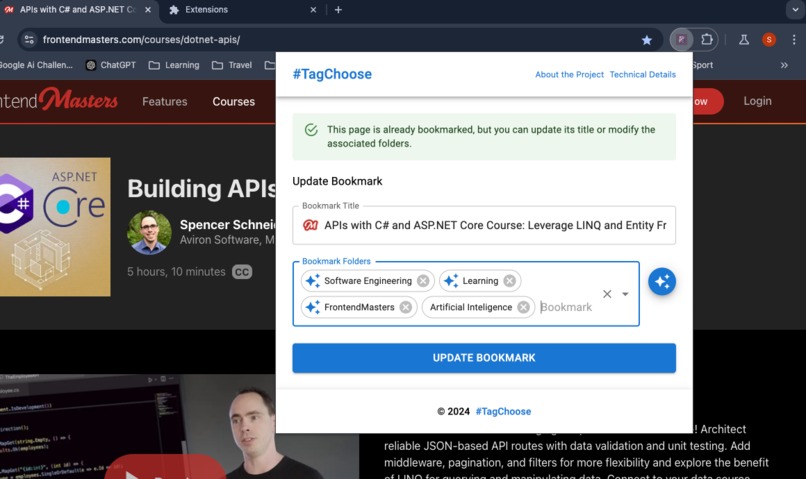
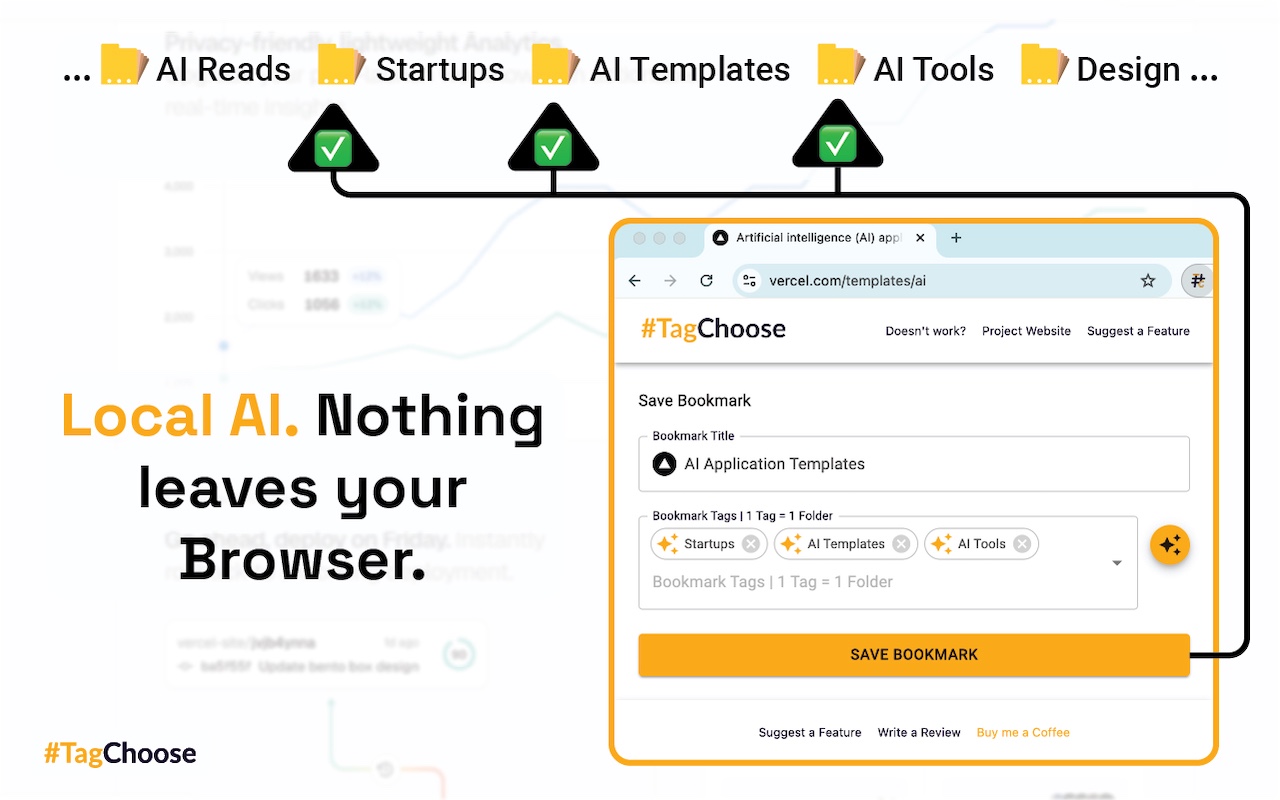
Suggested folders for the webpage.
-
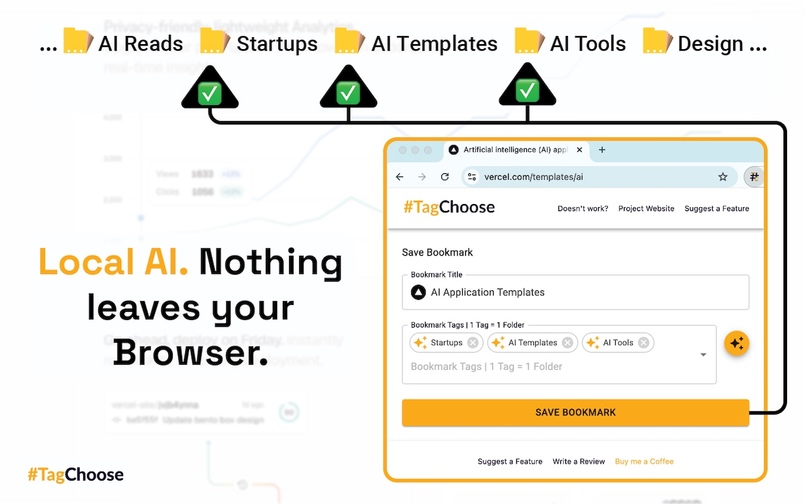
Local AI. Nothing leaves your Browser.
-
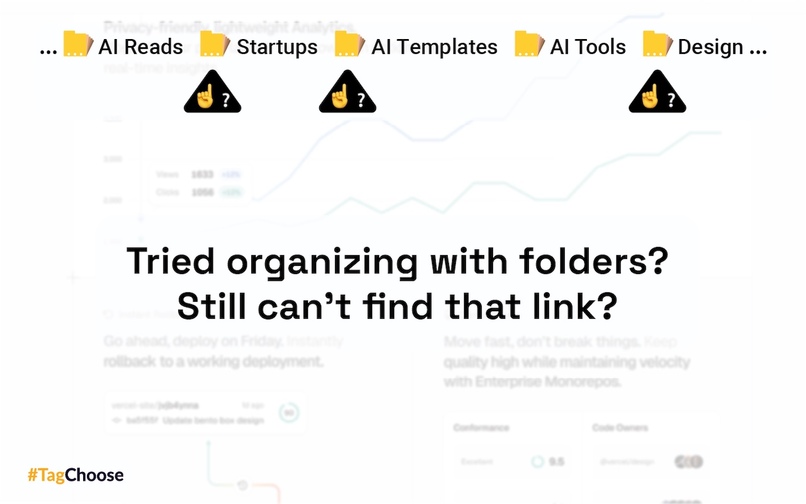
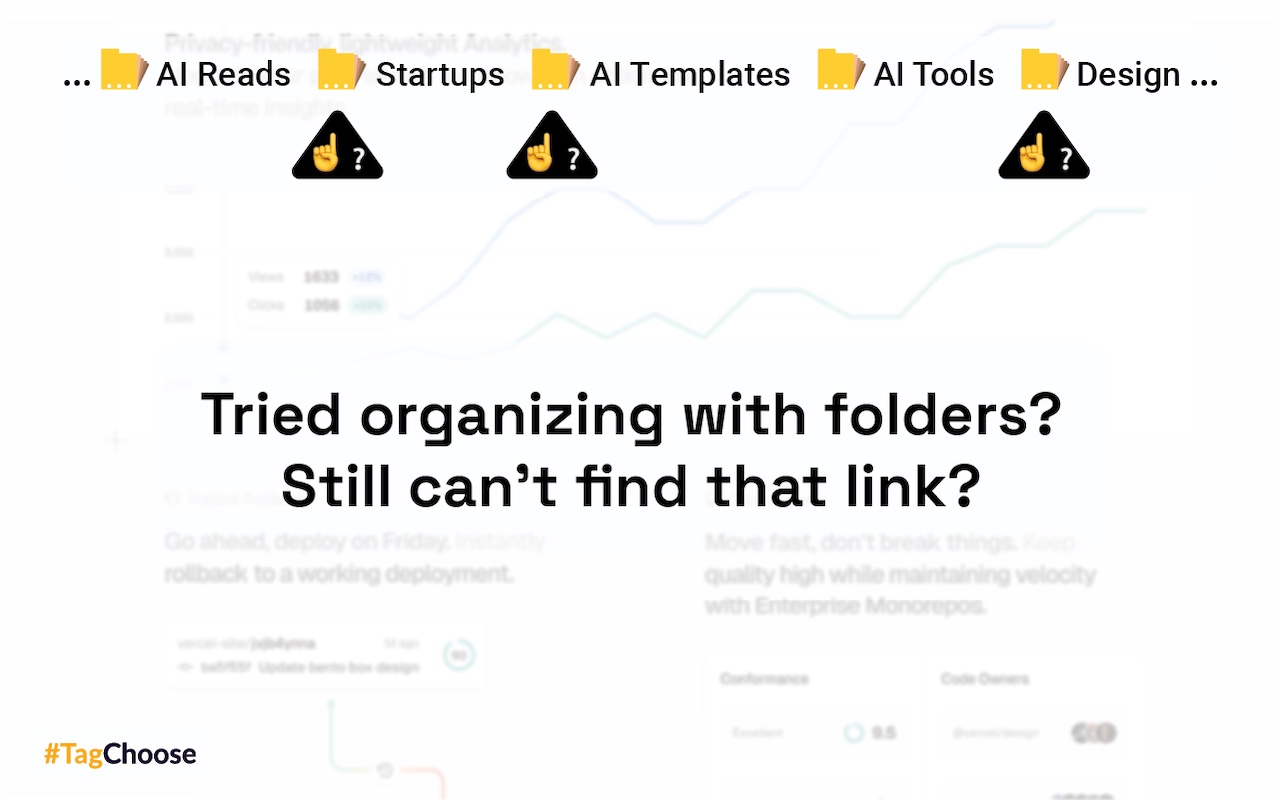
Tried organizing with Folders? Still can't find that link?.
-
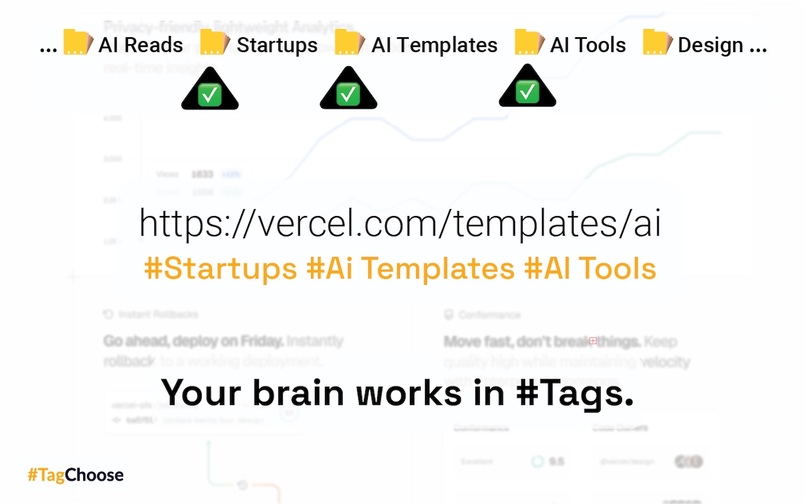
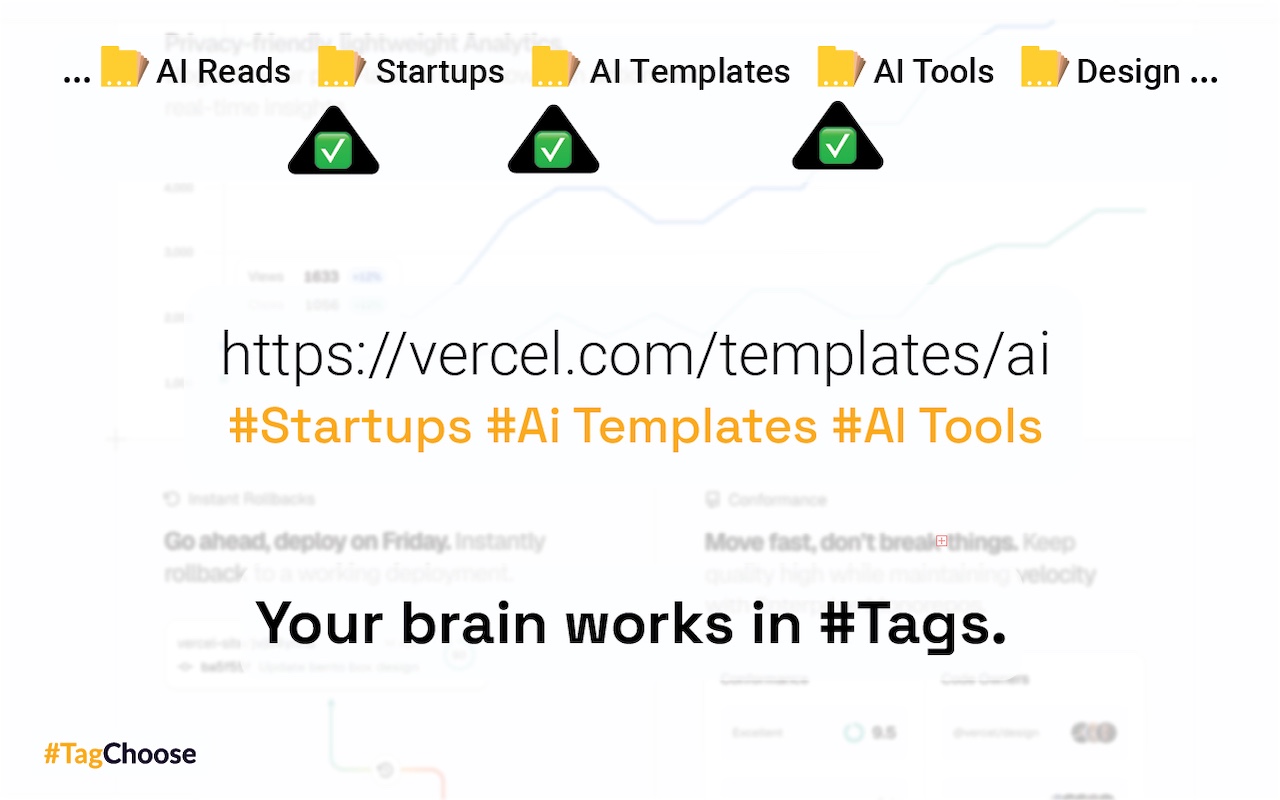
Your brain works in #Tags.
-
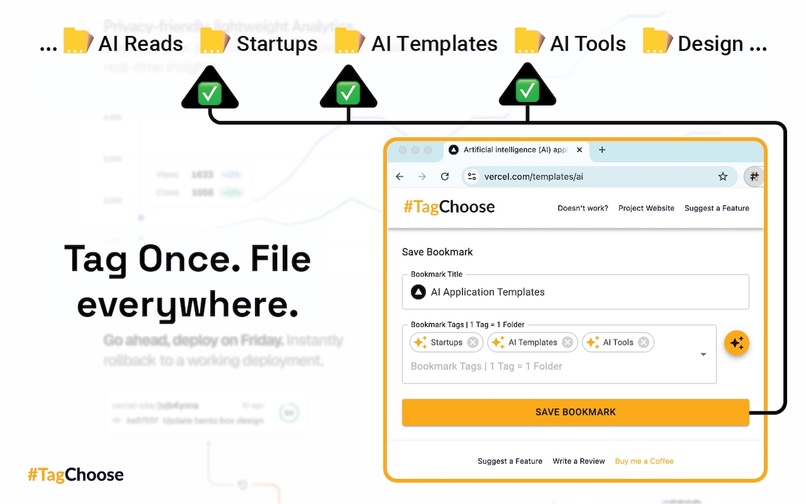
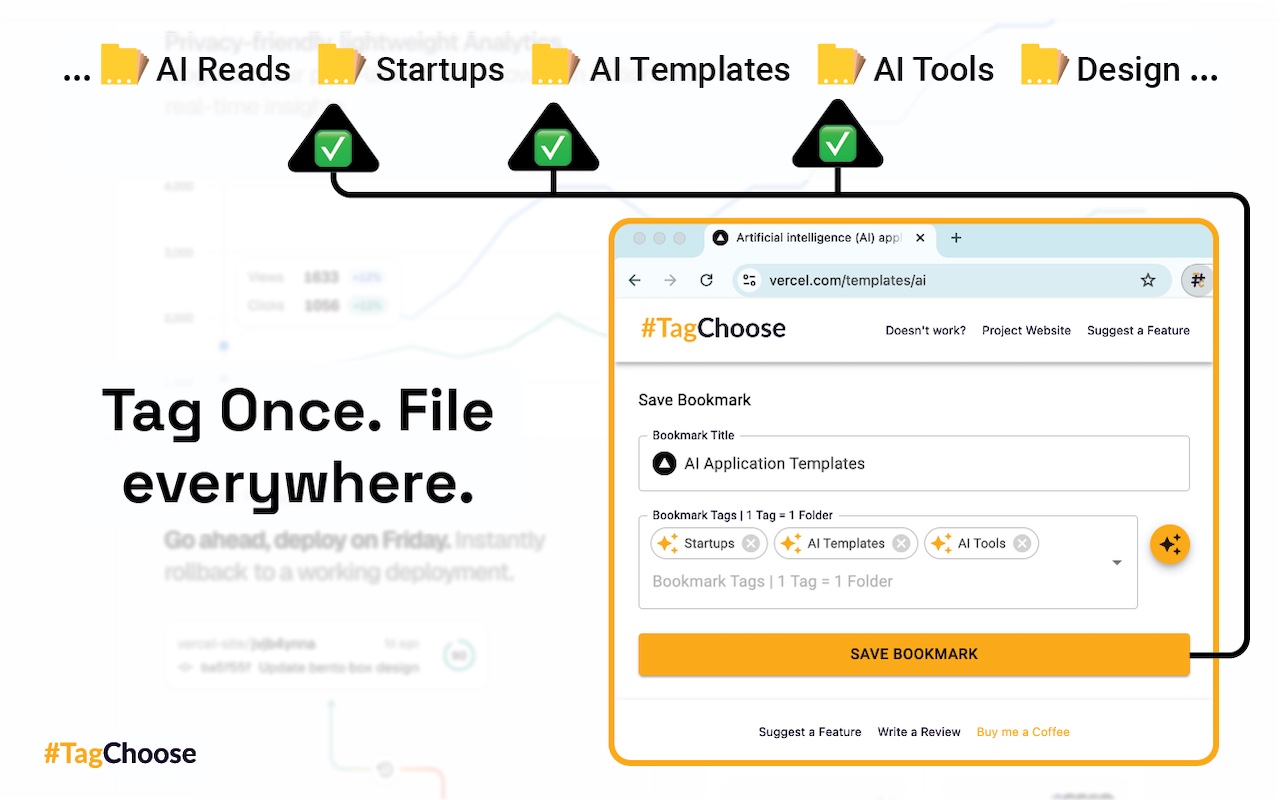
Tah Once. File Everywhere.
-
Try it now - and never loose a link again.
Inspiration
Actually, I was solving my own problem with this project, which is bookmark-saving anxiety. Lately, I noticed that when I urgently need a webpage saved 3 weeks ago in one of my Chrome folders, I tend to re-google it since that is usually quicker than scanning through so many "appropriate" folders. I also tried to be more thoughtful about where (which folder) to save a particular bookmark beforehand, but it turned out to be time-consuming and inefficient. So, I decided to come up with a solution to this problem: a bookmark auto-categorizer that can decide and tag a particular bookmark with several appropriate (or at least semi-appropriate) folders. This way, saving becomes effortless, and it increases my chances of finding a needed item later since it's stored in multiple locations (in case it’s unclear where it belongs) or just one location if a perfectly fitting folder exists. The Google Chrome AI-Challenge was a perfect opportunity for that :)
What it does
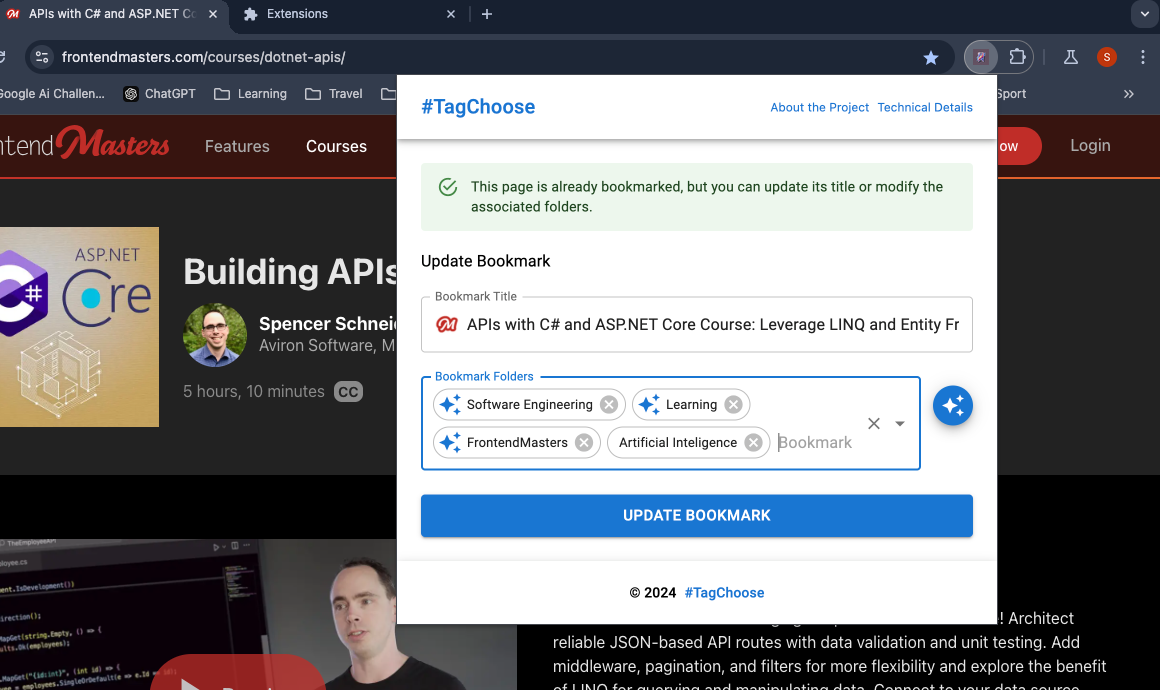
It suggests tags (appropriate folders) to a webpage in the current tab. User can accept it right away or modify it using an autoselect.
How I built it
Before stumbling upon this Chrome AI Challenge, I was about to start building a similar project, although with a backend component to utilize AI. Once I discovered the experimental Chrome Prompt API, I realized it could cut development efforts in half—or even more. So, starting here was a no-brainer. The bookmark management part is developed using the Chrome Bookmark API, which is superb and easy to use, while the auto-suggestions are powered by the experimental Prompt API. The prompt is assembled using the current webpage URL, title, and the list of existing folder names to provide the LLM with something to choose from.
Challenges I ran into
How to make it as easy to use as possible? How to make it in a way I myself would (actually) use it? How to properly use the Chrome AI features? Which AI powered API to choose, why?
Accomplishments I am proud of
I guess the key thing is that I actually started using it in my Chrome Canary - and it really helps. I hope it will help others as well.
What I learned
Less is better. Don't try to replicate, duplicate the native Chrome capabilities (moving, deleting, searching of bookmarks)
What's next for #TagChoose - AI-Powered Bookmark Categorizer
The proper logo and extension icons to start with :) Then, some usability improvements (after several weeks of playing around with it). After that, I’ll need to consider multi-region support, most likely by using language detection and translation APIs. At the moment, the product requires the chrome://flags/#text-safety-classifier flag to be switched off to work on non-English websites. All in all, it’s currently using an experimental API, so there will definitely need to be some technical changes to reach the production version.


Log in or sign up for Devpost to join the conversation.