
Inspiration
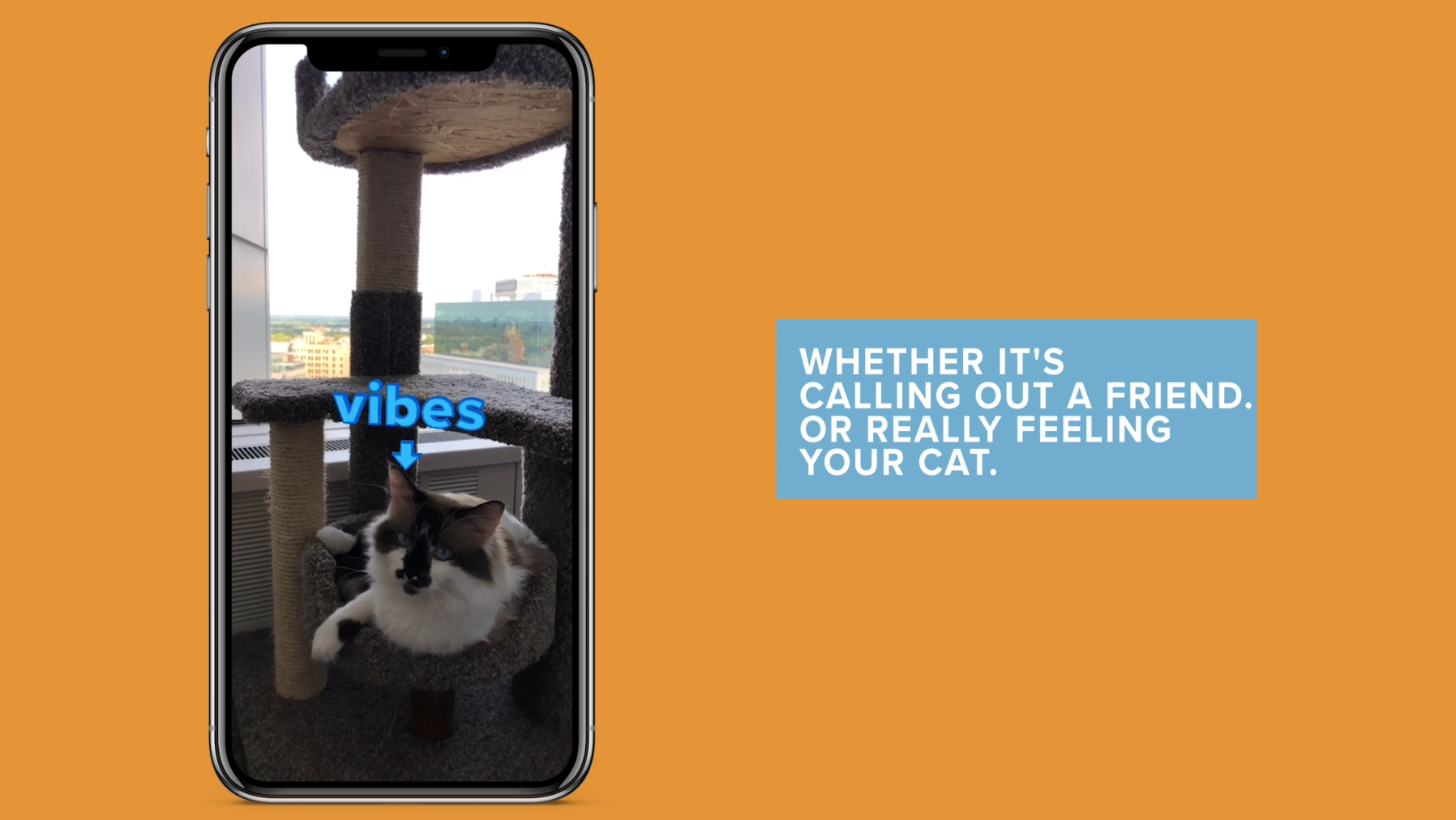
We are millennials who simply cannot walk past a weird occurrence without saying "That's me" or "What a mood." We decided to make this trend into a filter that users can place using World AR in order to visually convey that same joke or sense of identity.
What it does
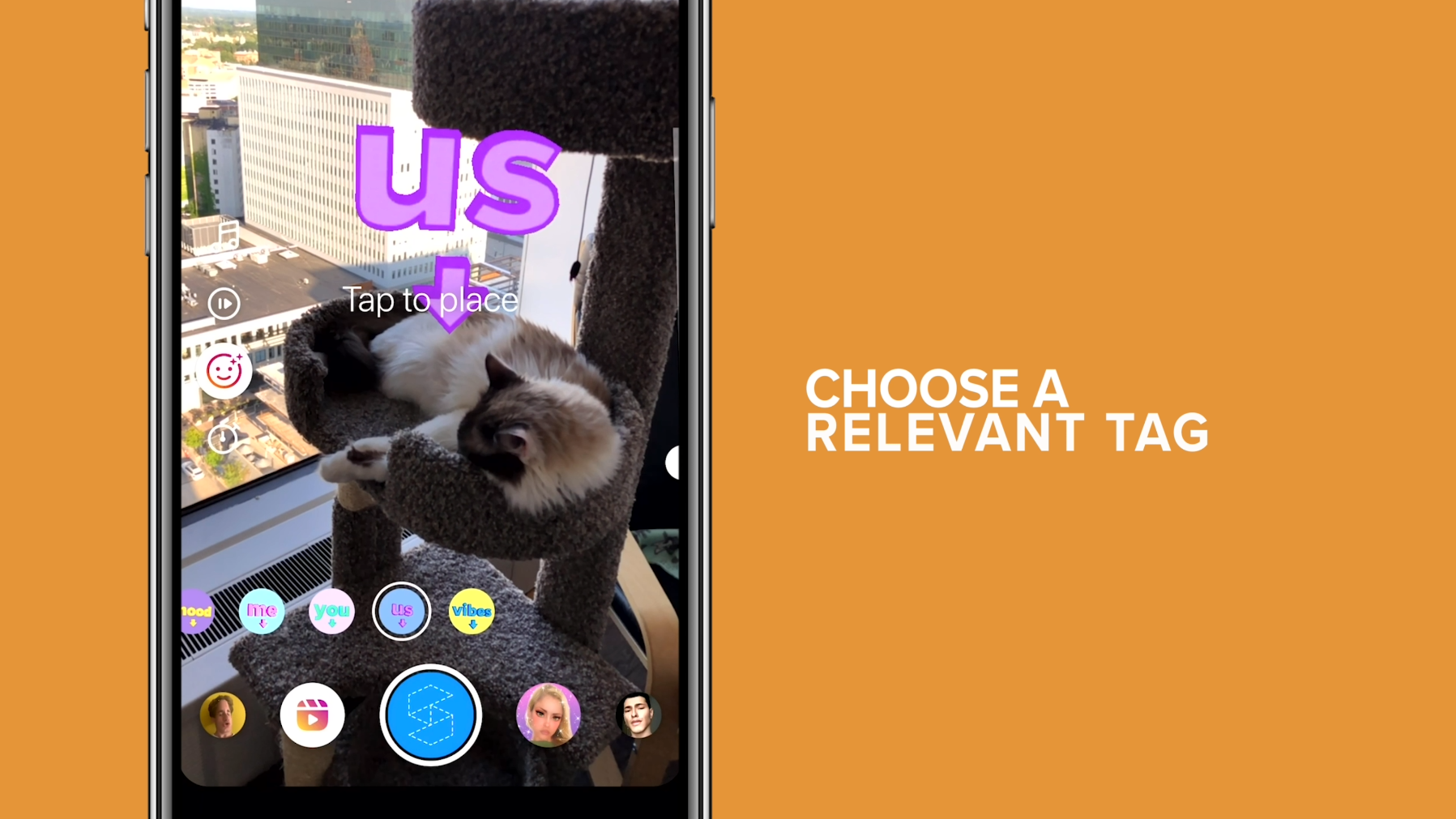
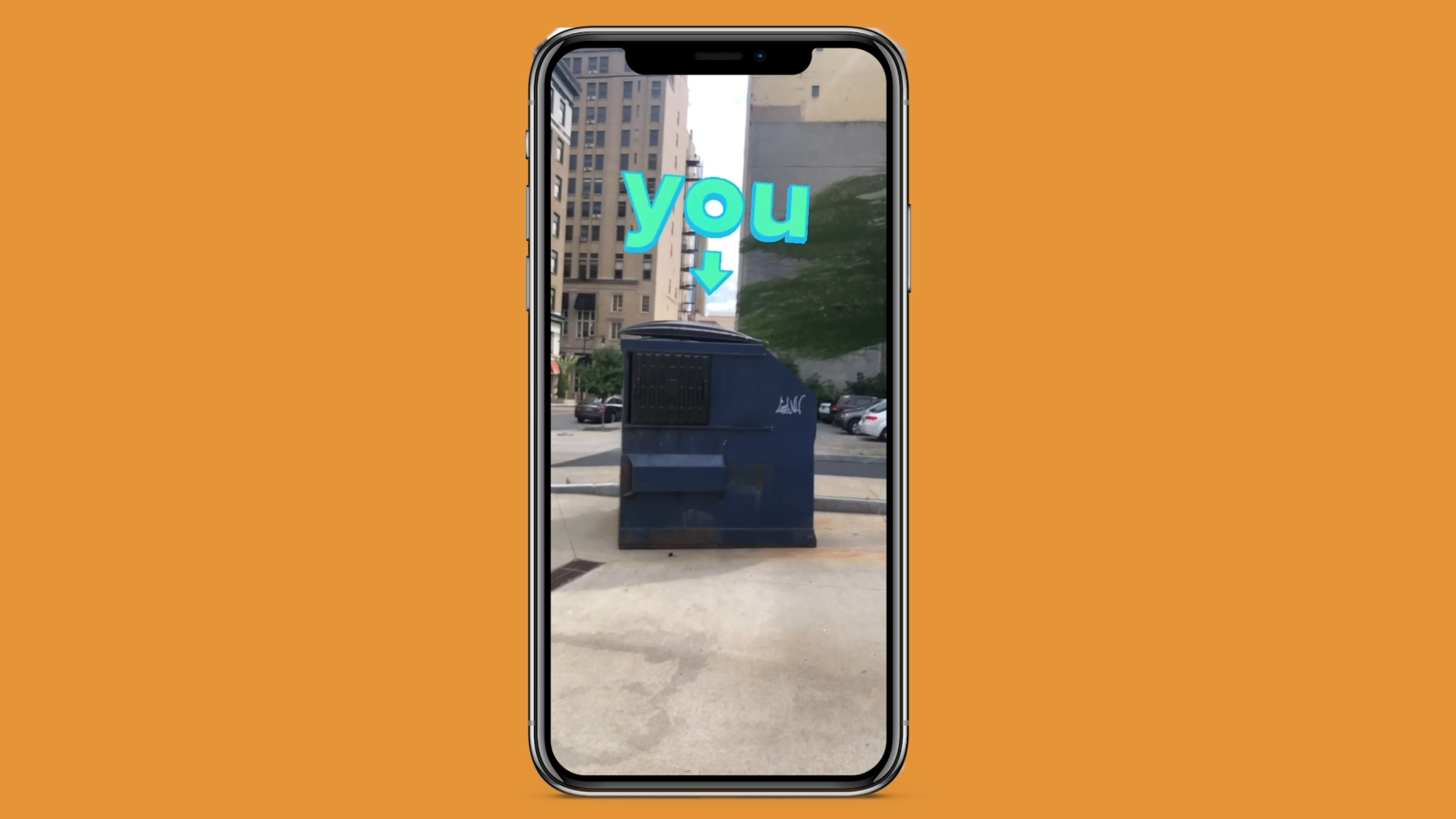
The Tag Yourself filter lets users add a simple text tag to their environment that says "mood", "me", "you", "us", or "vibes". This filter uses Spark AR's plane tracker to place the tag in the user's world. The Native UI picker allows users to pick which tag they want to add to their world and the Native UI slider allows them to adjust the height so they can apply it to anything, from a ladybug to a building. Users can also tap to move the tag and pinch to scale it so that it can fit perfectly into their environment.
How we built it
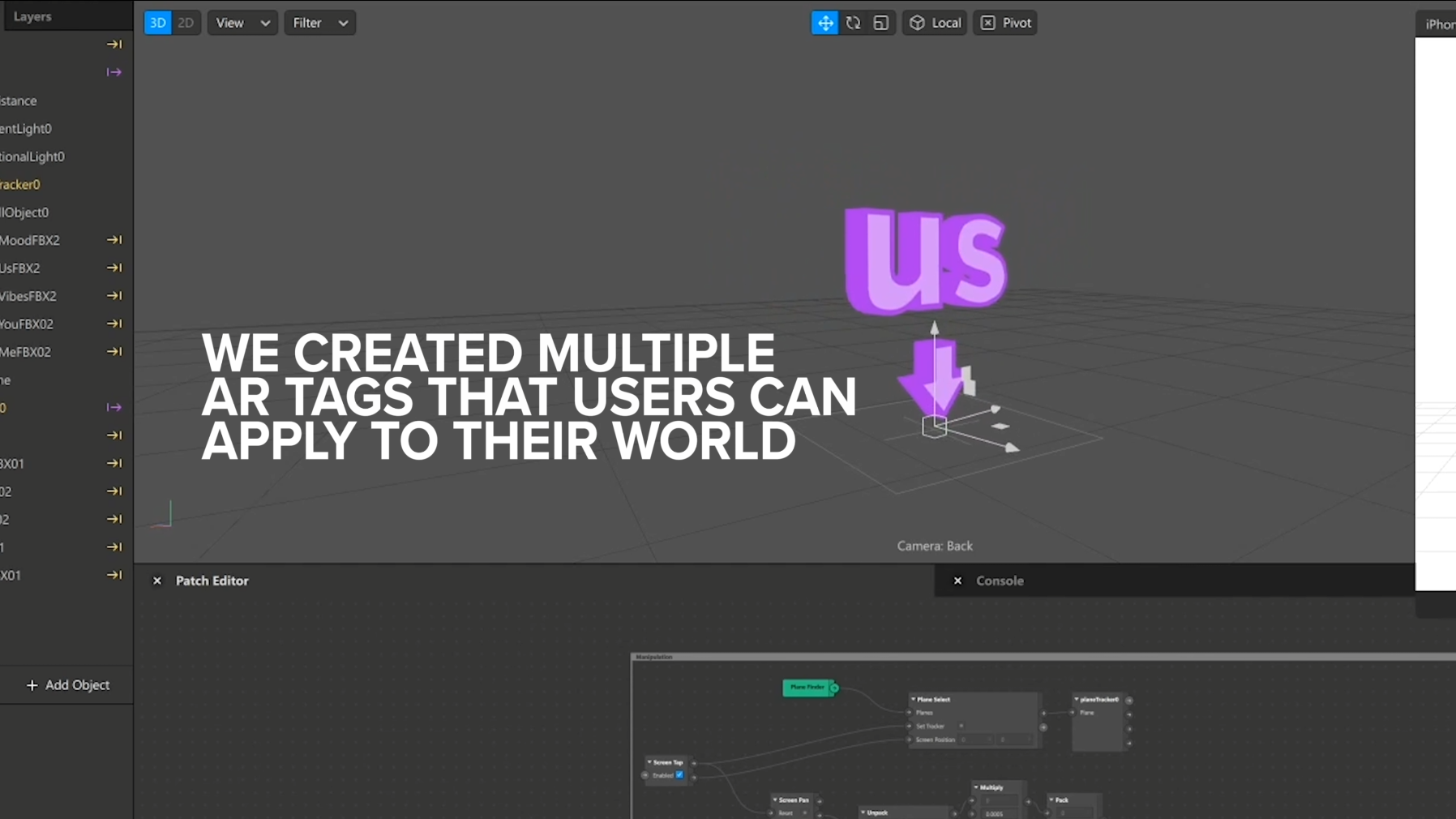
For this filter, we created our 3D models in Maya and textured them in Photoshop. Once we put those models into Spark AR, we added customization options using the Native UI picker and slider via javascript. We also added some animation via patches to give the tags life and energy for a little extra polish.
Challenges we ran into
One of the biggest challenges for this project was finding a color scheme that allowed the words to be legible on any background while still being fun and engaging. We addressed this with a combination of several tactics: first was to use bright, bold colors not commonly found in the world around us. We also added an outline on the text so that even if the text color matched the background it was placed on, it would still be discernible. The last step to make the text clear and legible was to use flat, unlit materials. This gave the text a bright and cartoony style that easily separates it from the real world.
Accomplishments that we're proud of
We are really pleased with how this filter came out. We loved our idea as soon as we sent the first test of it in our group chat- the word "me" pointing to a 12 foot tall skeleton at Home Depot. We're proud that we were able to successfully turn our favorite type of humor into an easy to use filter that conveys the concept clearly and visually.
What we learned
We've played around with the Native UI slider in the past, but this was our first filter where we were able to really successfully integrate it into the concept. It works perfectly for adjusting the height of the tag without changing the size of the text itself. Users can still pinch to scale the tag, but the slider allows them to place the tag over something short or tall without the text being too small or too big. This combination of UI allows the user to easily place the tag exactly how they want it.
What's next for Tag Yourself IG Filter
There's a limitless amount of things we can add to this filter. Some of higher priority include adding more words, colors, and animations to allow users to truly customize this filter to fit whatever aesthetic they'd like.
Built With
- javascript
- particle
- patches
- spark-ar
- sparkar


Log in or sign up for Devpost to join the conversation.