-
-

landing page
-
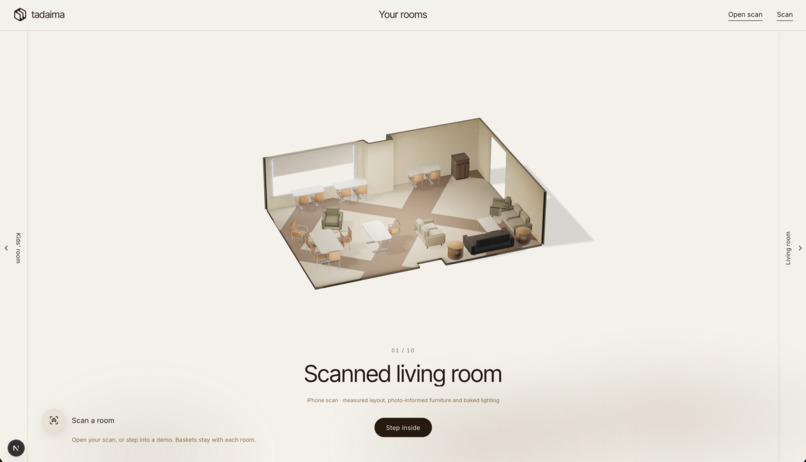
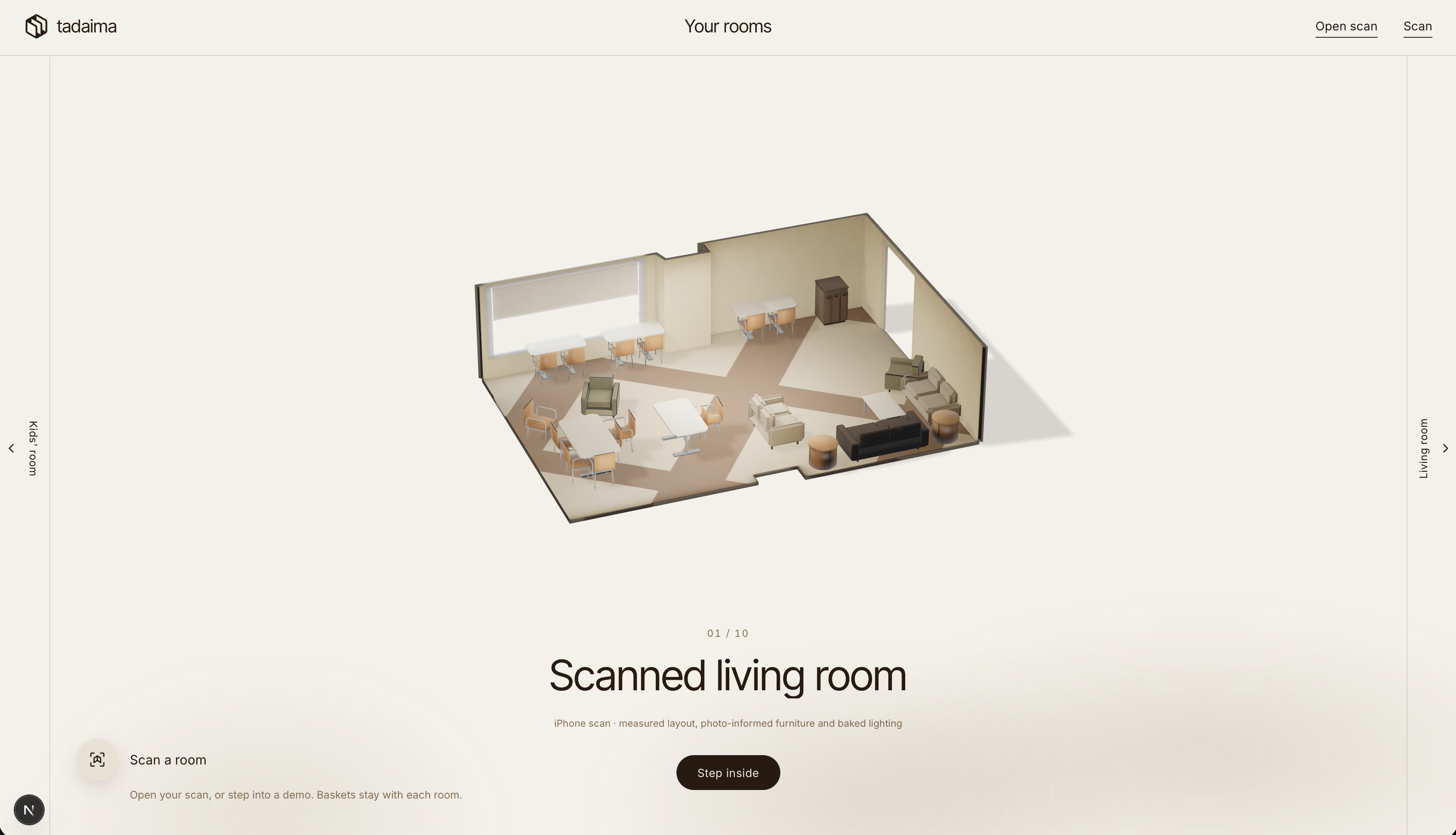
room selection page (accurate isometric models)
-
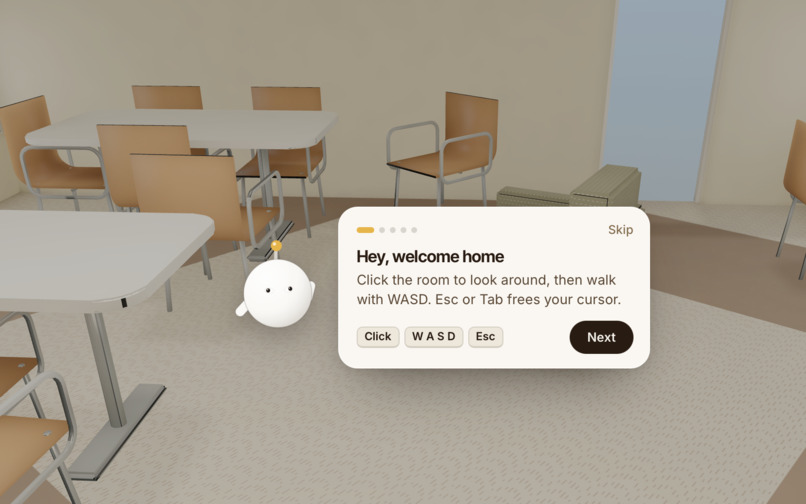
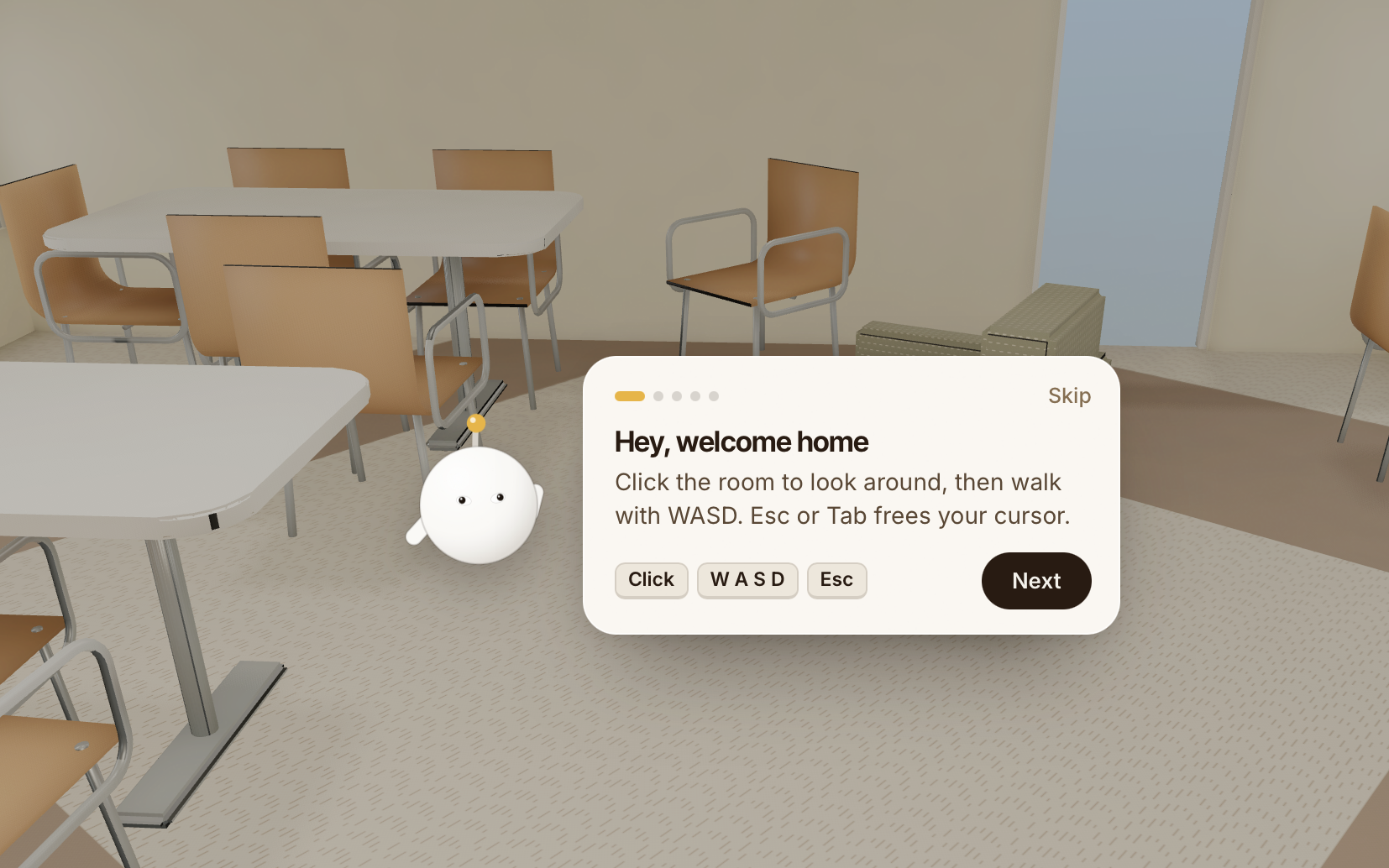
tadaima agent
-
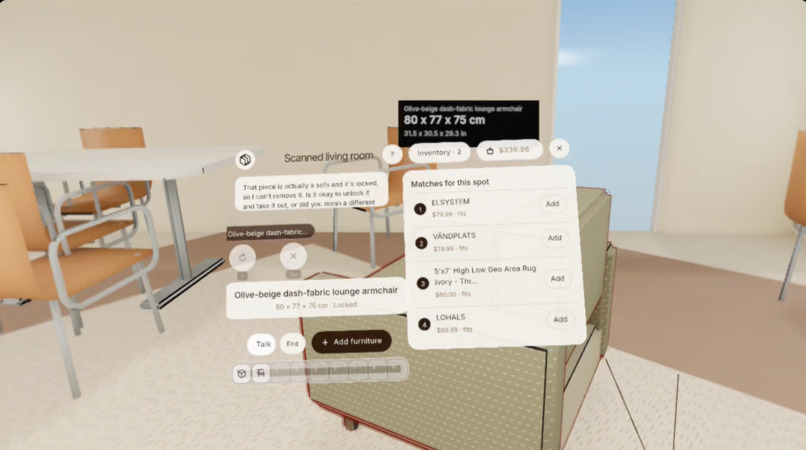
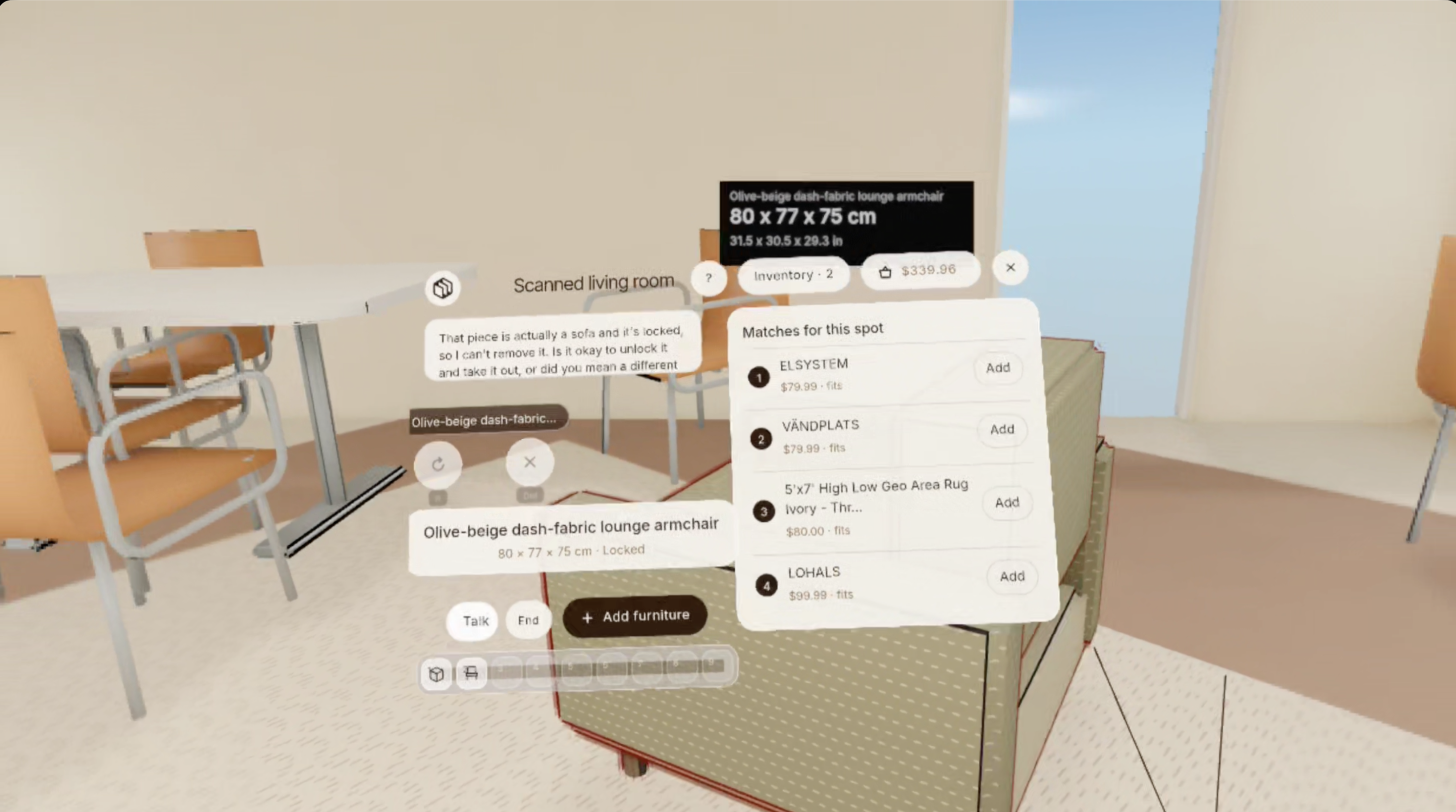
scanned room in VR with furniture finding function
-
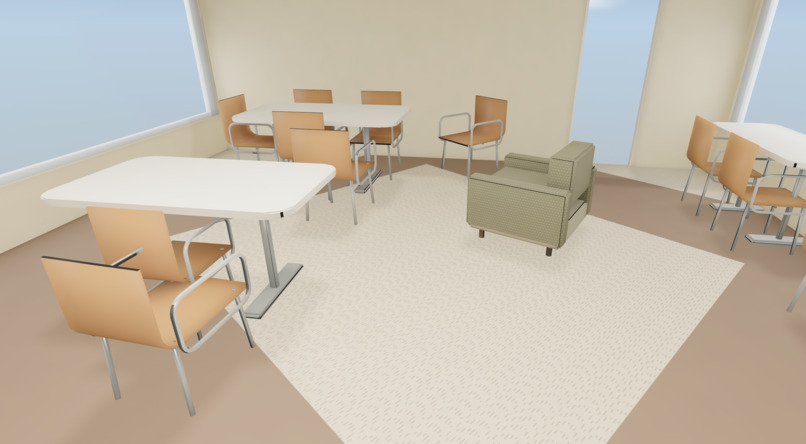
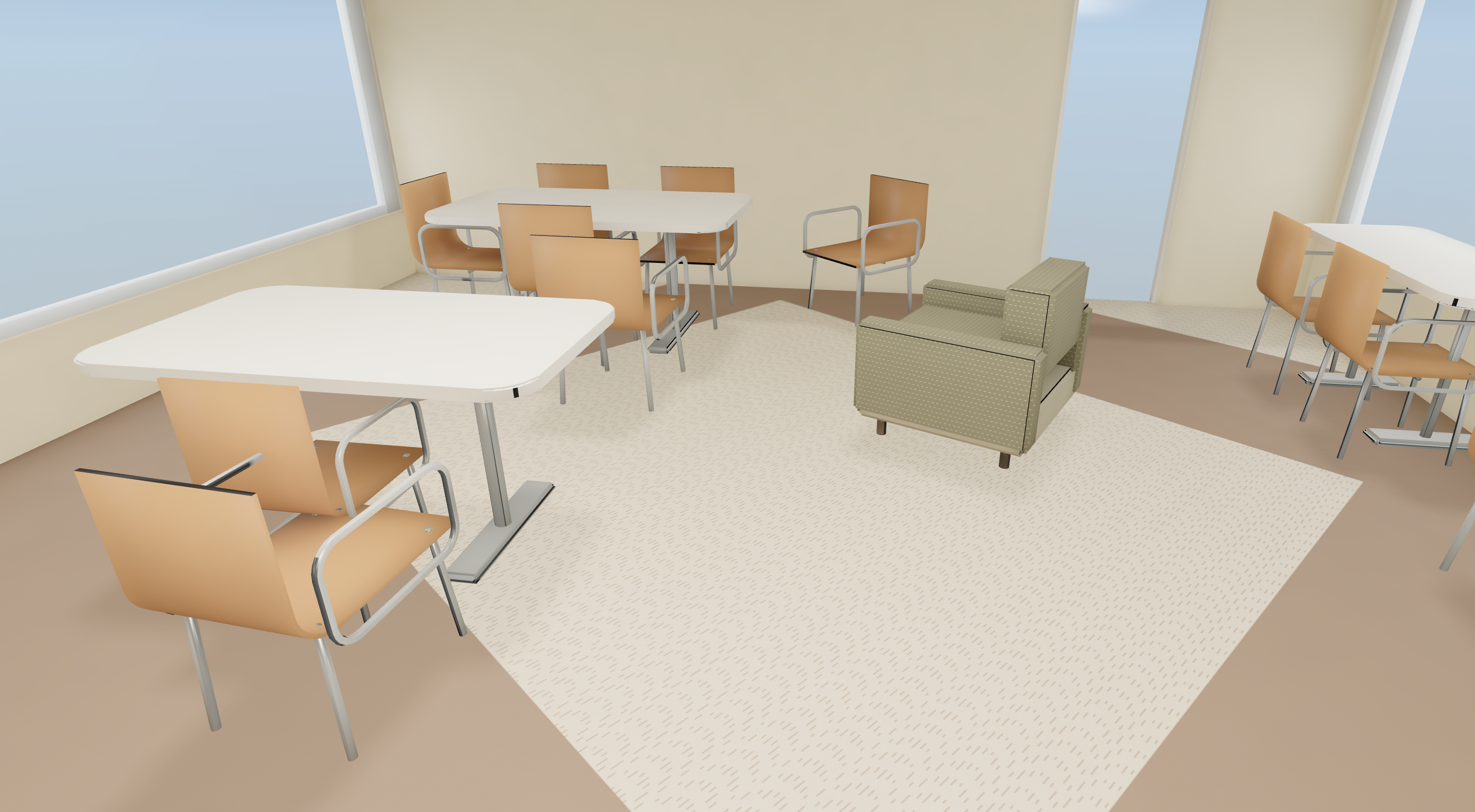
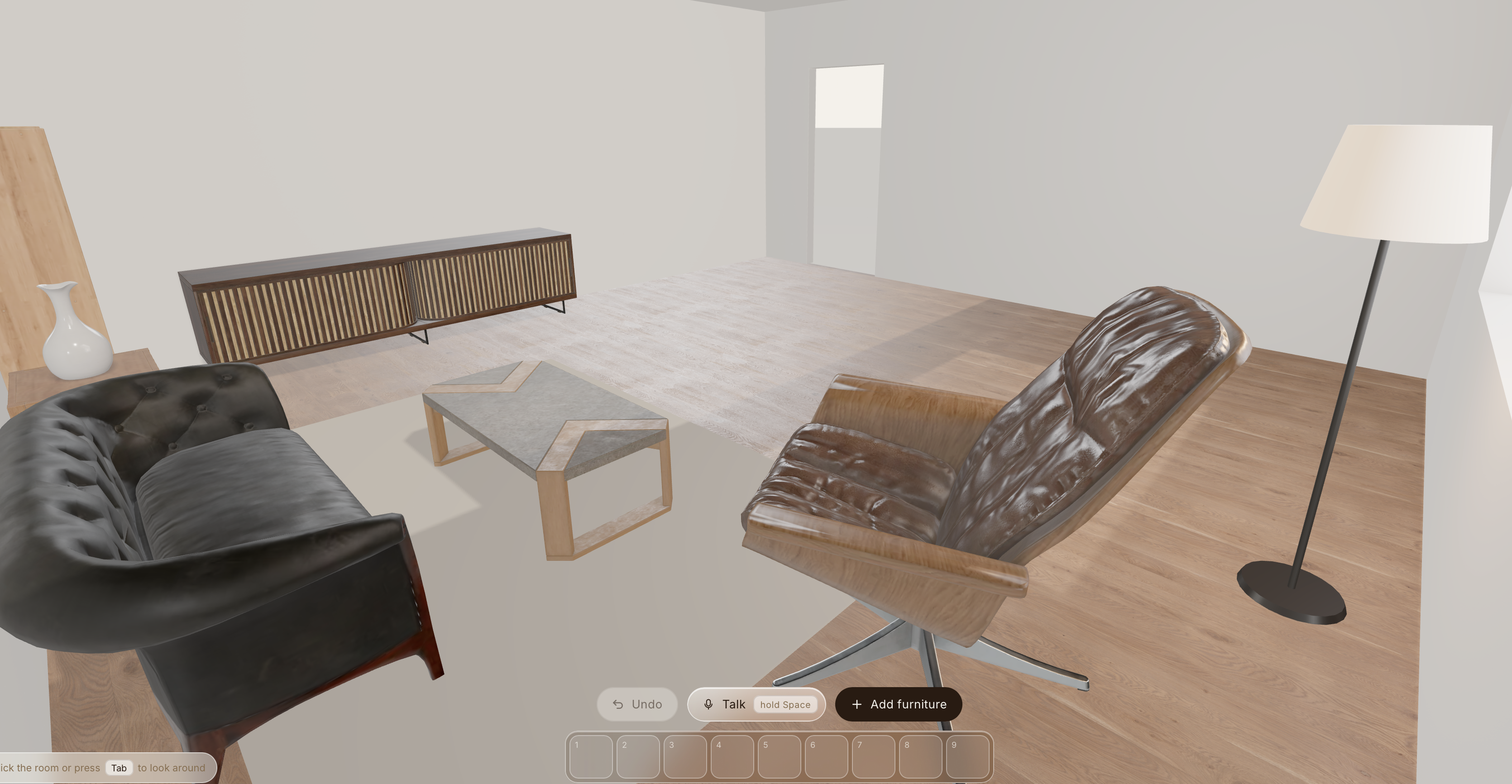
scanned living room model made from tadaima backend pipeline
-
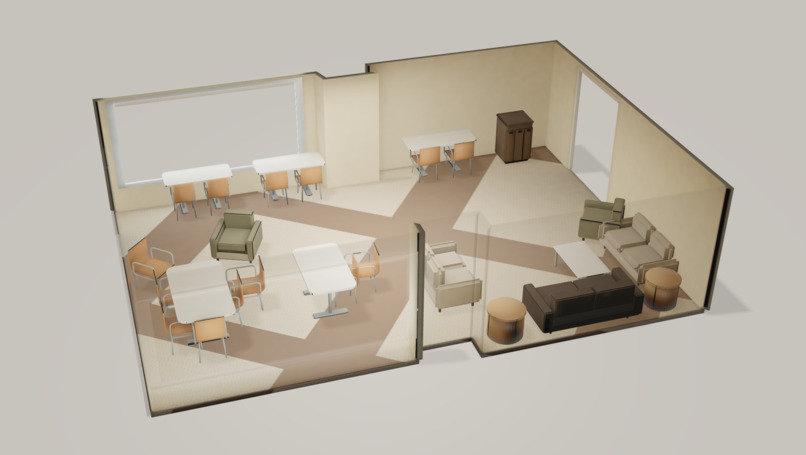
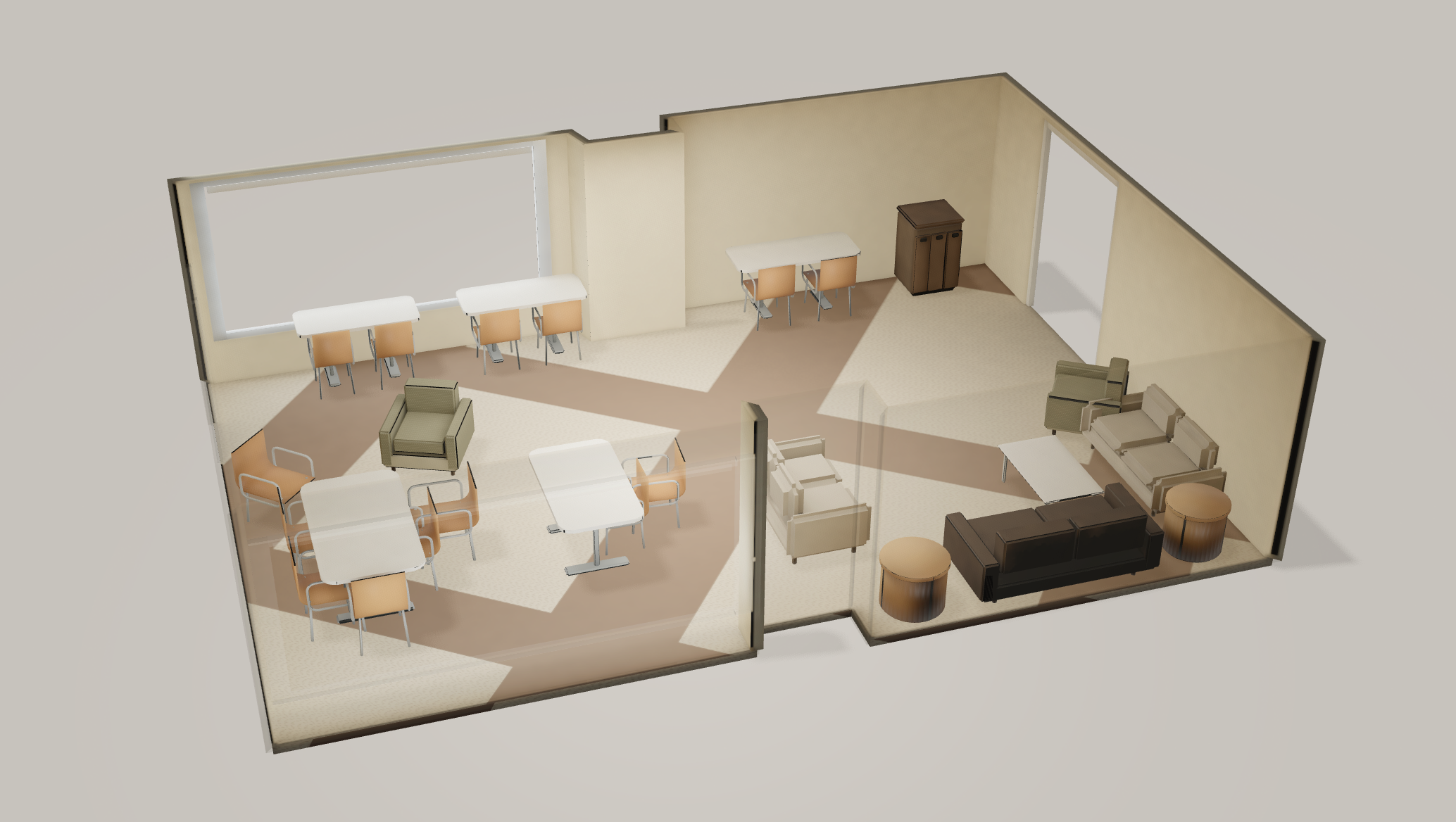
isometric model of scanned room
-
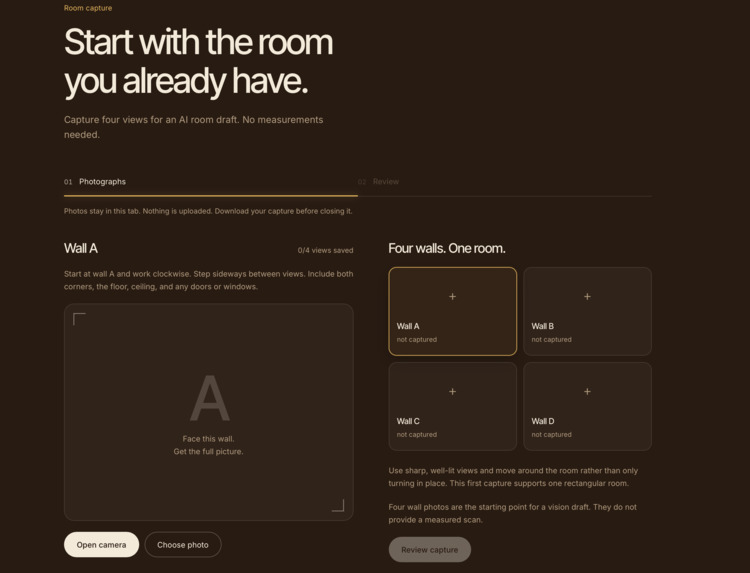
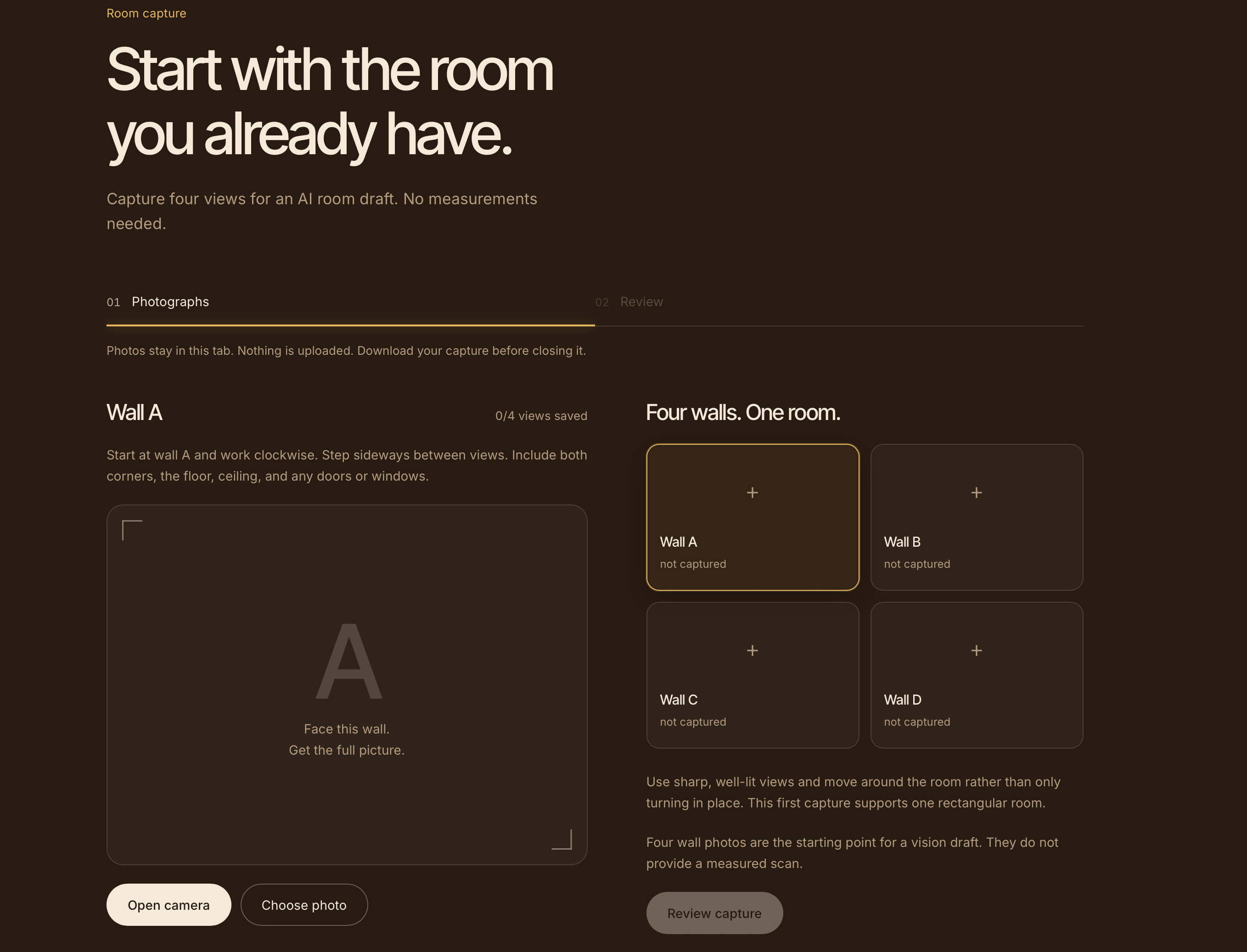
room capture with static images
-
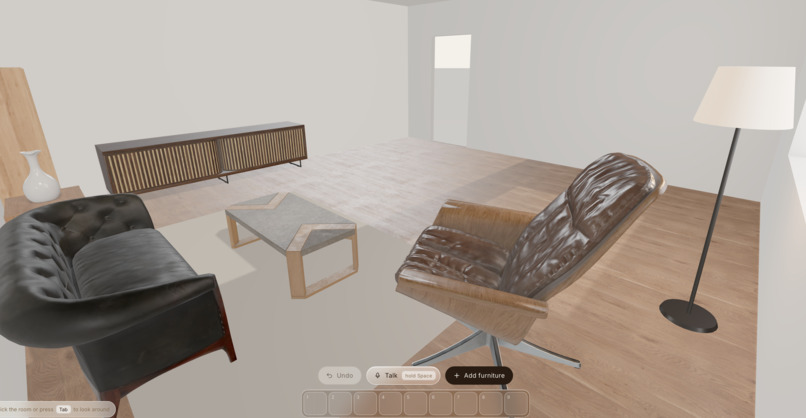
demo room model w/ inventory
-
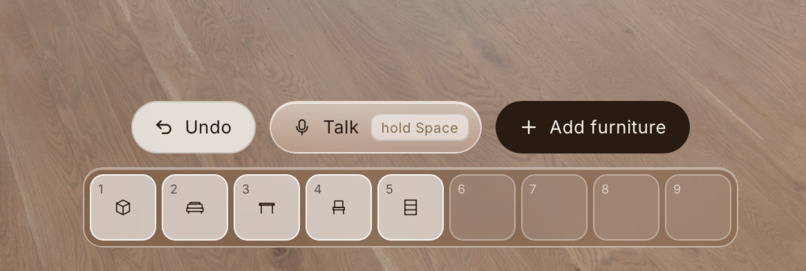
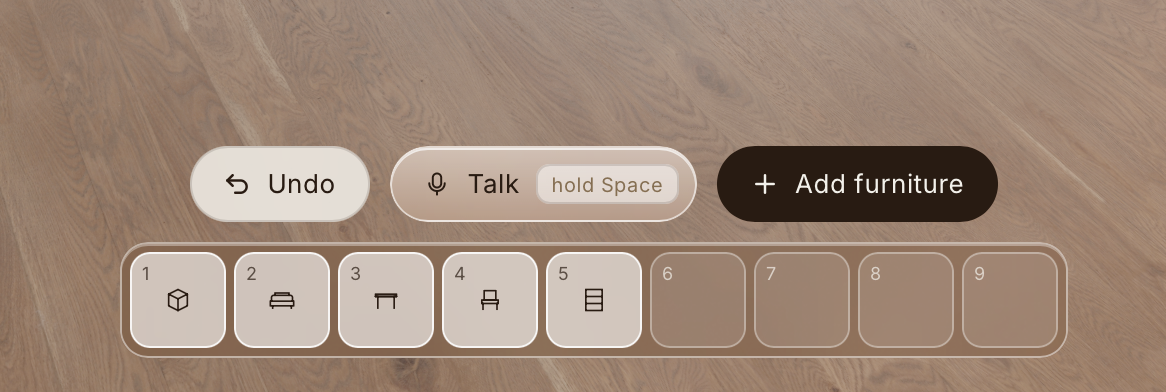
inventory function
-
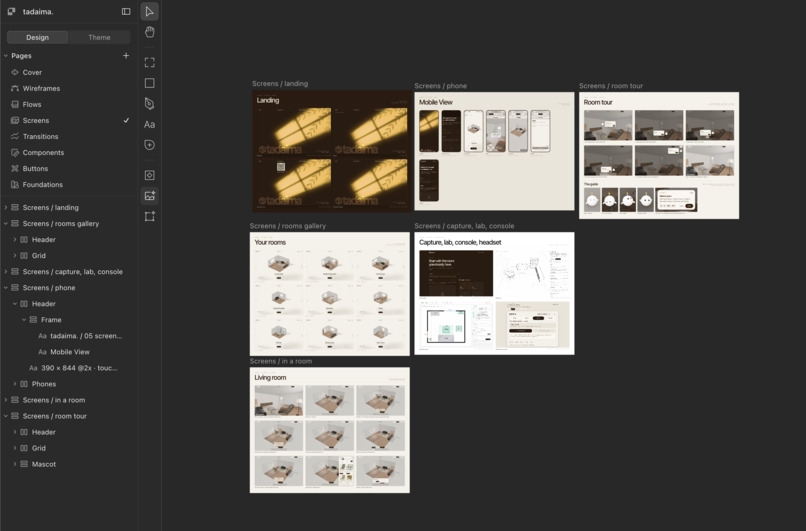
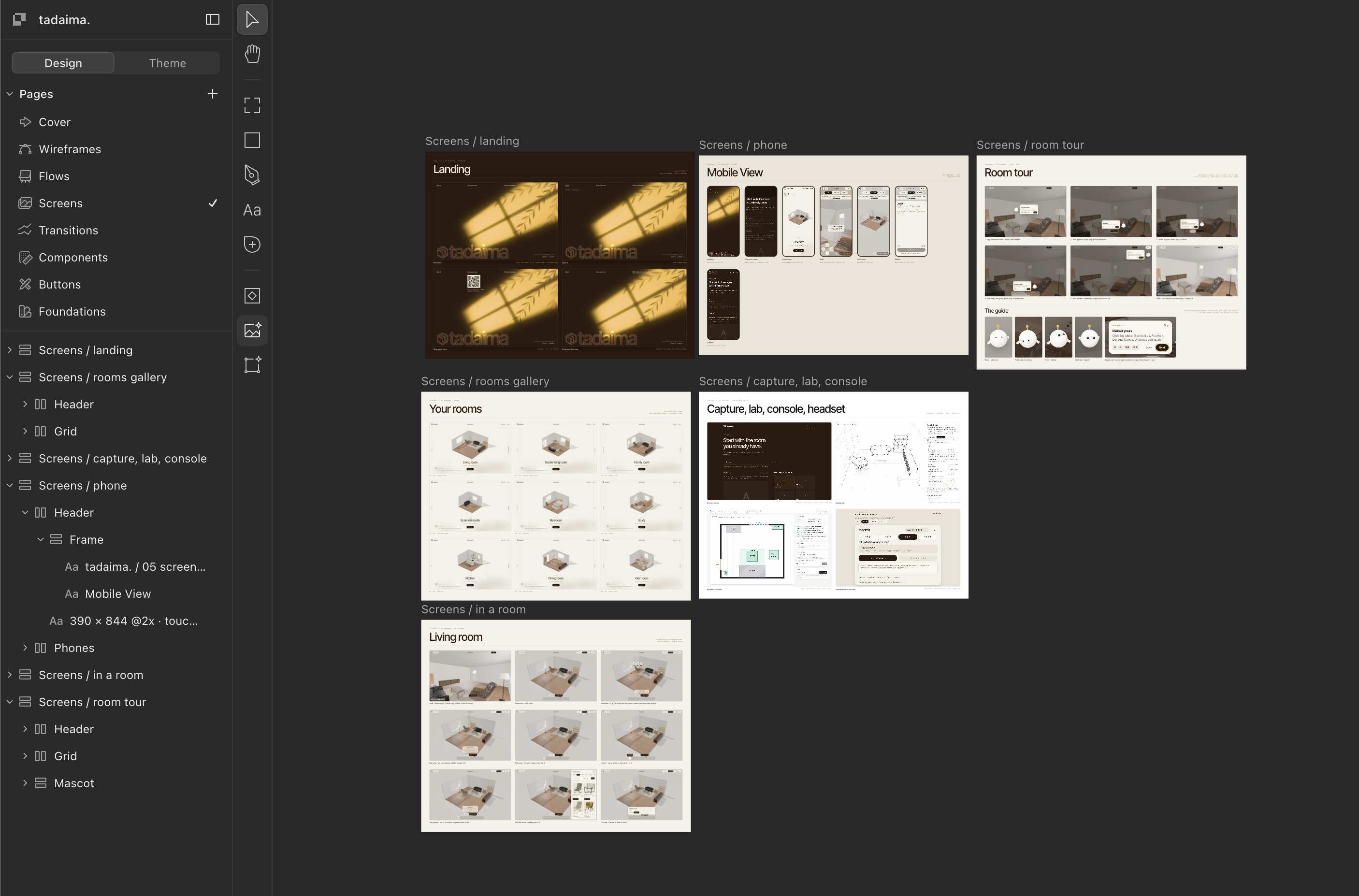
planning screens, user flow, design direction via paper
-
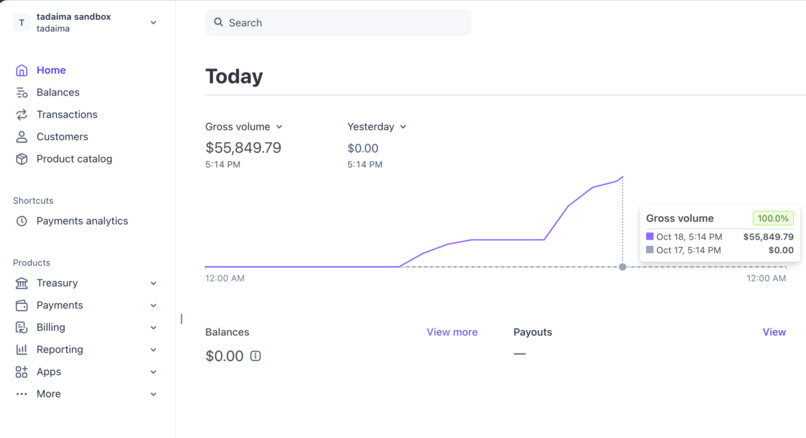
stripe sandbox
-

asi:one agents
-
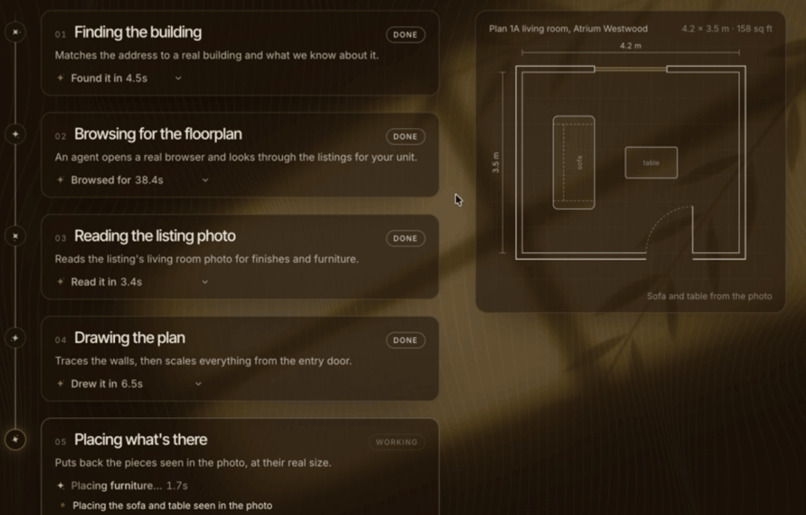
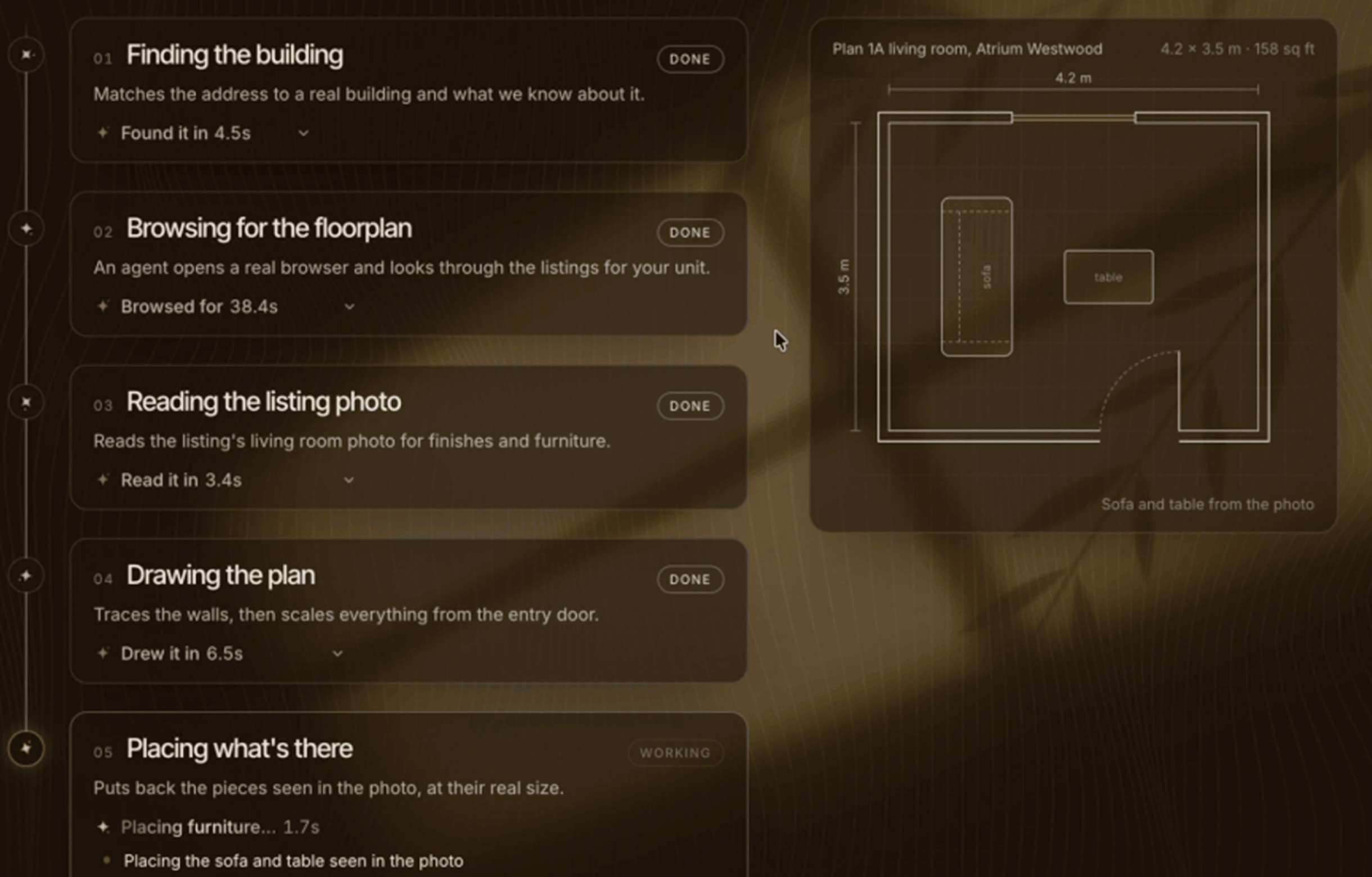
address to model pipeline (testing)


Inspiration
Every one of us has moved in the last couple of years, from dorms to apartments to houses with four other people. You stand in an empty room trying to picture whether a couch will fit under the window ledge, measure the wall twice and still get it wrong, then spend hours across a dozen tabs hunting for a desk that's the right width, the right price, and not out of stock.
Furnishing a place breaks into many small decisions that no store helps you make together. Will it fit? Does it work with the furniture I already have? Can I get the whole room done for what I've actually got in my bank account? So we asked a simple question: what if you could scan your room once and an agent walked you through the entire thing, deciding where things go, finding pieces that actually fit, and then doing the shopping for you too? And so, we made tadaima.
What it does
Tadaima turns your room into a place you can shop from inside of.
You start by doing a quick scan of your room. Our web app uses Apple's RoomPlan to map your walls, windows, doors, and the furniture you already own. If you don't have the phone handy, we plan on implementing a feature where you can enter your address to start setting up from your floorplan. And if you just want to see how it works, there are ten demo rooms for user trial, including a real living room we scanned during our time here at UCLA.
Once your room loads, you're standing in it at true scale. In the browser you walk around with WASD; on a Meta Quest 3S you walk with the Touch controllers. You can pick up a piece of furniture and carry it across the room, rotate it, tuck a chair under a table, stash something in your inventory for later, or get rid of it. Everything keeps its real dimensions, so if a dresser doesn't fit between the bed and the closet, you'll know before you buy it.
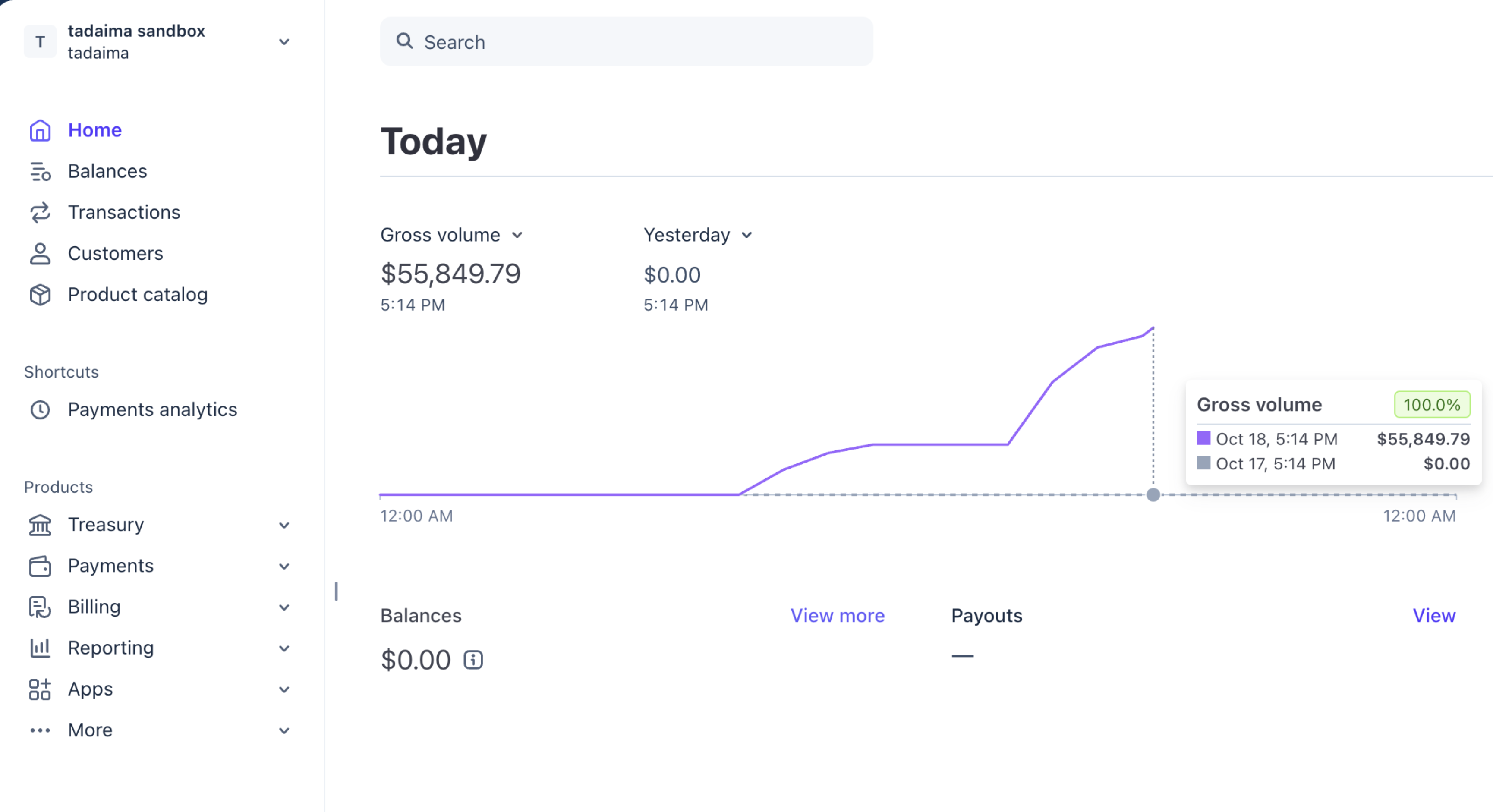
Our defining feature is our furnishing assistant (agent). Hold Space and tell it what you want, something like "keep my couch, find me a desk that fits by the window, and keep everything under $600." It searches real stores, checks every result against your space, your ceiling height, and your doorways, and drops a preview straight into your room. It won't change a thing until you say yes. You can swap a piece for something else in the same spot, remove one, or undo the last change, all by voice. When you're happy, checkout charges the real cart total through Stripe (in test sandbox), and the server confirms the payment with Stripe before your order goes through.
You don't even have to open the site to use it. Tadaima also runs inside ASI:One as a Fetch.ai agent, where it hires a Scout agent to research products (paid in testnet FET) and checks with a Fit Check agent to make sure a piece will actually get through your door.
How we built it (SPONSOR DETAILS)
Tadaima is one Next.js app built by the four of us. To keep from wrecking each other's work, we split the repo into four areas on day one: capture, backend, the 3D room, and the frontend.
We wanted to make our design very intentional so we used Paper as the one place where tadaima's design could be brainstormed and organized. First we brought our real CSS values into Paper as design tokens, so the colors, type scale, radii and spacing match the code exactly. Then we split the file into pages that follow how someone moves through the product: cover, foundations, buttons, components, transitions, screens, flows and wireframes. Our coding agent worked directly on the canvas through Paper's MCP tools. We used features like the image gen tool within Paper to help us create more abstract designs like a custom logo.
The bread and butter of tadaima is a room model created from a high-fidelity scan of any living space: a single versioned JSON file with every wall, opening, and piece of furniture down to its exact size and position. A scan, an address and a demo room all end up in that same format, so when you drag a sofa in the Quest, the agent planning your budget is looking at that exact sofa.
Capture starts in a SwiftUI app on any Pro model iPhone, built on Apple's RoomPlan and ARKit. The scan goes to a FastAPI service running in Docker on Railway, which uses Blender to clean up the geometry and bake the lighting into a glTF model the browser can load.
The room itself is Three.js with WebXR, so the same code runs in a desktop browser, on a phone, and in a Meta Quest 3S, where the site's own UI renders right inside the headset. Collision comes from the actual parts of each 3D model rather than one big box around it, which is how a chair can slide under a table but still bump the wall. All the motion on the site, from the loader to the page transitions, is built with GSAP libraries.
The agent runs on Claude with tool use, so instead of just talking it can call real actions like place, swap, move, store, set a budget, or undo. ElevenLabs agents handle the voice, and we managed to get the latency to a conversational level which we thought was great. Browser Use came in super clutch as it does live product research across stores that our agent will pull from to assist the user. Stripe runs checkout, and Upstash Redis keeps sessions and plans.
On the Fetch.ai side, three Python agents built on uAgents talk to each other: Tadaima runs the chat in ASI:One, Scout agent gets paid in testnet FET to research products, and Fit Check runs the geometry math on spaces, ceilings, and doors. We believe these agents round off tadaima and make it feel like a fully fledged product ready for users.
Challenges we ran into
Real scans are messy in ways demo rooms aren't. Apple's RoomPlan would sometimes split one straight wall into two segments sitting at slightly different angles, and everything downstream (the walls, the cutaway view, collision) treated them as two walls with a seam. We had to detect those near-parallel pieces and join them back into one edge before the room made sense. Then every one of the 28 pieces of furniture in our scanned living room had to land exactly where the model said it was, or the "will this fit" math was wrong from the start.
Collision took us more time than we expected. Our first version kept every piece 30 cm from everything else, which sounds safe until you realize you can't push a chair under a table or put a lamp on a desk. Getting it to feel like a real room meant dropping the gap to 3 cm and teaching it that chairs tuck, decor sits on surfaces, and a floor lamp only takes up space at its base.
The agent was harder to keep honest than to make smart. At one point it blamed a budget increase on an overlap that had been in the room the whole time, so we changed proposals to only report problems they'd actually cause.
The Meta Quest gave us some issues as well. Controller models wouldn't show up, the menu kept losing tracking, and walking had to follow where your head was pointing instead of the room's axes. And with four people pushing to the same repo, we had to make sure we didn't run into any merge conflicts.
Accomplishments that we're proud of
The thing we're proudest of is how tadaima looks and feels. On past projects we've put everything into the build and left design for the last few hours, and it shows, because the UI ends up looking like AI slop. This time we treated design as a very intentional part of the build from start to finish.
The loader, the page transitions, and the room gallery all share one warm palette and one type system, so going from the landing to the rooms page to inside a room feels like one place and not three different apps. We cut a lot to get there: pill buttons, gradients, and a few layouts that looked fine but felt generic all got thrown out. The flow from "I just moved in" to standing inside your own room comes down to three choices on one screen.
Honestly, the scans surprised us. We expected a bunch ugly gray boxes, but what came out of a single iPhone scan (after many iterations and adjustments) of a real living room was really impressive. All the walls, windows, and all 28 pieces of furniture, each one at its measured size and spot. The furniture is shaped and colored from photos of the actual pieces, the lighting is baked in so it reads like the room at that time of day. For something built in about 24 hours, the fidelity of the models were much higher than expected.
We're proud that our agent does things that are actually important to furnishing a room instead of just talking about them. It can place, swap, move, store, and remove furniture in your actual room, keep a running budget, and undo its last change. It previews everything before it acts and only commits when you say yes. It checks every product against your space, your ceiling, and your doorways, so it won't suggest a couch that won't fit through the door.
We also got three Fetch.ai agents working together in ASI:One. Tadaima runs the conversation and actually hires Scout to research products, paying it in testnet FET, then asks Fit Check whether the pieces fit before showing them to you. Checkout charges the real cart total through Stripe, and the server confirms the payment before it records the order.
What we learned
The biggest lesson was that a nice-looking 3D room doesn't prove anything. A render can make any couch look right in any corner, but whether the couch actually fits comes down to exact dimensions. Once we started treating the room as measurements first and visuals second, the agent we made became a lot more useful.
We also learned that giving an agent real actions changes how you have to build it. Talking about a desk costs nothing; actually giving the user a visual in a room and charging their card is a different thing. Previews before every change, an undo for everything, and making it say yes before it commits weren't extra polish. These are all really important to the functionality to the agent and not an annoying feature thrown on top.
What's next for tadaima.
The first thing on the list is a feature we ran out of time to finish, which was finding your floor plan from your address. Right now you can type in an address, but it only saves it for setup. The plan is to have the agent take that address, search the internet for the building's floor plans (leasing pages, listings, the PDFs every apartment complex has somewhere on its site), and build a 3D model of your unit from what it finds. For a lot of students that's the whole point, since you usually sign a lease for a place you've never stood in, and you want to start planning before you commit.
We also want to take it past one room at a time. Most people aren't furnishing a single living room; they're furnishing a whole apartment, often with roommates. So we want shared rooms where everyone can rearrange the same space, plus a way to split the budget and the cart between roommates so nobody's Venmo-requesting each other for a couch three weeks later.
Students don't always buy new, either. Pulling in secondhand listings from places like Facebook Marketplace next to retail stores would make the agent a lot more useful on a real student budget, as long as it can still check it's measurements.
We want the agent to keep watching your plan after you're done, so if something sells out or goes up in price, it finds a replacement that fits the same spot.


Log in or sign up for Devpost to join the conversation.