-
-
Responsive Homepage
-
Ideation Process
-
Low-Fidelity Interface
-
Features In Use
-
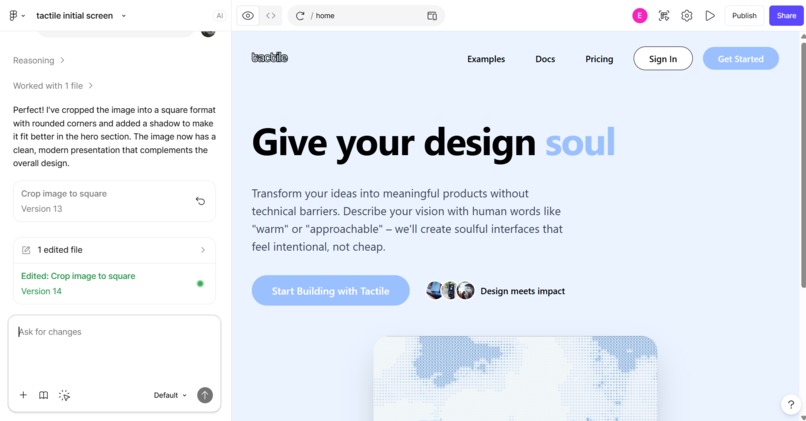
Figma Make


Tactile
Inspiration
We have more than five senses. Researchers estimate that somewhere between 22 and 33, and one of the least discussed, is proprioception: your body's awareness of itself in space. It shapes how you move, how you create, and how you express ideas physically. But it has never been measured in the context of creative work.
We kept coming back to one question: what if the way your hands move while you design is actually telling you something about yourself, and we just never built tools that listened?
Problem and Solution
The design process can often feel disconnected from natural human expression, creating a barrier between the designer's intent and the final product.
Our project enables a more intuitive, embodied design experience by allowing users to create Figma designs directly through hand gestures. By focusing on connecting proprioception to the design process this approach bridges the gap between physical expression and digital creation, empowering designers to more authentically manifest their vision.
What We Learned
The most honest data you have about your creative instincts lives in your body. How precisely you move, how confidently you gesture, how your spatial expression shifts as an idea comes together. That is proprioceptive self-awareness applied to creativity. We learned that making that visible changes how you relate to your own process.
We also learned that the measure of a good interface is how quickly it disappears. When the tool no longer demands attention, the user can focus entirely on the work. Achieving that required more iteration on feel than on functionality.
How We Built It
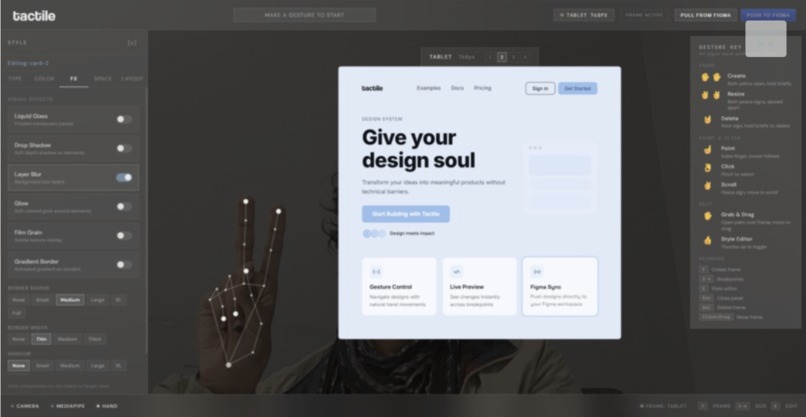
Tactile is a Figma plugin that tracks hand movement in real time and translates proprioceptive gesture data into live design decisions, syncing everything back into Figma as a native derived frame.
Pull from Figma reads the latest page snapshot and generates a frontend-editable frame based on existing typography, color, and structure. Push to Figma takes the frontend final state as source of truth and creates a new derived frame in Figma. The plugin handles both sides of that contract, keeping design context and gesture state in sync throughout.
Gesture System
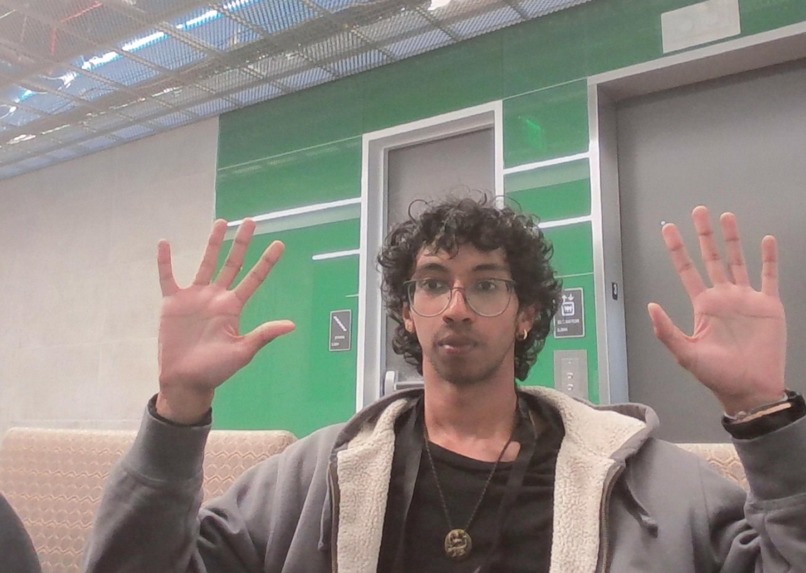
The camera tracks hands at around 60 frames per second. Each gesture maps to a discrete design action: point to select, pinch to click, open palm to drag, two peace signs to shift breakpoints, and so on. The full gesture set was designed to feel distinct enough to tell apart but natural enough to remember without a reference.
Challenges
Gesture recognition at this fidelity required distinguishing intentional input from ambient hand movement with very low latency. Calibrating detection thresholds to feel responsive without being noisy was the most technically demanding part of the build. Too sensitive and ambient movement triggers false positives. Not sensitive enough, and intentional gestures feel laggy.
The gesture map itself went through four complete rewrites before we found a set that felt both learnable and reliable.
What's Next
Beyond the prototype, we envision further developments of the project where more abstract hand gestures can be translated to design intent, allowing for even more expression.


Log in or sign up for Devpost to join the conversation.