Inspiration
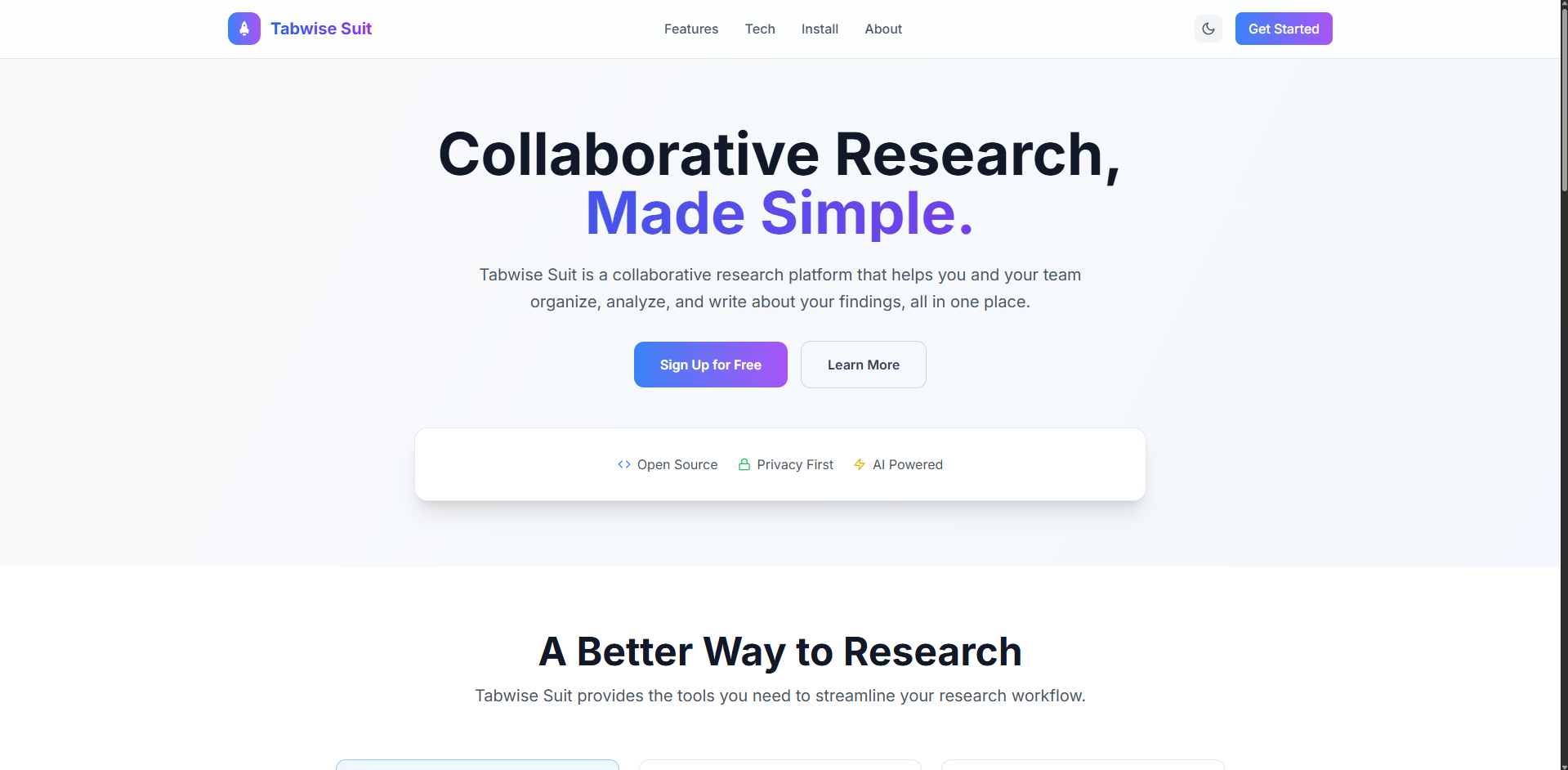
Ever tried to manage research with 20 Chrome tabs, 5 Google Docs, and 3 lost PDFs? Yeah — it’s chaos. Tabwise was born from that frustration. I wanted a single space where teams could gather information, analyze it with AI, and co-write papers without leaving the browser.
What it does
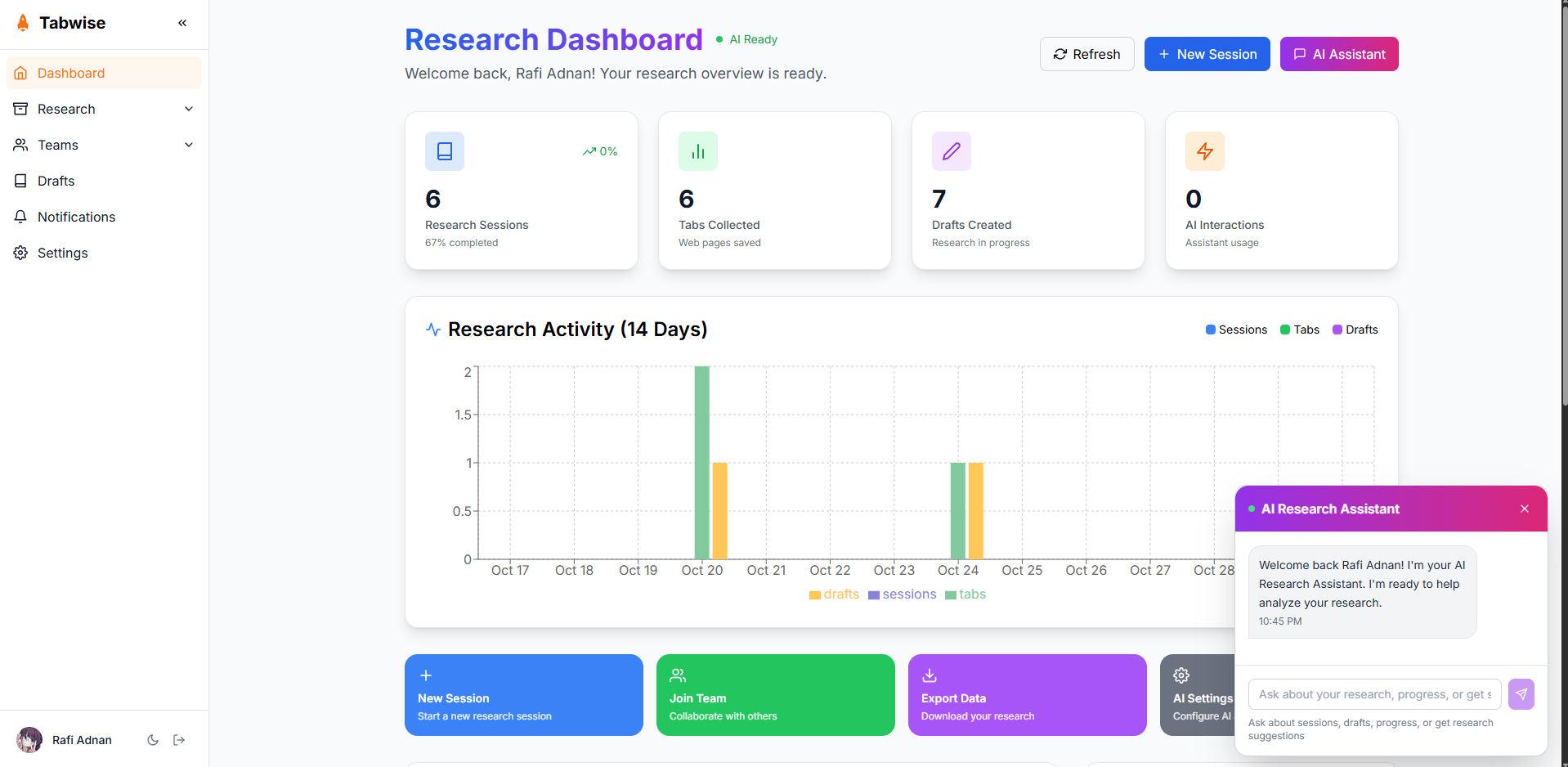
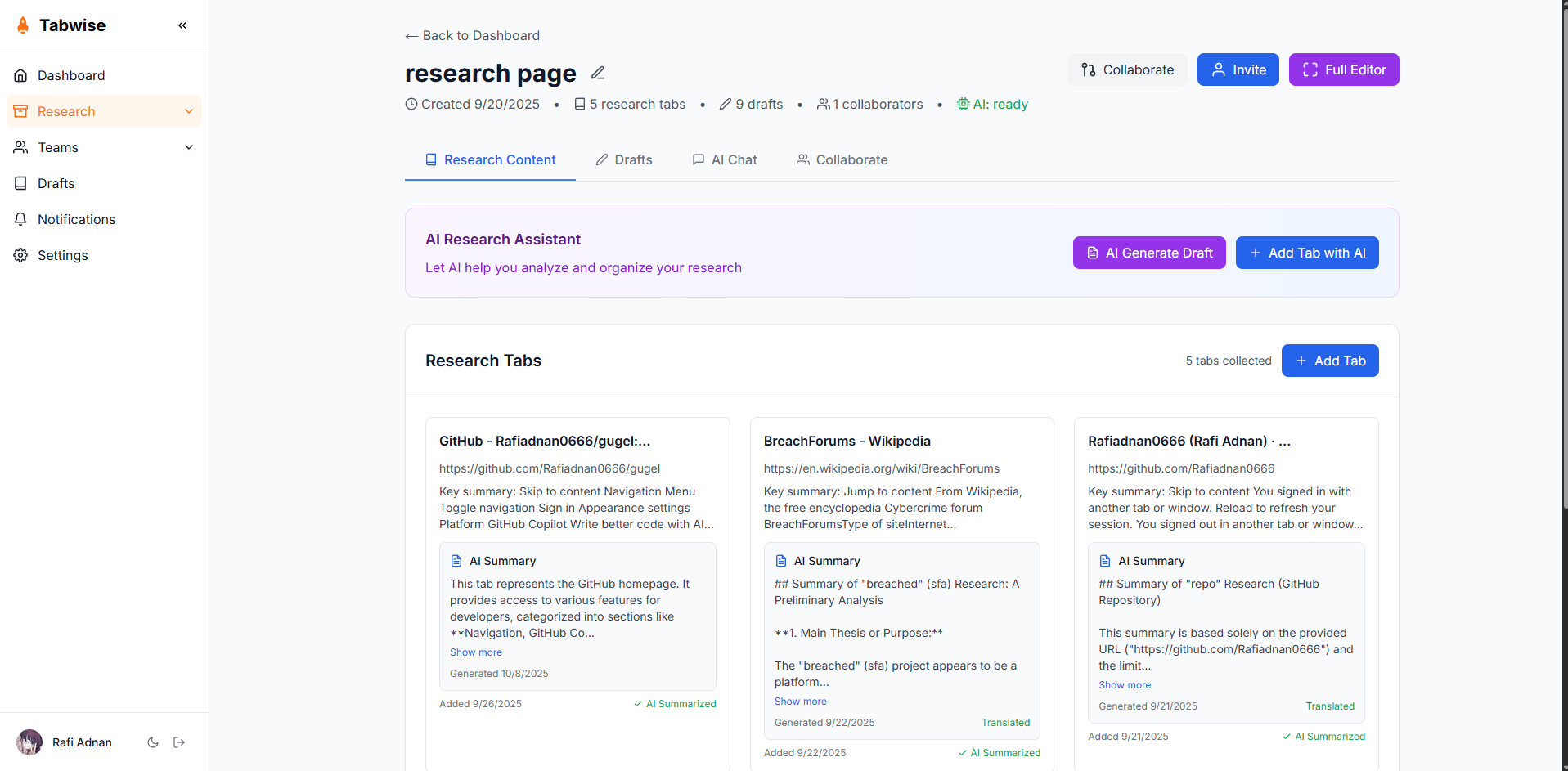
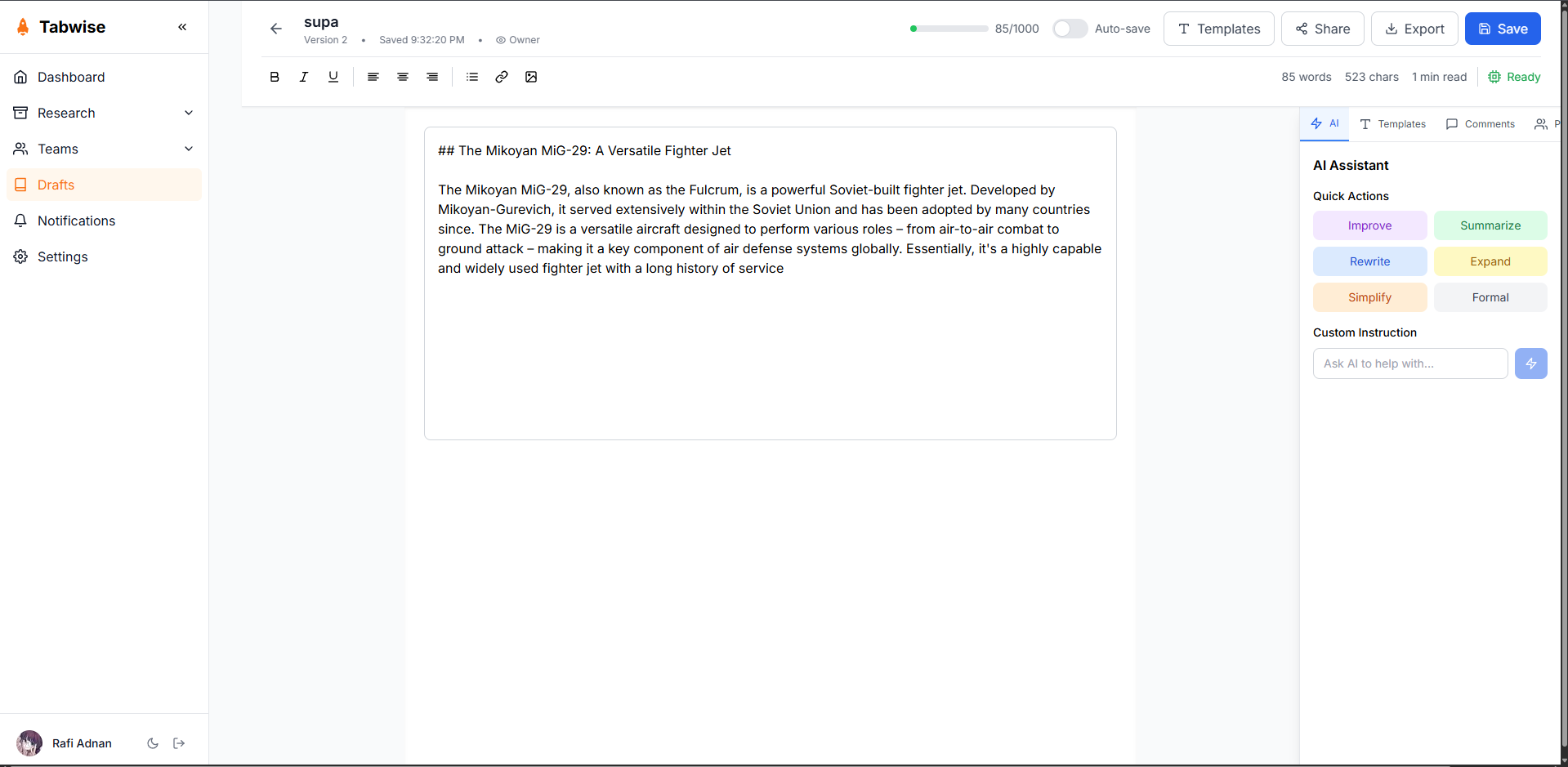
Tabwise is a collaborative research platform built for modern teams. It combines research organization, AI-powered insights, and real-time collaboration — all in one place. Users can create sessions, upload sources, summarize content, and write drafts together while the AI assists in extracting key insights and generating citations.
How I built it
Frontend: Next.js (React) with Tailwind CSS for clean, responsive UI. Backend & Auth: Supabase (PostgreSQL + Supabase Auth). AI: Google Chrome’s built-in AI APIs — especially the Summarizer API, Writer API, and Proofreader API to process research materials directly in the browser. Deployment: Vercel for the web app and Supabase cloud for data.
Challenges I ran into
Integrating Chrome’s new AI APIs required experimenting with the local client-side execution model — getting Summarizer and Writer to cooperate with user sessions wasn’t as straightforward as expected. Real-time editing and AI co-authoring also needed careful sync handling to avoid conflicts.
What I learned
How to integrate on-device AI (Gemini Nano) directly into the browser without relying on a traditional cloud AI backend. How to structure collaborative features with Supabase Realtime and handle conflict resolution for multiple cursors. That UX matters more than adding features — researchers want clarity, not clutter.
What’s next for Tabwise
Adding multimodal support (audio/video transcript summarization). Offline mode using local IndexedDB for AI caching. Public “Research Showcase” mode where teams can publish findings interactively.
Built With
- css
- next.js
- postgresql
- react)
- supabase
- tailwind


Log in or sign up for Devpost to join the conversation.