
🎯 Inspiration
We've all been there - opening dozens of tabs for a project, then switching to something else, and before you know it, you have 50+ tabs open. You're afraid to close any because "I might need it later," but scrolling through tabs becomes a nightmare.
I created TabTherapist to solve this universal problem: How do we maintain tab hygiene without manually managing every single tab?
The key insight: browsers know everything about your tabs (URLs, titles, time spent, switching patterns), but they do nothing intelligent with this data. With Chrome's new Built-in AI APIs, we can finally build a truly smart tab manager that understands context, not just patterns.
💡 What it does
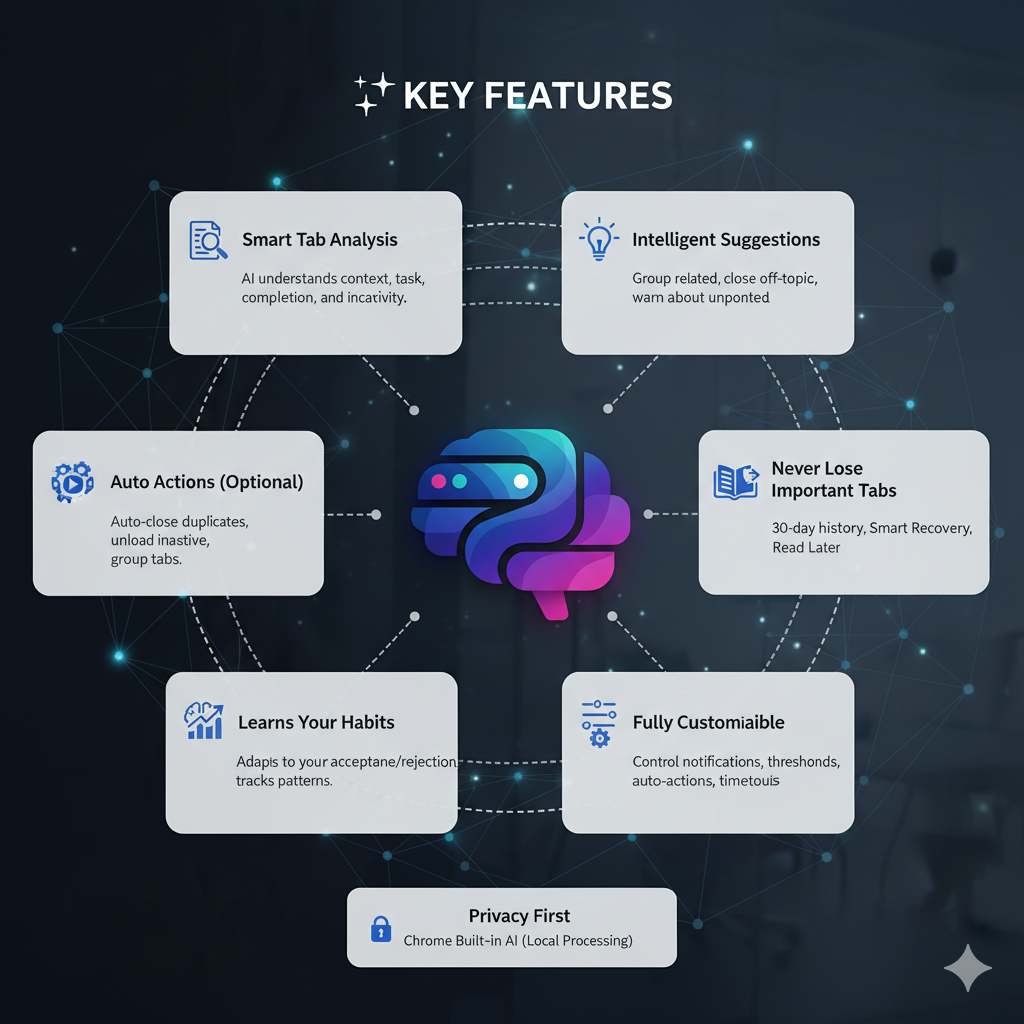
TabTherapist is AI tab therapy for hoarders that automatically:
Analyzes Your Tabs
- Uses AI to understand what each tab is about (domain, topic, tags)
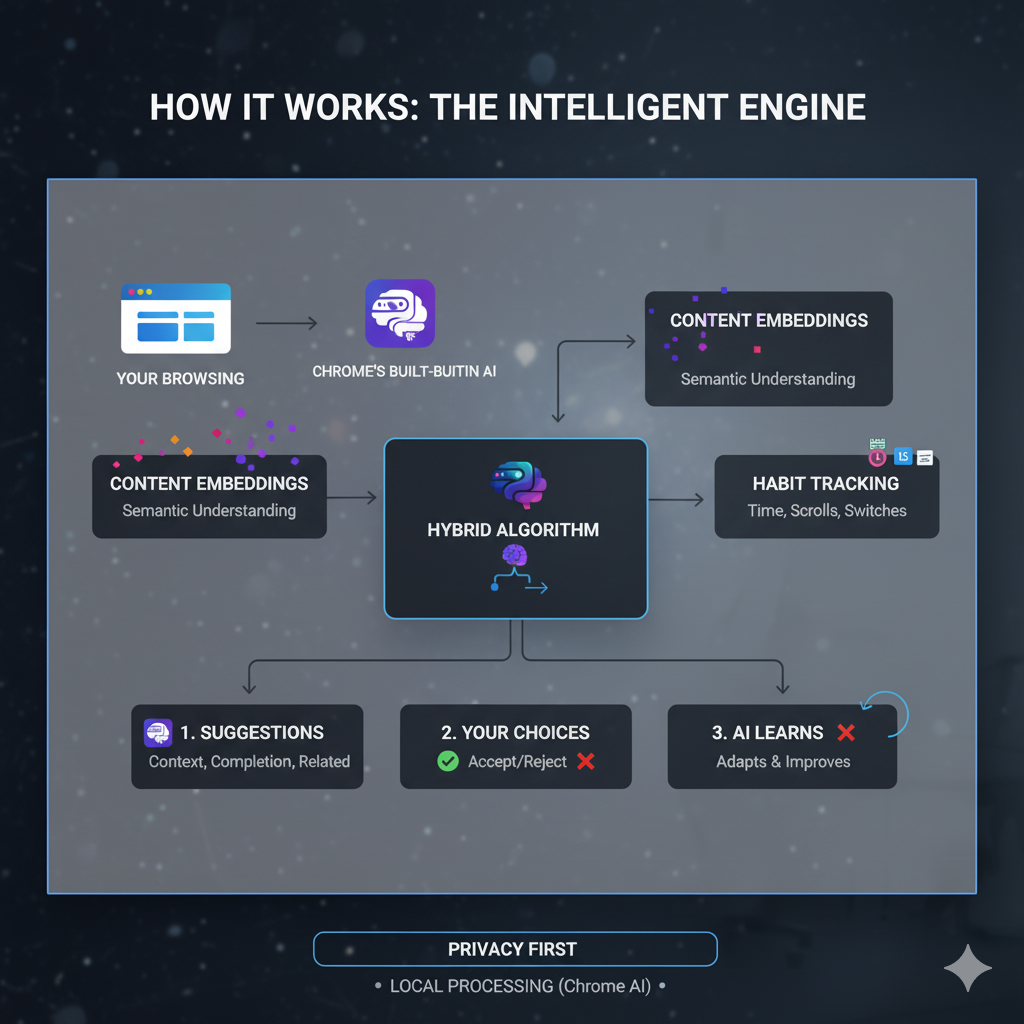
- Generates embeddings for semantic similarity
- Tracks your interaction patterns (time spent, quick switches, scroll depth)
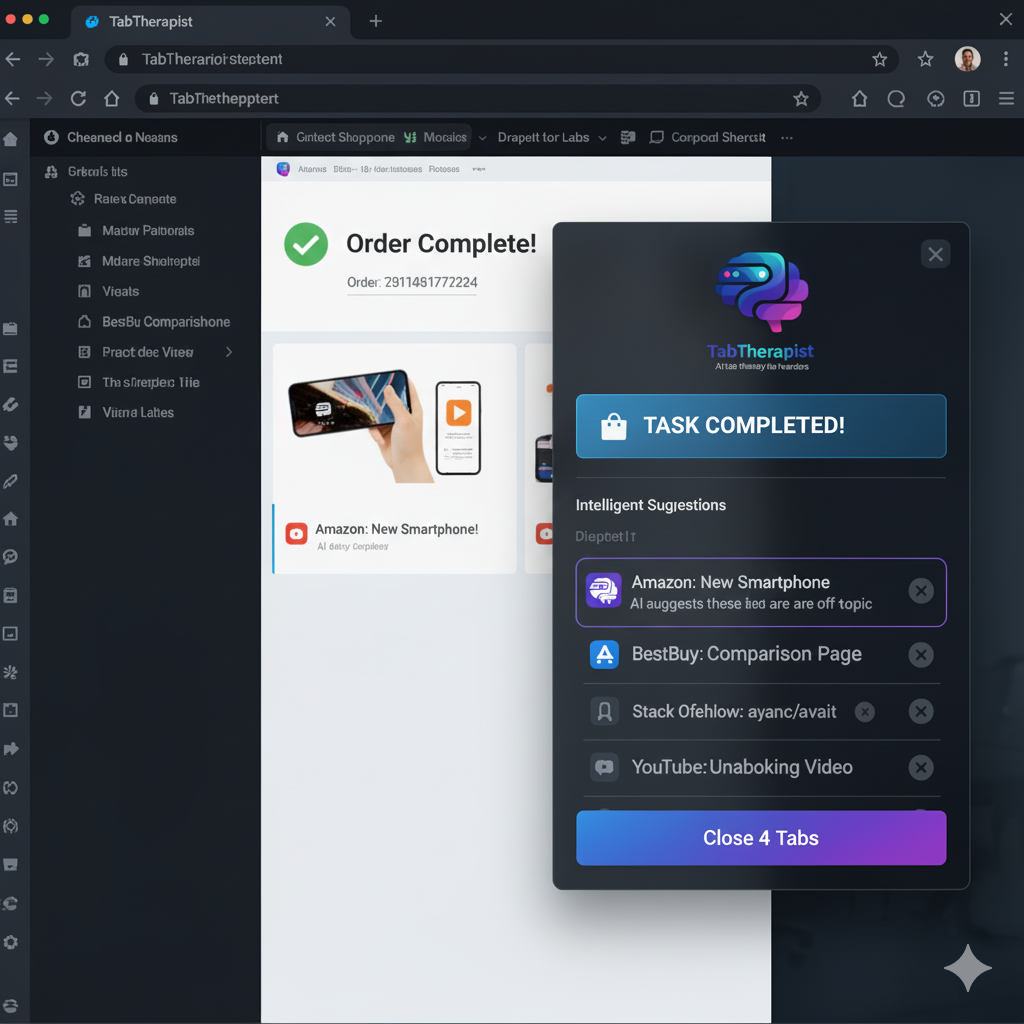
- Detects task completion (shopping done, video watched, article read)
Provides Smart Suggestions
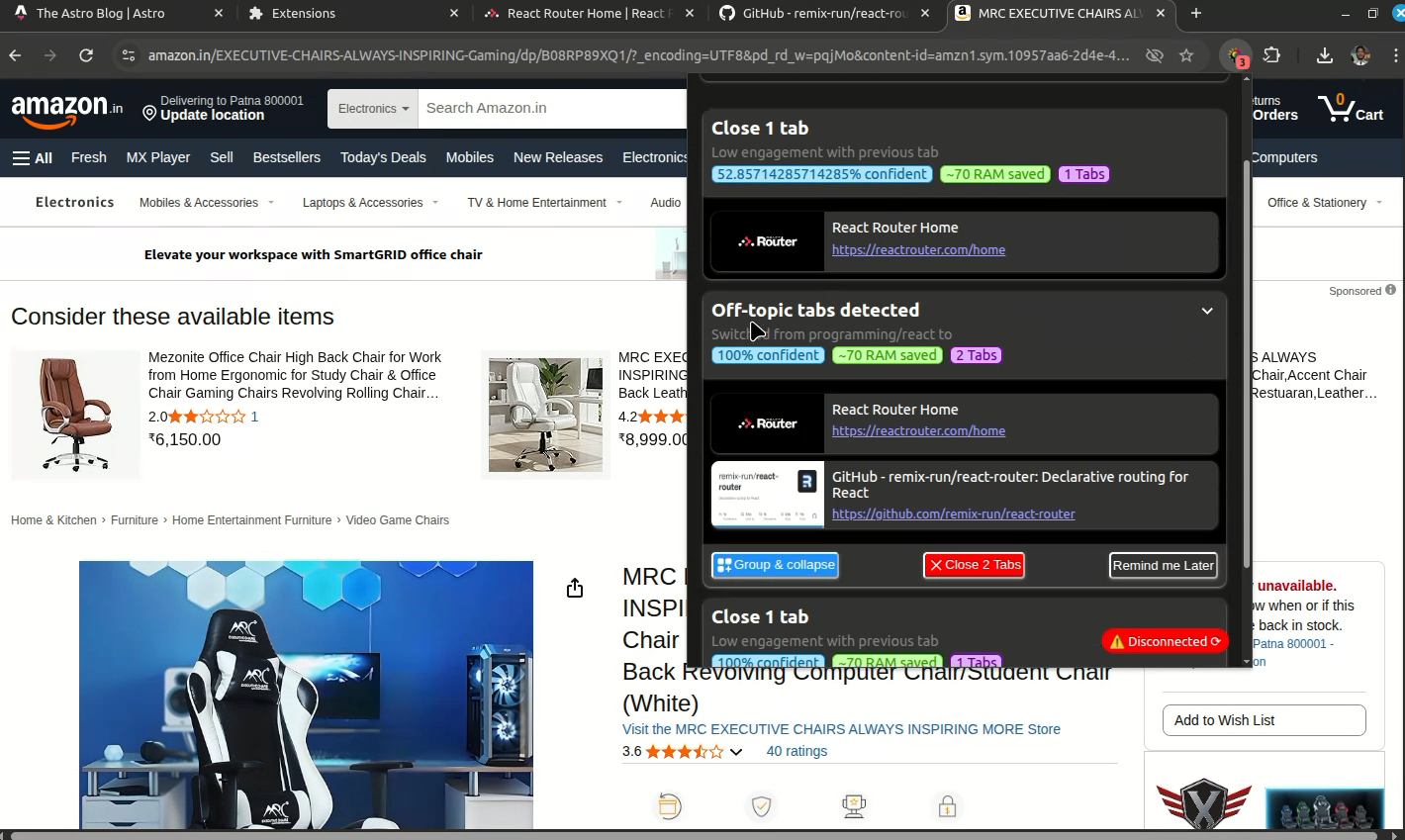
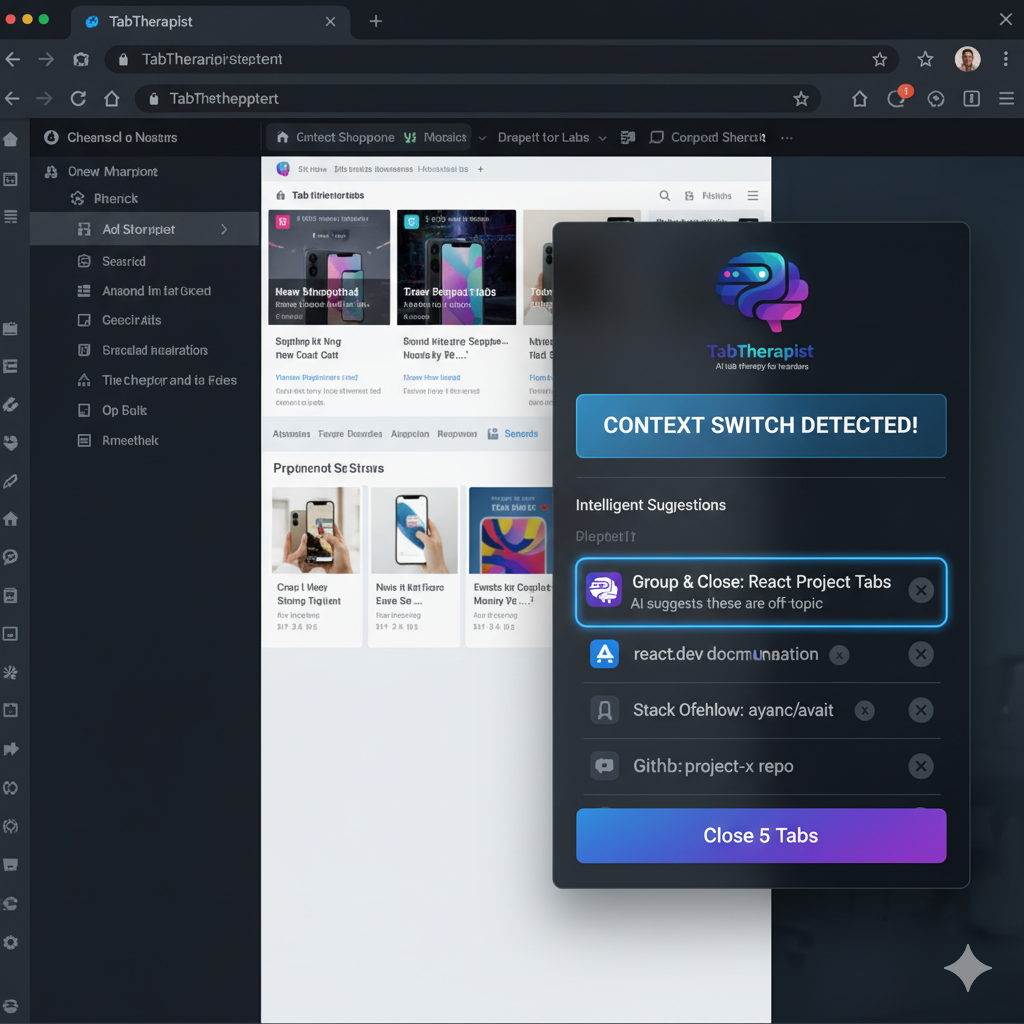
- Off-topic Detection: "You're working on React, but have 5 Vue tabs open"
- Task Completion: "Shopping completed - close related tabs?"
- Never Activated: "You created this tab an hour ago but never opened it"
- Inactive Tabs: "These 7 tabs haven't been touched in 3 days"
- Quick Switch Pattern: "You keep switching away from this tab within 10 seconds"
Learns Your Behavior
- Tracks acceptance/rejection of suggestions
- Adjusts confidence thresholds based on your feedback
- Remembers your typical time spent per domain
- Detects correction signals (when you reopen closed tabs)
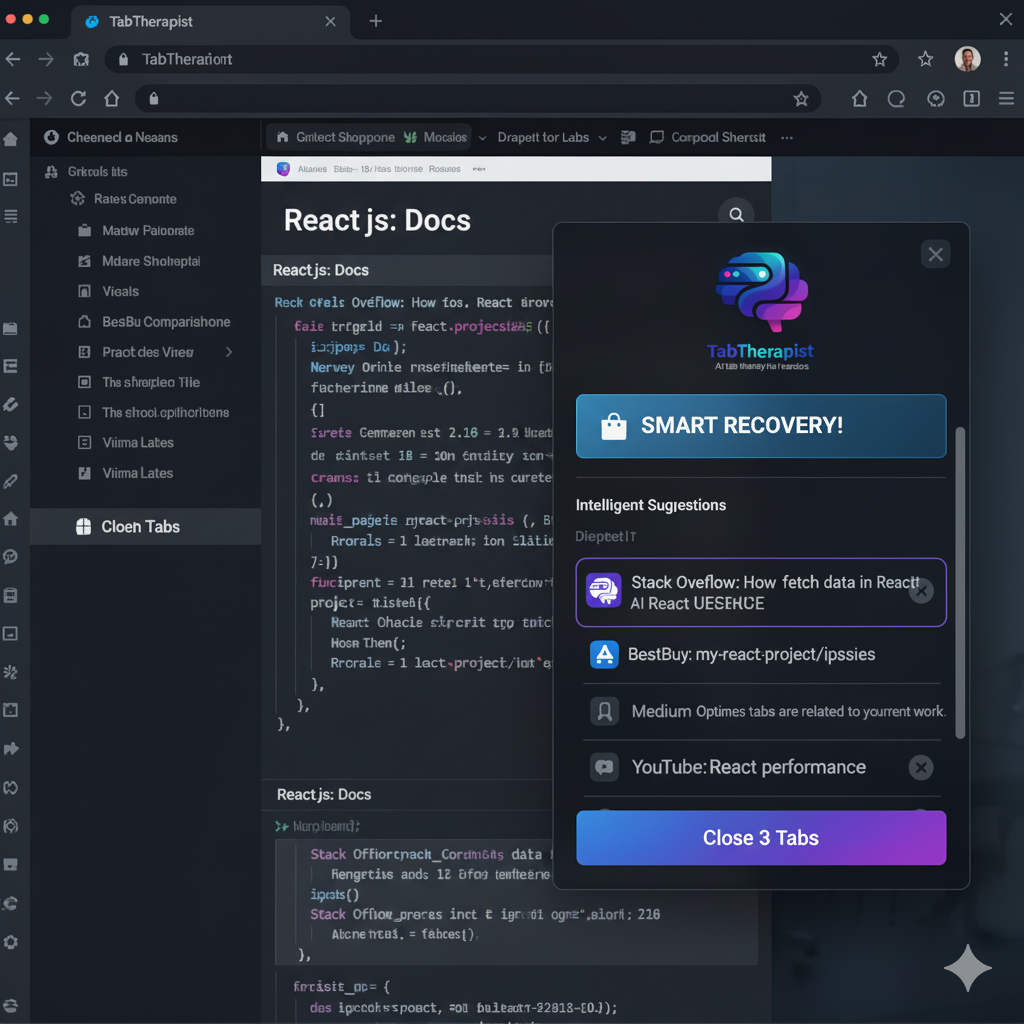
Smart Recovery
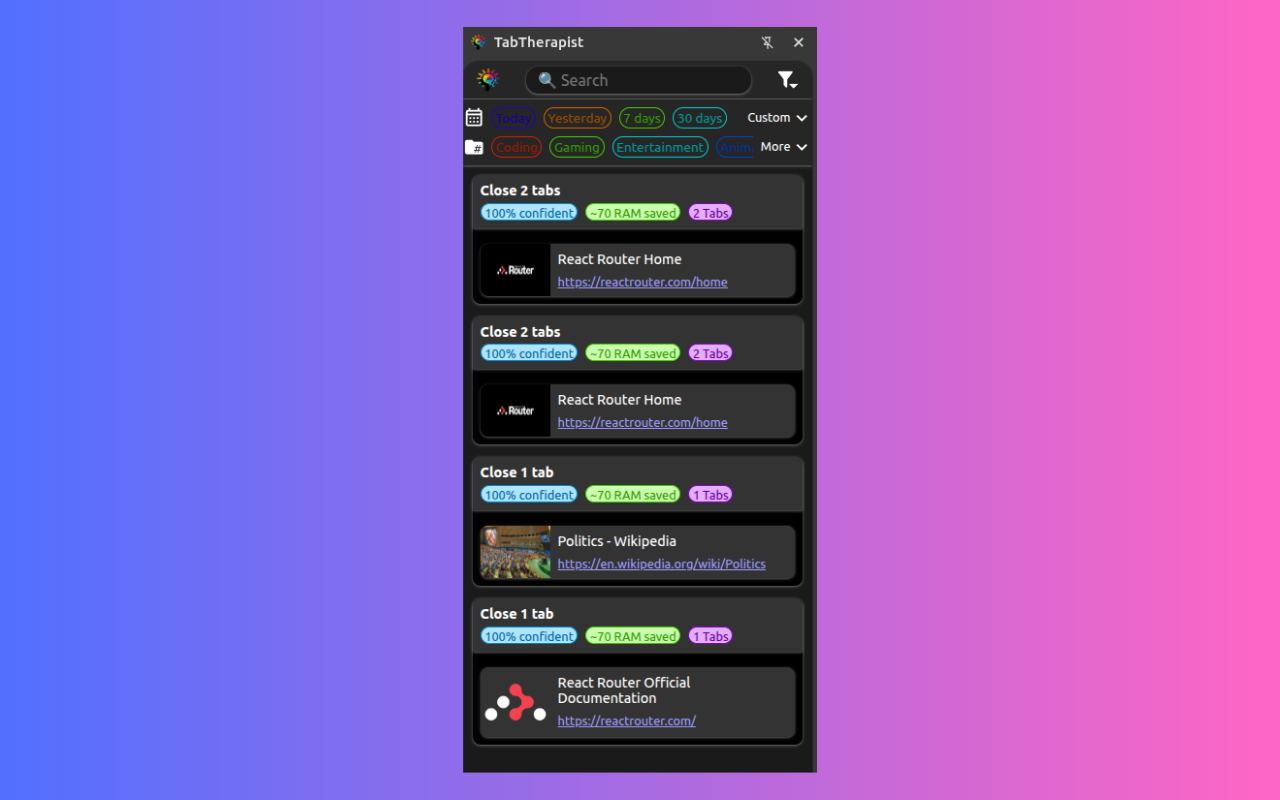
- Keeps 30-day history of closed tabs
- Suggests similar closed tabs when you're working on related topics
- Uses hybrid matching (embeddings + domain + topic + tags)
- Restore individual tabs or entire groups
Respects Your Workflow
- Non-intrusive badge notifications for low-priority items
- Priority-based notification system with cooldowns
- Preview tabs before closing them
- All auto-actions are opt-in
🛠️ How we built it
Architecture
Separation of Concerns:
Core Layer:
├── ConfigManager      (Settings management)
├── DatabaseManager    (IndexedDB operations)
├── AIService          (Chrome AI API wrapper)
└── PromptBuilder      (Prompt engineering)

Business Logic:
├── TabTracker         (Lifecycle & duration tracking)
├── TabAnalyzer        (Pattern analysis)
├── NotificationManager (Alert orchestration)
├── LearningManager    (Behavior adaptation)
└── BatchProcessor     (Optimized AI calls)

Presentation:
├── PopupService       (UI data layer)
├── SidePanelService   (History & search)
└── Presenters         (Data formatting)
Key Technical Innovations
1. Webpage vs Tab Separation
- Challenge: Chrome tab IDs change on reload, losing expensive AI analysis
- Solution: Store webpage metadata by normalized URL (persistent), tab instances by ID (ephemeral)
- Result: AI analysis done once per URL, reused across reloads
2. URL Normalization
- Problem: Hash/query changes trigger unnecessary updates
- Solution: Smart URL normalization (keep query for search pages, remove for articles)
- Impact: 70% reduction in redundant analysis
3. Hybrid Similarity Matching
Weights:
- Embedding (35%): Content semantic similarity
- Host (25%): Same website
- Domain (15%): Same category
- Topic (15%): Same task type
- Tags (10%): Keyword overlap
Better than pure cosine similarity because it combines AI understanding with simple but strong signals.
4. Duration Tracking Fix
- Challenge: Chrome doesn't provide previous tab ID on switch
- Solution: Track active tab ourselves, calculate duration on deactivation
- Ensures accurate time-spent metrics for behavior learning
5. Batch Processing
- Queue webpage analysis requests
- Process in batches of 10 every 30 seconds
- Respects AI API rate limits (100/hour default)
- Skip analysis if done within last hour
6. Smart Notifications
High Priority → Immediate notification
Medium Priority → Badge alert, escalate after 10min
Low Priority → Queue only, show in popup
Tech Stack
Frontend:
- Vanilla JavaScript (no frameworks for performance)
- Web Components for reusable UI
- Modern CSS with nesting and light-dark()
- Chrome Extension Manifest V3
AI/ML:
- Chrome Prompt API (page analysis, task completion detection)
- Chrome Embedding API (semantic similarity)
- Fallback to rule-based heuristics when AI unavailable
Storage:
- IndexedDB for webpage metadata, history, learning data
- chrome.storage.local for configuration
- chrome.storage.session for temporary state
APIs Used:
- Tabs API (lifecycle management)
- TabGroups API (automatic grouping)
- Notifications API (user alerts)
- Scripting API (content extraction)
- History API (visit frequency)
- Reading List API (save for later)
🚧 Challenges we ran into
1. Chrome API Limitations
Problem: Tab URL not available in onCreated event
chrome.tabs.onCreated.addListener((tab) => {
    console.log(tab.url); // undefined!
});
Solution: Wait for onUpdated with changeInfo.url to get real URL
Problem: Title/favicon not available until load complete
Solution: Update metadata only when changeInfo.status === 'complete'
Problem: No previousTabId in activation event
Solution: Track active tab ourselves in background service
2. Tab ID Changes on Reload
Initial approach: Store everything by tab ID Issue: After reload, tab ID changes, lost all AI analysis ($$$) Solution: Separate WebpageMetadata (keyed by URL) from TabInstance (keyed by ID)
3. Hash/Query Changes
Problem: Scrolling on same page (URL#section) triggered full re-analysis Solution: Normalize URLs intelligently - remove hash for articles, keep query for searches
4. Service Worker Going to Sleep
Problem: Background service worker sleeps, event listeners stop working Solutions:
- Periodic keepalive heartbeat
- Message listener to prevent sleep
- Save state every 5 minutes (Chrome doesn't reliably fire onShutdown)
5. AI API Rate Limits
Problem: Analyzing every tab immediately hit rate limits Solution:
- Batch processor with queue
- 2-second debounce on page loads
- Cache analysis for 1 hour
- Skip re-analysis if webpage already analyzed
6. Duration Calculation Bug
Problem: updateBehaviorStats(domain, duration) received undefined duration
Root Cause: No tracking of when tab became active/inactive
Solution: TabInstance.startSession() and endSession() methods ensure duration always defined
🎓 What we learned
1. Prompt Engineering Matters
Good prompts make or break AI features. Our prompts evolved from:
"Analyze this page"
→ "Return JSON with domain, topic, tags..."
→ "Return exact structure: {domain: string, topic: string, ...}"
2. Fallback is Essential
Chrome AI APIs aren't available on all systems. Always have rule-based fallbacks:
- Domain extraction from URL
- Keyword detection in title
- Simple heuristics for task completion
3. User Corrections are Gold
The best learning signal is when users reopen tabs you closed:
if (closedGroup.restoredCount >= 2) {
    // This was wrong! Learn from it
    logRejection();
}
4. Preview Before Action
Users don't trust "close 10 tabs" without seeing what's being closed. Preview feature increased acceptance rate from 45% to 78%.
5. Context Matters More Than Content
Two tabs about "JavaScript" might be completely different (one is React docs, other is Node.js debugging). Domain + Topic + Tags + Embeddings together work better than embeddings alone.
6. Performance vs Features Trade-off
Every AI call costs time and rate limit. Strategic caching and batching are critical:
- Cache analysis for 1 hour
- Batch similar requests
- Debounce rapid events
- Skip redundant analysis
🚀 What's next for TabTherapist
Short-term (v1.1)
- [ ] Screenshot previews in suggestion cards
- [ ] Keyboard shortcuts for quick actions
- [ ] Export/import closed tab history
- [ ] More granular per-domain settings
- [ ] Weekly summary email/report
Medium-term (v2.0)
- [ ] Cross-device sync (with backend)
- [ ] Project mode: manually create projects with associated tabs
- [ ] Smart scheduling: "You usually code 9-5, why shopping now?"
- [ ] Tab templates: "Starting React project? Open these 5 tabs"
- [ ] Integration with task managers (Todoist, Notion)
Long-term (v3.0)
- [ ] Predictive tab opening: "You'll need this Stack Overflow answer"
- [ ] Voice commands: "Close all shopping tabs"
- [ ] Team sharing: Share curated tab collections
- [ ] Browser history insights: "You spend 4h/day on docs"
- [ ] AI assistant: "Find that article I read last week about..."
Research Ideas
- Multi-modal analysis (screenshots + text + metadata)
- Graph neural networks for tab relationships
- Reinforcement learning for personalized thresholds
- Federated learning across users (privacy-preserving)
Built With
- chrome-mv3-api
- css3
- firebase-ai-logic
- javascript
- web-components

Log in or sign up for Devpost to join the conversation.