-
-
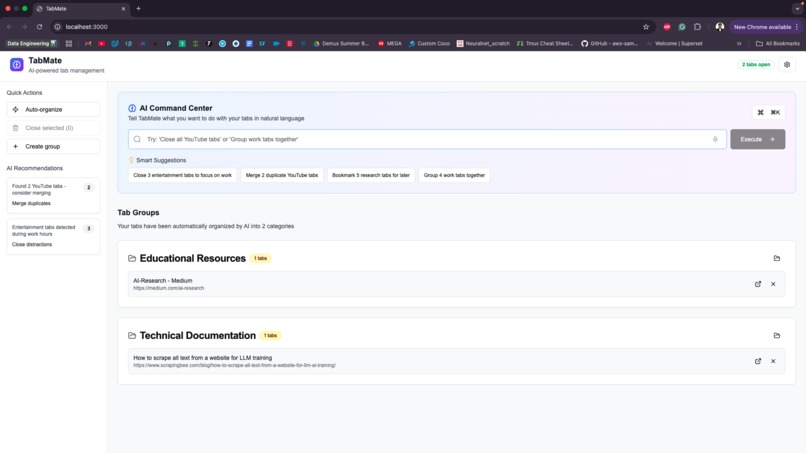
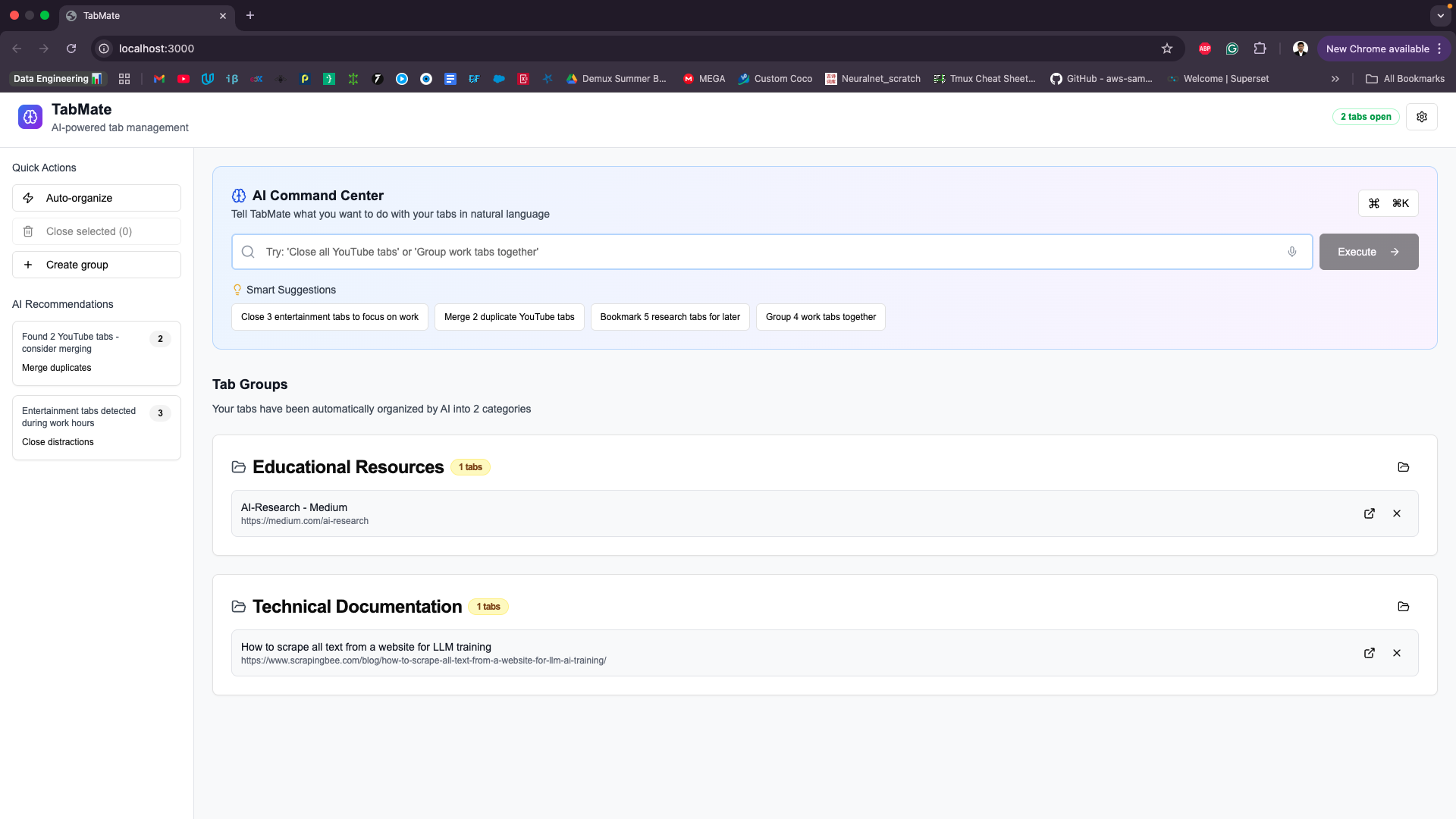
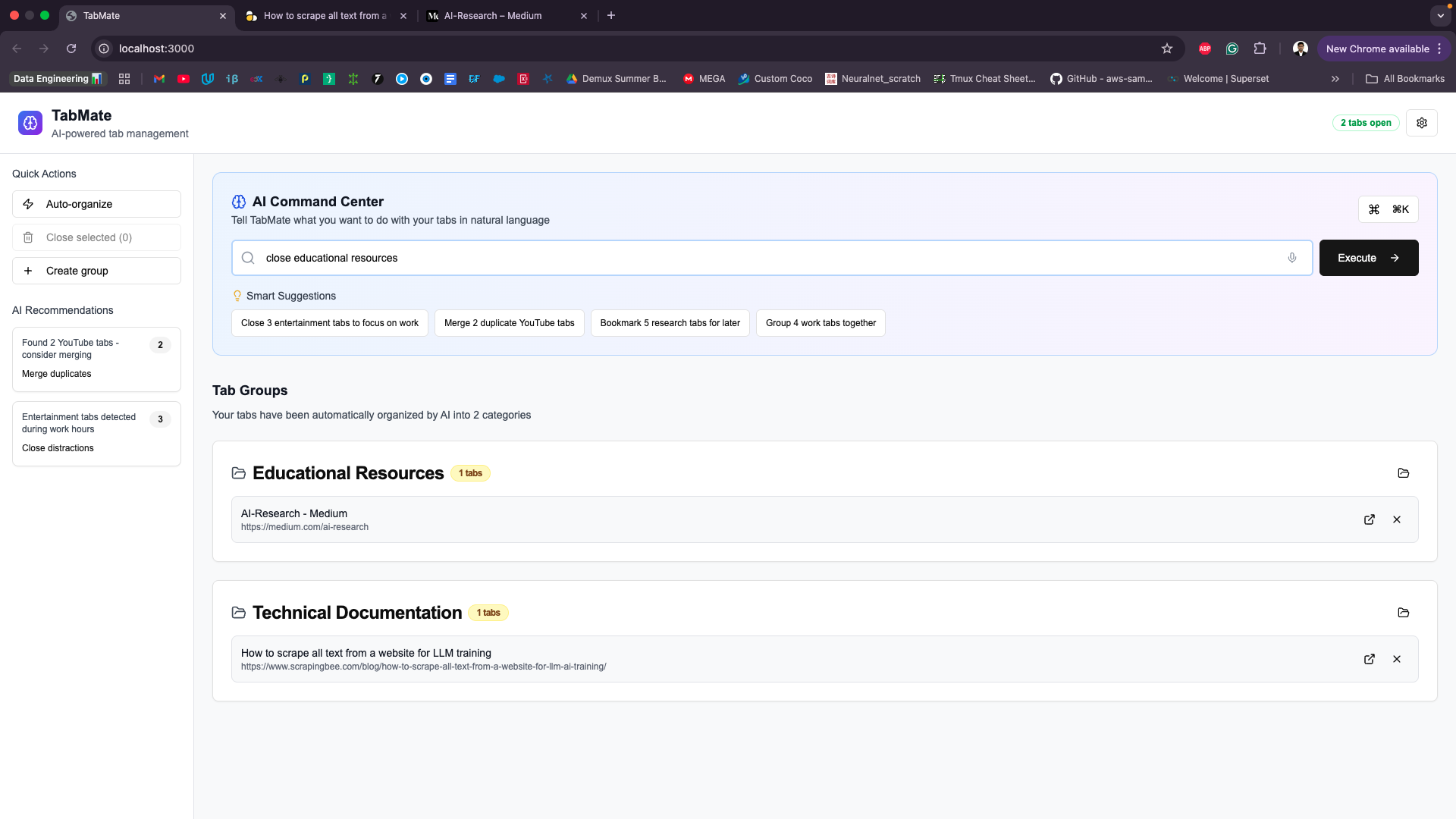
Home Page of TabMate
-
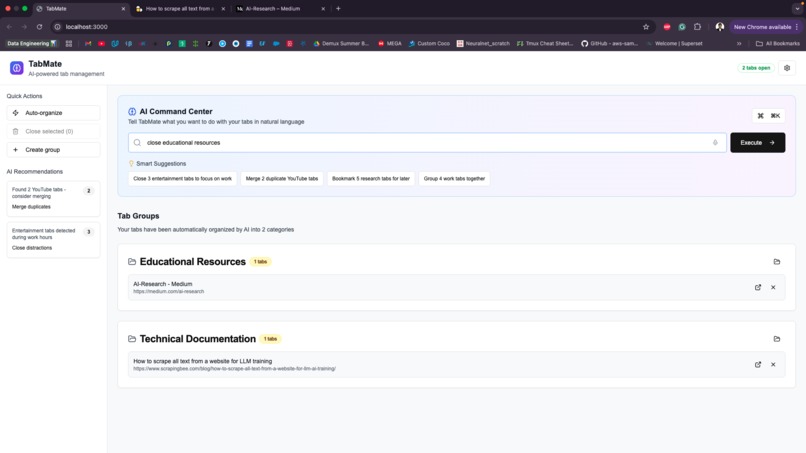
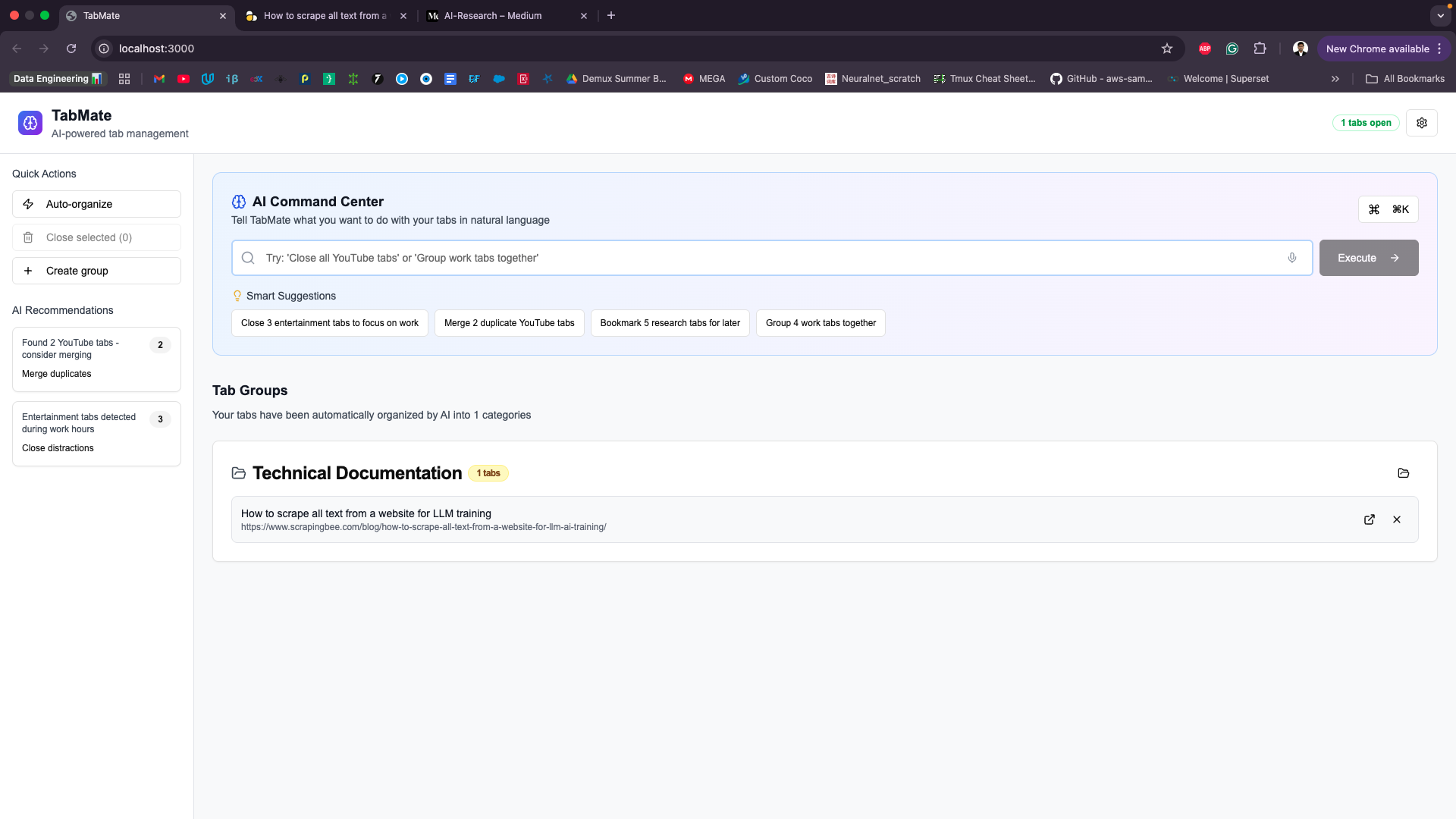
Managing Tabs Using TabMate
-
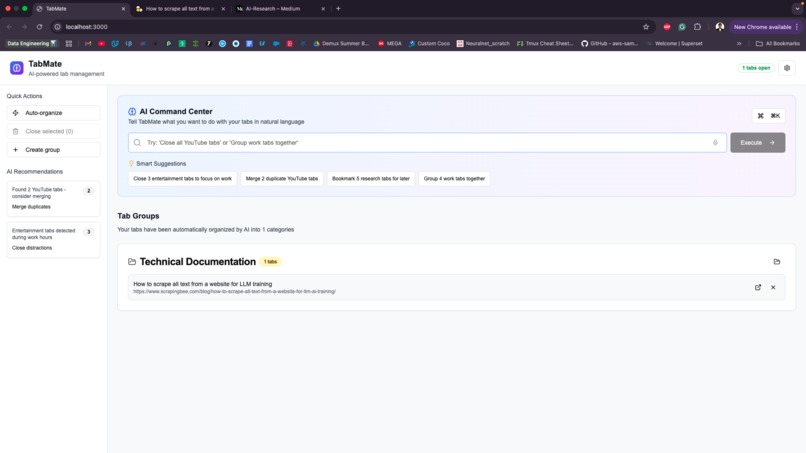
Closed Tabs
Inspiration
With countless apps, browser windows, and documents open, context-switching becomes overwhelming. We built TabMate to intelligently manage your tabs so you can stay focused.
What it does
TabMate centralizes all open browser tabs and applications into a unified, searchable interface. It uses AI to group tabs, detect duplicates, and suggest actions—streamlining your workflow and reducing clutter.
How we built it
Chrome Extension
- Injected content scripts to collect tab metadata and content
- Used the Chrome Extensions API for tab access, state tracking, and communication
- Synced tab data with the web app in real time
- Managed cross-origin permissions and messaging securely
Frontend (Web Interface)
- Built with Next.js, React, and TypeScript
- Styled using Tailwind CSS and Shadcn UI
- Implemented a command palette with natural language support
Backend + AI
- Flask server for tab processing and sync logic
- Integrated OpenAI API for intelligent categorization and command parsing
- Stored tab embeddings in a Qdrant vector database for fast, semantic retrieval
Key Features
- Real-time tab grouping and filtering
- Duplicate and distraction tab detection
- Natural language tab control via command palette
- Seamless Chrome extension + web app integration
Challenges we faced
- Syncing state across extension, backend, and frontend
- Ensuring low latency for AI queries
- Managing browser security restrictions and CORS
- Building an intuitive UI for complex tab operations
Accomplishments
- Fully integrated Chrome extension with web interface
- Built real-time, AI-driven tab management
- Created natural language support for tab commands
- Designed a scalable system with vector-based search
What we learned
- How to architect browser extensions that sync with web apps
- Best practices for using AI in user-facing real-time tools
- Handling complex state management across multiple environments
- Designing simple UIs for power users
What’s next
- Deeper browser-specific analytics and suggestions
- AI-based tab recommendations based on patterns
- Cross-device tab sync
- Keyboard shortcuts and voice commands
Built With
- flask
- html5
- nextjs
- openai
- python
- qdrant
- react
- tailwind
- typescript




Log in or sign up for Devpost to join the conversation.