-
-

Table Topics
-
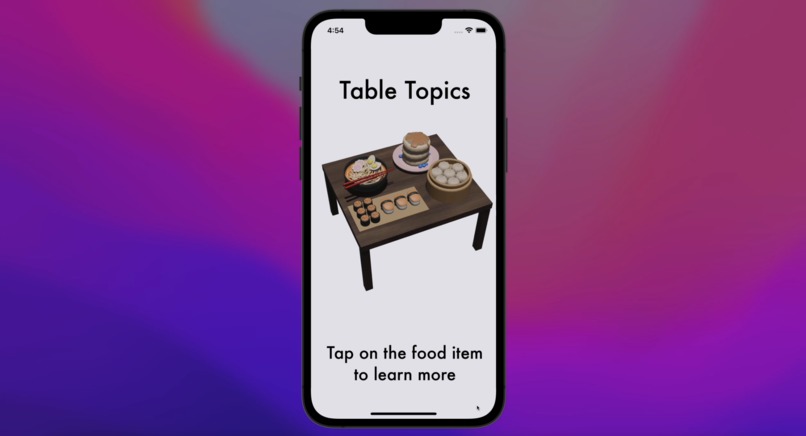
App Home Page
-
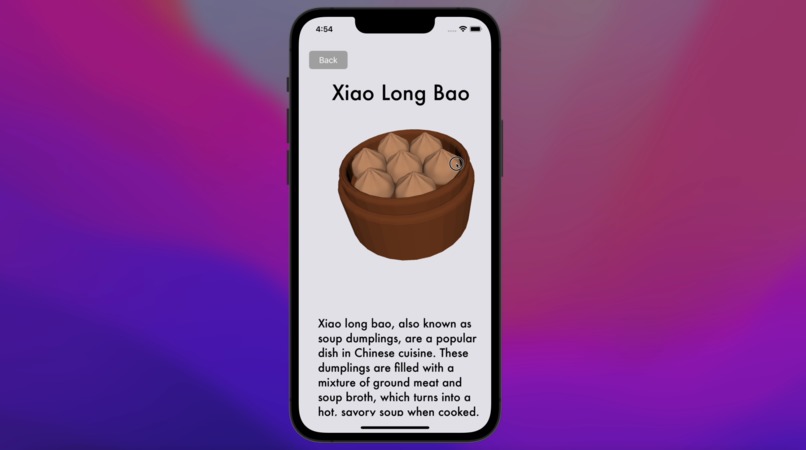
3D Food Guide
-
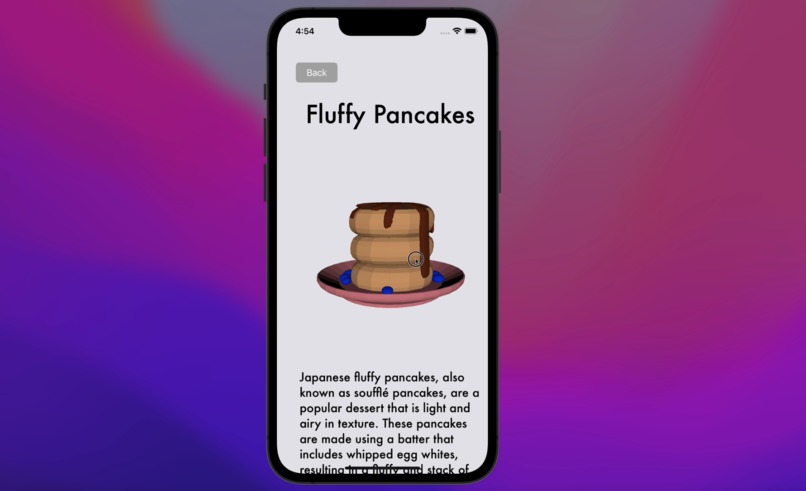
3D Food Guide
-
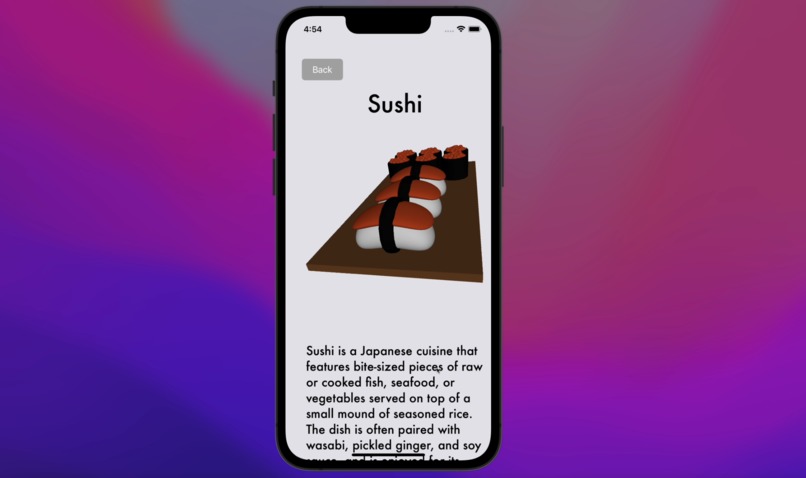
3D Food Guide
-
3D Food Guide
-
Blender Modelling
-
Blender Modelling




Inspiration
The inspiration behind this project was my love for 3D modelling and Asian food. I wanted to create an app that could share these passions with others while allowing users to learn more about Asian culture and food through an interactive user interface.
What it does
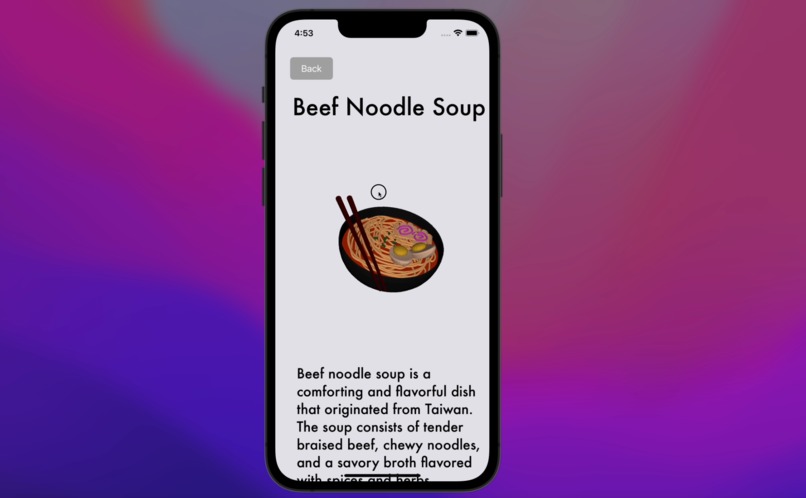
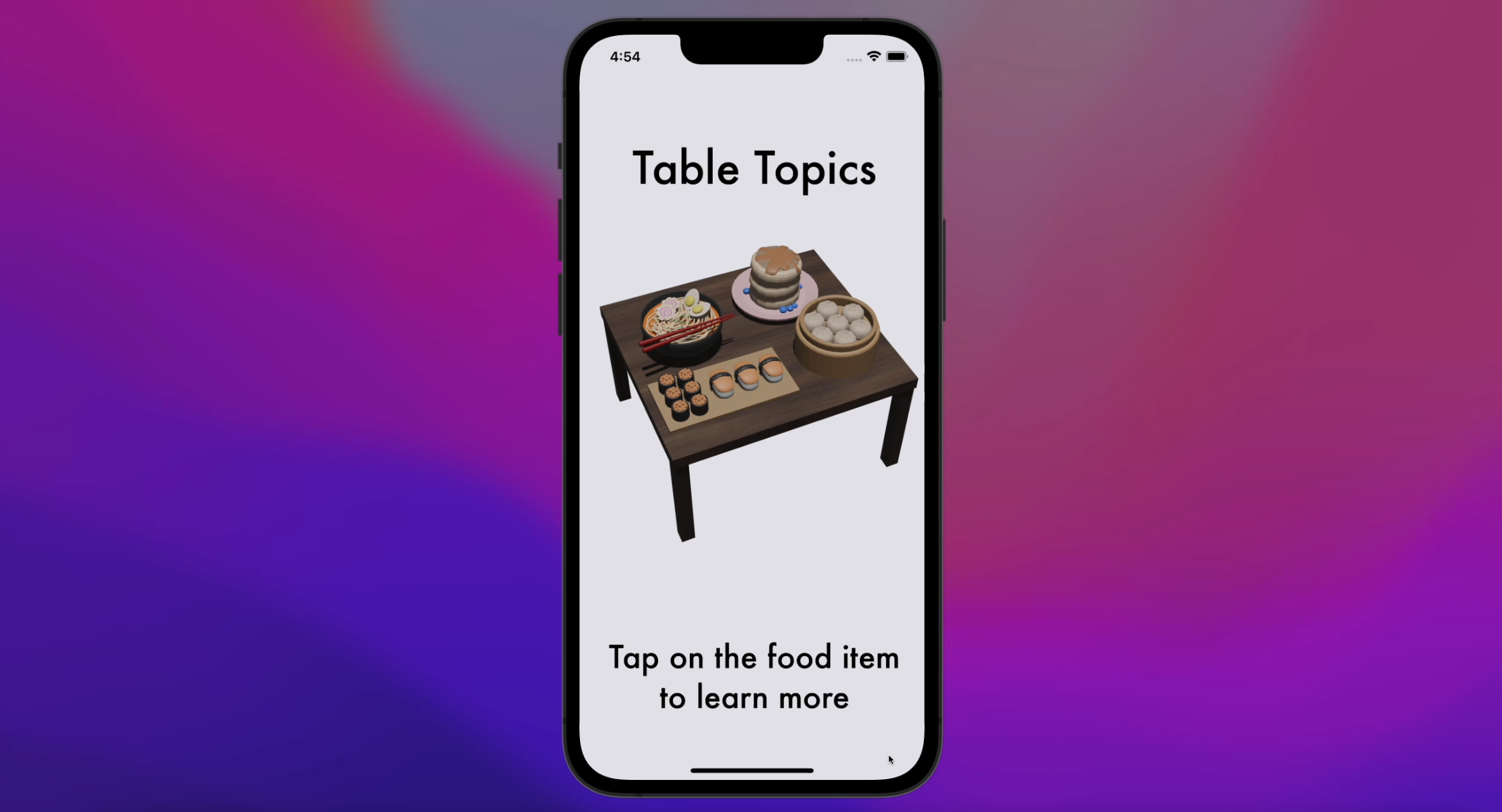
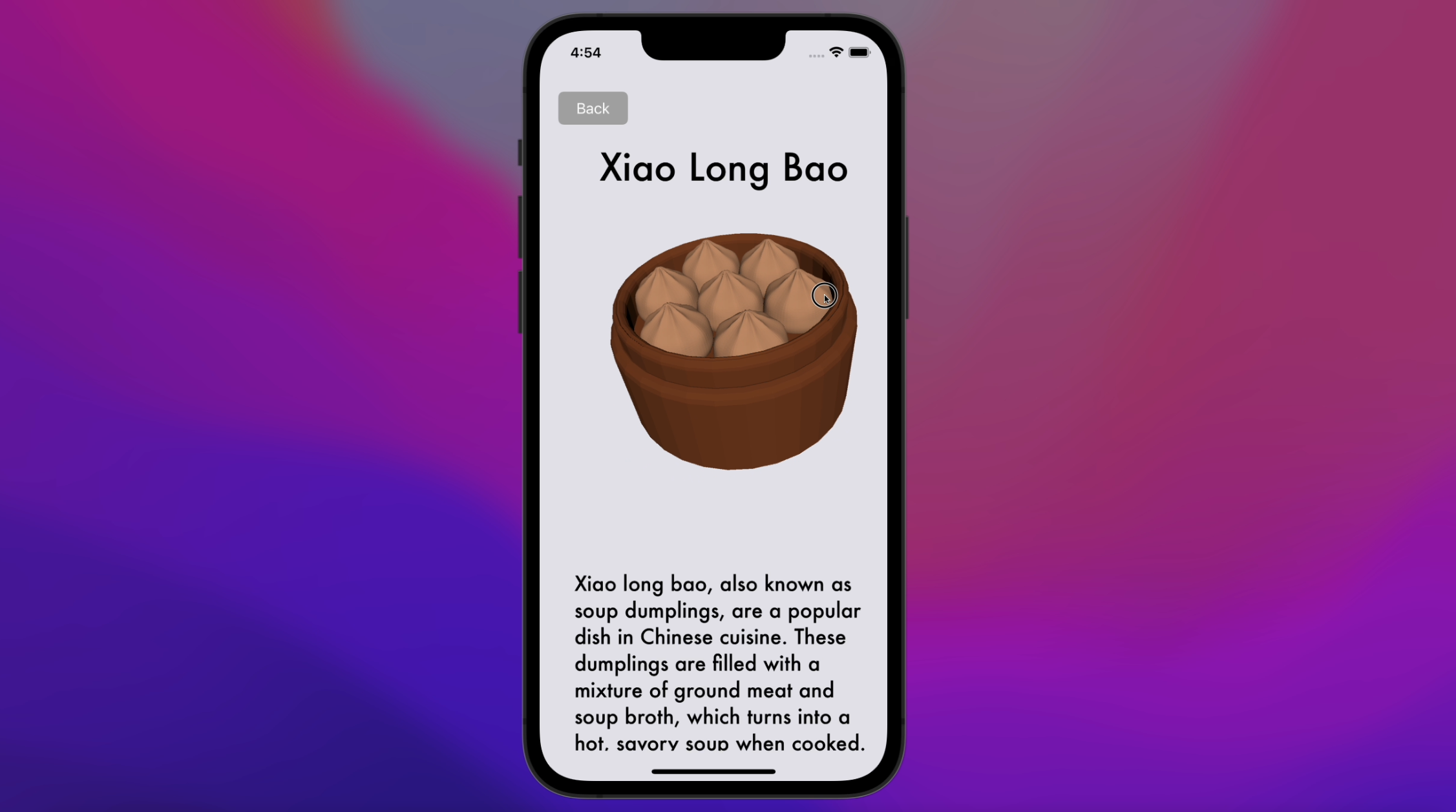
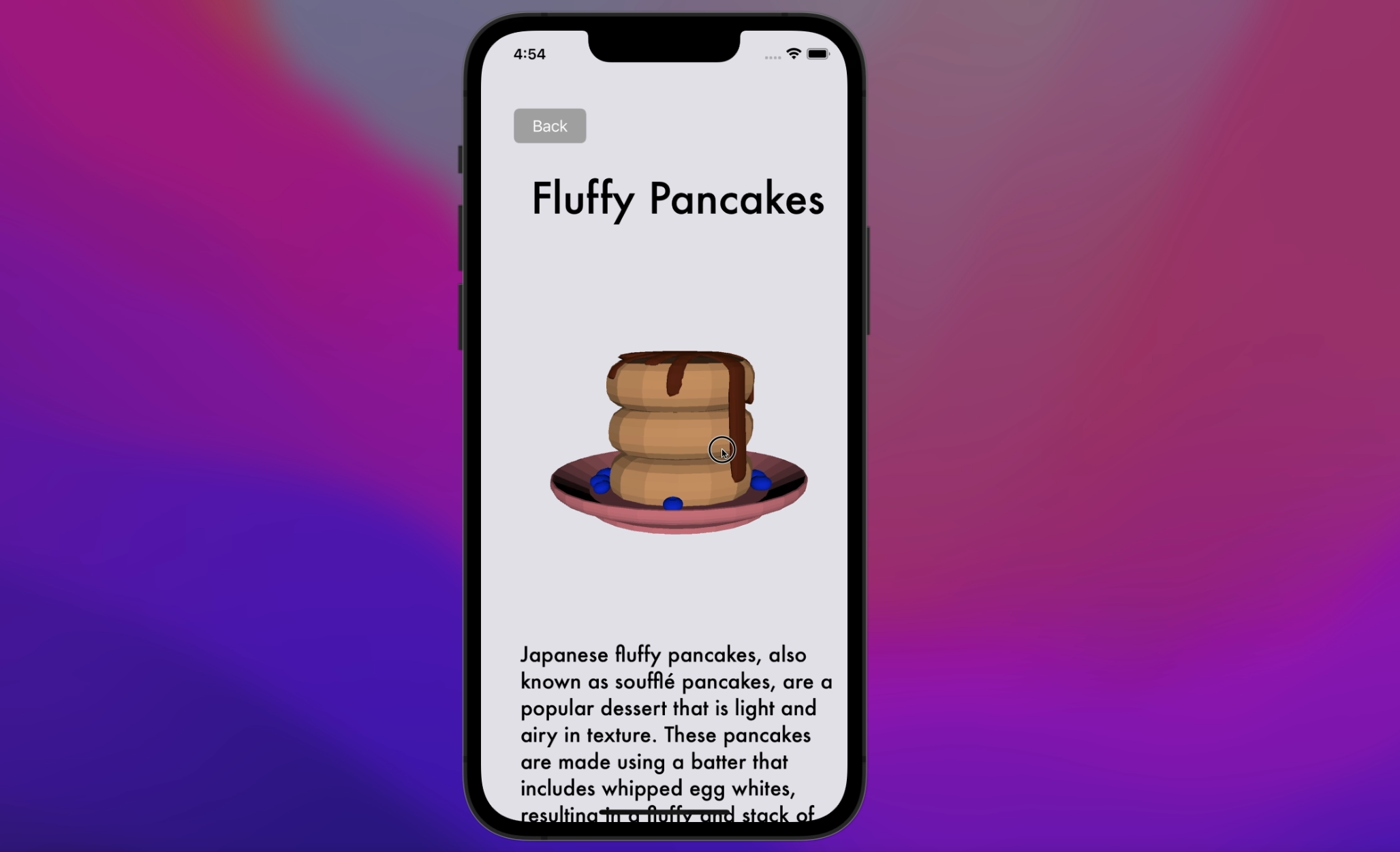
This app that allows users to learn about Asian food through an interactive 3D food guide.
How we built it
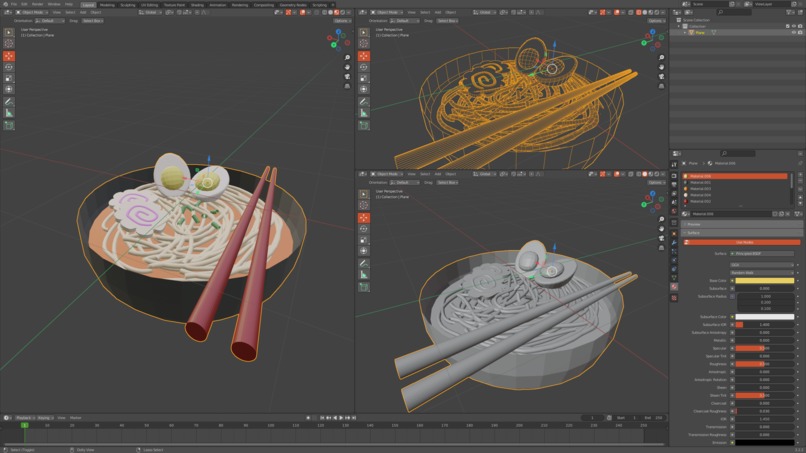
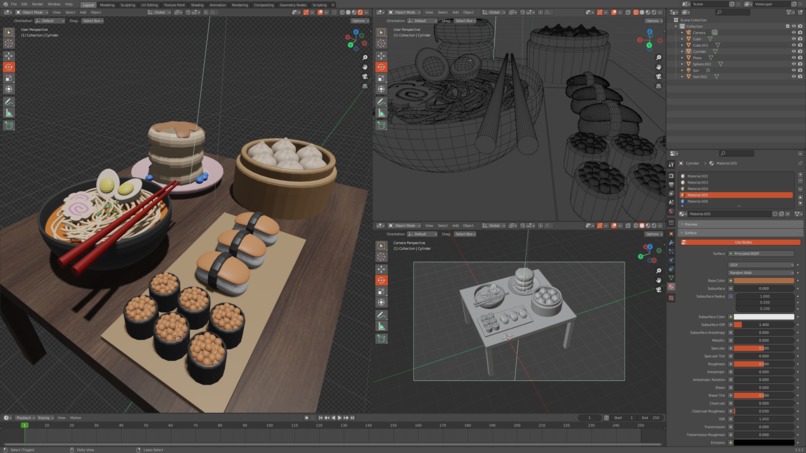
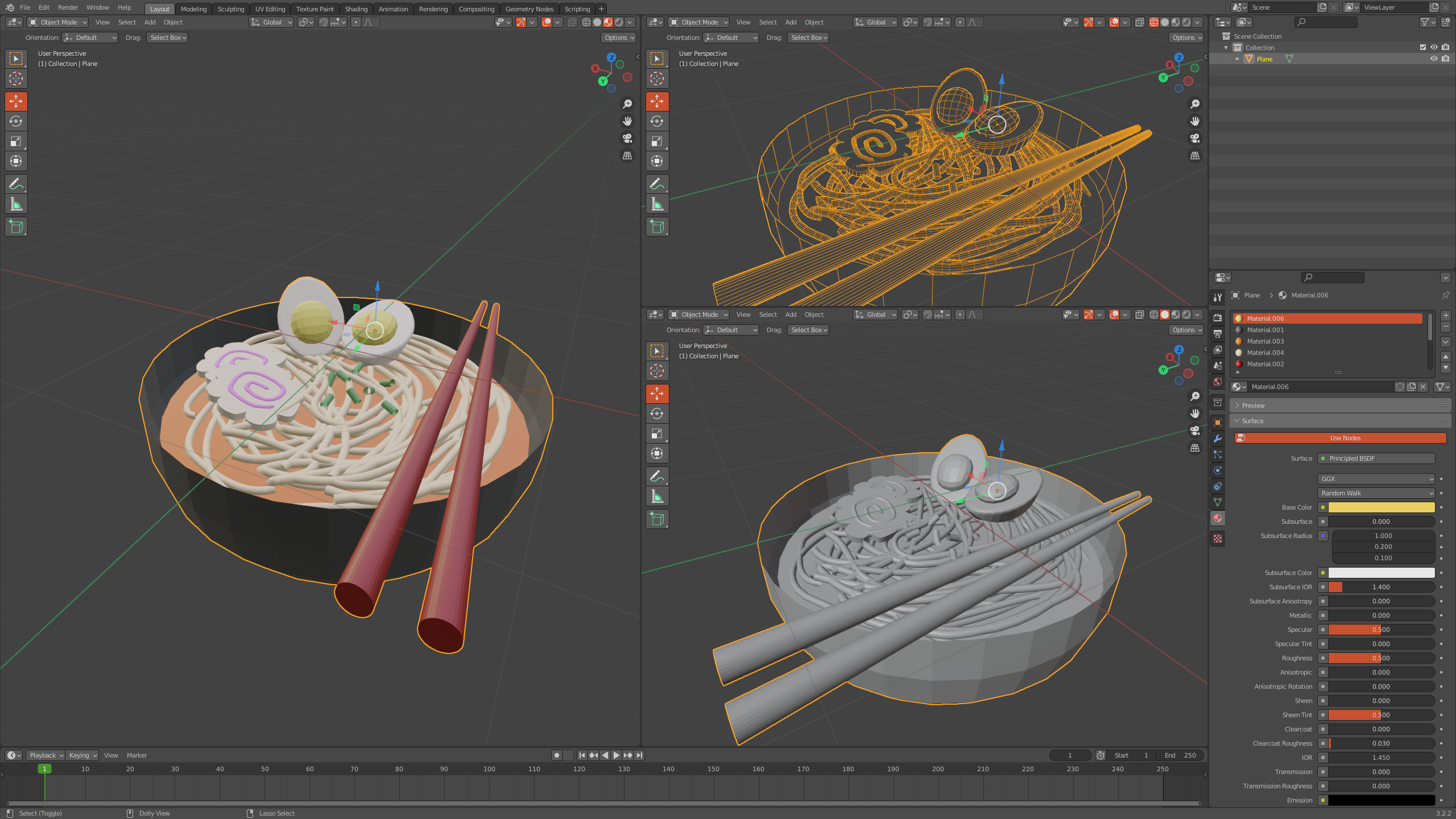
All 3D models were custom built in Blender. The models were then imported into XCode’s SceneKit and set up with the proper lighting. I then added a SceneKit view to my View controller to host the 3D models, and added a pan gesture recognizer, so that users would be able to interact with the models and view it from all angles. Then a scroll view was added to each view controller with the 3D models to allow for more space to put information. Finally, I embedded a web view into the view controller with online recipes so that users can learn to make the food if they’re interested.
Challenges we ran into
One of the main challenges was setting up the 3D model in iOS. When loaded into the SceneKit editor, the model looked different from how it did in Blender, and it took some trial and error to finally figure out how to set up the lighting.
Accomplishments that we're proud of
I am incredibly proud of being able to load the 3D models I created into the app, so that users have the ability to interact with them. This is something that took a while to finally complete, and being able to view the food models from all angles creates a fun and unique user experience.
What we learned
As mentioned before, one of the most notable things I learned is how to import a 3D model into XCode so that users can interact with it, which I think is really cool!
What's next for Table Topics
Potentially adding more food options for users to explore, with links to more recipes! The idea of using interactive 3D models for a more immersive education experience can also be applied to other topics and fields!


Log in or sign up for Devpost to join the conversation.