
Inspiration
Everyone loves parties. Me, you, your friends, parents, coworkers, and enemies because we all value human connection, being directly linked to one’s happiness. Now, what do you need in a party…? People, decorations, music, vibes, and…. A drink. Or multiple drinks! However, mixing drinks for YOUR mixer takes both time and effort and worse, what if it doesn’t fit the vibes of the party? Well, fear not, Mixer Mixer helps create tailored drinks to any gathering. You are able to create new inventive drinks with clear ingredients and recipes, and who knows? Maybe you 🫵 will create the next Coke.
Mixer Mixer is a web application designed to generate, save, and manage themed recipes using a Python Flask backend, a React frontend, and a MongoDB Atlas database. The platform integrates with Google Gemini’s API to deliver tailored recipe suggestions based on user input.
Backend
We used the Flask microframework to build a lightweight backend that provides endpoints for key operations.
Recipe Generation
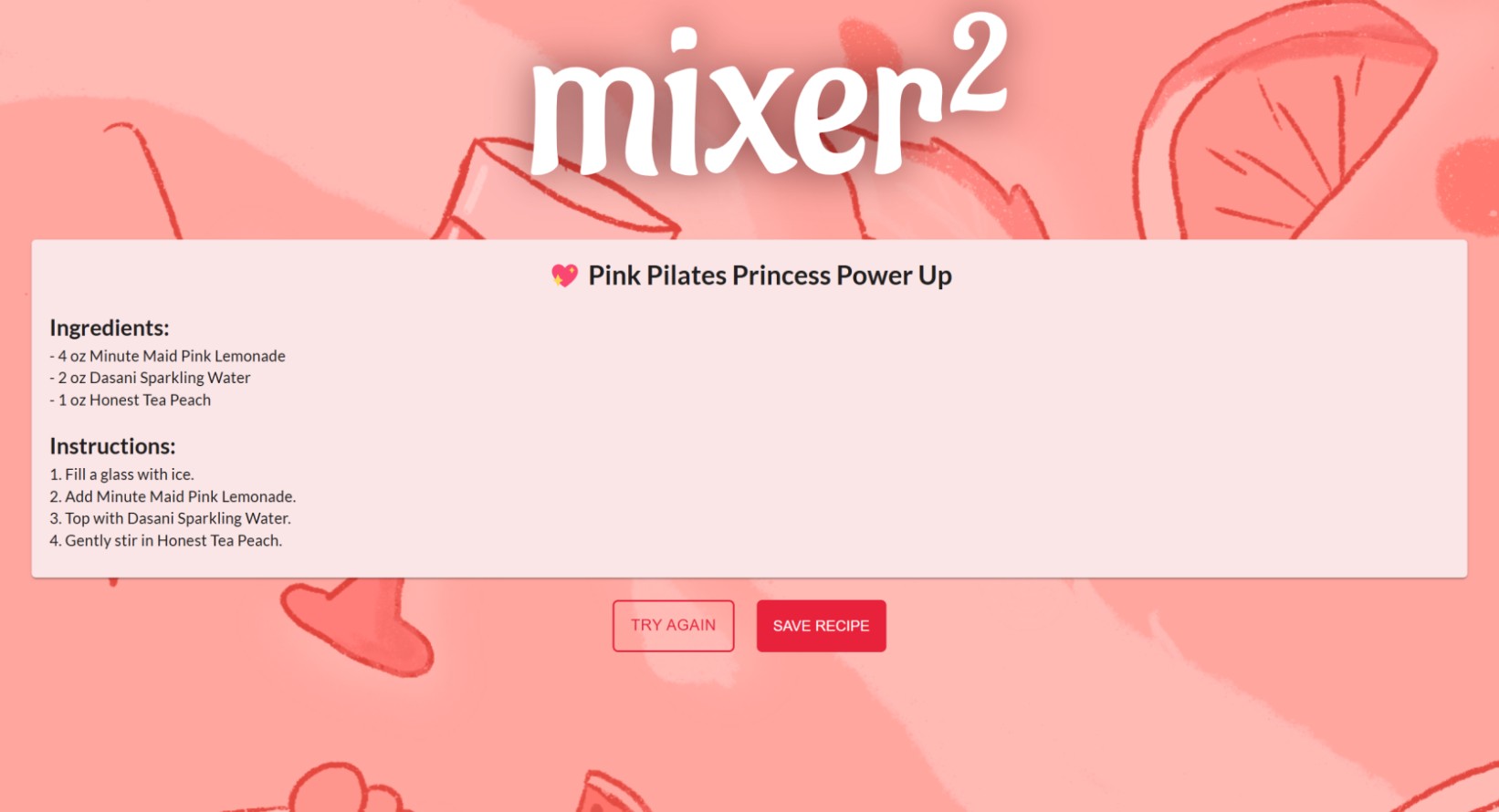
We generated recipes using Google Gemini’s API, where we prompted the chatbot to return a themed recipe using products owned by Coca-Cola in a predictable format. We then parsed the Gemini output into a standardized JSON format for use in the rest of our application.
Database Management
We chose MongoDB Atlas for our database. MongoDB’s document-based model allows for flexible schema and is ideal for the semi-structured nature of our recipe data. Using the PyMongo distribution, we implemented create, read, and update operations to manage our database. operations to manage our database.
Frontend
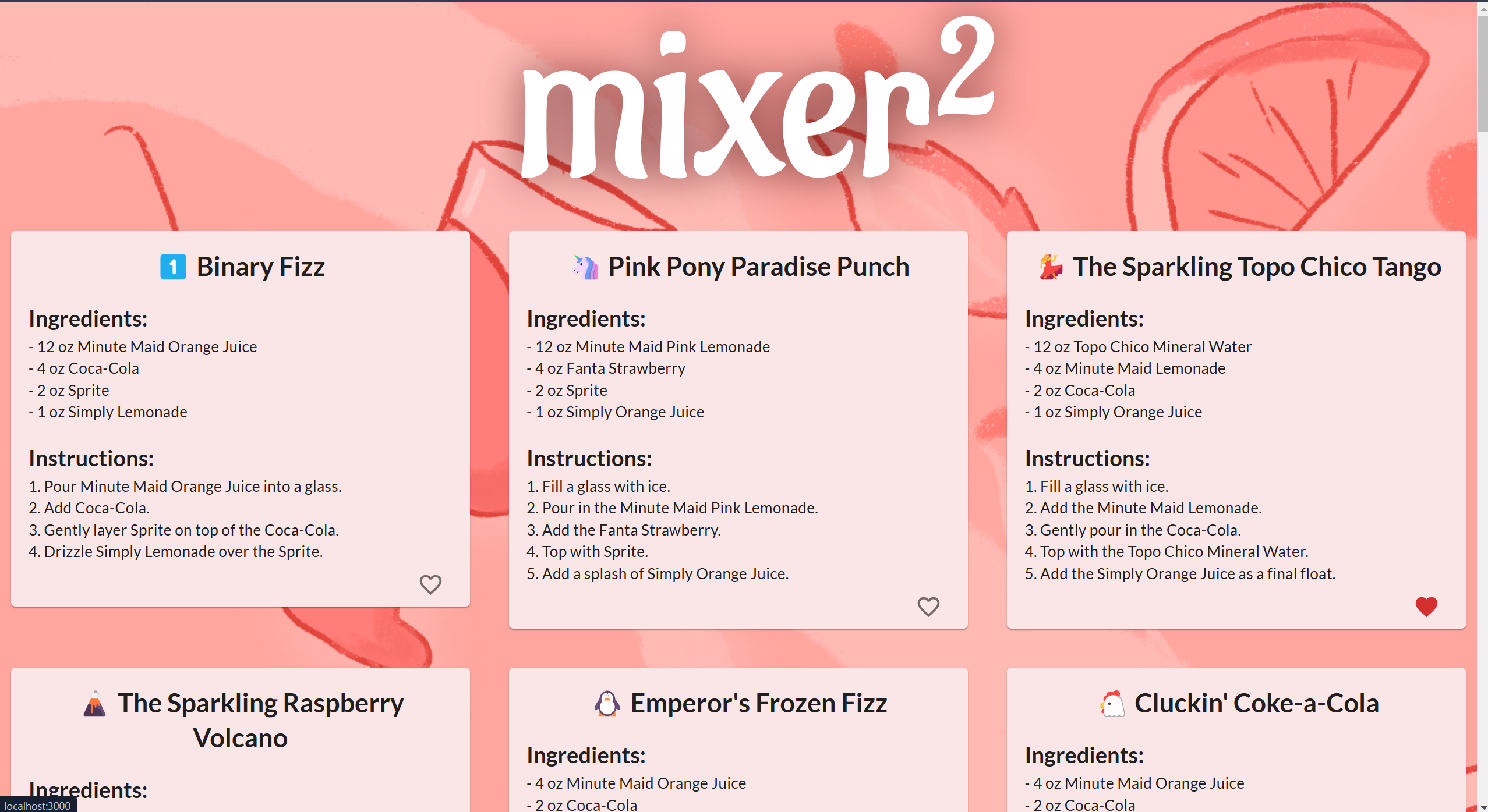
Our React frontend serves as an interface for users to input a theme to use when generating a recipe, choose to save a recipe, view previously-created recipes, and favorite recipes they like. It communicates with the backend via HTTP requests to fetch and send data dynamically. using mongodb atlas **storing recipes **json document format **flexible schema :D **hosted in the cloud **pymongo distribution *find *insert **update
Challenges we ran into
Initially, we decided to use the OpenAI API to generate responses, but we quickly encountered a limitation on the number of API requests we could make. Additionally, we needed to ensure consistency in variable names across our codebase after pulling commits from GitHub. Some team members also lacked the necessary packages, requiring installation to get the frontend or backend code working correctly. The Gemini API posed another challenge, as it didn’t consistently return diverse responses or incorporate a wide range of Coca-Cola-owned brands in its recipes. To address this, we had to adjust the prompt to prioritize these brands. We also refined the prompt to include detailed ingredient lists (with portions) and numbered instructions, ensuring a predictable format for easier storage in the MongoDB database. On the frontend, it was challenging to format the information in a way that was both visually appealing and user-friendly. We worked to maintain a consistent color palette and design aesthetic to enhance the overall user experience.
What We Learned
Throughout the project, we learned how to use Python and Flask for the backend in order to make Gemini API calls. We also gained knowledge on how to store and share data in a MongoDB database. One of the most crucial yet time-intensive tasks that we learned to do was connecting the user input from the front end to the API call in the backend. To make our project aesthetically pleasing, we used the React Framework which all of us had little previous experience with. However, most importantly, we learned that Coca-Cola owns a lot of brands! (200+) 🤯

Log in or sign up for Devpost to join the conversation.