-
-
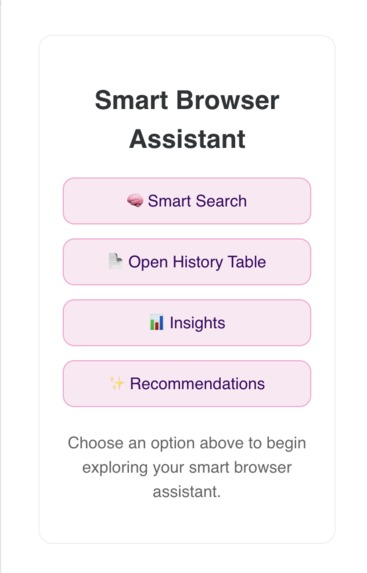
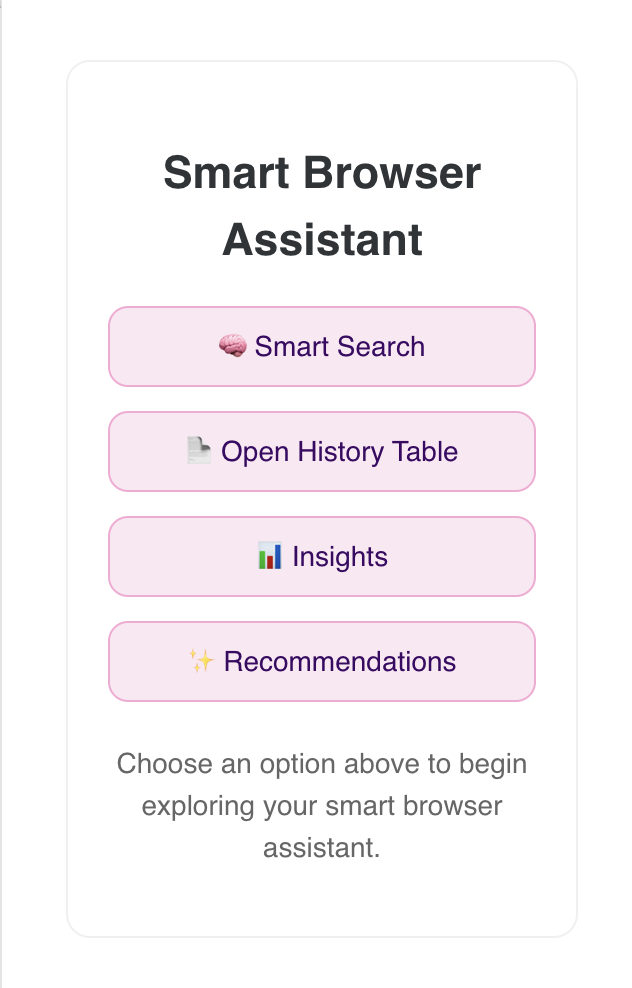
Extension Landing Page
-
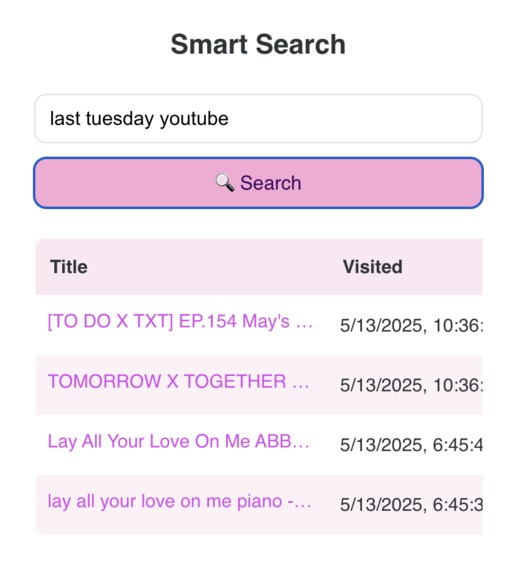
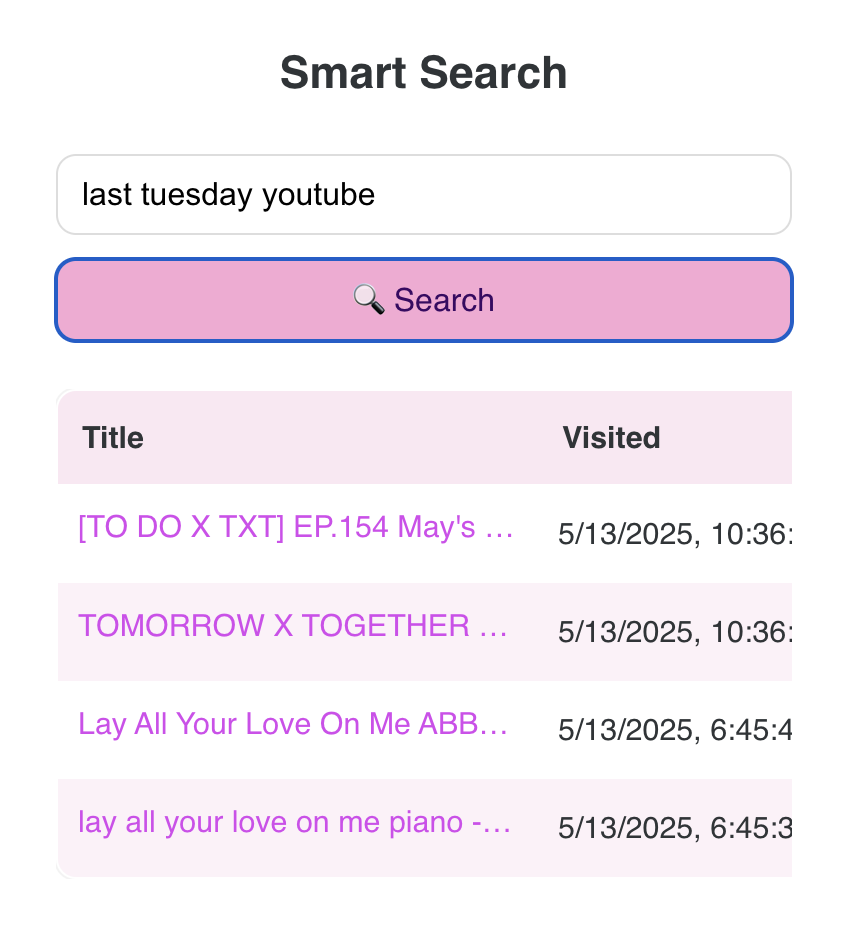
Example Results
-
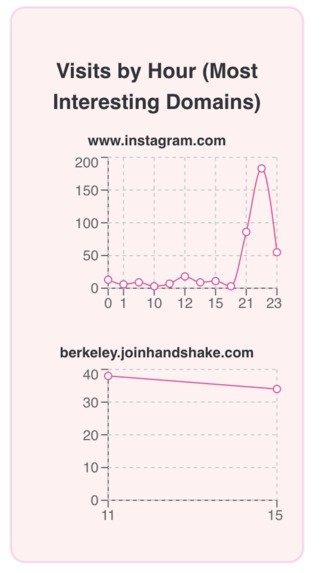
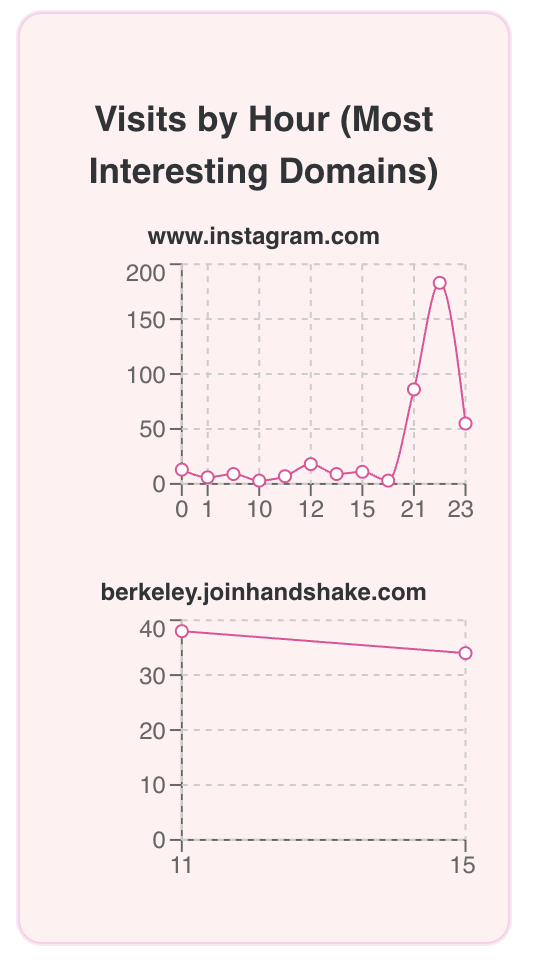
Insight Graphs
-
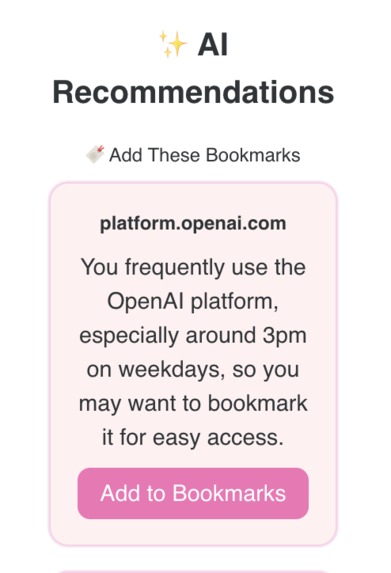
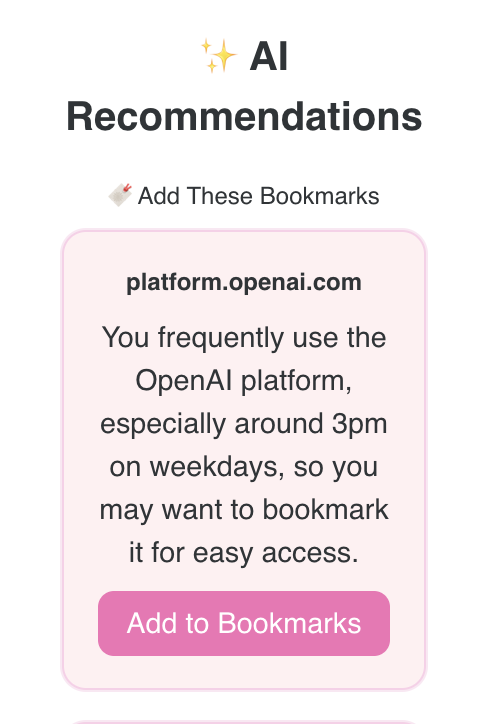
AI Recommendations of Bookmarks and Pages to Visit
-
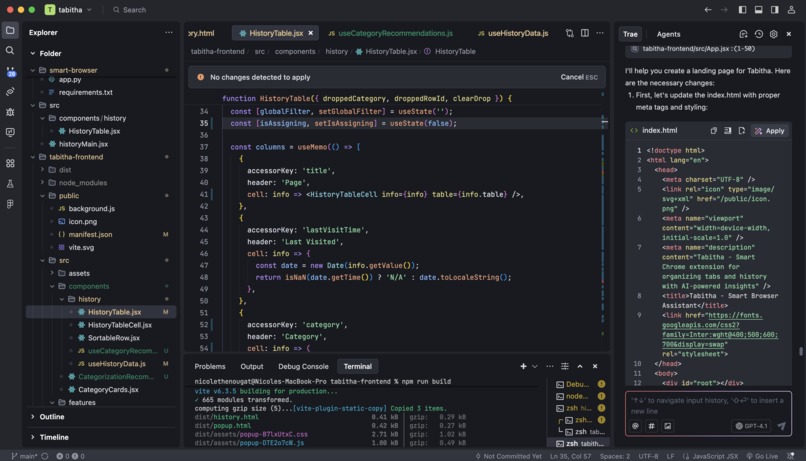
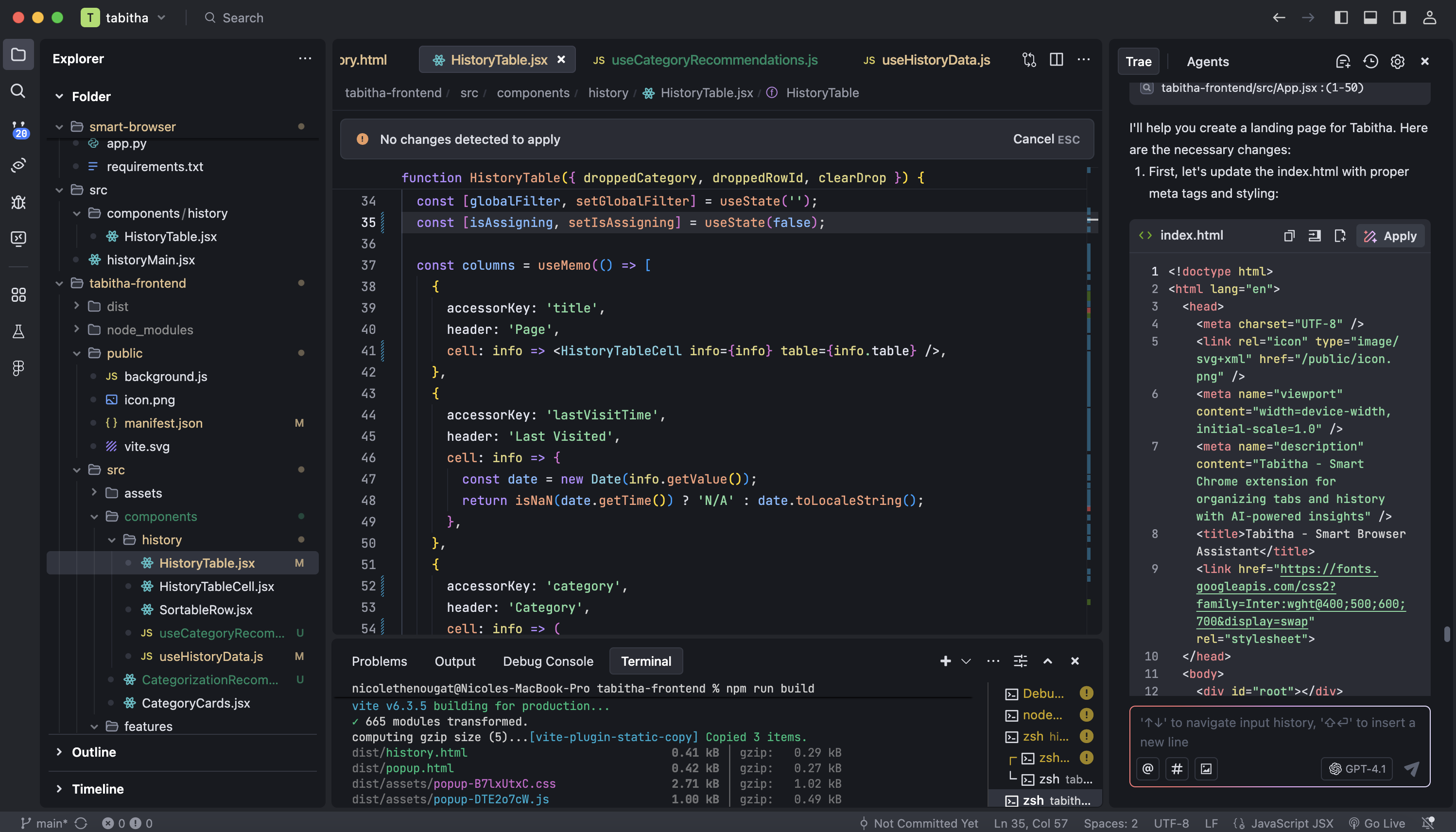
@trae_ai #agenthacks
Inspiration
Tabitha is a smart Chrome extension that helps you take control of your browser tabs and history. Designed to reduce tab overload and make your browsing more intentional, Tabitha tracks and organizes your open tabs and history in real-time—then layers in AI to surface insights and boost productivity.
What it does
Tabitha lets users explore and understand their browsing behavior through a clean, intelligent interface. Whether you're trying to recall a specific page from "last week’s Netflix binge" or want to know which websites you keep visiting late at night, Tabitha gives you answers fast—with context. It supports:
Natural language search over browser history
AI-powered parsing and filtering
Personalized insights and analytics
Smart recommendations based on time-of-day patterns, usage drops, and visit sequences
How we built it
Frontend was built in React using Vite and styled with TailwindCSS and shadcn/ui for a modern, Notion-inspired interface.
Backend is powered by Python with Flask, which handles API requests, analytics processing, and AI prompt construction.
AI integration uses Claude 3 (Haiku) via the Anthropic SDK to interpret vague queries and generate smart recommendations.
Browser data is retrieved using the Chrome Extensions API, then analyzed and enriched before being shown to the user.
Challenges we ran into
Contextual parsing: Interpreting vague user phrases like “third workout video from last week” required precise prompt engineering.
History data limitations: Chrome’s history API doesn’t expose page content, which forced creative strategies around domain analysis and metadata.
Styling Vite-based extensions: Combining Tailwind, React, and Chrome extension architecture introduced some build and scope-specific quirks.
Keeping things fast: Handling natural language processing without slowing down the user experience meant lots of fine-tuning on both ends.
Accomplishments that we're proud of
Built a full end-to-end browser assistant with AI in a day
Enabled semantic, time-aware history search
Created a recommendation engine based entirely on local behavior data
Designed a cohesive UI experience styled to match the look and feel of modern productivity tools
What we learned
How to integrate Claude 3 with prompt chaining to return structured data
How to build and style browser extensions with React and Vite
How to analyze browsing behavior for patterns and trends
That product polish—especially good UI/UX—matters a lot for adoption and usability
What's next for Tabitha
🧠 AI Summarization of Pages: Use Claude to generate quick, readable summaries of visited pages to help users remember what each site was about—even when the title isn’t helpful.
🔗 Cross-Device Syncing: Enable syncing history and bookmarks across devices using a secure cloud backend.
🎯 Focus Mode: Help users stay focused by highlighting distracting patterns and offering gentle nudges or site blocks.
🗃️ Tagging & Grouping: Let users categorize history entries into themes like “Research,” “Entertainment,” or “Errands,” and view them as clusters.
Built With
- api
- claude
- fastapi
- javascript
- node.js
- python
- react
- trae
- vite


Log in or sign up for Devpost to join the conversation.