Tabi – Privacy-First Browser Intelligence
Inspiration
Every AI assistant today sends your data to the cloud. Your browsing history, open tabs, bookmarks—all transmitted to remote servers for processing. We asked ourselves: does browser automation really need to compromise privacy?
The inspiration came from Chrome's new AI APIs. For the first time, we could run real language models directly in the browser. We saw an opportunity to build something different: an intelligent assistant that keeps your data local while delivering cloud-level capabilities.
What it does
Tabi is a privacy-first browser assistant that understands natural language commands and processes 80% of them entirely on your device.
Core Features:
- Semantic Search: Find tabs/bookmarks by meaning, not keywords ("find that article about AI scaling")
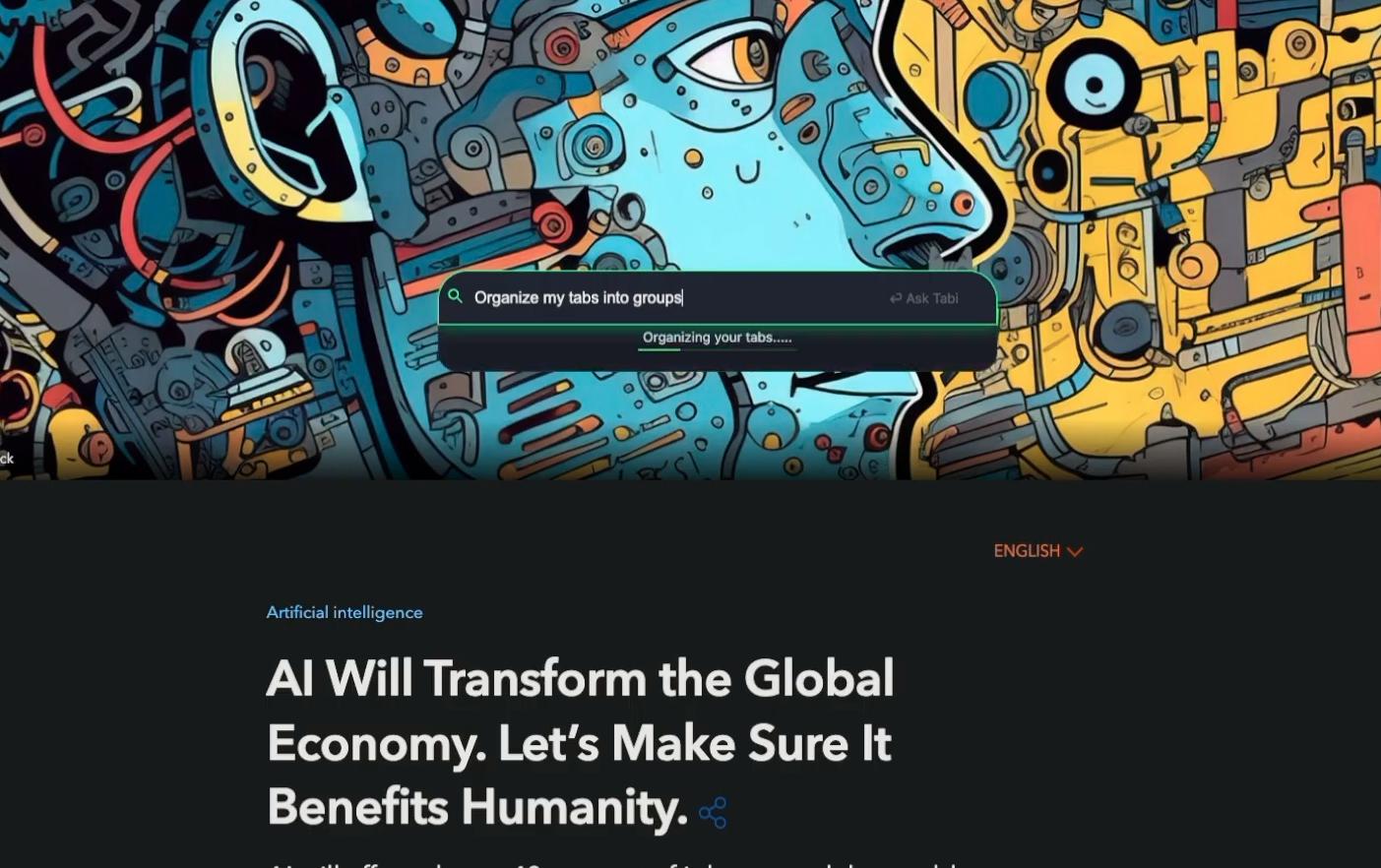
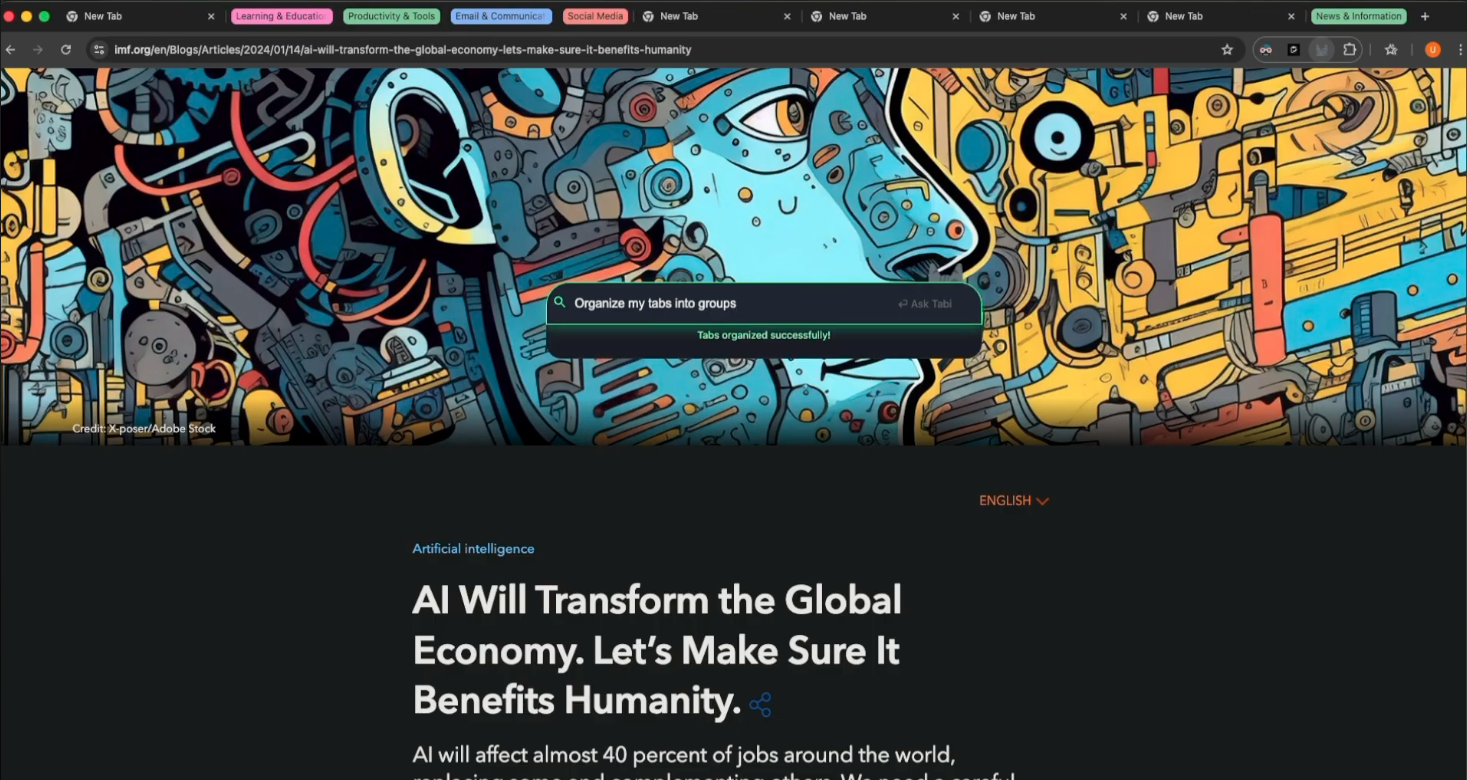
- Intelligent Organization: Auto-group tabs by topic or context
- Smart Cleanup: Close tabs based on semantic understanding ("close all distracting tabs")
- Tab Generation: Create curated collections for research or projects
- Bookmark Management: Search, organize, and clean bookmarks naturally
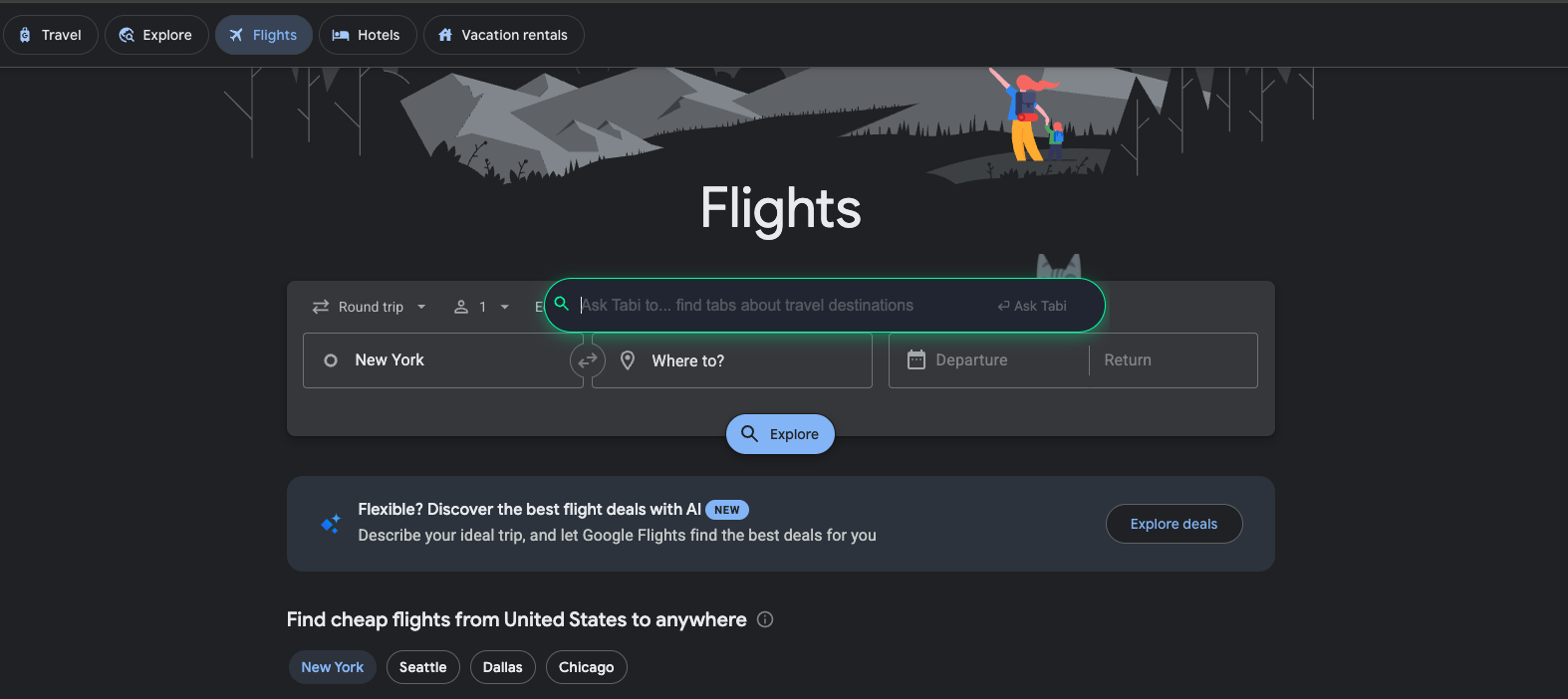
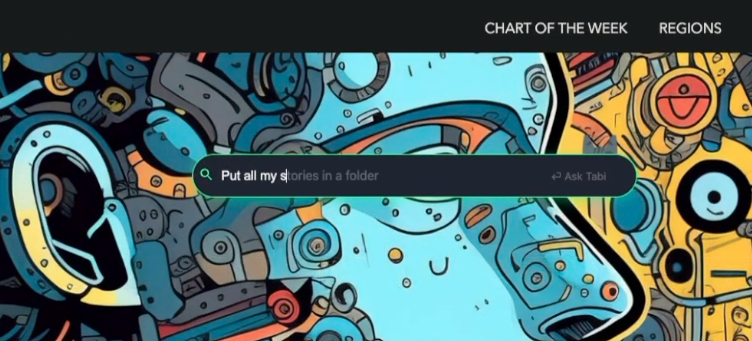
- Real-Time Suggestions: AI-powered autocomplete as you type
Chrome AI APIs Used:
1. Prompt API (Gemini Nano) - Primary intelligence layer
- Schema-constrained inference for reliable JSON outputs
- Intent classification with confidence scoring (threshold: 0.8)
- Processes 70-80% of queries locally with <100ms latency
- Semantic understanding without keyword matching
2. Writer API (Gemini Nano) - UX enhancement layer
- Dynamic placeholder generation based on browsing context
- Session-based autocomplete predictions
- Contextual loading messages tailored to query type
- Command suggestion and discovery
Architecture:
User Command
    ↓
[Prompt API - Intent Classification]
    ├─ High confidence (≥0.8) → Local execution (<100ms)
    │   [Prompt API processes + validates]
    │   [Writer API enhances UX]
    │   [Direct Chrome API execution]
    │
    └─ Low confidence → Cloud reasoning (~800ms)
        [FastAPI Backend]
        [Gemini 2.5 Flash with schemas]
        [Validated response → Chrome APIs]
How we built it
Frontend (Chrome Extension):
- Manifest V3 extension with command palette interface (Cmd+K)
- Integrated Prompt API with strict JSON schemas to prevent hallucinations
- Implemented Writer API for real-time suggestions and autocomplete
- Built fuzzy search for instant tab/bookmark/history access
- Direct manipulation via Chrome APIs (tabs, bookmarks, tabGroups)
Backend (Python/FastAPI):
- pydantic-ai Agent powered by Gemini 2.5 Flash for complex reasoning
- Pydantic schemas enforce structured outputs before returning to extension
- Stateless design with zero data retention
- Handles only tab generation and low-confidence fallback queries
Hybrid Intelligence System:
- Prompt API classifies intent and returns confidence scores
- High-confidence queries (≥0.8) execute entirely locally
- Low-confidence queries route to cloud for deeper reasoning
- Writer API provides contextual feedback throughout
Challenges we ran into
1. Reliable Structured Outputs
Language models love being chatty. Browser automation needs JSON. Early versions failed ~30% of the time due to parsing errors.
Solution: Prompt API's schema constraints. We enforced strict JSON formats:
responseFormat: {
  type: "json_schema",
  schema: {
    type: "object",
    properties: {
      action: { enum: ["search", "close", "organize"] },
      confidence: { type: "number", minimum: 0, maximum: 1 }
    }
  }
}
Error rate dropped to <2%.
2. Confidence Threshold Tuning
Initial routing at 0.9 confidence sent everything to the cloud. Users experienced unnecessary latency and privacy loss.
Solution: A/B testing found 0.8 was optimal—78% local processing with <5% error rate. Privacy improved performance (89ms vs 850ms).
3. Sparse Documentation
Chrome AI APIs launched recently with minimal examples. We spent days debugging schema formats, session management, and token limits.
Solution: Trial and error, reading source code, and documenting our findings for the community.
4. Context Window Limitations
Local models have smaller context windows than cloud models. Sending full browsing history wasn't feasible.
Solution: Intelligent context compression—we send only the most relevant tabs/bookmarks based on the query intent.
Accomplishments that we're proud of
Privacy without compromise: 78% of queries never leave your device. We proved local-first AI can be fast, capable, and genuinely private.
Semantic understanding that works: "Close distracting tabs" has no keywords, but our system understands intent (social media, news, entertainment) without explicit rules.
Sub-100ms local processing: Local queries execute faster than cloud alternatives while maintaining accuracy.
Proper API integration: We didn't just call APIs, we used schema constraints, confidence routing, and Writer API enhancement to demonstrate what Chrome AI can do.
What we learned
Schema constraints are non-negotiable. Free-form LLM responses are unreliable for structured tasks. Constraints made our system production-ready.
Confidence thresholds matter more than model size. Smart routing between local and cloud delivers better results than using only one or the other.
Users need transparency. Showing "processed locally" builds more trust than any privacy policy.
Bleeding-edge tech has sharp edges. Working with new APIs means debugging without Stack Overflow answers. But being first means defining best practices.
What's next for Tabi
Cross-session pattern learning: Learn user preferences while maintaining privacy (local-only learning models)
Voice command interface: Integrate Chrome's speech recognition APIs for hands-free control
Multi-modal understanding: Combine screenshots + commands for visual context
Workspace templates: Save and restore custom browsing environments


Log in or sign up for Devpost to join the conversation.