-
-
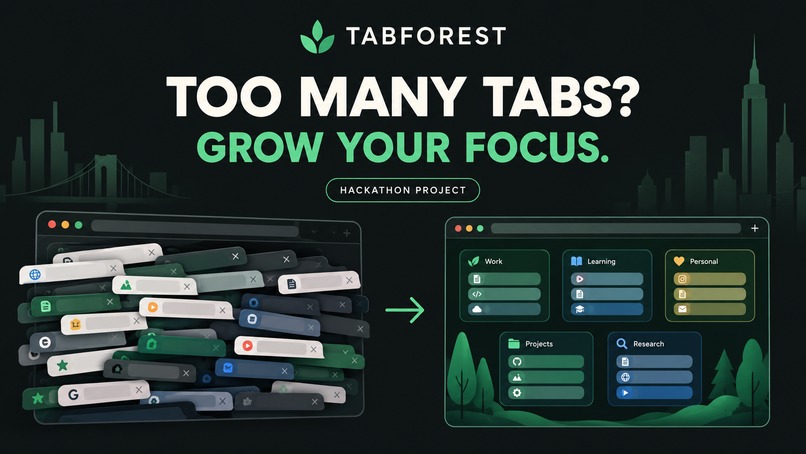
Cover Page
-
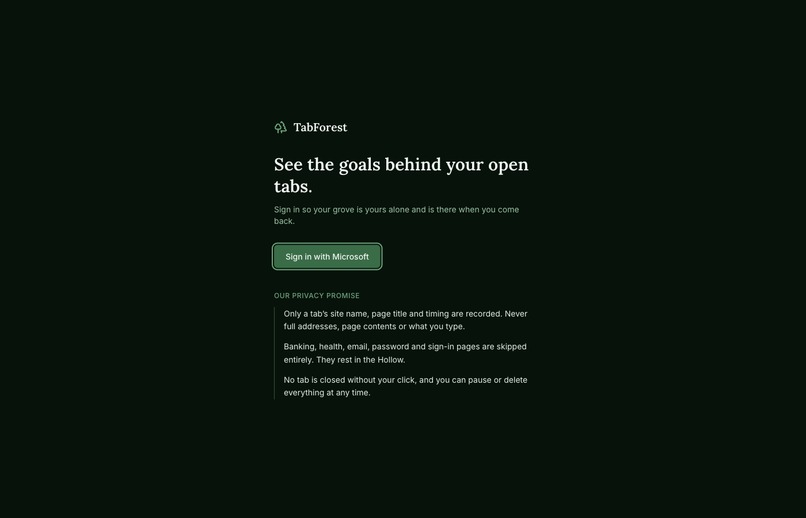
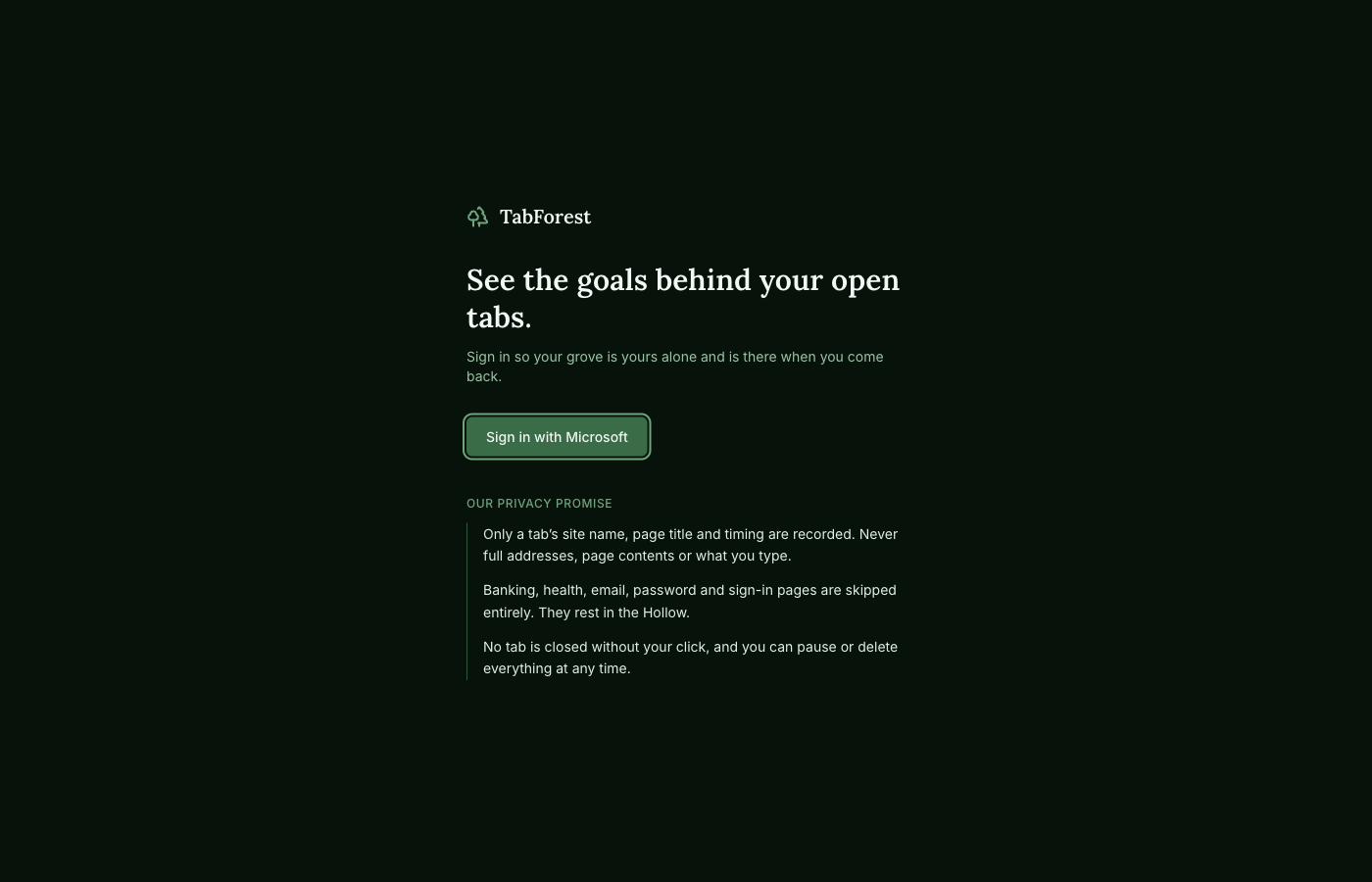
Sign in
-
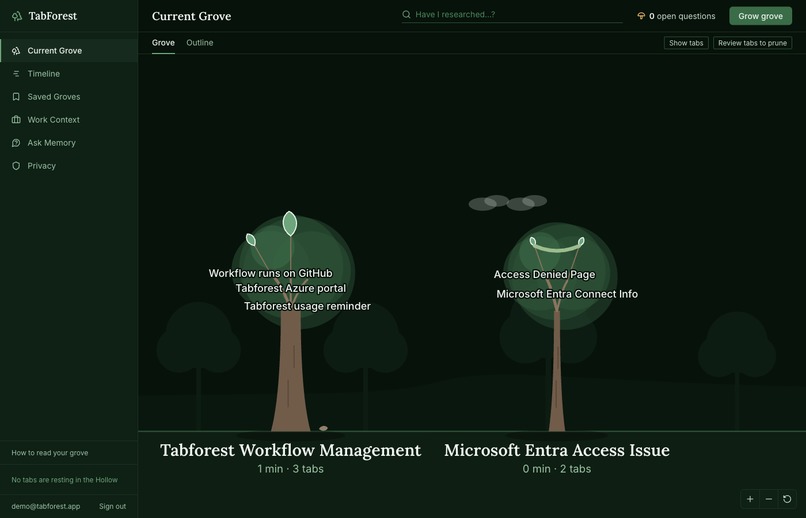
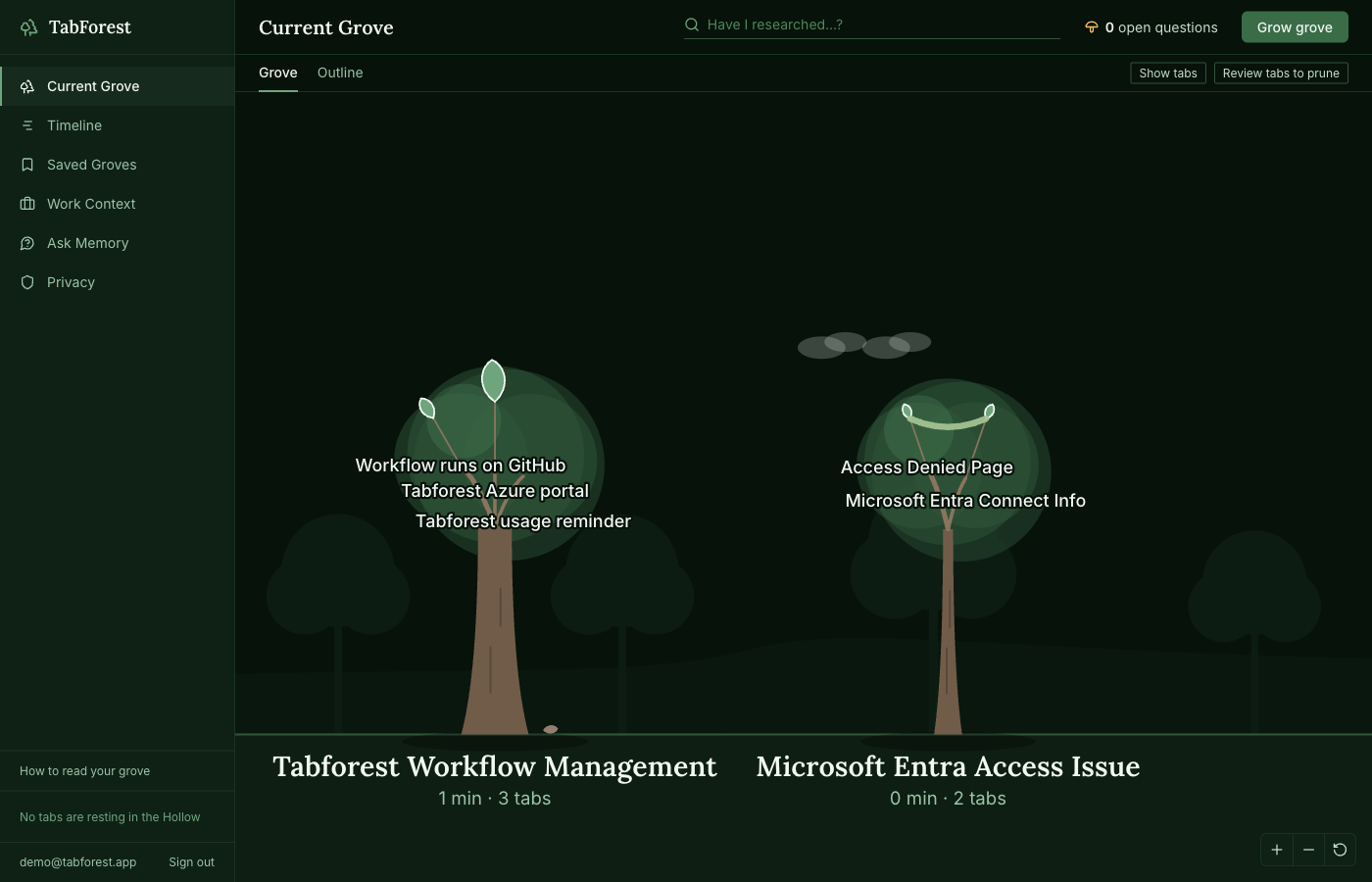
current grove
-
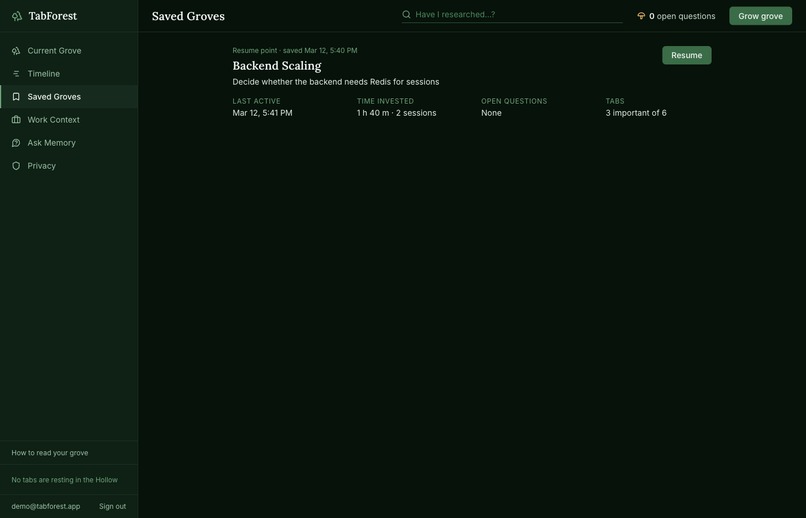
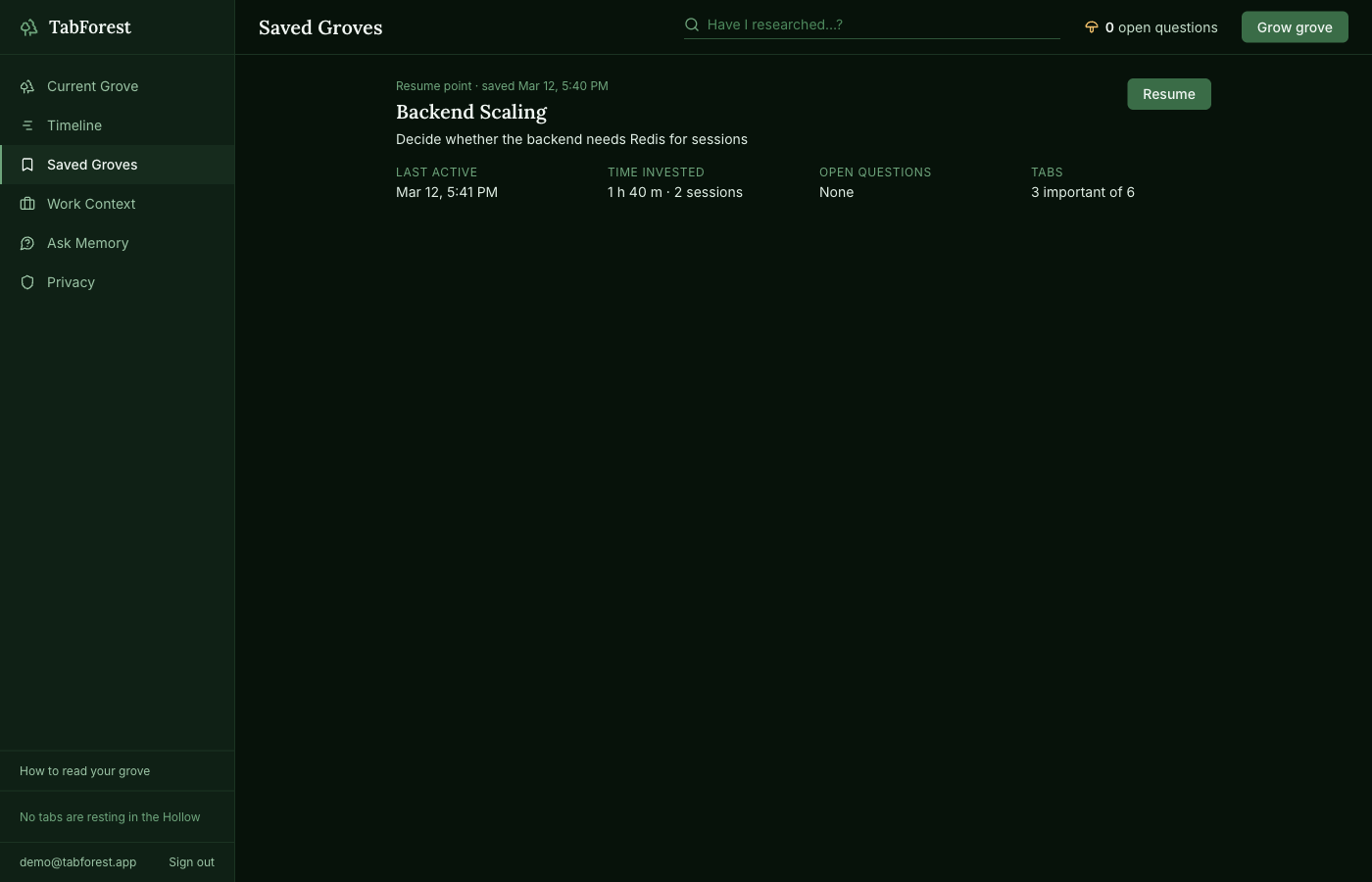
saved groves
-
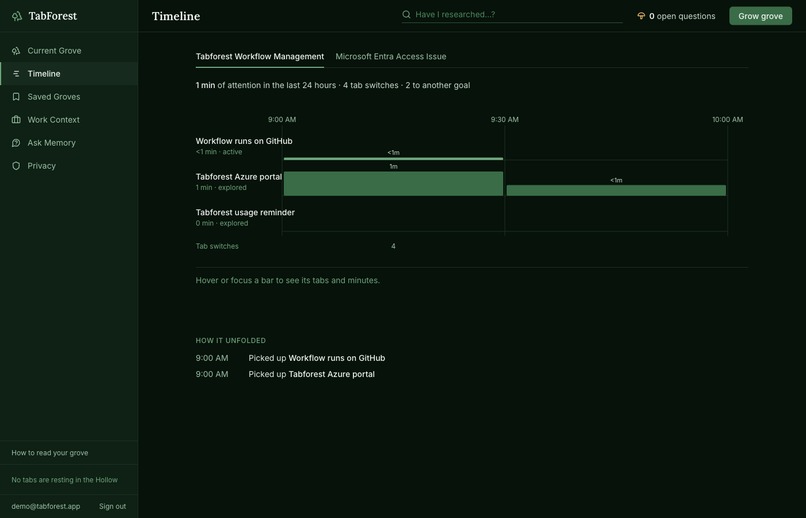
timeline
-
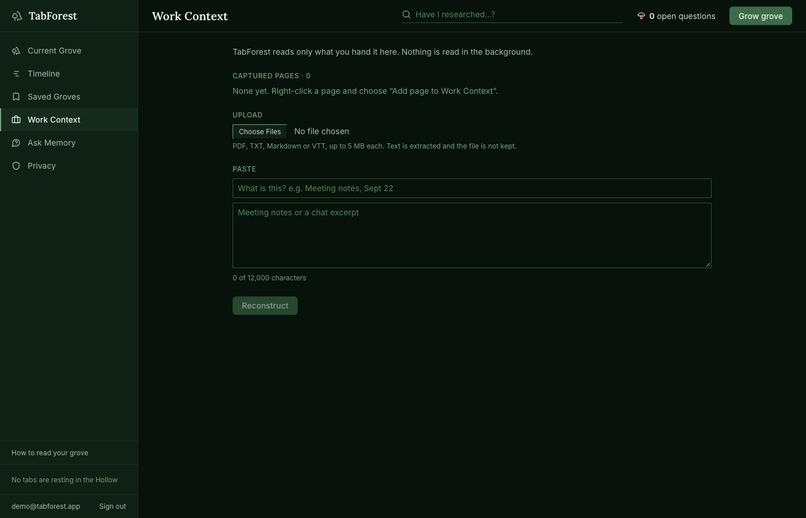
work context
-
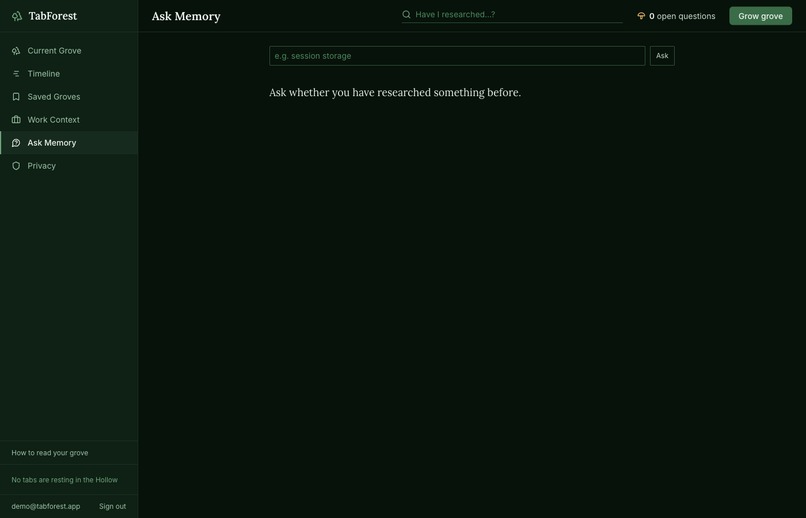
ask memory
-
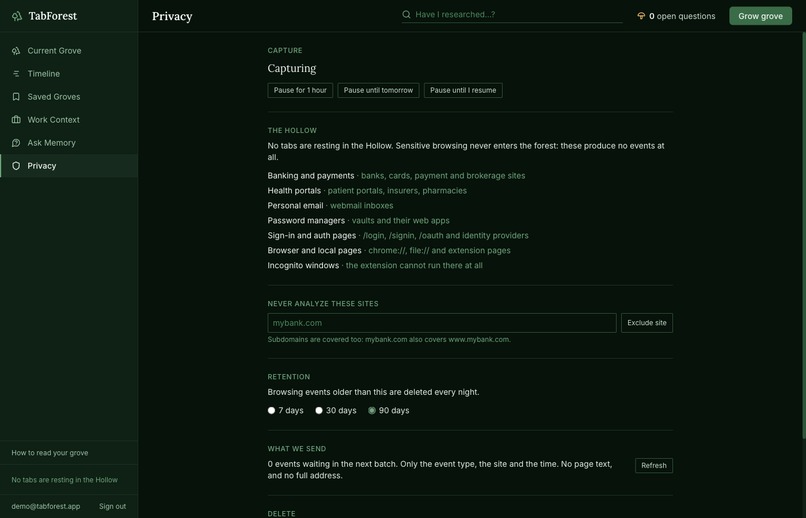
privacy
Inspiration
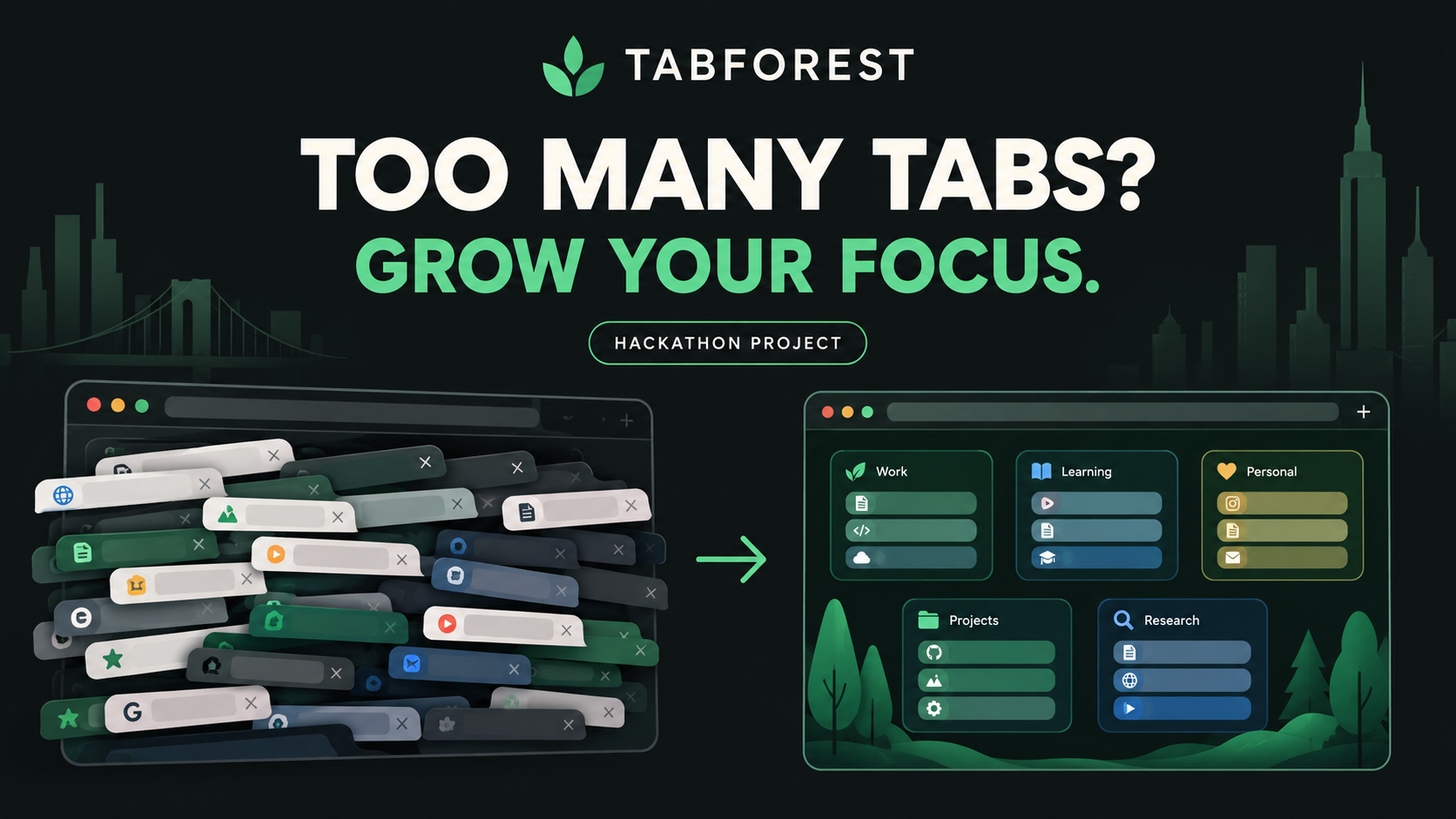
We’ve all experienced the chaos of having dozens of browser tabs open and forgetting why we opened them in the first place. Existing tab managers remember what pages we visited, but not why we visited them. We wanted to build something that could preserve the context behind our browsing and help us understand where we left off.
What it does
TabForest is an AI-powered browser context-memory system that reconstructs the intent behind your browsing. Instead of treating tabs as individual pages, it organizes them around goals, research paths, decisions, unresolved questions, and next steps. Its “Living Grove” visualization turns browser activity into a forest where projects become trees, research paths become branches, tabs become leaves, and unresolved questions become mushrooms. TabForest can then help users resume their work without having to rediscover their entire thought process.
Beyond the grove, you can:
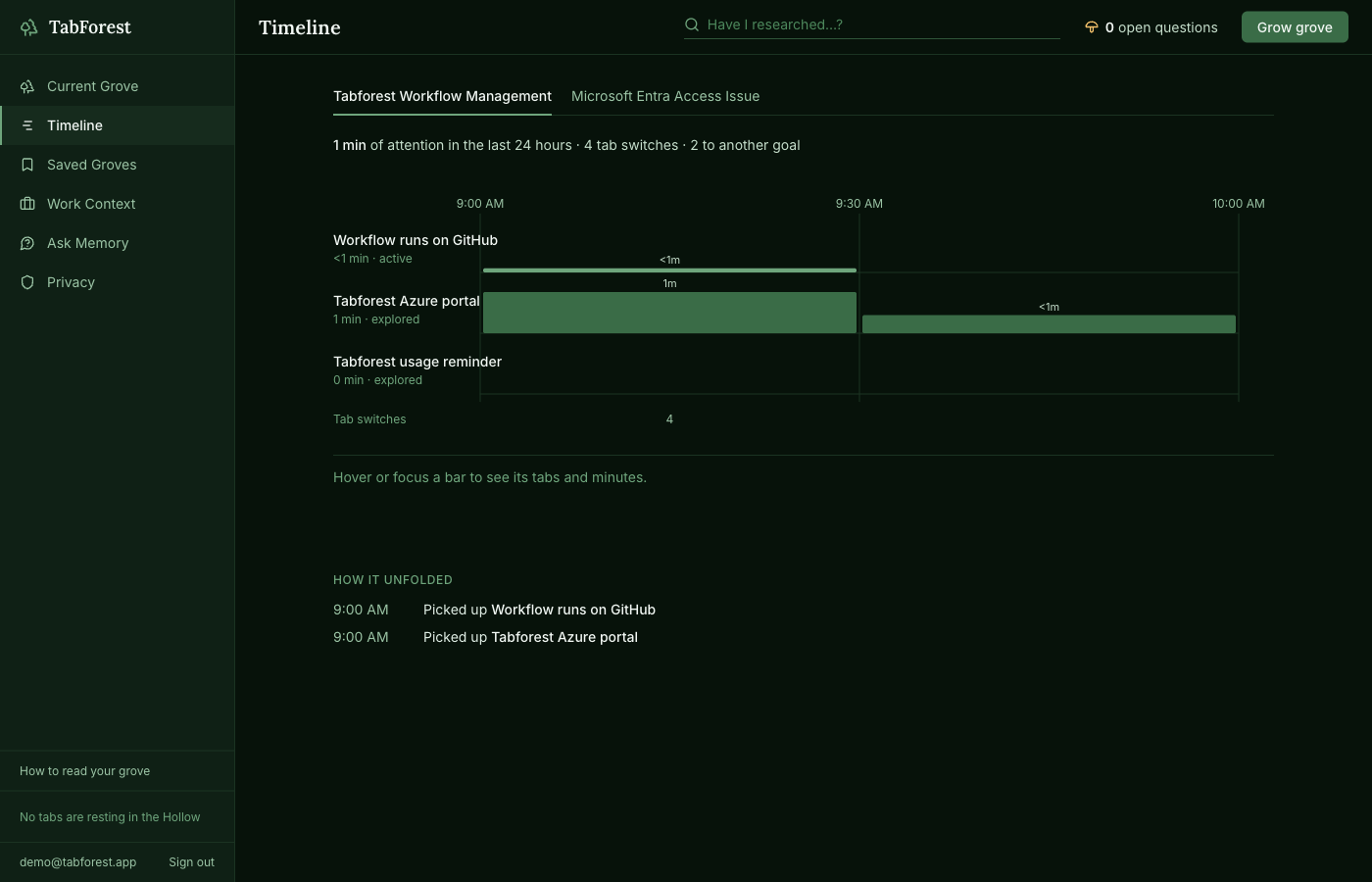
- see a Timeline of how each goal’s research unfolded,
- save a grove and resume or restore it later,
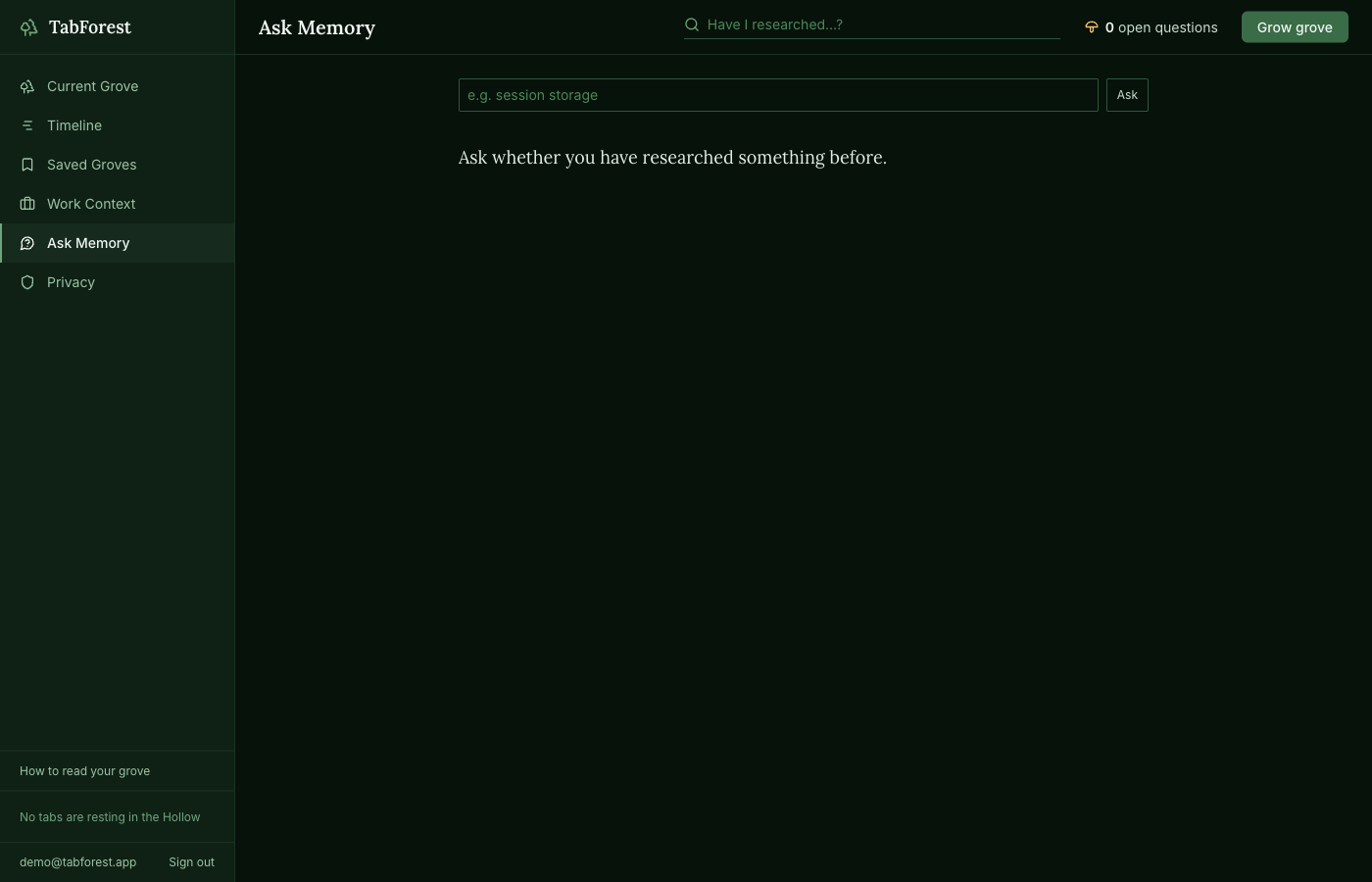
- ask Memory “Have I researched this before?”,
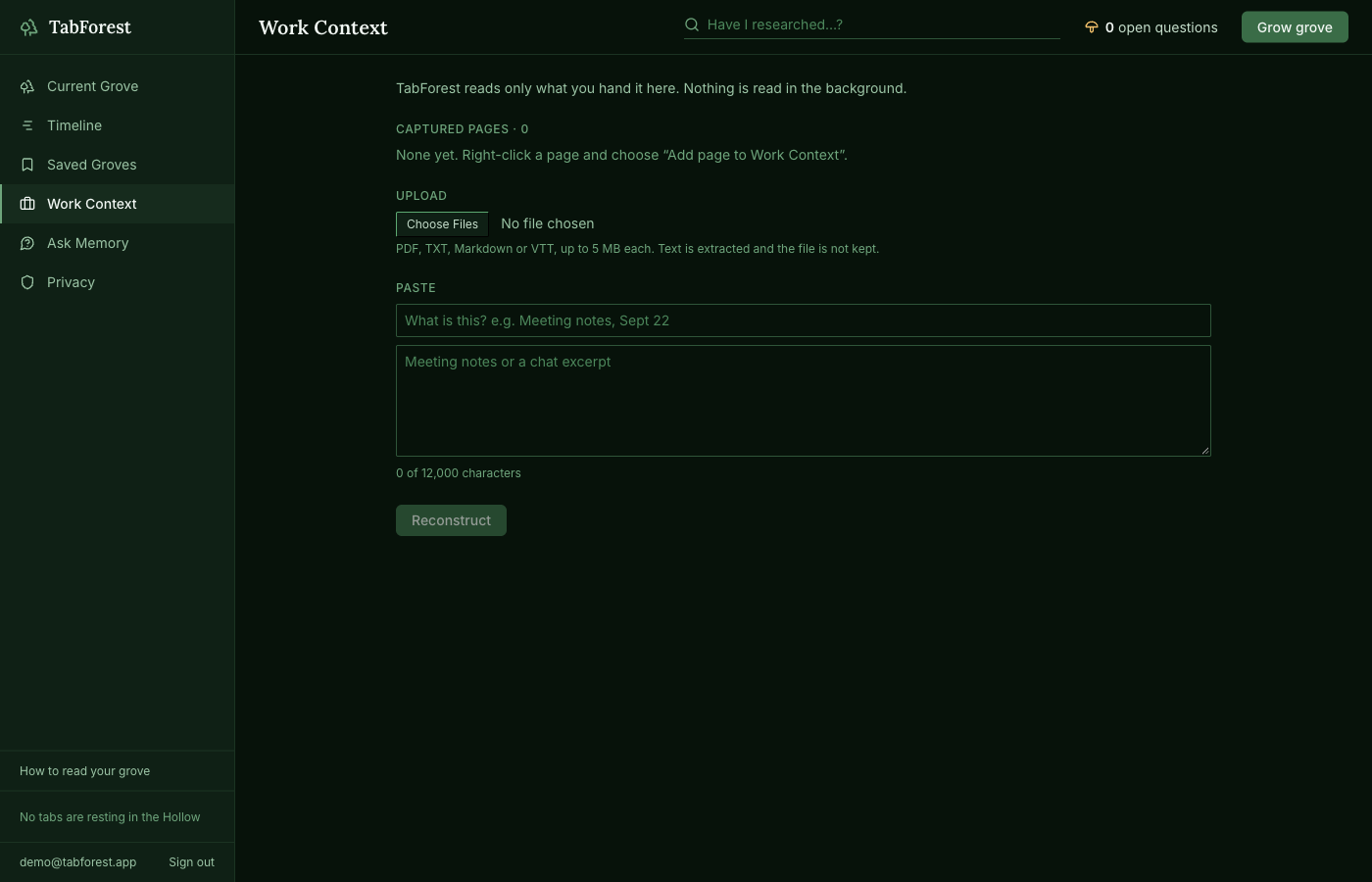
- add pages to a Work Context, and
- review tabs to prune, closing only the ones you choose.
Your grove is saved to your account, so your old trees are still there when you come back.
How we built it
TabForest is built as a Chrome extension with a cloud backend. The extension captures lightweight browsing signals, while The Hollow acts as a privacy layer to keep sensitive browsing information on the device. We use Tiger Data to store and organize browsing events and semantic memory over time, while Azure OpenAI reconstructs user intent, generates embeddings, and identifies relationships between research activities. The frontend uses TypeScript, React, Tailwind, Vite, and D3, with a Python/FastAPI backend.
On Azure, the FastAPI service runs on App Service with Application Insights, sign-in uses Microsoft Entra ID (PKCE), and a GitHub Actions pipeline tests and deploys it on every merge. On Tiger Cloud, browsing events are stored as time-series data (TimescaleDB hypertables with continuous aggregates), and pgvector powers the semantic memory behind “Have I researched this before?”. Clustering is deterministic code; the model is only used to interpret each cluster, and server-side validation checks every claim’s evidence, so a conclusion without evidence is not shown.
Challenges we ran into
The biggest challenge was going beyond simple tab organization and actually reconstructing the user's intent from fragmented browsing activity. We also had to balance useful context with privacy, ensuring that sensitive browsing data stays protected. Another challenge was designing a visualization that could represent complex research journeys without becoming overwhelming.
Making it work end to end took real debugging: keeping a user’s earlier trees on screen when the page reopens, measuring attention honestly (only active time counts), and keeping separate extension builds (development and Chrome Web Store) working against the same secured backend.
Accomplishments that we're proud of
We’re proud of turning chaotic browser activity into a meaningful, visual representation of user intent. The Living Grove provides an intuitive way to see projects, research paths, decisions, evidence, and unresolved questions. We’re also proud of building privacy into the architecture through The Hollow rather than treating it as an afterthought.
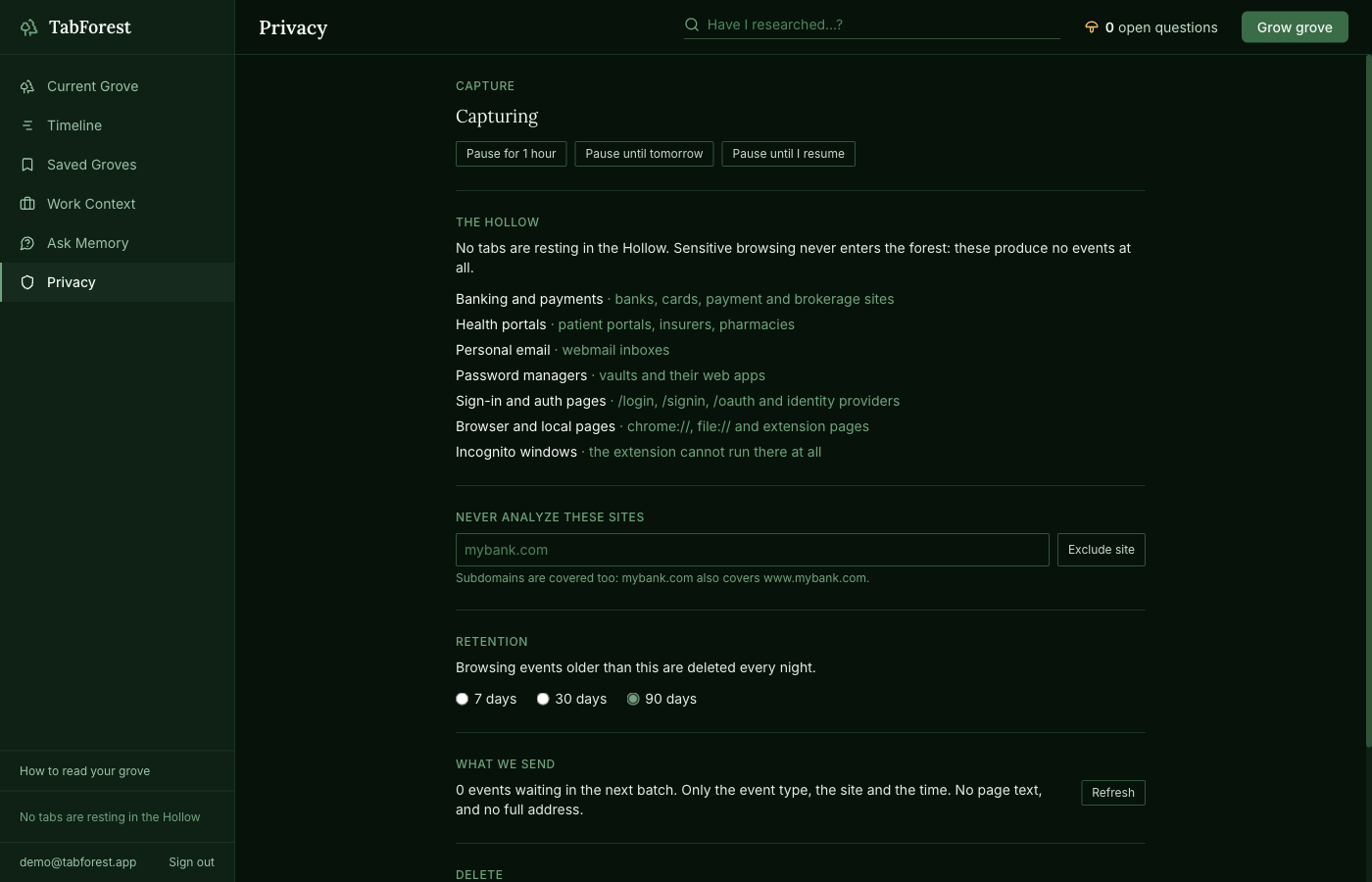
Privacy is enforced in the code, not just promised: full URLs and tab IDs stay on your device, there is no history, cookies or webRequest permission, incognito is blocked, banking, health, email and sign-in pages are skipped, and no tab is ever closed without your click.
We also shipped it for real: a working Chrome extension, a live backend, and a Chrome Web Store submission.
What we learned
We learned that browser history contains much more context than just a list of URLs. The sequence, timing, and relationships between browsing activities can reveal the evolution of a user's research process. We also learned that AI becomes much more useful when it explains why it reached a conclusion and provides evidence for that reconstruction.
What's next for Tabforest
Next, we want to make TabForest better at preserving and resuming long-running research. We plan to expand features such as prior-research search, context saving and resuming, pruning, richer Work Context Mode, and improved visualization. Our long-term goal is to make TabForest a persistent memory layer for digital work—so you can return to a project days or weeks later and immediately understand what you were doing, what you decided, and what comes next.
Try it
Install the extension from the link on tabforest.nyc, turn on Developer mode at chrome://extensions, and load it unpacked. Sign in with the email option; test accounts are provided to the judges in the submission.
Built With
- asyncpg
- azure
- azure-app-service
- azure-application-insights
- azure-openai
- chrome
- d3.js
- embeddings
- fastapi
- javascript
- manifest-v3
- microsoft-entra-id
- openai
- pgvector
- postgresql
- pydantic
- python
- react
- scikit-learn
- structured-outputs
- tailwindcss
- tiger-data
- timescaledb
- typescript
- vite

Log in or sign up for Devpost to join the conversation.