
Inspiration
Modern work and study often begin with good intentions—open your browser to code, read, or research. But the web is a maze of distractions: social media, news, entertainment, and endless rabbit holes. Most productivity tools focus on blocking distractions, but what if you could get honest, AI-powered feedback on your real browsing habits - without sending your data anywhere?
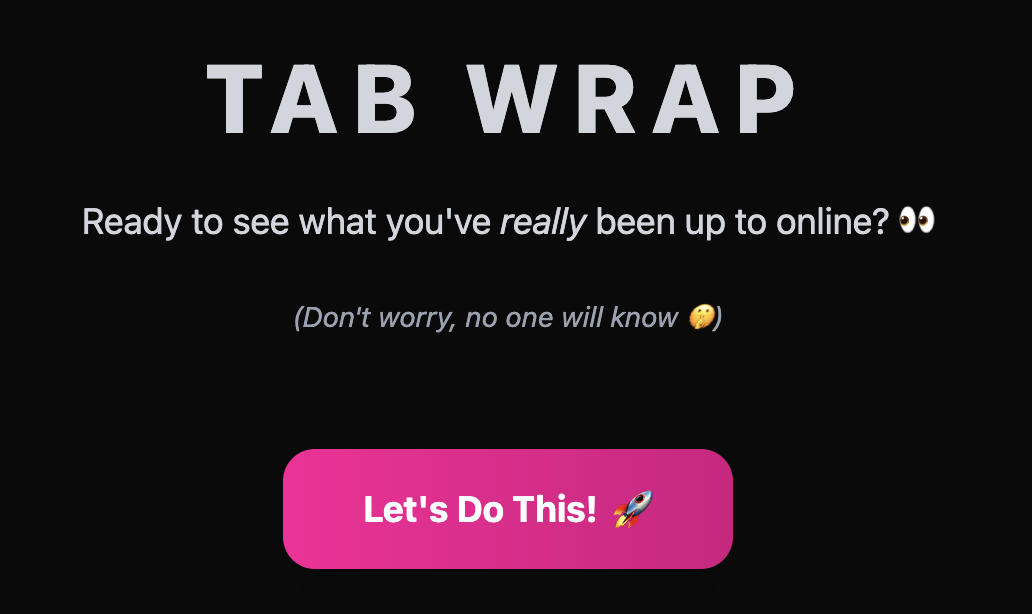
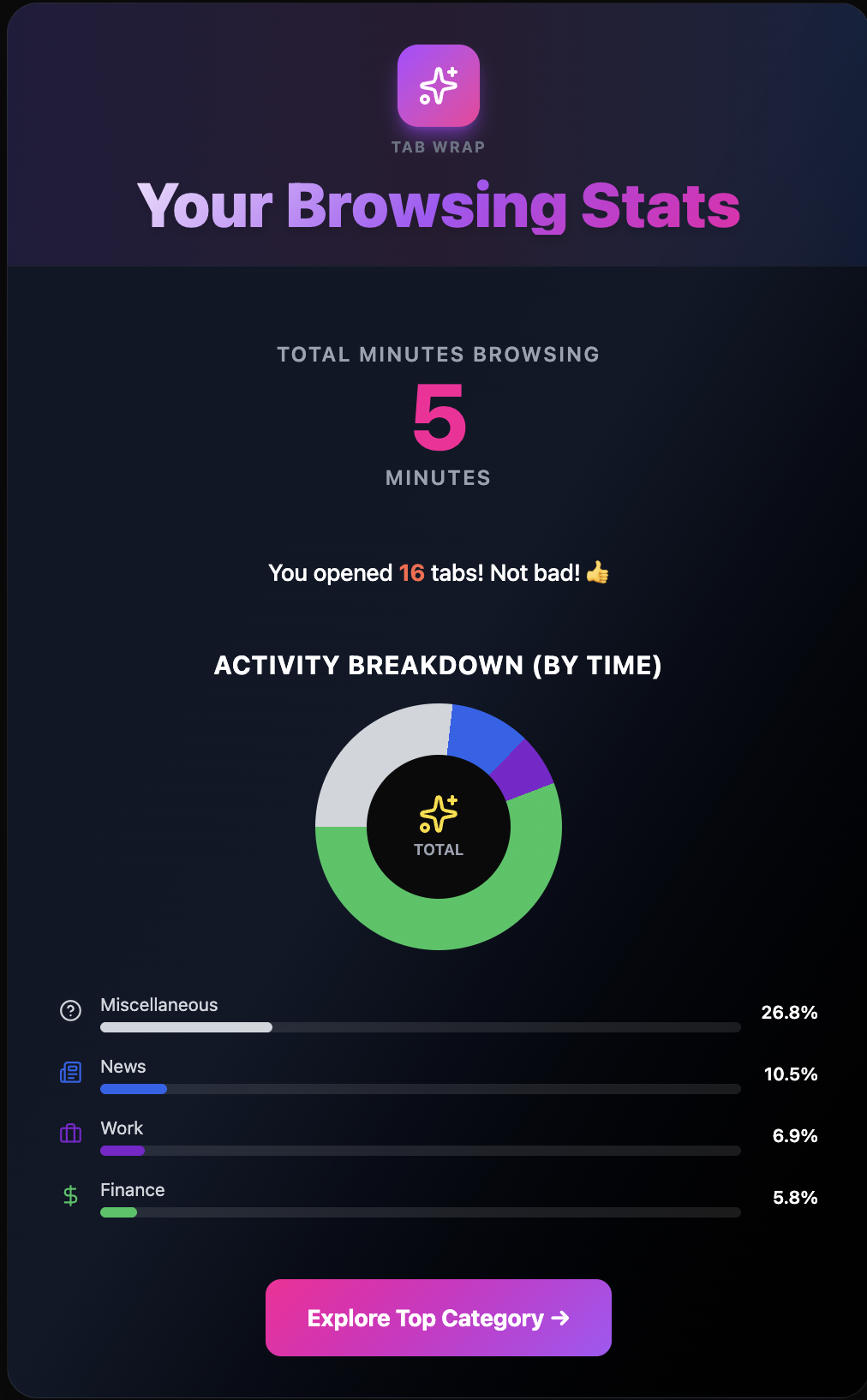
TAB WRAP is our answer: a playful, Spotify-wrapped style analytics tool for your browser, giving you a personalized, visual summary of where your time really goes online. Instead of guilt, you get insight, encouragement, and a little fun - all while keeping your data 100% private.
What it does
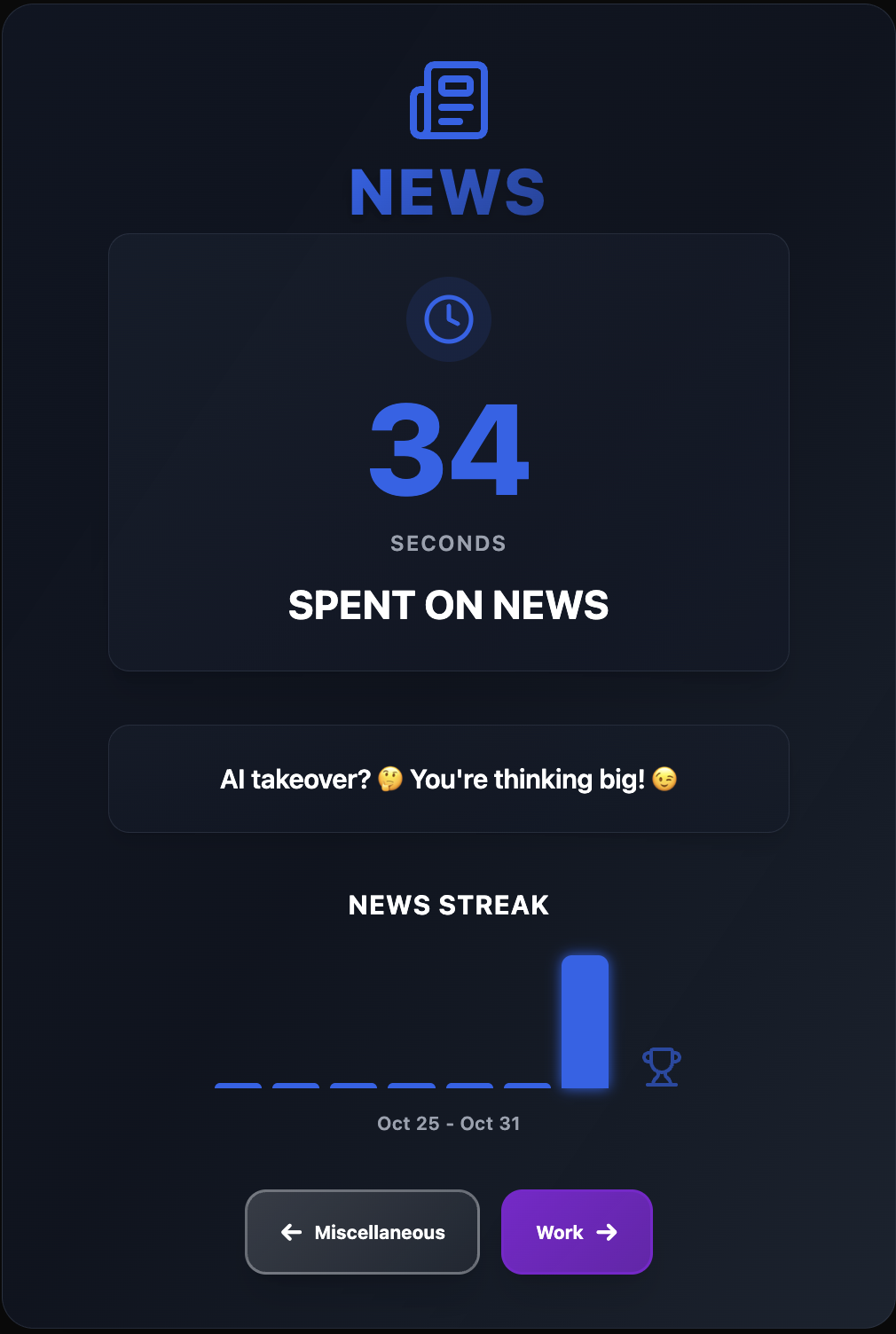
TAB WRAP tracks your browsing history locally, logging which tabs you visit and how long you spend on each. After a session (or at the end of the day), you can generate a "Tab Wrap"—a summary showing your top categories (Work, Entertainment, News, etc.), streaks, and unique browsing patterns. The feedback is AI-generated, so it's tailored to your interests and habits.
Architecture & How We Built It
- Chrome Extension Core: Uses Chrome's tab and navigation event listeners to track tab activity and time spent. All data is stored in
chrome.storage.localfor privacy. - React Frontend: The options and analytics pages are built with React and Tailwind CSS, providing a modern, responsive UI. Key components include
options.jsx,CategoryPage.jsx,tabwrapstats.jsx, andwork.jsx. - Categorization Engine: When you save your profile (with a description), the extension uses the Prompt API to categorize each browsing entry. Categories are customizable and based on your interests.
- Offscreen Document: To keep the extension fast, an offscreen page batches and processes new entries in groups of 10, sending prompts to the AI model for categorization. This prevents lag and keeps the UI responsive.
- Summarizer API: When you request a Tab Wrap, the Summarizer API generates concise, fun summaries for your top categories and overall browsing behavior.
- Privacy: All analytics and categorization are performed locally; no browsing data ever leaves your device.
Challenges We Ran Into
- Performance & Responsiveness: Categorizing hundreds of entries with AI models can be slow. We solved this by batching prompts and using an offscreen document, so only a few entries are processed at a time, keeping the extension snappy.
- Chrome Extension Limitations: Chrome's security model restricts background processing and storage. We had to carefully architect the extension to work within these constraints, especially for offscreen processing and messaging between components.
- User Experience: Designing a UI that is both fun and informative, while handling edge cases (like missing data, paused history, or AI errors), required many iterations and feedback cycles.
- First-Time Tech: This was our first time building a Chrome extension, working with browser APIs, and integrating on-device AI models. Every step was a learning experience!
Accomplishments That We're Proud Of
- A fluid, visually appealing front-end that adapts to different analytics and categories.
- Real-time, AI-powered categorization and summarization, all running locally for privacy.
- Robust onboarding and error handling, so users always know what to do next.
- Building a complete extension from scratch, learning new tech stacks, and shipping a working product!
What's Next for Tab Wrap
- Deeper Analytics: We want to provide more detailed feedback—like tab organization habits, switching patterns, and personalized productivity tips.
- UI Improvements: More playful visualizations, animations, and customization options.
- Community & Sharing: Let users share their Tab Wraps or compare with friends (while keeping privacy at the core).
- Smarter Categorization: Use more advanced models and context to improve accuracy and relevance.
Tab Wrap is just the beginning—helping users understand their digital habits, one wrap at a time.
Built With
- promptapi
- react
- tailwind


Log in or sign up for Devpost to join the conversation.