-
-
Action
-
Structure
Inspiration
Working in large companies and at university, I constantly saw colleagues and friends with tons of browser tabs open. They were visibly stressed by the clutter, but refused to close them.
The core reason is a deep-seated anxiety: they are uncertain if they'll need a page again and are afraid of losing the specific context or information they've preserved by keeping that tab in its exact place. This anxiety forces them to keep tabs open, even as the clutter grows.
This personal observation was validated by academic research. A 2021 study on tab usage found that while 67% of users feel overwhelmed by their tabs weekly, 55% admit they "can't let go" of them.
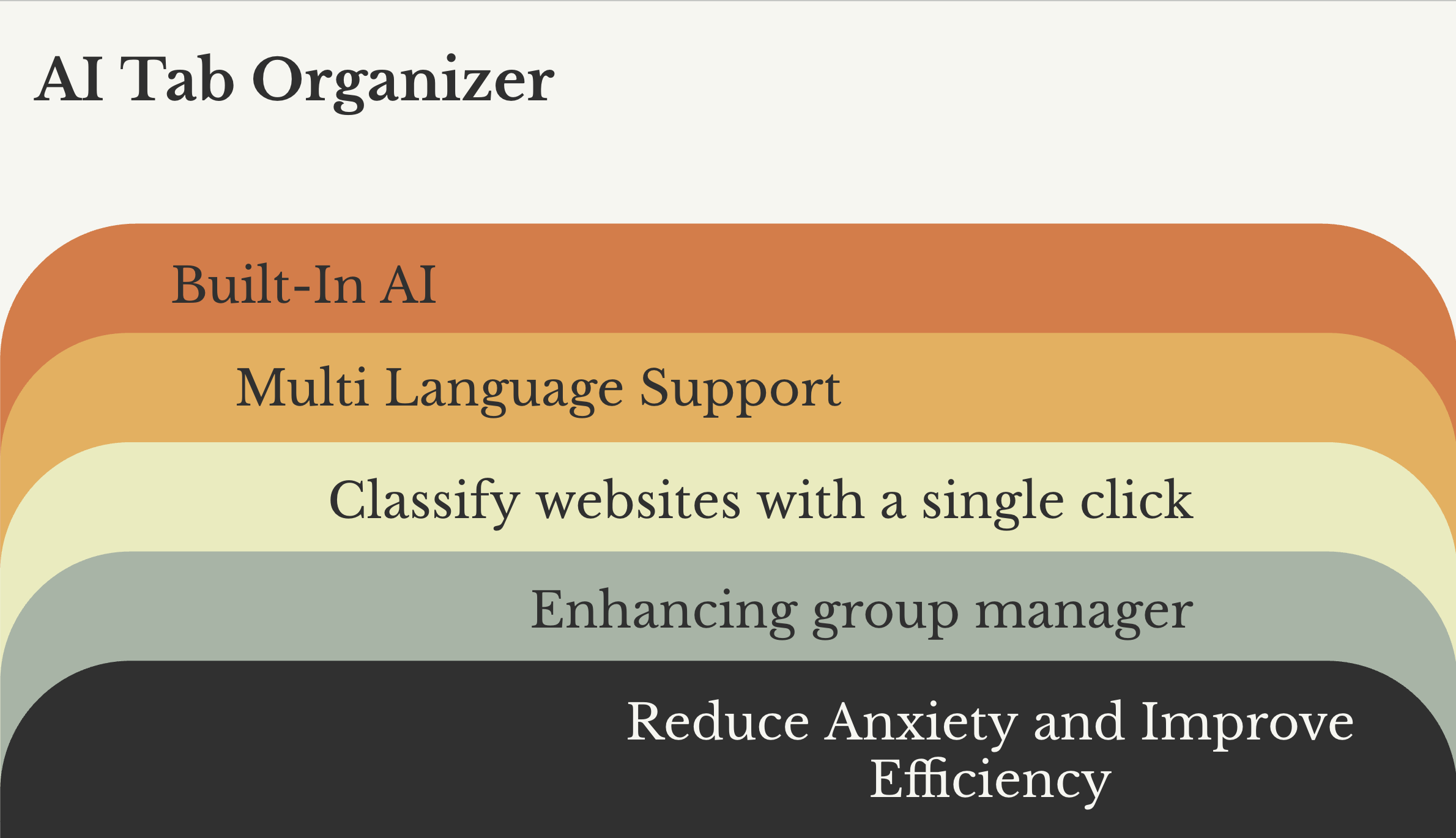
We built AI Tab Organizer to resolve this universal conflict: being overwhelmed by tabs you are too anxious to close.
What it does
AI Tab Organizer turns every chaotic browsing session into a tidy command center. It provides three distinct, one-click grouping strategies:
Instant Quick Organize:
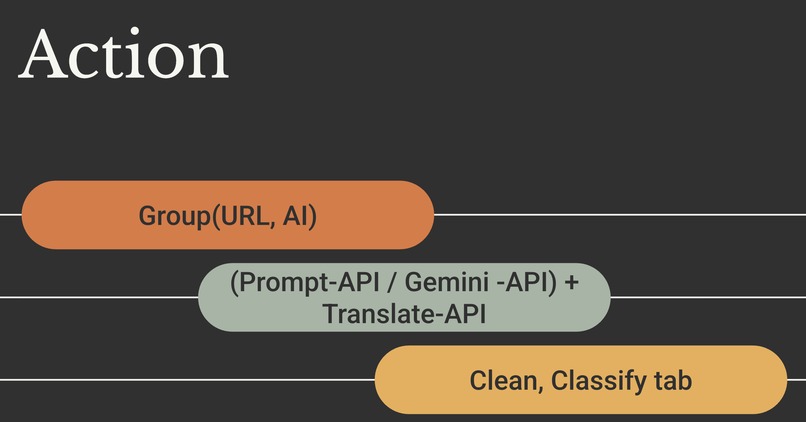
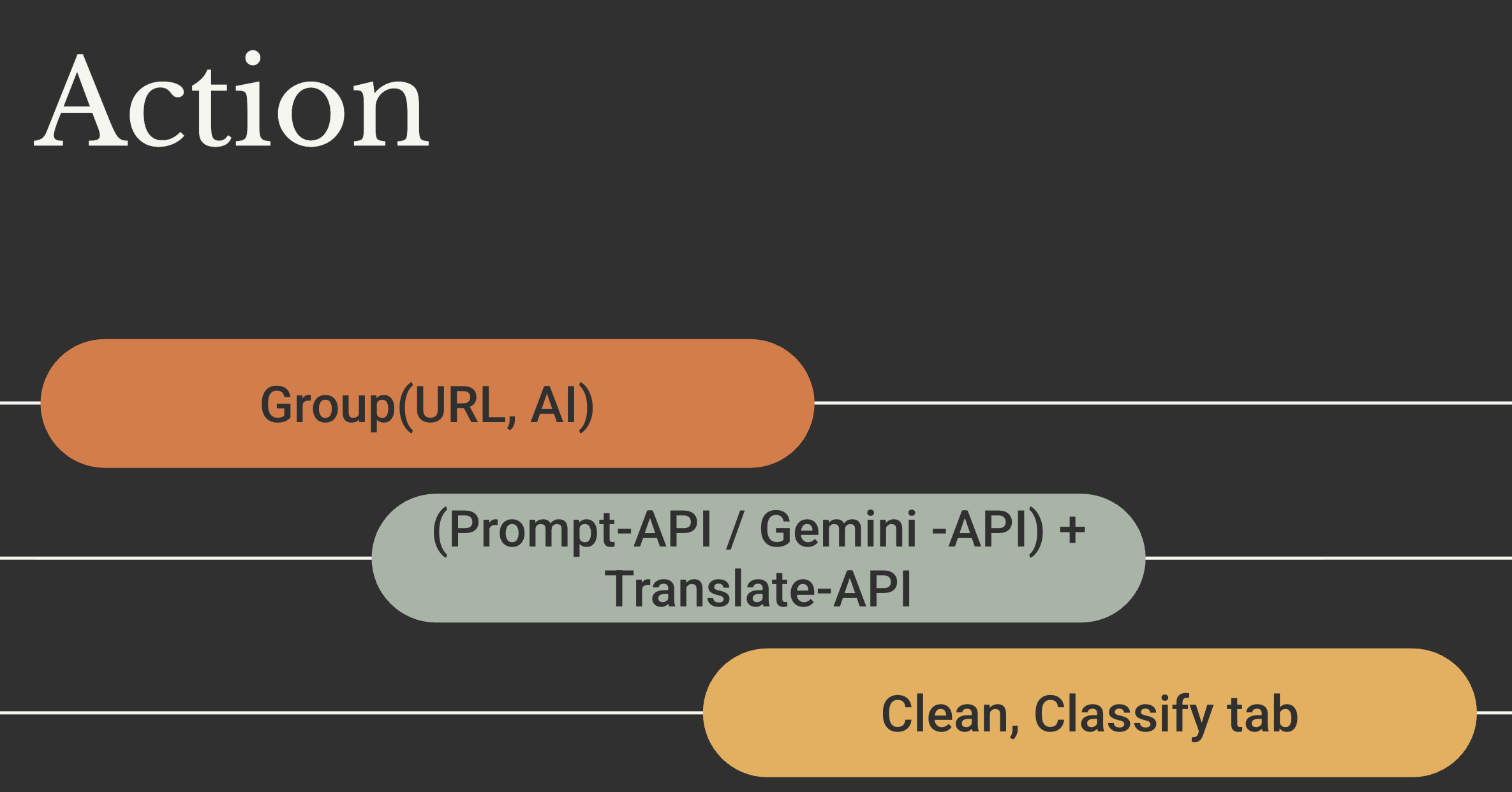
Groups untagged tabs using battle-tested URL heuristics (e.g., grouping all github.com tabs together).
Chrome AI Organize:
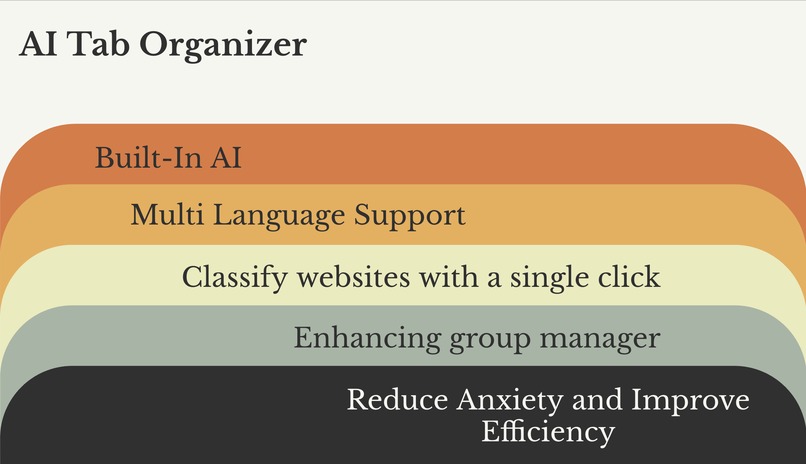
Harnesses Google’s built-in Prompt API for private, on-device intelligence that never leaves the browser.
Online AI Organize:
When you connect your Gemini API key, this mode upgrades the experience with cloud analysis that understands page titles and URLs to group related tabs, even across different domains.
It's built for power-users and international teams, featuring:
First-Class Localization:
The popup, settings, and status feedback instantly follow your chosen language or mirror the browser UI.
AI Title Translation:
It uses Chrome’s Translator API to convert the (often English) AI-generated group titles into your native language.
Safe & Simple Controls:
A dedicated "Ungroup All" action resets your window in one click, and all organizing actions safely skip any tabs you've already grouped yourself.
UI:
Includes theme-aware icons that switch between light and dark artwork automatically and a streamlined settings panel.
How we built it
We built this as a modern Chrome Extension using Manifest V3.
Core Logic:
The extension's heart is the background.js service worker, which handles all grouping logic, API calls, and message listening.
User Interface:
The main interface is built with popup.html, popup.css, and popup.js. A separate options.html page manages API key storage and language preferences.
Permissions:
We only use necessary permissions: tabs and tabGroups to manage tabs, and storage to save the user's API key and language preference.
On-Device AI:
We integrated directly with the experimental LanguageModel API built into Chrome to provide a private, local AI option.
Cloud AI:
For the online mode, we make fetch requests to the Google Gemini API (gemini-2.5-flash-preview-05-20).
Localization:
We used the Chrome Translator API for dynamic title translation and built-in JavaScript objects as fallback dictionaries for eight languages.
Challenges we ran into
Our biggest challenge was a subtle but critical bug with the new on-device AI APIs. We kept getting a No output language was specified error, even after adding the parameter to the main LanguageModel.create and session.prompt calls.
It turned out this parameter was also required for auxiliary calls like LanguageModel.params and, most confusingly, every single step of the Translator API (availability, create, and translate). Debugging this required a deep dive into the API's safety attestations and a lot of trial and error.
Accomplishments that we're proud of
We are incredibly proud of the flexible, three-mode grouping strategy. It offers a perfect balance for all users: "Quick Organize" for speed, "Chrome AI" for 100% privacy, and "Online AI" for maximum power.
Our second major accomplishment is the deep localization. It's not just a translated UI. We integrated the Chrome Translator API and fallback dictionaries to translate the AI-generated group titles themselves, making the core feature truly accessible and meaningful for multilingual users.
What we learned
We learned several key lessons. First, we were amazed by Google's powerful built-in AI (the LanguageModel API). It achieves significantly better, more intelligent grouping results than traditional URL heuristics without using any network or server-side computing resources, which is a game-changer for privacy and performance.
Second, we truly learned the importance of "customer obsession." This principle drove us to create a polished, simple, and clear user interface and to provide multi-language options (like the Translator API and local dictionaries) to help a global audience.
What's next for Tab Organizer
Next, we want to make the AI even smarter. We plan to explore ways for the extension to learn a user's grouping preferences over time.
We also want to add session management, allowing users to save, name, and restore entire sets of AI-generated groups. This would evolve the extension from a simple "organizer" into a complete workflow management tool, making it easy to switch between complex projects.
Built With
- gemini
- javascript
- prompt-api
- translate-api


Log in or sign up for Devpost to join the conversation.