-
-
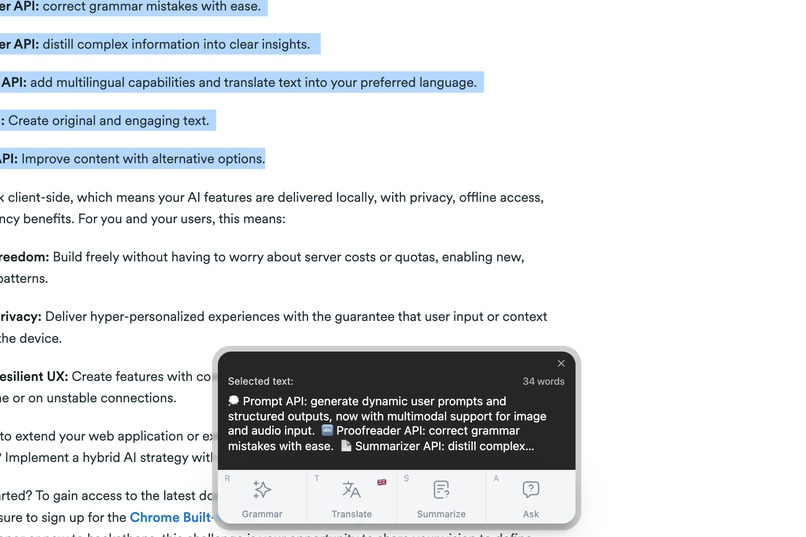
Tab Insights overview
-
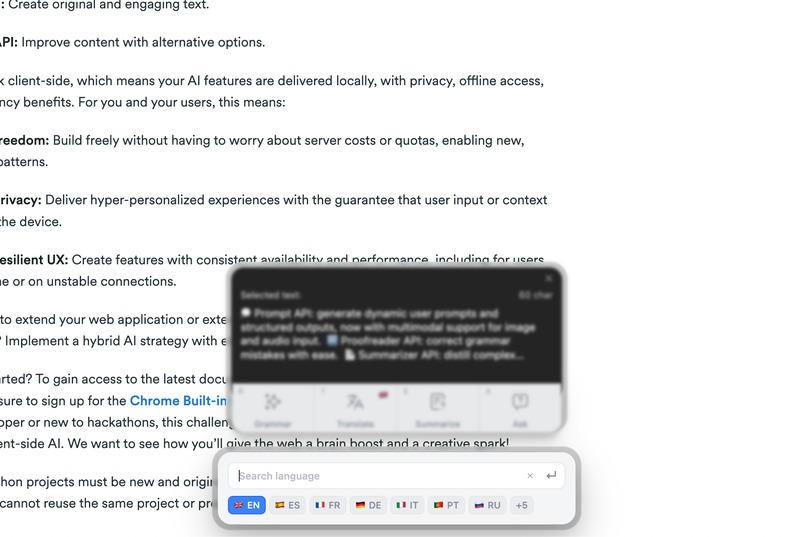
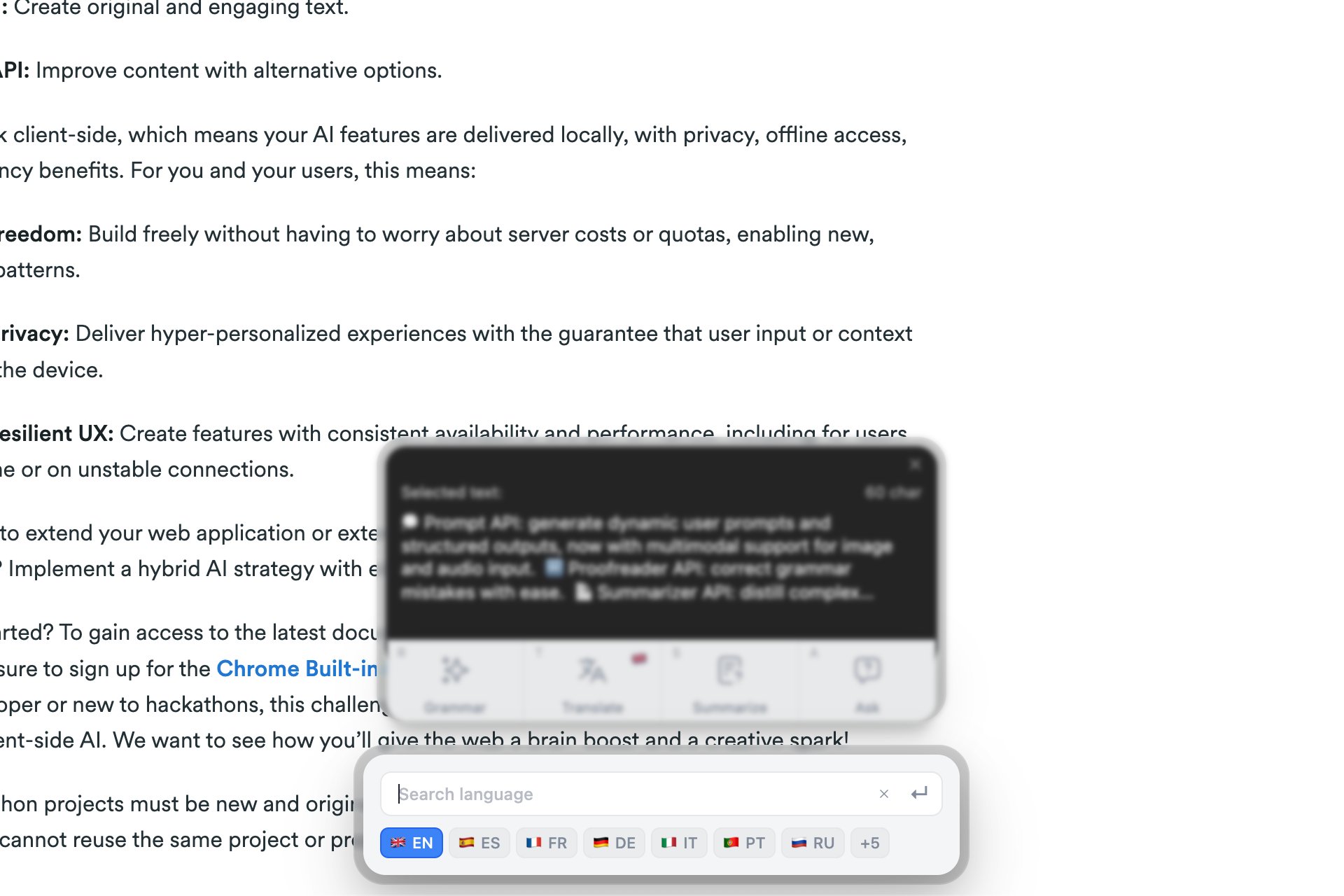
Language selection for translation
-
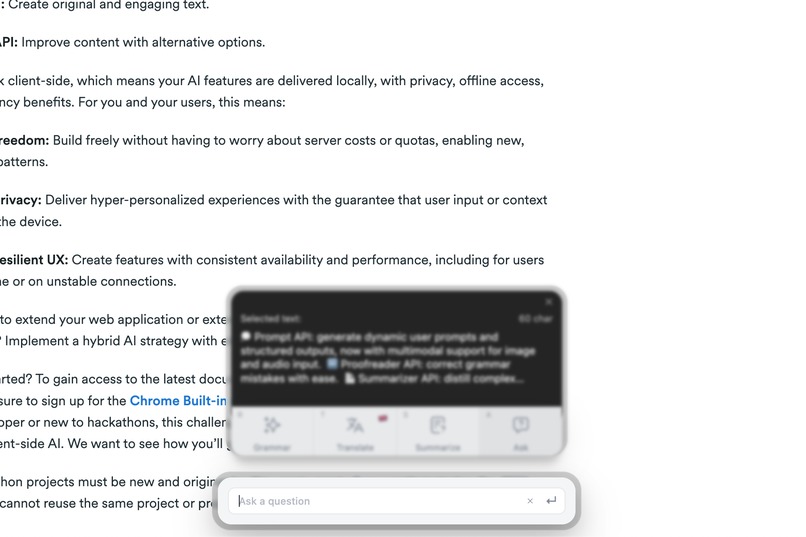
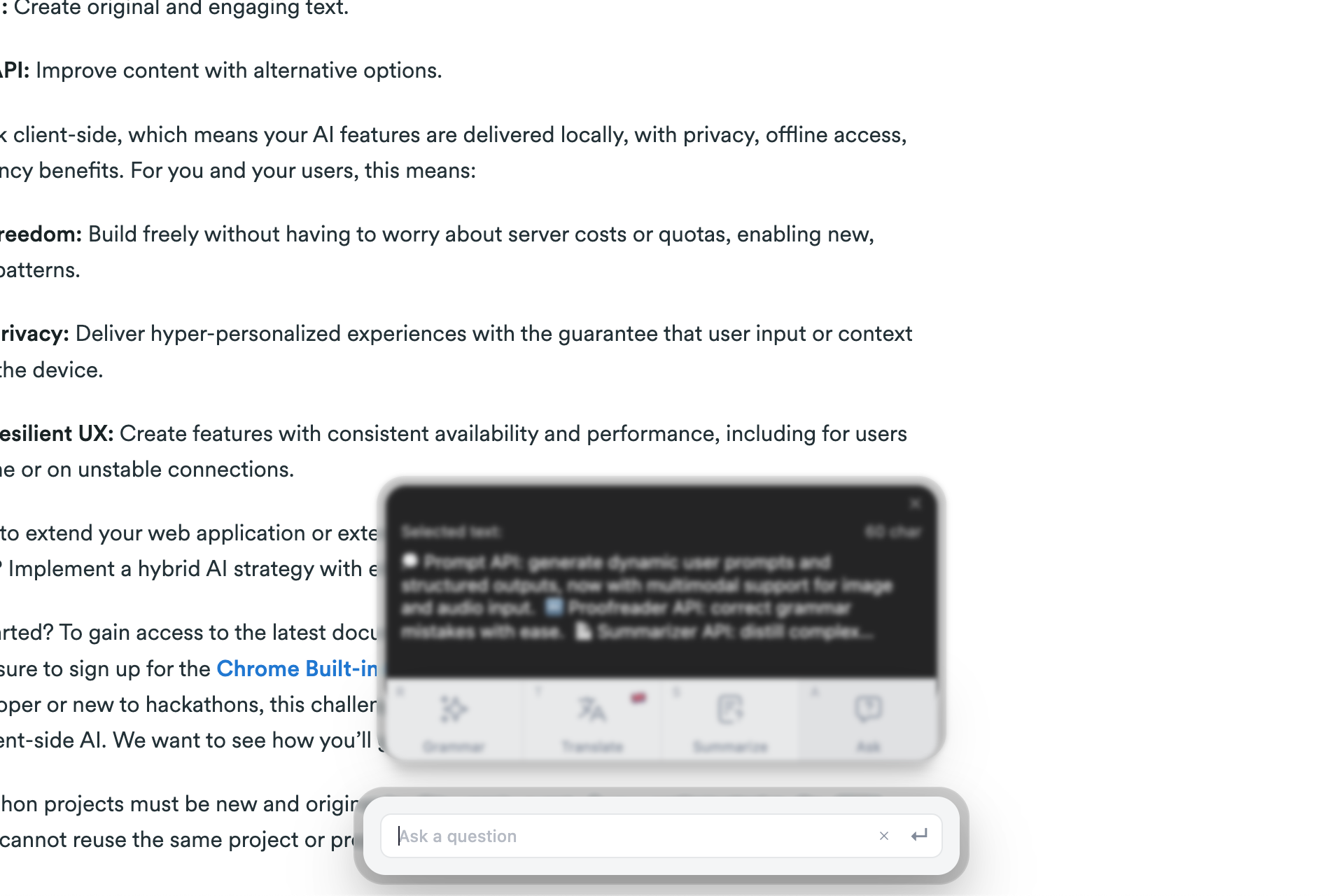
Prompt api to ask about any selected text
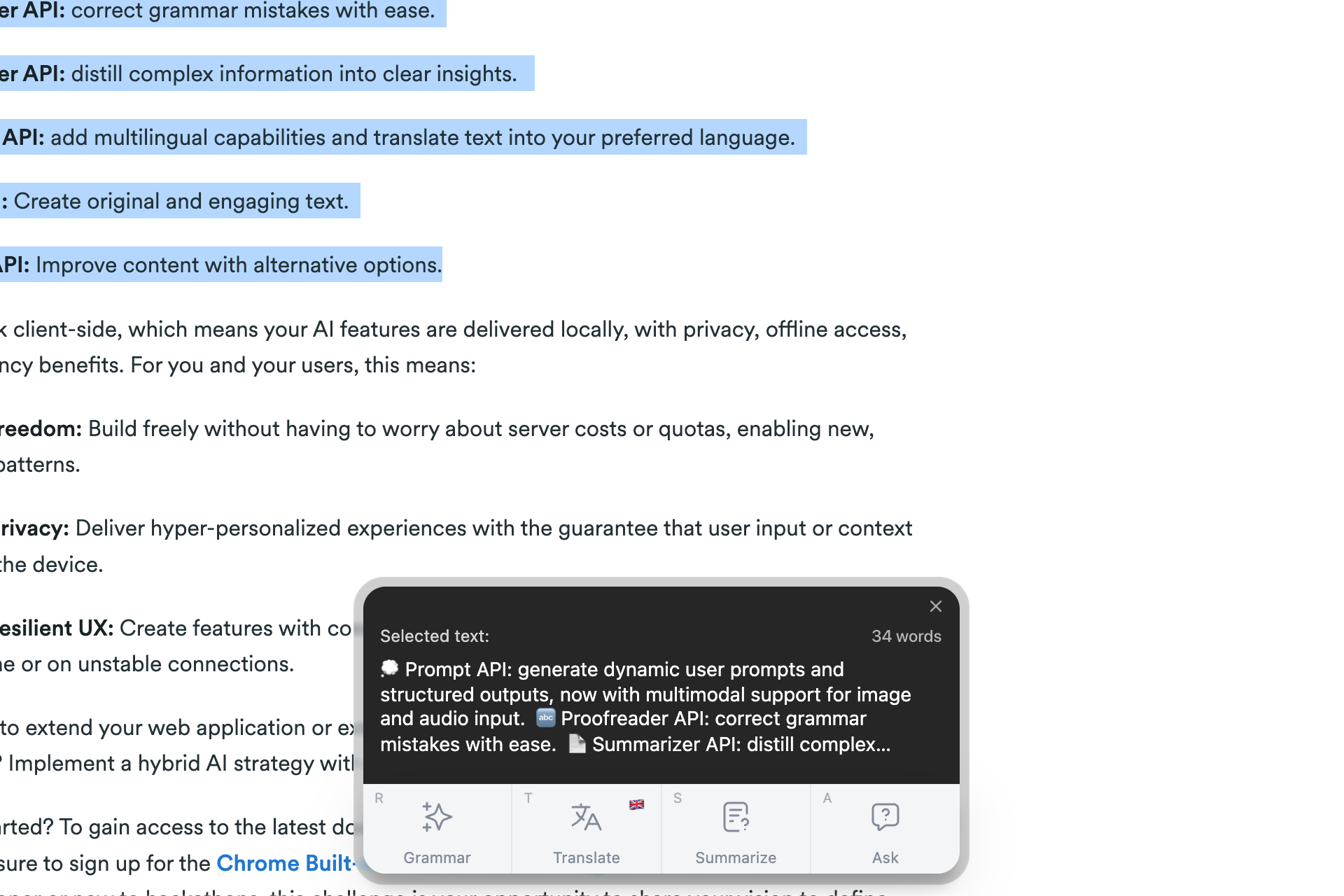
💡 Inspiration
Every day, I copy text from web pages into separate tools just to check grammar, summarize content, or translate it. That constant context switching breaks focus and flow.
I wanted to make those everyday actions seamless and privacy-first. With Chrome's new built-in AI APIs, it became possible to run intelligent text operations entirely on-device — no servers, no data sharing, and no waiting.
Tab Insights was inspired by that idea: what if AI met you exactly where you are — directly on the page you're reading?
⚙️ What it does
Tab Insights lets you highlight any text on the web and instantly access four AI-powered actions:
- ✏️ Grammar / Proofread – Improve and rewrite text with clarity and precision.
- 📝 Summarize – Condense long sections into quick, readable takeaways.
- 🌍 Translate – Instantly translate text into your chosen language.
- 💬 Ask – Ask questions or request explanations about any selected text.
Everything runs locally using Chrome's on-device AI, ensuring privacy and responsiveness. The extension opens in a lightweight Shadow DOM overlay, which appears via a shortcut (Ctrl+Shift+S) or the pinned toolbar button.
Users can:
- Choose actions directly from the overlay
- Cancel a request while it's running
- Copy results to the clipboard
- Adjust translation language preferences
- Move between features instantly — no tab switching.
🧩 How I built it
Tab Insights is built with React 18 + TypeScript, using Manifest V3 and Motion for smooth transitions. Zustand manages state across components, and Webpack 5 handles bundling.
Core architecture:
- Content Script — Injects the Shadow DOM overlay into any webpage, keeping UI isolated from page CSS
- React Components — Manage the user interface across idle, processing, and result states
- AI Handlers — Integrate Chrome's LanguageModel, Translator, Summarizer, and Proofreader APIs
- Background Service Worker — Coordinates action clicks
The interface is designed to stay subtle but functional — floating just above the content, adapting to light or dark pages, and respecting the natural reading flow.
🧱 Challenges I ran into
- Shadow DOM integration — Making the overlay visually consistent across websites while keeping CSS isolated from page styles required careful scoping and fallback styling
- Performance feedback — Handling slower AI responses gracefully with progress indicators, cancel states, and clear error messaging needed state management coordination across React and Chrome's async APIs
Each challenge helped refine a more resilient and user-friendly design pattern for AI-powered Chrome extensions.
🏆 Accomplishments that I'm proud of
- Built a modular architecture that makes it simple to add new AI actions or expand existing ones
- Created a smooth, isolated UI using Shadow DOM that integrates cleanly across any website — testing across news sites, documentation, and social media
- Focused on user experience and clarity — a consistent, accessible interface that fits naturally into Chrome's environment
- Leveraged Chrome's on-device AI APIs for entirely local processing, aligning with Chrome's privacy-first direction
🧠 What I learned
- Chrome's on-device AI enables meaningful, real-time interactions when combined with lightweight UI patterns — the key is seamless integration, not just functionality
- Simplicity wins — a clean, minimal interface helps users stay focused on the content they care about
- Designing for responsiveness and feedback matters more than raw speed; users value reliability and control over unpredictability
- Local-first AI design builds both trust and usability — it feels fast enough because it's private and self-contained
🚀 What's next for Tab Insights
Tab Insights will continue evolving with new capabilities, including:
- Expanding Grammar into multiple refinement styles — Simplify, Formalize, and Rephrase options
- Extending Summarize with tone and detail customization options
- Supporting multimodal inputs, such as text recognition from images
- Optimizing performance as Chrome's AI APIs mature
The goal is to make on-device AI assistance feel as natural as highlighting text itself — private, integrated, and intuitive.
Made with ❤️ during the Google Chrome Built-in AI Challenge 2025
Highlight. Think. Done.
Built With
- css
- html
- javascript
- motion
- react
- shadow-dom-overlay
- streamdown
- summarizer
- translator
- typescript
- webpack5
- zustand

Log in or sign up for Devpost to join the conversation.