Inspiration
Students have difficulty to find a public course group chat on social media. Though we have facebook course group, it more seems like a discussion board other than a chat group. And sometimes students lose track of announcements made on MyCourses if they do not log in.
What it does
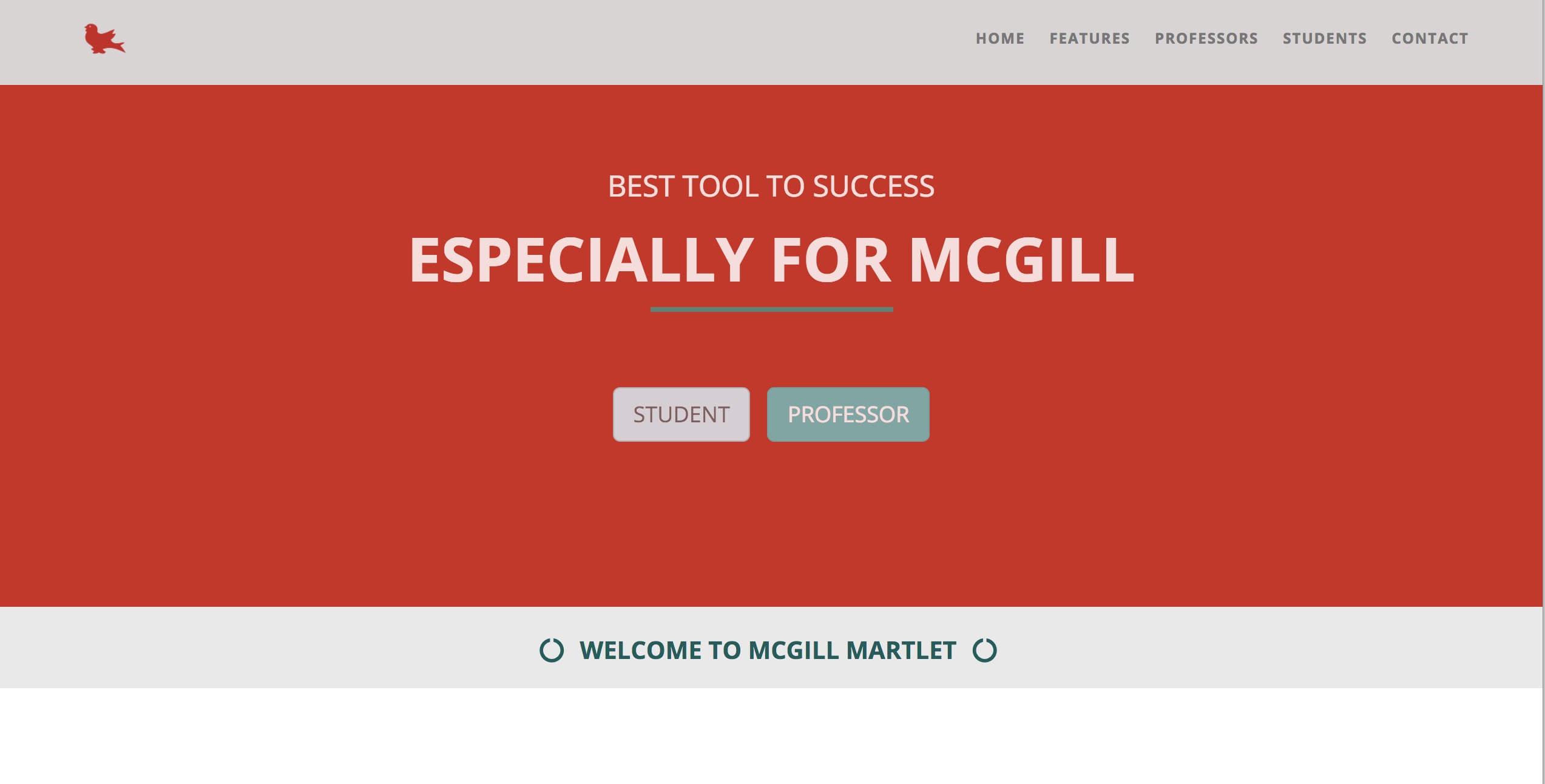
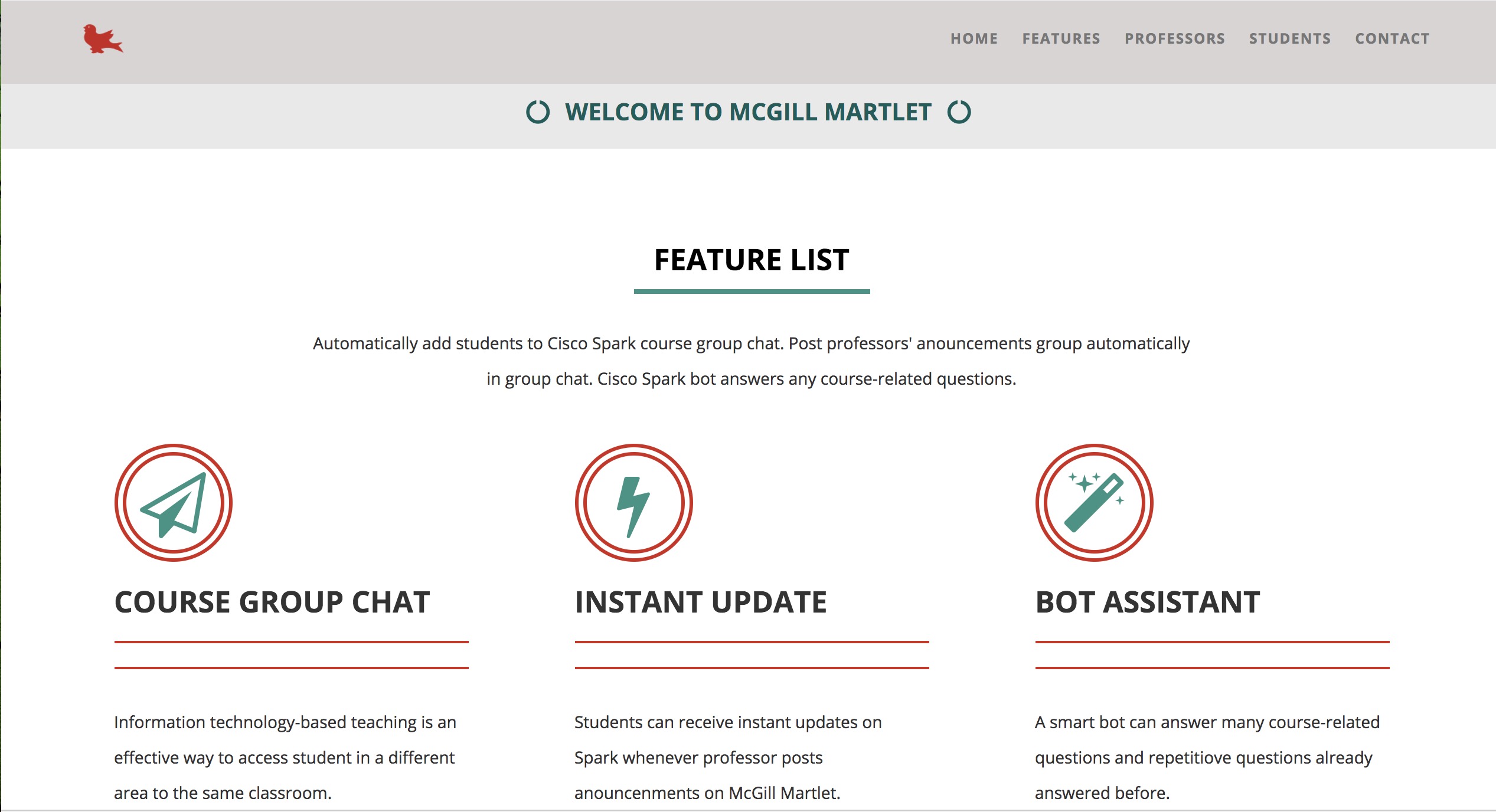
A useful website may help students find peers who take the same course with them in Cisco Spark Chat Group. When they enter their Cisco Spark email account and courses they are currently taking, they will join the matched course Cisco Spark groups immediately. Moreover, professors are our mainly users. They can create personal accounts and manage the course info with their account. Moreover, the essential function of our McGill Martlet bot is it can update any announcements the professor make on our website instantly in the group. Therefore, students do not need to suffer any delayed info or miss a
How we built it
We built the website using javascript, html, and css. To create the McGill Martlet bot, we used java and Cisco Spark API.
Challenges we ran into
It was challenging to figure out how Cisco Spark API worked, and how to use javascript and http server.
Accomplishments that we're proud of
Smoothly integrating our website into the Cisco Spark App Creating a professor assistant bot Learning new APIs in a short time Learning more about HTTP requests and Javascript servers
What we learned
How to use Cisco Spark API How to create a website
What's next for Martlet@McGill
Allow professors to use our preset template to create their own course teaching web page. And make the website come online.

Log in or sign up for Devpost to join the conversation.