-
-
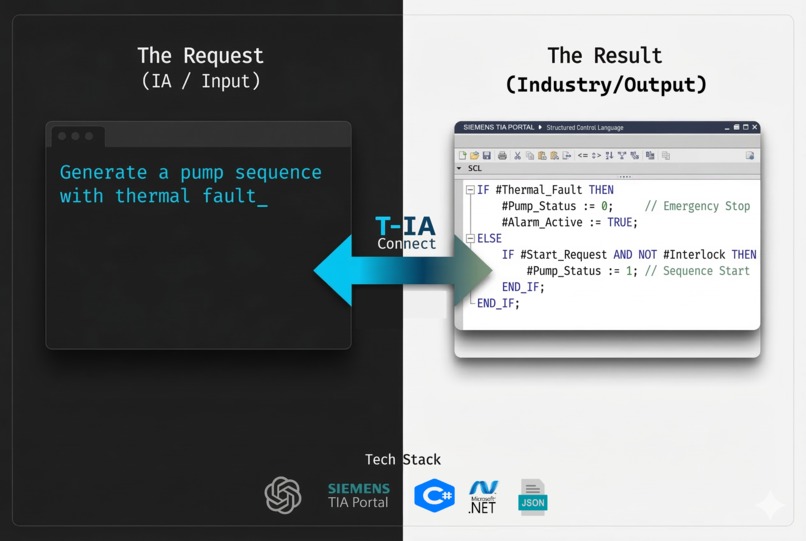
The T-IA Copilot workflow
-
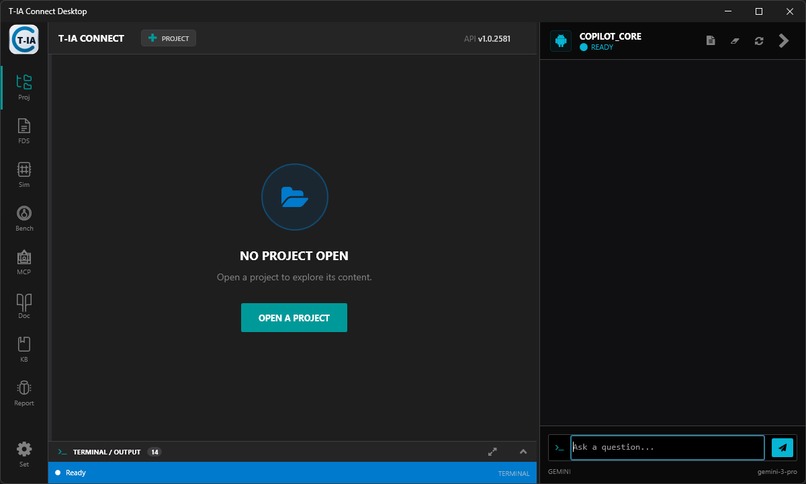
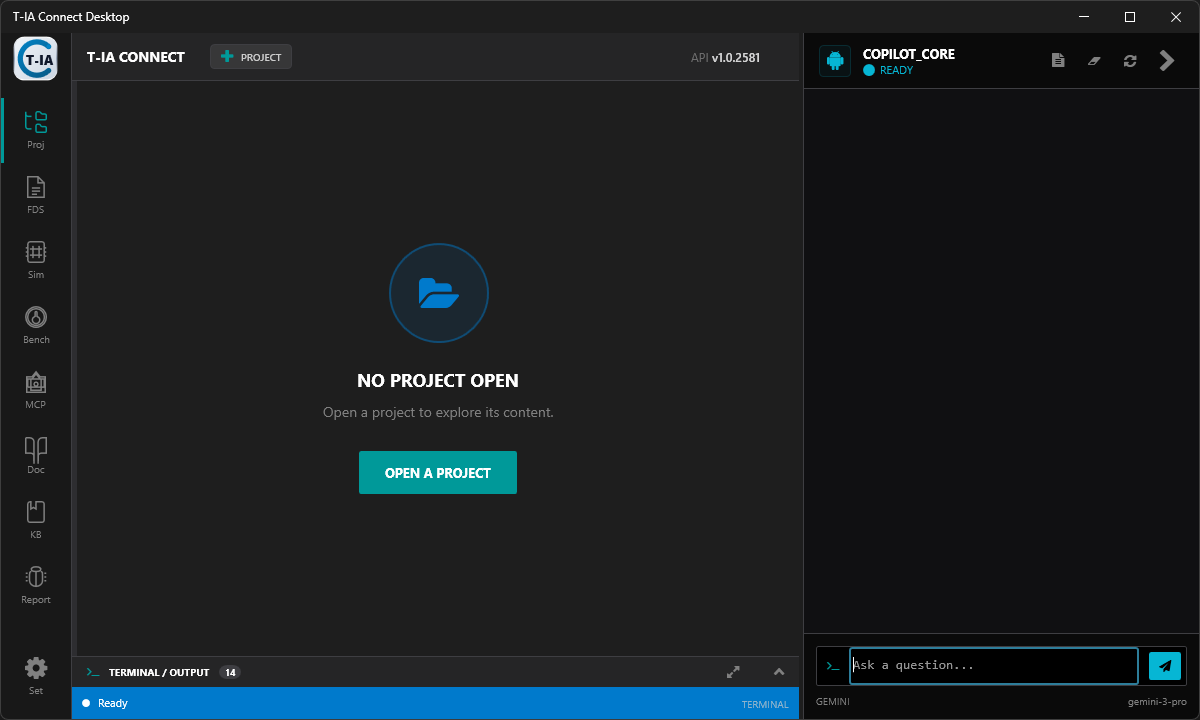
Copilot
-
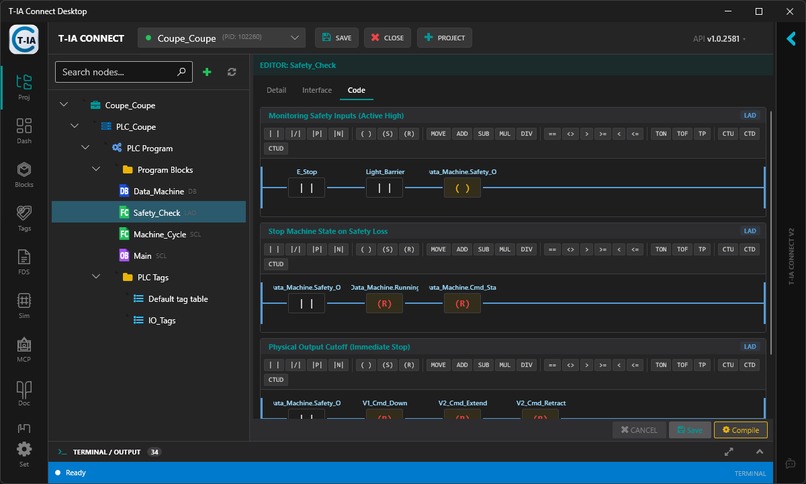
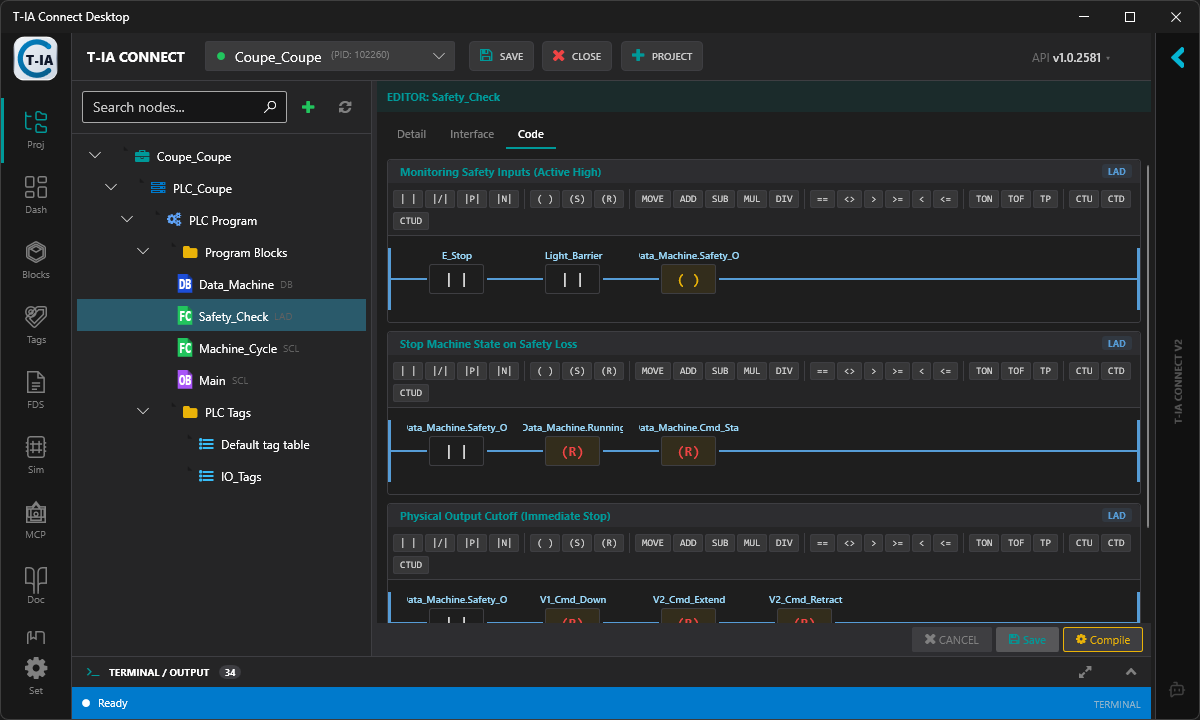
Edit block
-
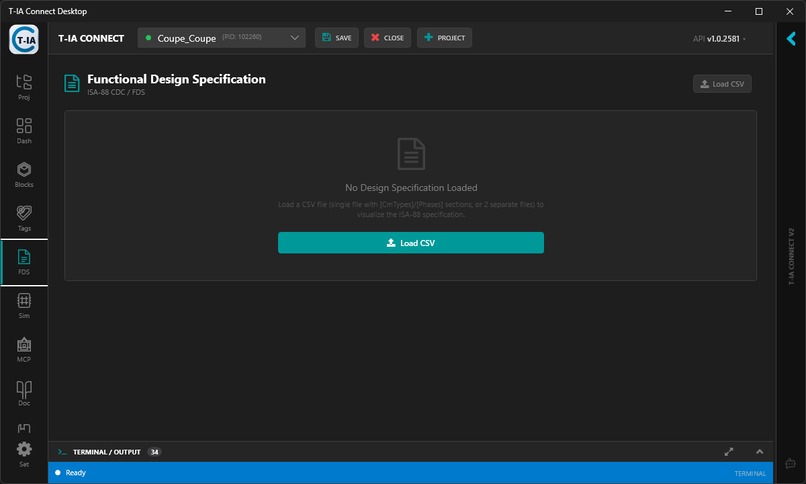
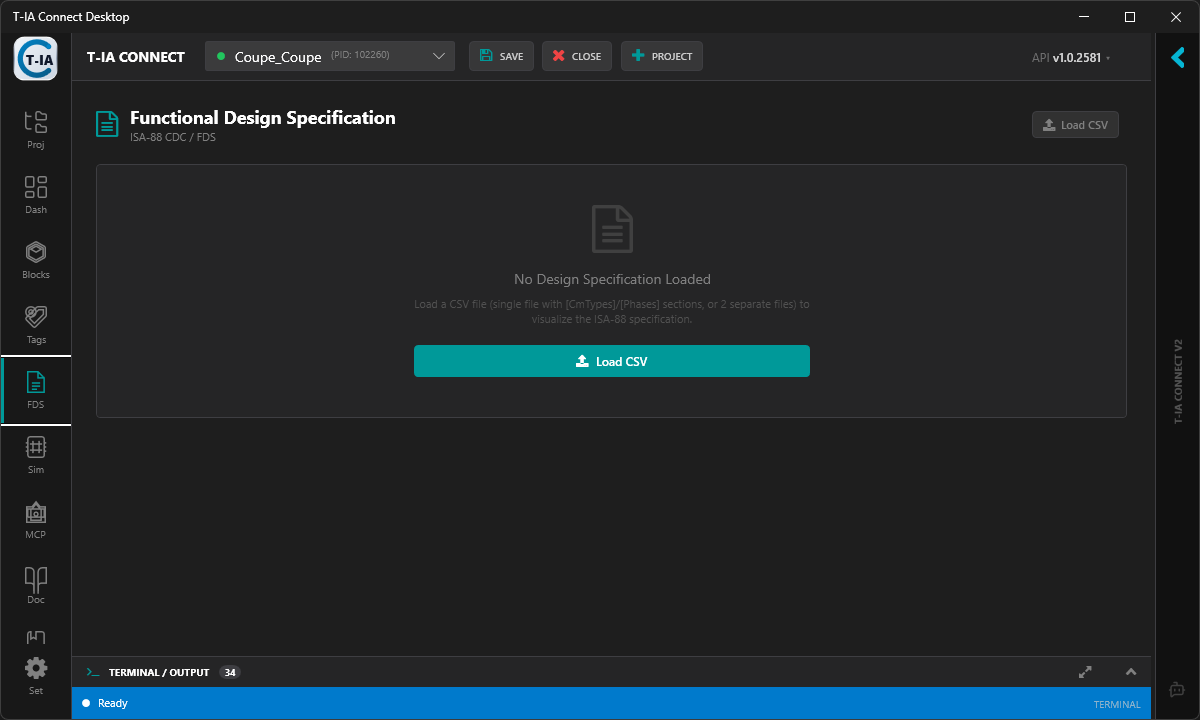
FDS Import
-
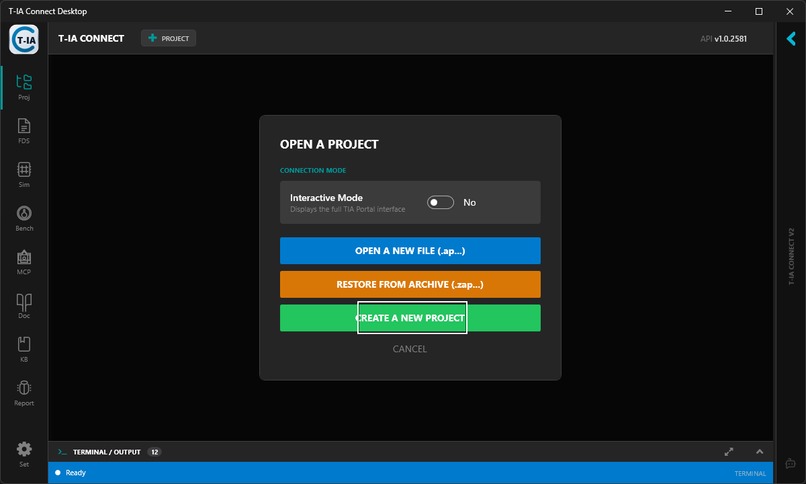
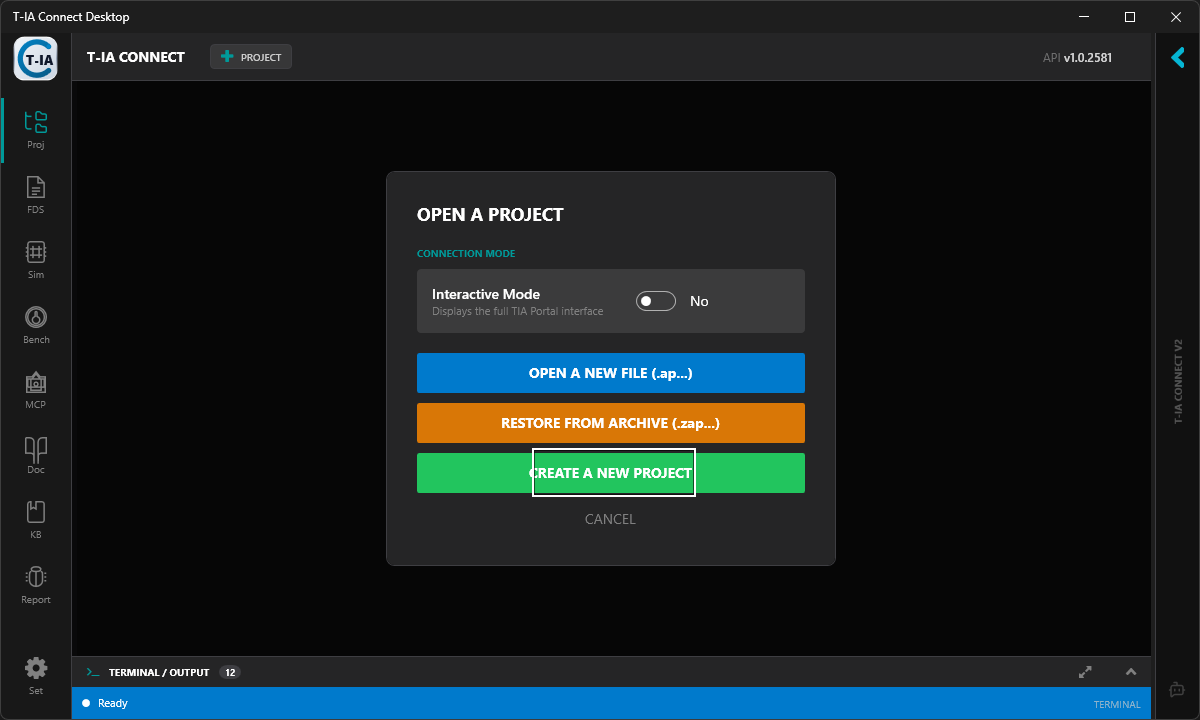
Create / Open / archive project
-
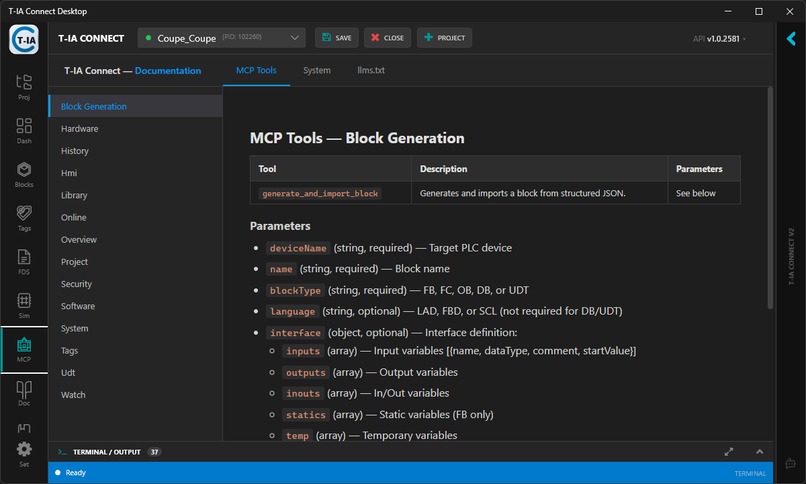
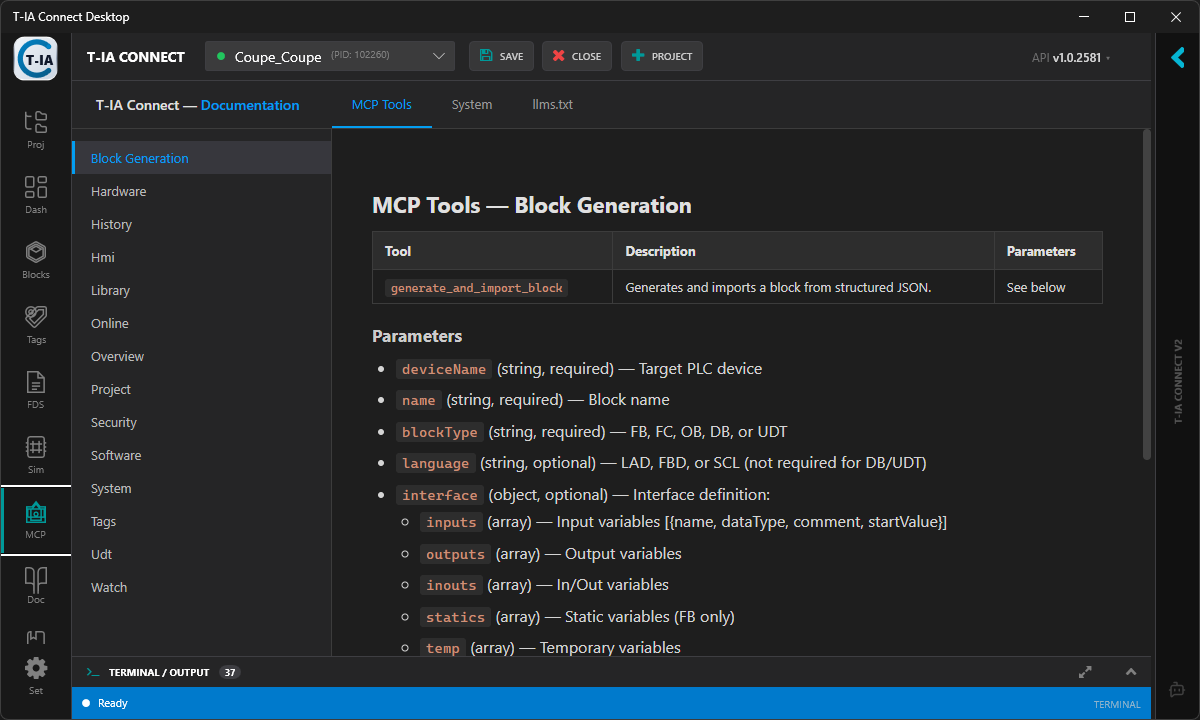
MCP Documentation
-
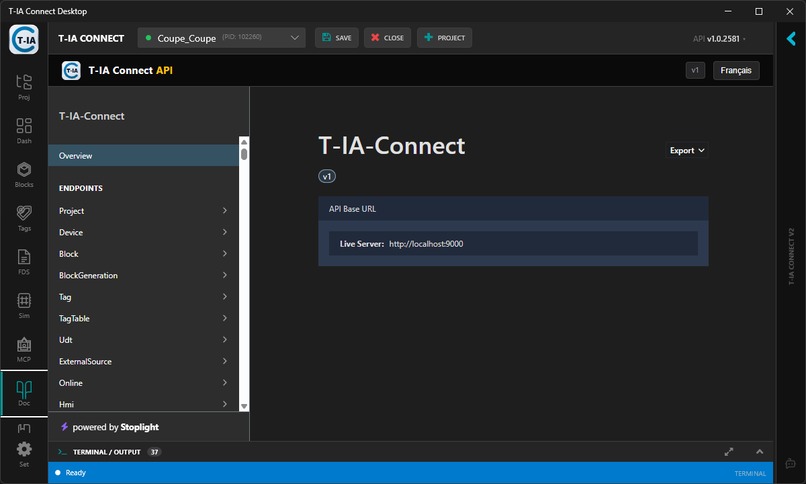
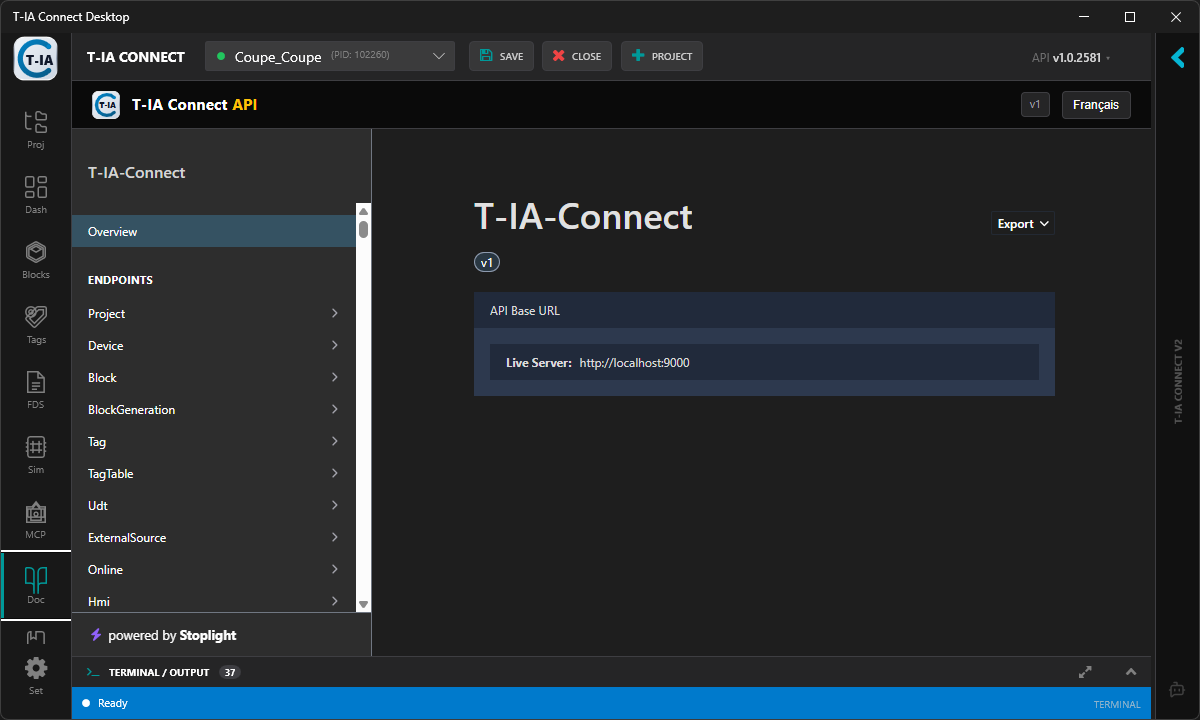
REST API Documentation
-
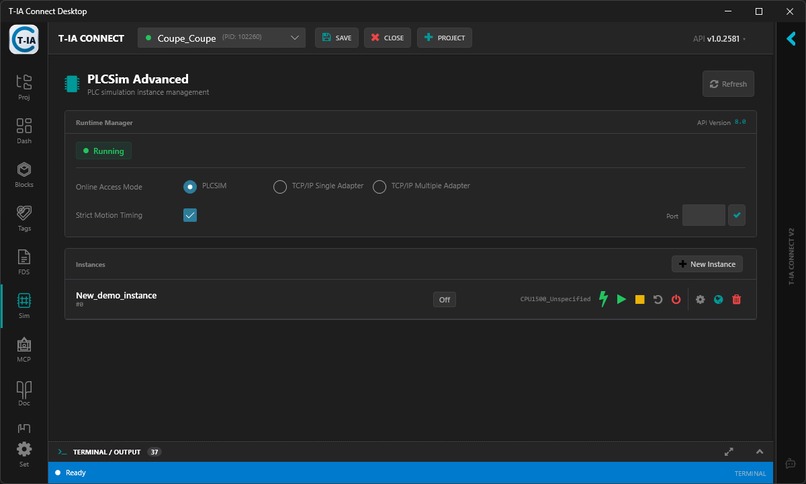
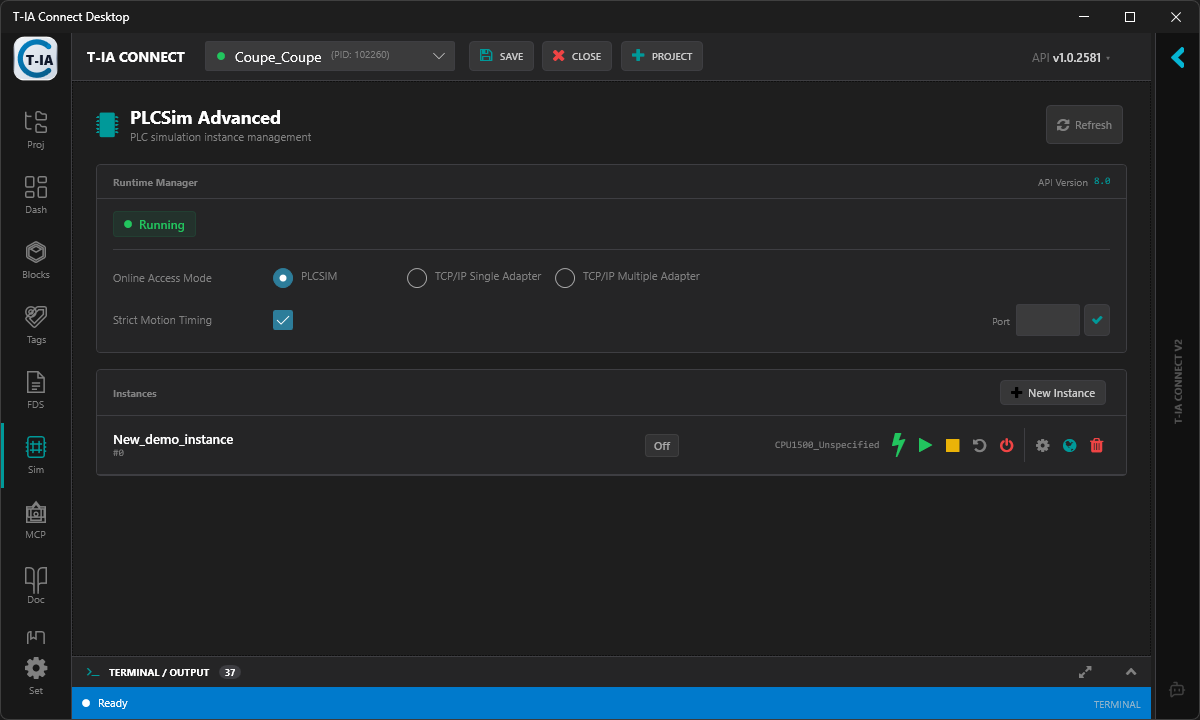
PLC SIM Advanced
-
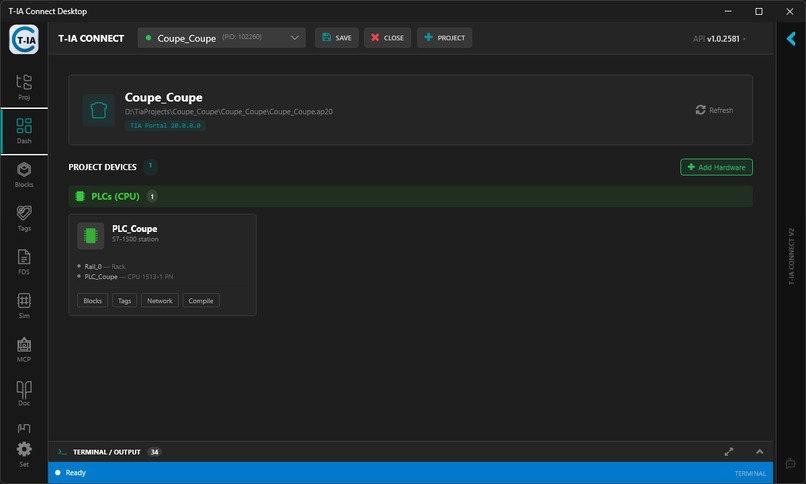
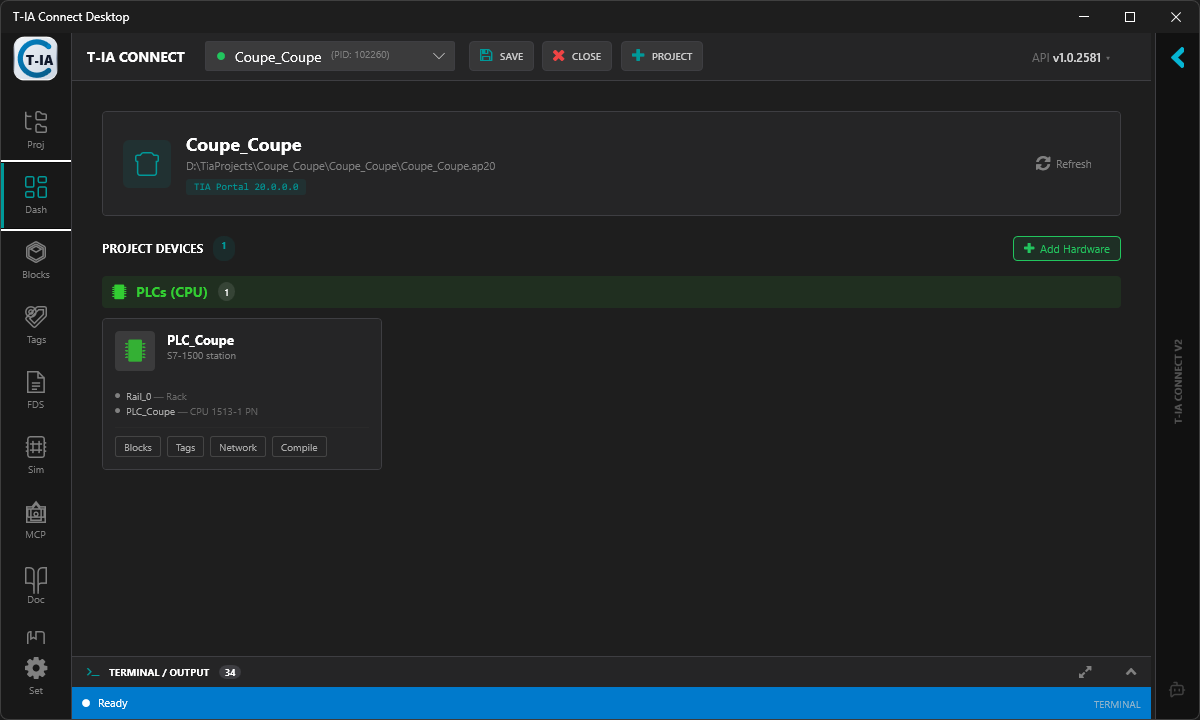
Devices Station view
💡 Inspiration
The industrial automation sector is stuck in the past. PLC engineers spend countless hours manually translating functional specifications into deterministic state machines (like ISA-88 sequences) inside Siemens TIA Portal. This manual process is slow, repetitive, and prone to human error — resulting in costly bugs discovered only during on-site commissioning. My inspiration was to bridge the gap between modern GenAI and the rigid, deterministic world of industrial hardware, to eliminate "spaghetti code" from factory floors forever.
🚀 What it does
T-IA Copilot acts as a secure, deterministic bridge between Sovereign GenAI models and Siemens TIA Portal (V17 through V20).
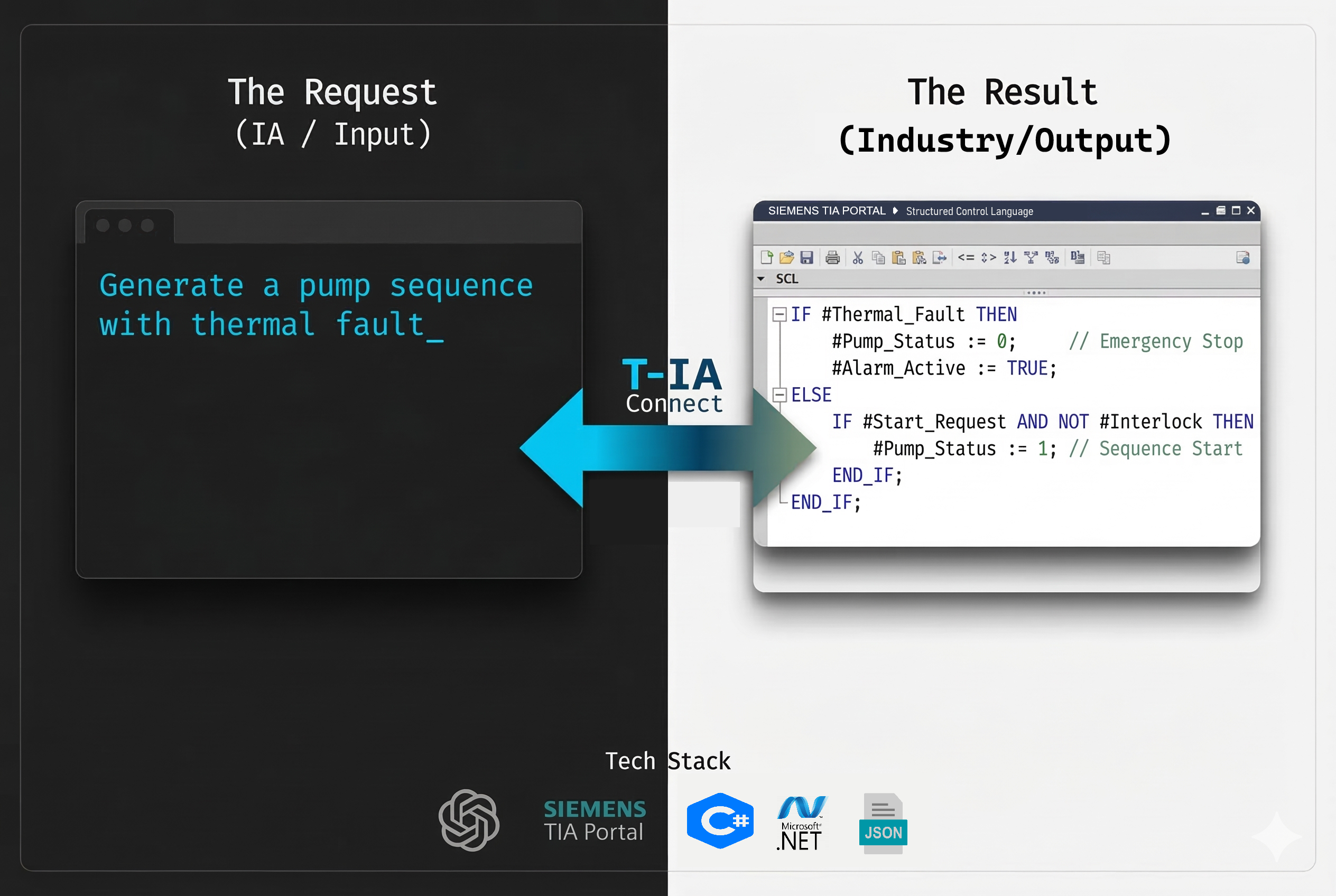
- Natural Language Input: You describe a complex industrial sequence (e.g., "Create an ISA-88 filling sequence with thermal fault handling").
- AI Reasoning: The LLM acts as the reasoning engine to design the state machine and its logic — not to write code directly.
- Deterministic Compilation: Our custom C# backend intercepts this AI output and uses a proprietary engine to translate it into valid, strict SimaticML XML — the native import format of TIA Portal.
- Zero-Click Deployment: The tool automatically imports, compiles, and structures the PLC code directly inside TIA Portal via the Openness API, without a single manual click.
The system exposes 126 MCP tools, allowing any AI agent (Claude, Cursor, Windsurf…) to fully orchestrate TIA Portal headlessly — from project creation to block compilation.
Example — Generate and deploy a PLC block via REST API:
# Step 1: Ask the AI to generate a Function Block
curl -X POST http://localhost:9000/api/blocks/generate \
  -H "X-API-Key: my-secret-key" \
  -H "Content-Type: application/json" \
  -d '{
    "deviceName": "PLC_1",
    "blockType": "FB",
    "blockName": "FB_WaterPump",
    "description": "Water pump with Start/Stop, thermal fault (TON 5s), Manual/Auto mode",
    "language": "SCL"
  }'

# Step 2: Compile the block inside TIA Portal
curl -X POST http://localhost:9000/api/blocks/compile \
  -H "X-API-Key: my-secret-key" \
  -d '{ "deviceName": "PLC_1", "blockName": "FB_WaterPump" }'
Or let an AI agent do it all — via MCP (Model Context Protocol):
You: "Create a water pump FB with thermal fault handling and compile it"

AI Agent (via MCP) → create_block → compile_block → ✅ Done.
🛠️ How we built it
The core backend is built in C# (.NET) leveraging the Siemens TIA Openness API. I developed a custom GraphicalBlockBuilder engine capable of respecting the extremely strict UId (Unique Identifier) constraints of SimaticML across TIA Portal V17 to V20.
To ensure industrial data privacy — a critical requirement for OEMs and machine builders — the system connects to Sovereign European AI Endpoints via OVHcloud, specifically utilizing models like Qwen3-Coder-30B through an OpenAI-compatible API. No proprietary PLC logic ever leaves the European cloud.
I also implemented a full MCP (Model Context Protocol) server using standard I/O streams, allowing the TIA Portal environment to be driven entirely headlessly by external AI agents — turning any LLM into an industrial automation copilot.
Headless orchestration — zero UI, full automation:
# Launch T-IA Connect in headless mode (no WPF window)
TiaPortalApi.App.exe --headless

# The API is now live at http://localhost:9000/
# From here, any script or AI agent can orchestrate TIA Portal:

# Open a project silently
curl -X POST http://localhost:9000/api/projects/open `
  -H "X-API-Key: my-key" `
  -d '{ "projectPath": "C:\\Projects\\WaterPlant.ap20" }'

# Generate a block from natural language
curl -X POST http://localhost:9000/api/blocks/generate `
  -H "X-API-Key: my-key" `
  -d '{ "deviceName": "PLC_1", "blockType": "FB",
        "blockName": "FB_WaterPump",
        "description": "Water pump with thermal fault handling" }'

# Compile — done. No TIA Portal window ever opened.
curl -X POST http://localhost:9000/api/blocks/compile `
  -H "X-API-Key: my-key" `
  -d '{ "deviceName": "PLC_1", "blockName": "FB_WaterPump" }'
🚧 Challenges we ran into
The biggest challenge was the strictness of the SimaticML XML schema. LLMs are incredibly smart at reasoning, but they are terrible at generating complex, schema-compliant XML with strictly sequential internal IDs. Early on, TIA Portal rejected our AI-generated blocks with cryptic errors like "The incorrect unique ID is '23'" because the AI hallucinated the XML structure and duplicated IDs.
To solve this, I completely abstracted the XML layer from the AI. Instead of asking the AI to write XML, it now only generates a lightweight, standardized JSON payload (for Ladder/FBD) or pure SCL text. My custom C# backend acts as a Deterministic Compiler (GraphicalBlockBuilder) that interprets this output and safely constructs the full SimaticML XML document — perfectly managing UId counters, attribute ordering, and schema compliance. This guarantees a 100% import success rate into TIA Portal.
🏆 Accomplishments that we're proud of
- Successfully automating the deployment of an ISA-88 compliant block from a simple chat prompt to a compiled PLC — in under 30 seconds.
- Developing a robust headless orchestration pipeline that manages the entire lifecycle: booting TIA Portal silently, authenticating via API keys, importing, compiling, and testing.
- Passing 1,165 automated tests (unit + integration) with a 100% success rate, bridging the gap between modern CI/CD pipelines and industrial PLCs.
- Implementing GRAPH (SFC) sequence generation — producing fully compliant Sequential Function Chart blocks from natural language, following the ISA-88 standard.
🔮 What's next for T-IA Copilot
- Vision-Language Models: Leverage VLMs (like Qwen2.5-VL) to allow engineers to upload a P&ID (Piping and Instrumentation Diagram) image or PDF and automatically generate the entire PLC tag list and base control modules directly into TIA Portal.
- PLCSim Advanced integration: Full simulation loop — generate, compile, download to virtual PLC, and validate I/O behavior — all from a single prompt.
- Agentic workflows: Let AI agents autonomously iterate on PLC logic by reading compilation errors, fixing code, and re-deploying until the block compiles successfully.

Log in or sign up for Devpost to join the conversation.