-
-
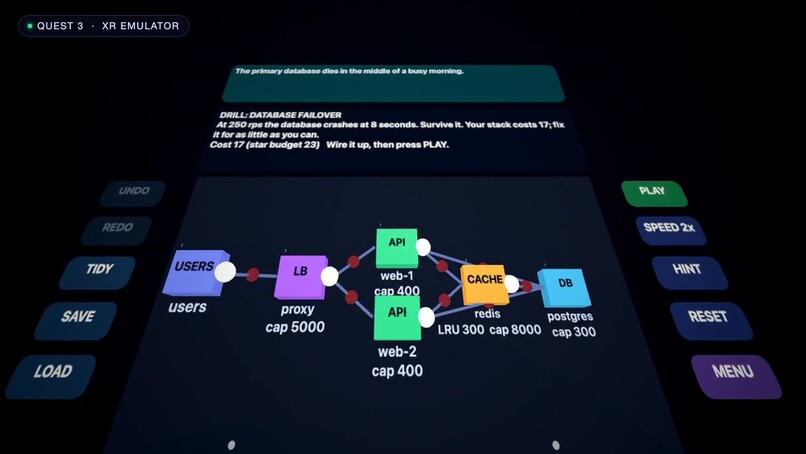
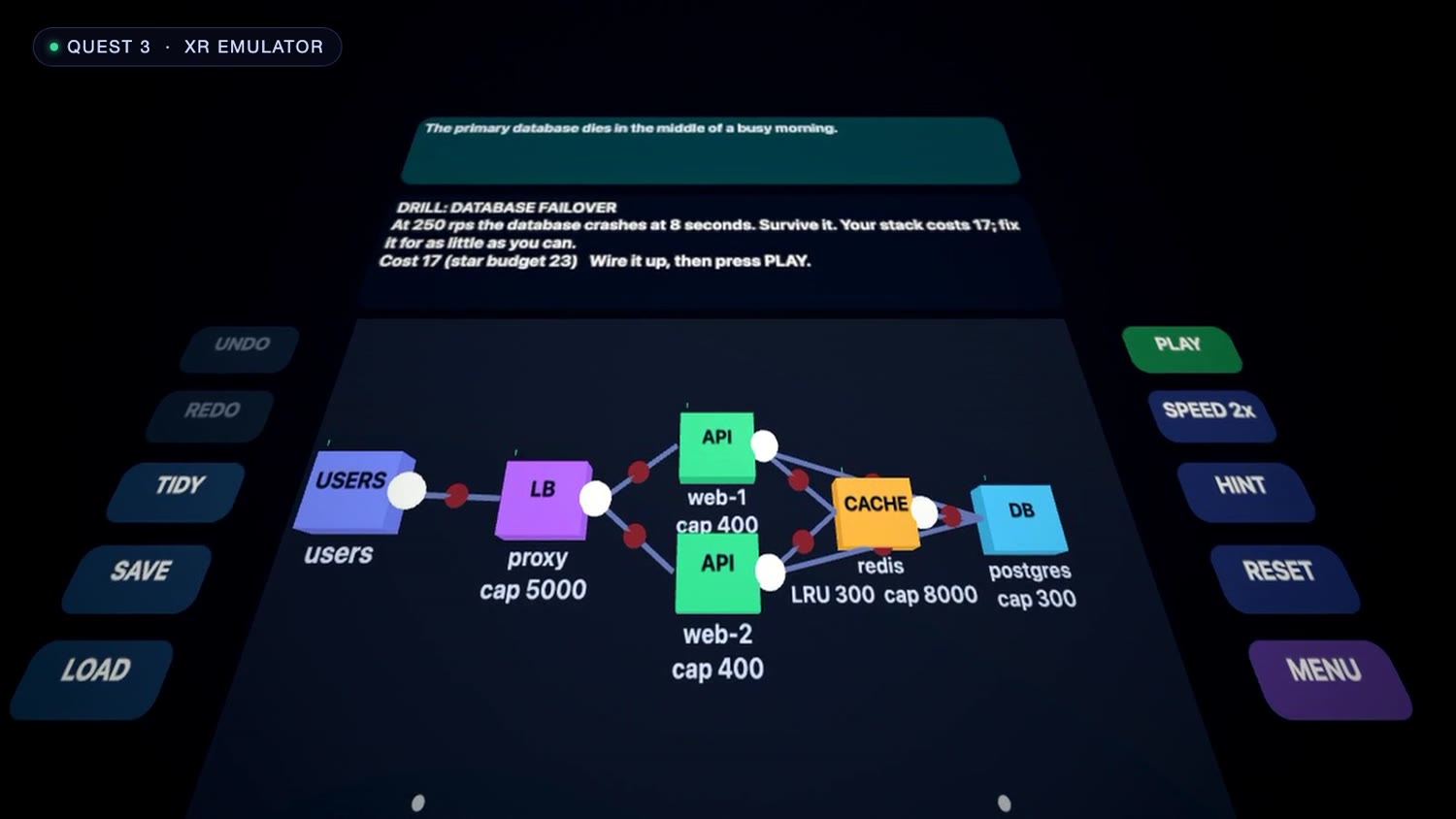
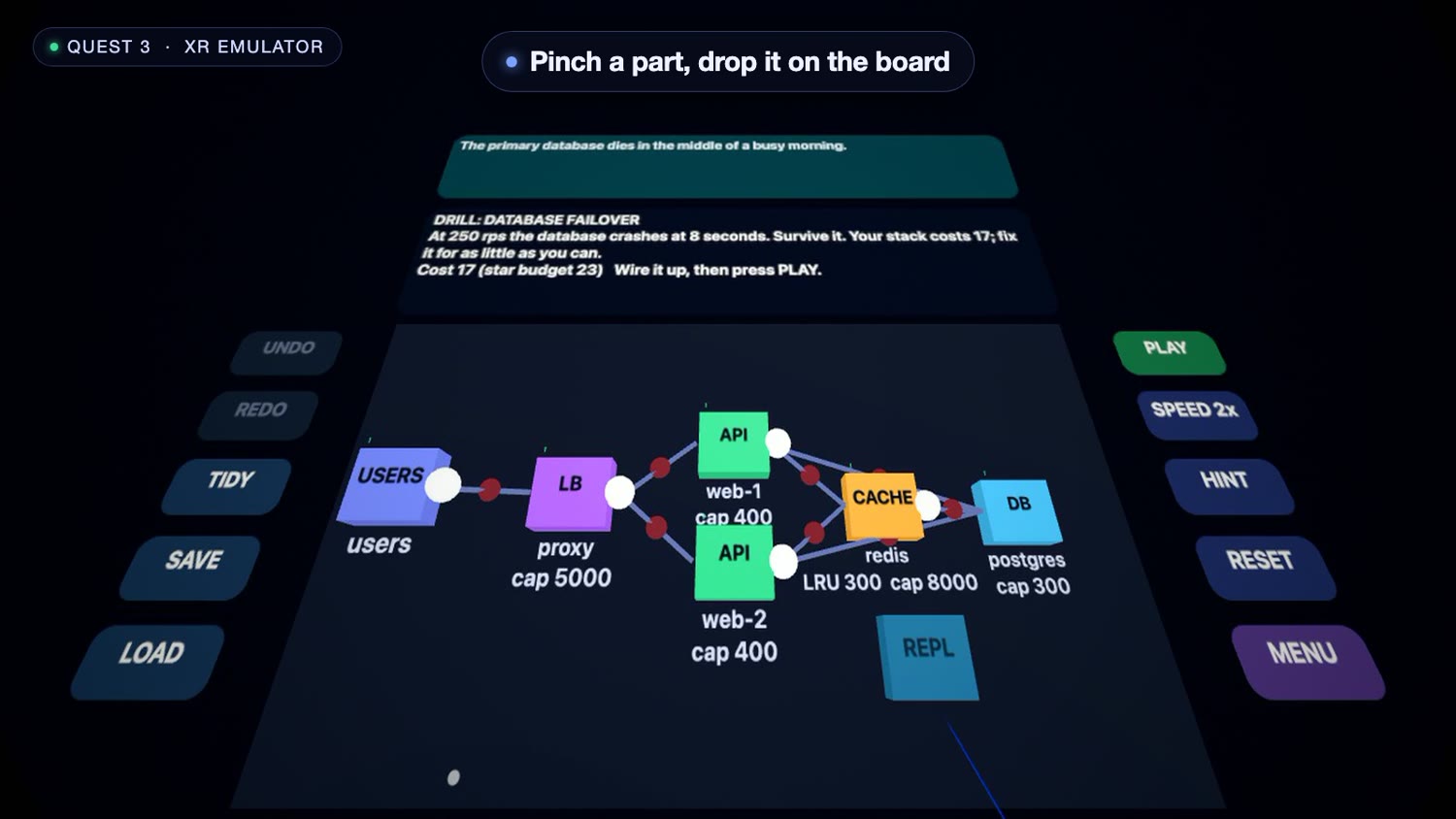
Database failover drill on the original stack, in the Quest 3 emulator
-
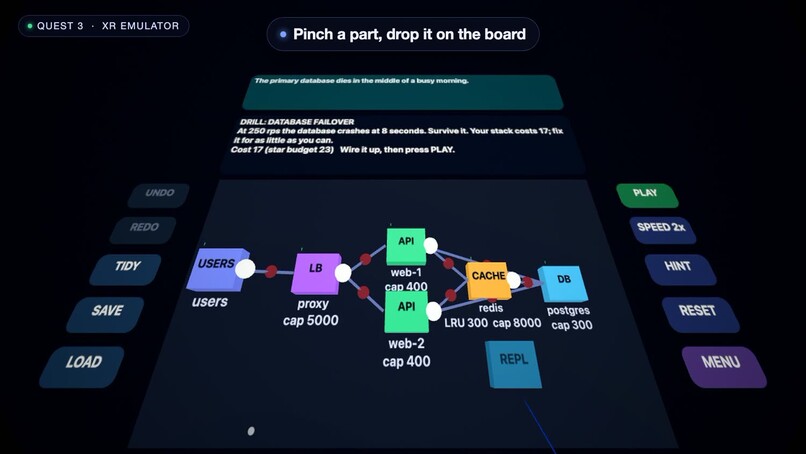
Wiring a new part into the design by hand
-
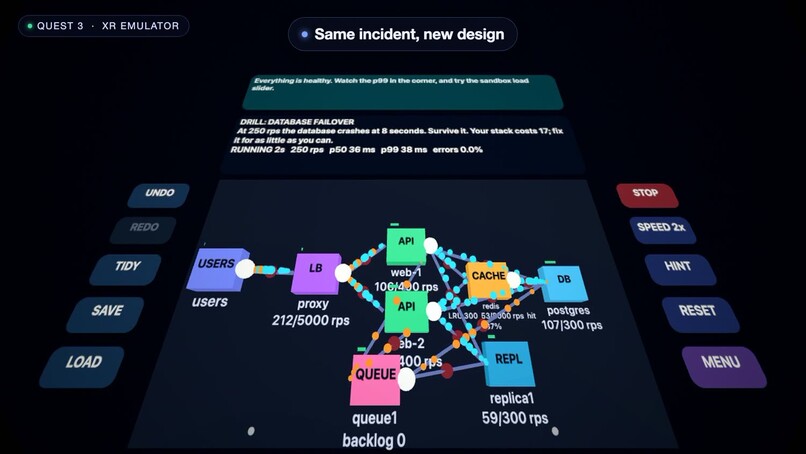
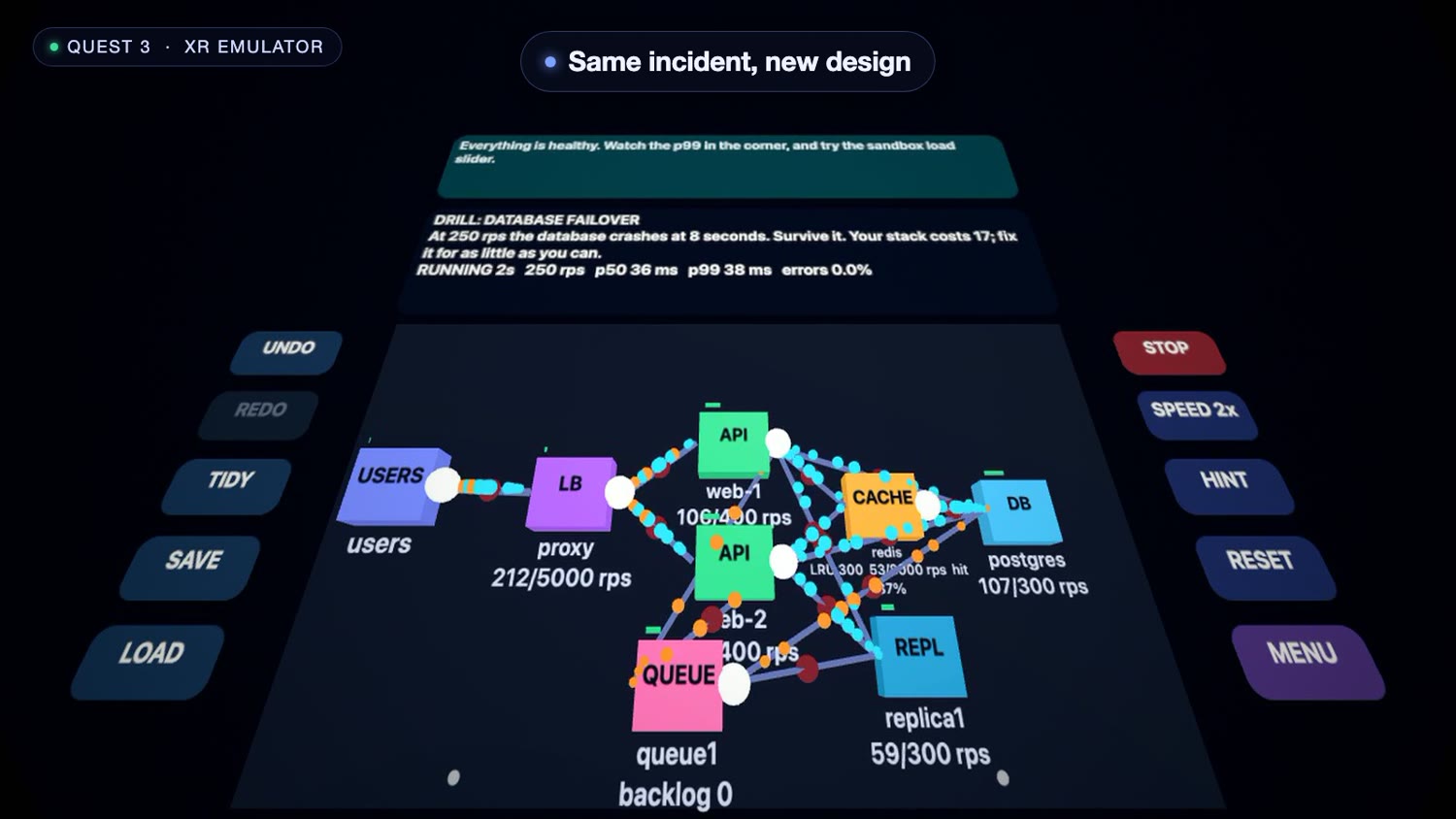
Pinch in a replica and a queue, then rerun the same incident
Inspiration
Teams find out how their architecture fails during the incident. Capacity planning lives in spreadsheets and old diagrams, and on-call rehearsal means a whiteboard and good intentions. I wanted a place to break my own stack safely, see what falls over first, and fix it before it matters.
What it does
System Design Sandbox VR is a seated, hands-first workspace. Paste your architecture (a docker-compose file, a Mermaid flowchart or JSON) and it appears as a board in front of you, laid out in depth: users nearest, the data tier furthest. Pick an incident: a traffic spike, a hot key, a database failover, a cache stampede or a lost server. Press Play and simulated requests flow as glowing particles along the wires. Overloaded parts turn red, pulse and sound an alarm, and a coach explains why in plain words. Then pinch a replica, a queue or a cache off the shelf, wire it in with your fingers, and run the same incident again.
In the demo, the typical SaaS stack loses 57.5% of requests in the database failover drill. After adding a replica and a queue by hand, it loses 5.4%.
Anything the importer could not map, or had to assume (for example that a cache sits in front of the database), is shown to you instead of guessed silently. A 13-level campaign teaches the same ideas step by step, with budgets and 3-star ratings, and a sandbox adds a live load generator, a x3 burst and failure injection. After each run a "What happened" panel says what broke first, when, and by how much of its capacity.
Built for productivity
Everything works with hands alone, seated, with a dominant-hand panel side, adjustable board height, one-tap recenter, large targets and reduced motion. The board starts immediately in a normal browser tab; the heavier VR runtime loads only when you press Enter VR.
How I built it
A TypeScript simulator, tested on its own, models seeded Poisson arrivals, per-part service rates and finite queues, Zipf key popularity, real LRU/LFU/FIFO eviction, caches that only learn a key after the database answers (so a stampede really stampedes), health-checked routing, failover after 3 seconds, token-bucket rate limits, hash sharding, CDN edges and replication lag. The same seed gives the same verdict. The 3D board uses the Immersive Web SDK (IWSDK) and three.js with WebXR hand input. 83 automated tests cover the importer, each incident drill and every level, proving each one fails at its start and passes with its reference solutions. It is a teaching model, not a load test.
Challenges
Keeping the simulation honest and readable at the same time: every level has to fail at its start and have at least two valid fixes, and the tests enforce both. Getting pinch drag and drop to feel reliable in an emulated Quest session took several fixes.
What I learned
Splitting the immersive runtime from the first load keeps the experience quick to start (6.6 MB down to 0.75 MB of first-load JavaScript).
Testing it
Open the live app in the Quest browser or a desktop browser, press Enter VR and use hand tracking: pinch to pick up, place and wire parts and to press Play. Quick path: add ?level=3 to the URL, or ?sample=saas&drill=failover for the failover drill. The demo video shows the Meta Quest 3 emulator (IWSDK), and the app has not yet been measured on a physical headset.
What's next
Headset tuning of comfort and hand input, a multi-region level, and optional LLM-written review of your design. Target launch: a free web release (already live on GitHub Pages), followed by a Meta Horizon Store submission, aiming for Q1 2027.
Built With
- github
- iwsdk
- meta-quest
- three.js
- typescript
- vite
- webaudio
- webxr

Log in or sign up for Devpost to join the conversation.