-
-
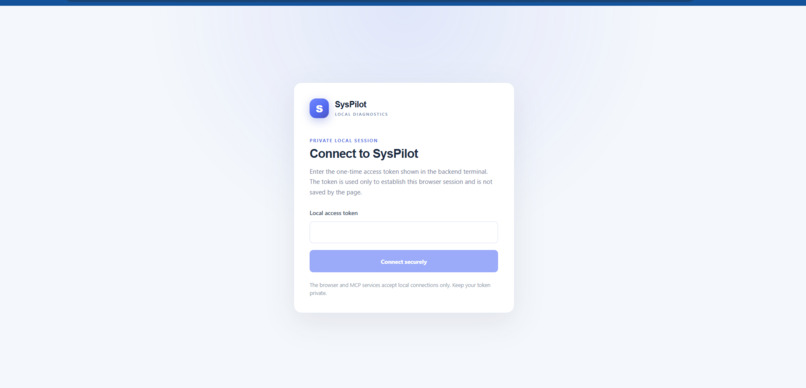
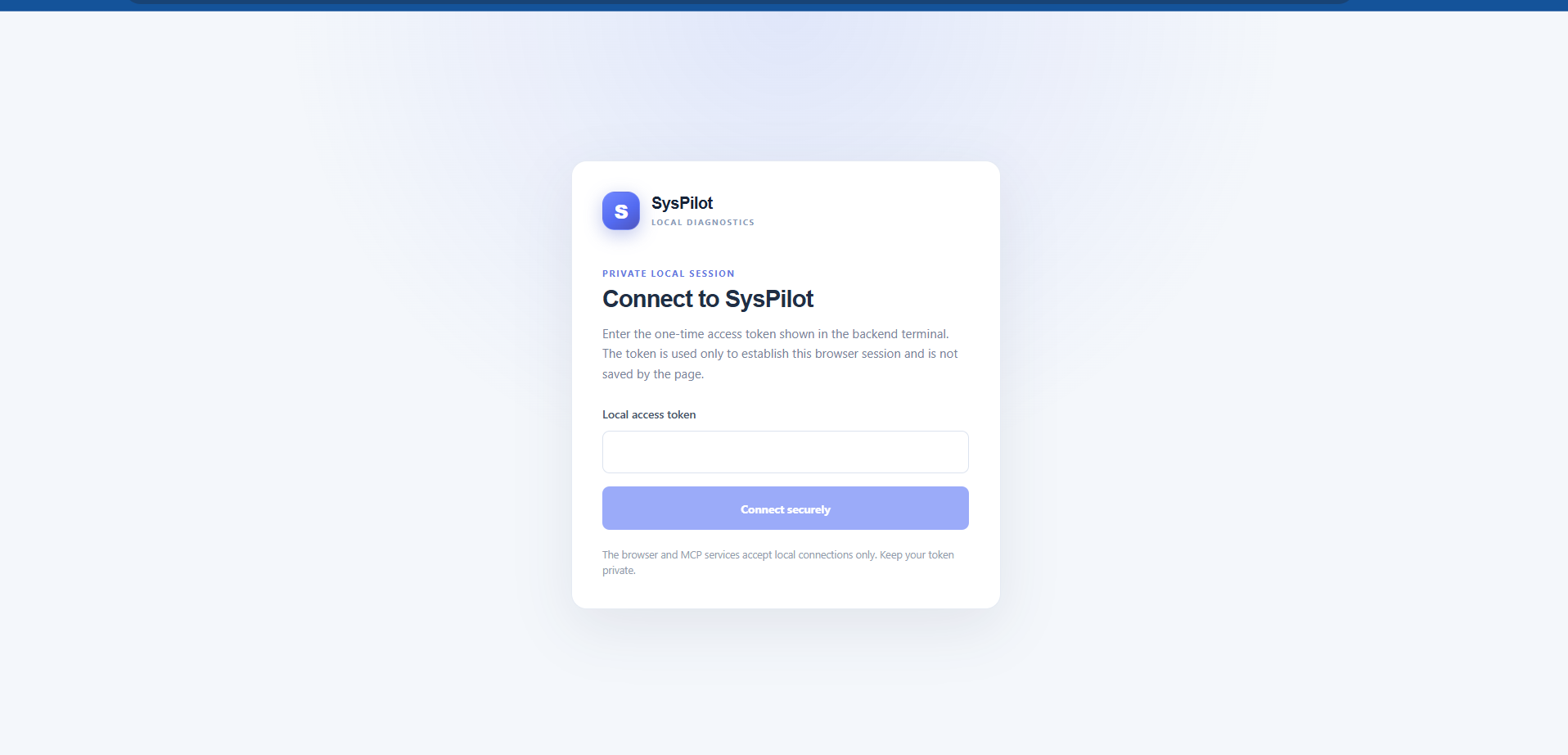
Landing page
-
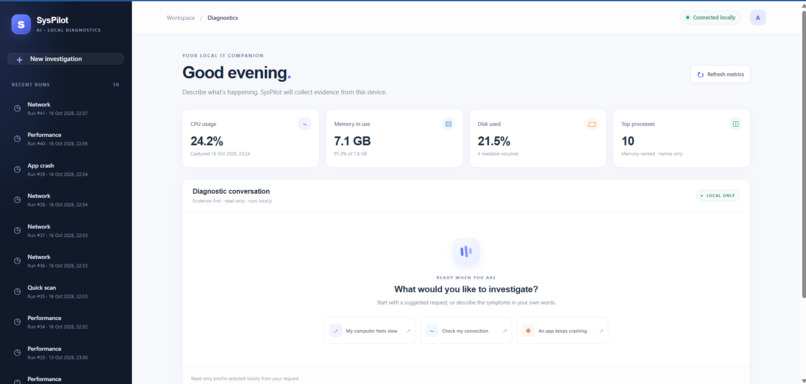
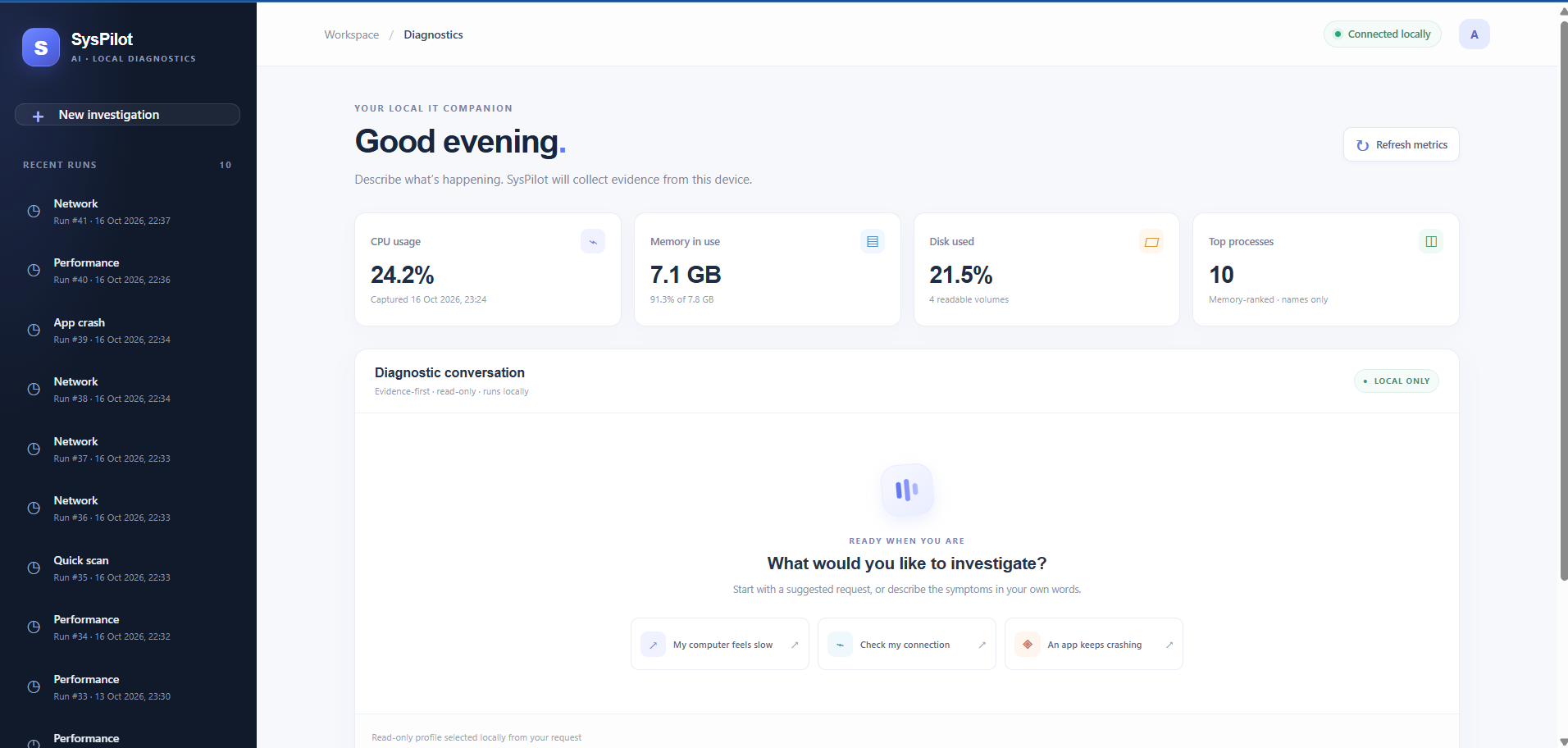
Home page
-
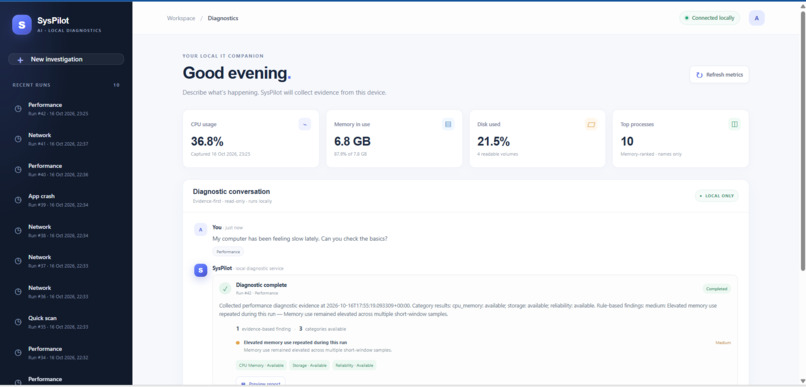
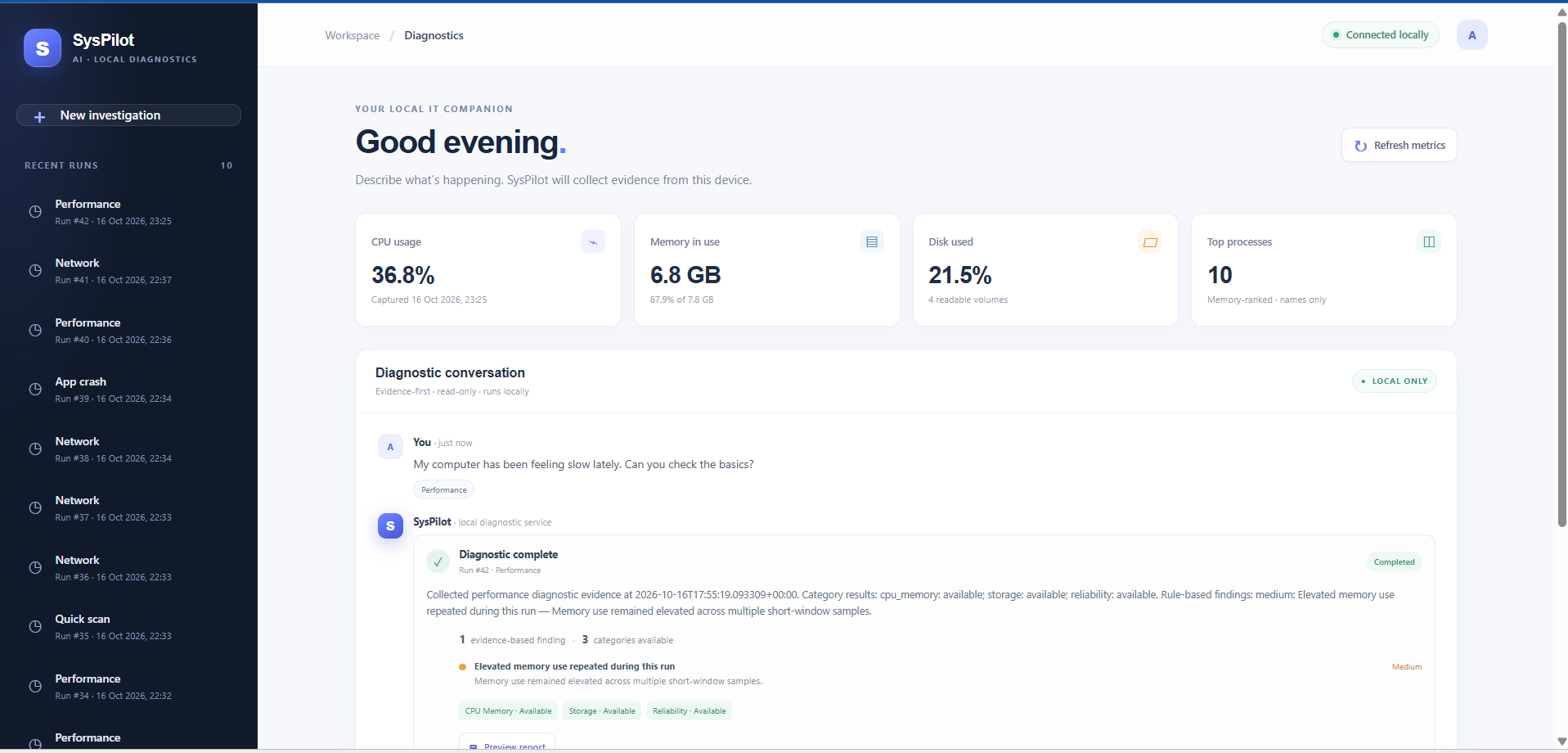
Conversation page
-
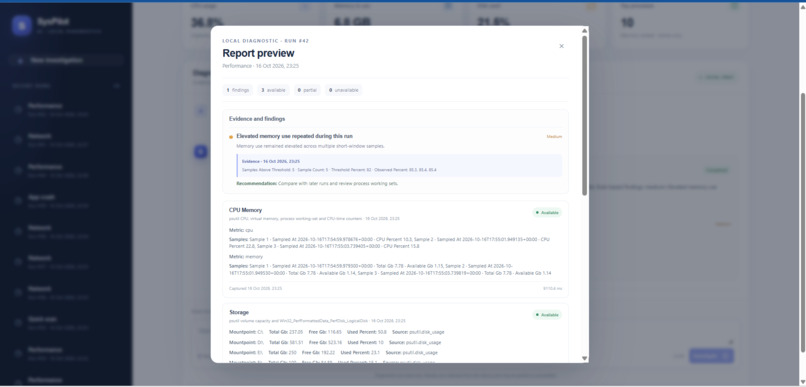
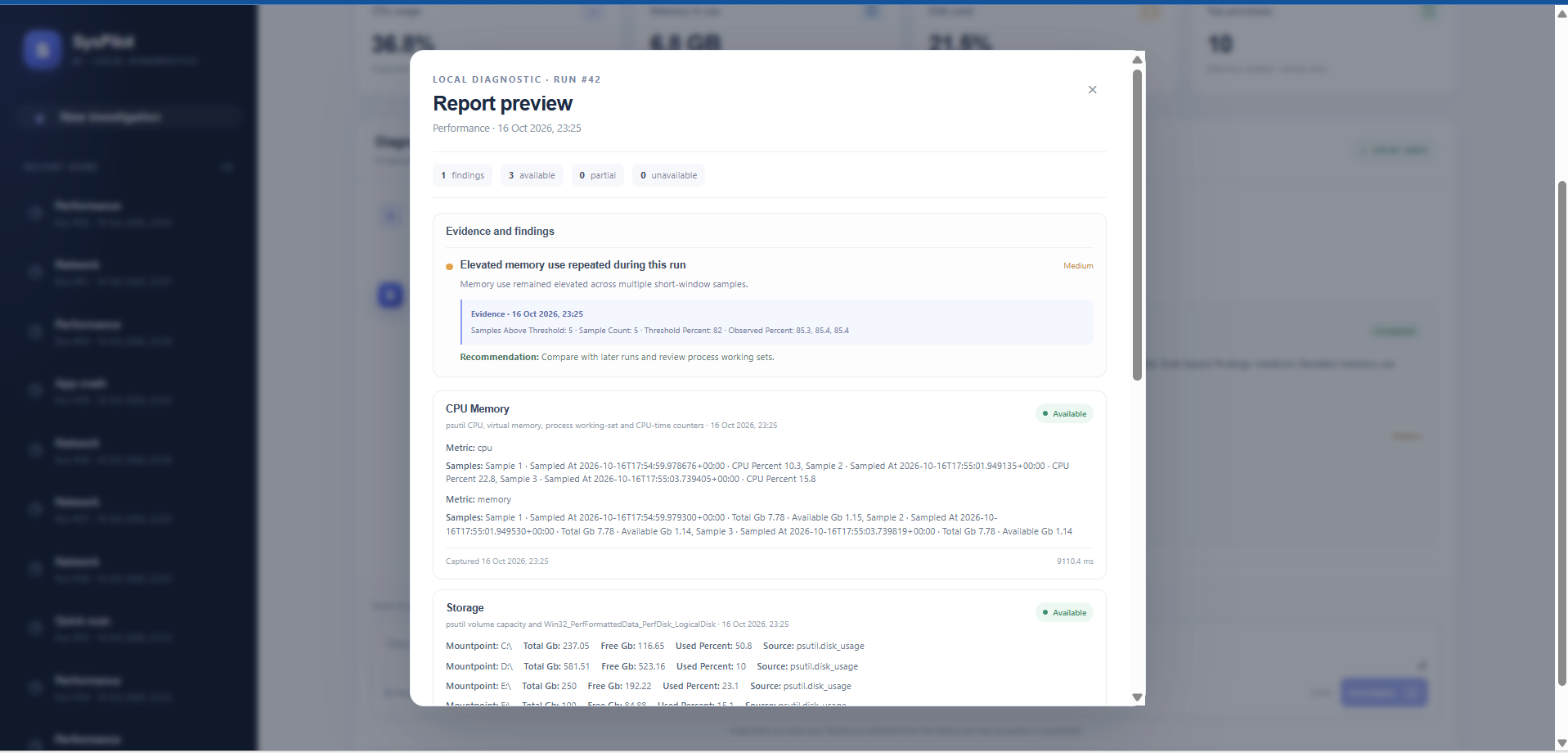
Report Preview page
Inspiration
Troubleshooting a Windows PC often means jumping between system utilities and trying to work out which measurements matter. I wanted to bring useful diagnostic evidence together in one place, while making it clear when a result is partial or unavailable instead of presenting missing data as a clean bill of health.
What it does
SysPilot AI is a read-only Windows diagnostics assistant. It collects bounded local system observations, applies deterministic rules, and presents diagnostic findings and category statuses. Its local MCP server exposes diagnostic capabilities through Streamable HTTP, including system overview, diagnostic runs, troubleshooting, and history.
The project also includes a React browser simulator. A user enters a troubleshooting request, a deterministic router selects a supported diagnostic profile, and the local gateway calls the MCP tools.
How it was built
The original application is a Windows desktop app built with Python and PySide6. For this project, I added a reusable diagnostic service, a self-hosted MCP server using the Python MCP SDK, a bounded request router, and a React/Vite browser simulator backed by the local MCP service. Diagnostic history is stored locally.
The MCP server uses Streamable HTTP and implements MCP specification version 2025-11-25. It runs on the Windows machine and binds to loopback; the browser simulator and backend are not a public hosted service.
Challenges and what I learned
A key design challenge was connecting a conversational request to useful diagnostics without letting an AI model freely select tools or arguments. SysPilot uses deterministic routing to choose from supported profiles and keeps diagnostic collection read-only.
The project also treats partial, unavailable, and failed observations as meaningful outcomes. They remain visible in results rather than being replaced with guessed values.
What’s next
The current browser experience is a local Alexa+-style simulation, not a native Alexa+ integration or an Agent Skill. The project does not connect to an Alexa+ device, and no repair action is executable. The optional cloud explanation is separate from the local browser workflow and requires user consent.

Log in or sign up for Devpost to join the conversation.