-
-
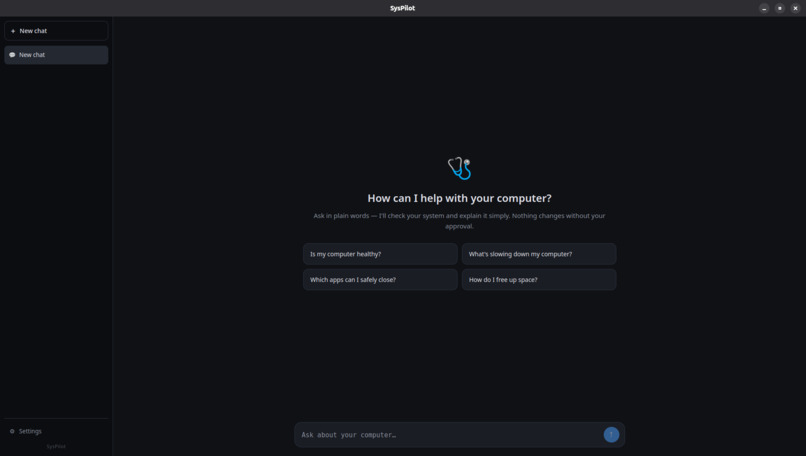
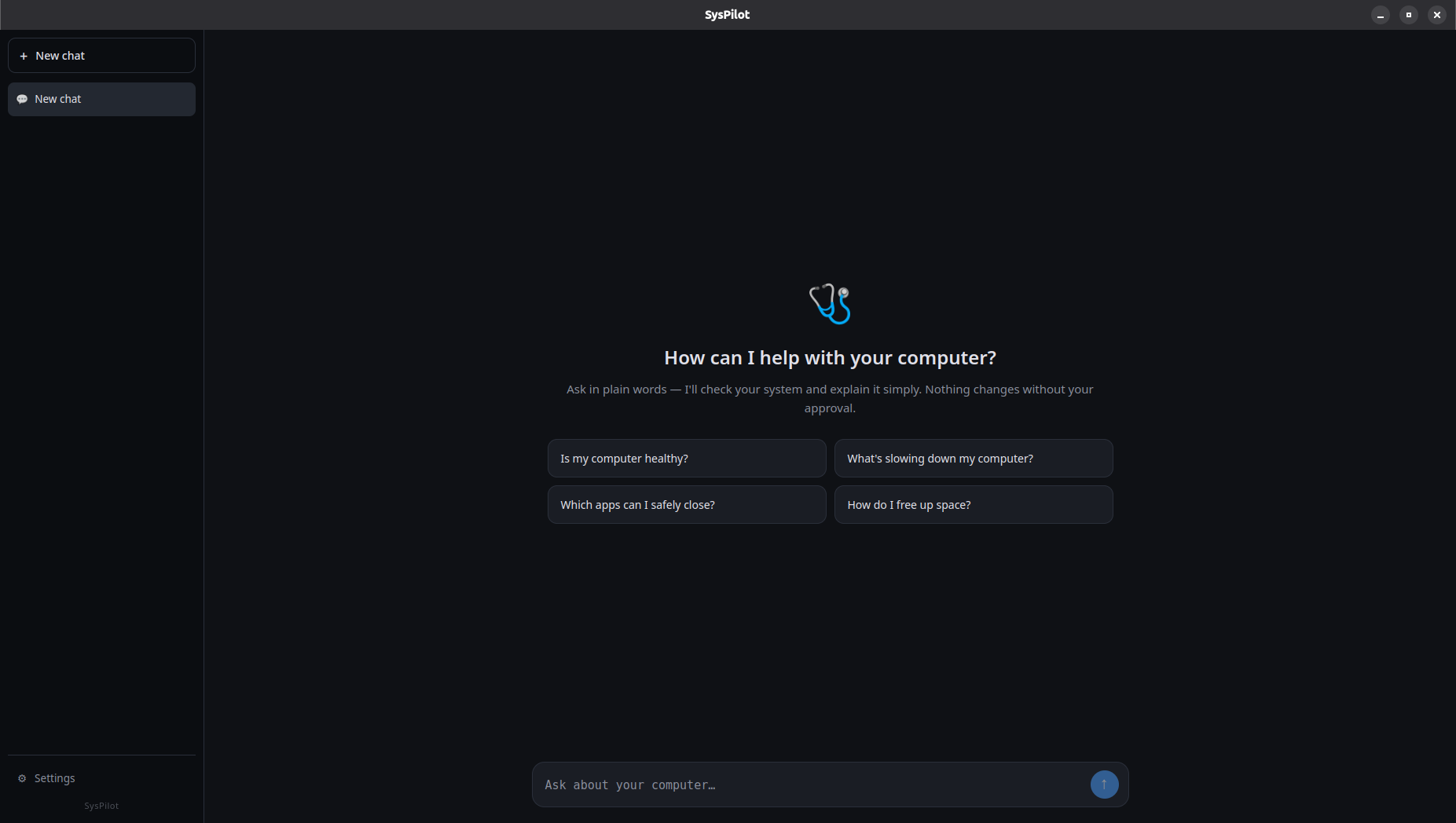
User Interface
-
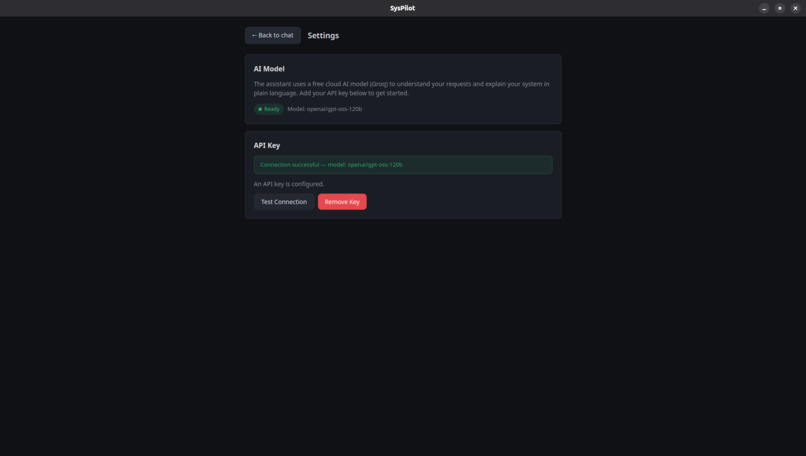
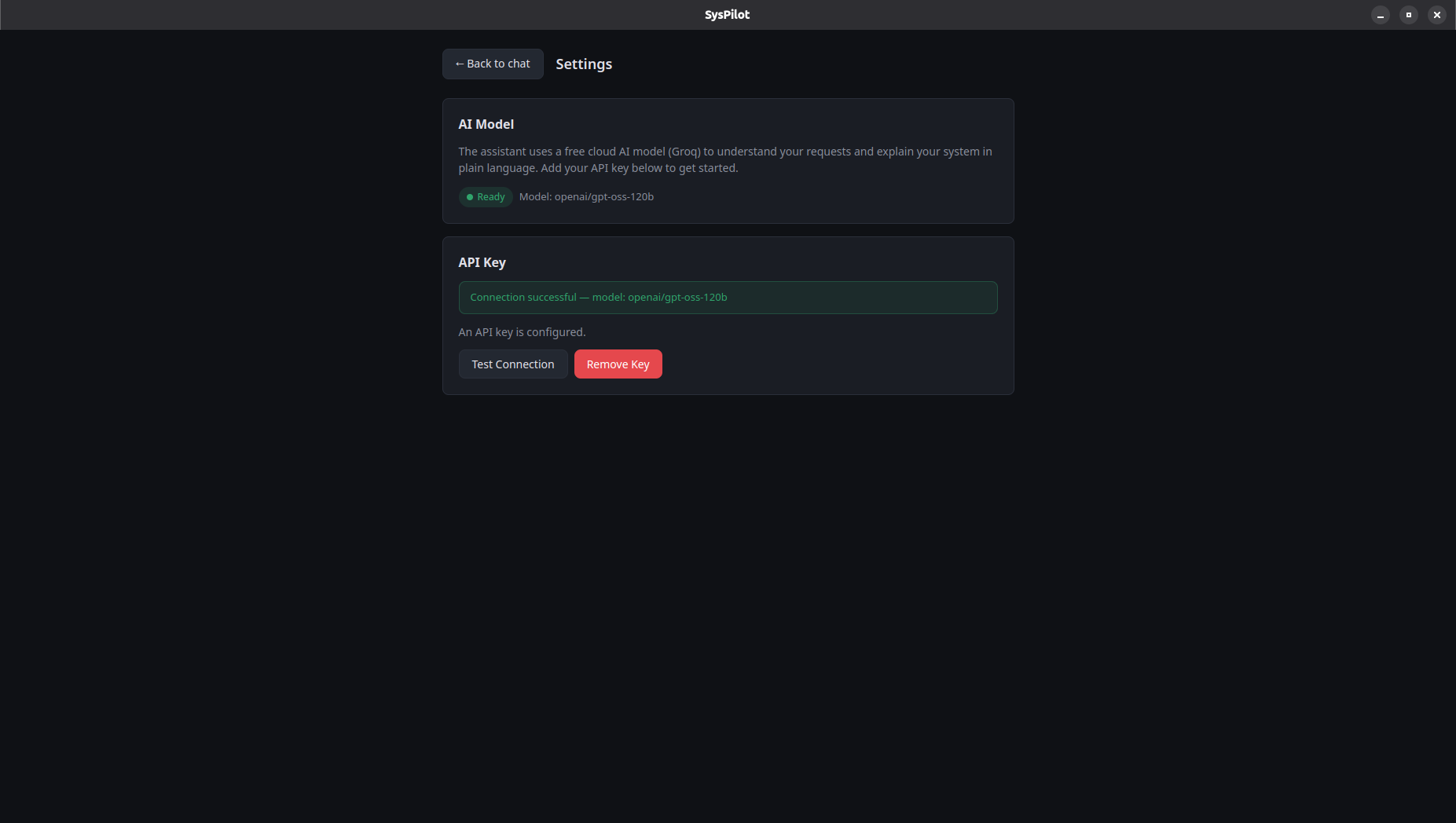
Settings
Inspiration
When something goes wrong with a computer, the fix usually means searching forums and pasting commands you don't understand. For non-technical people, that's stressful and risky. We wanted an assistant that does the technical digging for you and answers in plain language — and, through Alexa+, could one day just tell you how your computer is doing out loud.
What it does
SysPilot is a system health assistant for everyday users. You ask a question in normal words, and it inspects your machine — CPU, memory, battery, drivers, startup apps, network, temperatures, disk health, and more — then answers like a helpful friend, not a manual.
- Diagnoses in plain language. "Why is my computer slow?" returns a simple, jargon-free explanation of what's actually using your resources.
- Knows what's safe. Ask which apps you can close, and it separates harmless background apps from system services you shouldn't touch.
- Fixes only with your approval. When a fix would change your system, SysPilot never runs it silently. It shows the exact command and waits for an Allow / Not now button. Anything needing admin rights is handed to you as a copy-and-run command, so you stay in control.
- Remembers your conversations. A ChatGPT-style interface saves every chat, so SysPilot becomes a running record of your computer's health.
How we built it
SysPilot is built around a self-hosted Model Context Protocol (MCP) server exposed over Streamable HTTP. The server publishes 39 read-only diagnostic tools plus approval-gated action tools. An agent loop runs a tool-capable LLM (Groq) against these tools, so every factual claim comes from a real tool call — the model never invents system details.
- Backend: Python, FastAPI, the MCP Python SDK, served with uvicorn.
- Diagnostics: standard Linux interfaces and utilities, wrapped into safe, structured tools.
- Frontend: a React + TypeScript desktop app (pywebview) with a ChatGPT-style UI and local, persistent chat history.
- Safety: state-changing actions are staged and require explicit on-screen approval; privileged commands are never auto-run.
- Alexa+: the same MCP tool surface is what Alexa+ connects to — Alexa+ handles the speech, SysPilot does the diagnosing.
Challenges we ran into
- Making highly technical system data genuinely understandable to a non-technical person, without dumbing it down to the point of being useless.
- Keeping the agent honest: forcing it to call a tool before stating any fact, instead of guessing.
- Designing a safety model that never runs risky commands on its own while still feeling effortless — a button-based approval gate and copy-and-run cards for anything needing admin rights.
- Working within the hackathon's Alexa+ constraints: the official Alexa+ tooling is in preview and unavailable to participants, so we built against the sanctioned simulated path using a standard MCP server.
Accomplishments that we're proud of
- 39 working diagnostic tools covering the whole machine, from CPU and memory to battery, GPU, drivers, and disk health.
- A genuinely non-technical experience that explains problems in plain words.
- A safety-first design where nothing changes without the user's approval.
- A clean, familiar ChatGPT-style interface with persistent conversations.
What we learned
- Plain-language translation is a design problem as much as a technical one.
- Grounding an agent in real tool calls is the difference between a trustworthy assistant and a confident guesser.
- MCP is a clean, portable way to expose the same capabilities to both a desktop app and a voice assistant like Alexa+.
What's next for SysPilot
- A full Alexa+ voice experience once the official tooling is available.
- More guided one-click fixes for common problems.
- Support beyond Linux (macOS and Windows).
- Scheduled health checkups with proactive, plain-language alerts.
Built With
- ai-agent
- alexa-plus
- amazon-alexa
- fastapi
- groq
- linux
- llm
- mcp
- model-context-protocol
- python
- pywebview
- react
- rest-api
- sqlite
- typescript
- uvicorn
- vite


Log in or sign up for Devpost to join the conversation.