How it started
Moving a file should be one of the simplest things we do on a computer, but it often turns into a surprisingly fragmented workflow.
I kept finding myself sending files to myself through messaging apps, uploading them to cloud drives just to open them on another device, or using temporary transfer services when I wanted to send something to someone else.
Each of these tools solves part of the problem, but they make you think about how the file should move before you can actually move it.
That became the original idea behind Synqin:
Move files once. Access them everywhere.
At first, the problem I wanted to solve was very personal and very simple: I wanted files to move naturally between my own devices without having to think about which app, service, or workaround I should use every time.
Long before I started building Synqin, I had already designed parts of it in my head many times.
I kept thinking about the architecture, the technology stack, and how the underlying file-transfer system could work. But while working full-time, I never really had enough time to turn those ideas into a real product.
Then one day, I went to a local print shop to print a student document.
The person at the shop asked me to log into WhatsApp Web on their computer, so they could download the document and then log me out afterward.
I refused.
We actually ended up arguing about it because, from their perspective, this was simply how everyone did it.
For me, that moment was the last straw.
By the time I walked out of the shop, the idea was already running through my head:
This absolutely had to be a Synqin feature.
Thousands of students, professionals, and ordinary people need to move a document onto a computer they do not own, at a reception desk, hotel, school, office, library, print shop, or business center, just to print it, upload it somewhere, or hand it to someone for a few minutes.
Maybe they are not always being asked to log into WhatsApp Web specifically, but the underlying problem is the same: to move a simple file, people often end up exposing an account, their identity, their cloud storage, or parts of their personal communication history to a device they do not trust.
Sending a file should never require handing over your digital identity.
That experience expanded what Synqin could become.
Something else happened while I was developing the product: I started using Synqin to build Synqin.
While testing across devices, I constantly needed to move logs, screenshots, builds, and other files from one machine to another. Instead of messaging them to myself or uploading them somewhere, I started sending them through Synqin.
And I loved how little I had to think about it.
A screenshot on one device could simply appear where I needed it. Logs could move between machines immediately. The product was already removing friction from its own development process.
That naturally led to the next question:
If Synqin is already installed on your devices, why should you leave it and open another app just because the file needs to go to another person?
The infrastructure already existed. Synqin already knew how to move files securely. Extending that same experience to 1:1 sharing, groups, and organizations became an obvious next step.
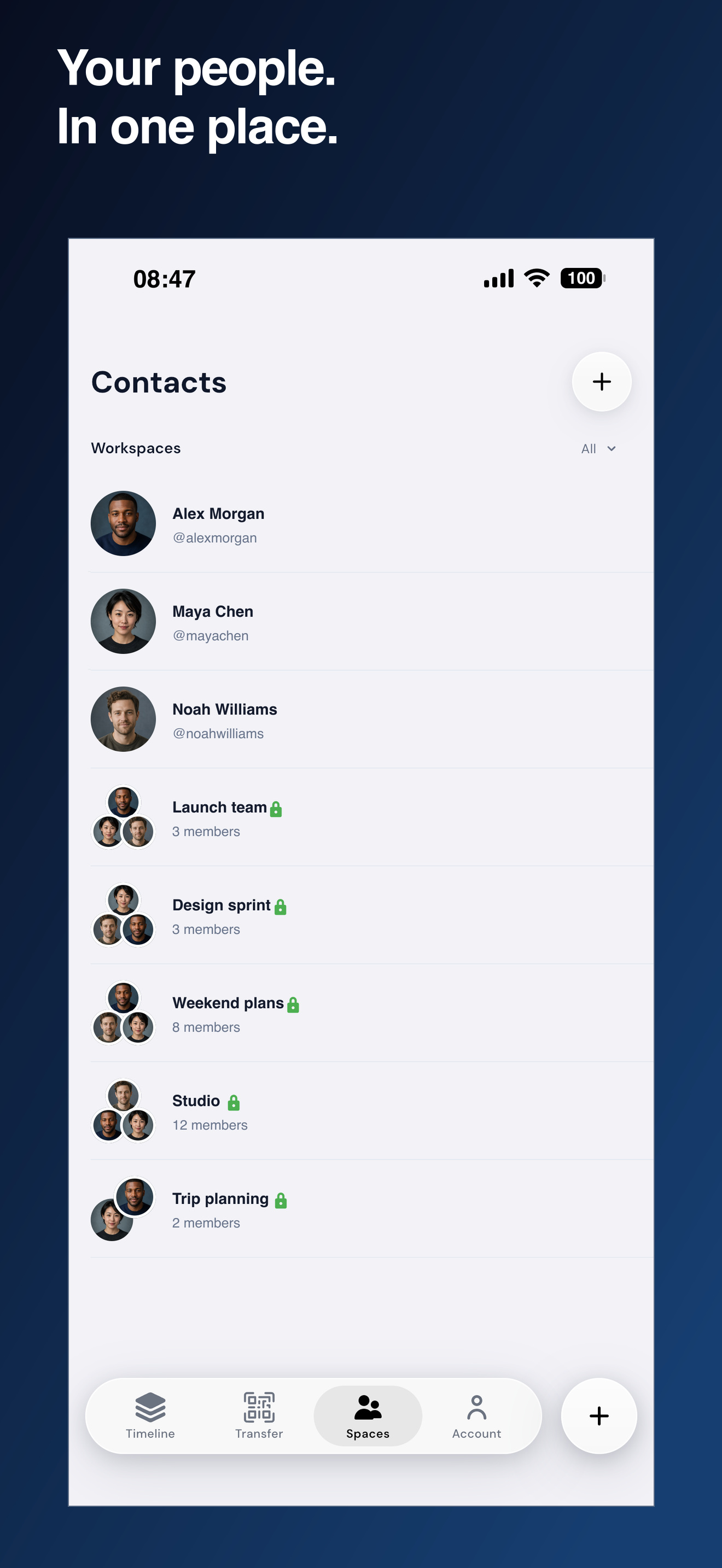
That is how Workspaces were born.
The cross-platform problem
There was still one fundamental problem.
By its very nature, Synqin could not belong to a single platform.
A product built around moving files between your devices only really works if it can be there on all of those devices.
That became one of the biggest obstacles in front of the project.
I was developing the Android application while also building the iOS application separately. I had built Windows applications with .NET before, but I had never really worked with modern frontend development or built a production backend of this scale.
Even if I learned every missing piece, building and maintaining separate applications for every platform by myself could have taken years.
Still, I was determined to keep going.
Then one day, I attended a DevFest in the city.
There, I discovered JetBrains' Compose Multiplatform.
My immediate reaction was basically:
“That’s it. This is exactly what I’ve been looking for!”
When I got home, one of the first things I did was open the Compose Multiplatform project wizard on my MacBook.
That moment fundamentally changed the future of Synqin.
Instead of independently rebuilding the same product for every platform, I could finally create a shared foundation while still delivering applications that belong naturally on each platform.
Compose Multiplatform turned what looked like a multi-year, multi-codebase problem into something one person could realistically build and maintain.
The version of Synqin that exists today might not exist without it. Without Compose Multiplatform, Synqin could easily have remained another ambitious side project that was simply too large for one person to finish.
What Synqin does
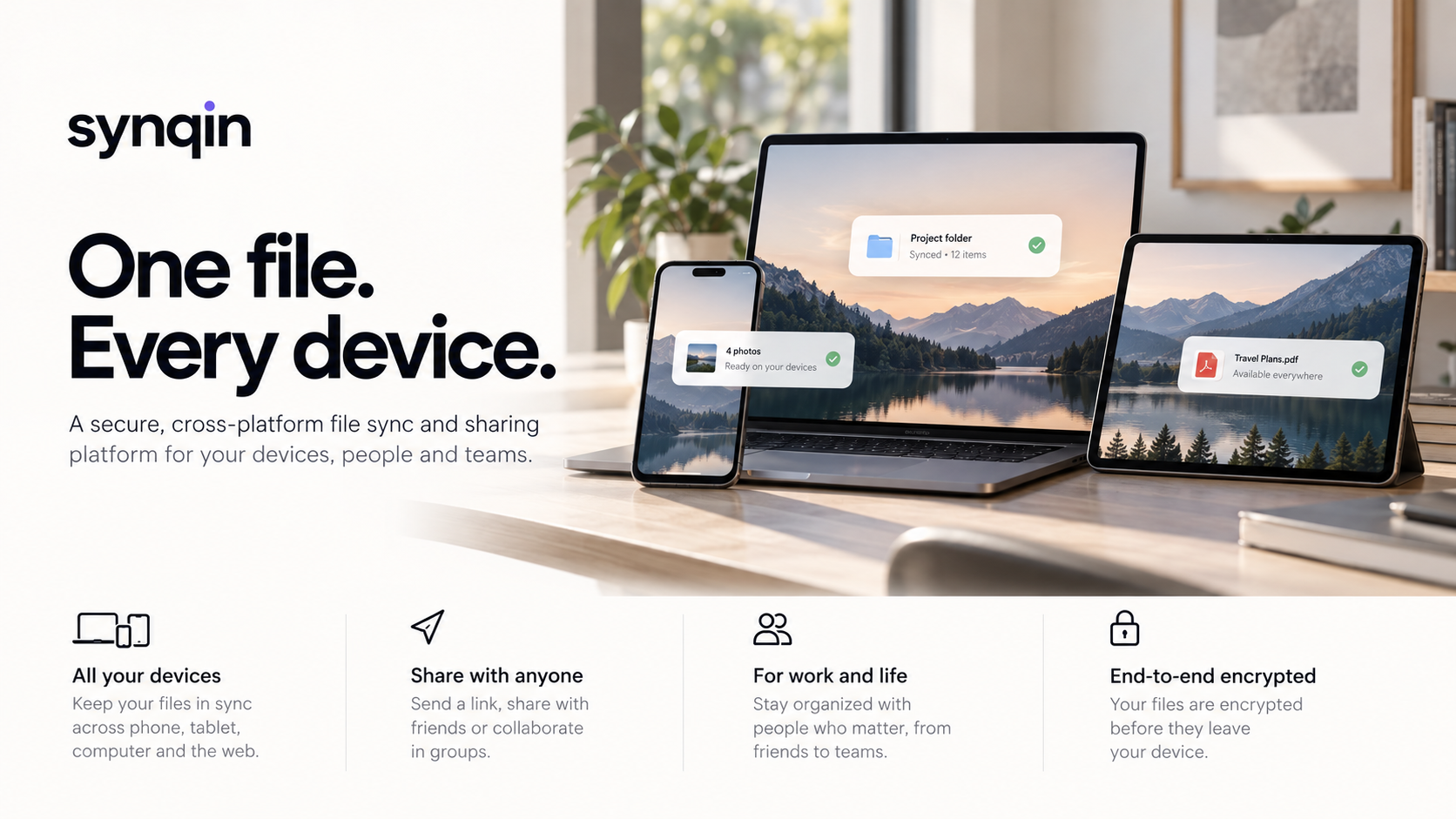
Synqin is a cross-platform file sharing and synchronization product built around two simple concepts:
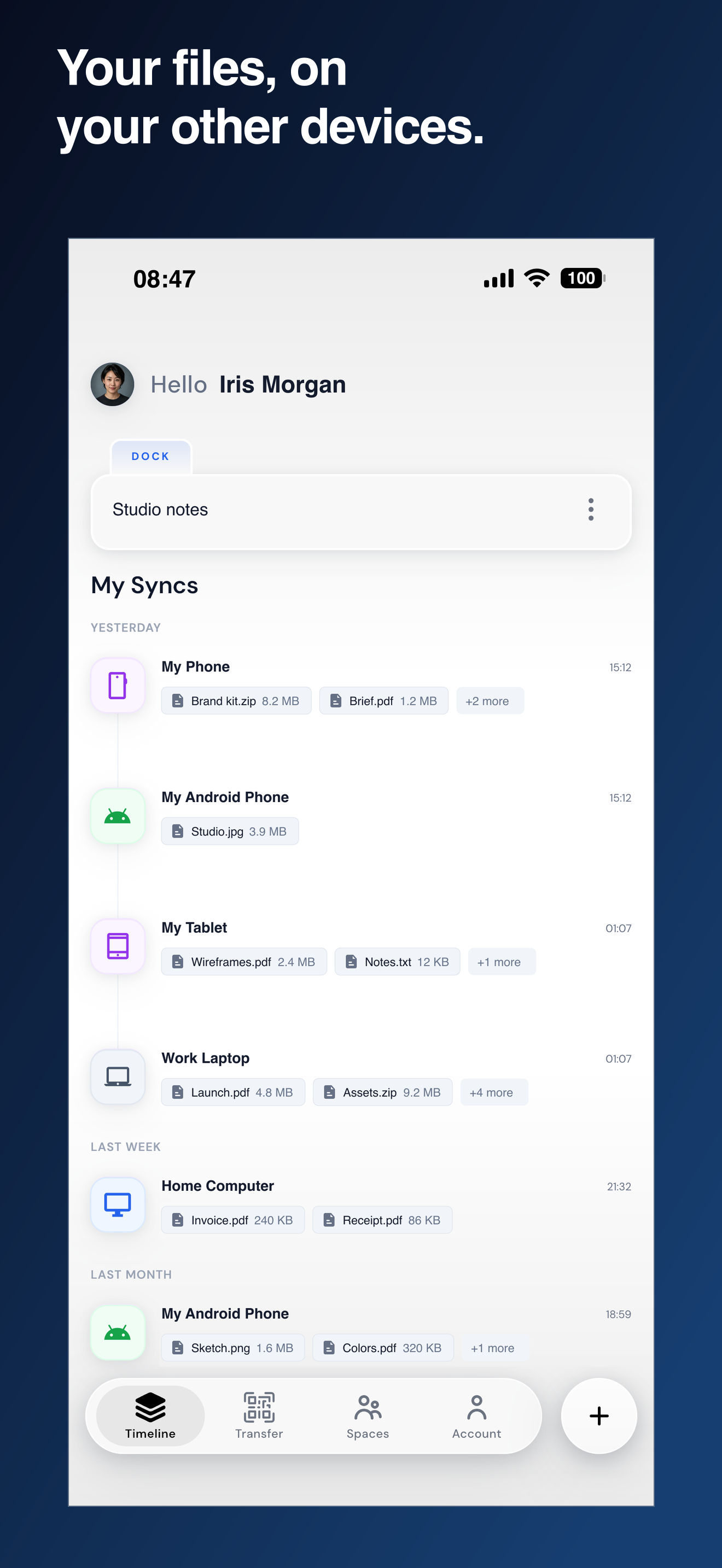
- Spaces for files and people you want to keep around
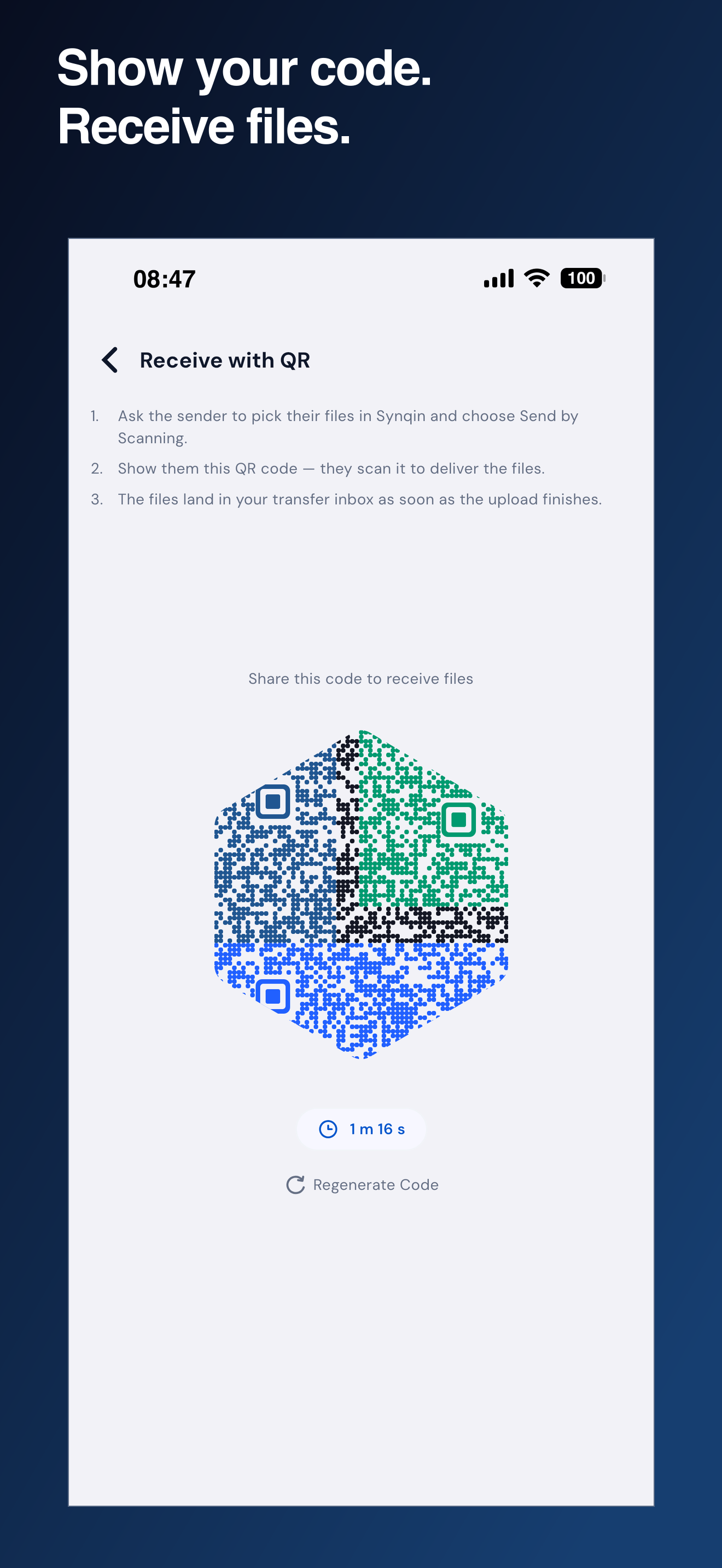
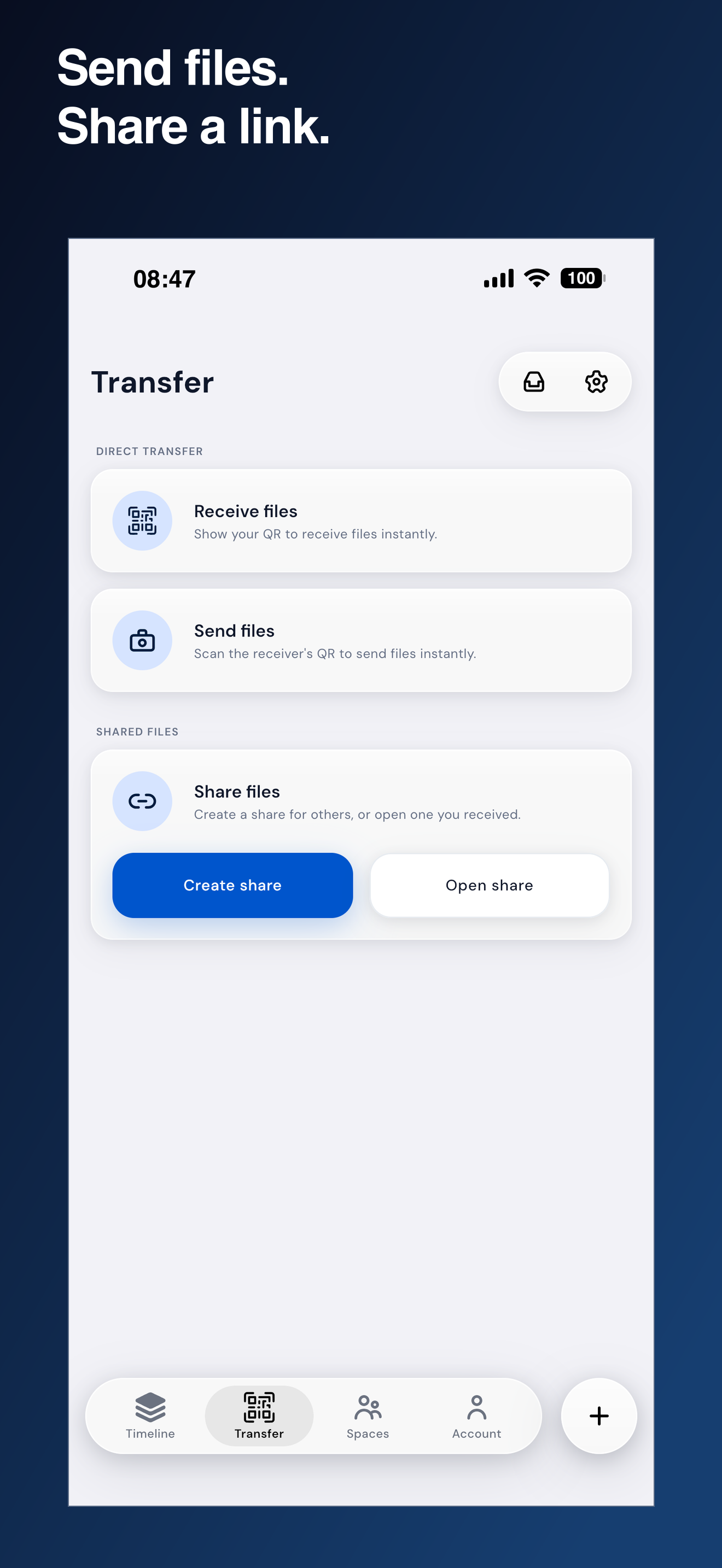
- Transfers for files that only need to exist temporarily
A file can be available across your own devices, shared with someone you regularly work with, or sent through a temporary link or QR code.
The goal is to make all of these experiences feel like different versions of the same action instead of completely different products.
Privacy is a core part of that model.
Files and private text are encrypted before leaving the device, and the system is designed around end-to-end encryption and zero-trust principles wherever possible.
How I built it
Synqin is primarily a solo-built product, so I had to work across the entire stack: product design, client applications, backend architecture, infrastructure, security, testing, and release engineering.
The client is built with Kotlin Multiplatform and Compose Multiplatform, allowing a large part of the product logic and UI architecture to be shared across Android, iOS, desktop, and web targets.
The backend is built with Python, Flask, SQLAlchemy, PostgreSQL, Redis, and Celery.
The infrastructure includes:
- Docker and Docker Swarm
- AWS
- Cloudflare
- Redis-based rate limiting
- background workers
- automated CI/CD pipelines
Security became part of the architecture rather than something added at the end.
The system includes device verification, application attestation, rate limiting, protected authentication flows, encrypted local key storage, strict browser security policies, and fail-closed authorization checks.
I also built a large automated test suite around both the backend and client because file-sharing systems contain many edge cases that are difficult to validate safely by hand.
Challenges
One of the hardest parts of building Synqin was realizing that file sharing is not really one problem.
A file shared with your own laptop, a teammate, and a stranger through a public link may look similar in the UI, but each case has very different requirements around identity, permissions, storage, expiration, encryption, abuse prevention, and cost.
Another major challenge was designing encryption without destroying the simplicity of the product.
Strong security is easy to describe, but much harder to integrate into a product that is supposed to feel effortless. Key management, device ownership, browser limitations, account recovery, and cross-platform compatibility all required careful trade-offs.
Abuse prevention was another important problem.
A file-transfer product can quickly become expensive if attackers automate account creation or abuse free storage and bandwidth at scale. I had to design admission controls, quotas, rate limits, account-age restrictions, device verification, and other safeguards while still keeping legitimate onboarding simple.
Cross-platform development created its own challenges as well.
Mobile, desktop, and browsers have very different security models, lifecycle behavior, storage APIs, and authentication flows. Sharing a codebase helps enormously, but it does not remove those platform differences.
What I learned
The biggest lesson from building Synqin has been that architecture is only useful when it supports a clear product model.
During development, I changed several assumptions about how storage and transfers should work. Instead of treating every upload the same way, I eventually separated permanent storage from temporary transfer capacity.
That sounds like a small product decision, but it affected the data model, quotas, billing, expiration logic, UI, and backend behavior.
I also learned how much work exists between a technically working prototype and a product that can safely be exposed to real users.
Things like abuse prevention, recovery flows, observability, release automation, failure handling, rate limiting, cost control, and platform security rarely appear in the first demo, but they become some of the most important parts of the system.
Building Synqin forced me to think not only as an engineer, but also as a product designer, security engineer, infrastructure engineer, and ultimately as the person responsible for everything that happens when the product reaches production.
And that is probably what I enjoy most about building it.
Built With
- amazon-web-services
- android
- apple
- astro
- celery
- cloudflare
- cloudflare-r2
- compose-multiplatform
- docker
- docker-swarm
- firebase-app-check
- flask
- github-actions
- google-play-integrity
- ios
- kotlin
- kotlin-multiplatform
- nginx
- postgresql
- python
- redis
- revenuecat
- sqlalchemy
- tailscale
- three.js


Log in or sign up for Devpost to join the conversation.