-
-
Logo
-
Main Panel
-
-
-
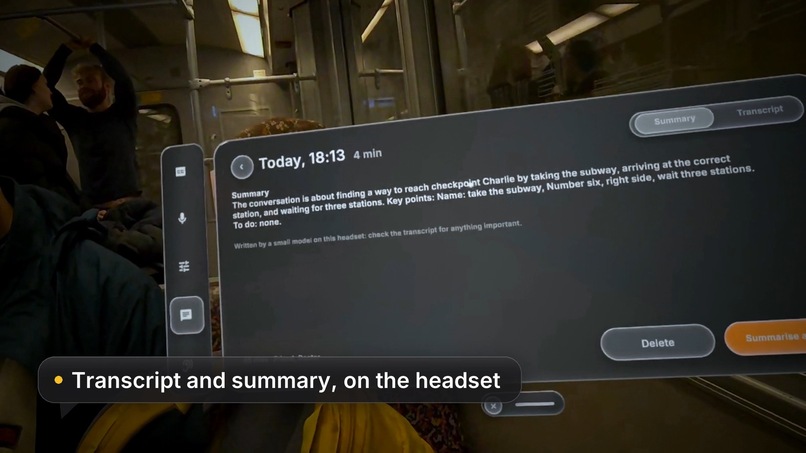
-
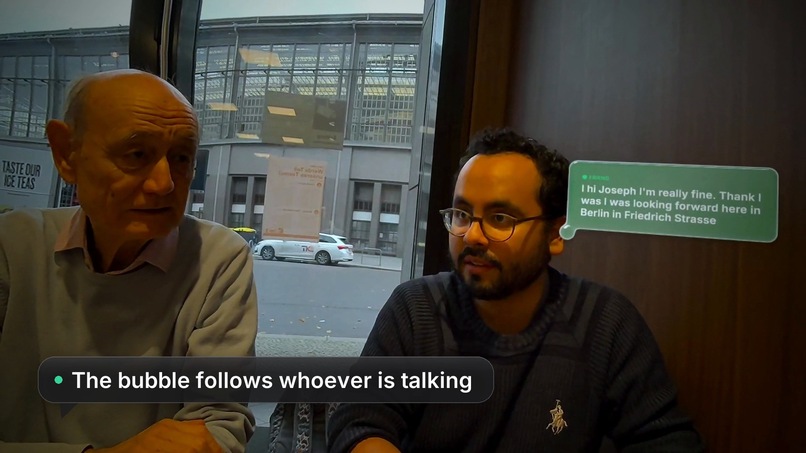
Bubble mode
-
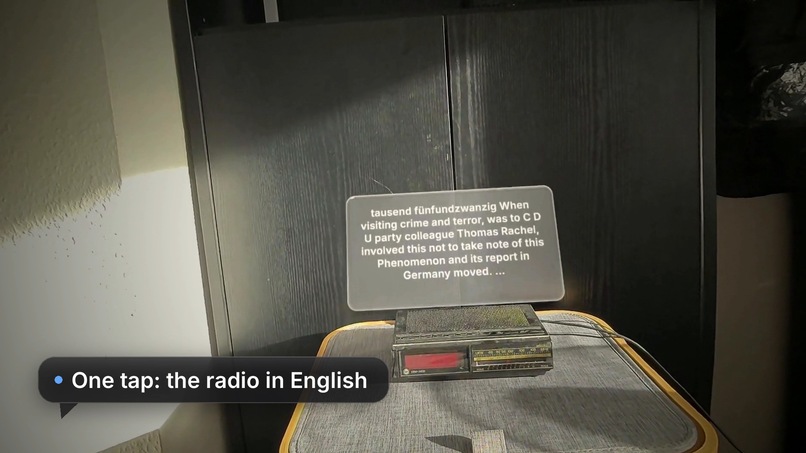
Live radio transcription and translation
-
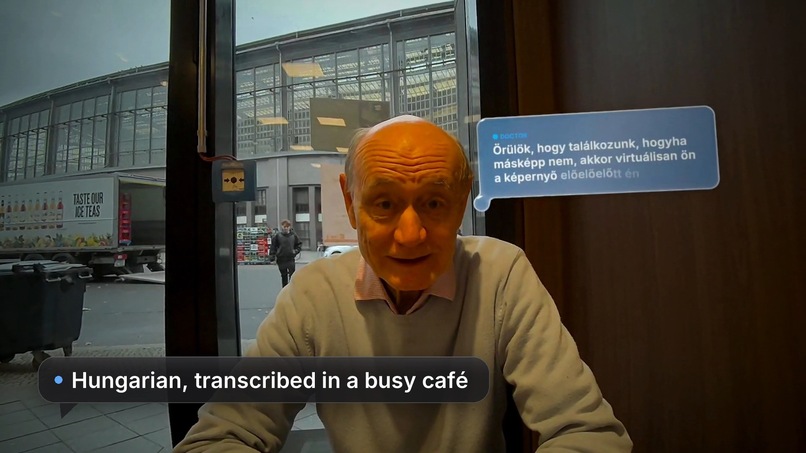
Transcription
-
Translation
-
offline mode
-
-
Inspiration
Everyone misses words: in a noisy café, when someone has an accent, or abroad in a language you don't speak. People who are deaf or hard of hearing miss the most. They miss the conversation at the dinner table, the joke in a group, the doorbell and the smoke alarm. Caption apps on a phone help, but you have to look down at the screen, you lose the speaker's face, and you can't tell who said what.
Synesthe is named after synesthesia, where one sense is experienced through another. Our idea is hearing through seeing: every voice and every important sound becomes something you can see, right where it happens. We wanted to take away language and hearing as barriers for everyone, whether you are deaf or hard of hearing, travelling, or just in a loud room.
What it does
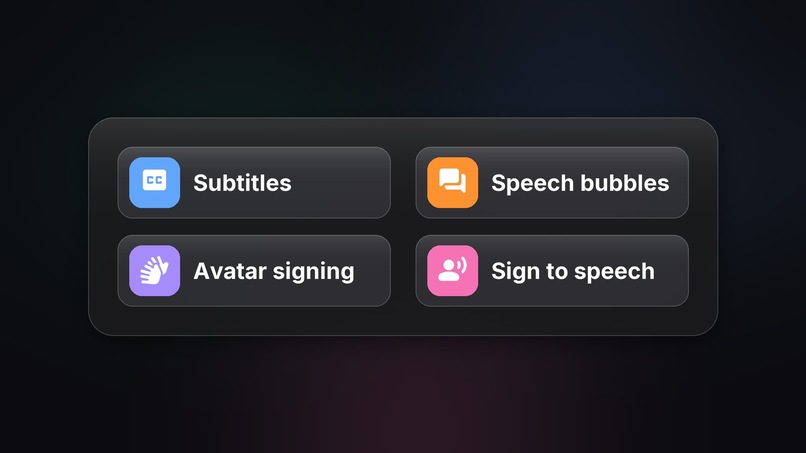
Synesthe runs on the Meta Quest 3. You see the real world around you, with words added to it:
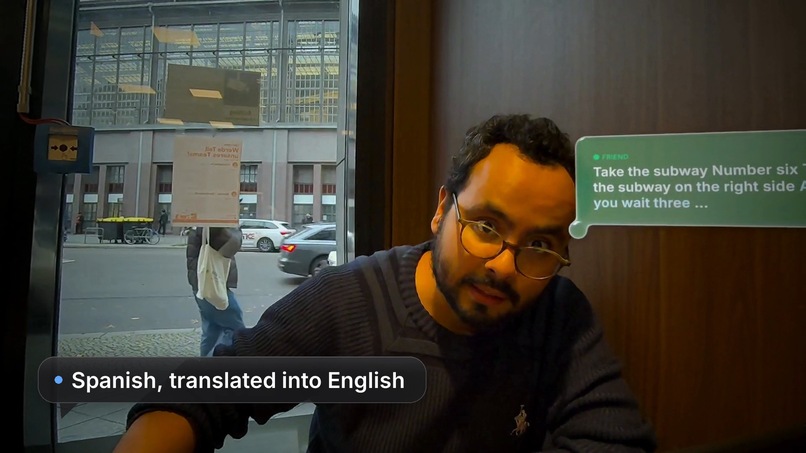
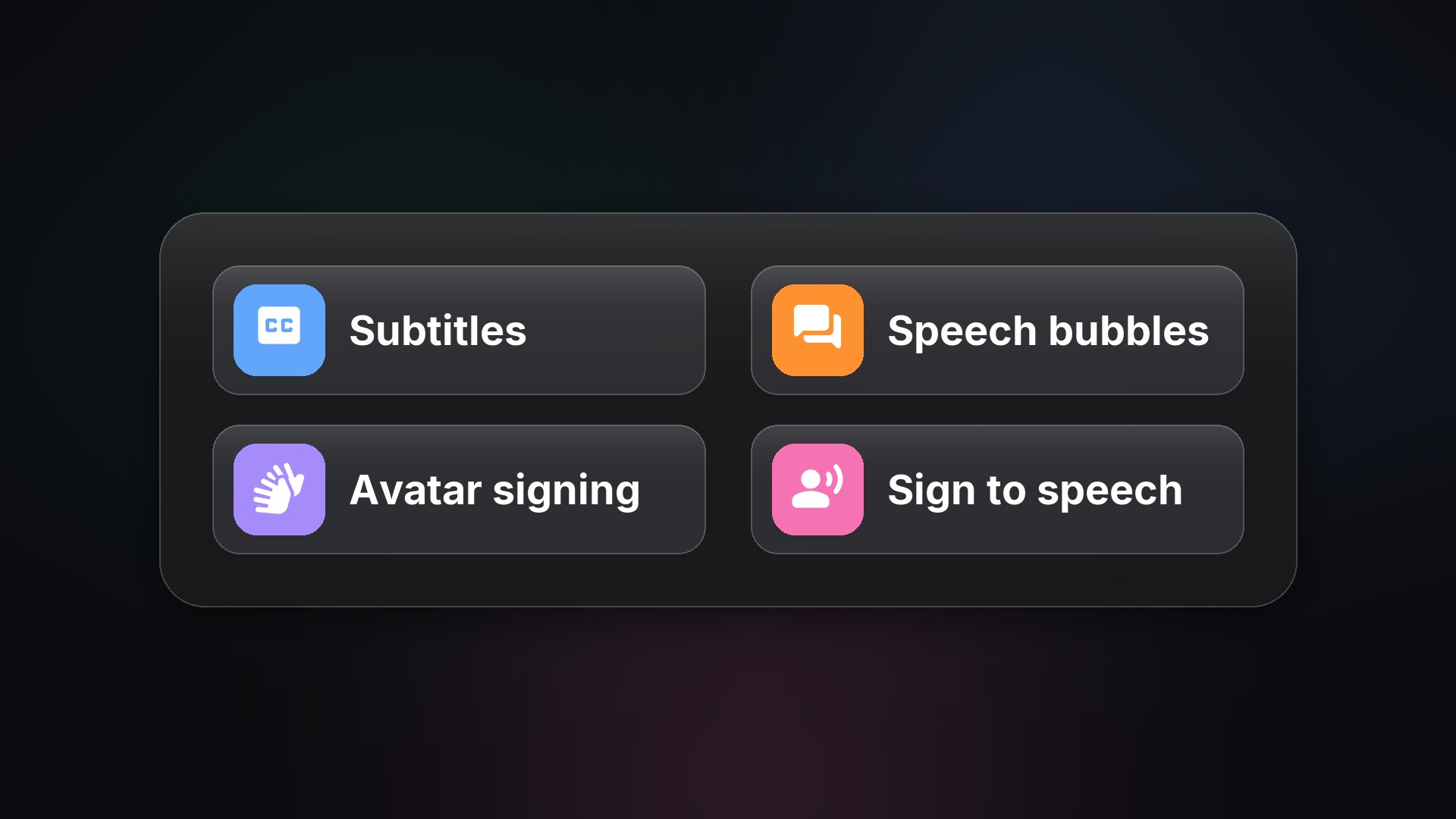
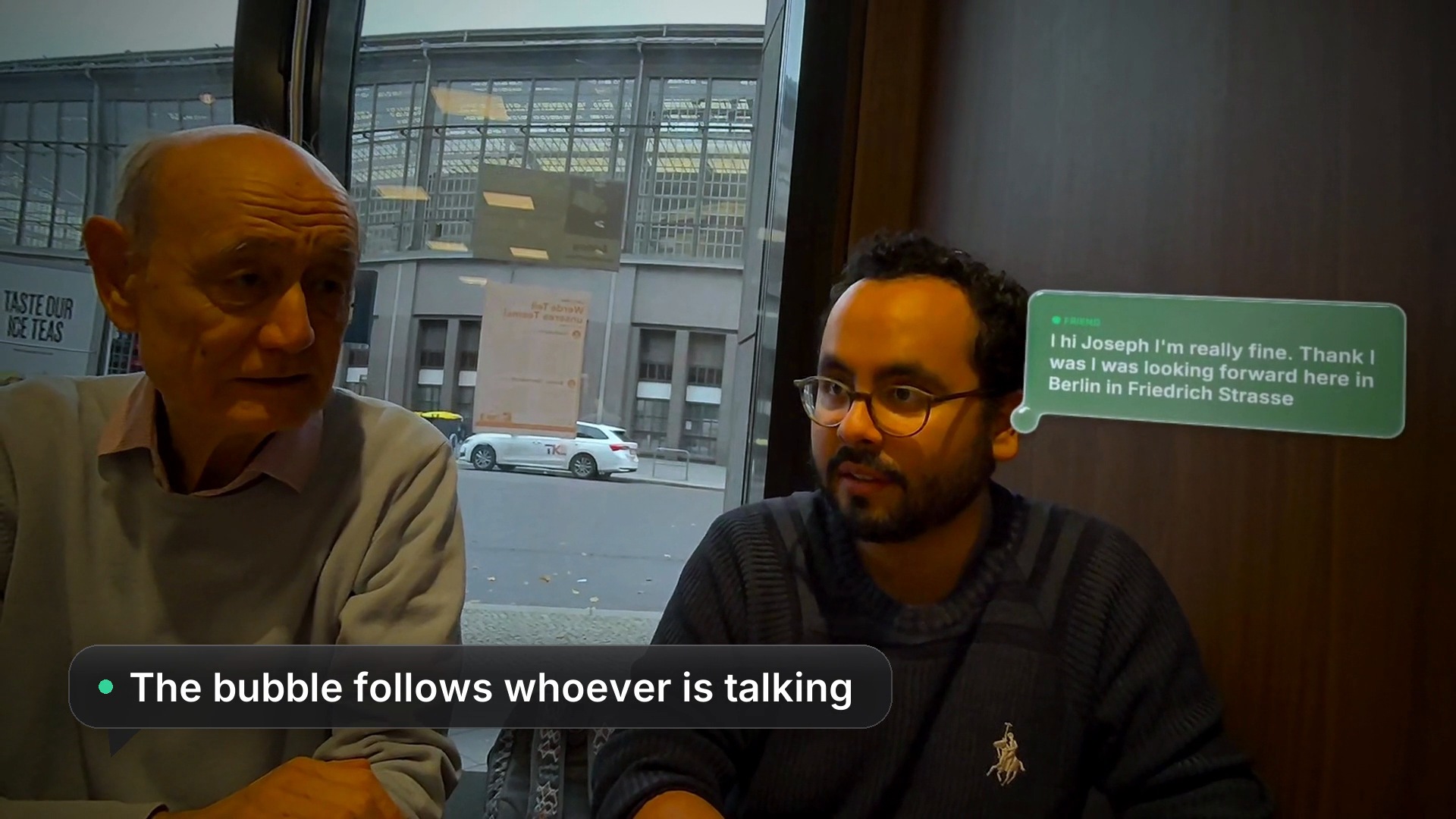
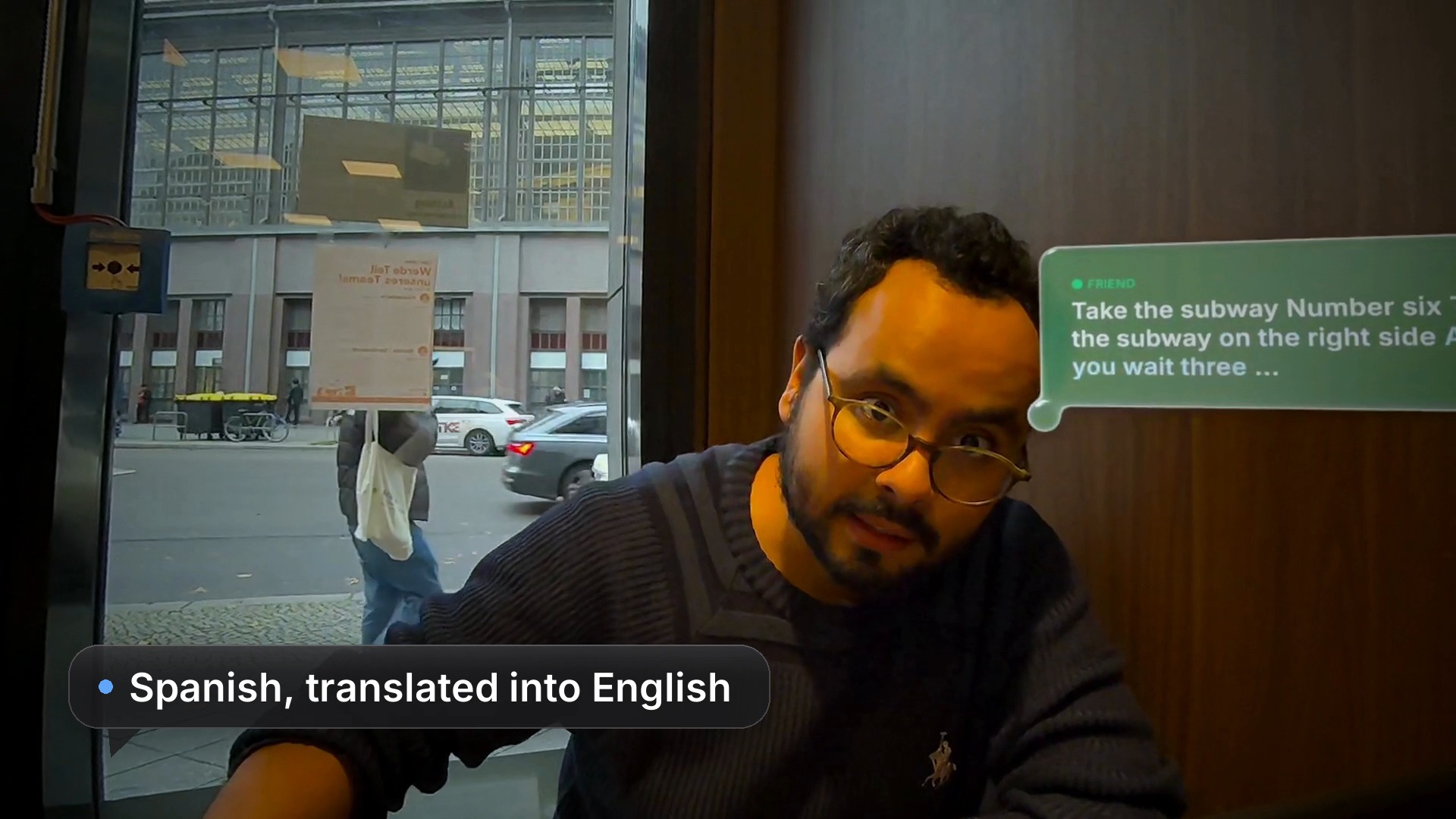
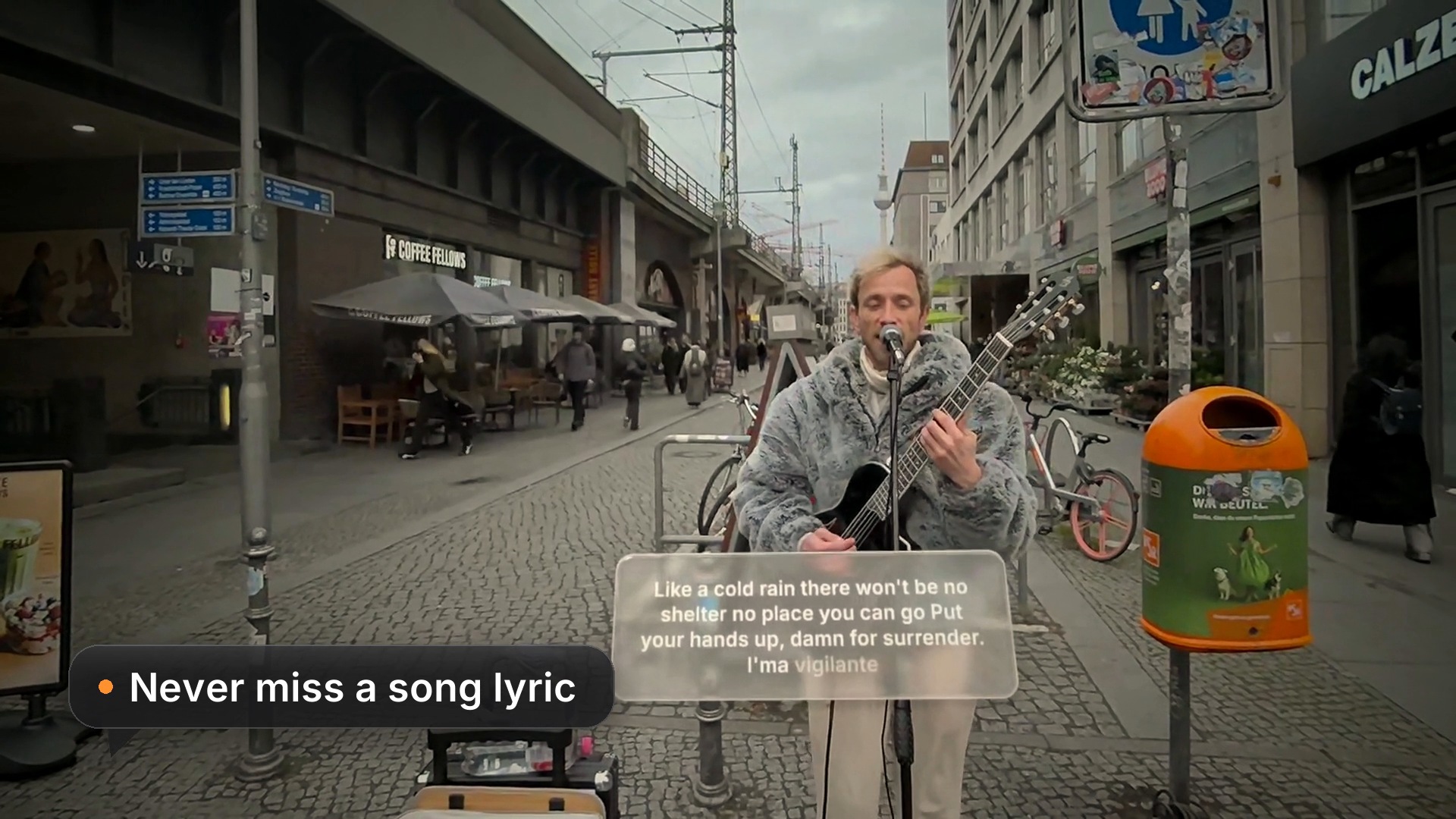
- Words beside each speaker. When someone talks, a small bubble appears next to their face with what they are saying, and fades when they stop. What you say yourself appears at the bottom.
- Who said what. Each person gets their own bubble, even when people talk over each other. You can give people names, and Synesthe remembers them next time.
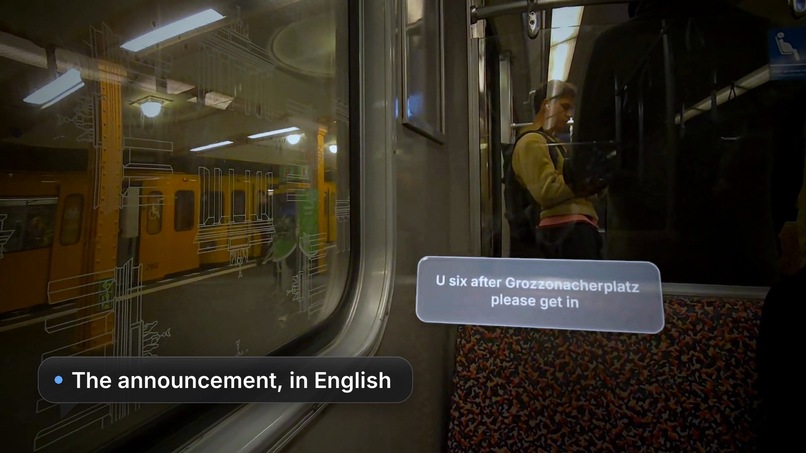
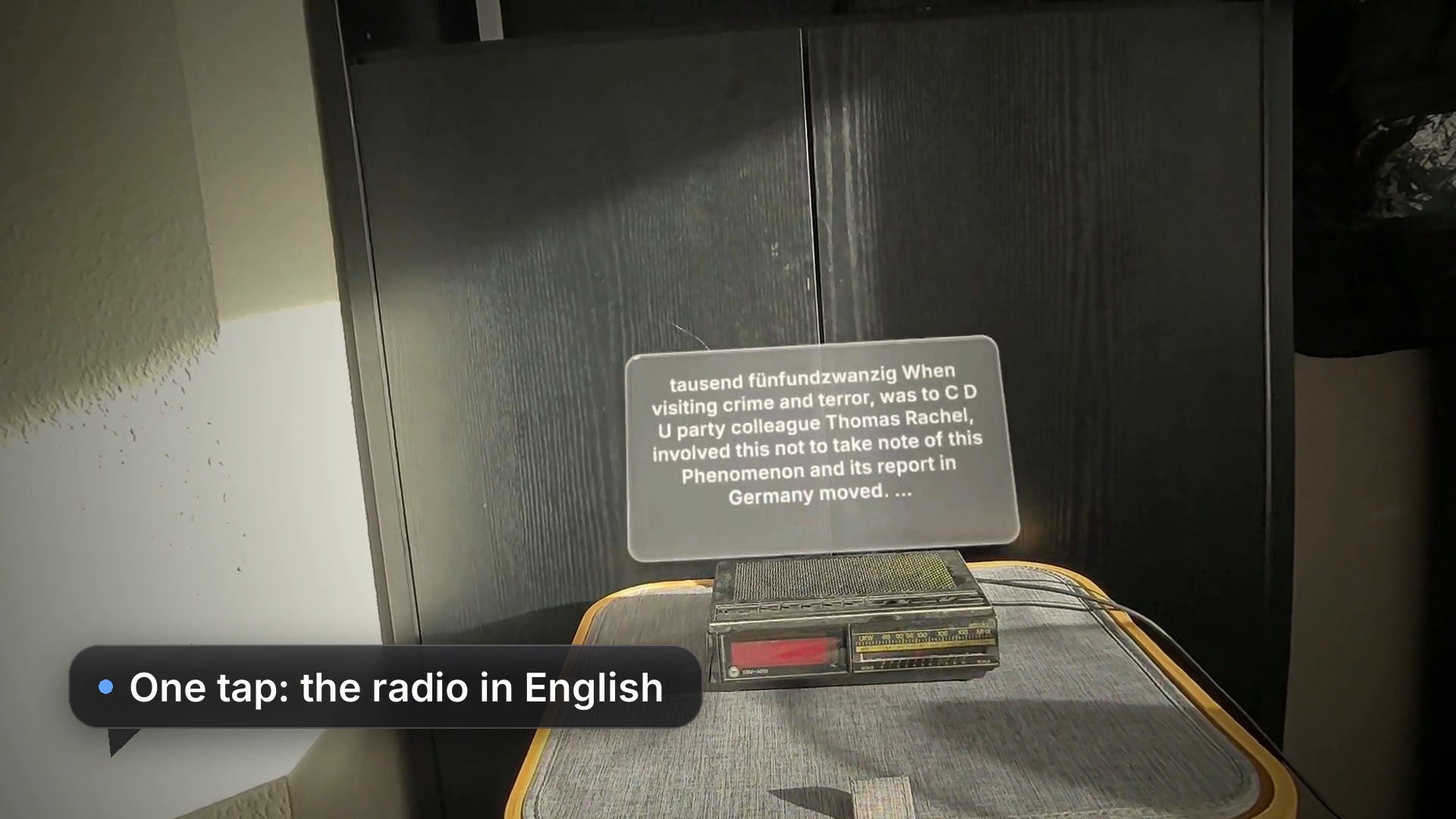
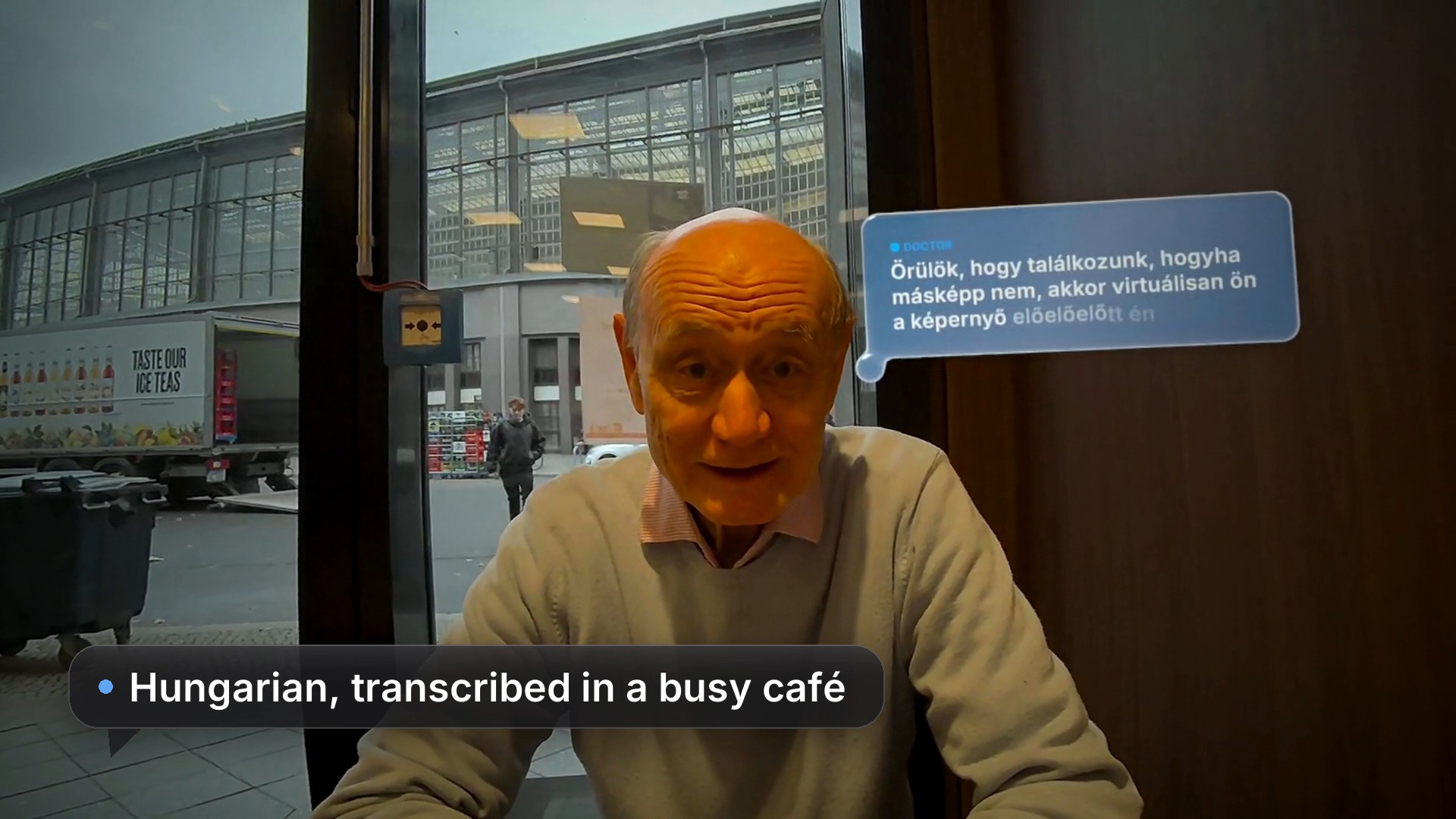
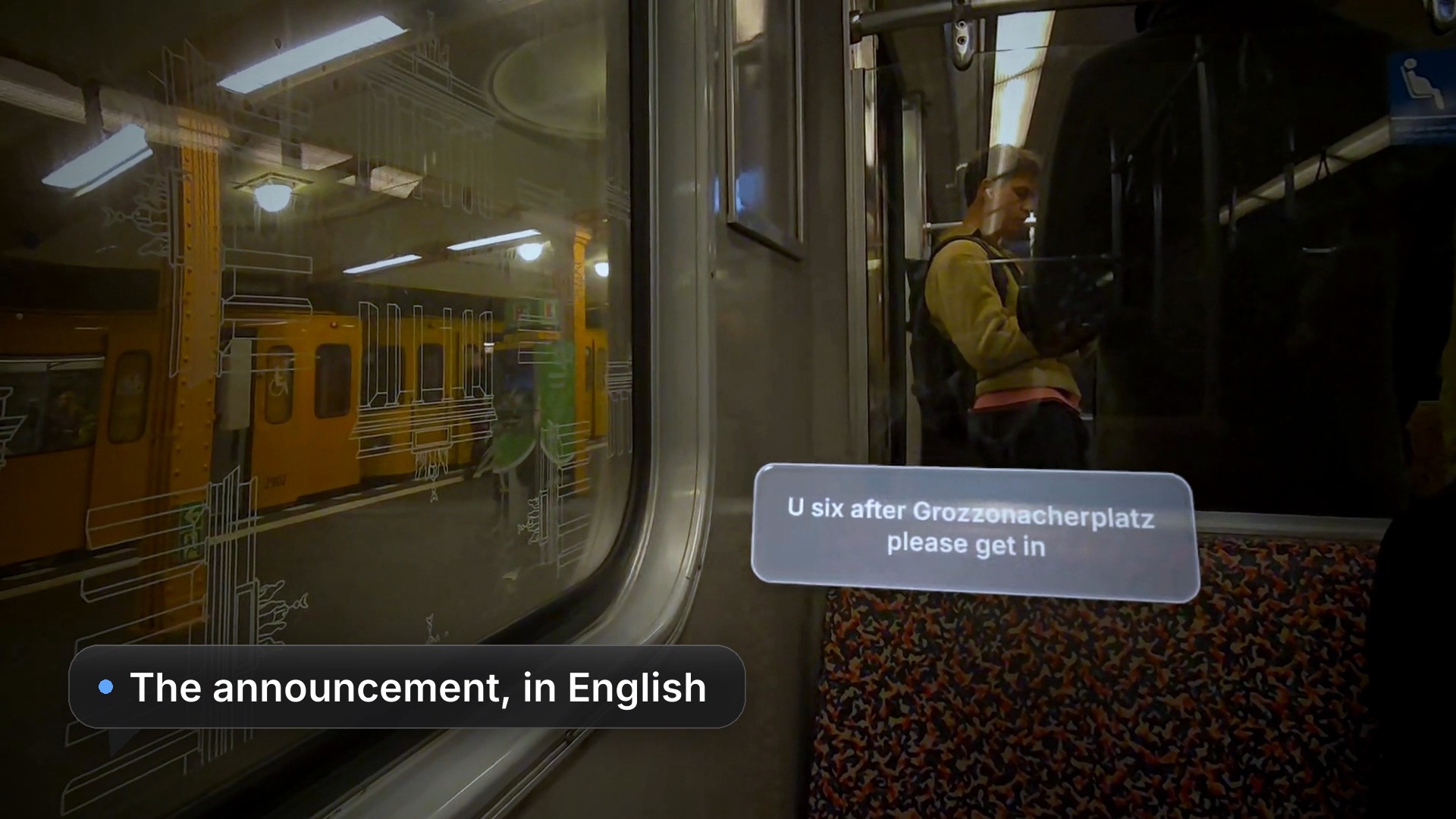
- 34 languages. Synesthe knows which language is being spoken and can translate it into yours.
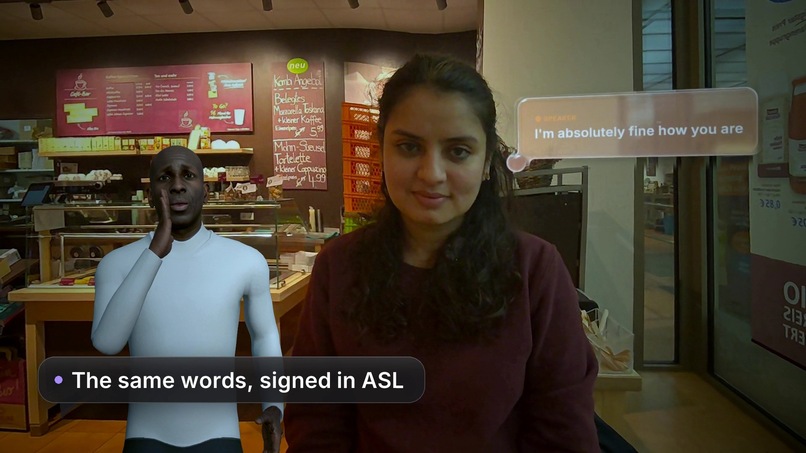
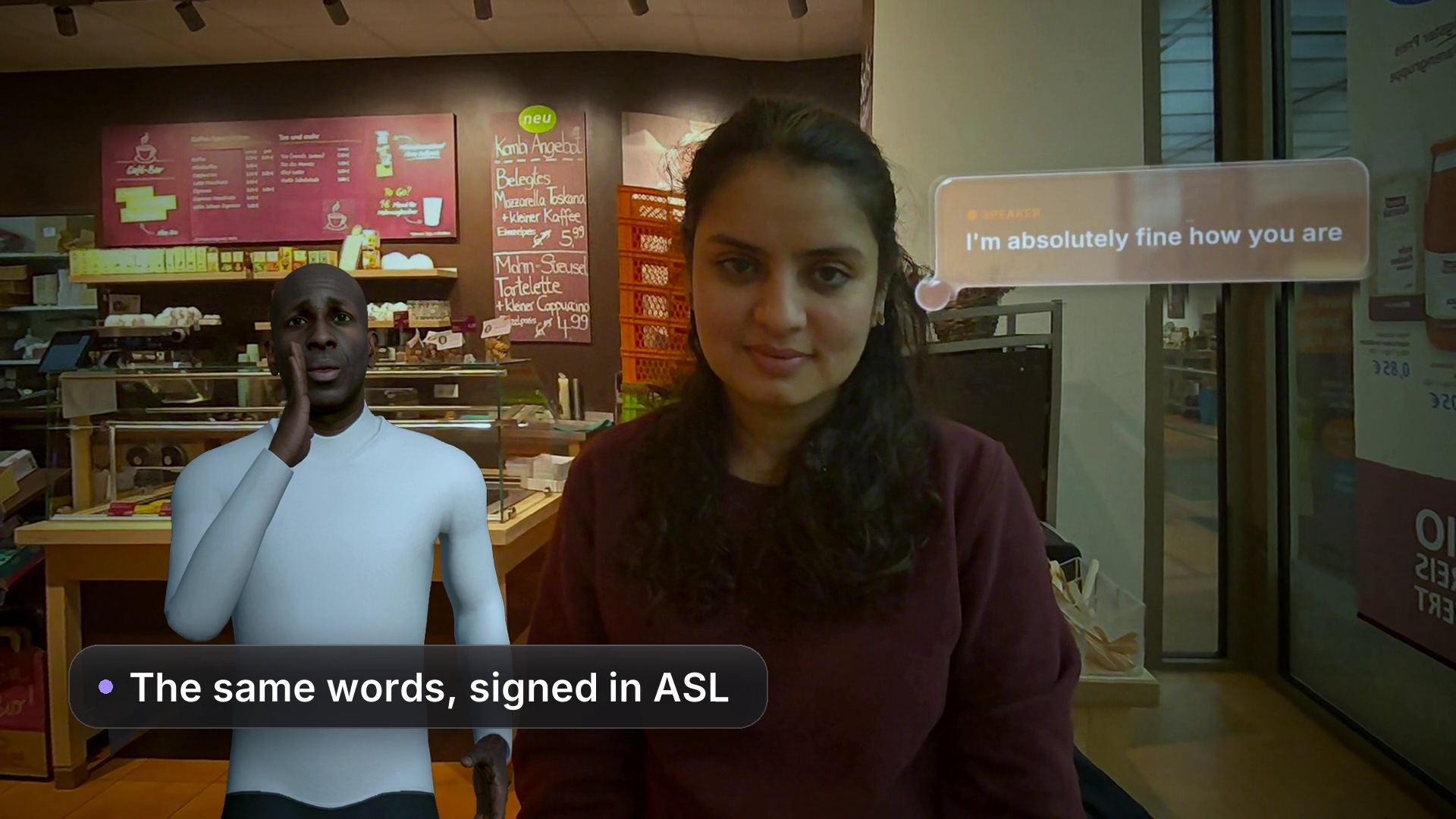
- Sign language. An animated person can sign the words in American Sign Language (ASL). In an early version of the opposite direction, Synesthe watches your hands and speaks your signs out loud for hearing people.
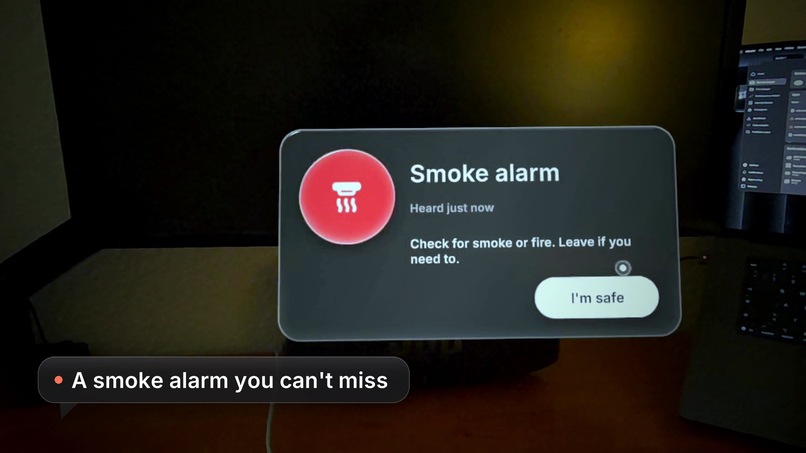
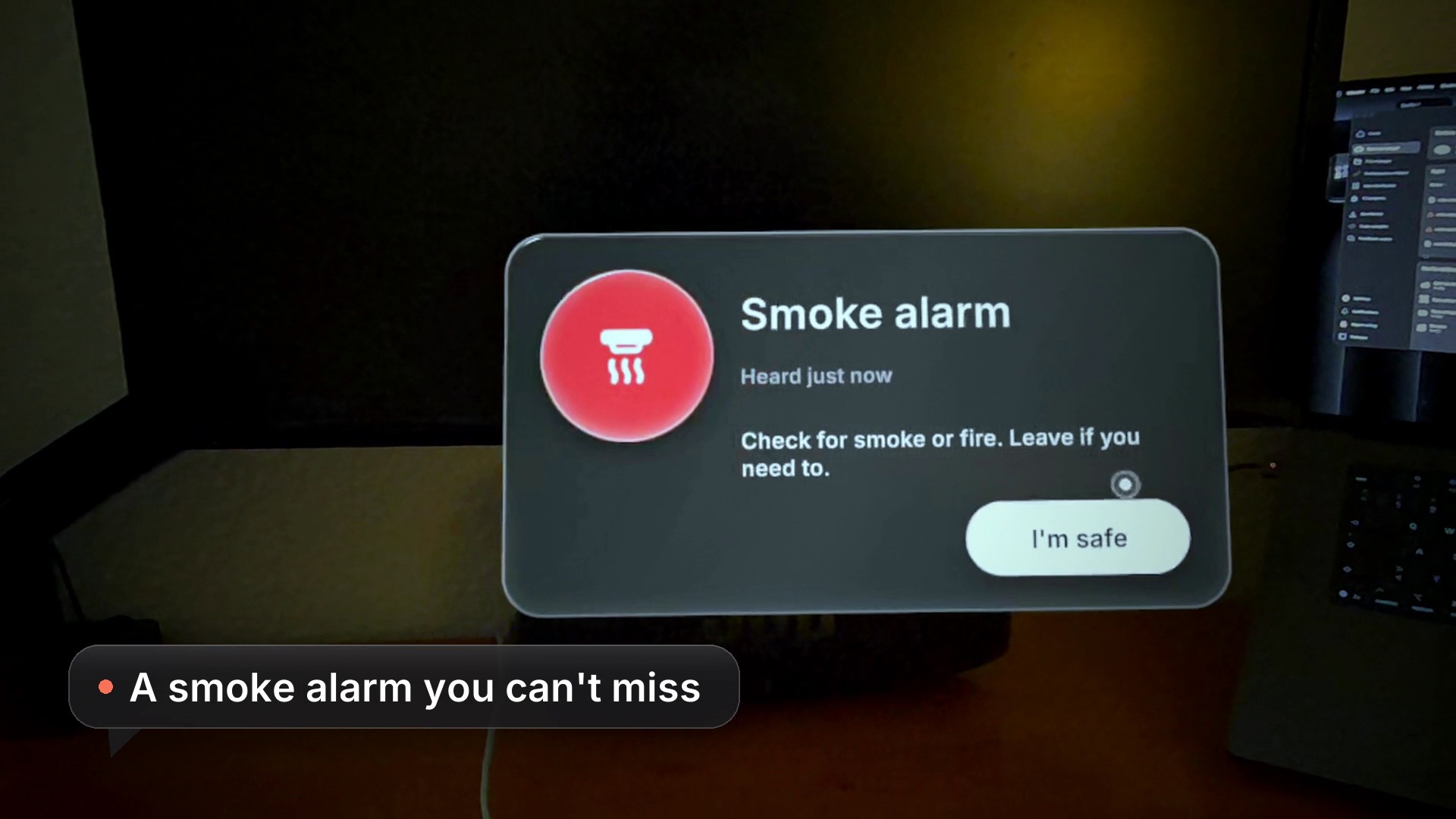
- Sound alerts. A smoke alarm, a siren, breaking glass, a crying baby, the doorbell, knocking or a barking dog appear as coloured cards. For alarms, the edges of your view glow red and the controller vibrates.
- Private and works without internet. Everything happens on the headset itself. Nothing you hear or see is sent anywhere. Each translation language is downloaded once, the first time you use it.
How we built it
We built Synesthe with Unity, a tool for making games and apps, and Meta's tools for mixed reality. We tried out many different lightweight AI models and picked the ones that were fast and accurate enough. Then we built a system that runs all of them together, directly on the headset, with no internet and no data leaving the device.
To put a bubble in the right place, Synesthe works out where each person's head is in the room, and how far away they are. The bubbles then follow people smoothly, without shaking.
Challenges we ran into
- Fitting it all into one headset. Listening, translating, watching faces and showing everything smoothly all compete for the same processing resources inside the headset. We had to carefully decide what gets done first so the picture never stutters and the words keep up.
- Keeping track of people. At first, when you turned your head, Synesthe sometimes mixed up two people sitting next to each other. Teaching it to recognise faces fixed this: in our tests it picked the right person 99% of the time.
- People further away. Faces more than about a metre away were often missed. By taking a closer look around where each person was last seen, Synesthe now finds far more of them: 93% instead of 61% at one to one and a half metres.
Accomplishments that we're proud of
- Captions, translation, sign language and sound alerts, all running on the headset alone, with no internet.
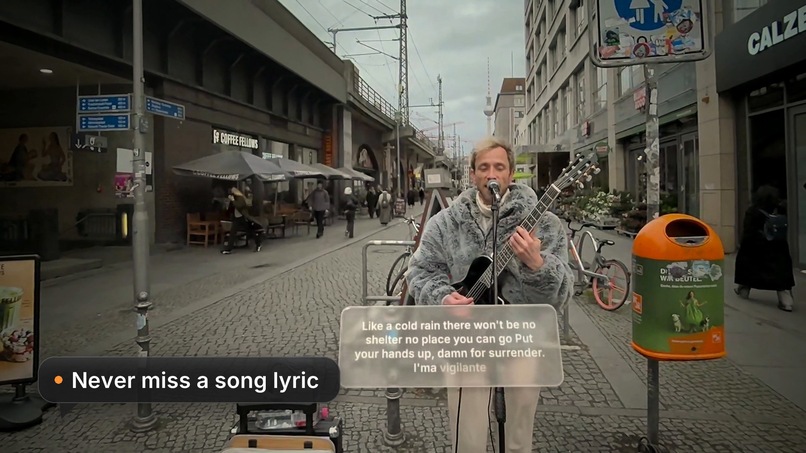
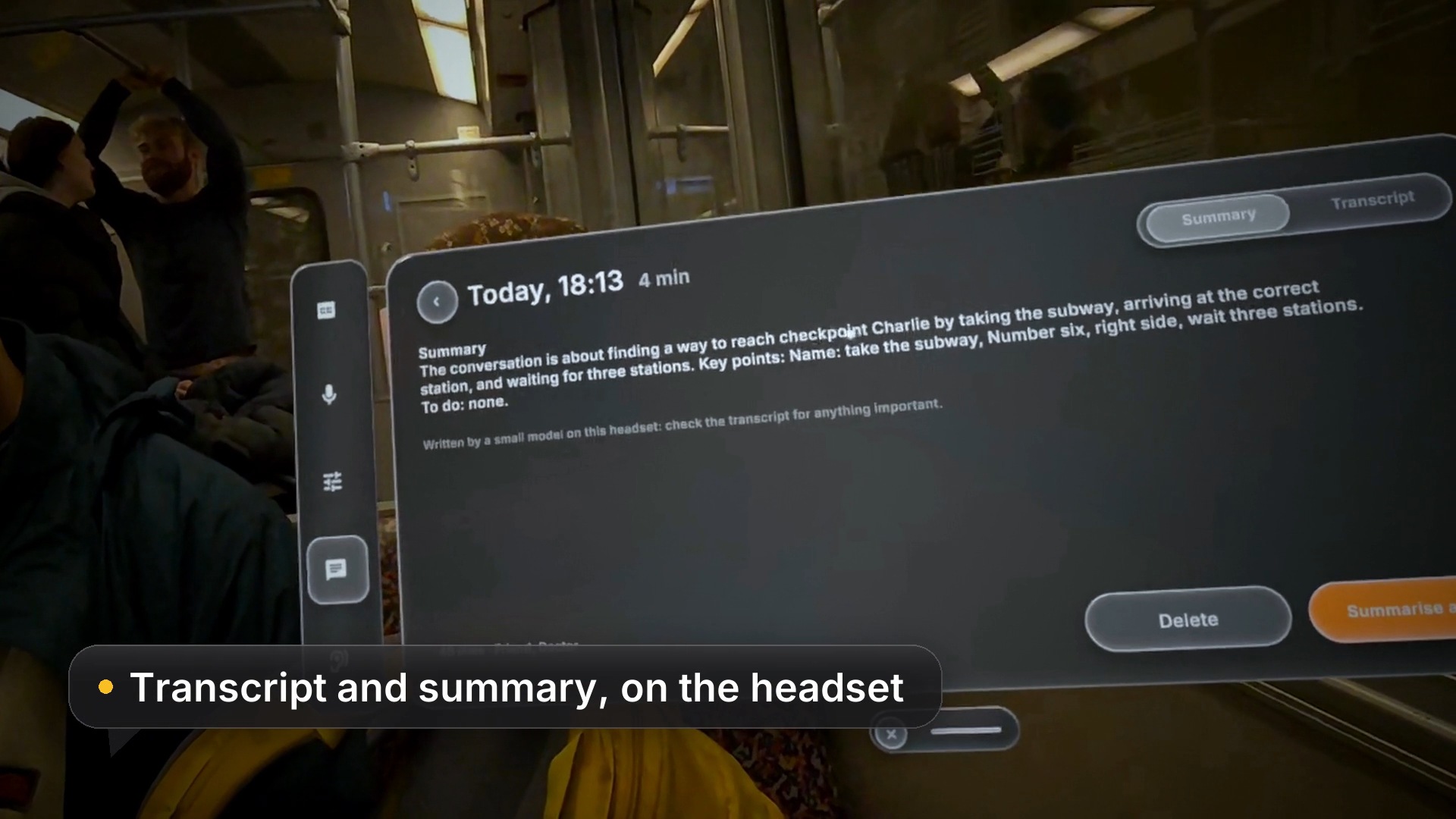
- It works in the real world, not just at a desk. We took Synesthe to a busy café, onto the street and into the underground, with chatter, traffic and train noise all around. The words kept up and stayed easy to read, and it worked really well in all three places.
- In our tests with video clips of real conversations, 9 out of 10 words appeared beside the right person.
- 34 languages, translated in well under 1-2 seconds, fast enough to follow a medium paced live conversation.
- Nothing needs to be heard. Everything Synesthe tells you is visual, so it works with or without hearing aids.
- It never just stops working. If a face isn't in view, a known voice is still named. If something isn't available, Synesthe falls back to plain captions.
What we learned
- Listen to the people you are building for. Research with deaf and hard-of-hearing people (Jain et al., 2015) shows that captions fixed at the bottom of your view pull your eyes away from faces, and that knowing who is talking is the hardest part of a group conversation. That's why Synesthe puts the words right next to each person.
- Small devices need careful choices. Everything has to be fast and light, so every part was chosen for speed as well as quality.
- Following people is harder than it looks. People move, turn away, walk out of view and come back. Synesthe has to keep track of each of them all the time.
- Be honest when unsure. Instead of guessing a wrong name, Synesthe shows "Someone".
What's next for Synesthe
- Lighter hardware for everyday life. Synesthe works well on the Quest 3, but a headset is a lot to wear in a café or on the underground. We want to try it on lighter devices, and we are especially looking forward to Meta's glasses. Words beside every speaker belong on something you can wear all day.
- Testing with deaf and hard-of-hearing people, and shaping the next version together with them.
- Better sign language, recorded with Deaf signers, and more sign languages, starting with German Sign Language.
- Even better at telling who is talking in busy, real-life places.
- Keeping faces clear, so bubbles never cover anyone. ***


