-
-
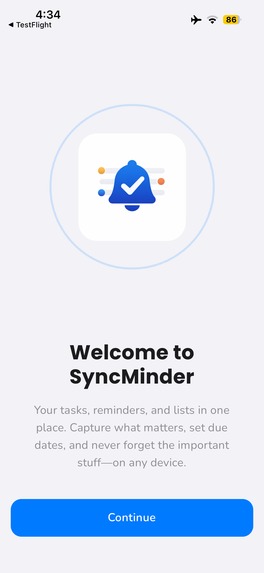
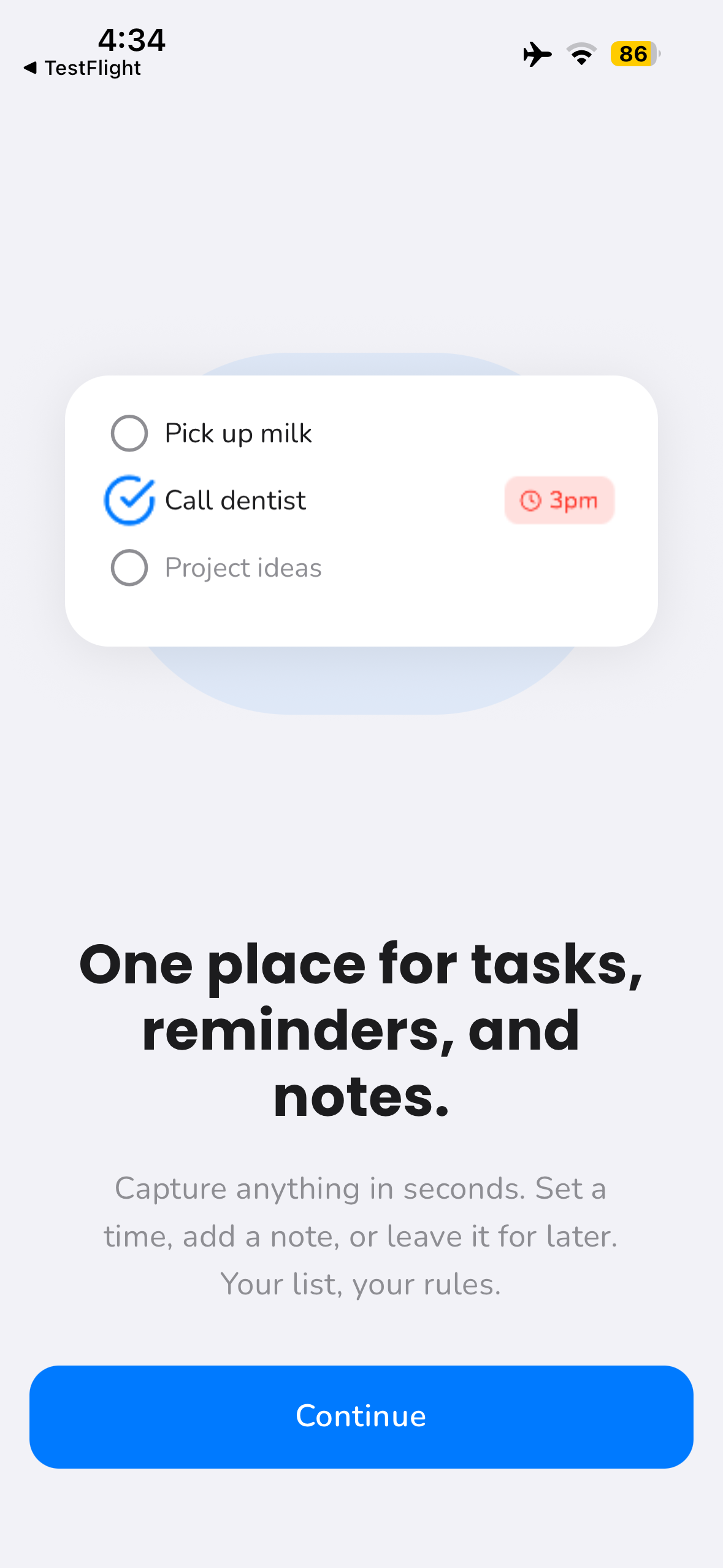
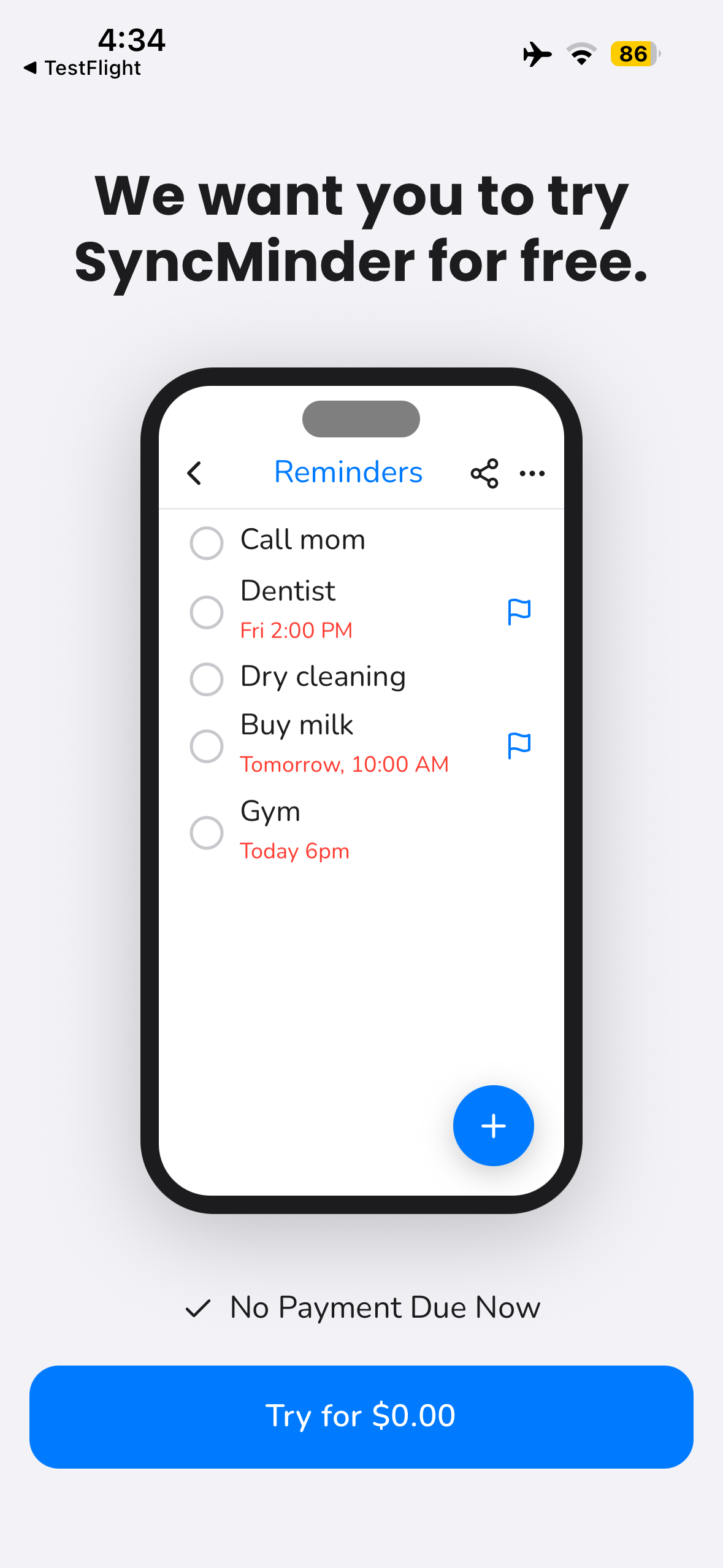
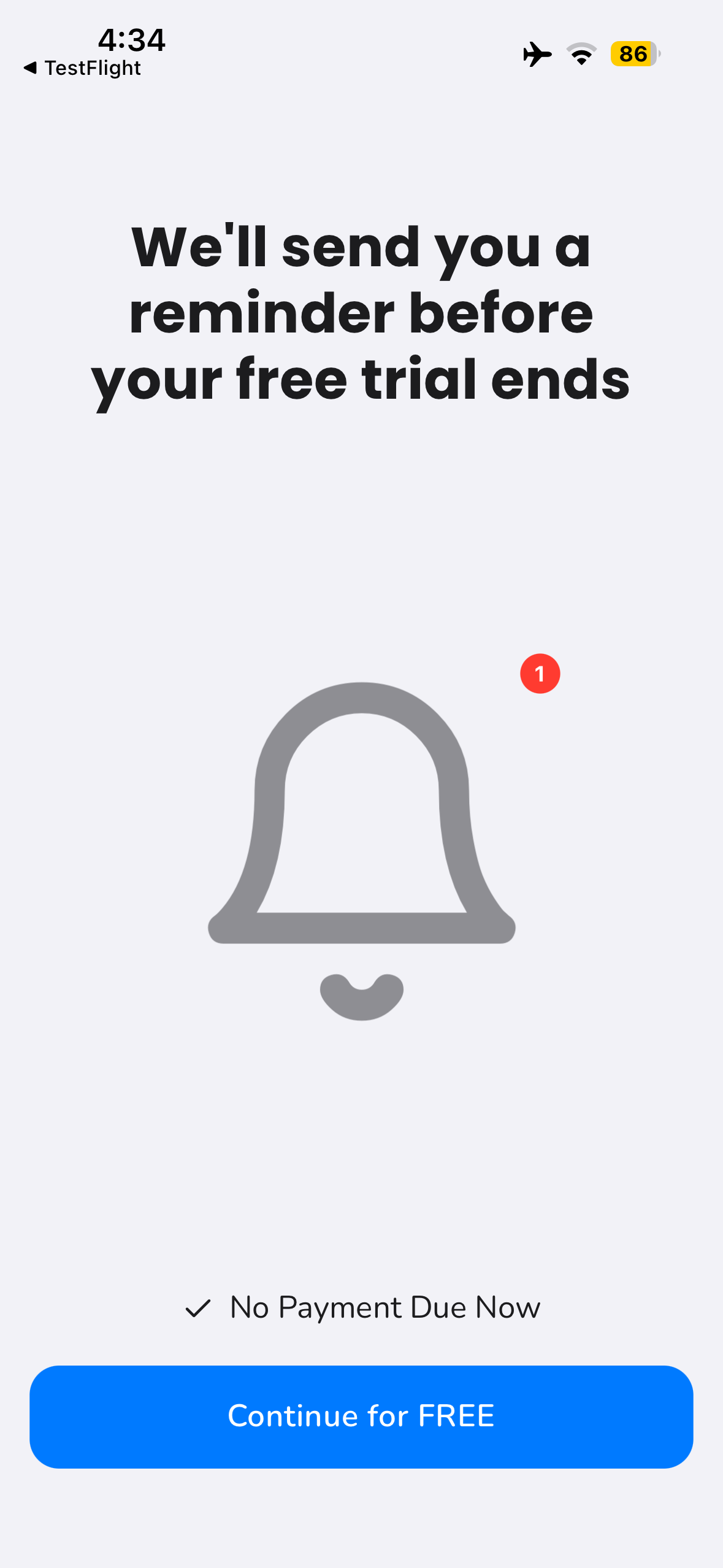
Onboarding Screen 1
-
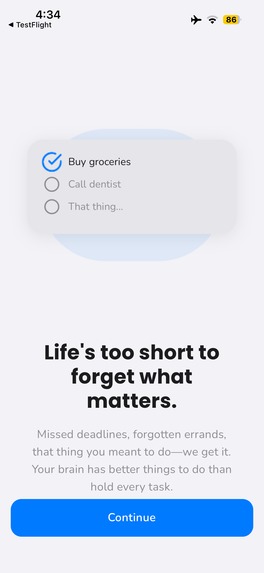
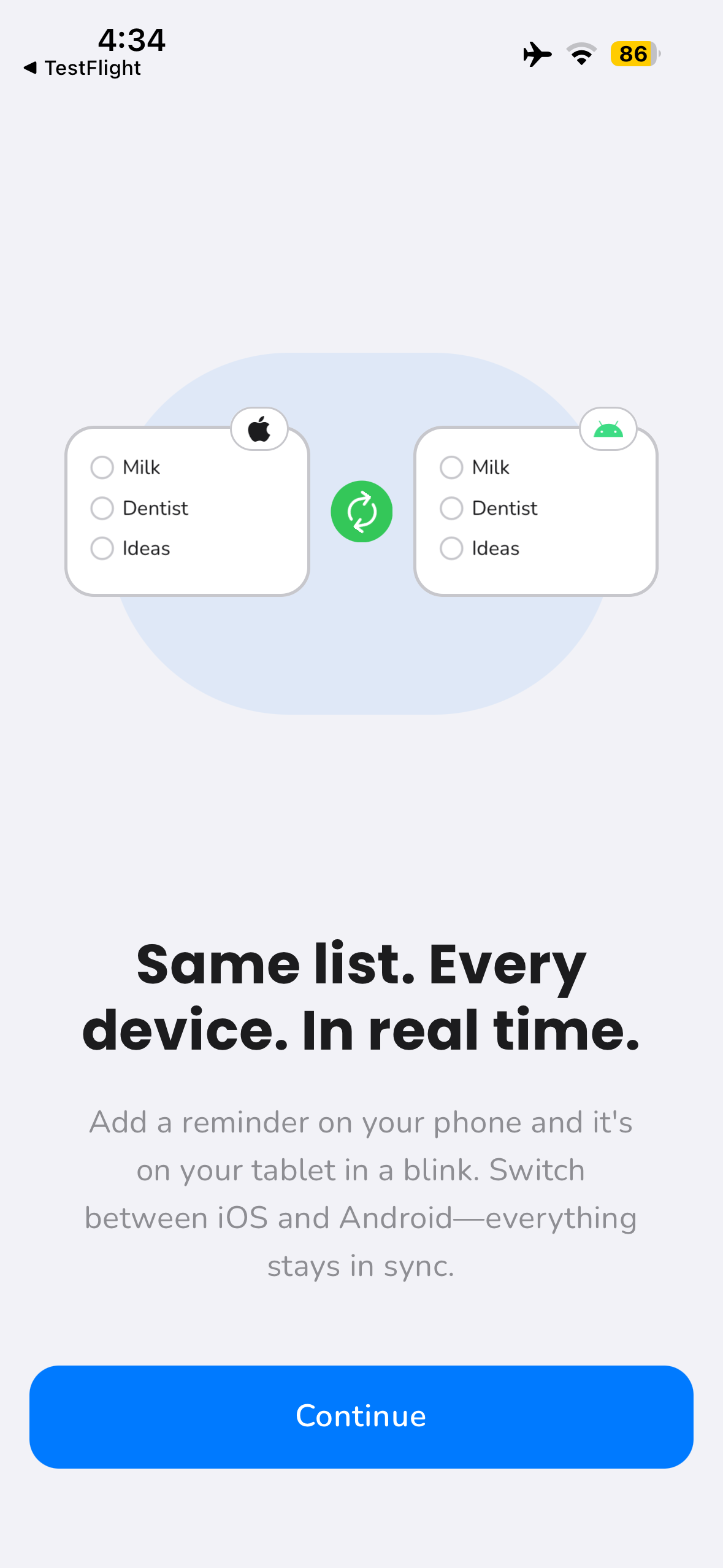
Onboarding Screen 2
-
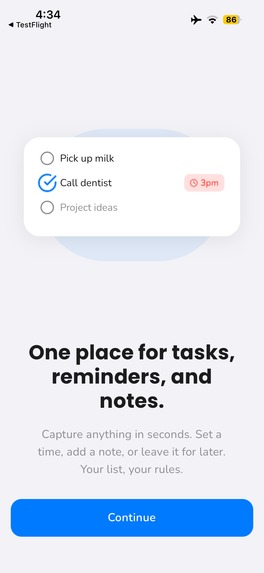
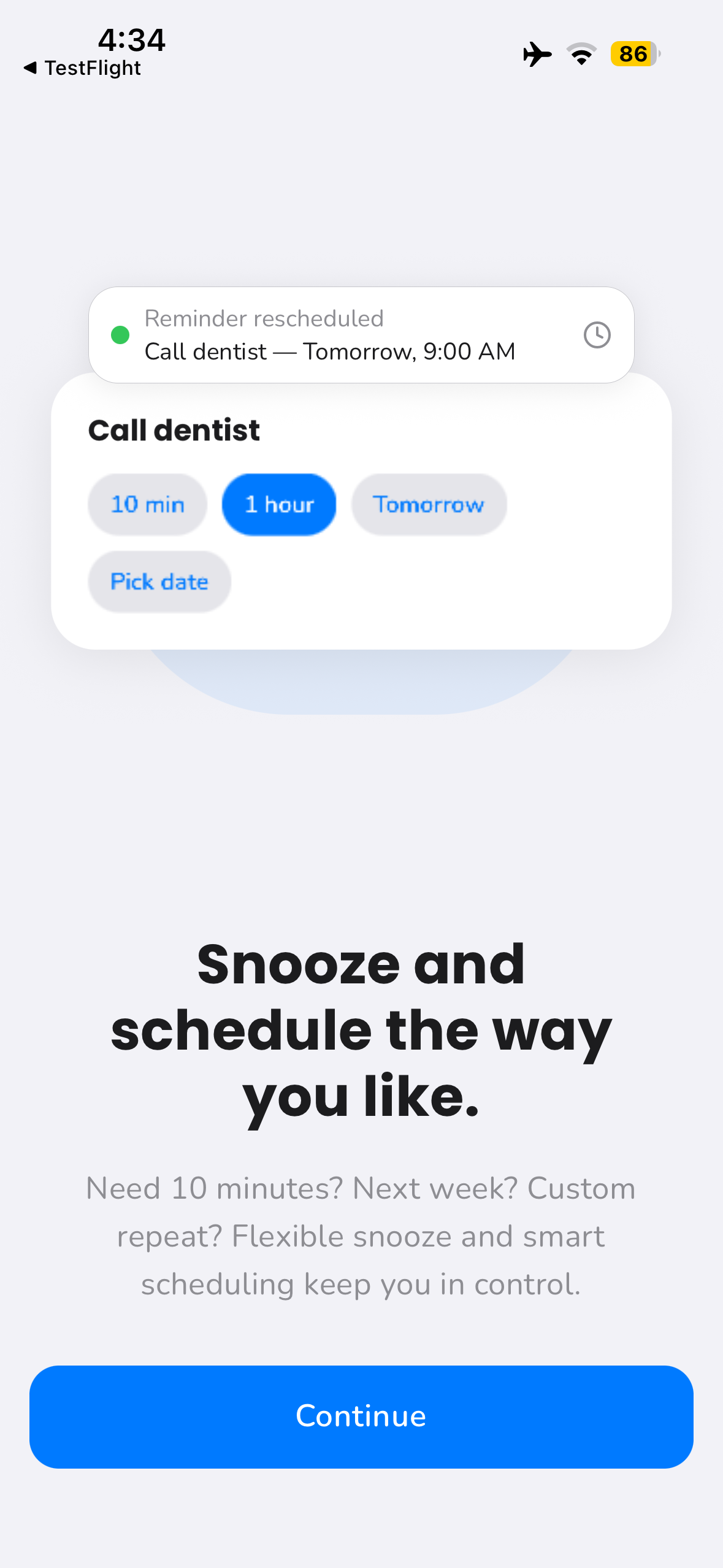
Onboarding Screen 3
-
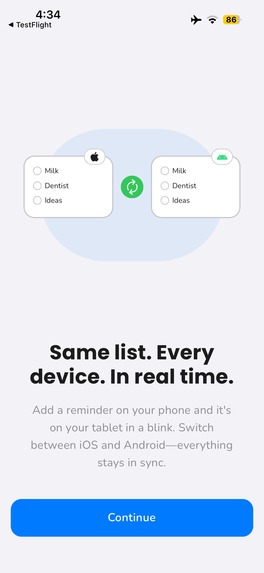
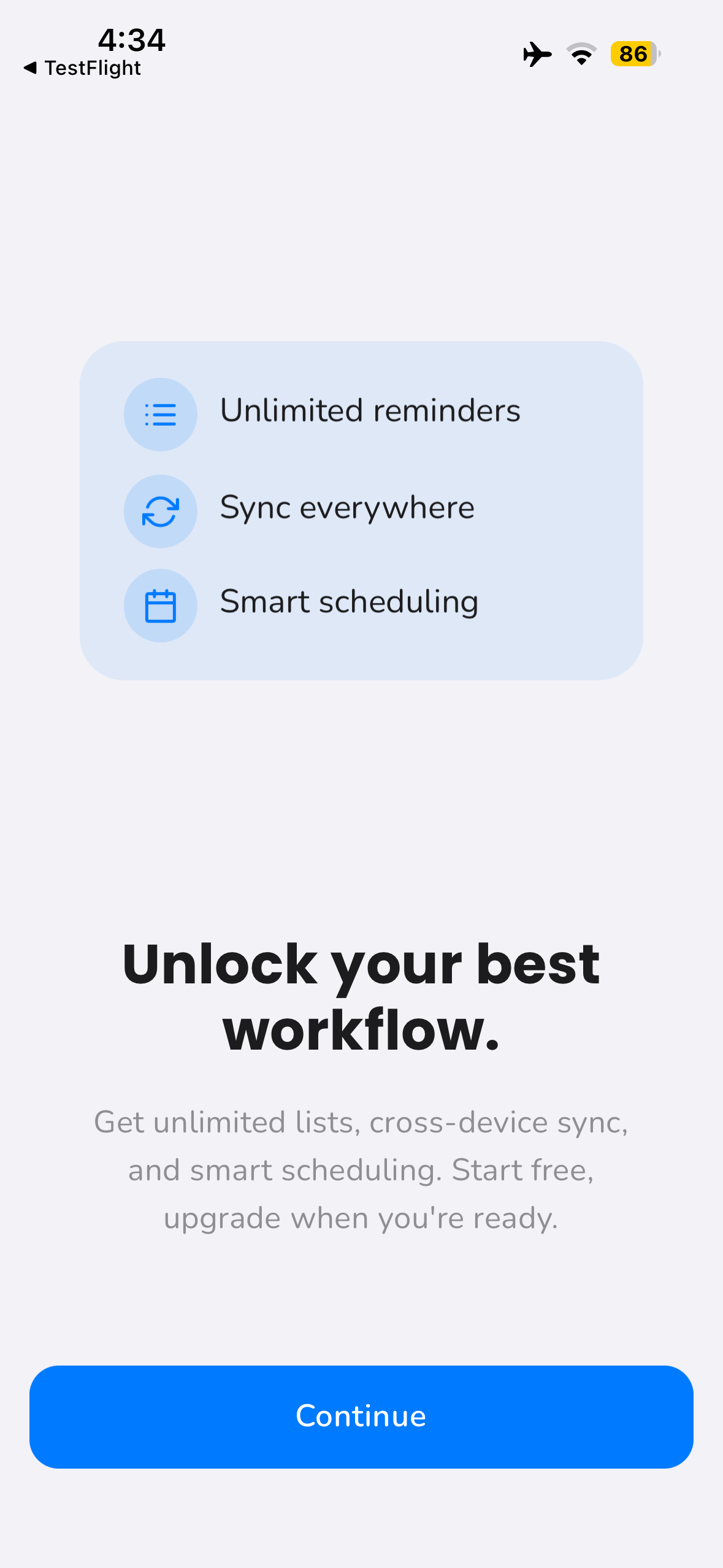
Onboarding Screen 4
-
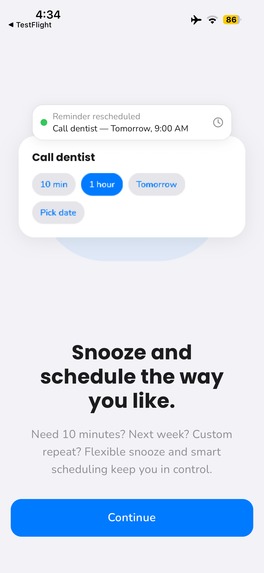
Onboarding Screen 5
-
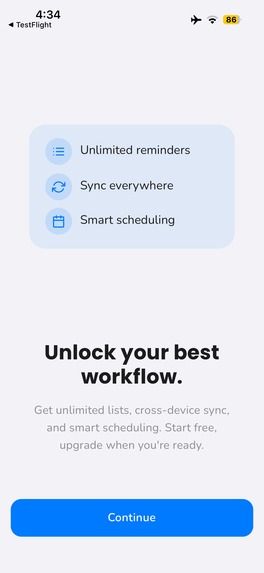
Onboarding Screen 6
-
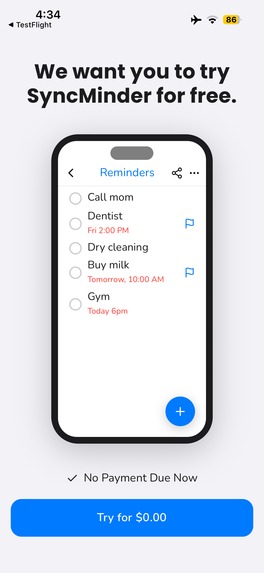
Onboarding Screen 7
-
Onboarding Screen 8
-
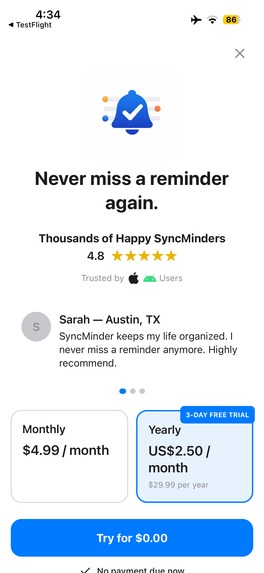
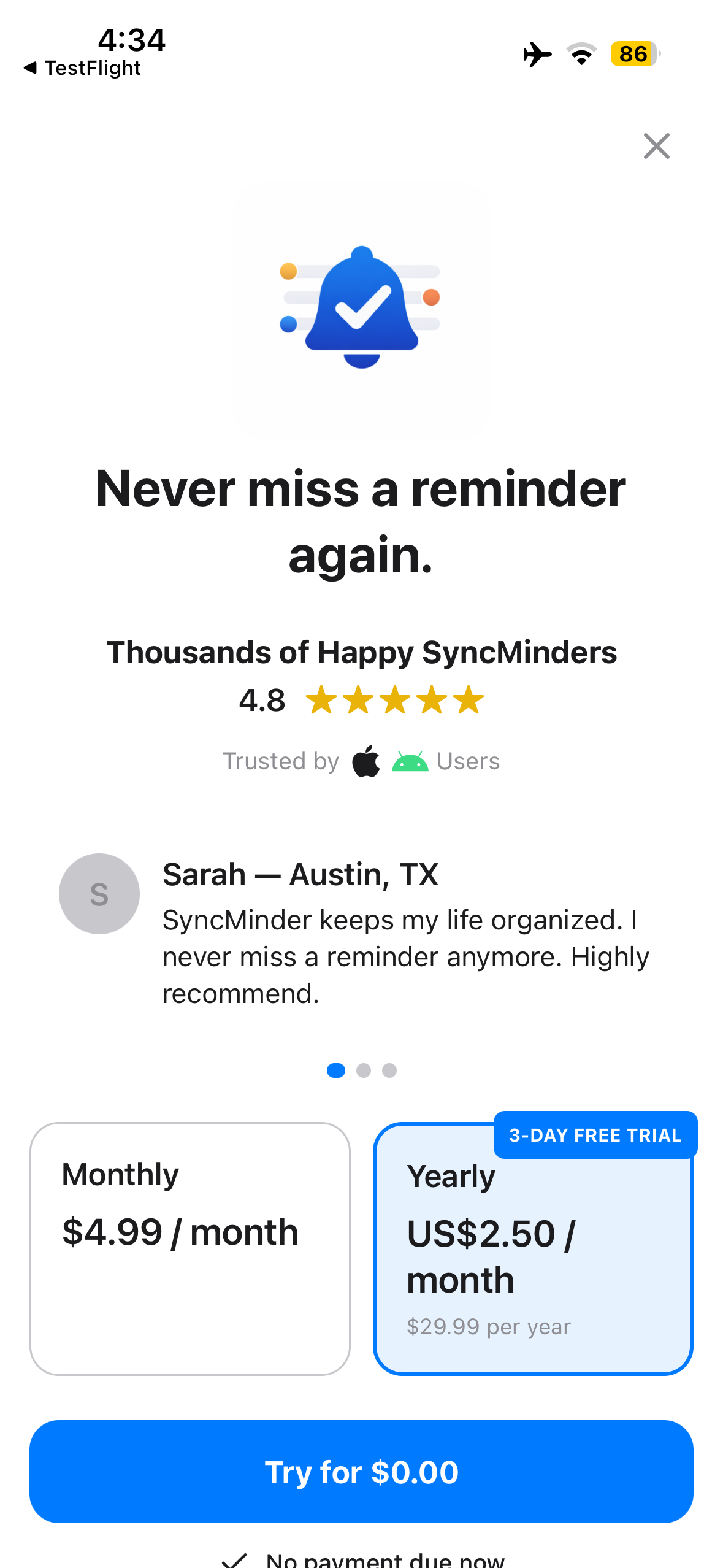
Paywall
-
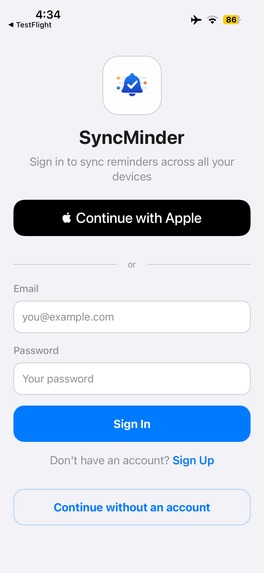
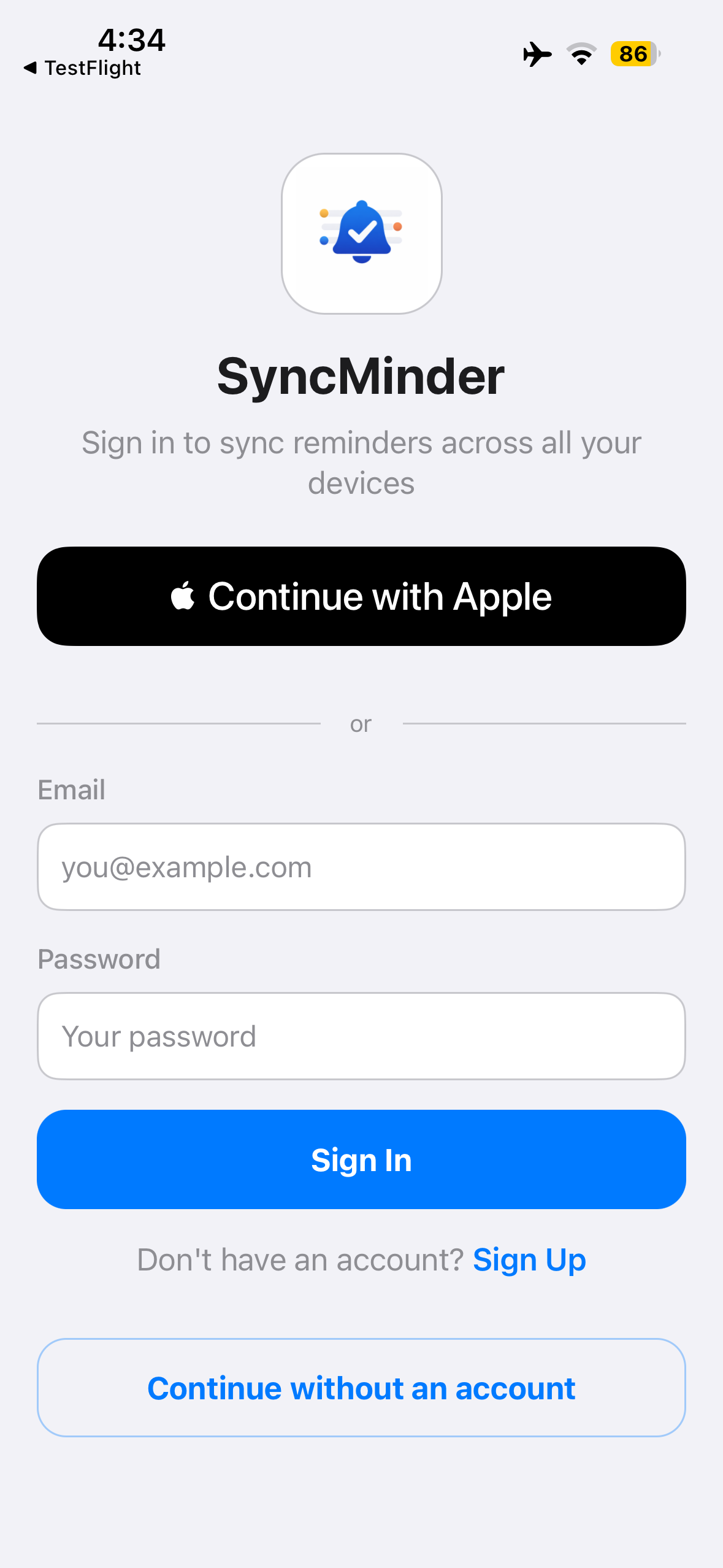
Login or Use offline
-
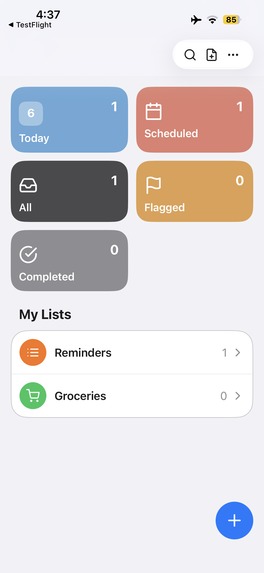
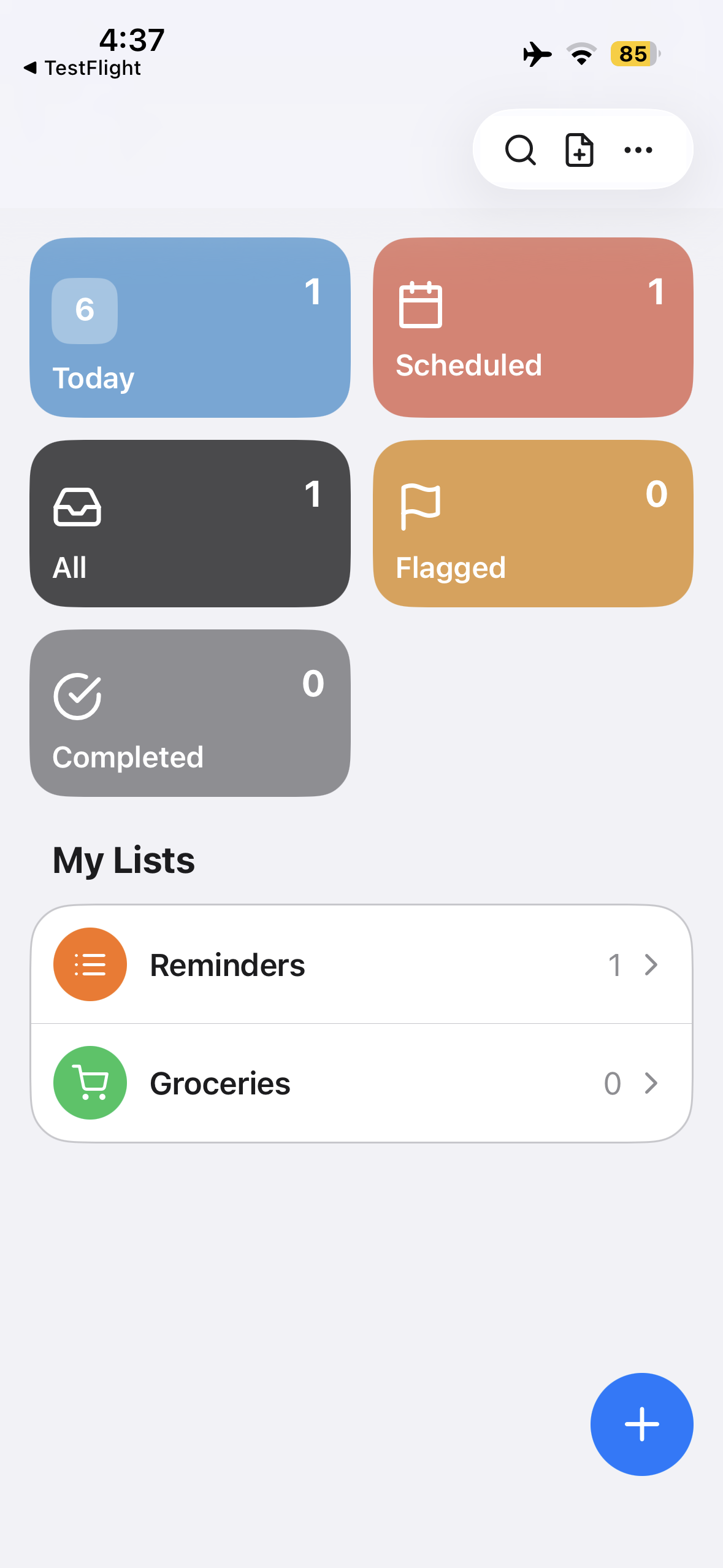
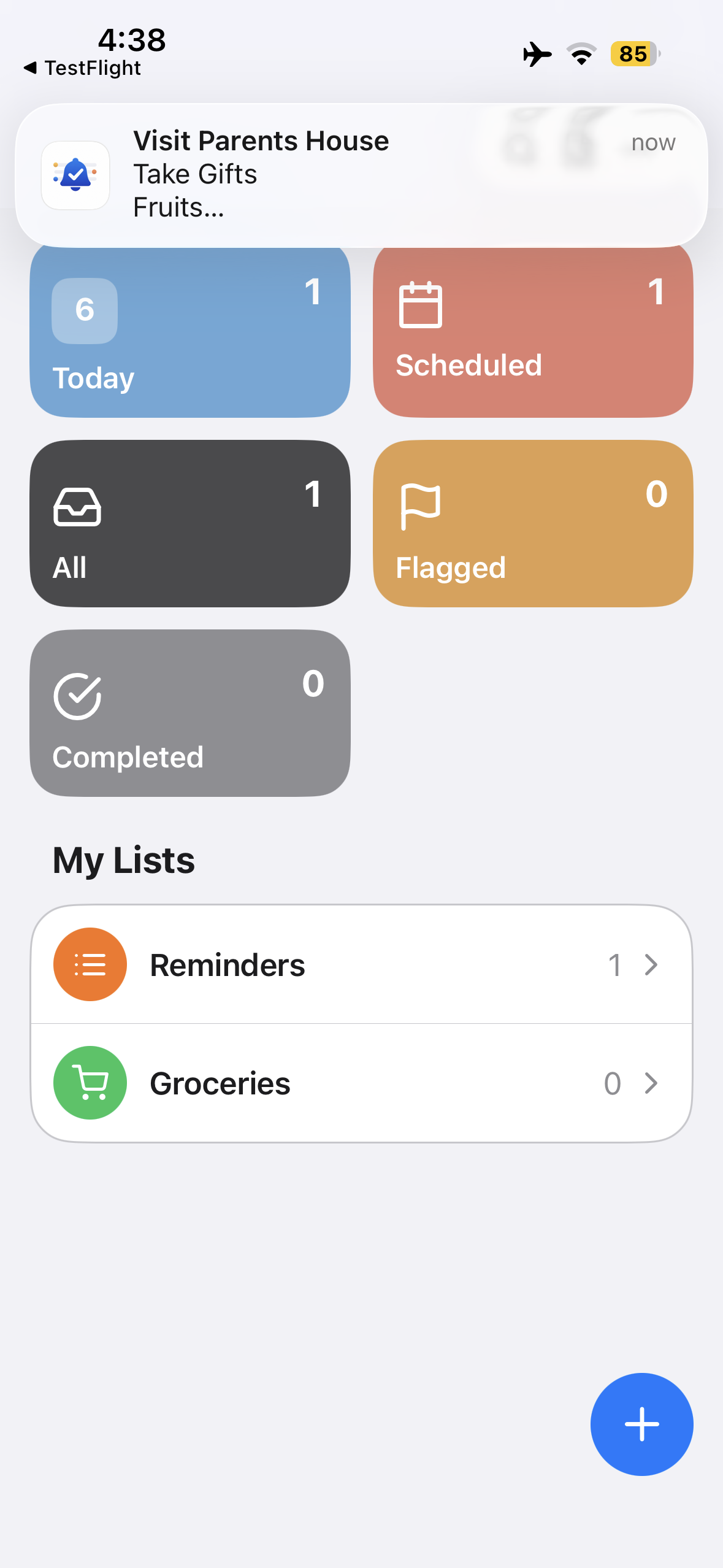
HomeScreen
-
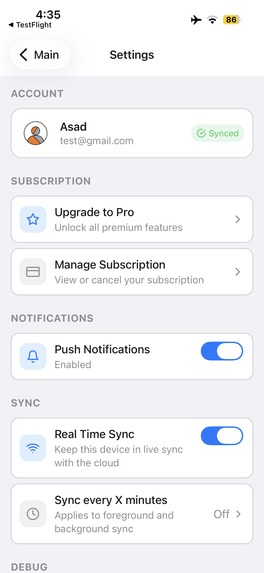
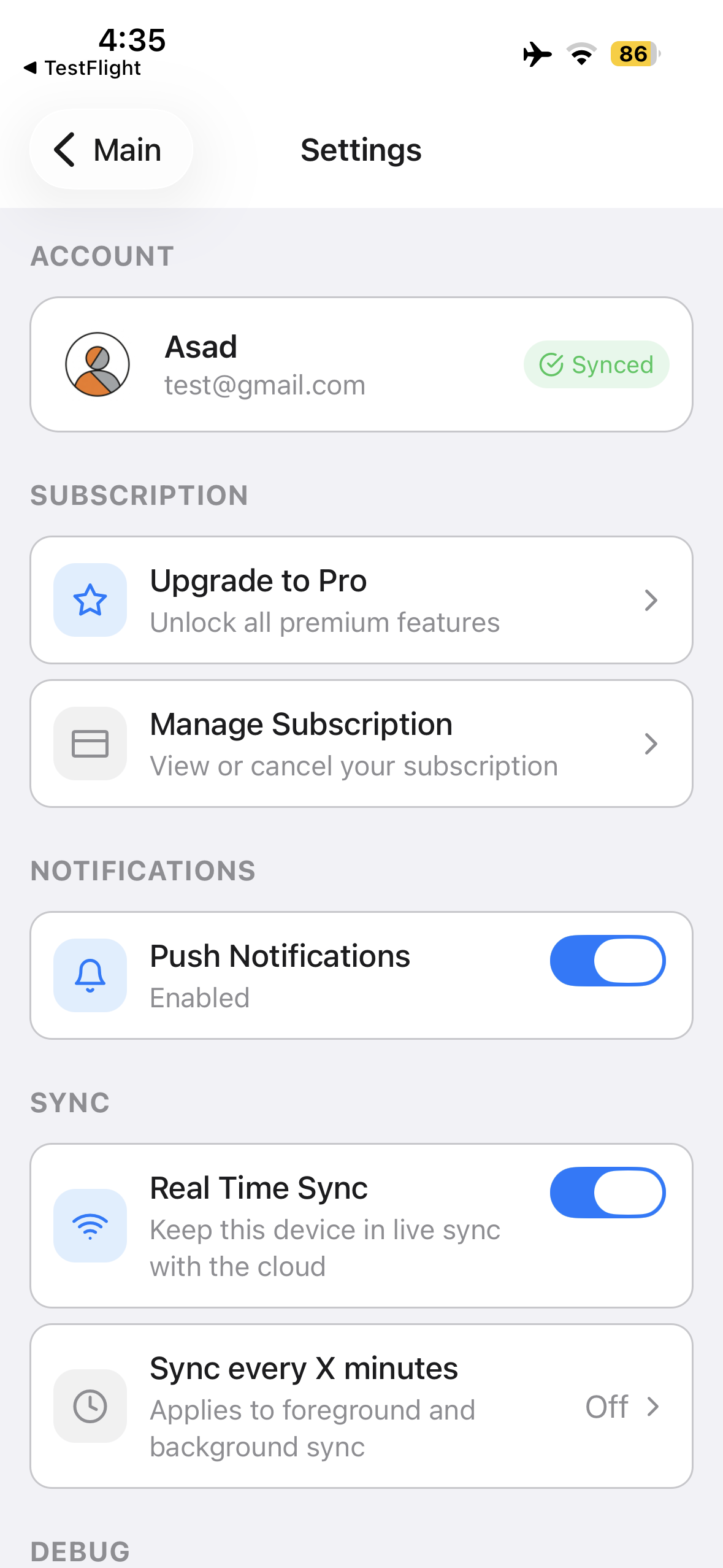
Settings
-
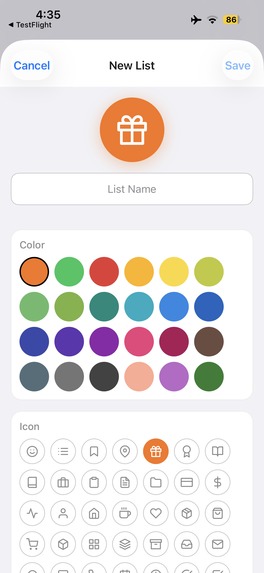
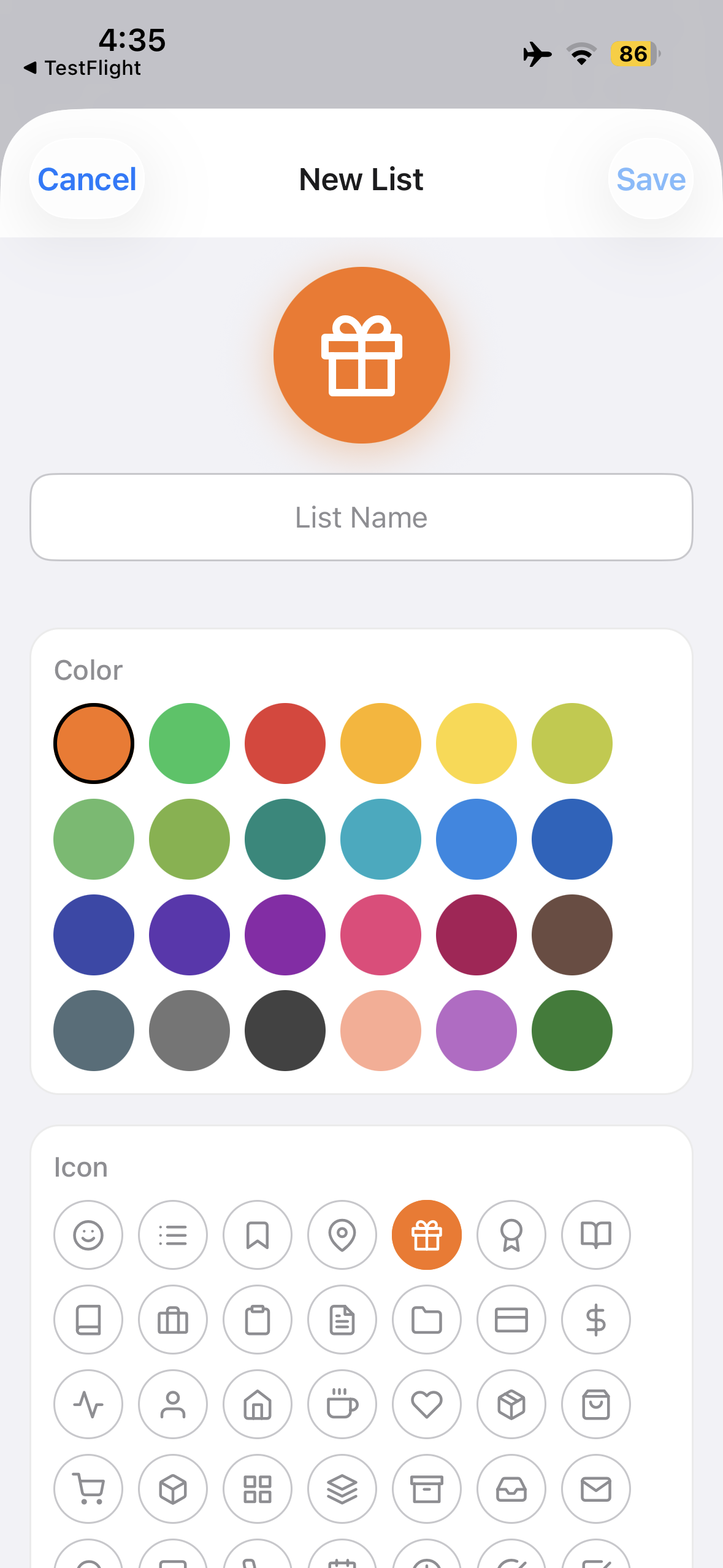
Create new Lists
-
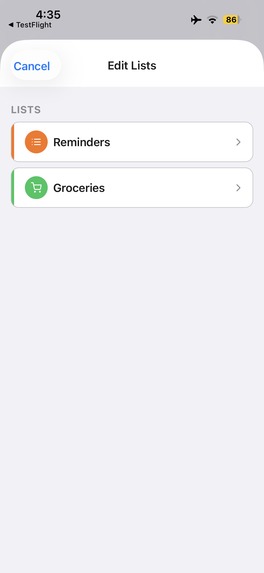
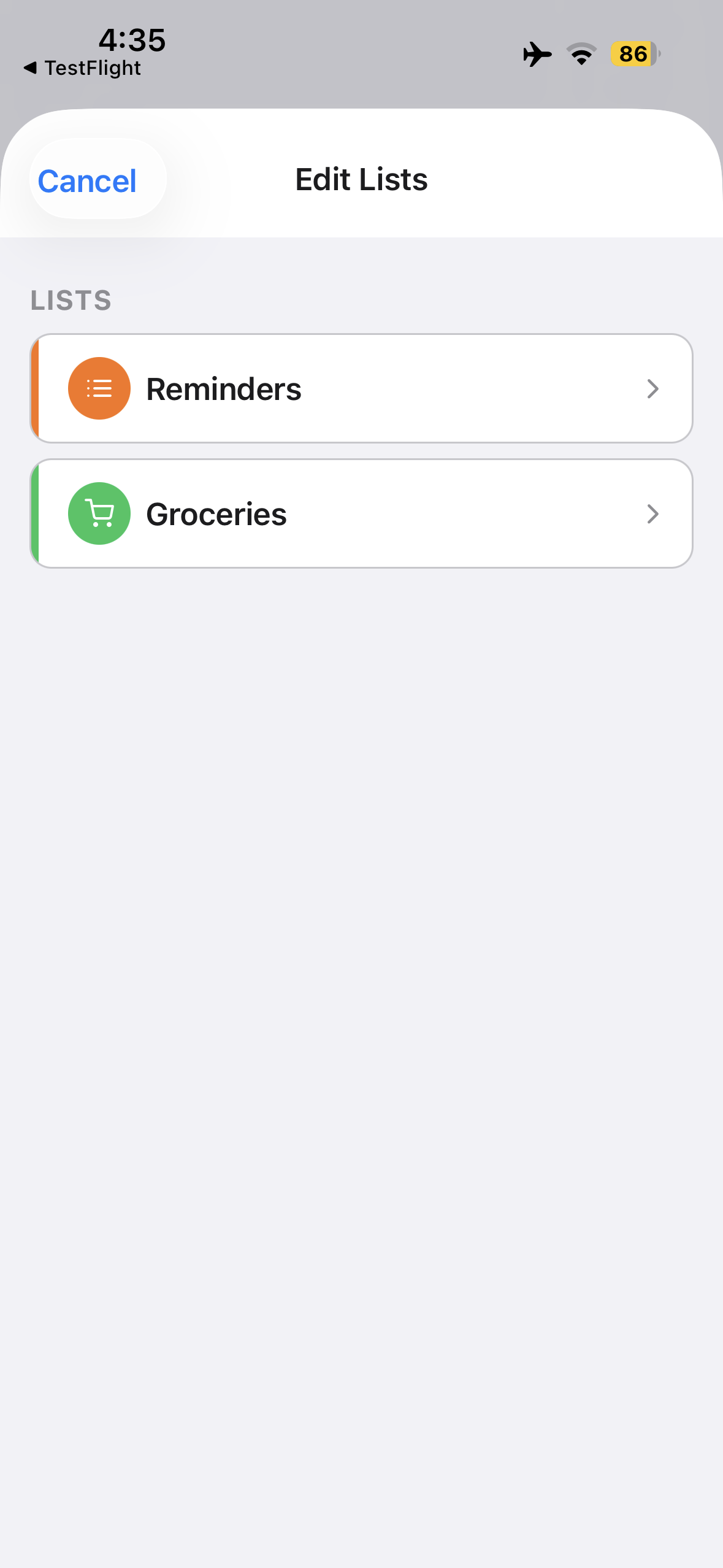
Update Existing Lists
-
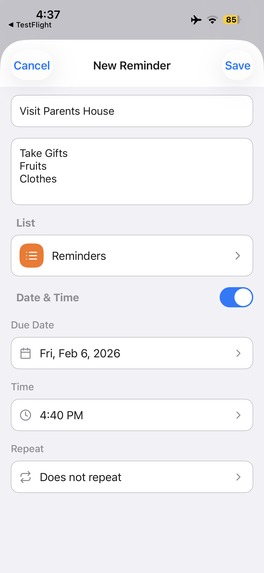
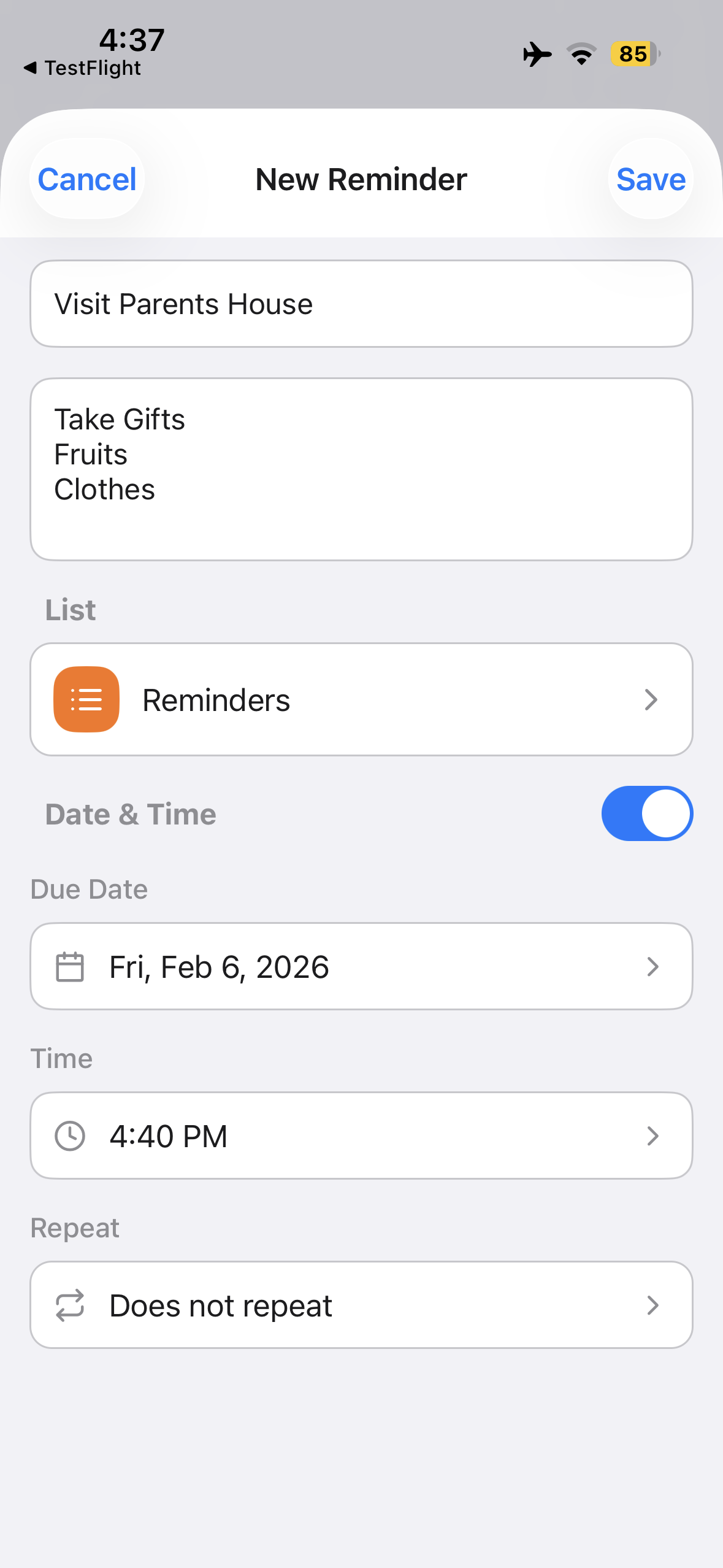
Create Reminder
-
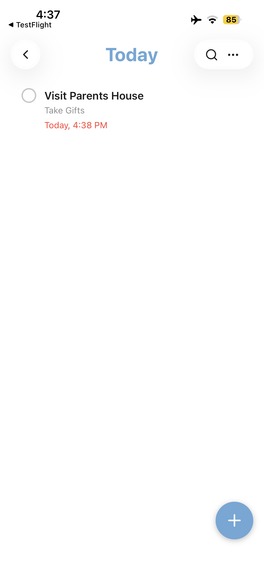
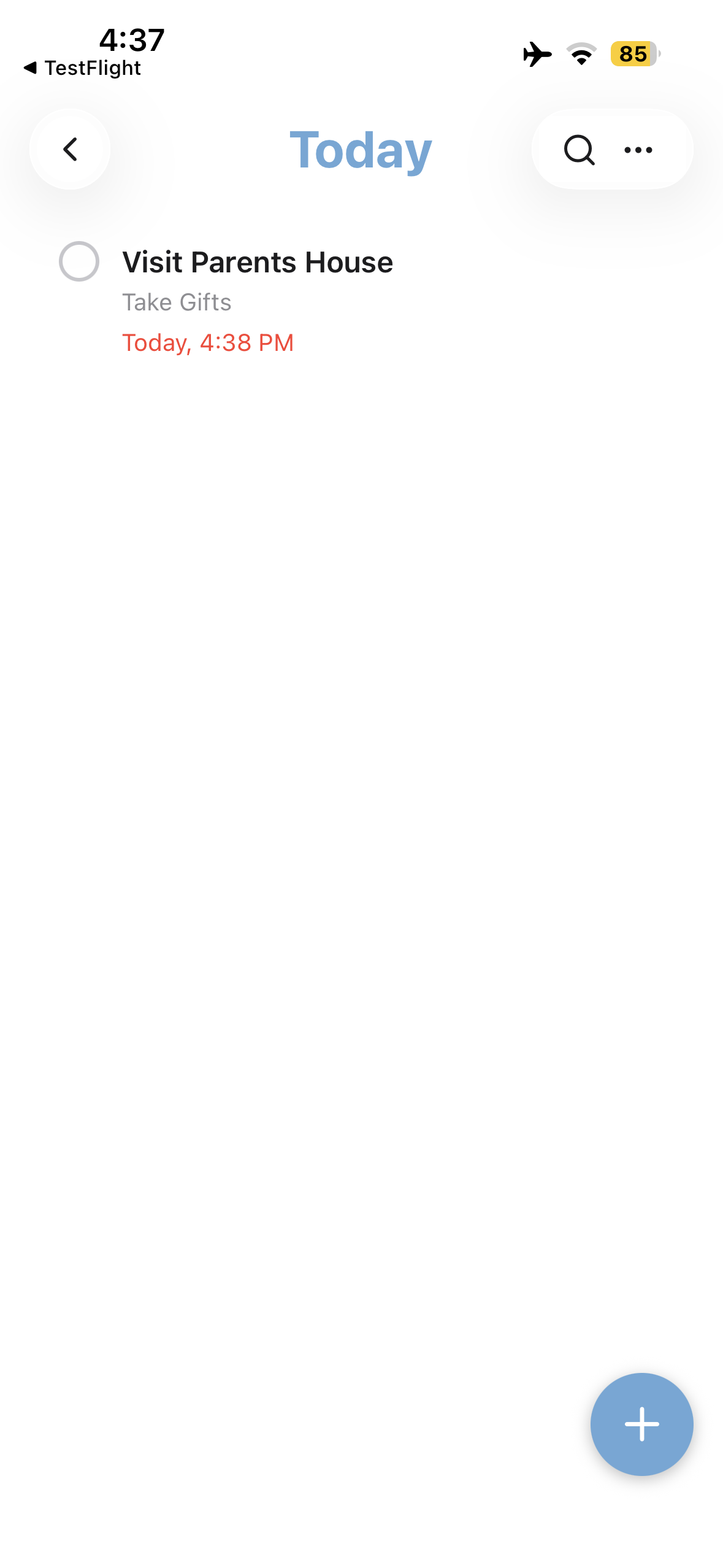
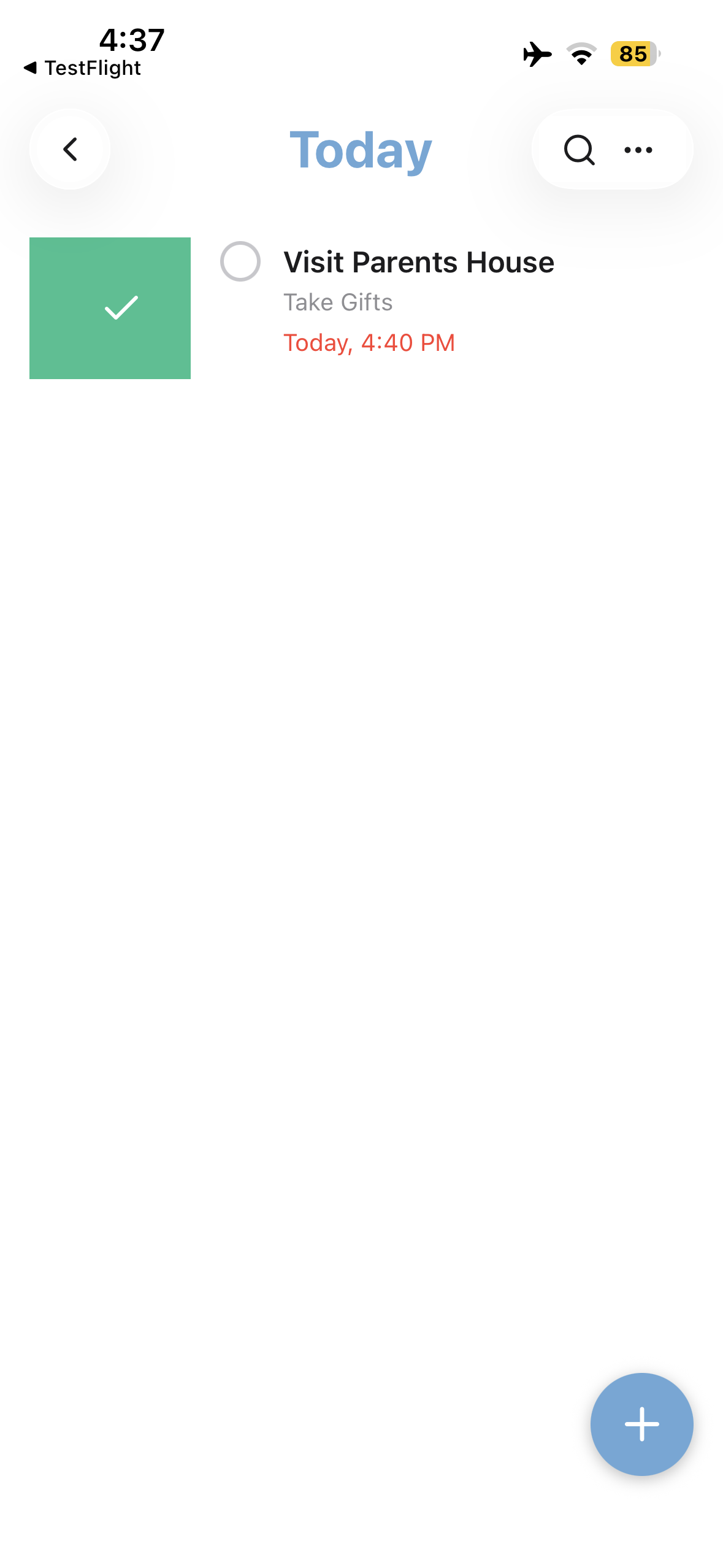
Todays Reminders
-
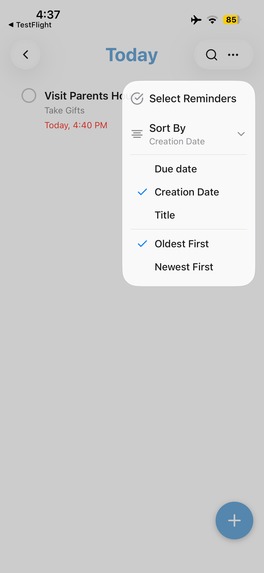
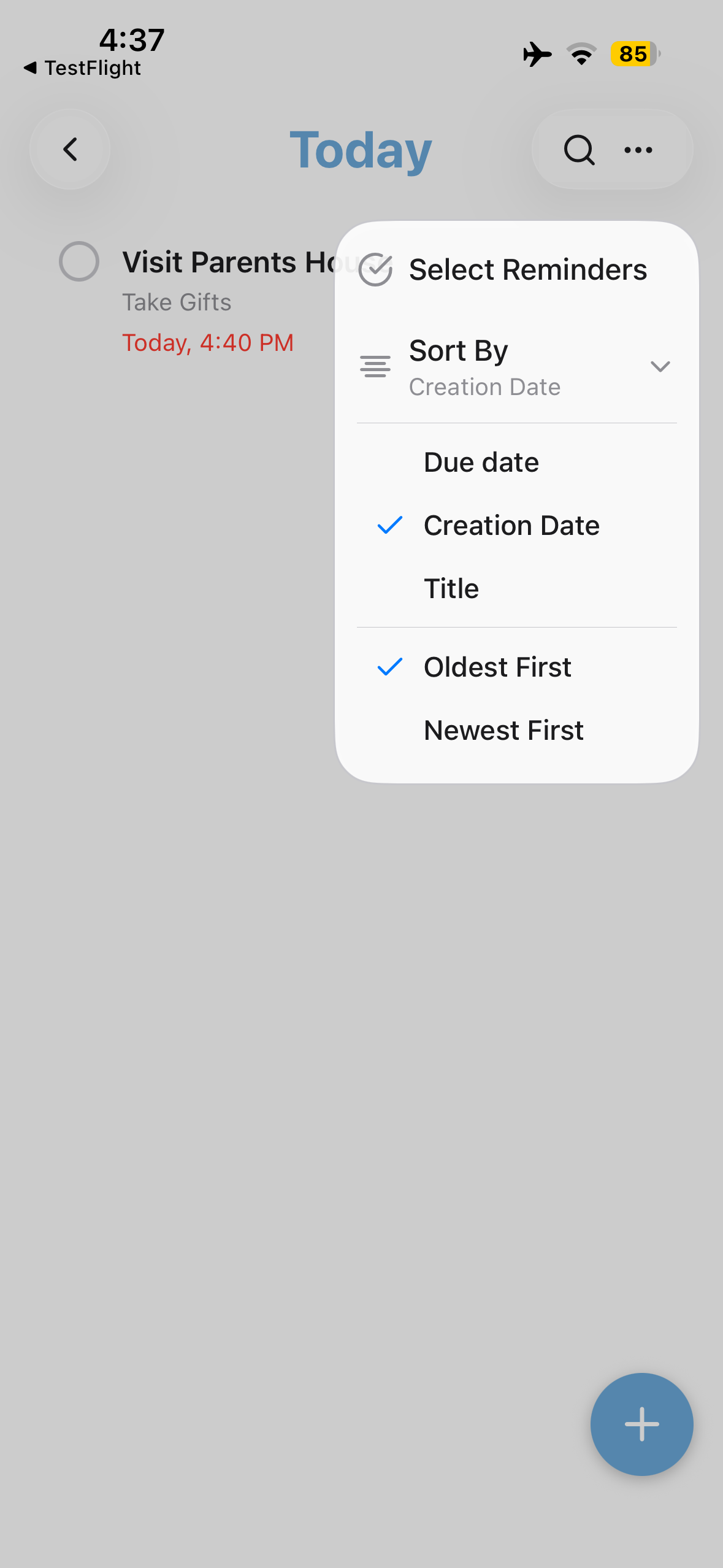
Search and Sort
-
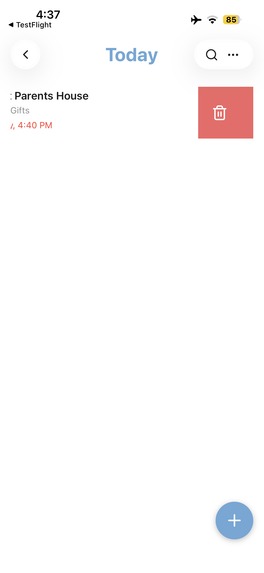
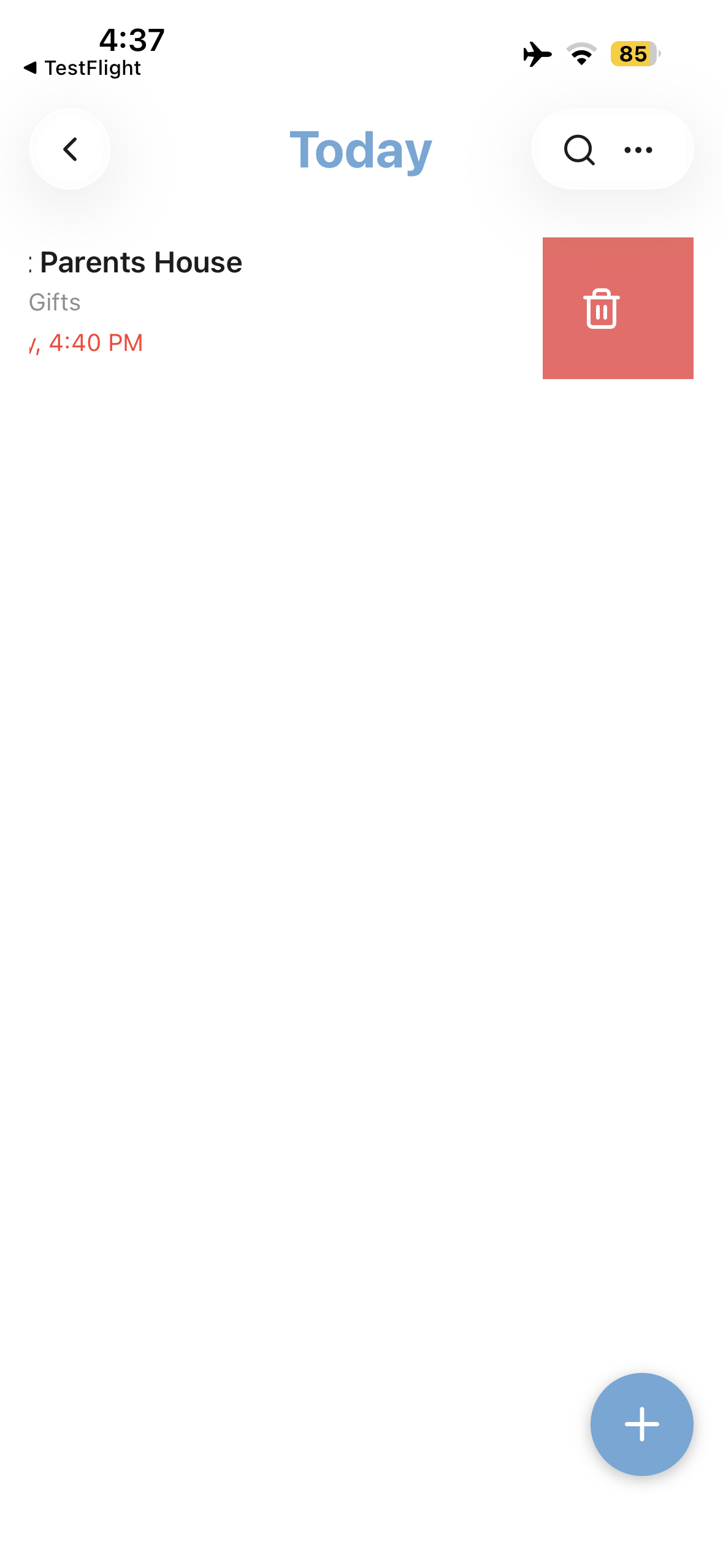
Swipe Left to Delete
-
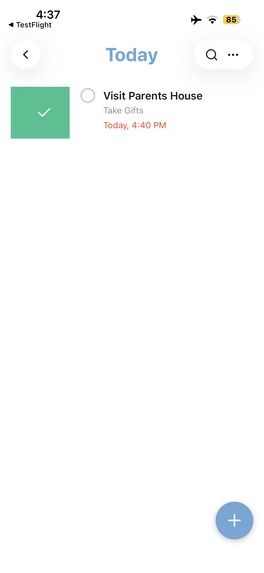
Swipe Right to Complete
-
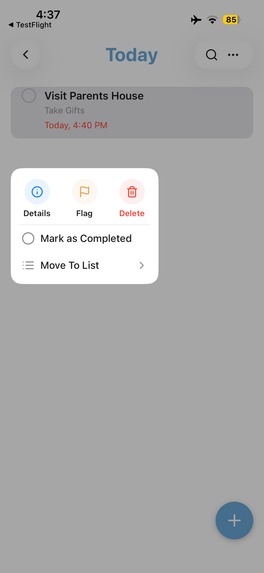
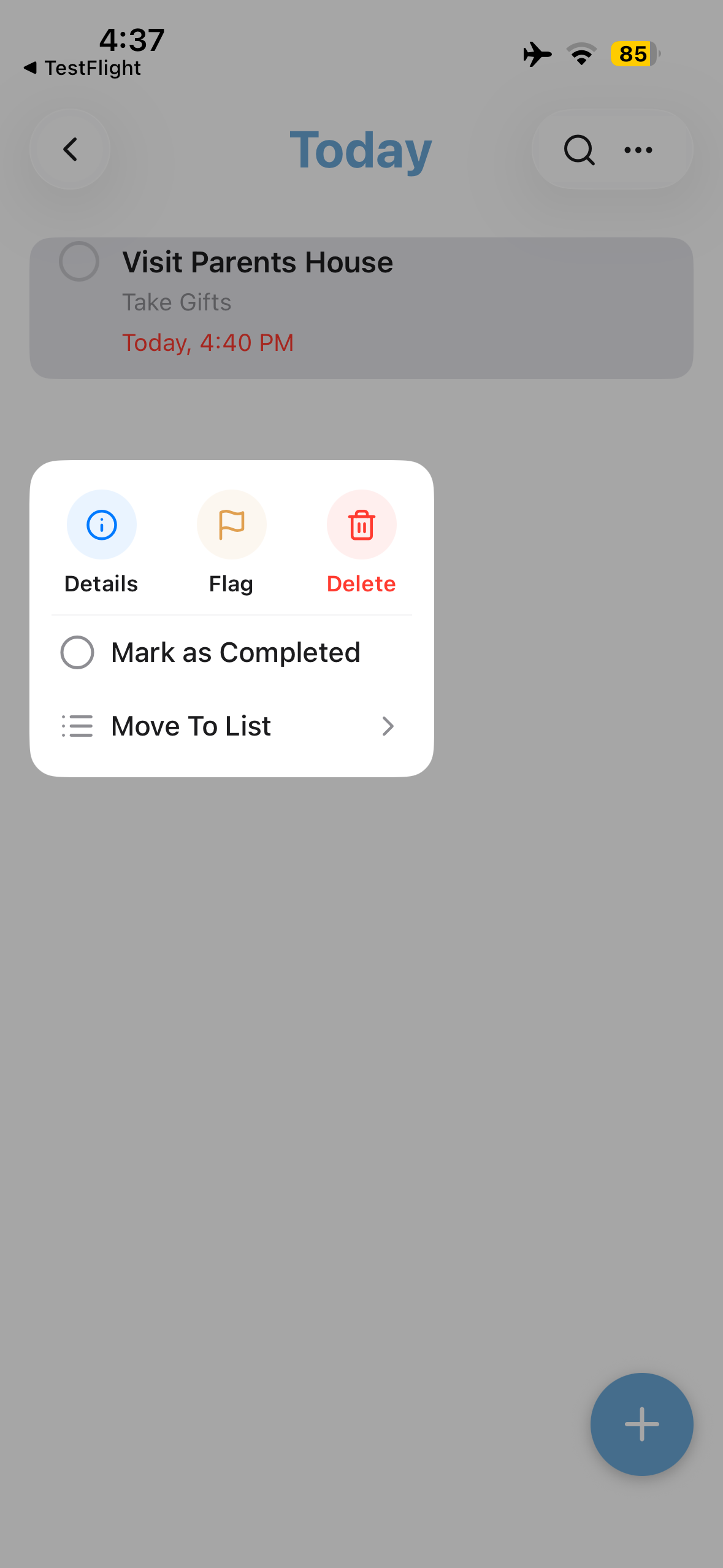
Tap for Context Menu / Long Press for Drag Drop
-
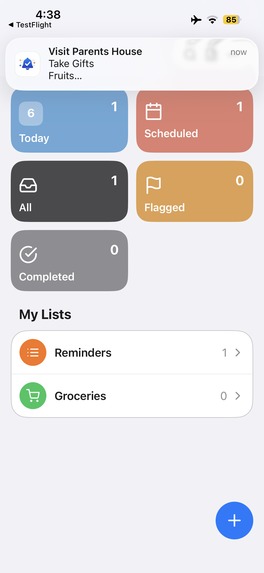
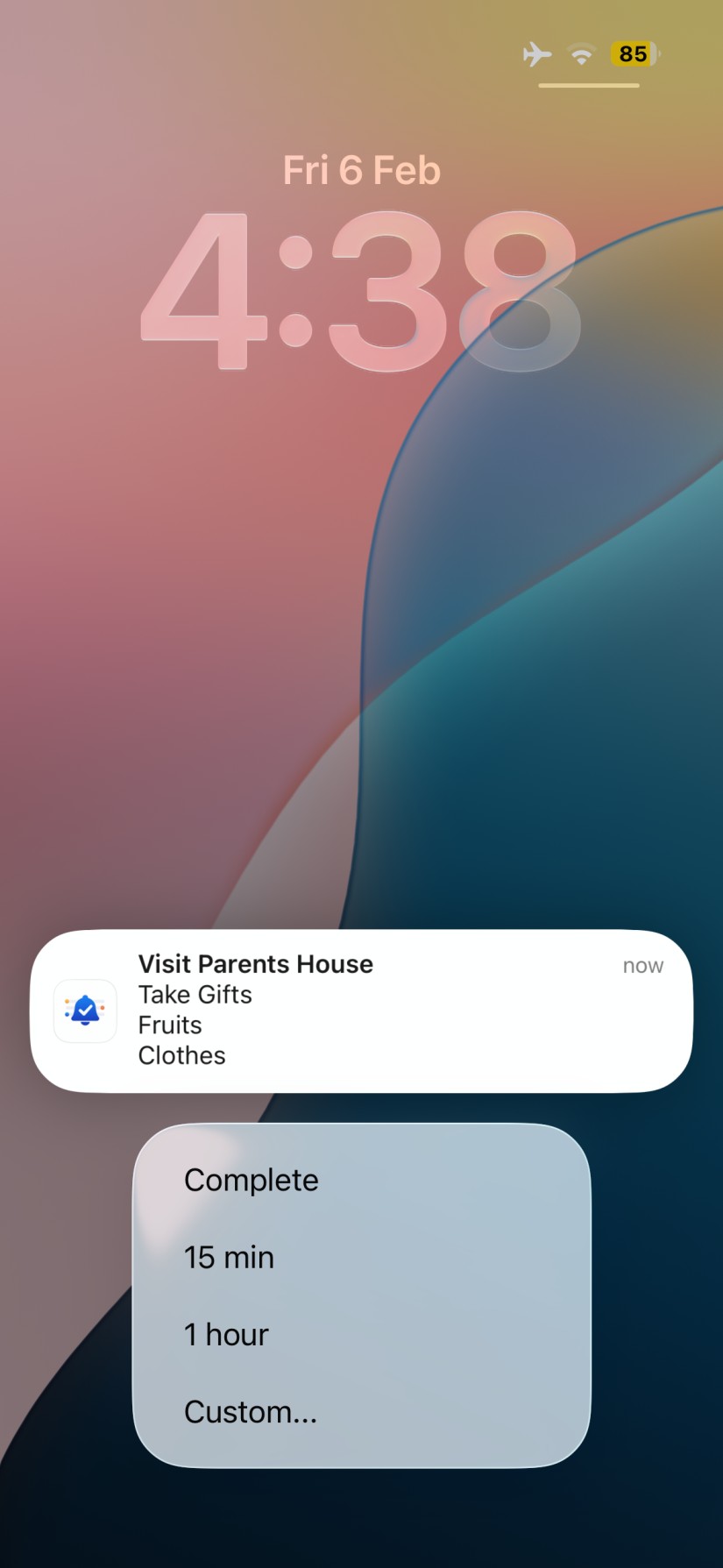
Notification
-
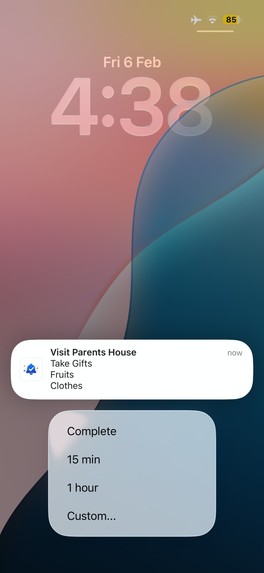
Snooze or Custom Snooze
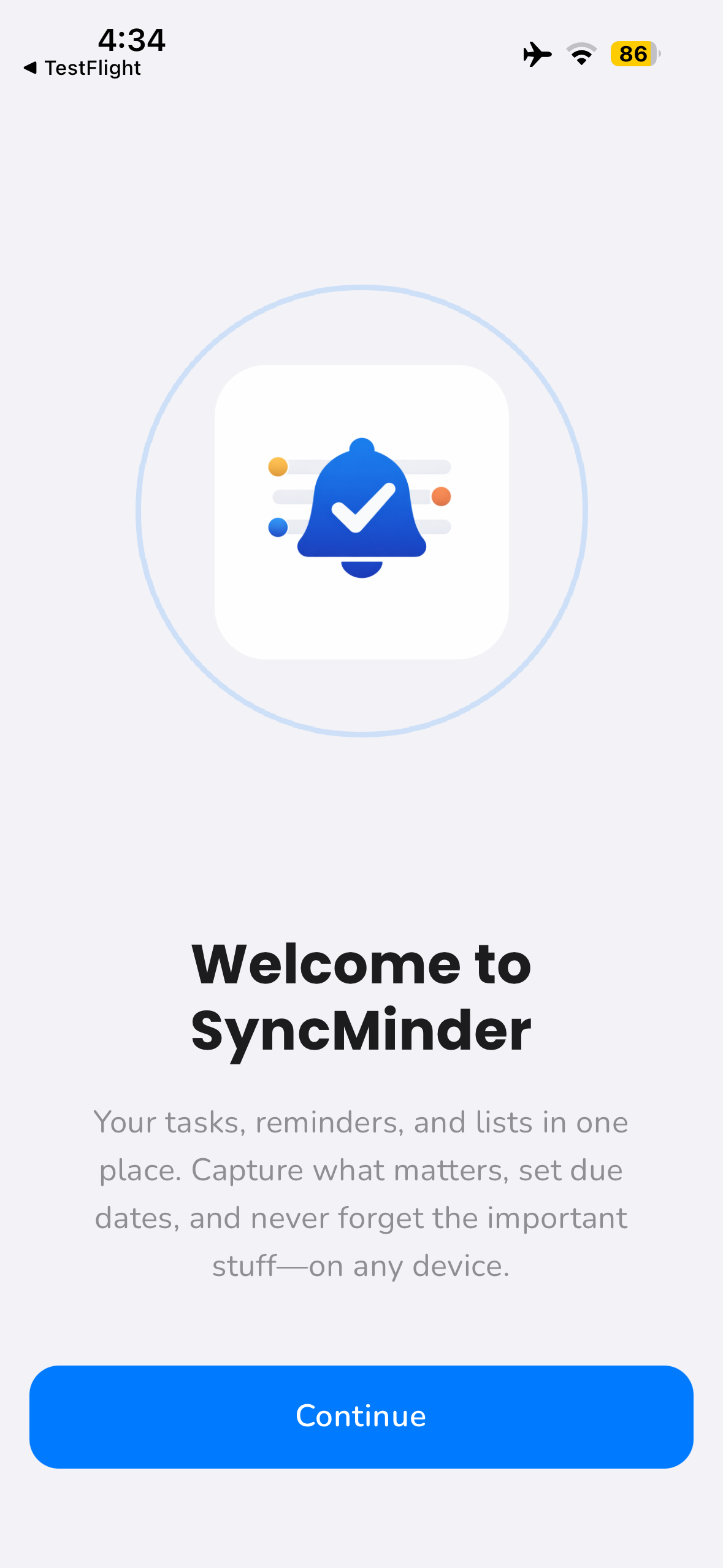
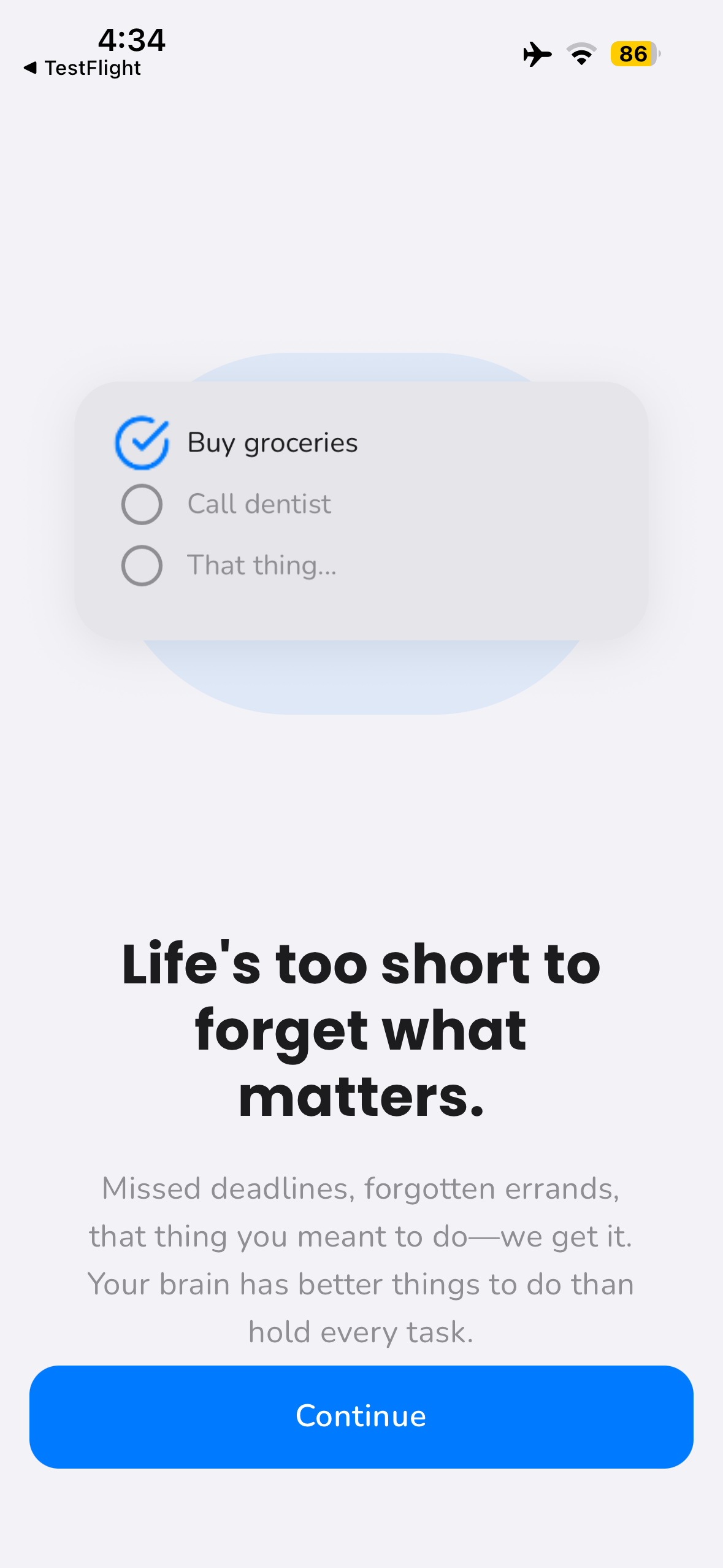
🚀 A Focused, Beautifully Designed Cross-Platform Reminders App
A calm, fast, and powerful reminders app with real-time sync, smart snoozes, and a modern premium experience — built with one codebase for iOS and Android.
📌 About the Project
I built this app out of personal frustration.
Most reminder apps fall into two extremes:
- too simple → just a flat list of alerts
- too bloated → overly complex productivity systems that feel heavy and hard to maintain
I wanted something in between.
Something that felt:
- as fast as jotting a sticky note
- visually calm and polished
- powerful enough for real life
- reliable across iOS and Android
I needed:
- quick capture
- smart snoozes
- seamless sync
- thoughtful design
- and optional premium tools without pressure
So I decided to build the app I wished existed.
The core idea became:
Simplicity on the surface. Power underneath. Zero friction.
❤️ Personal Motivation
Beyond productivity, this project was also personal.
My wife and I constantly share notes and lists together — especially everyday things like grocery lists, errands, and reminders.
Before this app, our workflow looked like:
- writing notes separately
- texting each other
- sending screenshots
- manually retyping items
It worked, but it felt clunky and disconnected.
She uses Android, and I use iOS, so most apps didn’t sync well across platforms or required awkward workarounds.
What we really wanted was simple:
- one shared list
- both of us can edit
- both of us see updates instantly
- both of us get notifications
No screenshots. No copy-paste. No friction.
So I built it.
Now we manage groceries, chores, and daily tasks together in real time — like a shared whiteboard in our pockets.
That personal use case shaped the entire product philosophy:
If it works seamlessly for us, it will work for everyone.
🎯 Inspiration & Philosophy
From day one, I optimized for mental clarity, not feature count.
Many productivity apps try to solve everything and end up increasing cognitive load. I wanted the opposite: fewer decisions, fewer taps, faster flow.
If a user has ( n ) reminders, the experience shouldn’t feel ( n ) times heavier.
Instead of complexity growing linearly:
$$ O(n) $$
I aimed for something closer to:
$$ O(\log n) \text{ or } O(1) $$
Meaning:
- less clutter
- smarter grouping
- fewer interruptions
- more focus
Because productivity tools should reduce stress, not create it.
📚 What I Learned
Deep Cross-Platform Engineering (Expo + React Native)
This project pushed me to build a production-level mobile app using:
- Expo + React Native
- shared business logic
- modular navigation stacks
- theme systems
- onboarding, authentication, paywall, and settings flows
The biggest challenge was making one codebase feel truly native on both:
- iOS
- Android
Not like a web app wrapped in mobile.
Backend with Firebase & Real-Time Sync
I used Firebase as the backend for:
- Authentication (Google, Apple, Email)
- Firestore database
- real-time listeners
- cloud storage
- background sync logic
I modeled reminders in a shared schema so both client and backend stay consistent.
The goal:
Edits should feel instant everywhere.
Conceptually, if a user has ( n ) devices, sync latency should feel constant:
$$ O(1) $$
So when a reminder is created or completed on one device, it updates almost immediately on all others.
To achieve this, I implemented:
- Firestore real-time subscriptions
- optimistic UI updates
- offline-first caching
- conflict-safe merges
- background synchronization
Even if a user edits reminders offline, the final state reflects intent, not just timestamps.
Notifications & Background Work
Reliable notifications were critical.
I worked deeply with:
- local notifications
- scheduling logic
- snoozing
- background tasks
so reminders still fire even when the app is closed.
The challenge was avoiding notification spam while handling many active reminders.
The system intelligently coordinates alerts so they remain helpful instead of noisy.
Monetization with RevenueCat
I integrated RevenueCat to support:
- subscriptions
- unified cross-platform billing
But monetization wasn’t the main goal.
Trust was.
So:
- core reminder functionality → always free
- advanced features → premium
The paywall explains value clearly and never blocks essential features.
Premium feels like an upgrade, not a restriction.
Design & Product Thinking
This project strengthened my design thinking as much as my engineering skills.
I focused on:
- clean typography
- soft spacing
- subtle shadows
- calm animations
- card-based layouts
Inspired by the iOS design language but tuned carefully for Android too.
The app should feel peaceful, not busy.
I treated usability like an optimization problem:
$$ \text{Usability} = \frac{\text{Value}}{\text{Cognitive Load}} $$
Reducing mental effort often improves the product more than adding features.
🛠 How I Built It
Stack & Architecture
Frontend
- Expo + React Native
- custom theme system
- modular navigation stacks
Backend
- Firebase Authentication
- Firestore (real-time database)
- background sync logic
Payments
- RevenueCat
Sync
- Firestore real-time listeners
- optimistic caching
- offline-first updates
Core Features
✍️ Rich Reminders
- titles
- notes (Markdown / rich text)
- categories/lists
- due dates
- times
- customizable snooze options
🧠 Smart Views
- Today
- Upcoming
- Completed
- Categories
⏰ Smart Snoozes
- minutes
- hours
- days
- custom time from notification
🔄 Real-Time Multi-Device Sync
- instant updates via Firestore
- background synchronization
- offline-safe behavior
🎨 Calm, Modern UI
- clean lists and cards
- subtle animations
- consistent design language
- native feel on both iOS and Android
💎 Premium Layer
- advanced sorting features
- more customized lists
- power-user tools
All optional and gracefully integrated.
✨ Final Reflection
This project wasn’t just about building a reminders app.
It started with a simple need between my wife and me — sharing everyday lists — and grew into a full cross-platform system used daily.
It taught me how to:
- architect scalable mobile systems
- design calm, thoughtful interfaces
- implement real-time sync correctly
- ship cross-platform products
- balance business with user trust
In the end, I built something that feels:
- fast
- beautiful
- reliable
- invisible when it should be
- powerful when needed
Exactly what I originally wanted for us.
Built With
- android
- expo.io
- firebase
- firestore
- google-cloud
- ios
- javascript
- node.js
- react-native
- revenuecat
- typescript


Log in or sign up for Devpost to join the conversation.