-
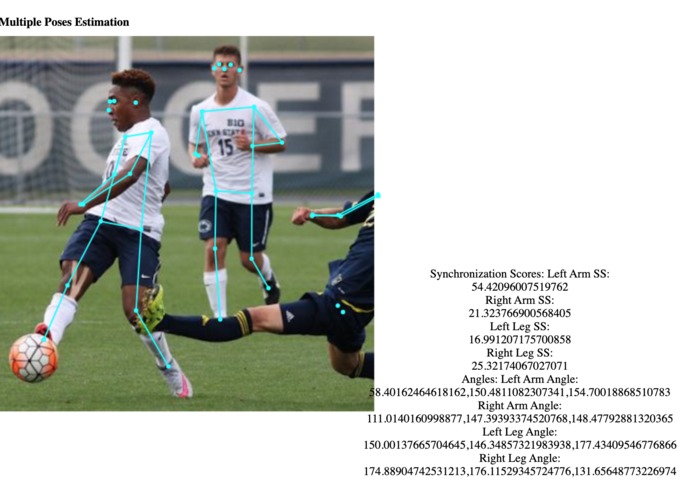
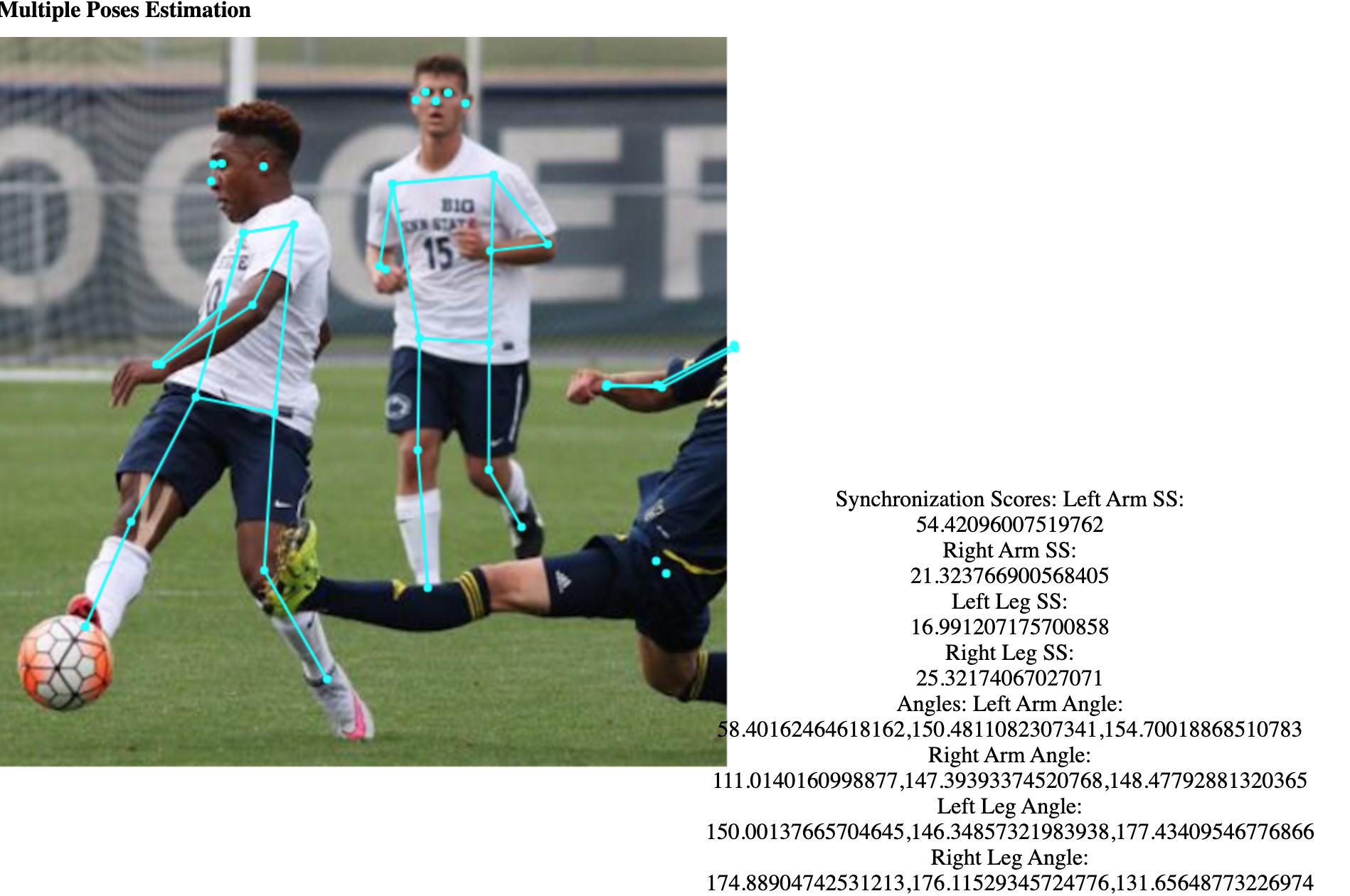
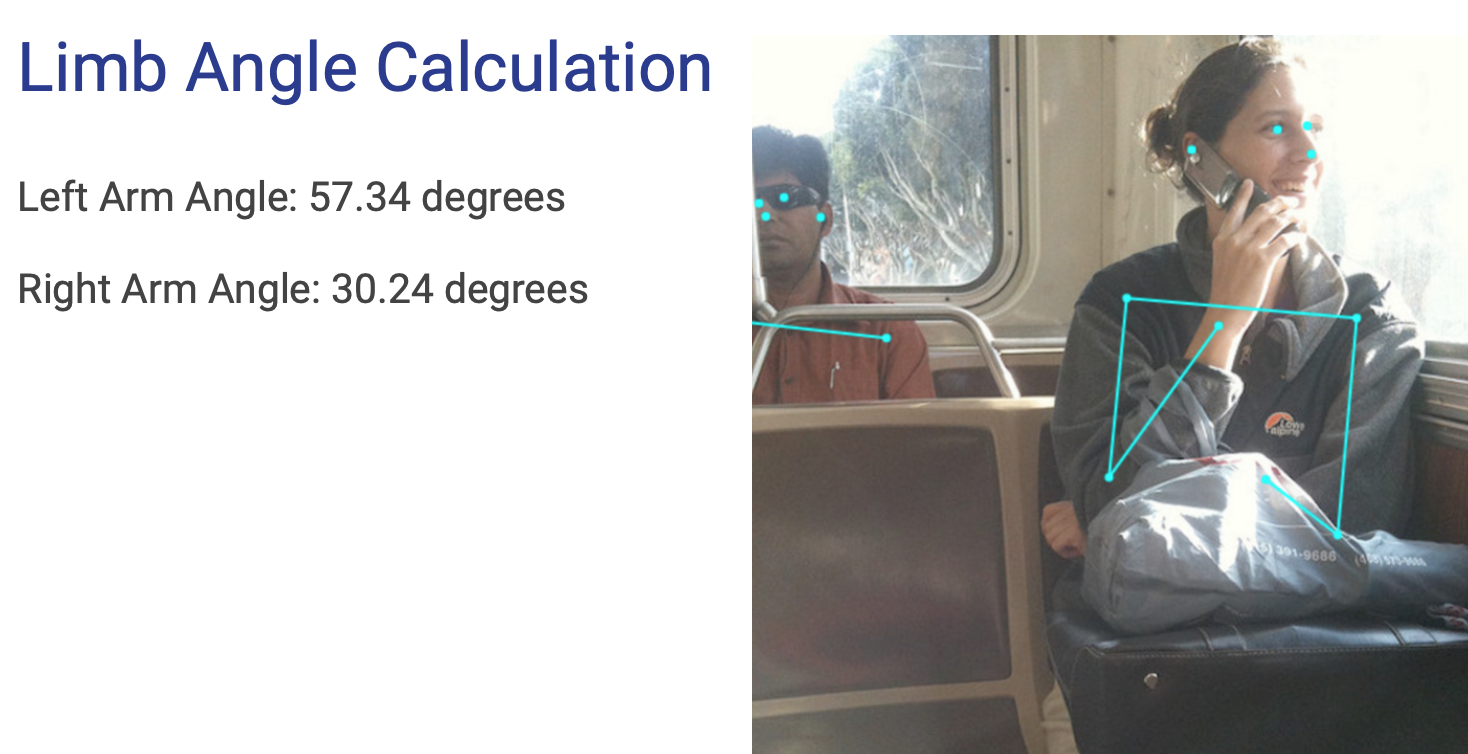
Synchronization Score and Angle Calculation of an image of soccer players
-
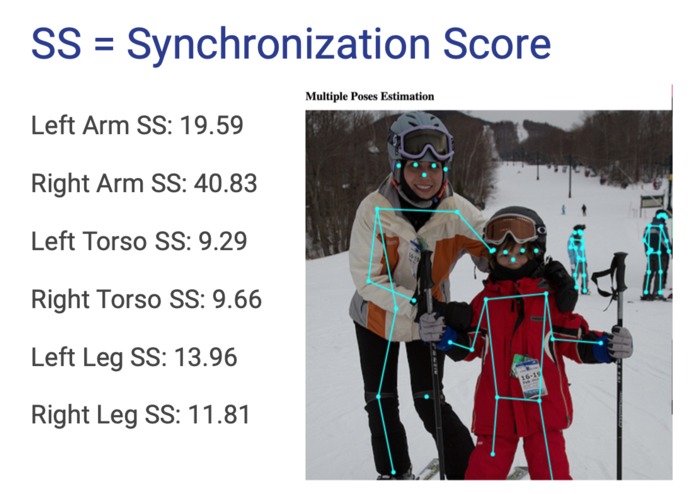
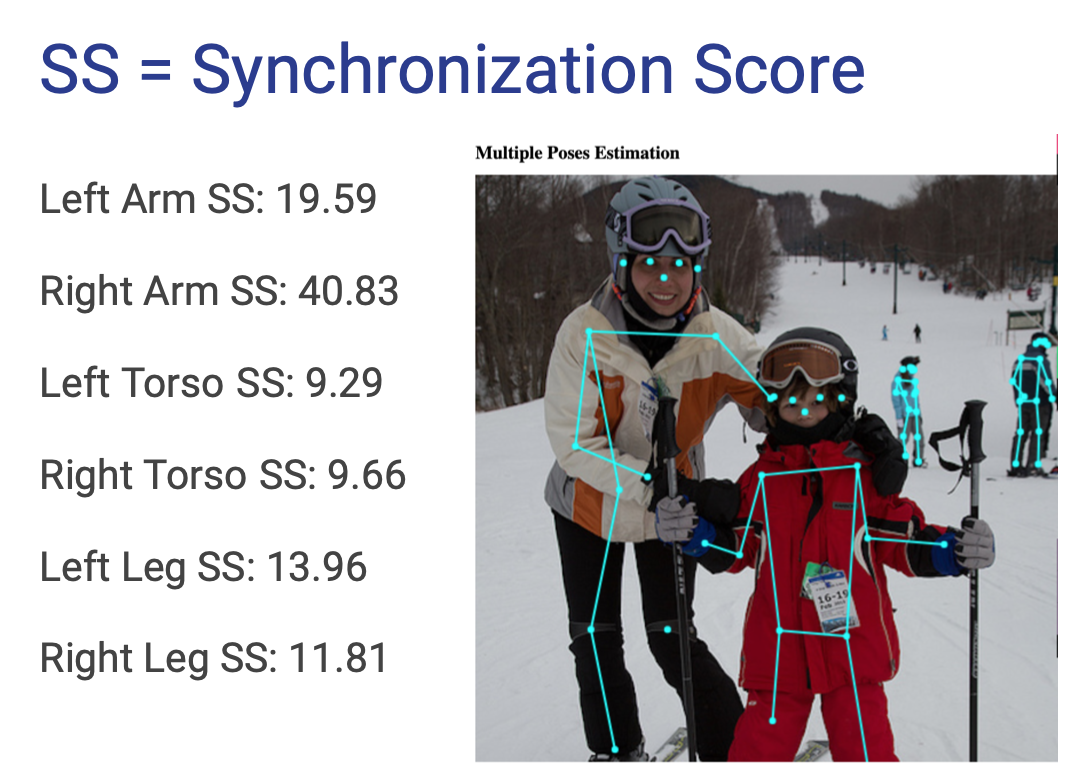
Synchronization Score of an image of skiiers
-
-
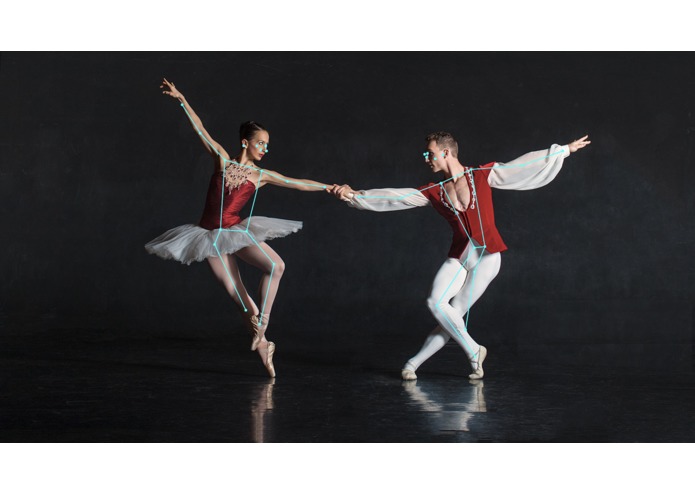
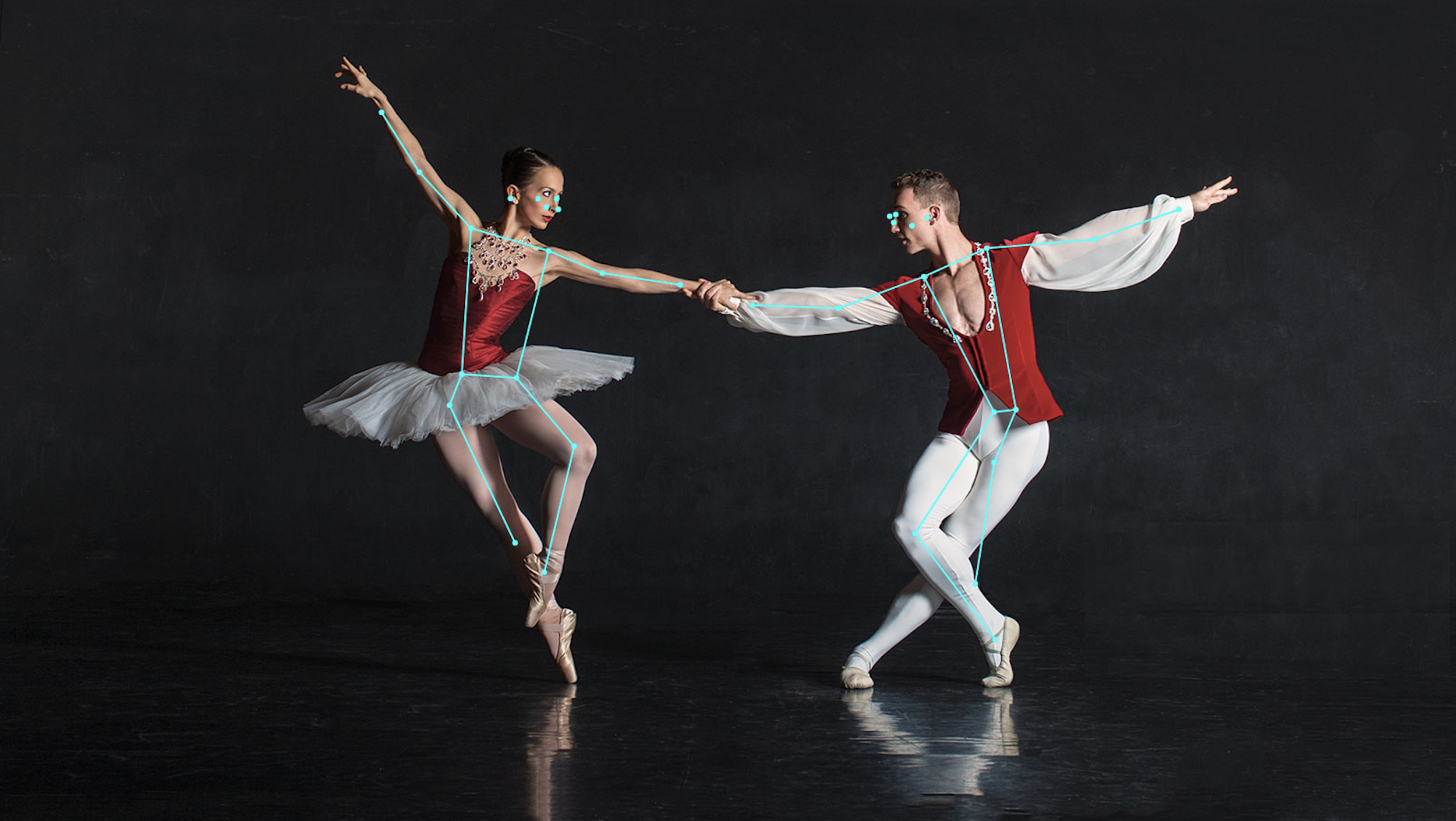
Posture estimation for ballet dancers
-
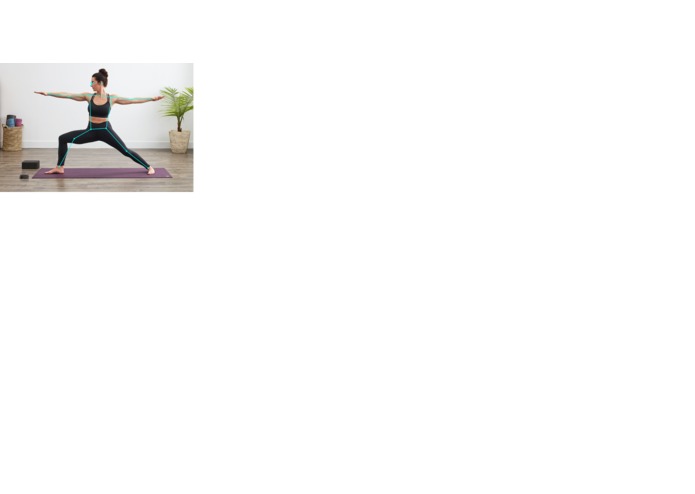
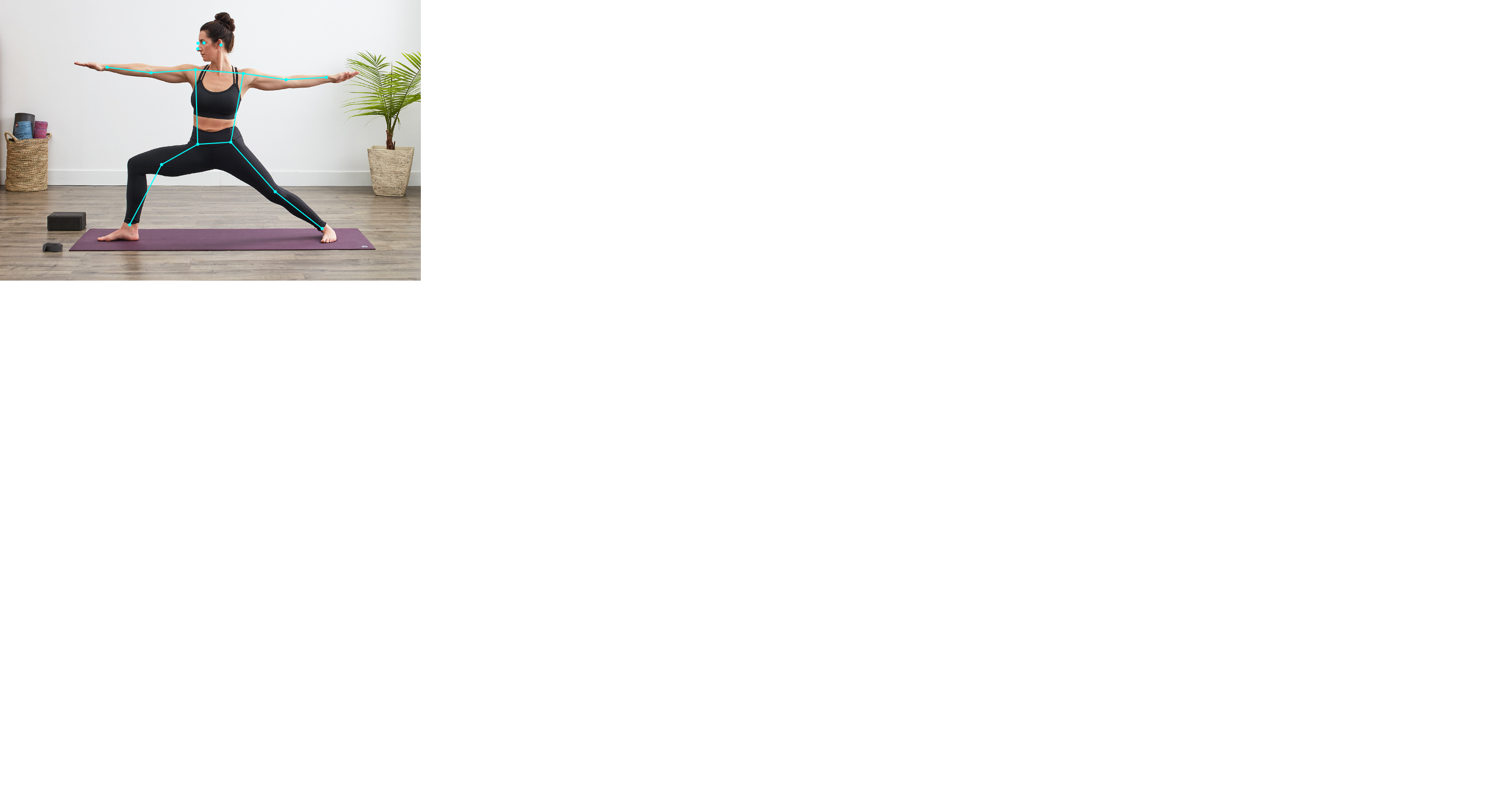
Posture estimation for a yoga pose.
-
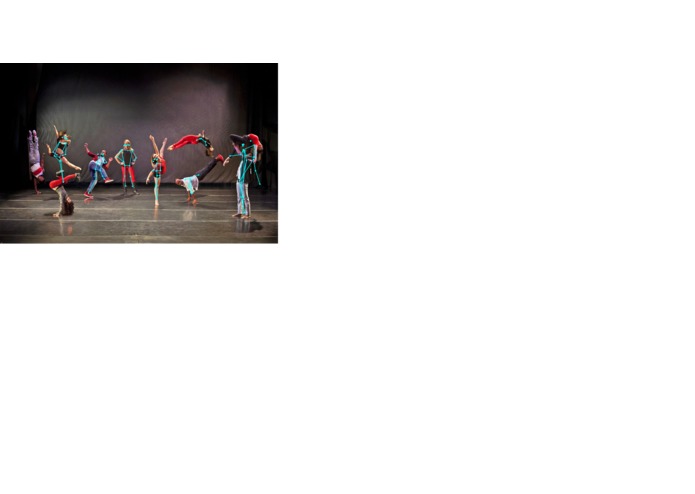
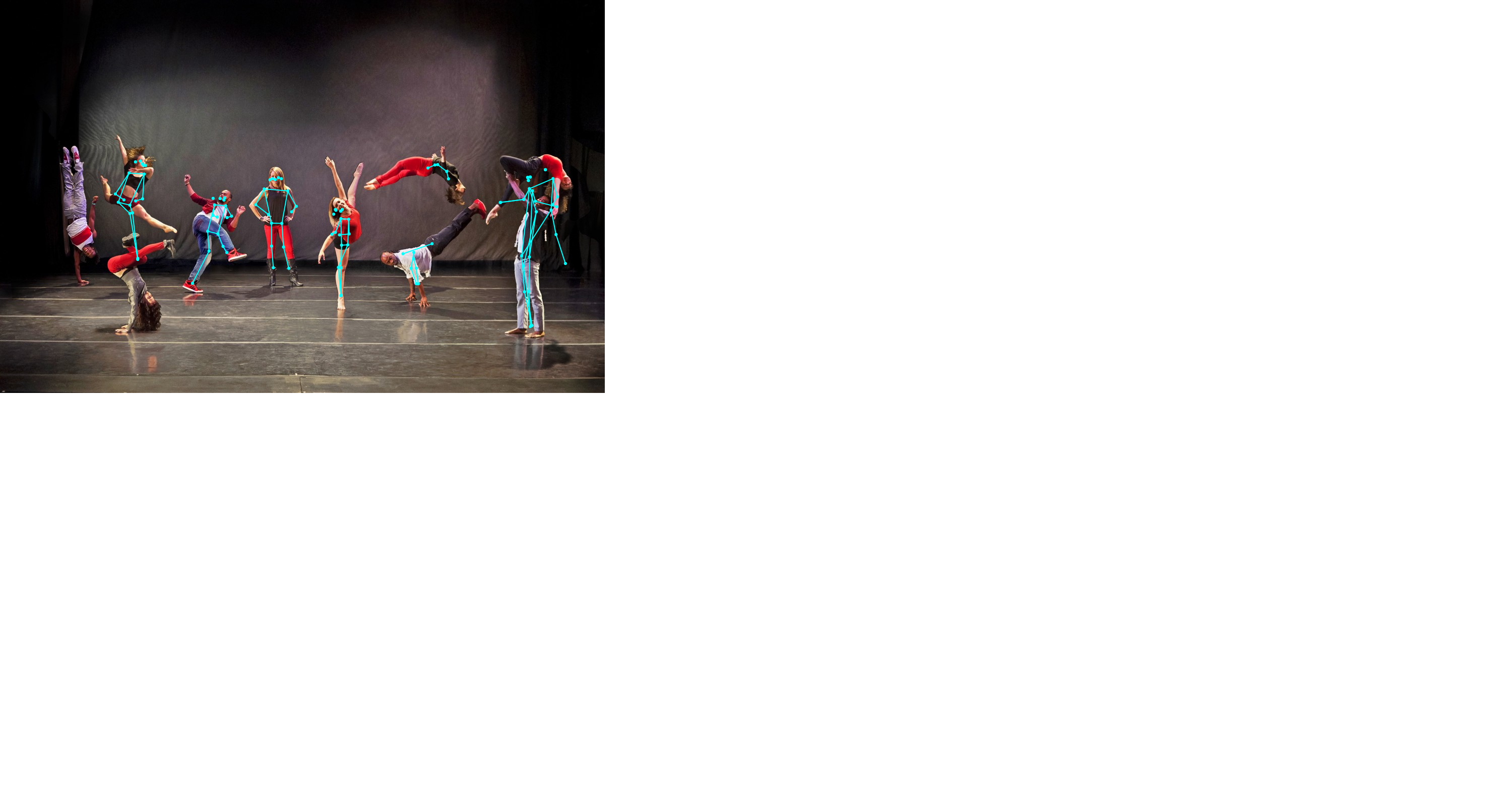
Posture estimation suffers for dancers in particularly unique poses!
-
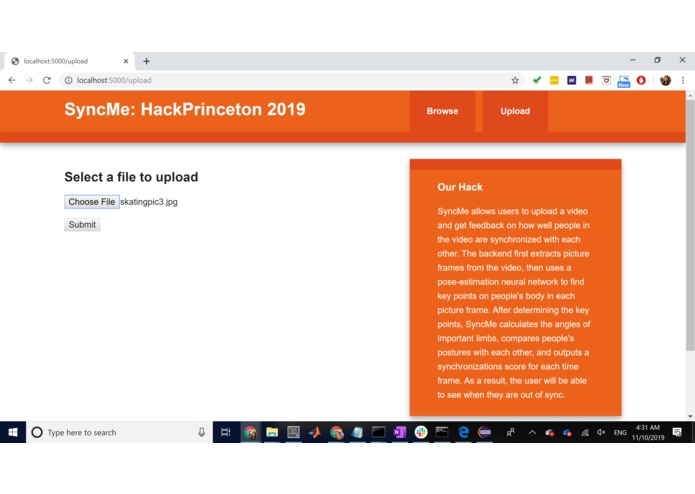
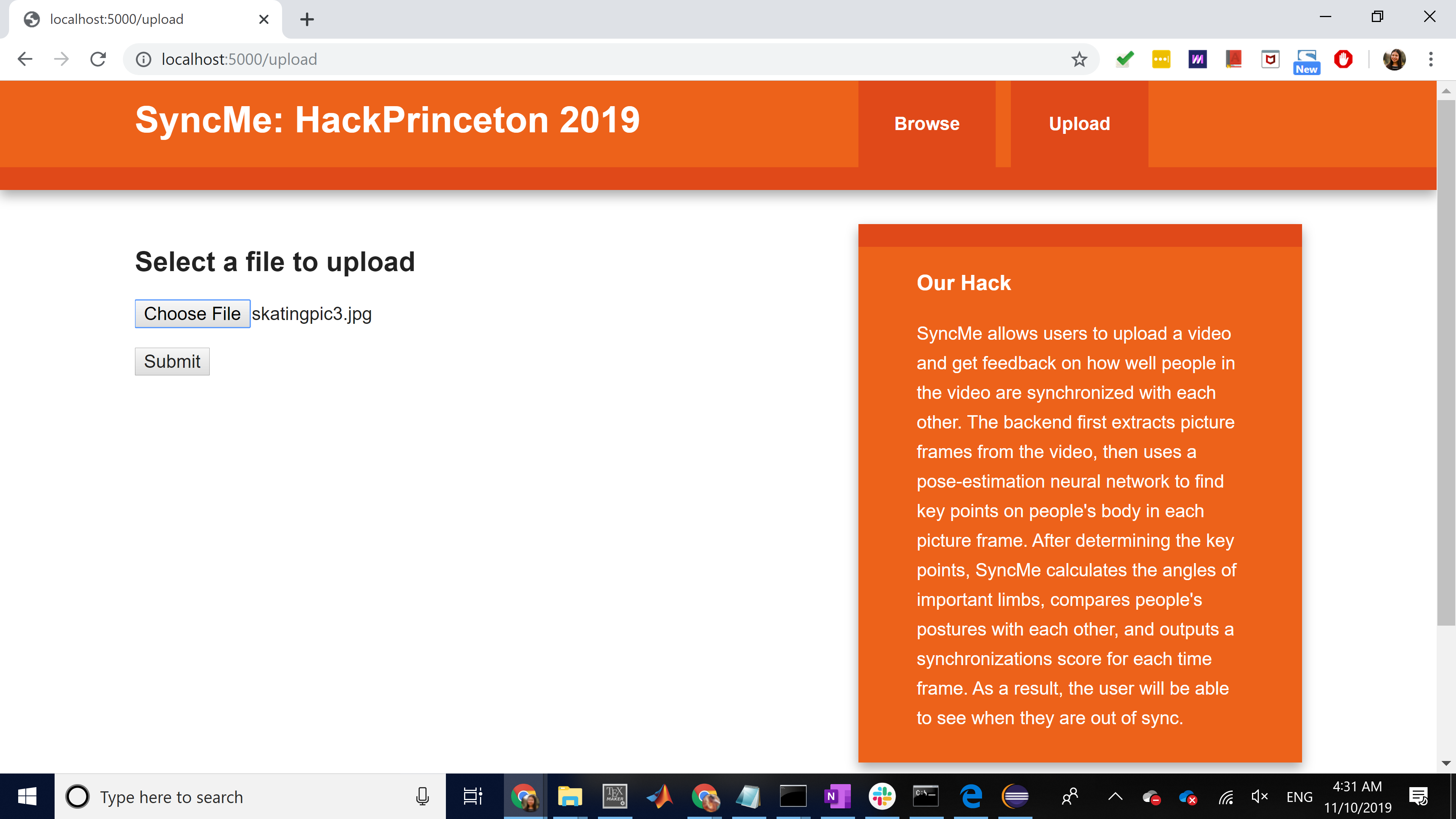
File selected
-
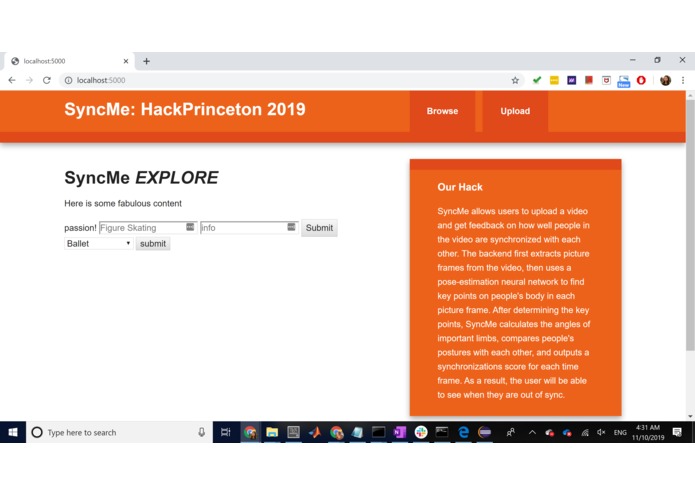
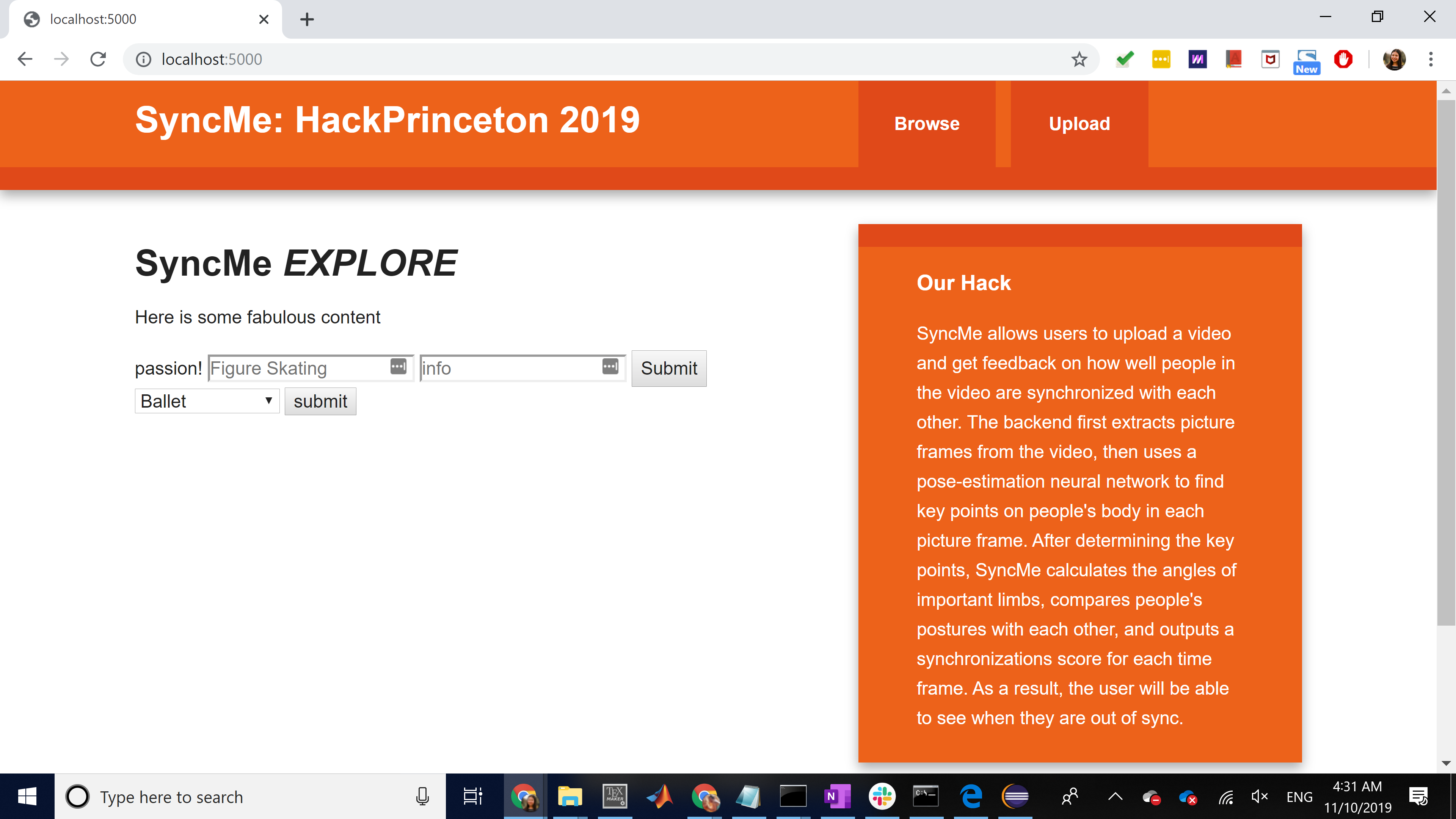
Explore Homepage
-
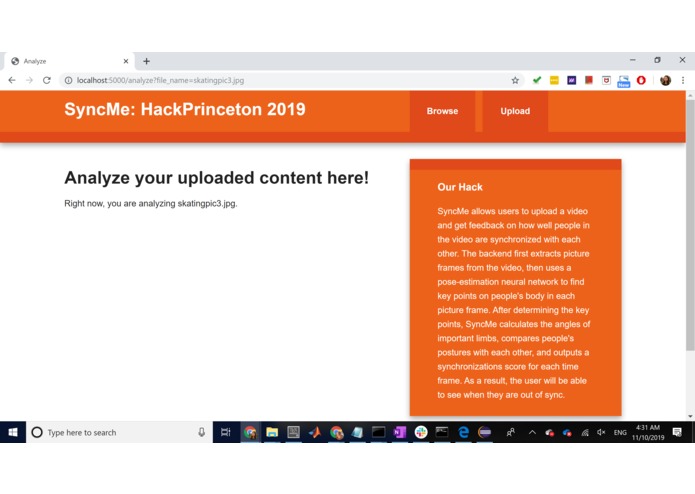
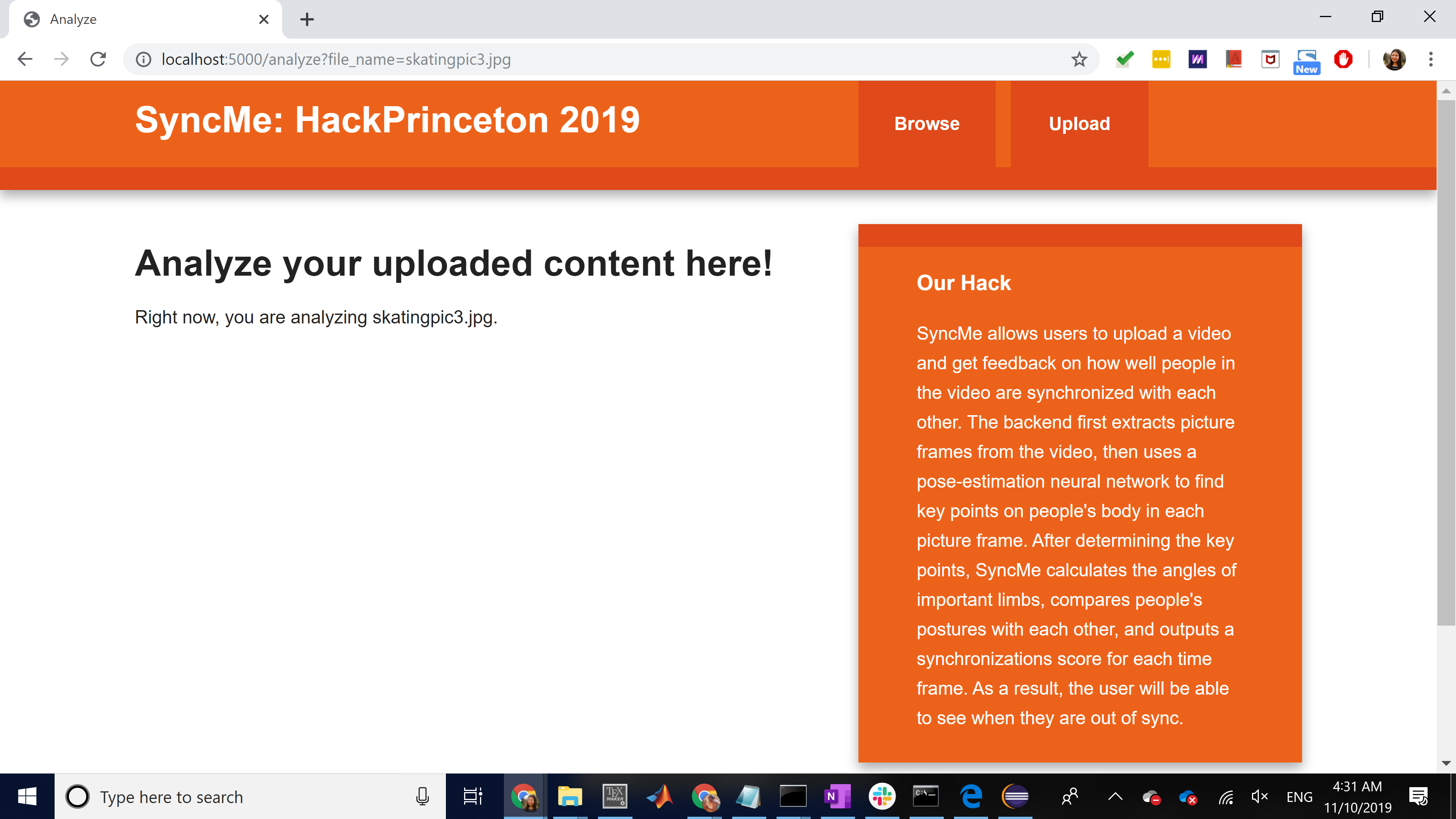
Analysis page
-
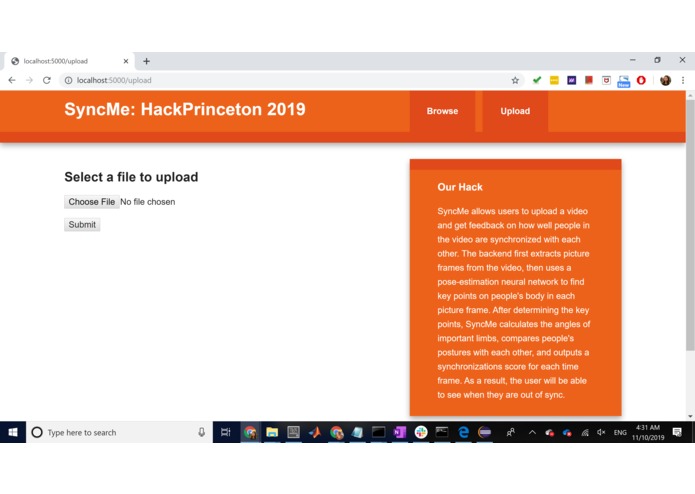
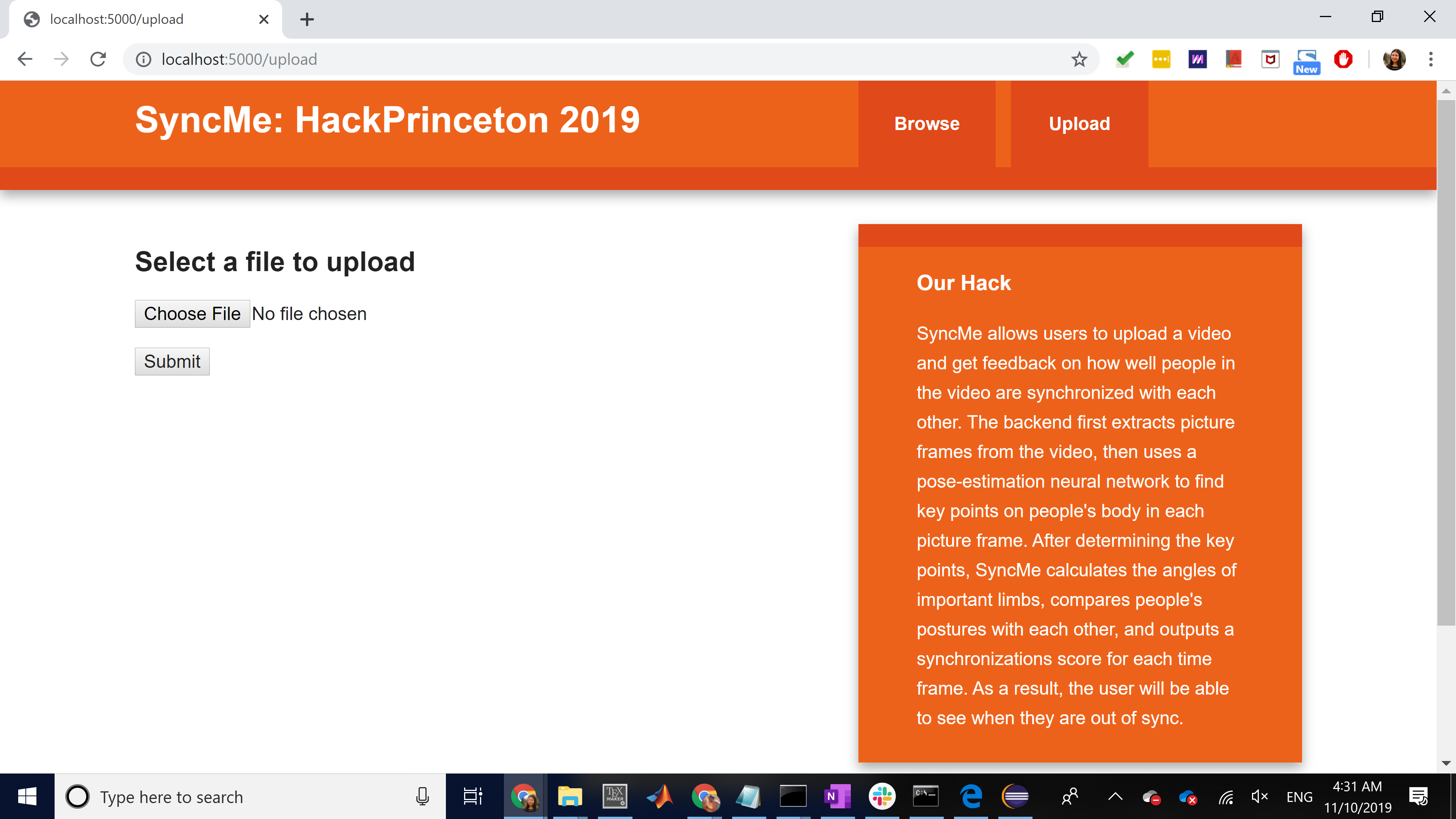
Upload content here
Inspiration
Two people in our team are breakdancers and two are figure skaters. Both these communities have an incredible demand for learning new body positions and moves.
We were inspired to develop a tool to help synchronize and analyze dance and figure skating moves. SyncMe is aimed at helping dances and athletes better develop their artform through providing detailed analysis and angles of their body positions.
Key Features
SyncMe allows users to upload a video and get feedback on how well people in the video are synchronized with each other. The backend first extracts picture frames from the video, then uses a pose-estimation neural network to find key points on people's body in each picture frame. After determining the key points, SyncMe calculates the angles of important limbs, compares people's postures with each other, and outputs a synchronizations score for each time frame. As a result, the user will be able to see when the group is not synchronized and practice accordingly.
How we built it
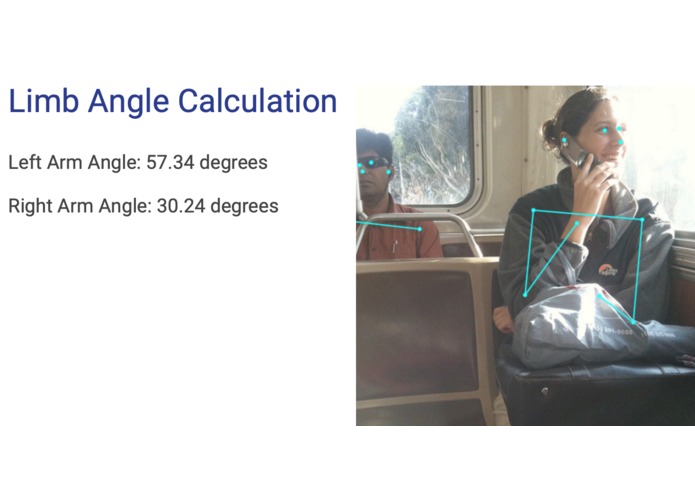
For the frontend, we used HTML and javascript and built a website that allows users to browse some example images (with marked poses) and upload their own videos. For the backend, we extracted and modified a neural network from the _ posenet _ library to perform the pose-estimation function. Then, to enable user input of images, we created a Google Cloud storage bucket that contains images to be analyzed. To analyze the images, we calculate the angle of each limb (left arm, right arm, left torso, right torso, left leg, right leg) through the dot product of the vectors produced by the limbs. If there are multiple figures in the image, we calculate the standard deviation of the limb angles to see how synchronized the performers are. Thus, the lower the SS (Synchronization Score) the more in sync the performers are!
By using Google Cloud APIs, we connected the storage bucket to the front end. We further wrote a piece of frame-extraction code (in python) that extracts frames from user-uploaded images and uploads them onto Google Cloud storage bucket. After the backend calculates synchronization score, it will output the marked frames as well as the score to the webpage. The frontend and the backend are integrated by using iFrame.
Challenges we ran into
We ran into a lot of _ challenges _. First, no one in our team has experience with neural network, so it took us a long time to set up the environment, understand the code, and calculate the synchronization score based on the key points it outputs. Secondly, we had difficulty integrating our frontend with the backend. We had a hard time figuring out how to use Google Cloud storage bucket and iFrame. Thirdly, initially we could not access the Google Cloud storage bucket due to same-origin policy. We tried multiple ways to construct the Cross-origin resource sharing (CORS) request.
Accomplishments that we're proud of
We are surprised that we used a variety of different tools in our project, and we were able to and use them as we learned. It was really great to upload our own images and see the marked output!
What we learned
We learned how to integrate the frontend and backend of a website, how to set up a cloud storage environment, and more about how to build a website. Two people in our team has never learned javascript before (which is the main language for the neural network) and we learned along the way.
What's next for SyncMe
Enable users to upload multiple images and compare them.
Built With
- flask
- html
- javascript
- python
- tensorflow
Log in or sign up for Devpost to join the conversation.