-
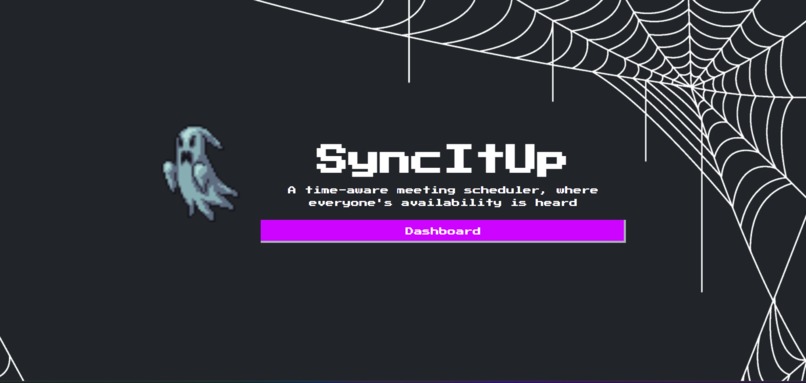
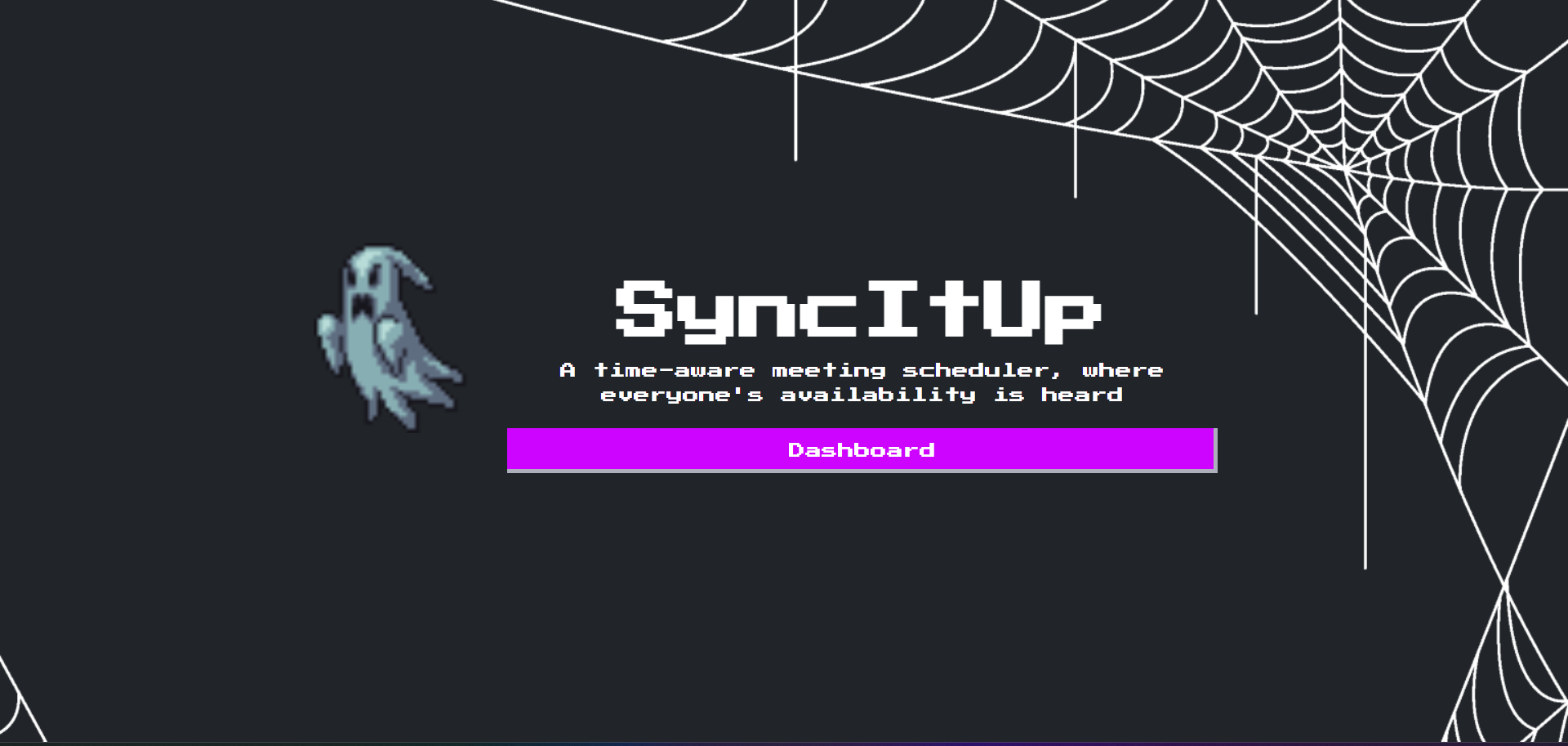
Landing Page
-
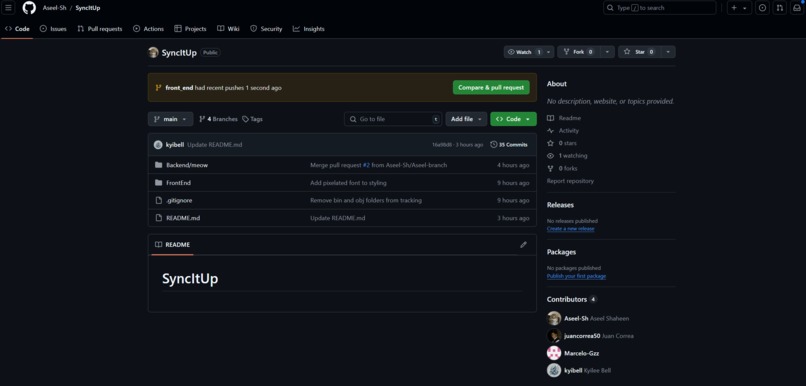
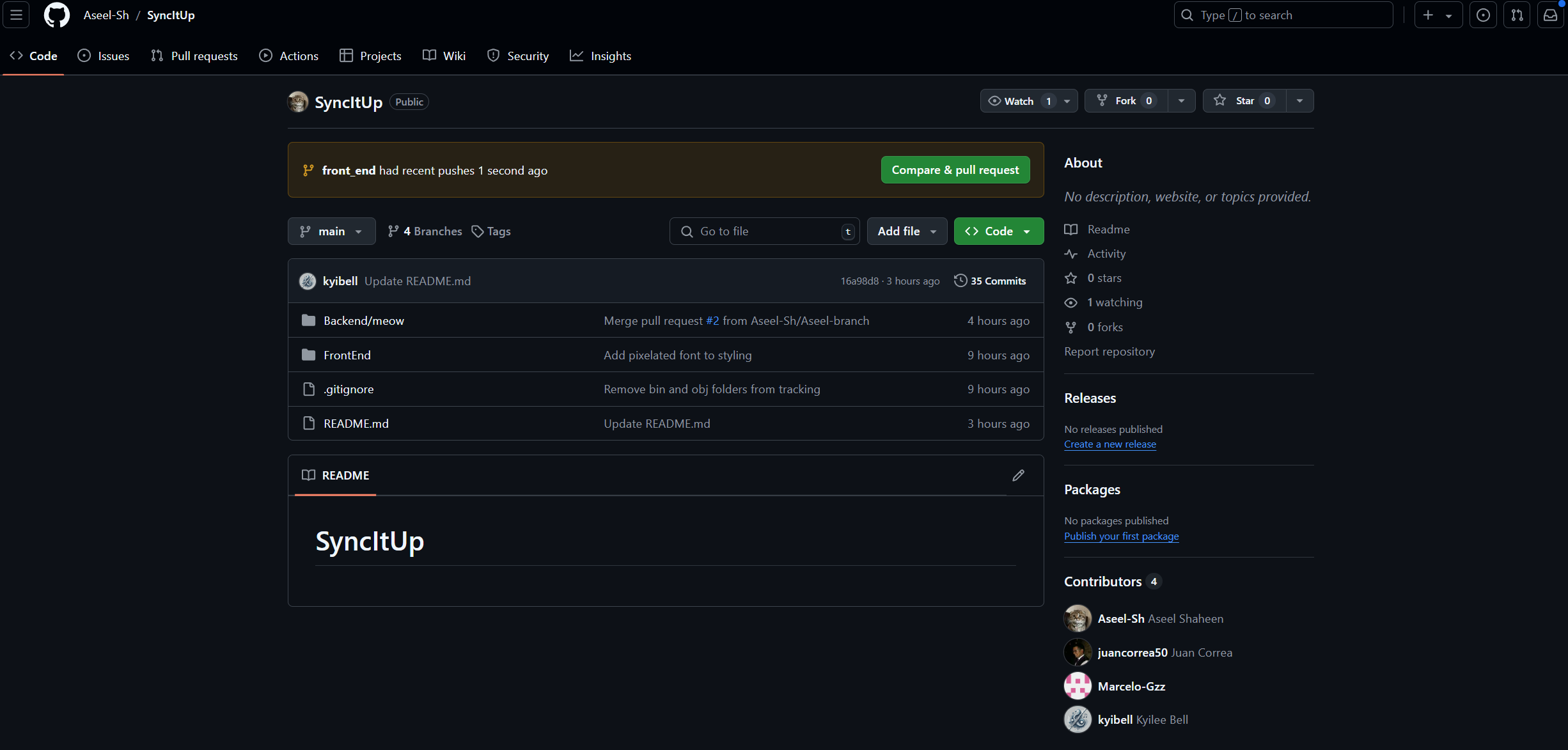
Repository
Inspiration
Scheduling meetings across time zones is a real headache, especially for teams spread out globally. We wanted to create something that takes the hassle out of timezone conversions, letting users set up and join meetings without worrying about when they actually start. By automatically adjusting times to each user’s local timezone, this tool makes scheduling straightforward and reliable, so teams can focus on getting things done instead of sorting out time differences.
What it does
This project is a meeting scheduling application developed for the HackUNT Hackathon. The application allows users to create, view, and manage meetings across different time zones. Users can create meetings, invite participants, and view meeting times adjusted for their local timezone. By automating timezone conversions, this tool provides a seamless scheduling experience, ensuring that users never have to manually calculate meeting times or worry about timezone errors.
How we built it
We are using a React front end with a C# .NET back end powered my MicrosoftSQL servers
Challenges we ran into
Routing the website to accurately jump to React components Being unable to host and connect backend to frontend due to time constraints
Accomplishments that we're proud of
We were able to overcome the routing issue and continue our project.
What we learned
Routing is hard, create a full stack project with multiple tables and crud applications within 24 hours is difficult. Although we learned to better divide tasks next time and work on the backend and the front end together as opposed to each on their own so that we can all be in the same point in the app.
What's next for SyncItUp
If we had more time, we would consider adding the following features:
In-App Meeting Attendance:
- Allow users to join meetings directly within the application, potentially with integrated video or audio functionality.
Calendar View for Meetings:
- Provide a calendar view where users can easily see all scheduled meetings, view details, and manage their schedule.
Logging and Monitoring:
- Implement structured logging with log levels (e.g.,
Debug,Info,Error) to track critical actions and diagnose issues.
- Implement structured logging with log levels (e.g.,
Enhanced Role-Based Access Control (RBAC):
- Add more granular role-based pages and permissions, enabling finer control over which roles can access and modify different resources within the application.
Audit Trails:
- Add audit logs to track all CRUD operations, such as meeting creation, user profile updates, and participant invitations, to ensure accountability.
Notifications System:
- Implement email or in-app notifications to inform participants about upcoming meetings, new meeting invitations, and meeting updates.
Recurring Meetings:
- Add support for recurring meetings with customizable schedules (daily, weekly, monthly) and automatic scheduling.
Enhanced Timezone Support and Localization:
- Allow users to select preferred date and time formats based on their locale, making the app more user-friendly globally.
Comprehensive Testing:
- Increase test coverage with unit tests to ensure reliability.
User Activity Tracking:
- Implement activity tracking to monitor user engagement, providing insights into user behavior and feature usage.


Log in or sign up for Devpost to join the conversation.