-
-
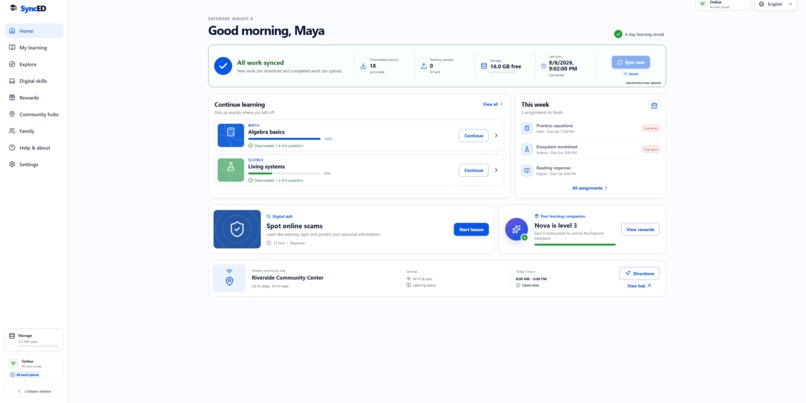
Dashboard
-
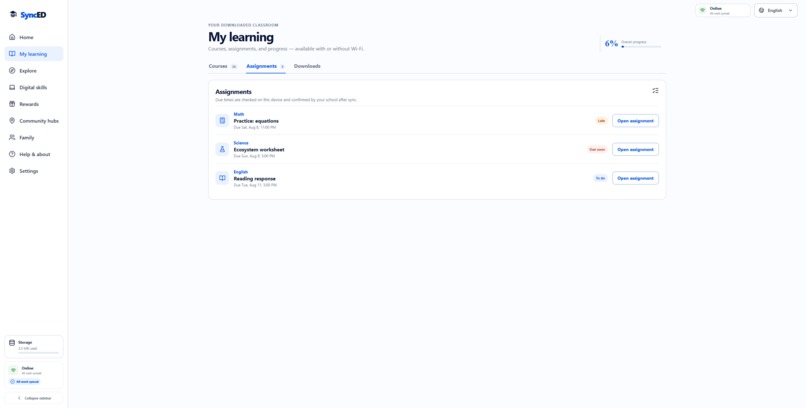
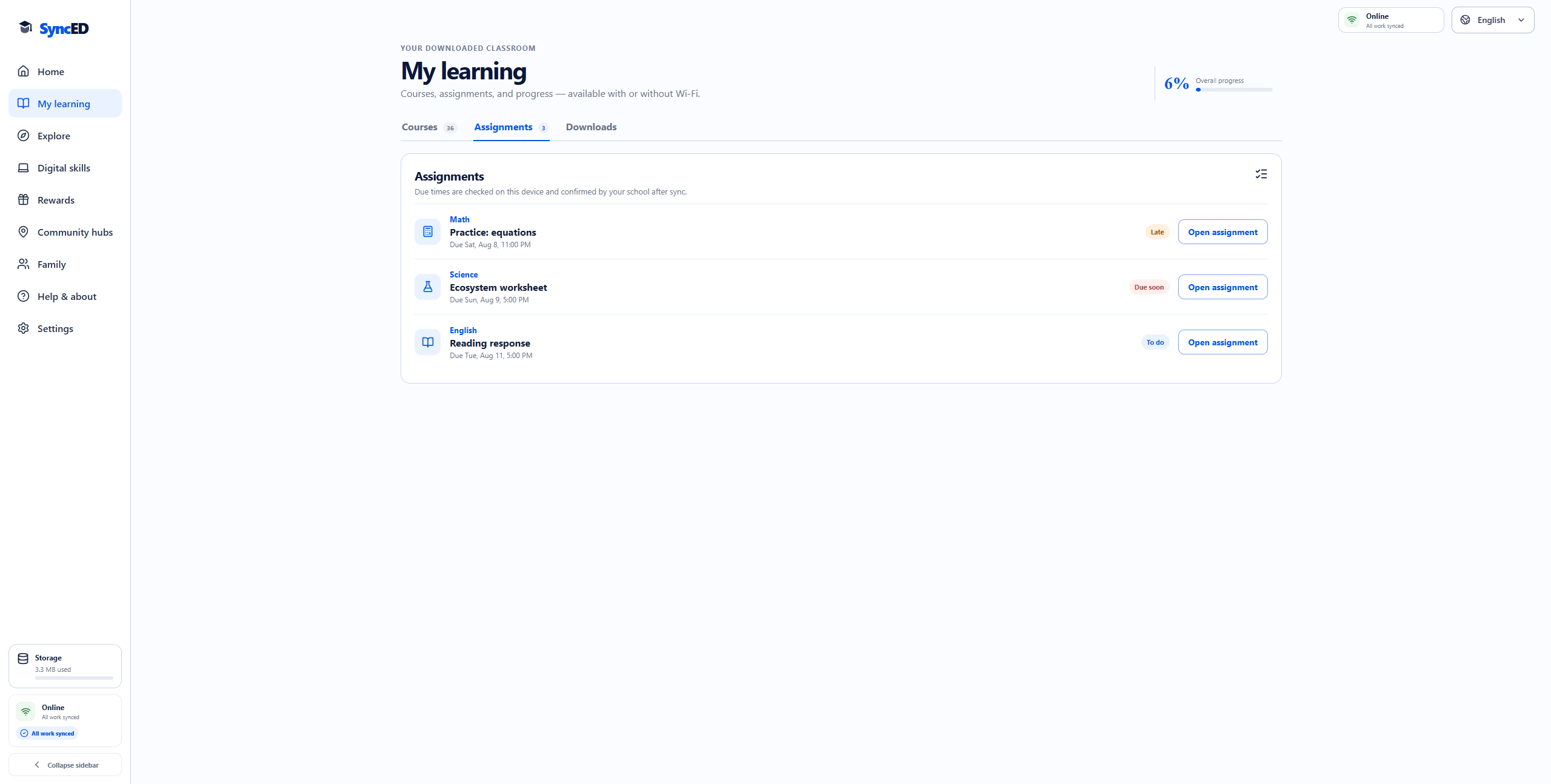
Assignments
-
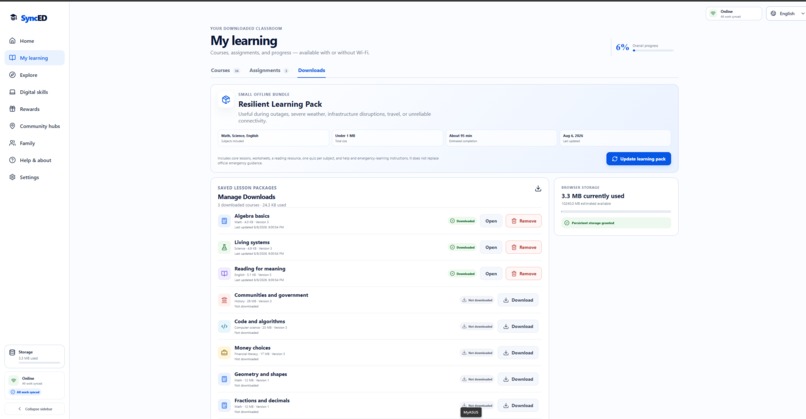
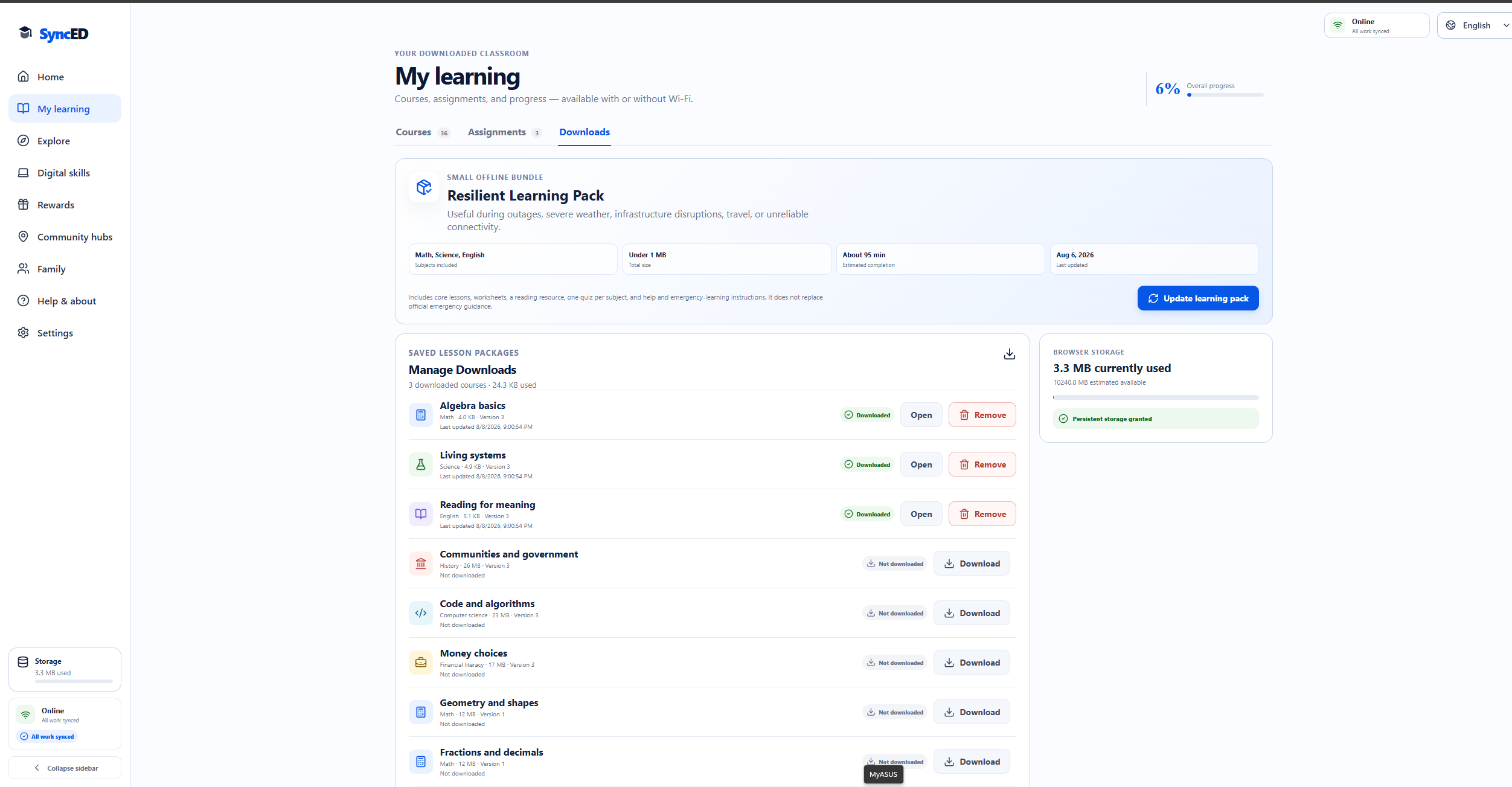
Offline Downloads
-
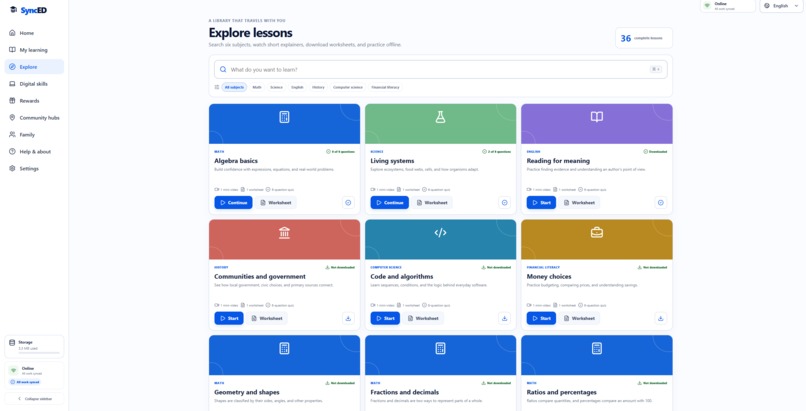
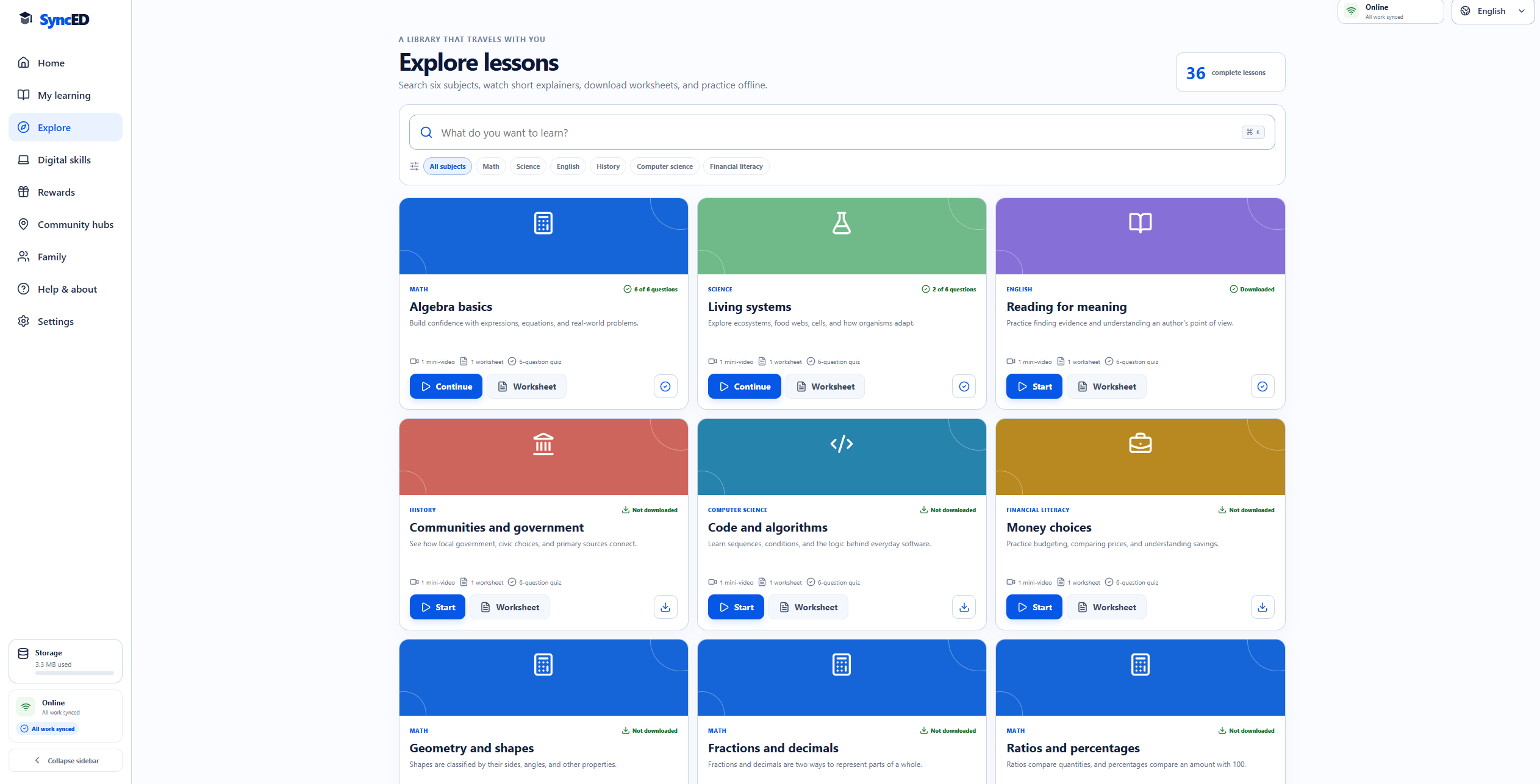
Lessons
-
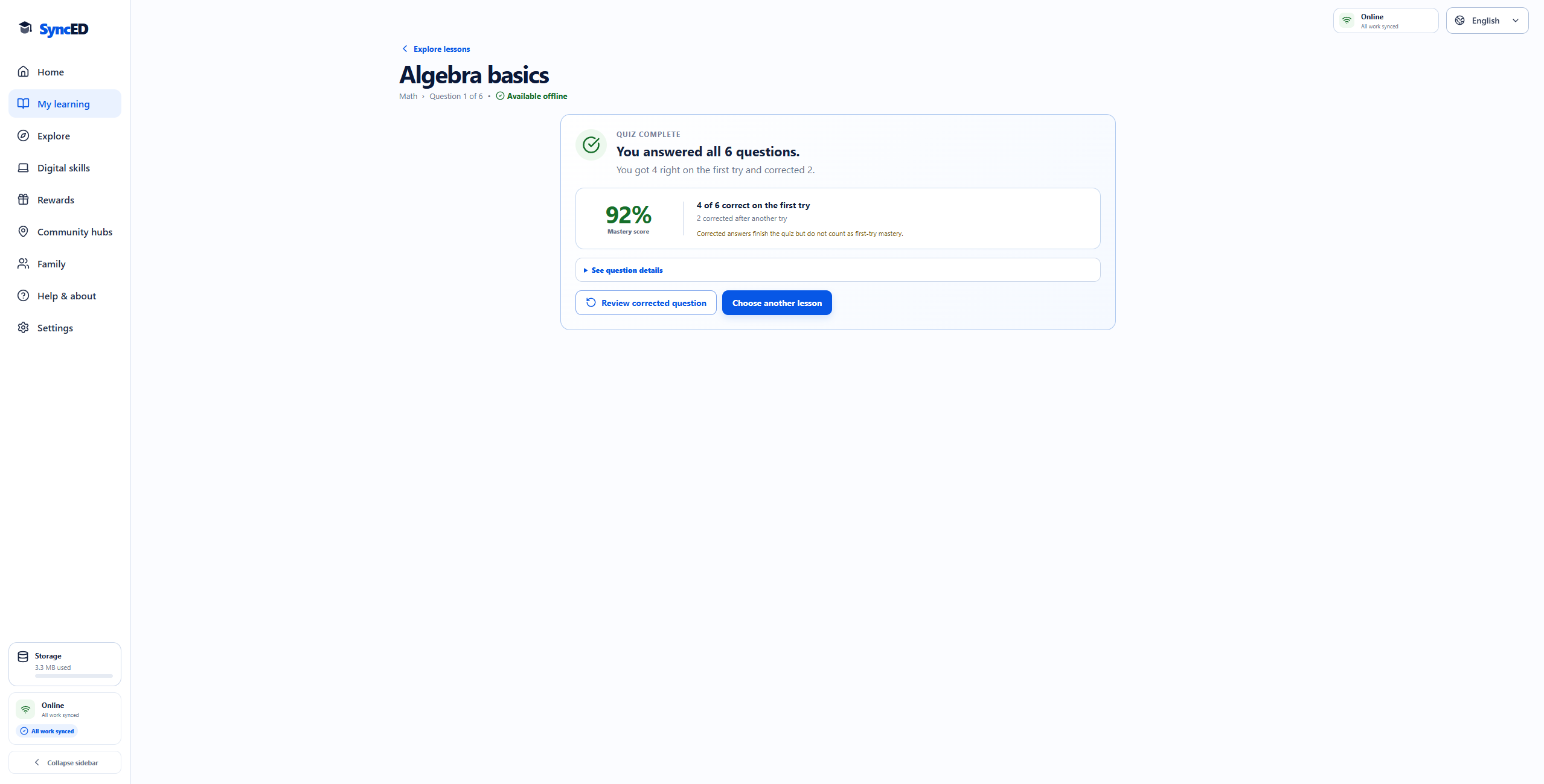
Quiz Overview
-
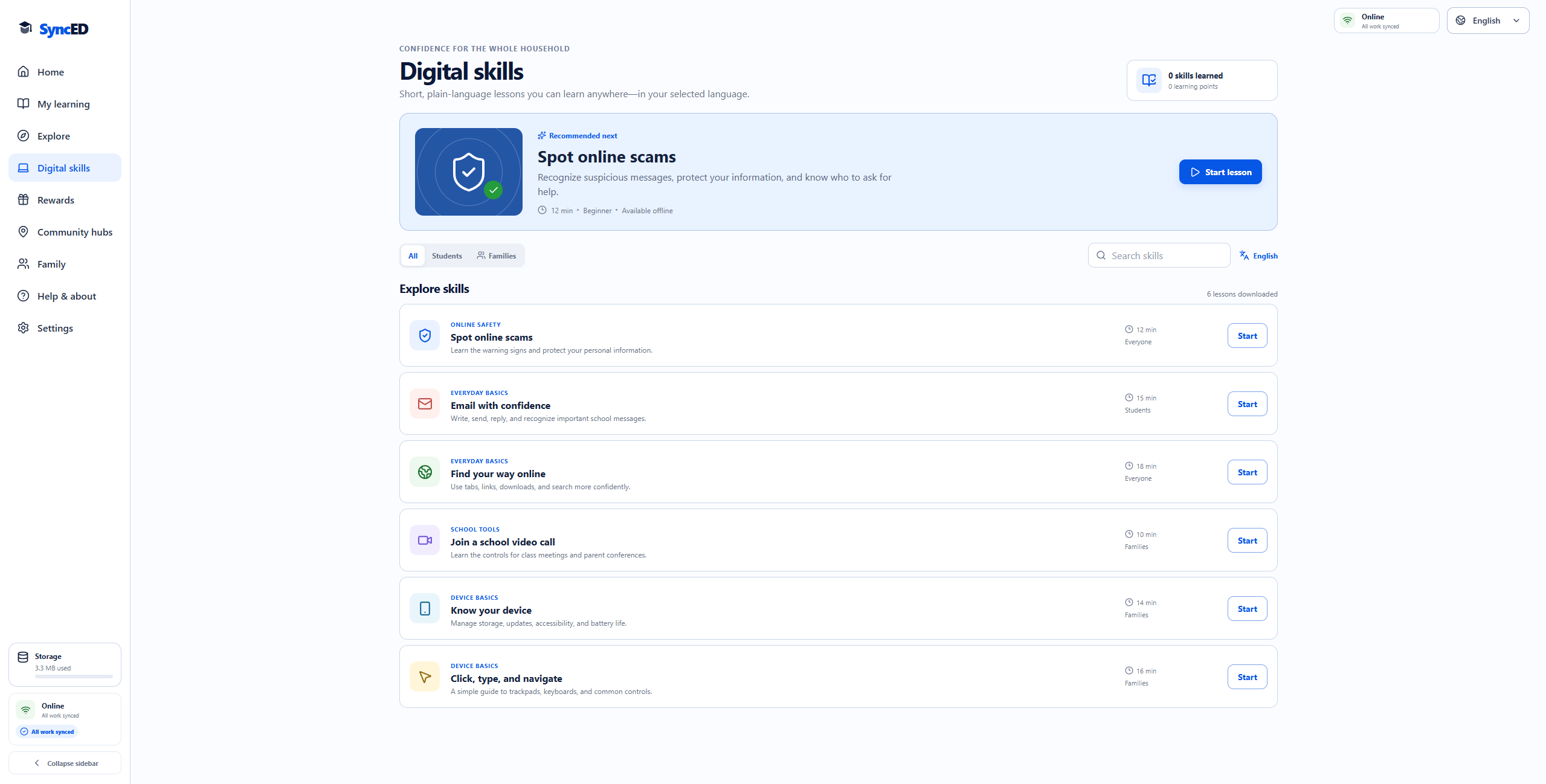
Digital Safety
-
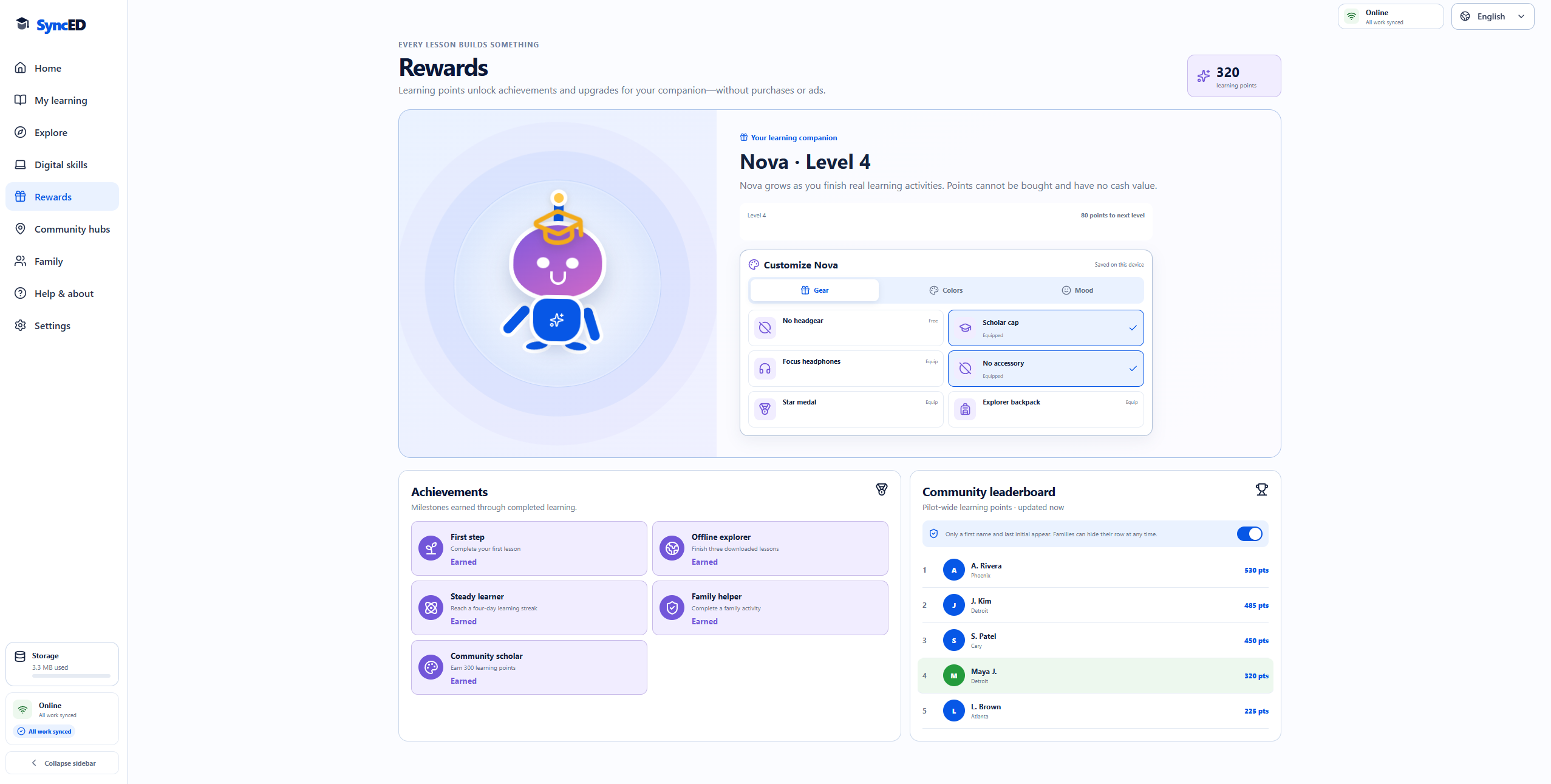
Rewards System
-
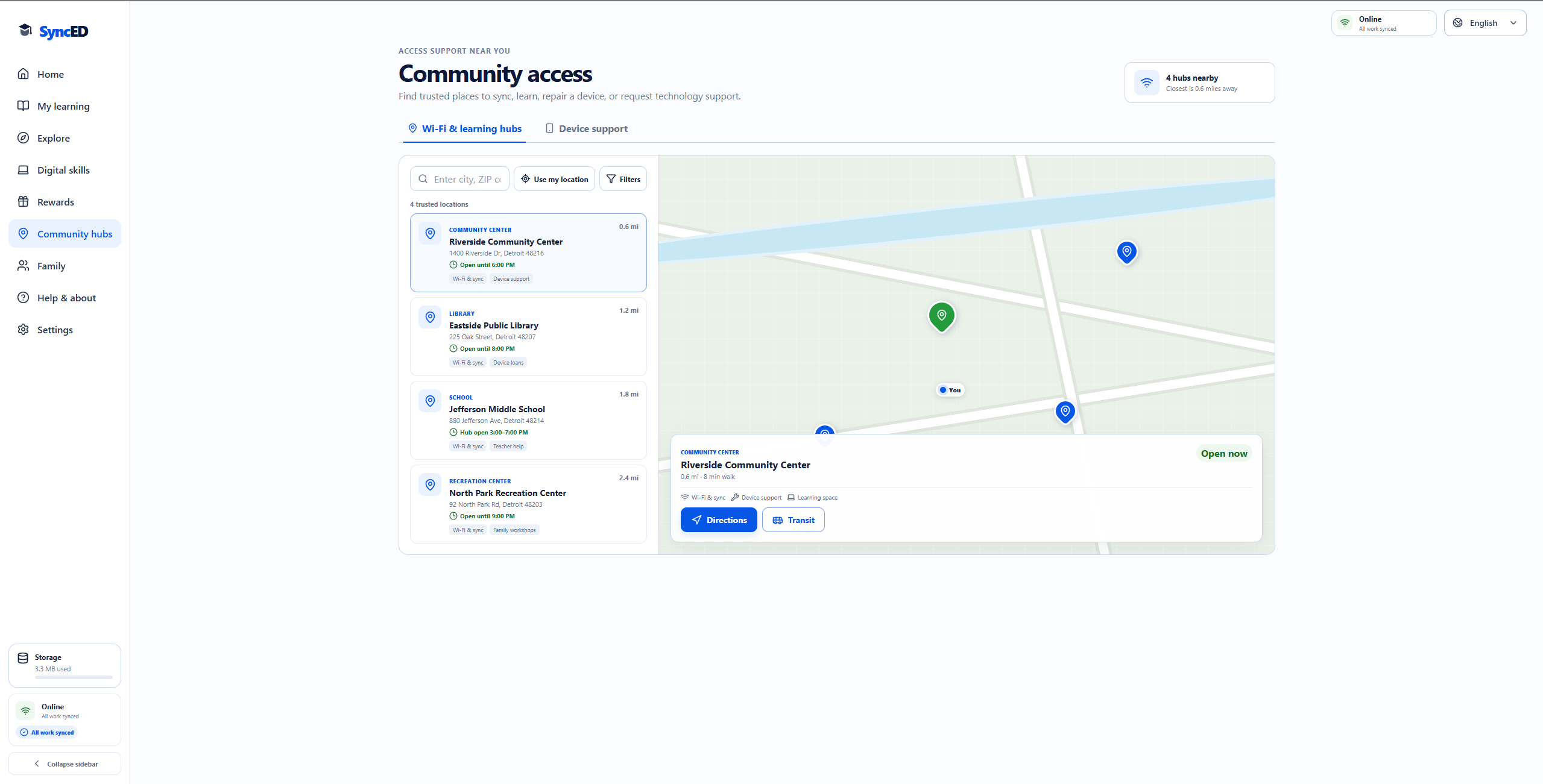
Wi-Fi Hubs
-
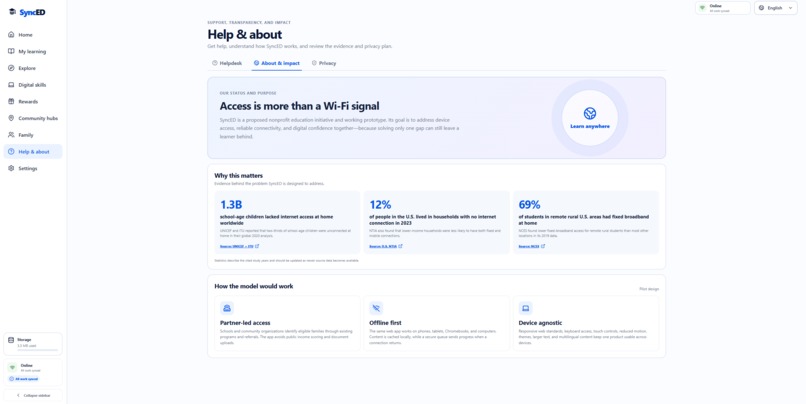
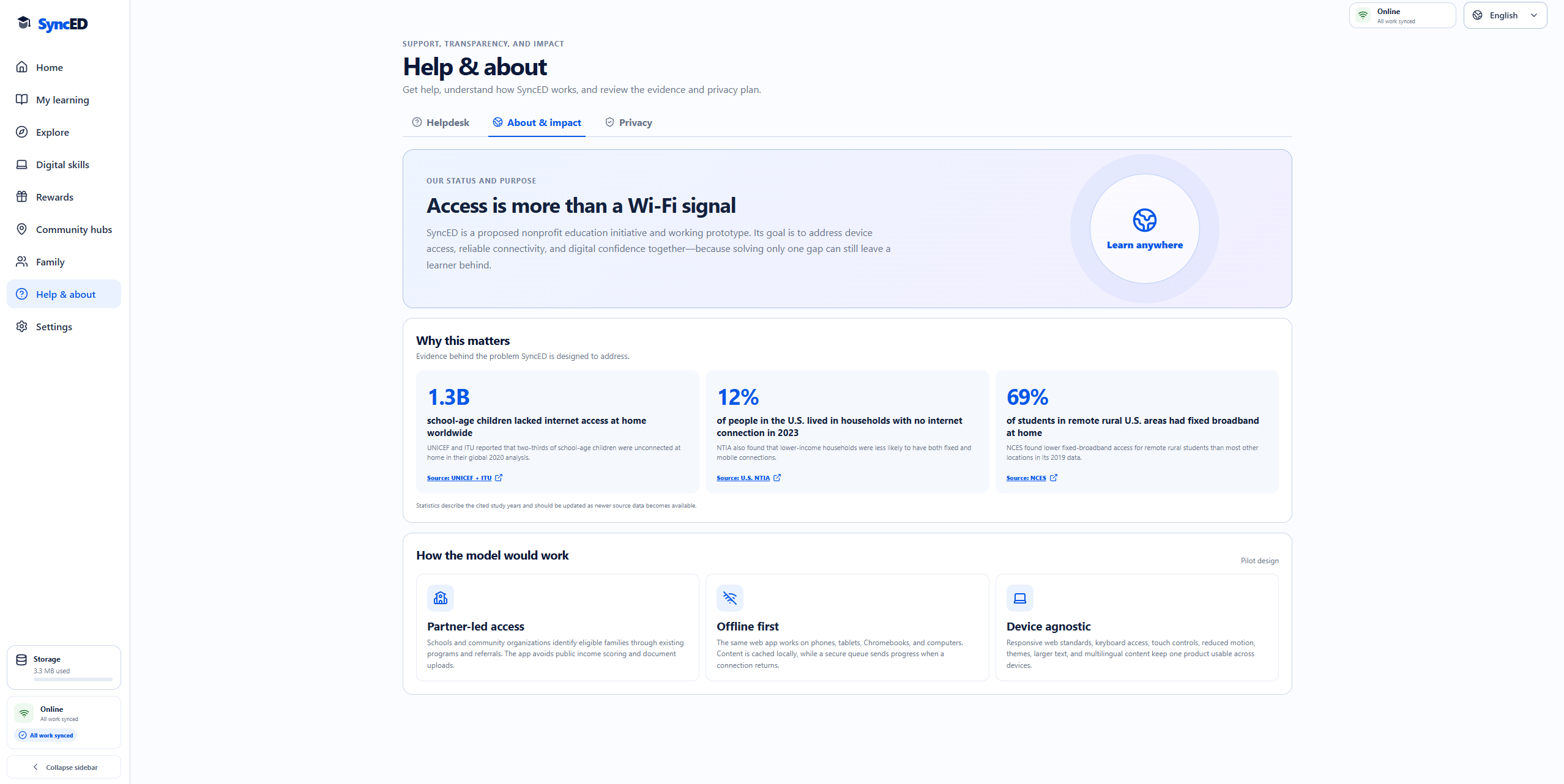
Scalability and Problem
-
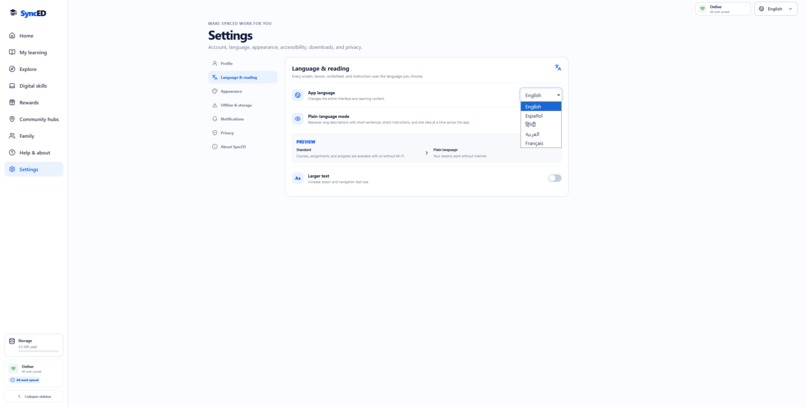
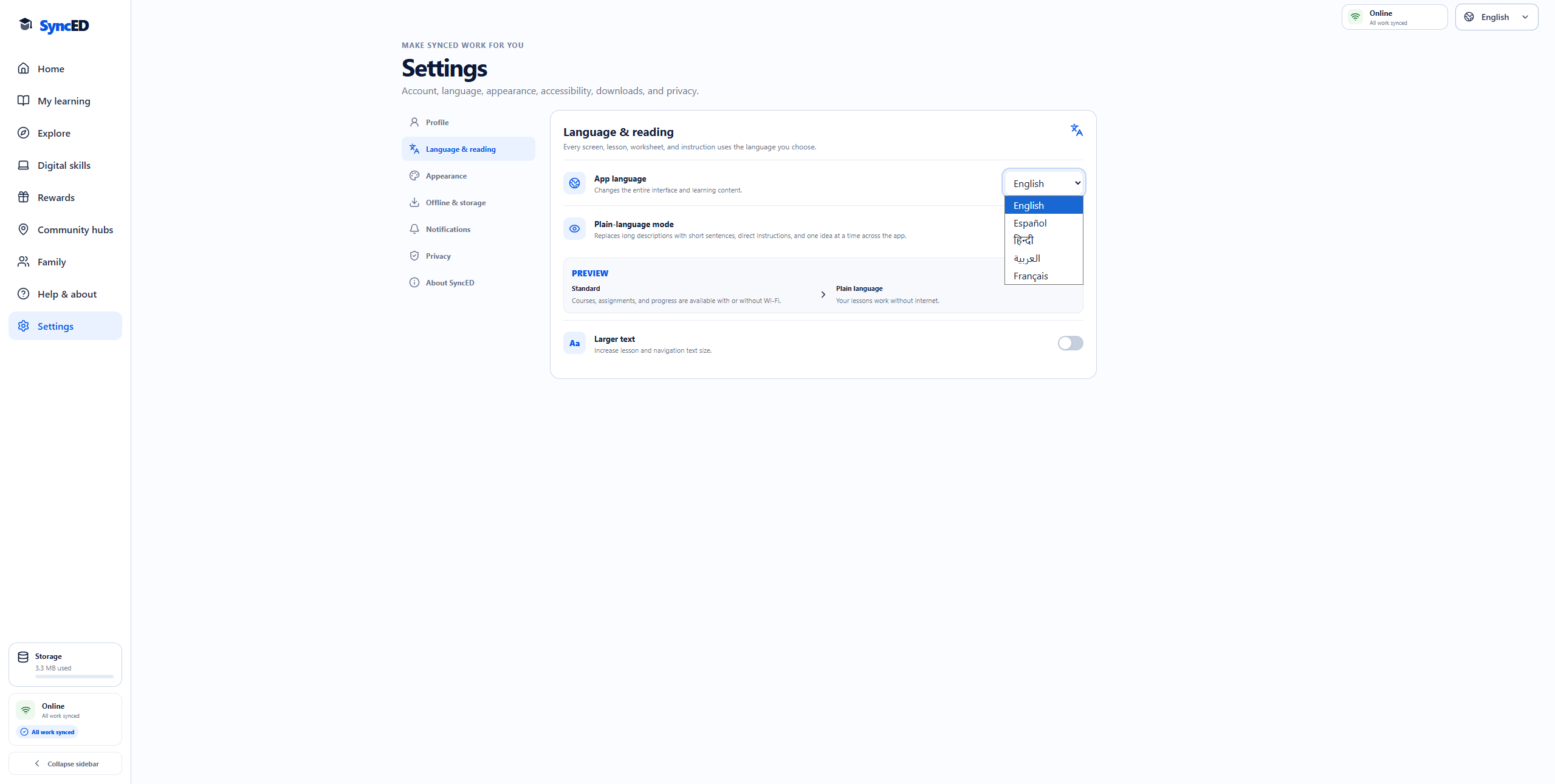
Multi-Language Compatibility
Inspiration
SyncED was inspired by a simple problem: learning should not stop when internet access becomes unreliable.
Many students share devices, depend on public Wi-Fi, or live in areas without stable internet. Most learning platforms assume students are always connected, turning connectivity into a barrier to education.
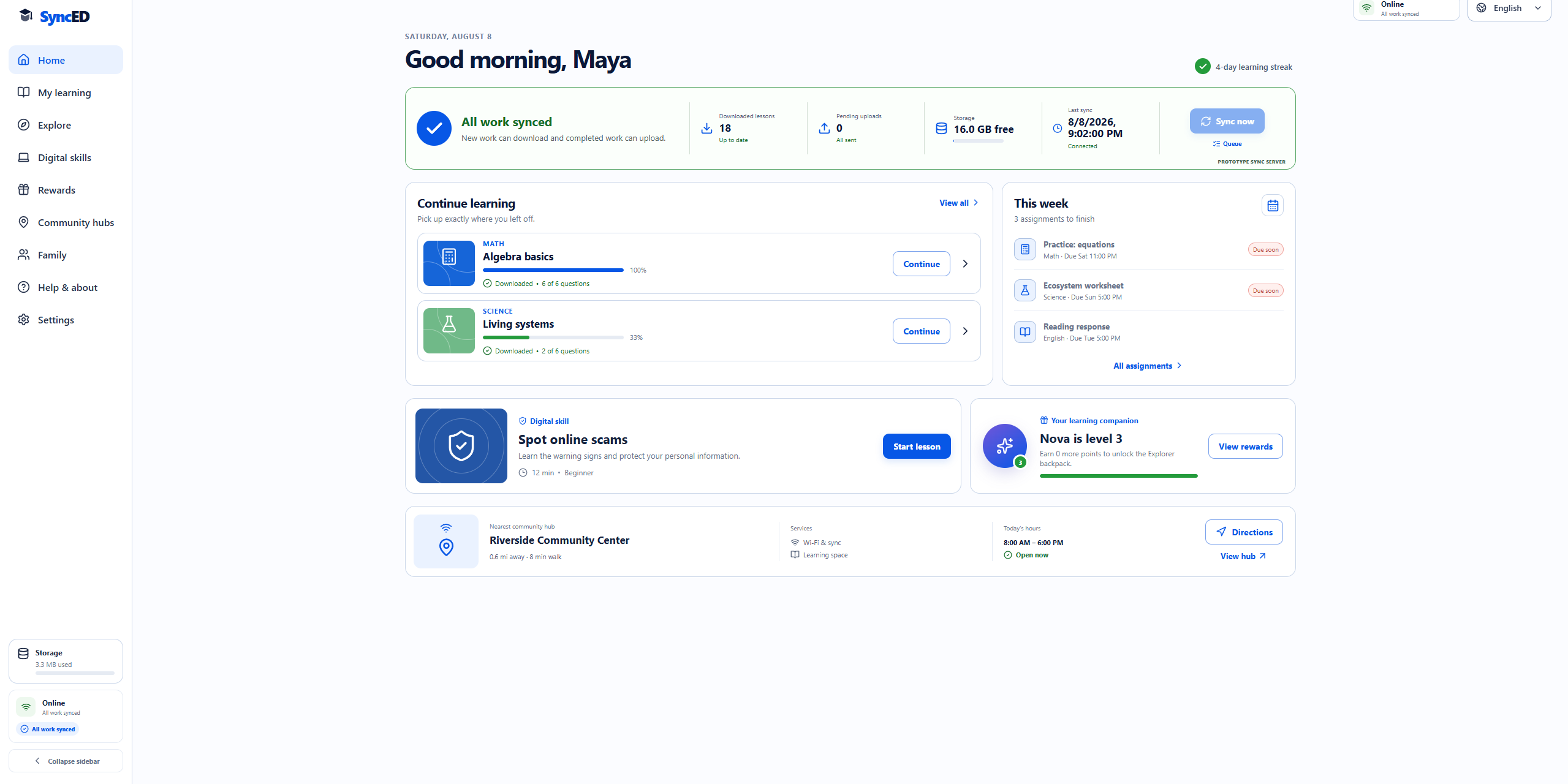
We created SyncED as an offline-first learning platform where students can download lessons, complete assignments without internet, and automatically synchronize their work when they reconnect.
What It Does
SyncED provides a complete learning experience in one accessible Progressive Web App:
- 36 lessons across Math, Science, English, History, Computer Science, and Financial Literacy
- Downloadable lessons and printable worksheets
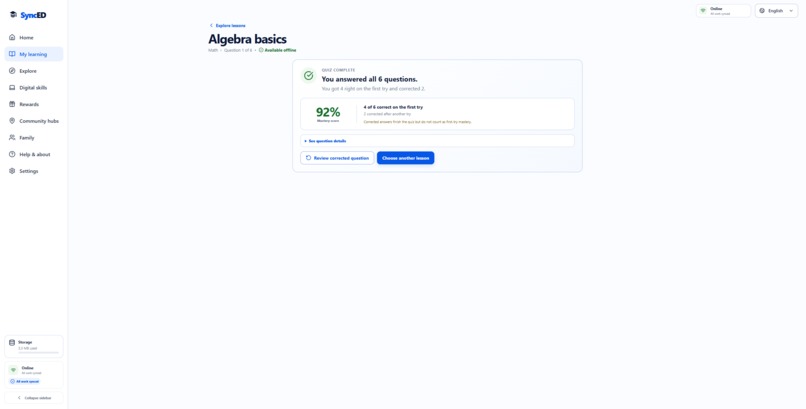
- Quizzes that allow students to correct mistakes while preserving first-attempt accuracy
- Clear quiz overviews showing completed questions, corrections, and mastery
- Offline assignment completion with automatic synchronization
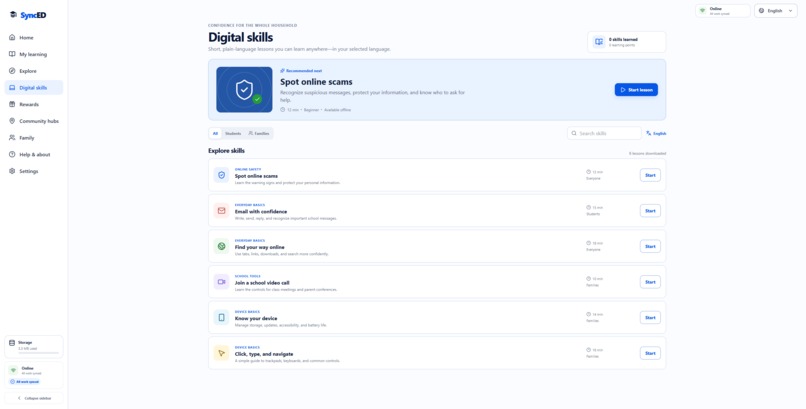
- Digital-safety and technology-skills lessons
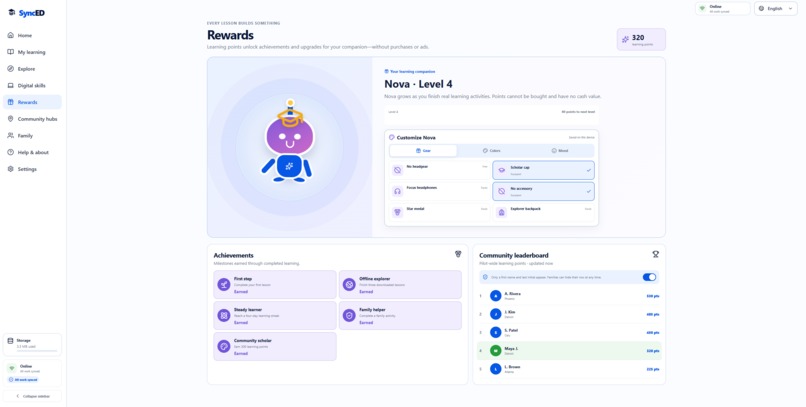
- Rewards, achievements, and a customizable companion named Nova
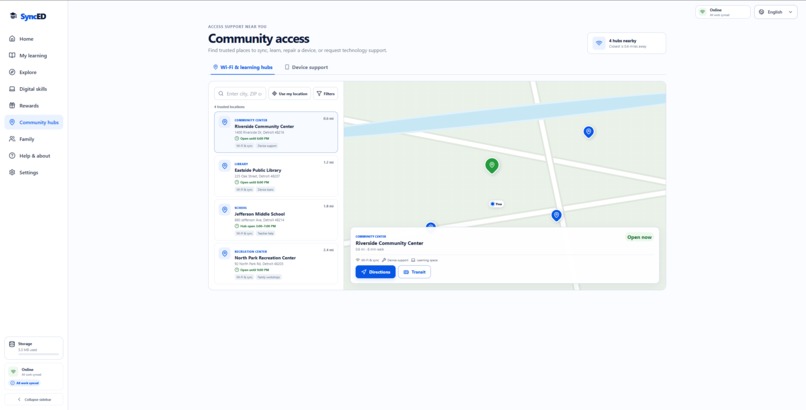
- Community Hub maps for finding Wi-Fi, devices, printing, and learning support
- Family progress dashboards
- Multiple languages and accessibility settings
- Plain-language reading, larger text, high-contrast themes, and dark mode
How We Built It
We built SyncED using React and Vite and structured it as a Progressive Web App.
Lesson packages, worksheets, student progress, and queued activities are stored locally so the core learning experience remains available offline. When connectivity returns, SyncED processes the local queue and synchronizes completed work.
Every lesson follows a consistent structure:
- A short visual explanation
- A focused key idea
- Practice questions
- Retry-based feedback
- A downloadable worksheet
- A final mastery overview
The production web app is deployed on Vercel
Challenges We Faced
One of our biggest challenges was designing offline behavior that students could easily understand.
Saving work locally was only part of the problem. The interface also needed to clearly explain:
- What had been downloaded
- What was available offline
- What was waiting to synchronize
- What had successfully reached the server
Quiz scoring was another challenge. We wanted students to learn from mistakes without making retries feel like failure. SyncED allows students to correct an incorrect answer and complete the lesson while still showing whether it was answered correctly on the first attempt.
We also needed to organize a large lesson library without making the application overwhelming. Consistent lesson cards, subject filters, search, progress indicators, and simple navigation helped make the content manageable.
Finally, multilingual and accessibility support affected every part of the interface. Larger text, right-to-left languages, plain-language descriptions, color contrast, and responsive layouts all needed to work together.
What We Learned
We learned that offline-first development is not simply about caching pages. A useful offline product requires thoughtful local storage, synchronization queues, retry handling, and clear communication with the user.
We also learned how important feedback design is in education. Students need to understand when an answer is incorrect, but they also need an immediate path toward correcting it.
Most importantly, we learned that accessibility, connectivity, and family support should not be treated as optional features. Designing for these needs from the beginning creates a stronger experience for everyone.
What’s Next
Our next steps include:
- Connecting SyncED with school learning-management systems
- Creating teacher and administrator dashboards
- Expanding the lesson library
- Adding collaborative learning activities
- Improving synchronization across shared devices
- Supporting additional languages
- Partnering with community organizations to provide verified support locations
Our goal is to make high-quality learning available anywhere—whether a student is at home, at school, at a library, or completely offline.

Log in or sign up for Devpost to join the conversation.