What Inspired Sync In
As a programmer and designer, I've always been frustrated by the creative friction that comes from a fragmented workflow. Even though my team's design assets lived in Figma or Canva, our marketing and social media teams created their final content in Adobe Express and some other assets is on another platform. This led to a constant, manual, and even more tiring process process: every time a logo was updated, a brand color was tweaked, or a new graphic was approved, we had to:
- Export the asset from a designing platform.
- Find the right version on our local machines or a shared drive.
- Re-upload it into Adobe Express.
- Hope that everyone was using the most current version.
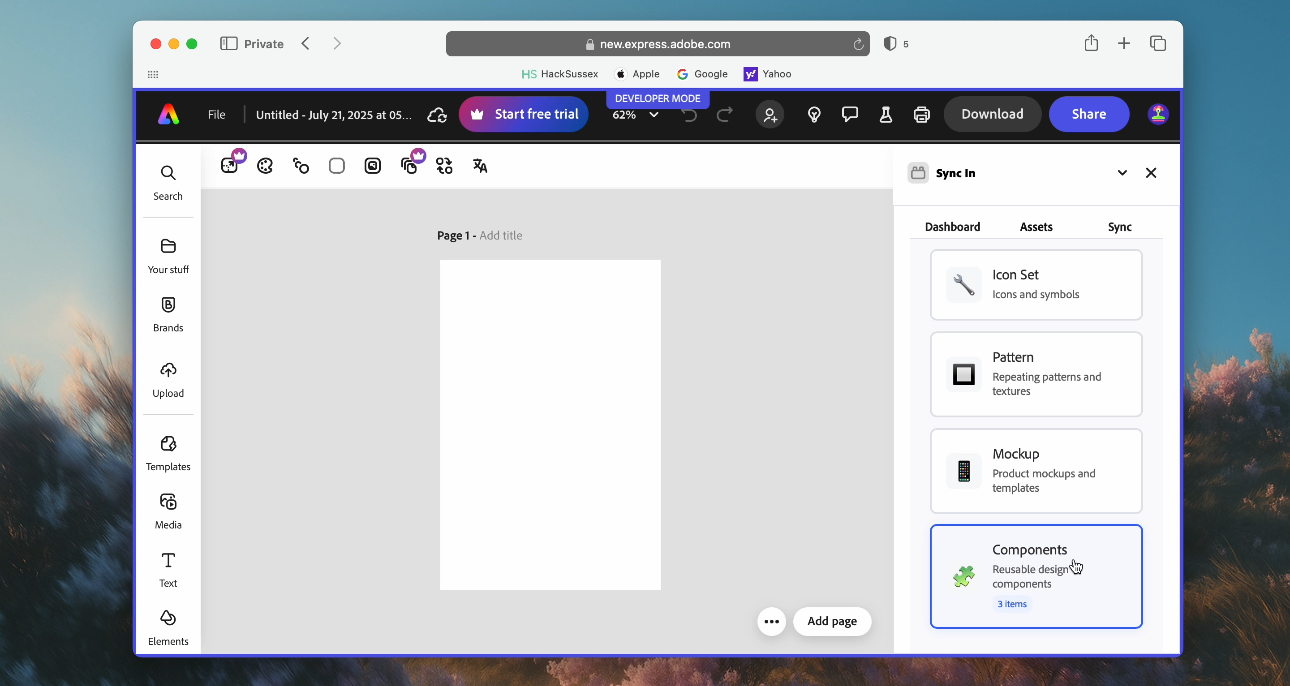
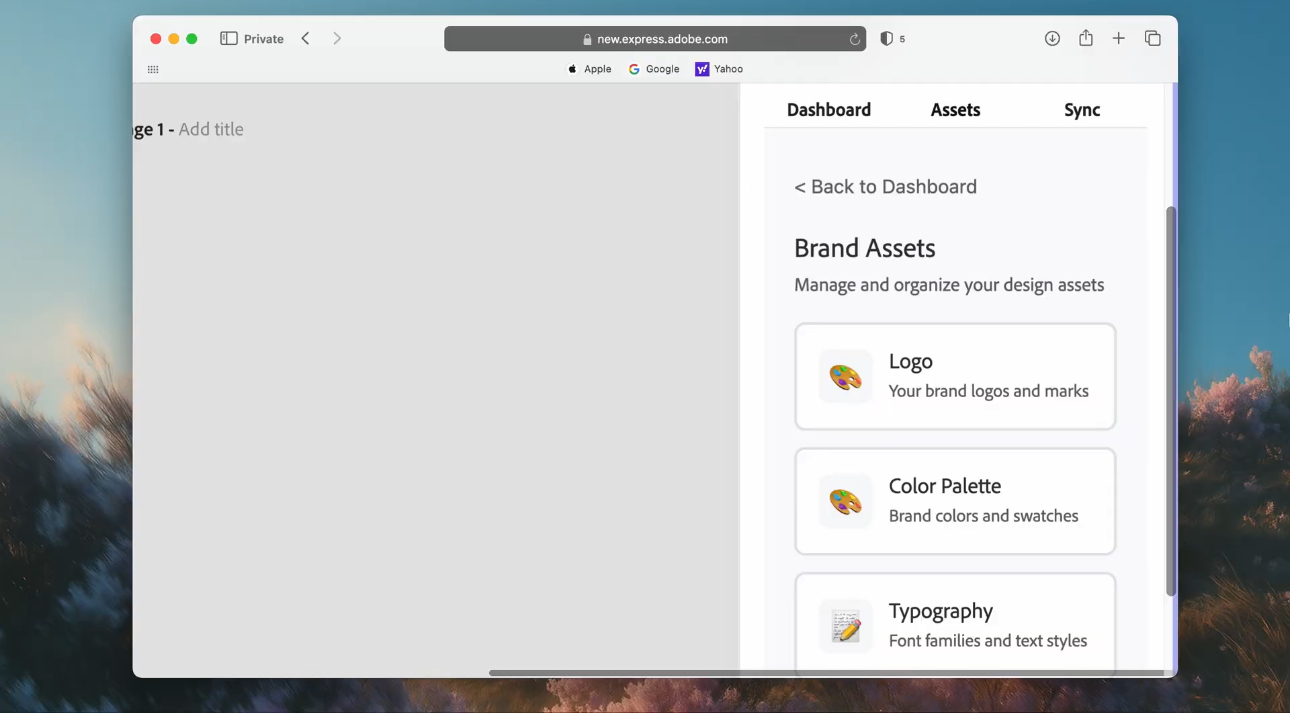
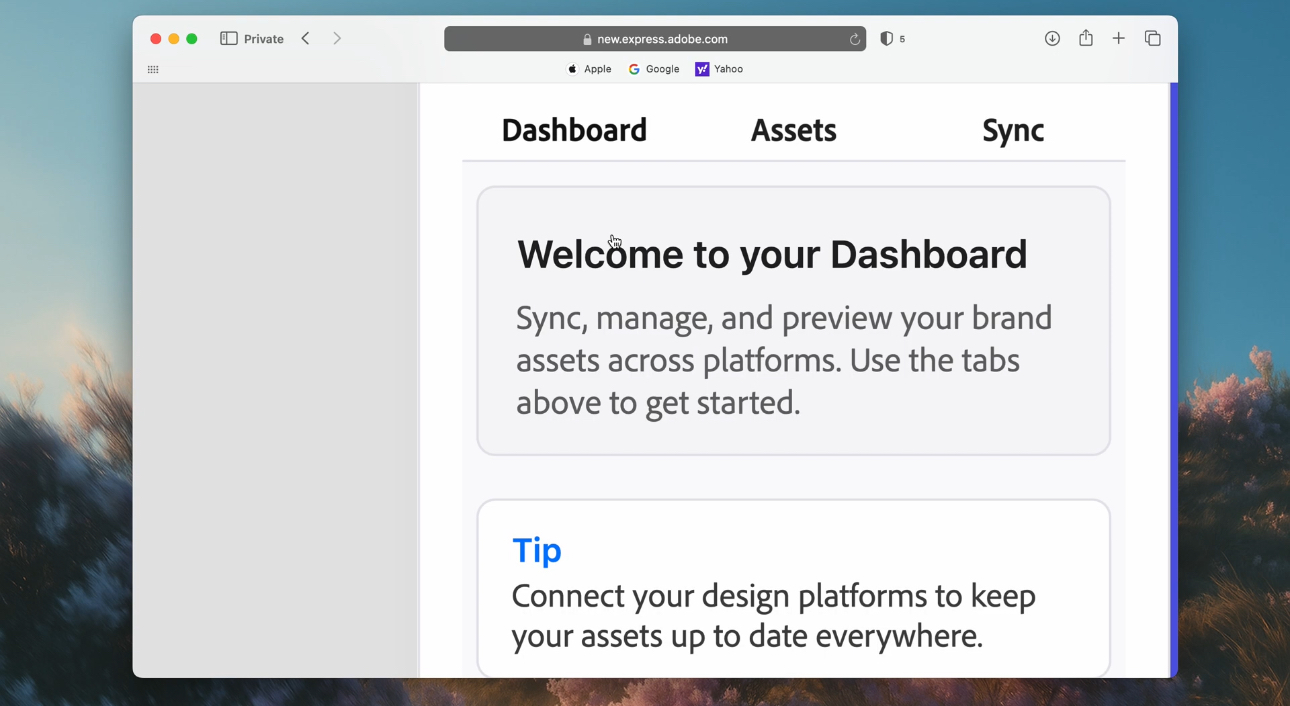
I was inspired to build a bridge between these platforms—a tool on Adobe Express that would act as a single source to automate the synchronization process. With this, I developed an add-on where changes in other designing platforms could be reflected in Adobe Express seamlessly, ensuring brand consistency and saving countless hours of manual work.
That vision became Sync In.
How I Built It
The Foundation: The project is built on a modern web stack. The frontend is a React application written in TypeScript, which gives me the power of a component based UI and the safety of static typing. The backend is a Node.js server using the Express framework, also in TypeScript, to handle business logic and API integrations.
** Bridging Adobe Express:** The core of the add-on is the Adobe Express Add-on SDK. I used the manifest.json file to declare the necessary permissions (document for canvas access, webview for network requests). The Document API, specifically addOnUISdk.app.document.addImage(), was the key to programmatically placing assets onto the user's canvas.
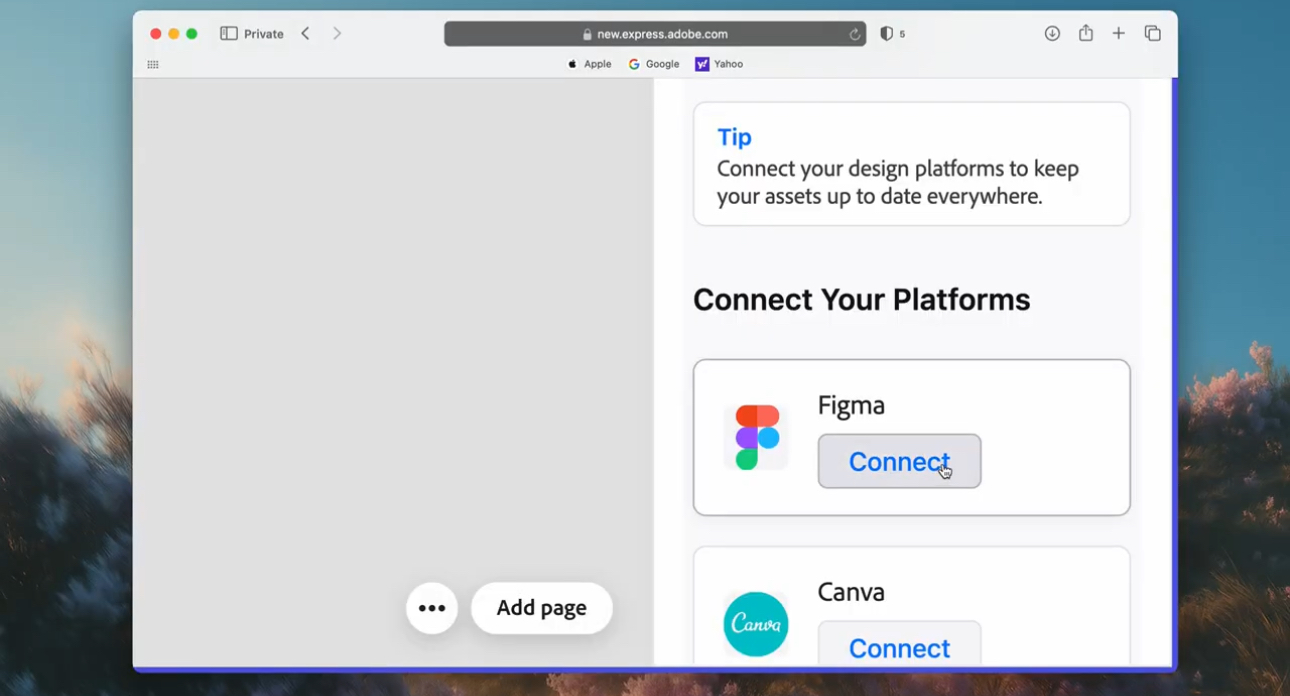
Connecting to Designing Platforms: I used the official API to fetch user files, components, and styles (as seen in the Demo I used Figma's API). To do this securely, I implemented the OAuth 2.0 protocol, allowing users to grant Sync In permission to access their files without ever sharing their credentials with my application.
Data and State Management: For the backend, I chose PostgreSQL as my primary database to store user information and persistent asset metadata. For faster, more ephemeral data like session information, I used Redis.
Development Workflow: During development, I used ngrok to create a secure public URL for my local backend server. This was essential for testing the OAuth redirect flow.
What I Learned
Asynchronous: Nearly every major action is asynchronous: waiting for the Add-on SDK to be ready (.ready), fetching data from the a platform's API, and polling for automatic updates. I learned to manage this complexity using async/await and promises to create a smooth, non-blocking user experience.
API Security: Implementing OAuth 2.0 taught me the importance of a strict security model. I learned that every detail matters, from keeping secrets on the backend to ensuring the redirect_uri is an exact match.
The Challenges I Faced
A Puzzle: My initial goal was a true real-time, push-based sync. I quickly discovered that the Adobe Express Add-on SDK doesn't currently support push notifications (like WebSockets or Webhooks) directly to the add-on panel. This was the biggest hurdle. My solution was to implement a polling mechanism. The add-on periodically asks the backend if there "Is there anything new?"
I modeled the update check with a simple probability decay function to avoid spamming the server, where the probability of checking P(t) decreases as the time since the last update, t, increases:
P(t) = P₀e^(-λt)
While this is a simplified model, it represents the trade-off I had to make between real-time updates and system performance.
The Ever-Changing ngrok URL: The free version of ngrok generates a new URL every time you restart it. This meant that after every restart, my OAuth redirect_uri would become invalid, breaking the authentication flow. The solution was tedious but necessary: manually updating the URL in my app settings and my .env file upon every restart. It's a classic local development challenge that highlights the importance of stable infrastructure for production.
Understanding the SDK Lifecycle: In early attempts, my app would sometimes fail on load. I realized I was trying to use the Add-on SDK's APIs before Adobe Express was fully ready. This taught me to use addOnUISdk.ready to ensure the communication channel was open before I tried to send any messages through it.
Built With
- css
- express.js
- javascript
- node.js
- postsql
- react
- redis
- typescript
- webpack


Log in or sign up for Devpost to join the conversation.