-
-
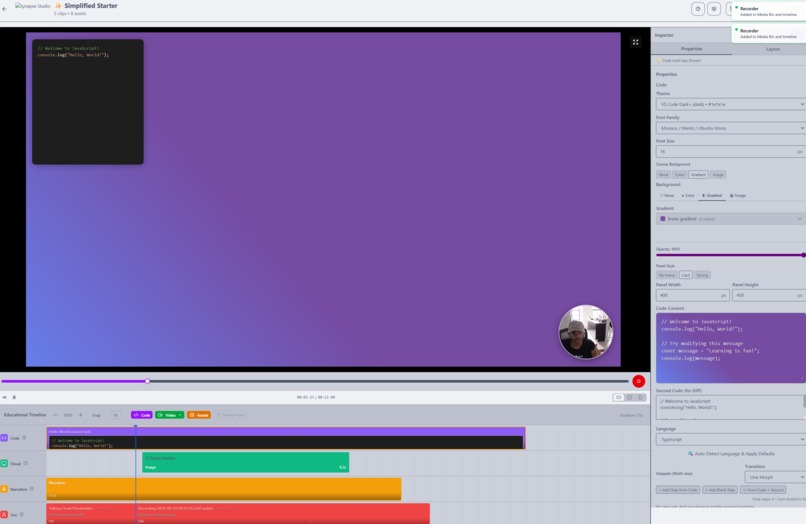
Create coding tutorials!
-
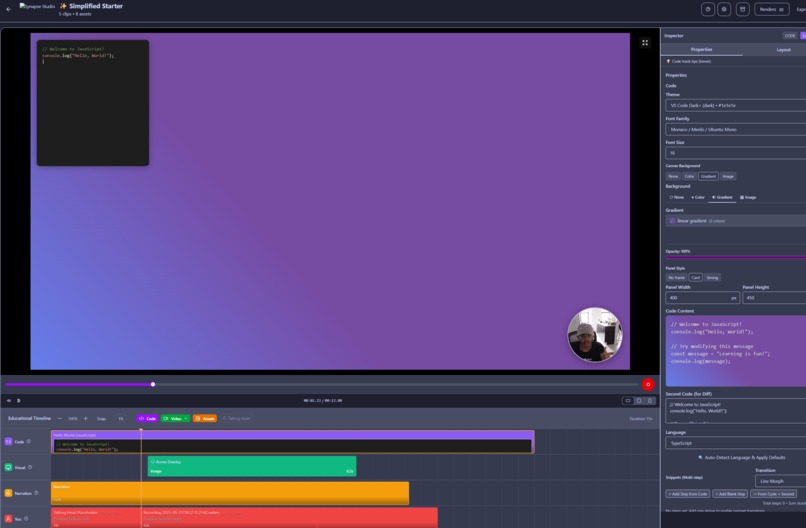
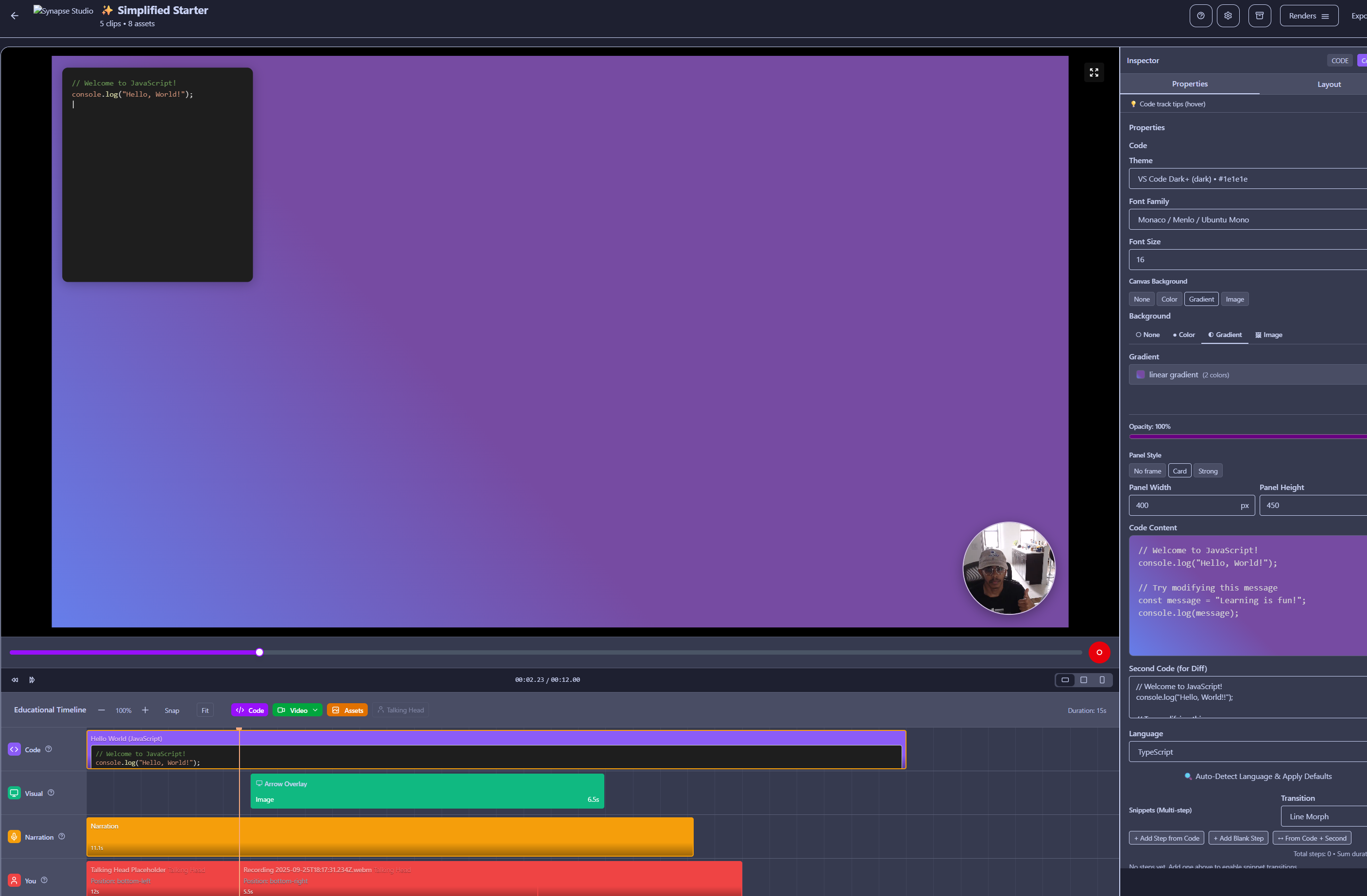
Supports Dark mode!
-
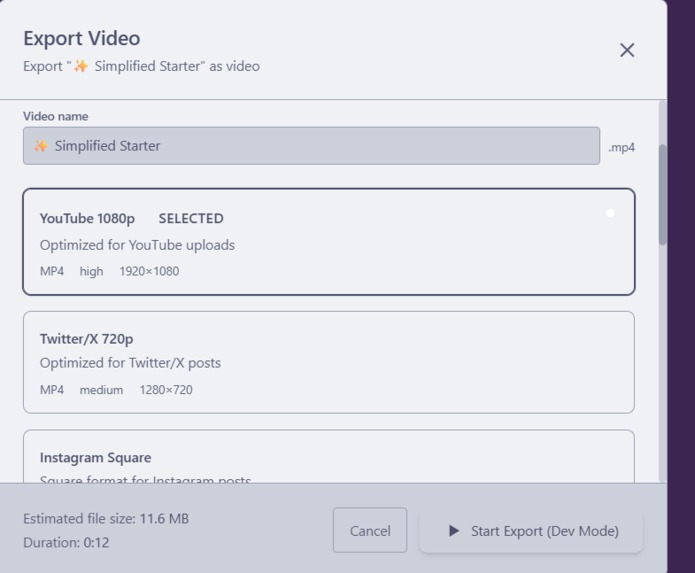
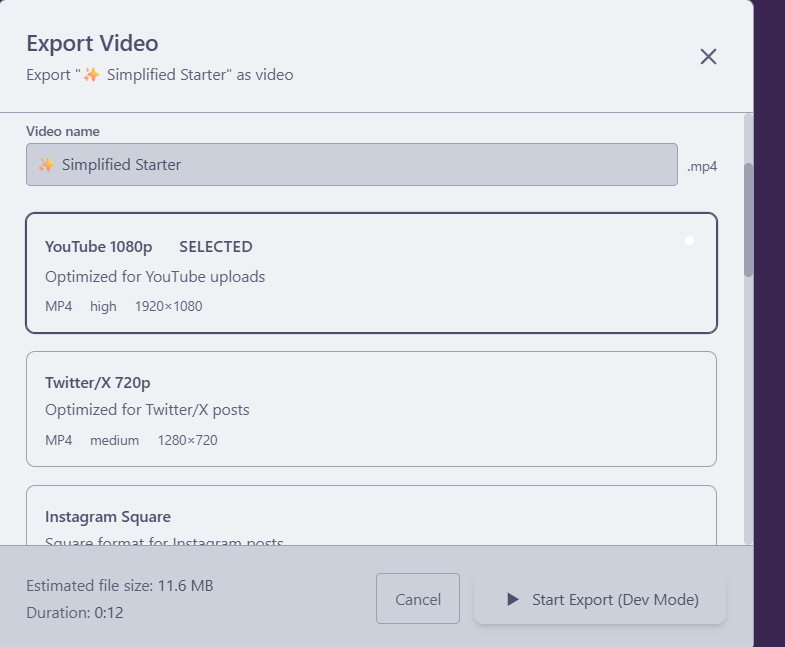
Export videos to various formats!
-
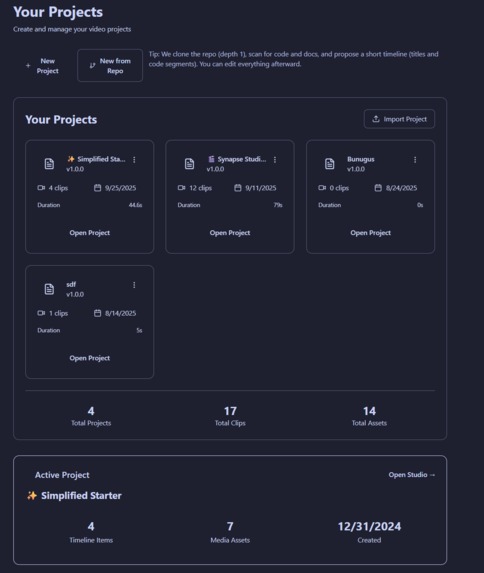
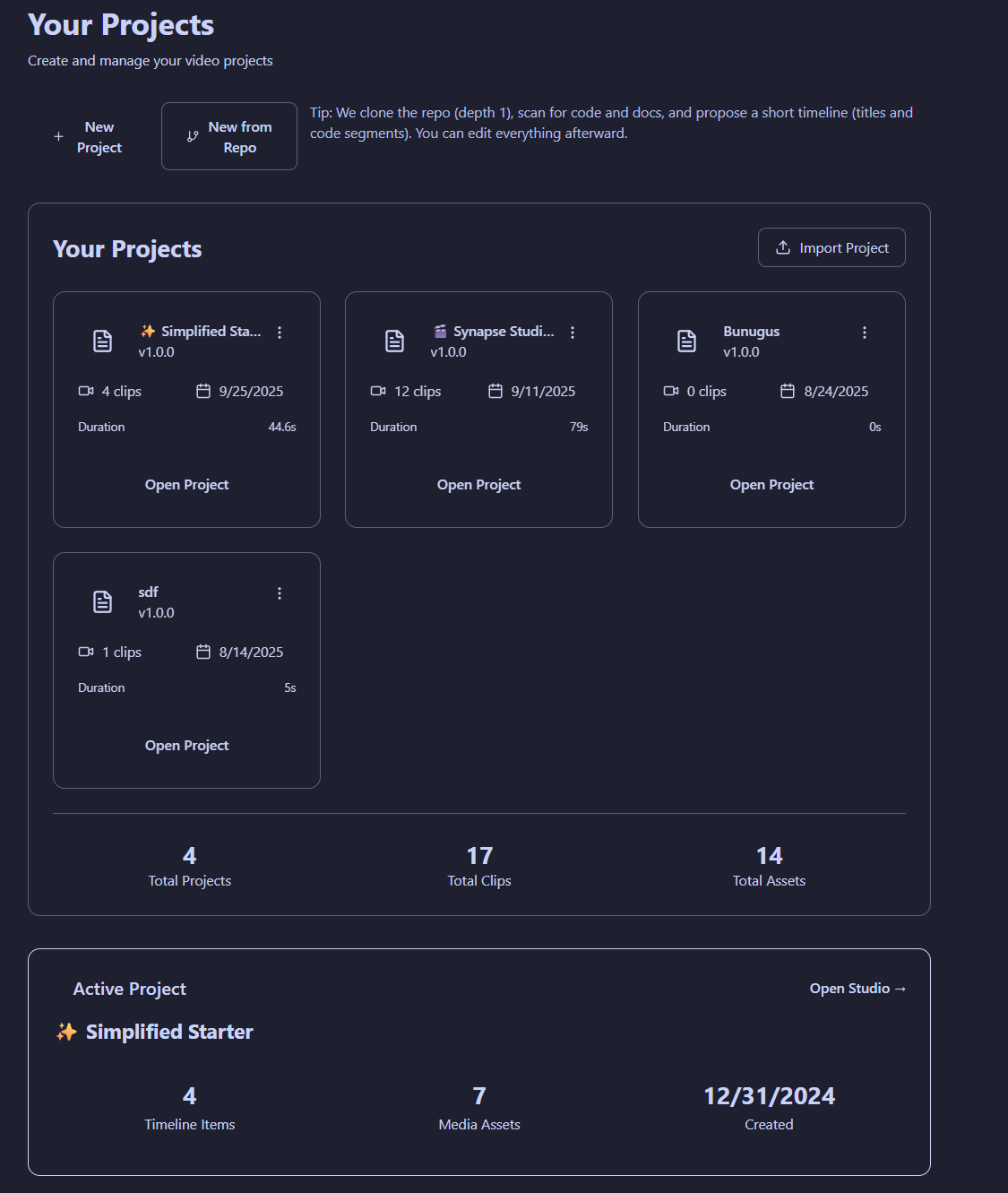
Manage your porjects!
-
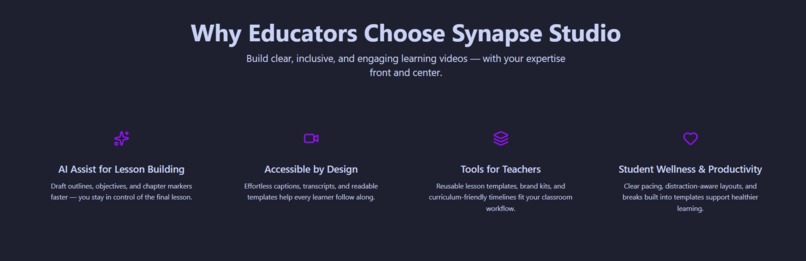
Simple, easy to use web interface
-
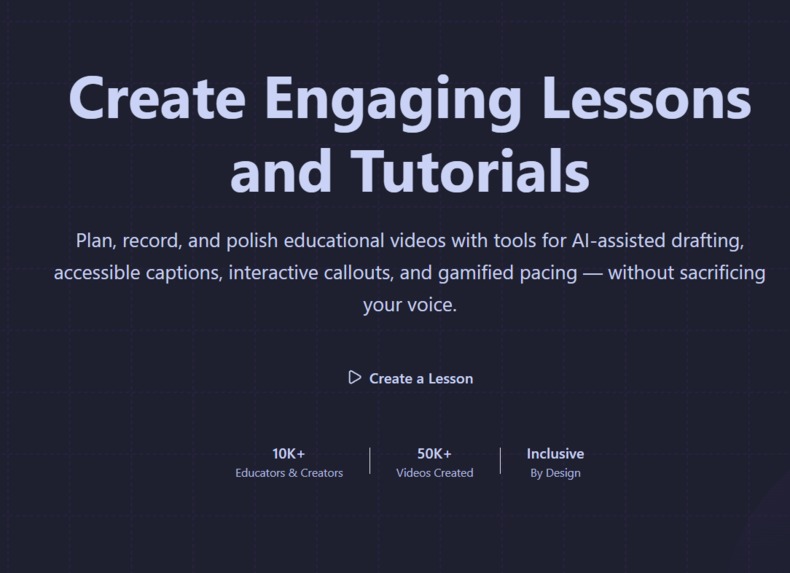
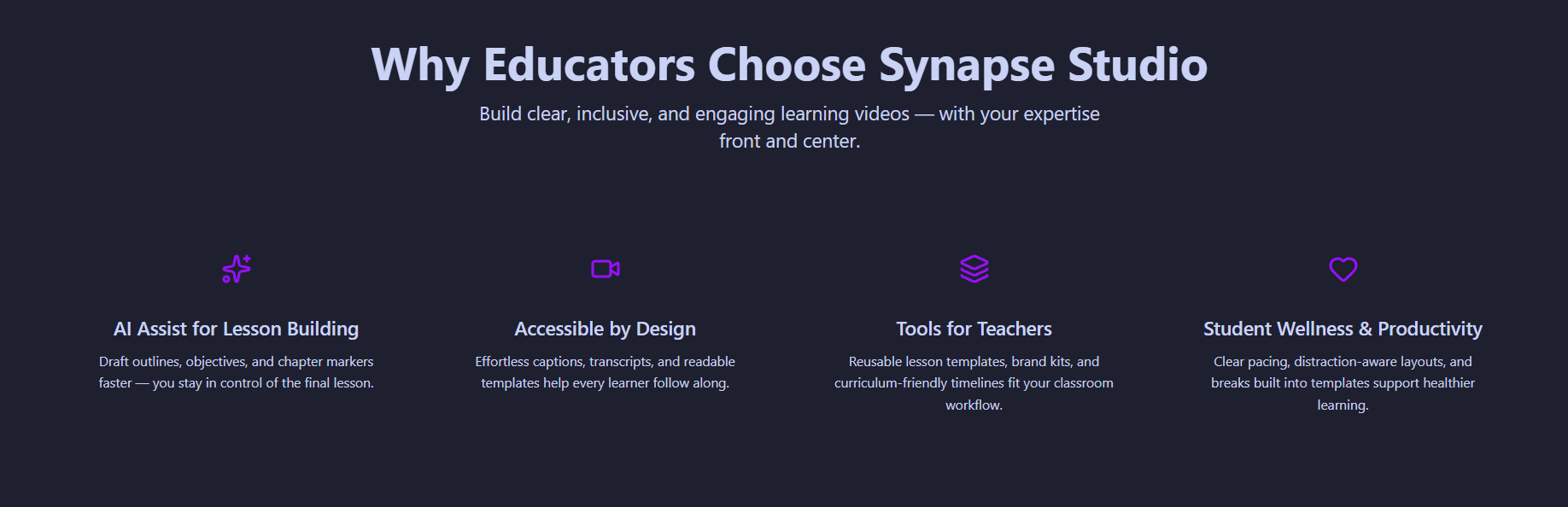
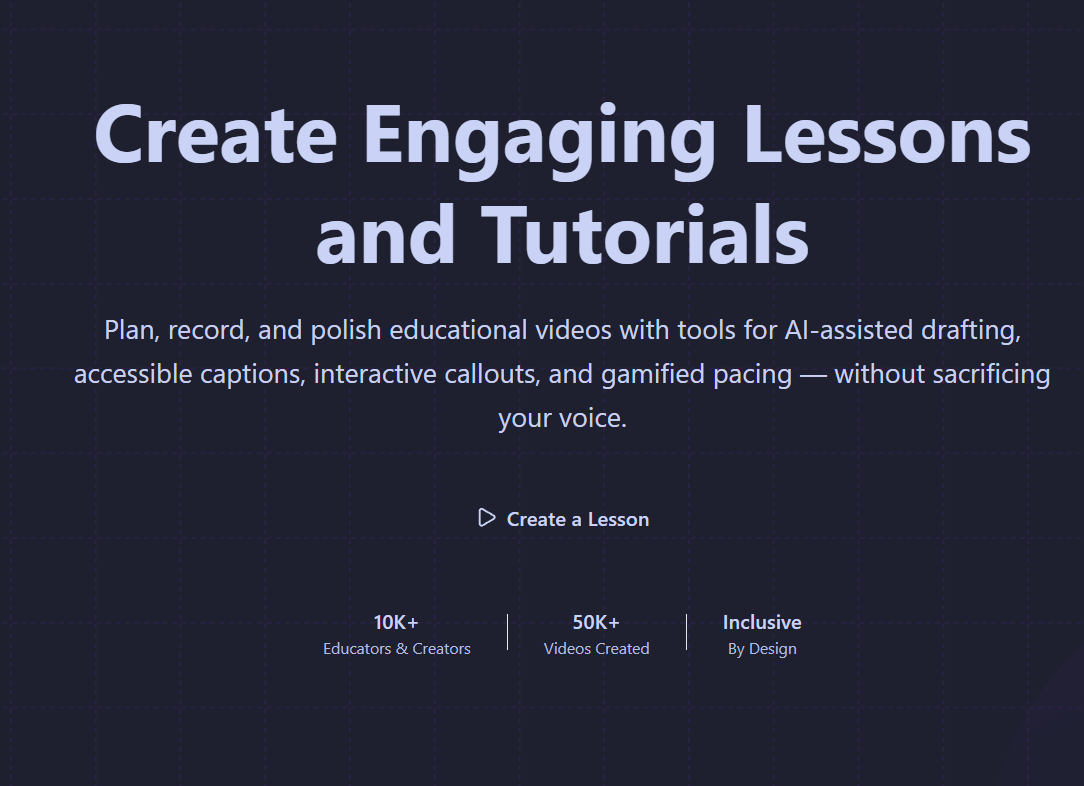
Video-creation for educators made easy!
Instructions
Use this link to navigate to the app. The license key you can use is "SYNAPSE-PUBLIC-TEST-2025"
Inspiration
As a small YouTube creator and a software engineer at Google working on Learning & Education products, I live the problem Synapse solves. I love creating gaming essays and coding tutorials, but the process is painfully manual. Existing video editors are generic tools; they treat code as just another screen recording. This means hours spent meticulously keyframing, syncing voiceovers, and trying to manually highlight important concepts.
The inspiration for Synapse came from a simple question: "What if a video editor was built from the ground up for educators like me?" What if code wasn't just a video clip, but a first-class, animatable object? I wanted to build the tool I wish I had—one that automates the tedious parts of content creation and lets me focus on what I love: teaching and storytelling.
What it does
Synapse is a web-based, collaborative video editor designed to make creating high-quality educational content, especially for programming and gaming, fast and fun.
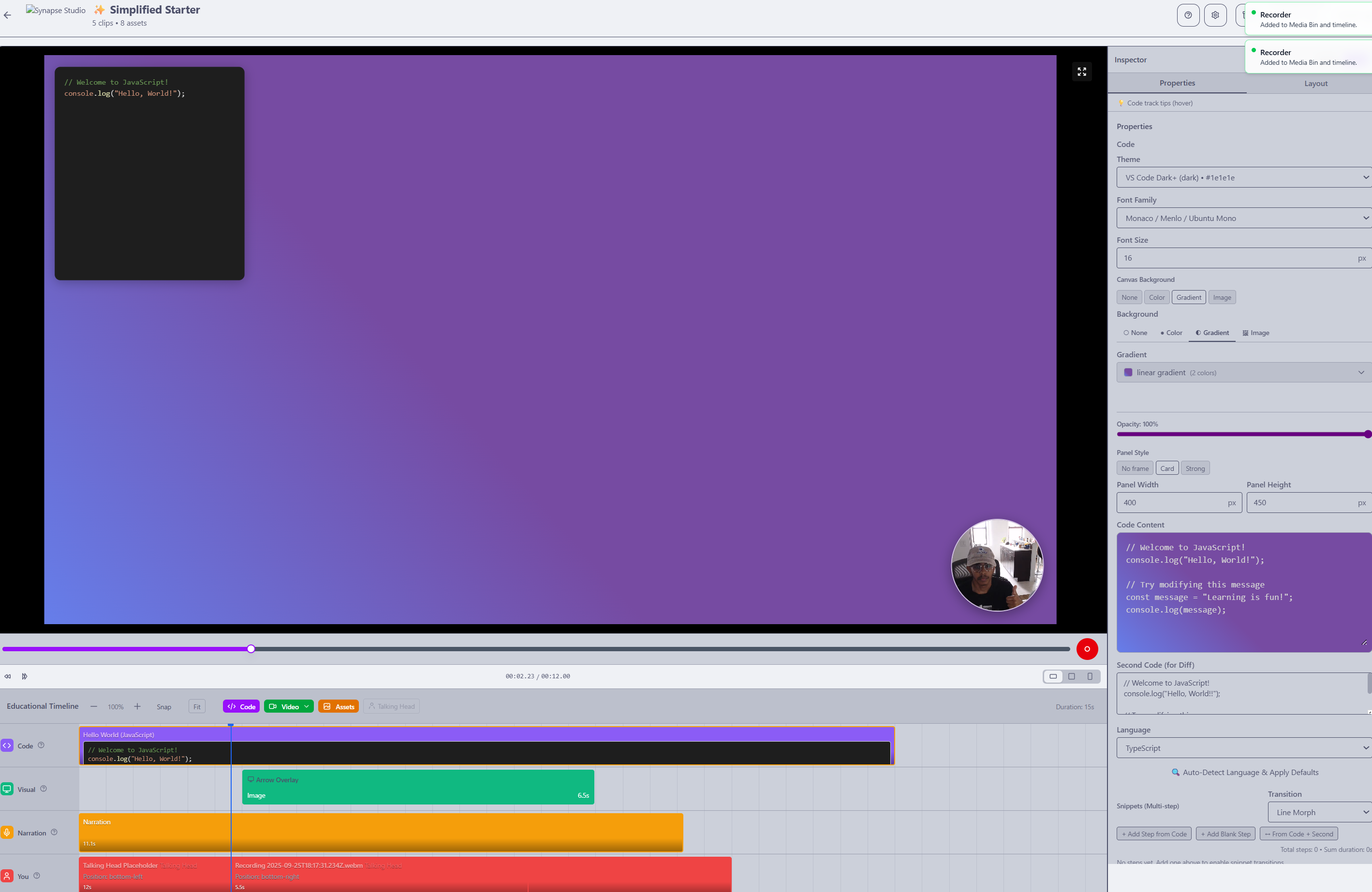
- Timeline-Based Editor: It features a familiar, intuitive multi-track timeline for arranging video clips, images, audio, and—most importantly—code.
- Animated Code Snippets: Instead of screen-recording your IDE, you can directly add code blocks and apply beautiful, professional presets like a "Typewriter" effect, "Line-by-Line" reveals, and syntax highlighting with various themes.
- AI-Powered Video Generation: The killer feature for developers. You can provide a link to a public Git repository, and Synapse uses an AI to analyze the commit history, identify key changes, and automatically generate a draft video skeleton with code diffs and suggested narration.
- Creator Workflow Tools: It includes an integrated library of CC0 licensed music and presets
How we built it
I built Synapse as a modern, full-stack web application with a focus on a great developer experience and a robust, scalable architecture. It's also build primarily with typescript and can be bundled as an electron app. The code was written largely with the support of AI tools - namely warp.dev, kiro.dev, and charlielabs.ai
- Frontend: We used React with Vite for a fast, component-based UI. Tailwind CSS for styling and Zustand for state management, implementing its
temporalmiddleware to provide a rock-solid undo/redo experience right from the start. - Video Engine: The core of our product is Remotion. This allowed programmatic video creation . Instead of manual editing, the app creates dynamic React components that render to video. This was the key to making the advanced code animations possible.
- Backend: A TypeScript/Node.js backend, designed to be containerized and deployed as a serverless application. It handles user authentication, licensing, and our job-based rendering and AI pipelines.
Challenges we ran into
Our biggest challenge was managing the complexity of the application's state. A video editor's state—with its timeline, media assets, selected items, and animation properties—is incredibly intricate. Syncing this state between the timeline, the inspector panel, and the Remotion video preview was a major hurdle. Initially, we ran into performance issues, but I overcame this by adopting Zustand for its simplicity and performance, and by being very intentional about which state changes triggered re-renders.
Another challenge was designing the backend for long-running, asynchronous tasks like video rendering. I had to build a robust job queue system that could report progress back to the user, handle failures gracefully, and manage resources effectively.
Accomplishments that we're proud of
I am proud of the complete, end-to-end workflow. A user can go from an idea to a fully rendered video, complete with animated code and music, and publish it directly to YouTube without ever leaving the app. Shipping a polished, full-stack application of this complexity is an accomplishment in itself.
What we learned
I learned that the right abstraction can change everything. Using Remotion and thinking of video as a function of state (video = f(state)) rather than a sequence of manual edits was a paradigm shift. It allowed us to build features, like the code animations, that would have been incredibly difficult with traditional video editing APIs.
It's also great for future AI features, since LLM's are great at generating JSON and text files, which can properly define a video.
This was my first project focusing on a specific user's pain point. By narrowing the vision from a "general video editor" to "the best editor for coding tutorials," I was able to simplify my decision making.
What's next for Synapse Video Editor
- Code-to-Narration Sync: Our next big feature. Users will be able to upload a voiceover, and the app will automatically transcribe it, allowing them to anchor code animations to specific words in their script.
- Real-Time Collaboration: We want to enable multiple users to edit a video project together
- Deeper AI Integration: We plan to expand our AI features to suggest B-roll from stock footage libraries based on the script, and even help refine a user's narration script for clarity and impact.
The long-term goal is to make Synapse the go-to platform for educators to make educational videos easily - without the need for a complex and expensive editor.
Built With
- cloud
- ffmpeg
- kiro
- react
- remotion
- tailwind
- typescript
- warp
- zustand

Log in or sign up for Devpost to join the conversation.