Inspiration
I was studying for an exam with ChatGPT, YouTube, and three PDFs open at once. I'd ask a question, get paragraphs of text, read them twice, and retain almost none of it.
The best learning I ever had was at a whiteboard with a professor who drew things while explaining them and stopped mid-sentence to check if I was following. No AI tool worked like that. And whenever I asked about something that truly needed a 3D visual, like how a heart pumps or how a magnetic field wraps around a magnet, I always got a flat 2D diagram back.
I wanted to build the AI version of that professor. A tutor that shows you things the way a great teacher does. That became Synapse.
What it does
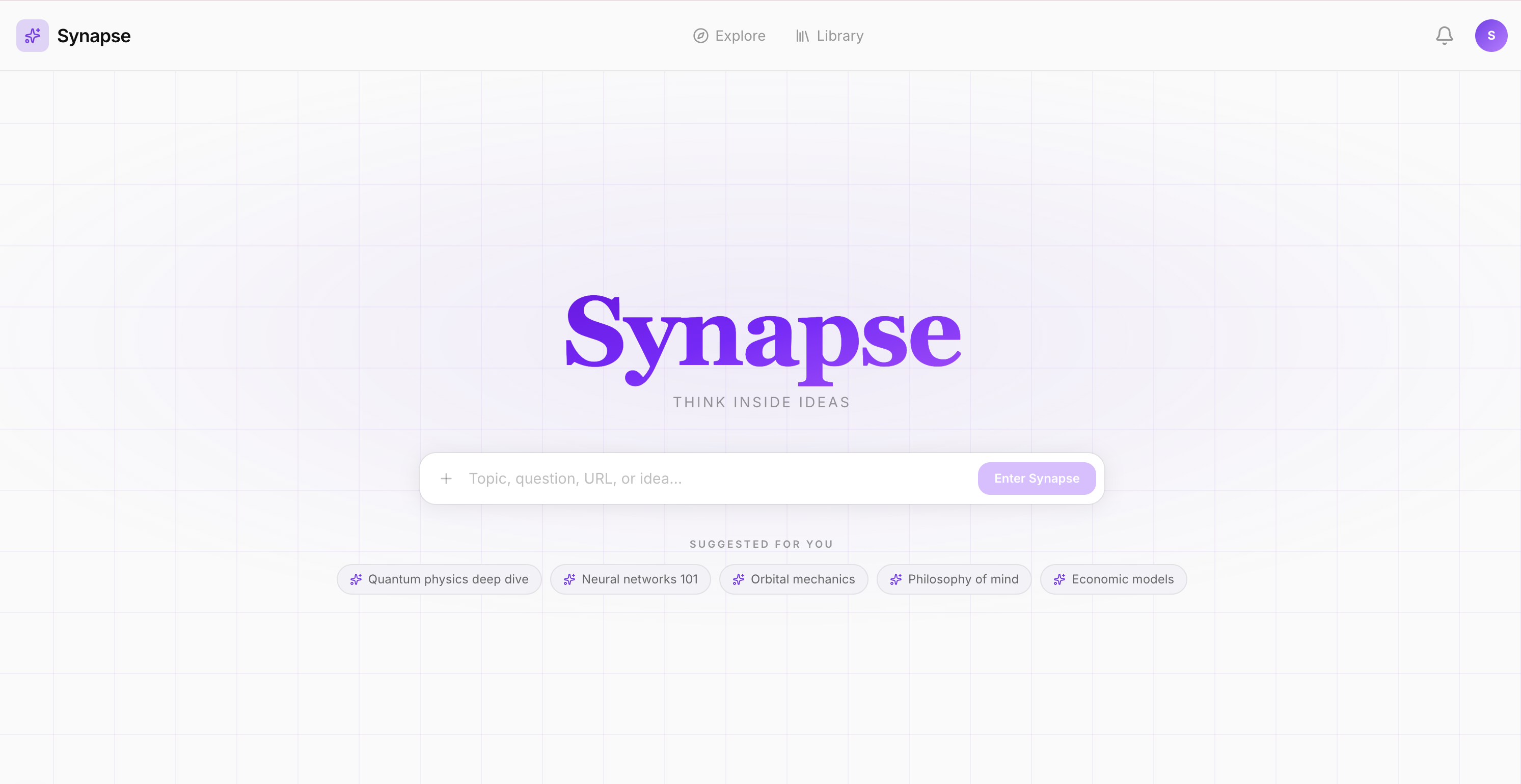
Synapse is an AI tutor that teaches on an infinite canvas. You ask a question and instead of a wall of text, you get a 3D model you can rotate, a live graph you can interact with, and a diagram that maps how ideas connect, all placed spatially like a whiteboard.
The AI builds a study plan from your topic, adapts it as you learn, and decides each turn whether to explain, visualize, quiz, or go deeper. You can talk to it naturally via voice, navigate the canvas with hand gestures, annotate with a pen, and when you're ready, it quizzes you on exactly what you covered.
How we built it
Frontend: Next.js 16, React 19, TypeScript, Tailwind v4. The infinite canvas is built from scratch with custom zoom, pan, grouping, and layout.
AI layer: A server-side multi-agent orchestrator with three parts. A Strategy Agent reads session context and decides the pedagogical action each turn. A Tutor Agent runs a multi-round tool-calling loop to execute that decision. An Observer heuristic layer tracks confusion signals and concept mastery with no extra LLM call.
Artifacts: Eight types, each a purpose-built React component, interactive graphs with live sliders, Three.js 3D renders written inline by the LLM, node-edge diagrams with a custom layout engine, LaTeX notation, physics simulations, and spaced-repetition flashcards.
Voice: Web Speech API for speech-to-text, ElevenLabs for text-to-speech with sentence-level caption sync.
Hand tracking: MediaPipe Tasks Vision running entirely in-browser to point, pinch, pan, and zoom all mapped to canvas primitives.
Challenges we ran into
The canvas. Zoom, pan, drag, group drag, rubber-band selection, and stroke rendering coexisting without conflicts took far longer than anything else. React 19's event system and native DOM listeners do not always agree.
Getting the AI to choose the right artifact. Early versions defaulted to SVG visuals for almost everything. Building the Strategy agent with per-action tool filtering and artifact hints in the tutor prompt was what made the output genuinely useful rather than just visually busy.
Three.js code generation. The LLM writes Three.js scenes inline and is remarkably capable, but when it hallucinates a method or generates malformed code the render silently fails. Building a sandboxed iframe renderer with error boundaries and a sanitizer required significant iteration.
Latency. A full orchestrated turn can take 3 to 5 seconds. Skeleton placeholder cards, SSE streaming that surfaces the explanation before artifacts land, and toast notifications were all needed to make the wait feel intentional rather than broken.
Accomplishments that we're proud of
- A multi-agent pedagogical loop that decides not just what to say but how to teach it, that is decide which artifact, which depth, which moment to quiz
- Eight distinct interactive artifact types rendered live on a spatial canvas, each purpose-built for how that content type is best understood
- Three.js 3D scene generation written inline by the LLM at query time using no pre-made models, every render is unique to the question
- Full hands-free mode combining MediaPipe gesture control and voice commands, where gestures handle direct manipulation and voice handles navigation
- An infinite canvas built entirely from scratch that handles thousands of elements, groups, and connections without any third-party canvas library
What we learned
- Spatial layout is a learning tool. When concepts have positions and visible connections, your brain builds a map rather than a list. That map is what understanding actually feels like.
- Pedagogy is an engineering problem. When to quiz, when to simplify, when to go deeper are decisions with real inputs and outputs , formalising that as a Strategy agent changed the entire system.
- Some concepts cannot be explained with text. Motion, depth, and interactivity are not polish. They are the explanation.
- Voice changes the relationship with a tool. Once voice worked end-to-end, the app stopped feeling like software and started feeling like a conversation.
What's next for Synapse
Multiplayer canvas: study with a friend or tutor on the same infinite board in real time Mobile and tablet: the gesture and voice layer translates naturally to touch; the canvas needs adapting for smaller screens Tutor personas: switch between a Socratic questioner, a direct explainer, or a peer study partner depending on how you learn best
Built With
- elevenlabs
- mediapipe
- next.js
- openai
- react
- semantic-search
- three.js
- typescript
- web-speech-api


Log in or sign up for Devpost to join the conversation.