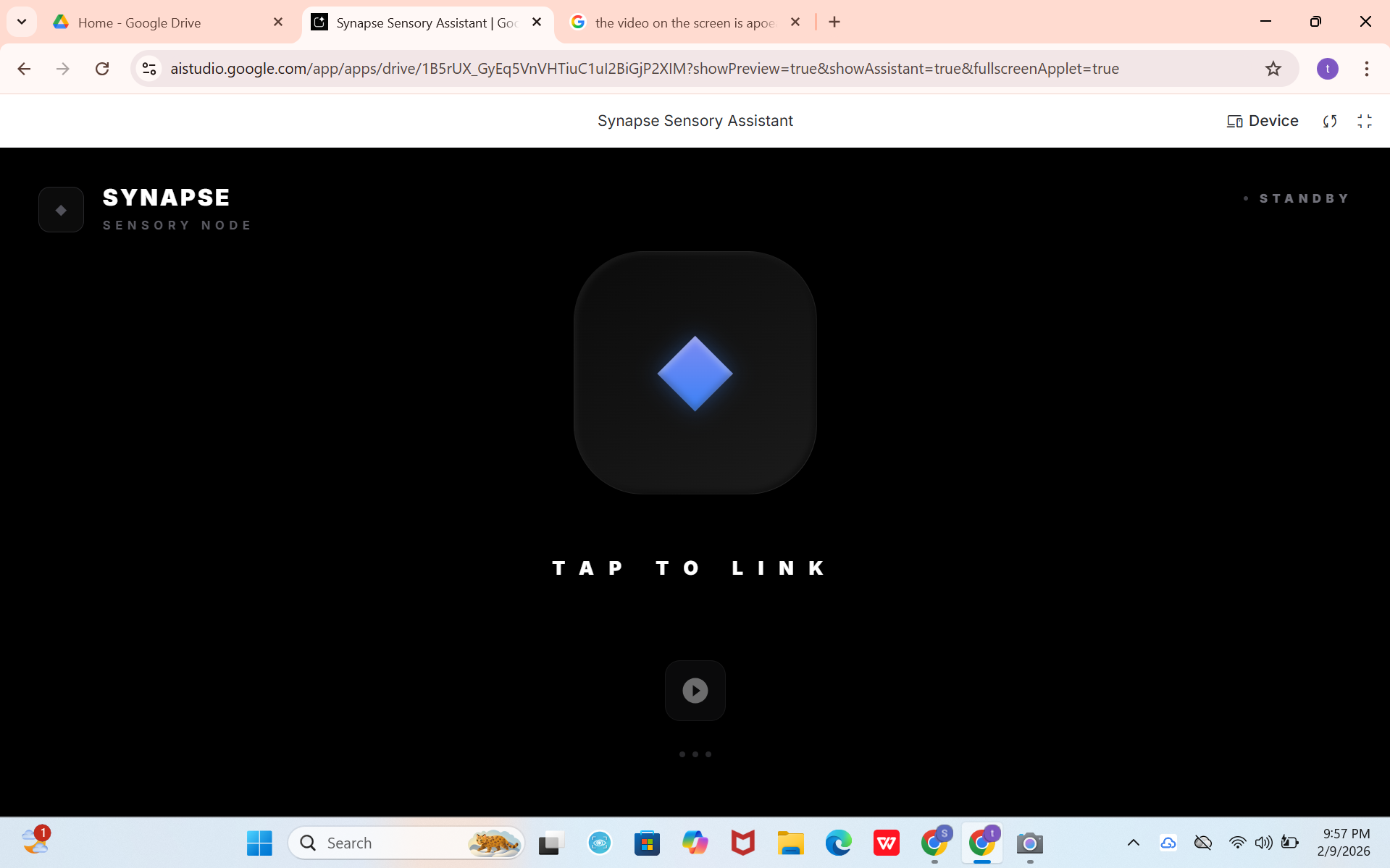
Synapse — Seeing the World Through Sound
🌱 What Inspired Me
The idea for Synapse came from a simple but uncomfortable realization:
most “smart” systems assume the user can see the screen.
During discussions about accessibility—and while brainstorming for the Gemini 3 Hackathon—I kept asking myself a question:
What if vision itself could be translated into understanding, not images?
I was especially inspired by blind users who rely on audio cues, memory, and spatial awareness rather than visuals. Many existing solutions stop at basic object detection, but real life is not static—it’s spatial, dynamic, and contextual. I wanted to build something that doesn’t just describe the world, but helps navigate it intelligently.
That’s how Synapse was born:
an AI companion that connects vision, sound, and reasoning—just like the human brain does.
🧠 What I Learned
This project taught me lessons far beyond code:
- Accessibility is not about adding features, it’s about removing friction
- For blind users, too much information is as bad as too little
- AI vision becomes powerful only when paired with context + feedback
- Spatial understanding matters more than raw object labels
On a technical level, I learned how to:
- Think in spatial-temporal reasoning rather than single-frame analysis
- Design audio-first UX, where sound replaces UI
- Build systems that are event-driven, not screen-driven
- Use multimodal AI meaningfully, not just impressively
🛠️ How I Built Synapse
Core Concept
Synapse works as a background-aware assistant that can be activated anytime by a simple tap—no precise buttons, no visual UI.
At a high level, the system follows this flow:
[ \text{Camera Input} + \text{Audio Input} \rightarrow \text{Gemini Multimodal Reasoning} \rightarrow \text{Spatial Audio Feedback} ]
Key Features
- 📷 Real-time obstacle & environment understanding
- 🎧 Directional audio feedback (left / right / near / far)
- 🧭 Context-aware narration instead of constant talking
- 🖐️ Gesture / tap-based activation (no visual navigation)
- 🗣️ Live conversational guidance for user questions like:
> “What’s in front of me?”
> “Is this path clear?”
Instead of saying “chair detected”, Synapse says things like:
“Obstacle slightly to your right, two steps ahead.”
That difference changes everything.
⚙️ Technologies & Approach
- Gemini 3 multimodal capabilities for vision + reasoning
- Camera stream for spatial awareness
- Microphone for voice interaction
- Audio feedback as the primary interface
- Lightweight frontend focused on accessibility, not visuals
The app was designed so it can be initiated anywhere on screen, reducing cognitive and motor load.
🚧 Challenges I Faced
1. Overloading the User
Early versions gave too much audio feedback.
I had to learn when to stay silent.
2. Translating Vision into Meaning
Objects alone are useless.
Understanding relationships—distance, direction, movement—was the real challenge.
3. Designing for Someone Who Can’t See My Design
This forced me to constantly ask:
Would this make sense if I heard it with my eyes closed?
4. Hackathon Constraints
Balancing ambition with feasibility was hard.
I had to cut features to keep Synapse focused, ethical, and usable.
🌍 Why Synapse Matters
Synapse is not just an app—it’s a statement:
AI should adapt to humans, not the other way around.
By combining multimodal AI with human-centered design, Synapse shows how technology can restore independence, not just convenience.
✨ Final Reflection
Building Synapse changed how I think about AI, design, and responsibility.
It taught me that the most powerful innovations are often quiet, invisible, and deeply human.
If AI is the brain, then Synapse is the nerve system—connecting the world to those who experience it differently.
Built with purpose. Designed with empathy.


Log in or sign up for Devpost to join the conversation.