-
-
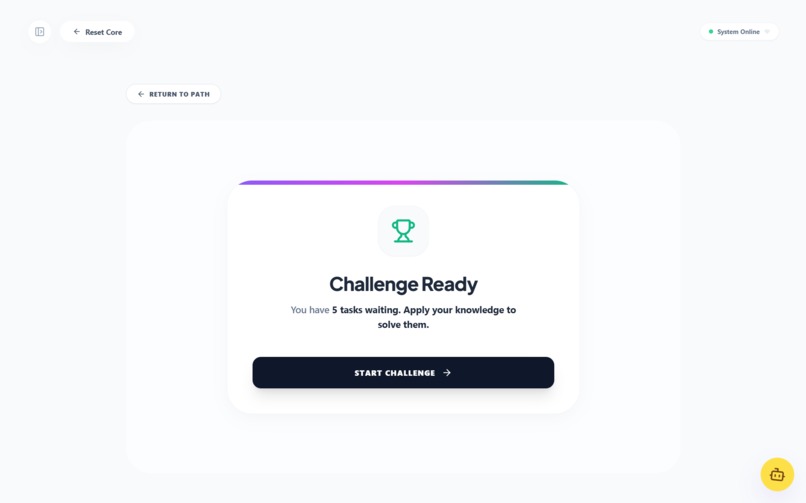
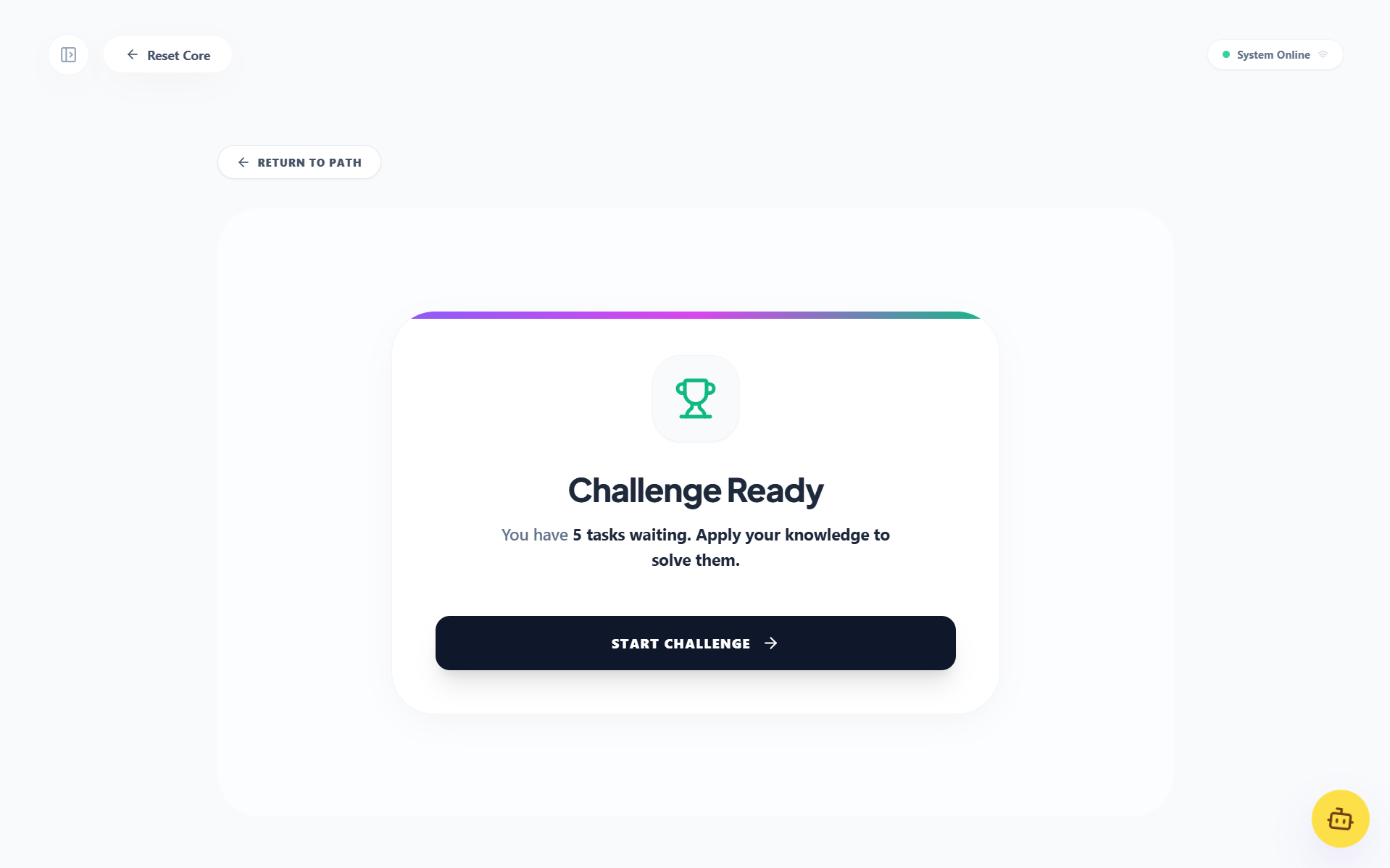
Challenges Workspace
-
Generating Workspace Loading
-
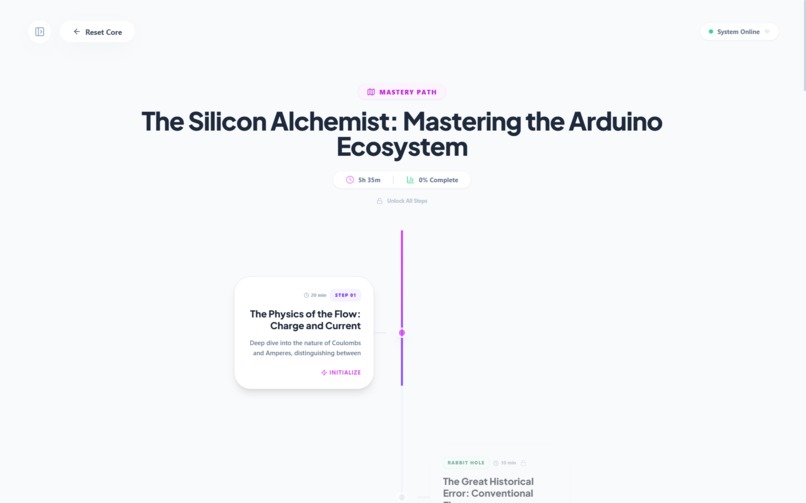
Exploration Workspace
-
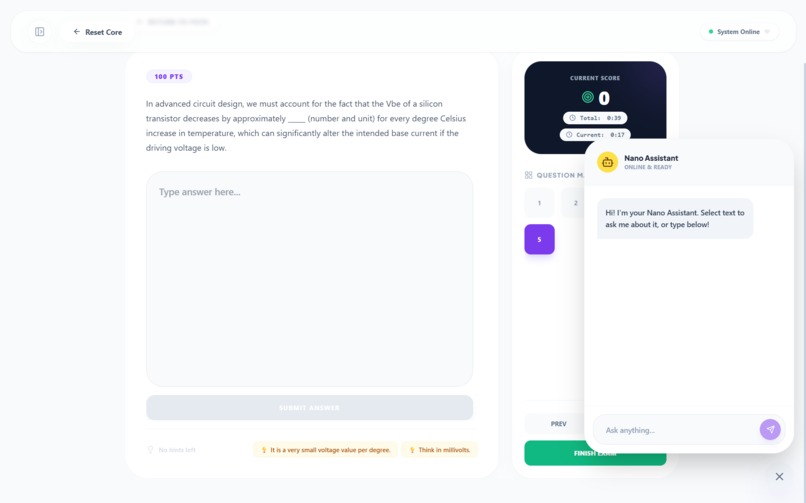
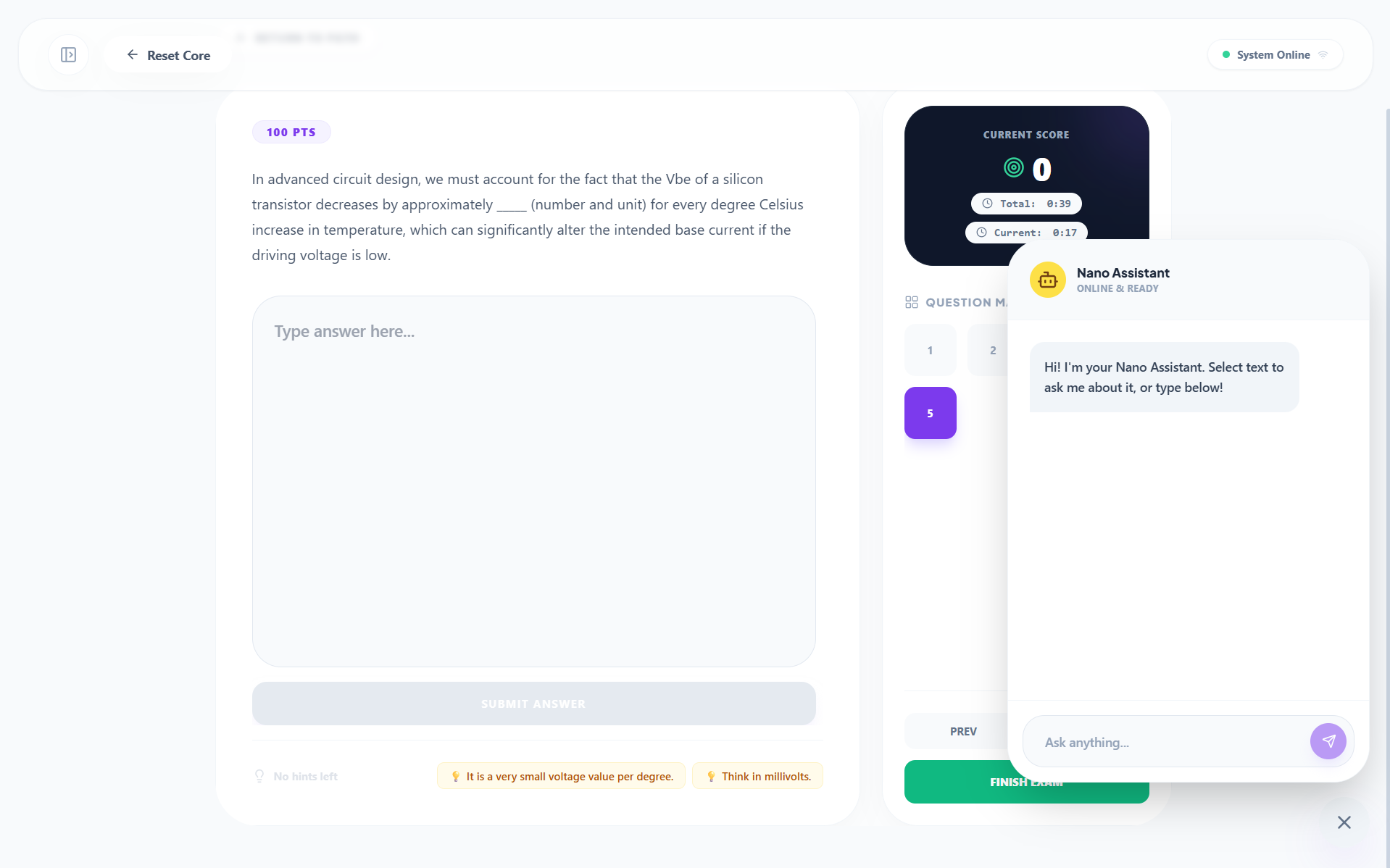
Write Challenge With Chat Open
-
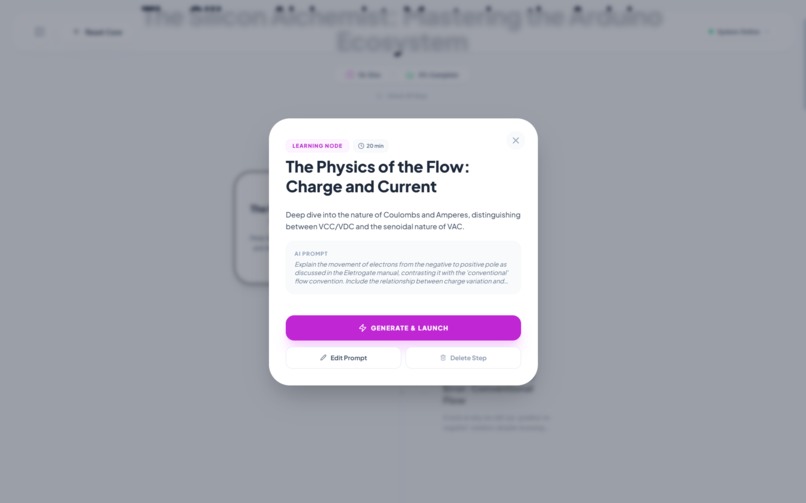
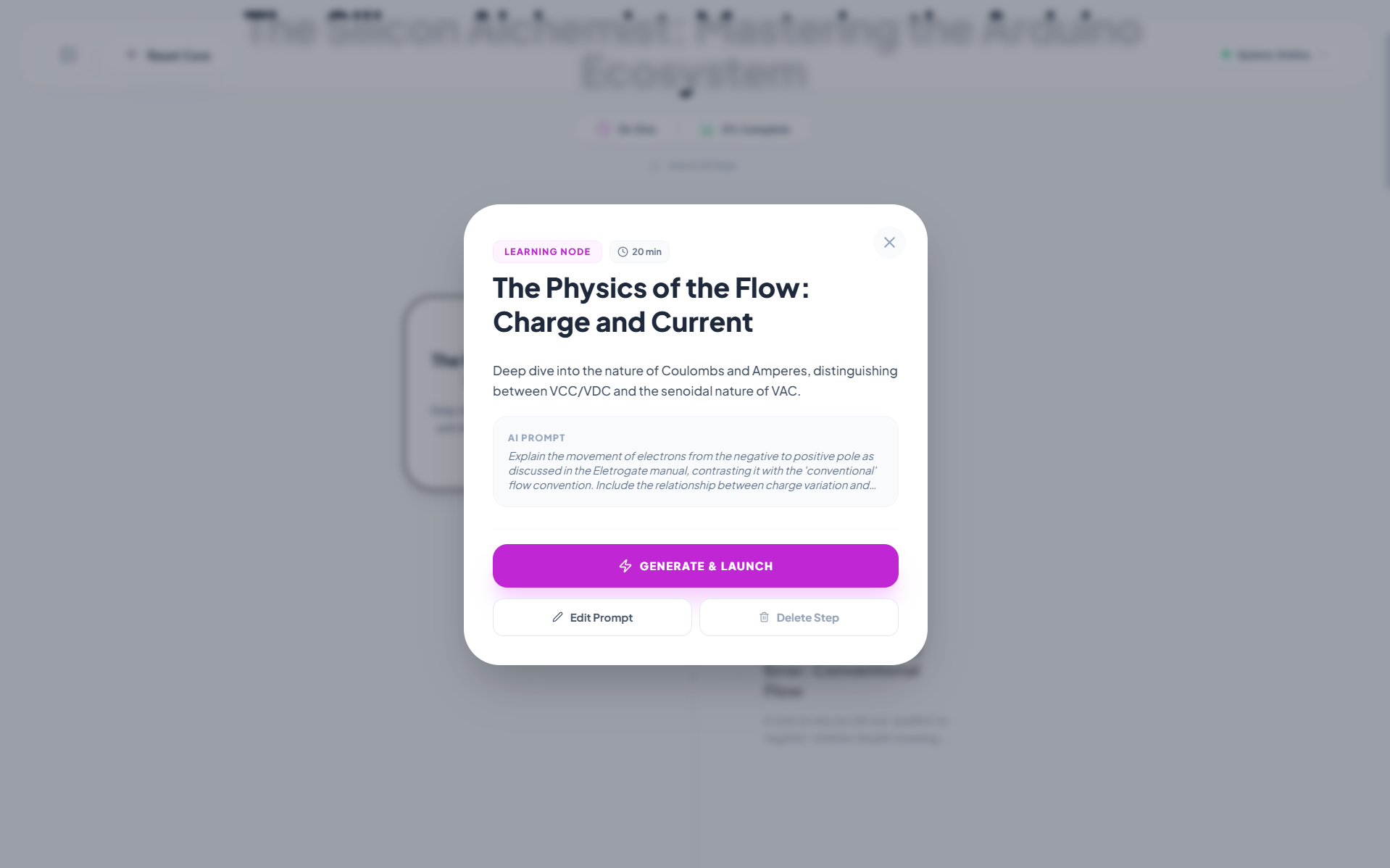
Step Card View
-
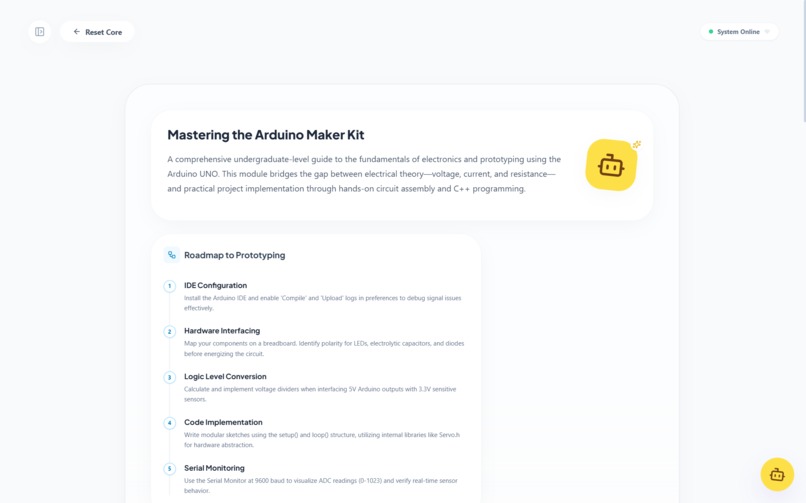
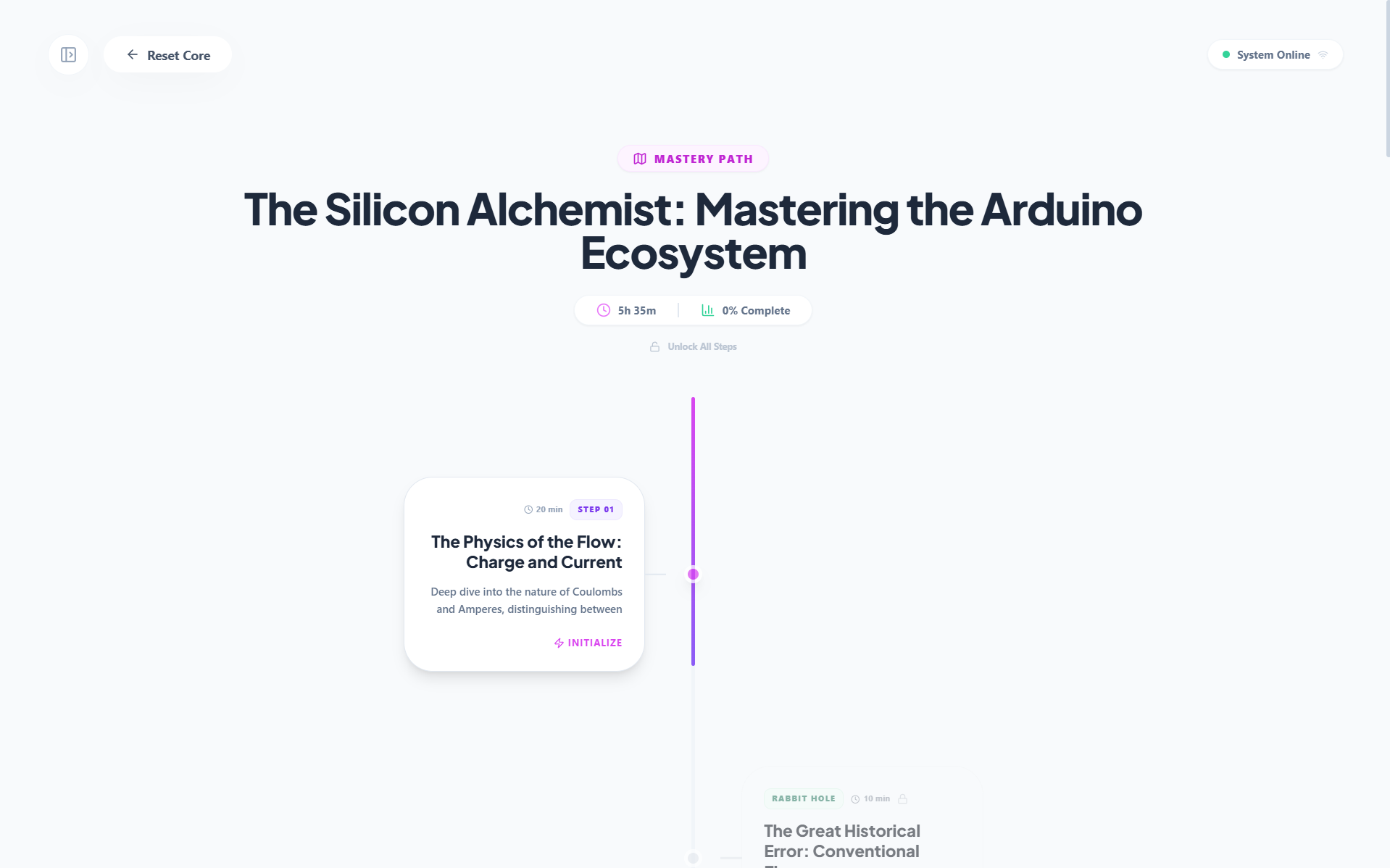
Bento Overview Top
-
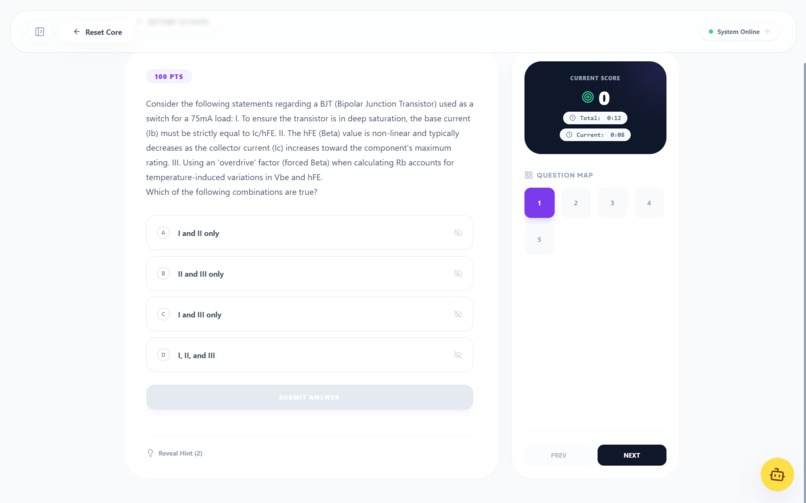
Multiple Choise Challenge
-
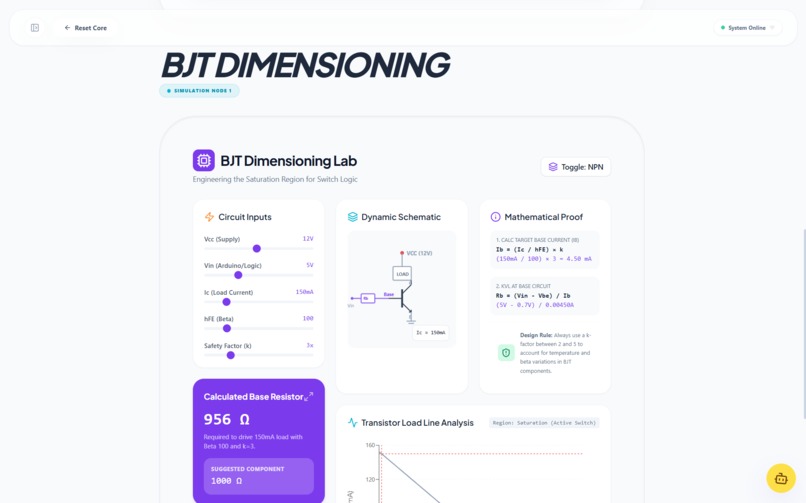
Simulation View
-
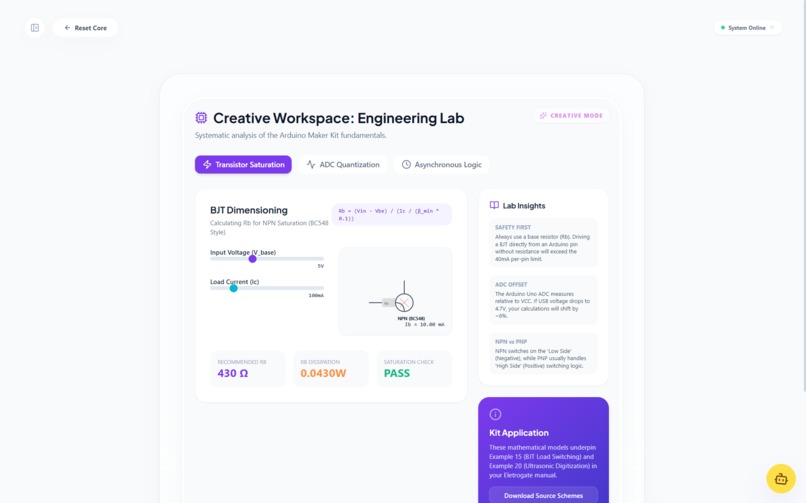
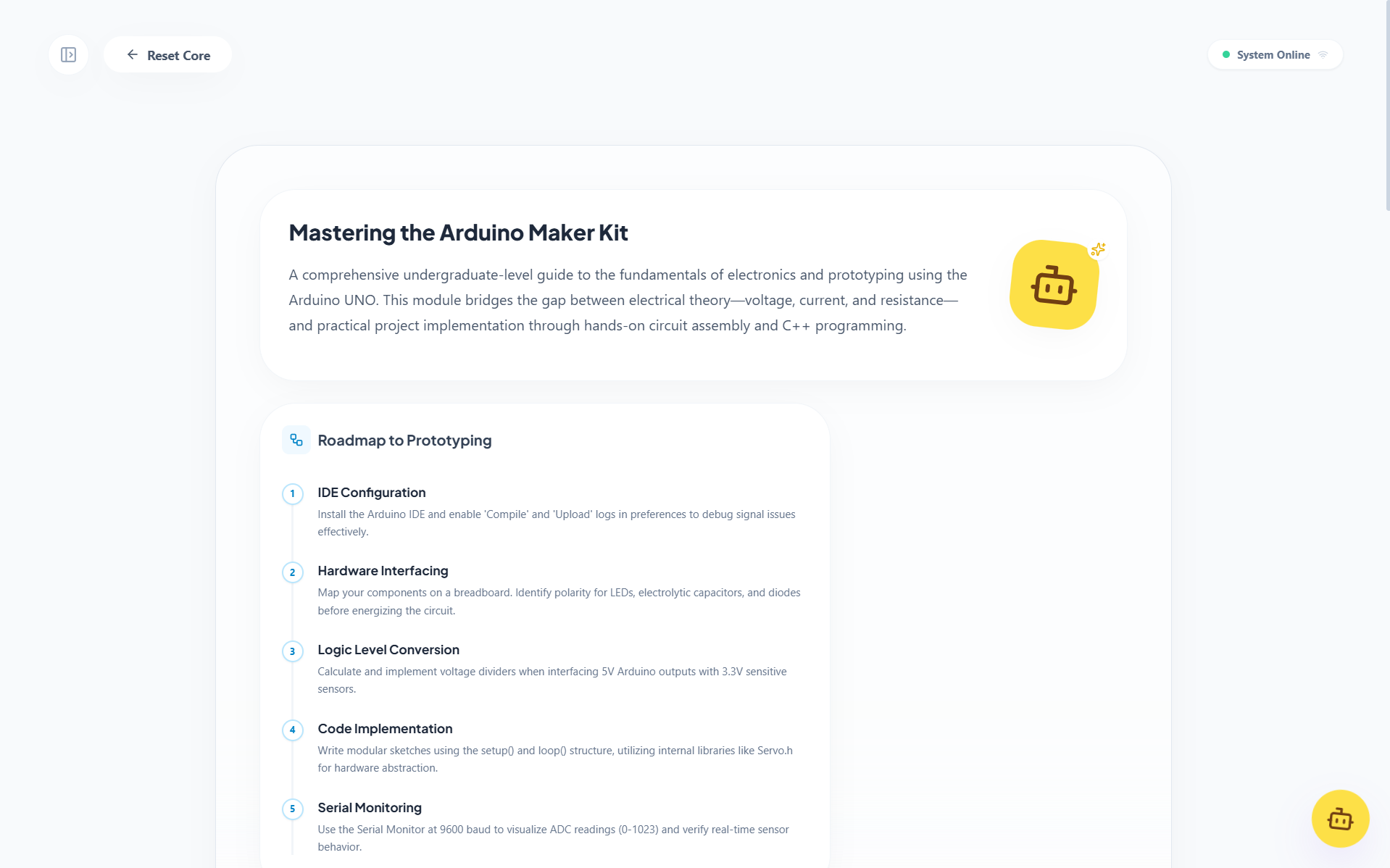
Creative Overview
-
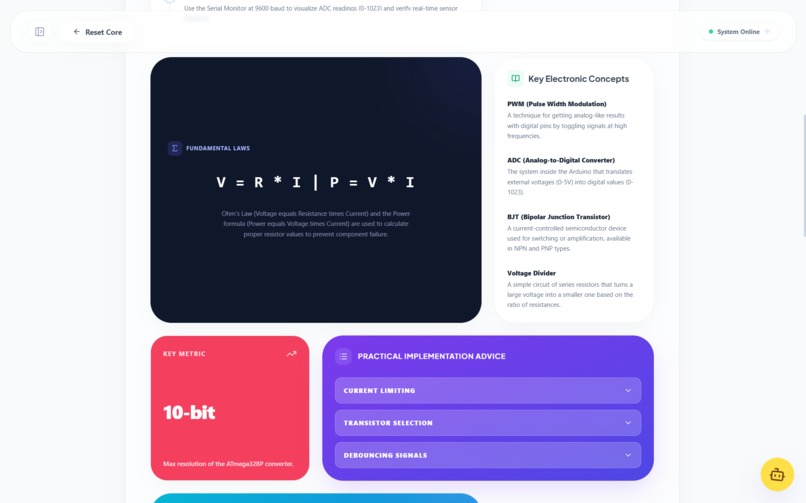
Bento Overview Middle
Inspiration
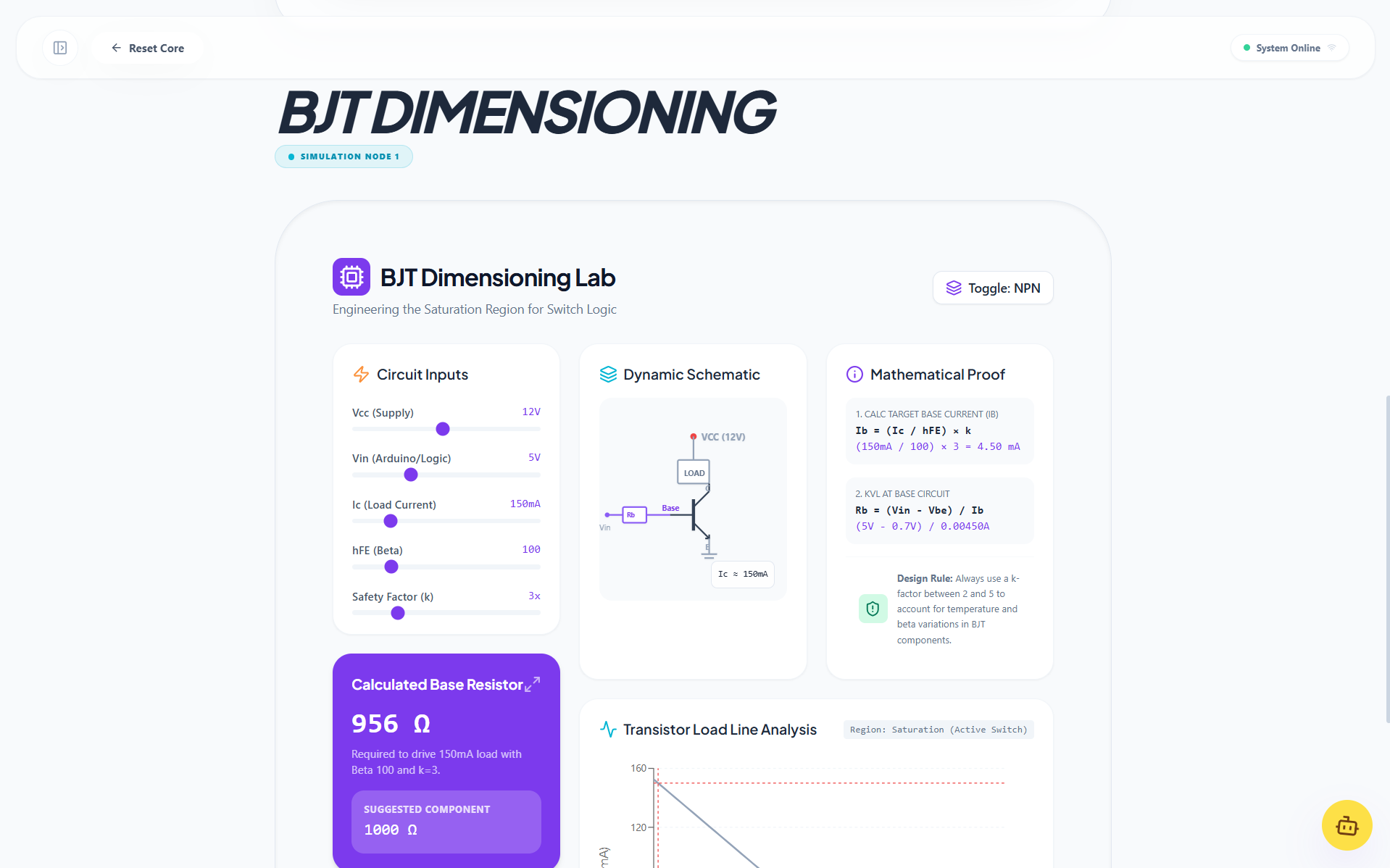
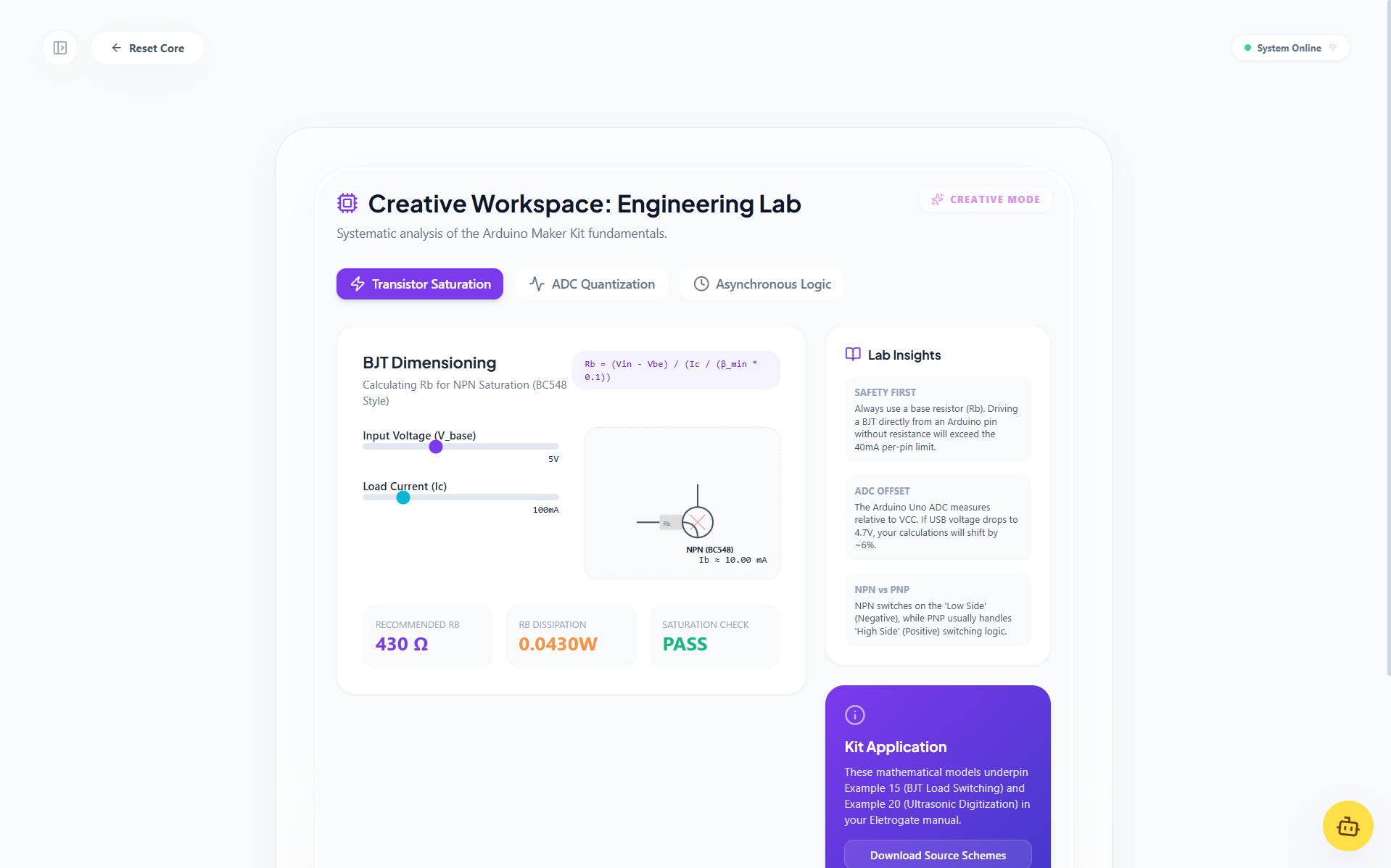
My inspiration for this was the struggle to learn complex topics like math, physics, and logic. A way to visualize formulas was a key missing piece in my study journey. While learning Arduino, I struggled with electrical concepts and formulas. This app helped me visualize things better and understand concepts like current and voltage more deeply because it can generate real-time resistor calculators, logic circuits, etc. My main inspiration was finding a way to easily and rapidly visualize abstract concepts to improve my learning.
What it does
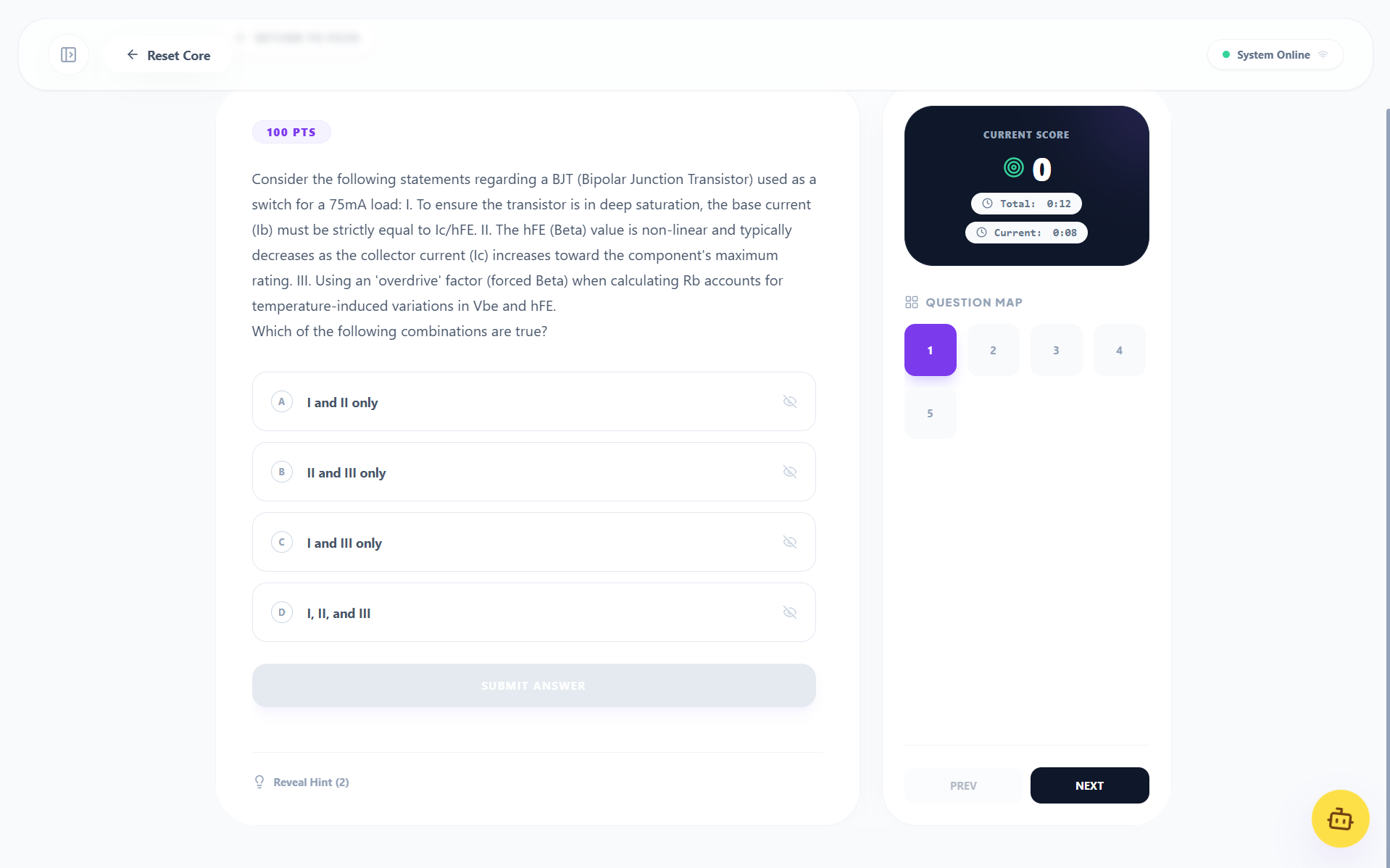
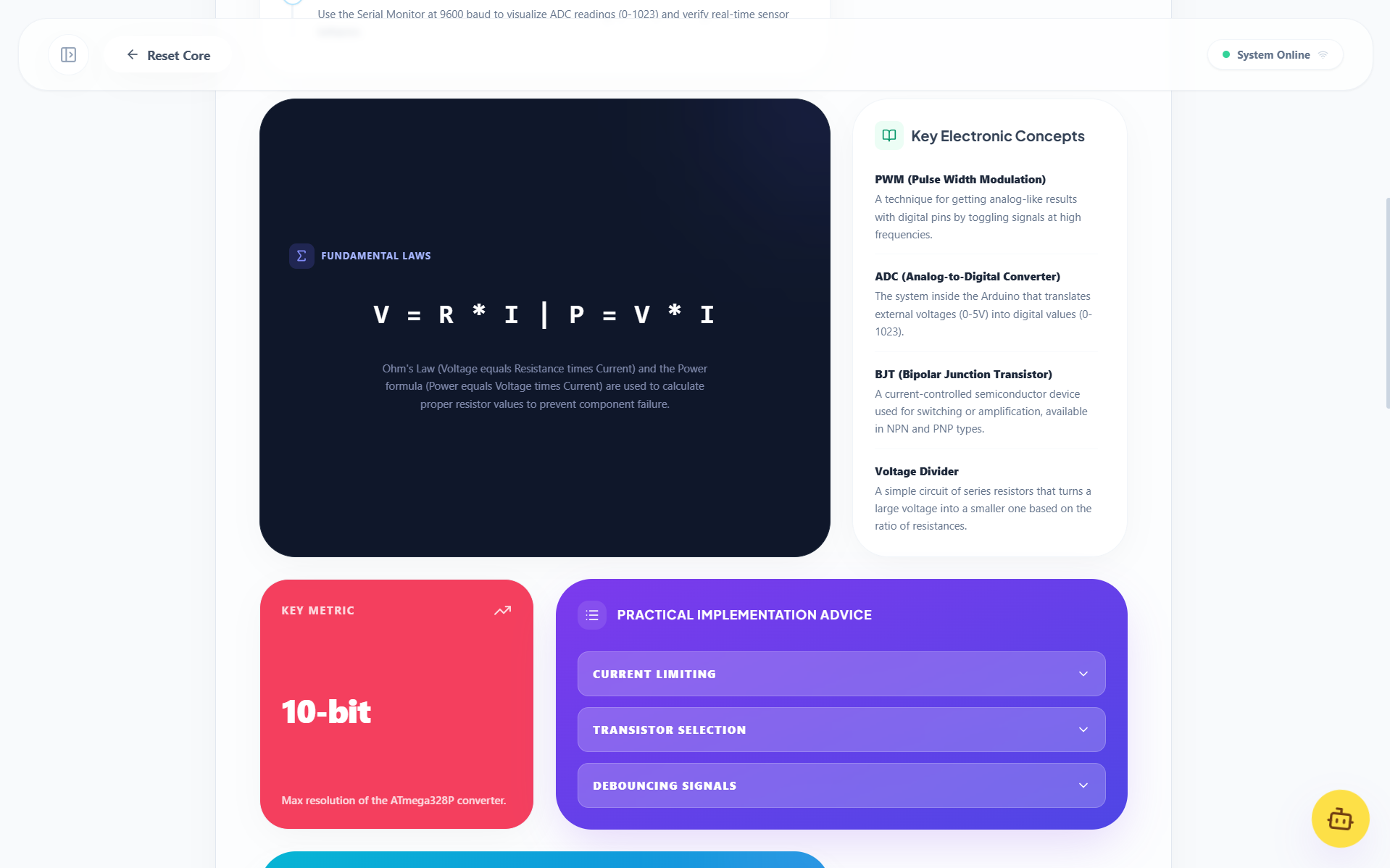
This web app takes all inputs a modern chat interface receives like text, audio, PDFs, images, YouTube links, site links, etc, and processes them (sometimes multiple times) to achieve the best way to handle the user's context and request. It then synthesizes all gathered information in a visual and organized way, making it easier for the user to retain knowledge. It provides curated information, useful simulations, and context-aware generations to ensure necessary info is always available. It can provide overviews, challenges, and guided paths to remove the hassle of organizing study journeys.
How I built it
I built it using Google AI Studio Build mode because it was a quick way to start prototyping with Gemini APIs (only Google account login required) while having a "copilot-like" assistant to edit and write code for me. Development was done one feature at a time while fixing bugs and making small improvements. I started with the Lab/Simulation feature, as that was the core functionality I wanted based on my inspiration "a way to visualize concepts and formulas". Once that was working, I started making the Overview because just a simulation generator didn't feel like enough, I thought I needed something more. After the Overview, I added Challenges because just reading and seeing doesn't make you learn, to really learn and test your knowledge, you need to practice and tets your skills. Normal challenges are boring (I have those in my classes), so I wanted something more dynamic and interactive. I came up with AI-generated challenges (dynamic challenges) and AI-reviewed written answers. Lastly came Exploration, with organization in mind, to merge all functionalities into one single place. After everything was done, I tested it extensively (even I was testing it all the time) and made quality-of-life improvements like animations and UI tricks.
Challenges I ran into
The most challenging thing was the free API quota, which is considerably small. I couldn't test indefinitely, I had to test a little every day when the quota reset. Also, sometimes the model behaved incorrectly, not following instructions, or broke when certain features were enabled, for example, enabling web search sometimes broke the JSON output.
Accomplishments that I'm proud of
- Achieving a good UI that is easy to use, feature-rich, and responsive (mostly).
- Making something cool.
- It helped at least me with learning concepts (specifically the electrical parts of Arduino).
What I learned
I learned prompt engineering techniques, such as enforcing JSON output by passing a JSON schema in the prompt and setting the API output to JSON format (instead of just relying on an output schema). I also learned how to render dynamic React components on the fly and how to make prompts more effectively during development to avoid wasting my daily quota.
What's next for Synapse
I want to fine-tune prompts, improve the UI, make prompts cheaper (optimize token usage), and add more features like "Help with Homework" (it works partially now, but I want a specific mode for this). I also need to fix the YouTube iframe issue outside of localhost and fix bugs if found.
Built With
- gemini3
- javascript
- react
- typescript


Log in or sign up for Devpost to join the conversation.