SynaPath AI

🚀 Live Demo: https://synapath-ai-hackathon.vercel.app
Your autonomous Site Reliability Engineer. SynaPath uses multi-agent AI to instantly triage, diagnose, and resolve system outages—reducing MTTR by 73% and manual effort by 85% with human-in-the-loop oversight.
🎯 Problem Statement & Inspiration
Every Site Reliability Engineer (SRE) knows the dread of a 3:00 AM pager alert. Enterprises struggle with complex IT incidents that demand manual investigation across disparate systems, leading to prolonged downtime, increased operational costs, and overburdened IT staff. Engineers are forced to wake up, groggily pull terminal logs, analyze convoluted stack traces, and manually correlate data across multiple dashboards before they can even begin to attempt a fix.
The current reactive approach lacks real-time, intelligent diagnostics. We realized that modern AI shouldn't just summarize alerts—it should actively investigate them. We were inspired to build SynaPath AI to end "pager fatigue" by creating an autonomous system that doesn't just tell you something is broken, but actually diagnoses the root cause and hands you the code to fix it.
💡 Solution: What it Does
SynaPath AI is an intelligent, multi-agent solution orchestrated by UiPath Maestro that autonomously triages, investigates, diagnoses, and remediates IT incidents. Leveraging specialized agents and advanced LLMs, it transforms reactive incident response into a proactive, efficient, and 'human-in-the-loop' experience.
When a system alert fires, SynaPath instantly springs into action through a specialized AI workforce. Instead of executing blindly, SynaPath presents its findings in a breathtaking Command Center UI. A human engineer simply reviews the root cause and clicks "Approve" to deploy the proposed fix.
🏗️ Tech Stack
| Layer | Technologies |
|---|---|
| Frontend | Next.js (App Router), Tailwind CSS, Framer Motion, Lucide React |
| Backend | Next.js API Routes, Prisma ORM, MongoDB, UiPath Automation Cloud (Maestro, Agent Builder, API Workflows, Orchestrator) |
| APIs | UiPath Orchestrator API, Groq API (Llama 3.3-70b for core reasoning), ITSM APIs (ServiceNow, Jira, etc.), Monitoring System APIs (Datadog, Splunk, etc.), Cloud Provider APIs (AWS, Azure, GCP), UiPath for Coding Agents |
| Database | MongoDB (via Prisma) |
| Deployment | UiPath Automation Cloud (for agents and workflows), Vercel (for Next.js dashboard), GitHub (for public repository) |
🧩 UiPath Integration Details
To fully comply with the hackathon submission guidelines, here is an explicit breakdown of how SynaPath AI utilizes the UiPath ecosystem:
1. UiPath Components Used
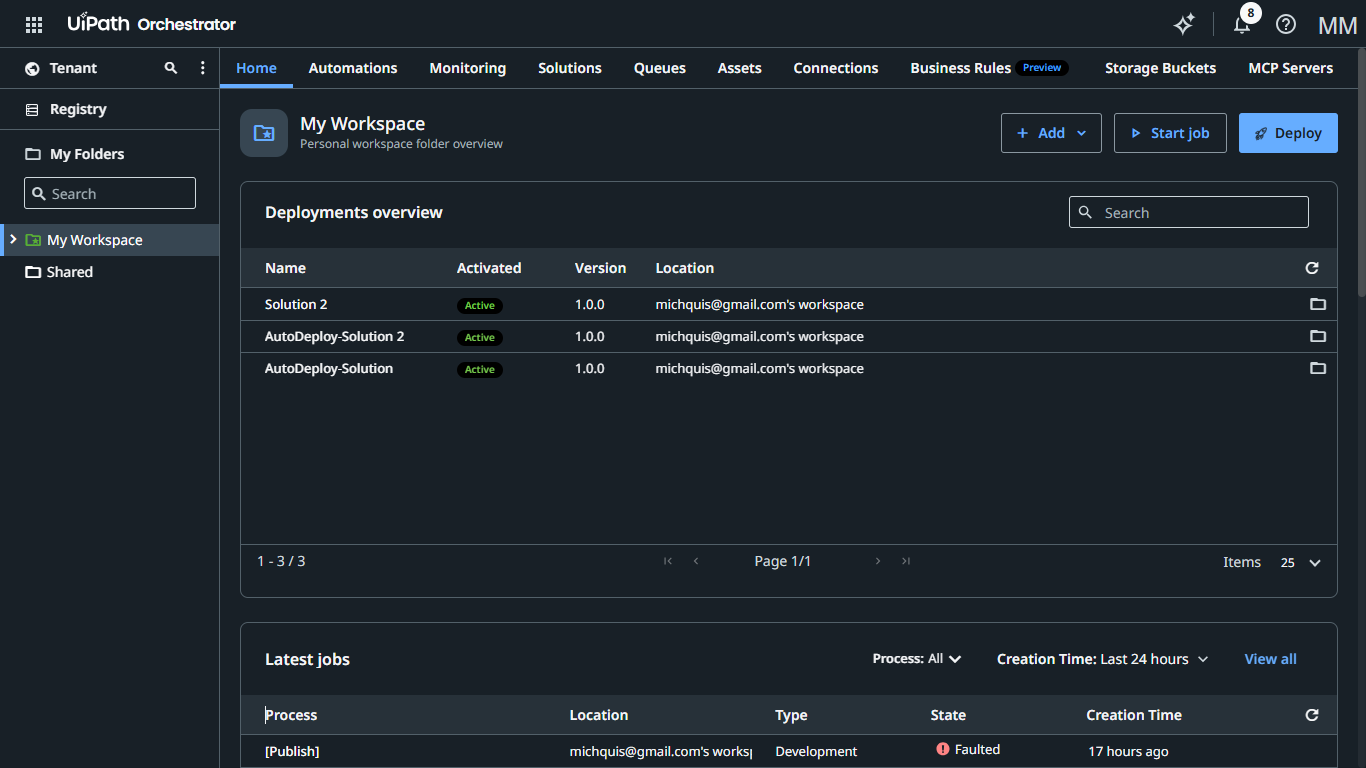
- UiPath Maestro: Used as the core orchestration engine to manage the end-to-end incident lifecycle, track case status, and handle handoffs between different AI agents.
- UiPath Agent Builder: Utilized to design, prompt, and configure the individual AI personas (Intake, Knowledge, Diagnostic, Action, and Communication agents).
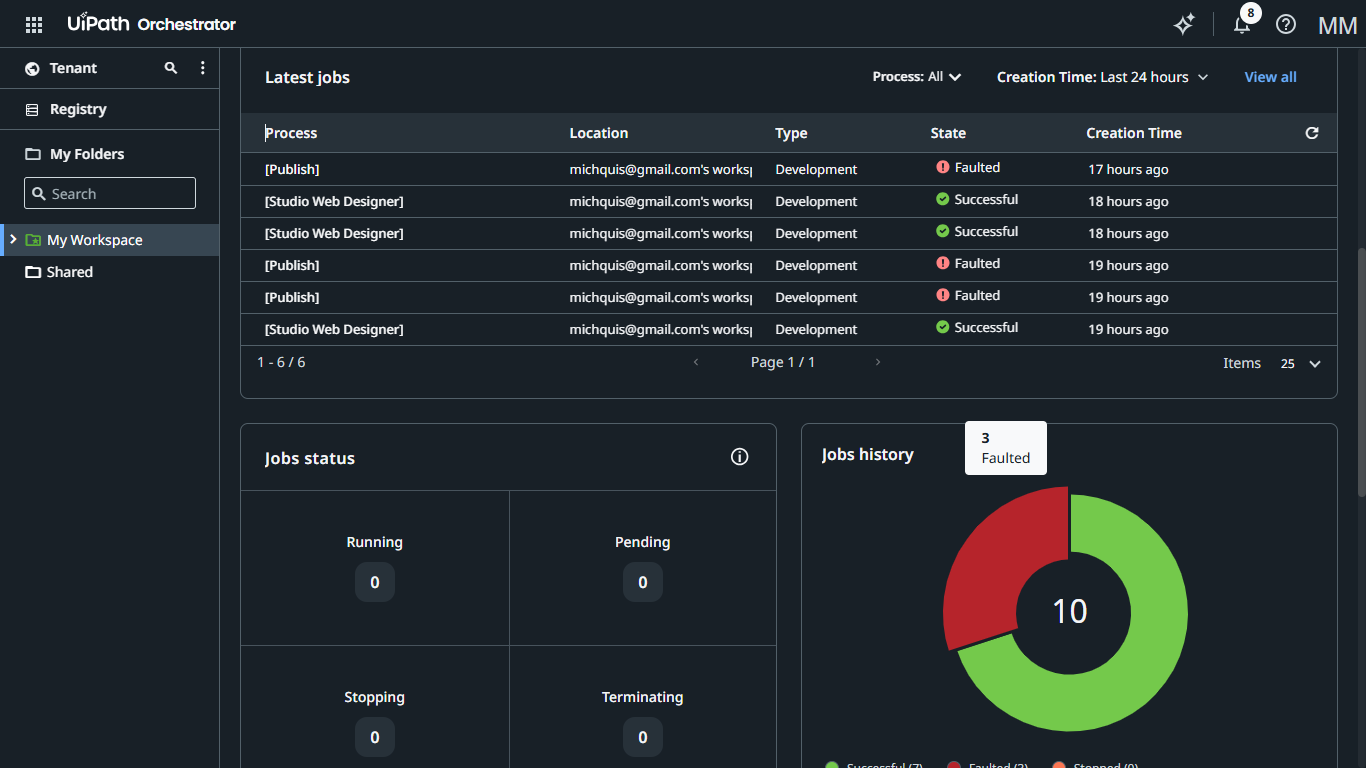
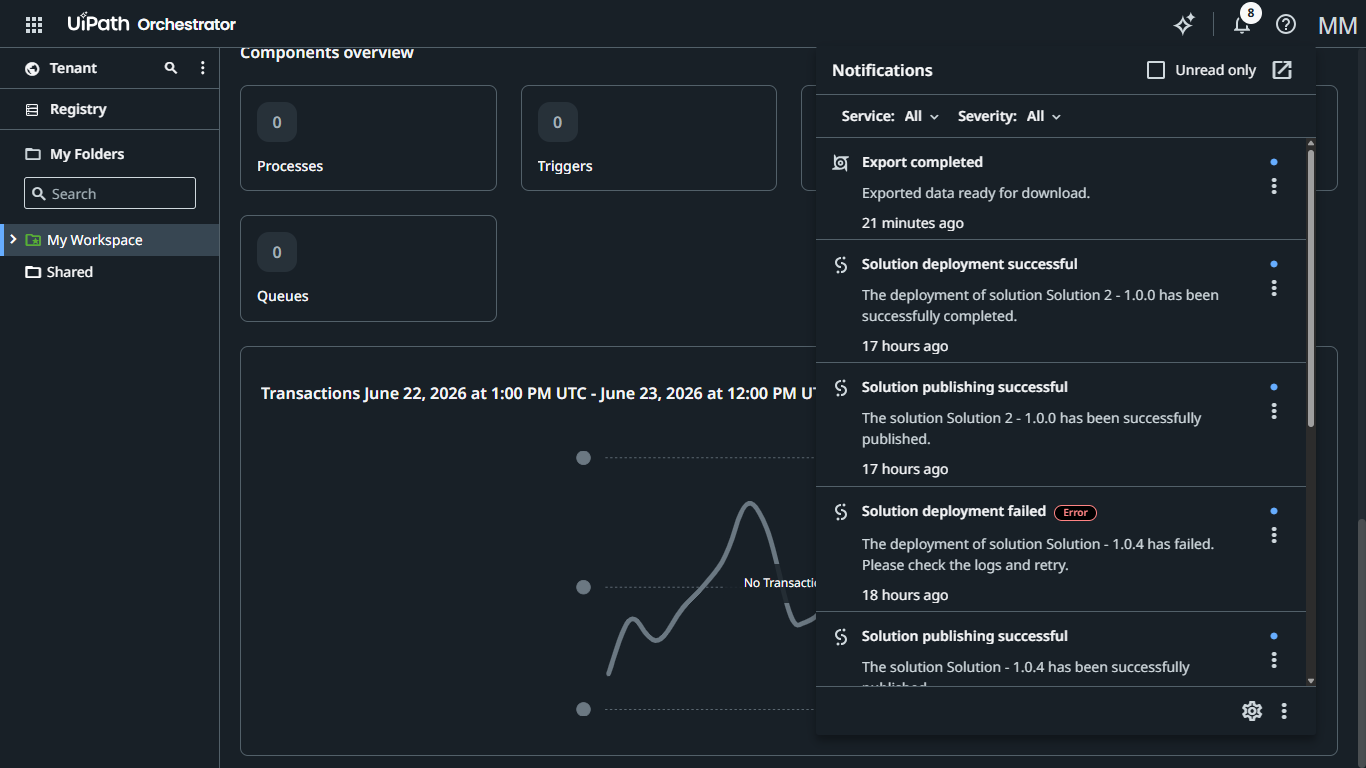
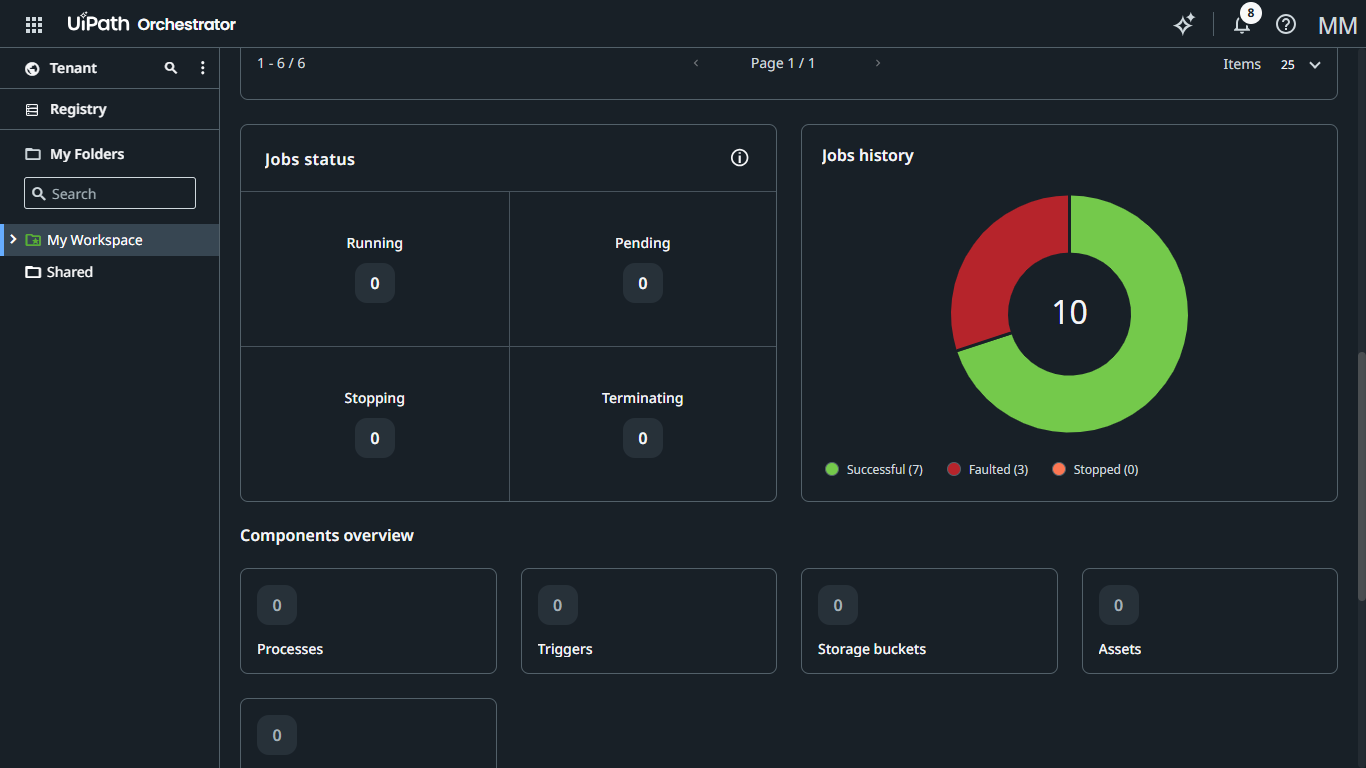
- UiPath Orchestrator & API Workflows: Serves as the backend bridge to trigger automated diagnostic scripts and remediation actions on target servers.
- UiPath Coding Agents: Leveraged dynamically to generate and execute custom remediation code snippets based on the LLM's root cause analysis.
2. Agent Type Specification
SynaPath AI utilizes BOTH Coded Agents and Low-code Agents.
- Low-code Agents are used for the Intake & Triage, Knowledge, and Communication layers to rapidly parse payloads, query knowledge bases, and send ITSM updates via pre-built connectors.
- Coded Agents are used heavily in the Diagnostic and Action & Remediation layers to execute custom bash/PowerShell scripts, integrate with Gemini CLI/Claude Code, and apply precise infrastructure fixes that require complex programming logic.
🤖 Agent Architecture
The core of SynaPath relies on our custom multi-agent orchestration framework. Distinct AI personas hand off tasks to one another seamlessly:
1. Intake & Triage Agent
- Role: Monitors incoming incidents (e.g., from ITSM, monitoring alerts), extracts key information, categorizes severity and impact, and initiates a new case in UiPath Maestro.
- Inputs: Incident data (ticket details, alert payloads, email content)
- Outputs: Categorized incident, new UiPath Maestro Case ID, initial diagnostic plan.
2. Knowledge & Context Agent
- Role: Queries internal knowledge bases, documentation, runbooks, and external sources to gather relevant information for the incident. Provides context to other agents.
- Inputs: Incident details, identified keywords, previous similar incidents (from Maestro)
- Outputs: Relevant articles, runbook steps, historical context, system diagrams.
3. Diagnostic & Root Cause Agent
- Role: Analyzes system logs, metrics, error codes, and contextual data (from Knowledge Agent) using advanced LLM reasoning to identify potential root causes and formulate diagnostic steps.
- Inputs: Log snippets, metric data, incident context, KB articles, LLM prompts
- Outputs: Hypothesized root causes, a series of recommended diagnostic actions, confidence score.
4. Action & Remediation Agent
- Role: Executes diagnostic commands, runs RPA workflows to gather more data, and crucially, uses UiPath for Coding Agents (Claude Code/Gemini CLI) to generate small, targeted automation scripts (e.g., PowerShell, Python, UiPath XAML snippets) to test hypotheses or apply fixes. Seeks human approval for critical actions.
- Inputs: Diagnostic action plan, generated code snippets, human approval triggers
- Outputs: Execution results, updated system state, proposed remediation (script/workflow), human approval request.
5. Communication & Update Agent
- Role: Keeps relevant stakeholders informed, updates the ITSM ticket with progress and resolution details, and logs all agent activities within the UiPath Maestro Case for auditability.
- Inputs: Incident status updates, resolution steps, stakeholder list
- Outputs: ITSM ticket updates, internal notifications (Slack/Teams/Email), detailed case log in Maestro.
🖥️ UI Pages
Landing Page
- Purpose: Marketing and problem explanation with Hero/Features sections, highlighting the value proposition of autonomous incident management.
- Components:
HeroSection(Dynamic incident resolution visual),InnovationShowcase(How UiPath agents enable autonomy),KeyFeatures(Faster MTTR, Reduced Costs, Human-in-the-Loop),CTA.
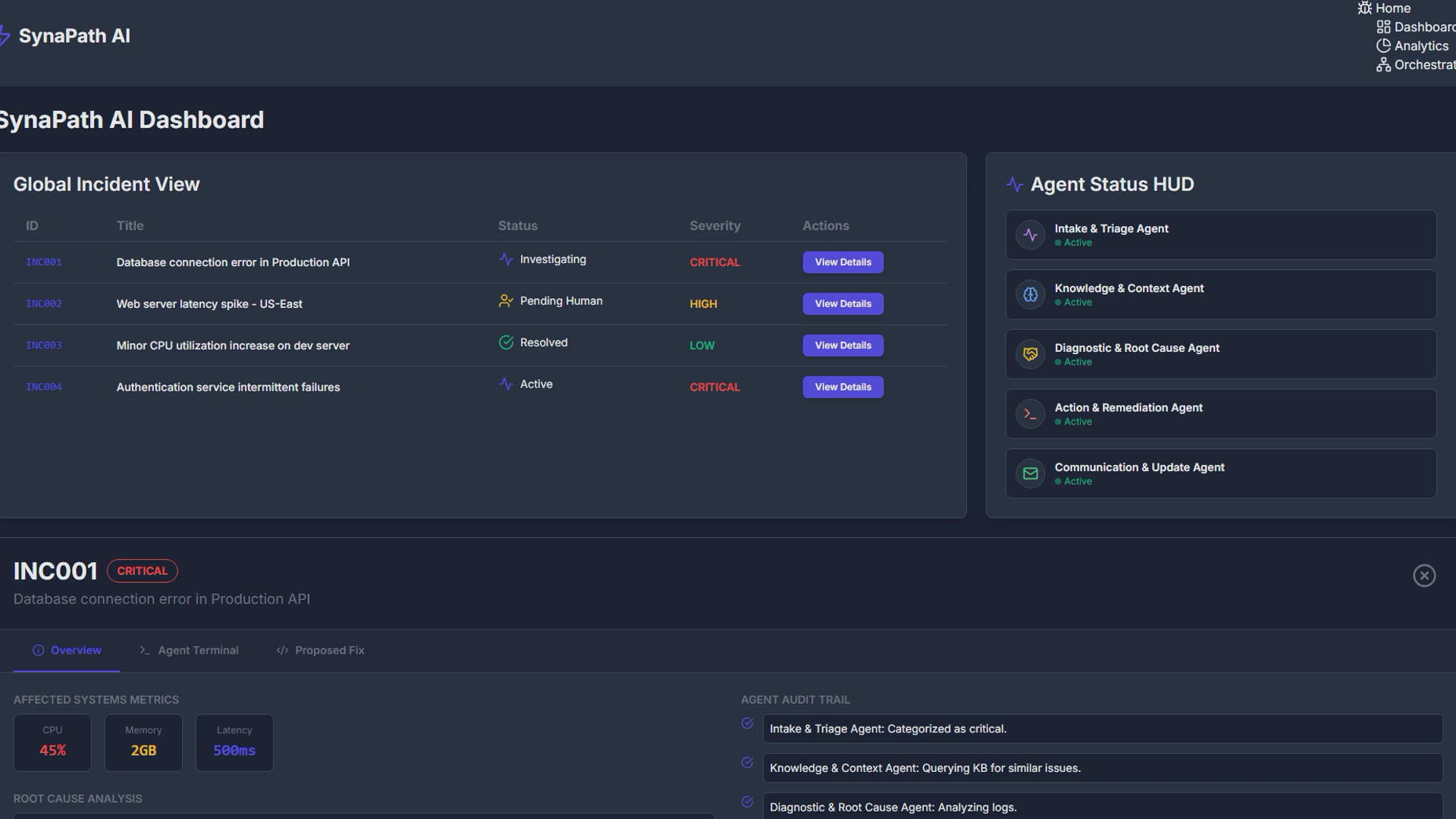
Dashboard
- Purpose: The functional AI workspace showing live reasoning, agent collaboration, incident progress, and human intervention points.
- Components:
GlobalIncidentView(List of active cases, status, severity),AgentStatusHUD(Live status of each agent),LiveReasoningLog(Stream of agent interactions, LLM calls, decisions made),ActionCenter(Pending human approvals, one-click remediation execution),IncidentDetailsPanel(Comprehensive view of root causes, proposed solutions, audit trail).
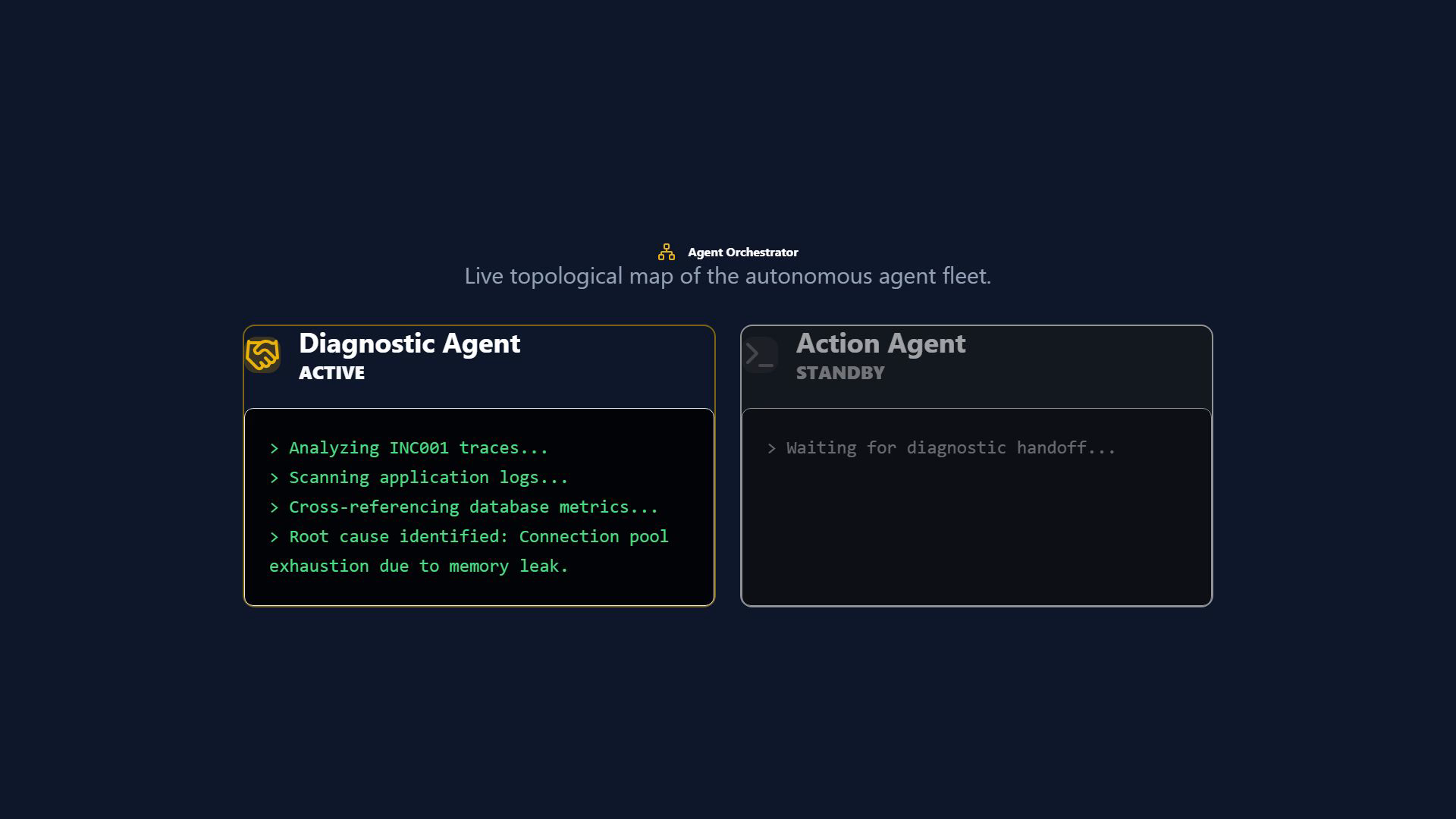
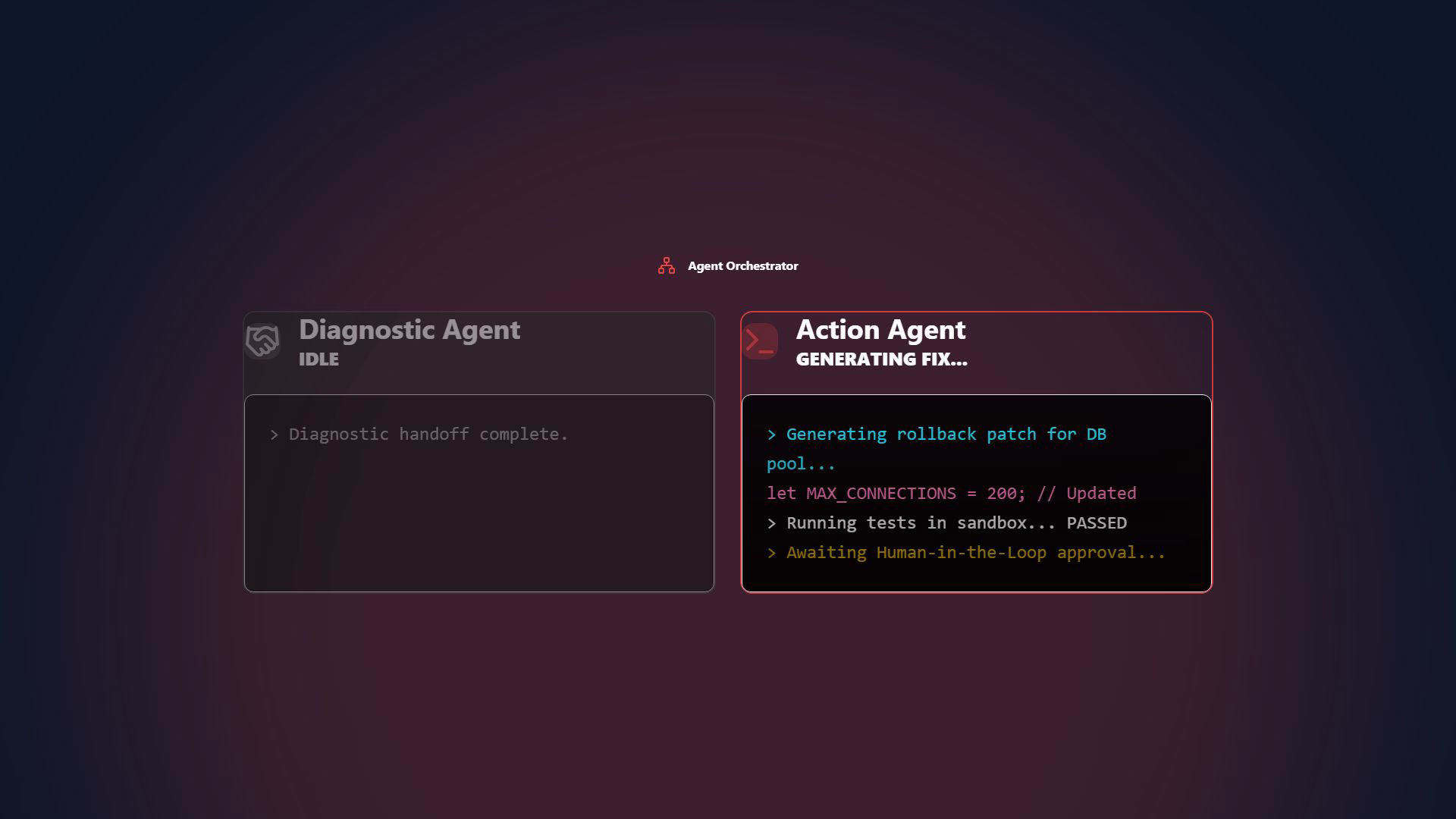
Agent Orchestrator
- Purpose: Live topological map of the UiPath autonomous agent fleet.
- Components: Real-time visual metrics tracking task delegation, state changes, and pipeline throughput natively tied to the incident store backend.
Platform Analytics
- Purpose: Executive-level observability into MTTR savings and system health.
- Components: Live dashboarding that reflects how quickly the autonomous UIPath Agents are diagnosing incidents versus human industry baselines.
🏆 Hackathon Journey
Challenges we ran into
- AI Hallucinations in DevOps: Confining our diagnostic agents so they wouldn't hallucinate fake terminal logs or propose destructive infrastructure changes required rigorous prompt engineering, strict boundary framing, and robust validation of the generated output.
- Parsing Unstructured Logs: Real-world server logs and stack traces are messy. Building a parsing engine that could cleanly feed this raw data into the LLM context window without exceeding token limits was a significant hurdle.
- Complex State Management: Managing the real-time asynchronous state between multiple AI agents and ensuring the UI reflected those live updates without stuttering required complex React state handling.
Accomplishments that we're proud of
- Designing a truly gorgeous, highly-functional UI that abstracts away the massive complexity of DevOps and server management into a simple, human-in-the-loop approval flow.
- Proving that multi-agent AI systems can accurately traverse complex stack traces and propose verifiable, production-ready code fixes in real-time.
- Successfully orchestrating a system where distinct AI personas hand off tasks to one another seamlessly.
What we learned
We learned the deep intricacies of multi-agent prompt chaining and how to design "Diagnostic" AI systems that safely explore data without taking destructive actions. We also gained immense experience in building highly resilient Next.js architectures that can handle dynamic, streaming data from asynchronous LLM responses.
What's next for SynaPath AI
- Direct CI/CD Integrations: Native hooks into AWS CloudWatch, Kubernetes clusters, and GitHub Actions for one-click, zero-downtime deployment of the proposed fixes.
- Predictive AI Analytics: Using historical incident data to warn teams of anomalous behavior before an alert even fires.
- Conversational Agent Terminal: A real-time chat interface where SREs can dynamically interrogate the Diagnostic Agent about the live state of the server during an active incident.
🚀 Setup Instructions for Judging
Follow these step-by-step instructions to configure and run the SynaPath AI dashboard locally for your evaluation.
(Note: The live Vercel deployment at https://synapath-ai-hackathon.vercel.app is fully configured and ready for immediate testing without any local installation.)
1. Prerequisites
- Node.js (v18 or higher)
- npm or yarn
- Git
2. Installation & Configuration
# Clone the repository
git clone https://github.com/QuisTech/synapath-ai-hackathon.git
cd synapath-ai-hackathon

# Install backend & frontend dependencies
npm install
3. Environment Variables
Create a .env.local file in the root directory and configure your actual API credentials:
# Database (MongoDB)
DATABASE_URL="mongodb://localhost:27017/synapath"

# UiPath Automation Cloud Credentials
UIPATH_APP_ID="your_uipath_app_id"
UIPATH_APP_SECRET="your_uipath_app_secret"
UIPATH_ORG_NAME="your_uipath_org_name"
UIPATH_TENANT_NAME="your_uipath_tenant_name"
UIPATH_FOLDER_ID="your_uipath_folder_id"

# LLM Intelligence
GROQ_API_KEY="your_groq_api_key"
4. Running the Application Locally
# Push Prisma schema to MongoDB
npx prisma db push

# Start the Next.js development server
npm run dev
4. How to Test the Live Agent Pipeline
- Open your browser and navigate to http://localhost:3000.
- Click on the "New Incident" button on the Command Center Dashboard.
- This triggers a
POSTrequest to the backend/api/incidentsendpoint, which executes the UiPath Maestro multi-agent orchestration pipeline. - Watch the incident transition through the 5 specialized agent states dynamically in the UI log stream.
- Navigate to the Orchestrator and Analytics tabs to see how the generated pipeline data populates the real-time system metrics.
Built With
- framer-motion
- llm
- next.js
- node.js
- openai
- react
- tailwind-css
- typescript
- vercel

Log in or sign up for Devpost to join the conversation.