-
-
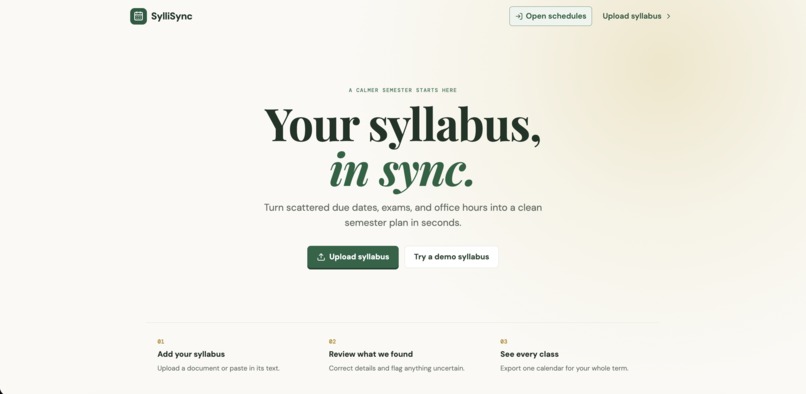
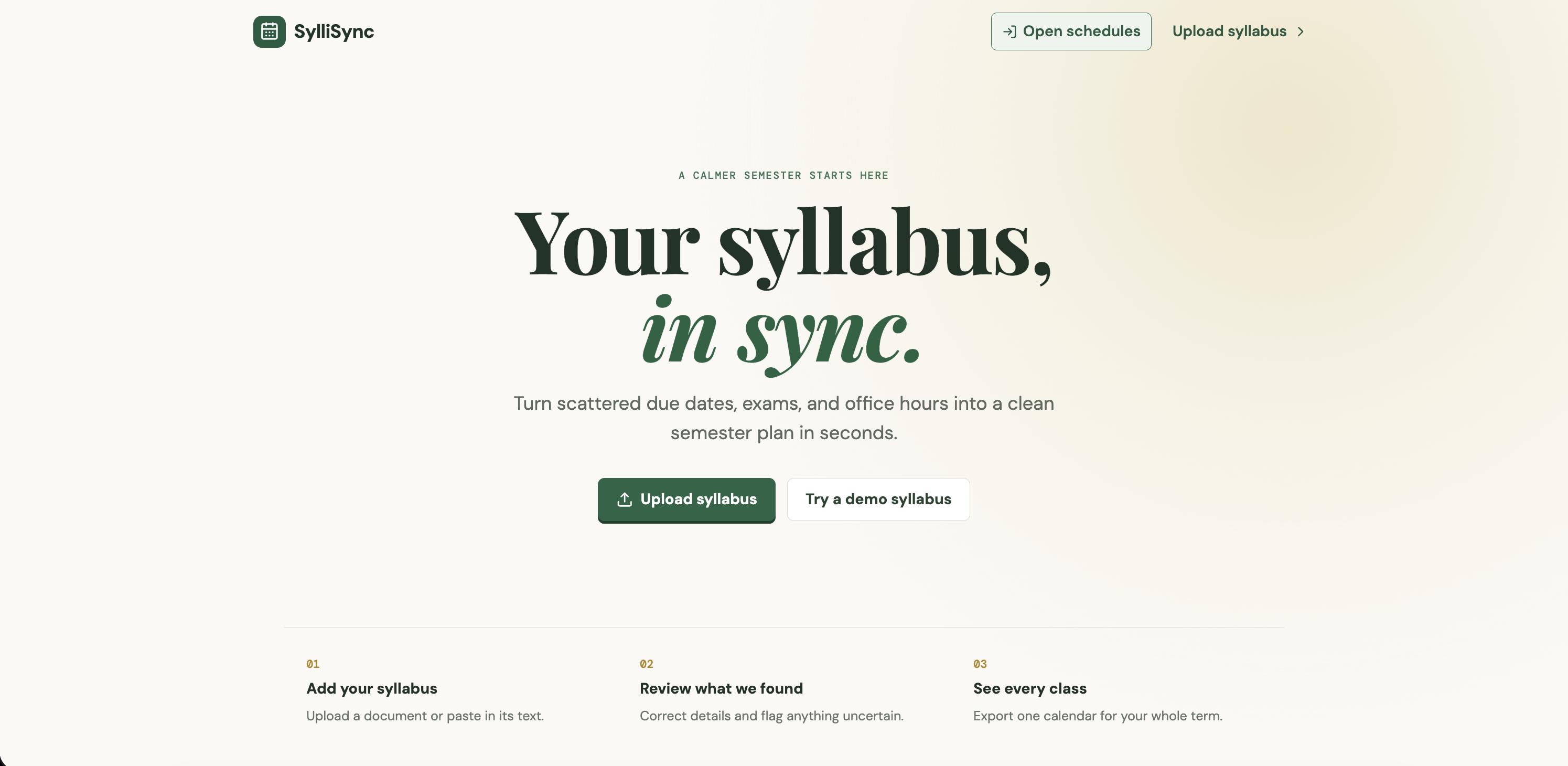
Landing page
-
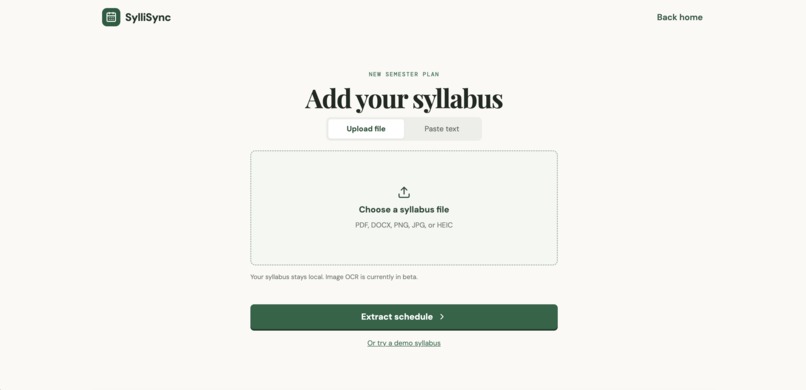
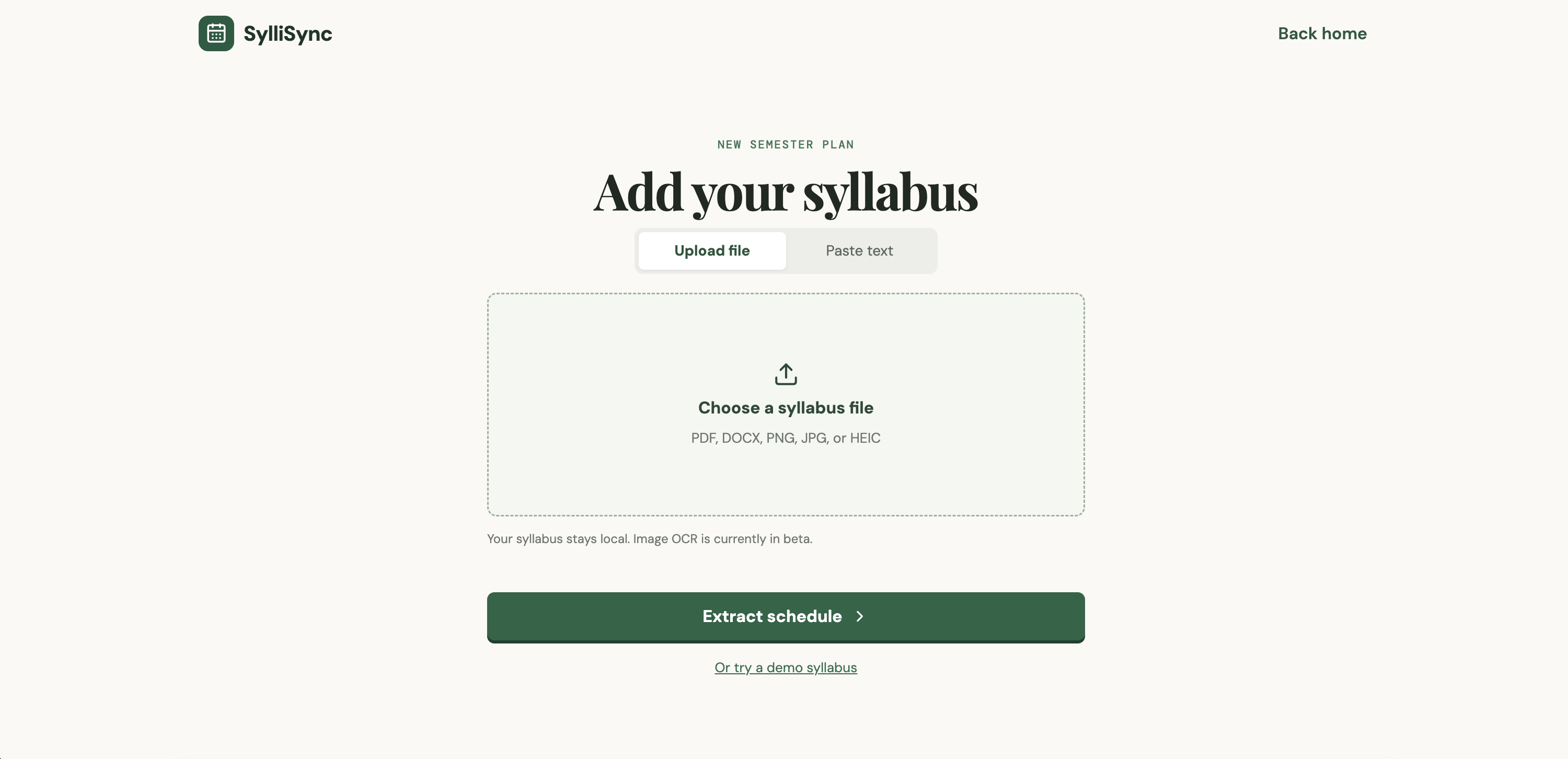
Upload syllabus page
-
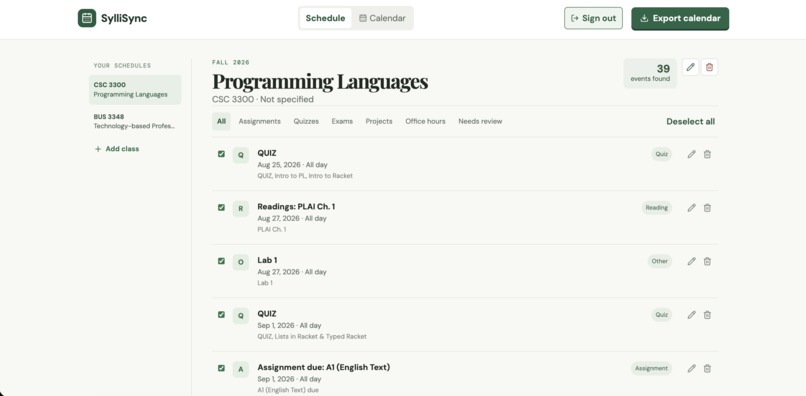
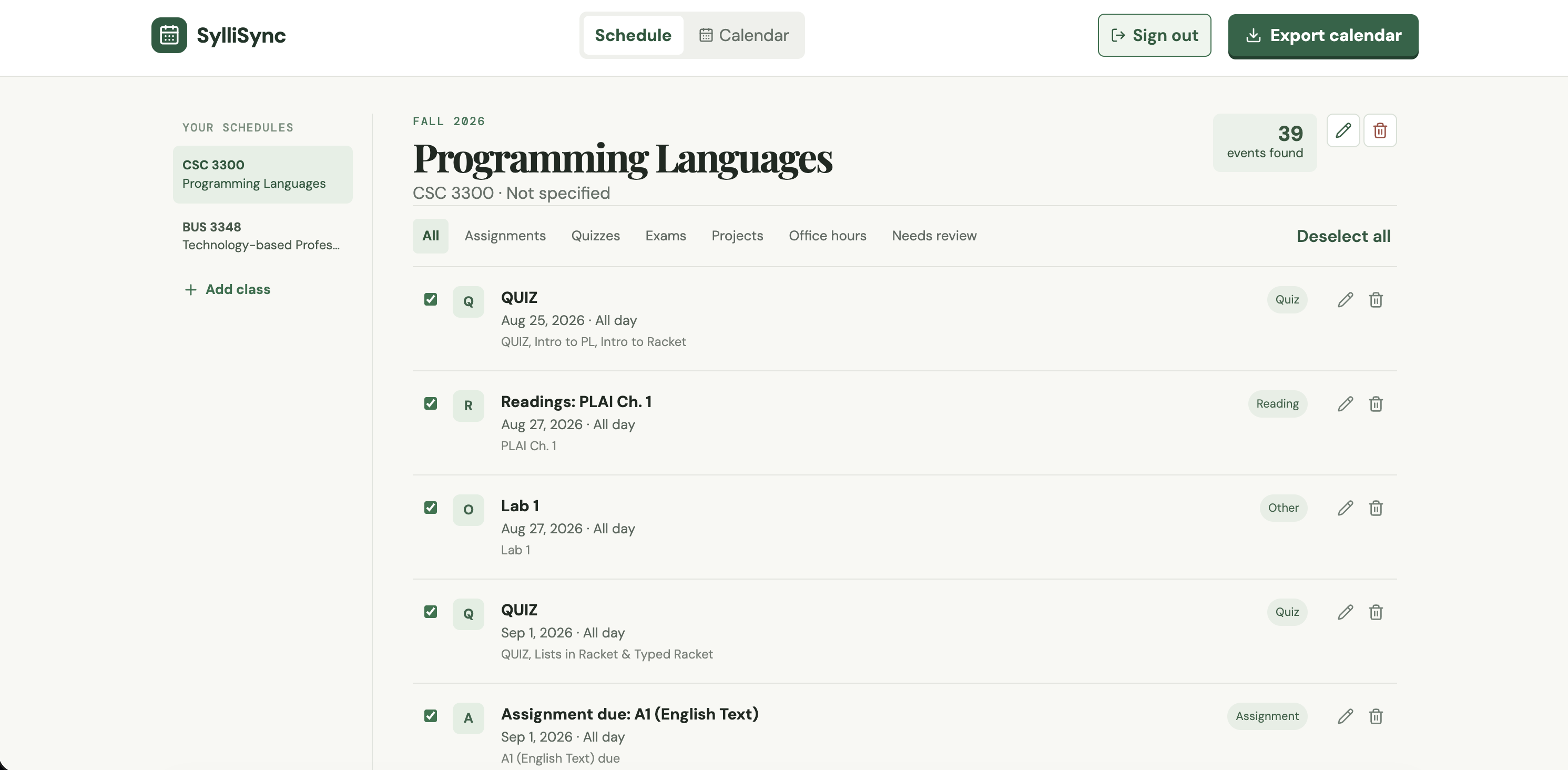
Dashboard
-
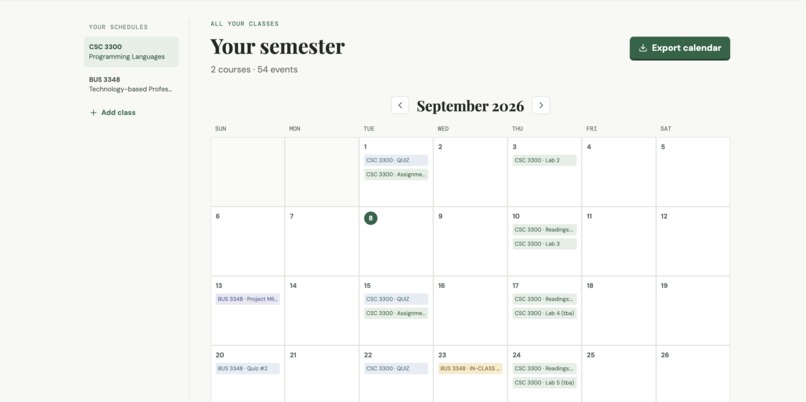
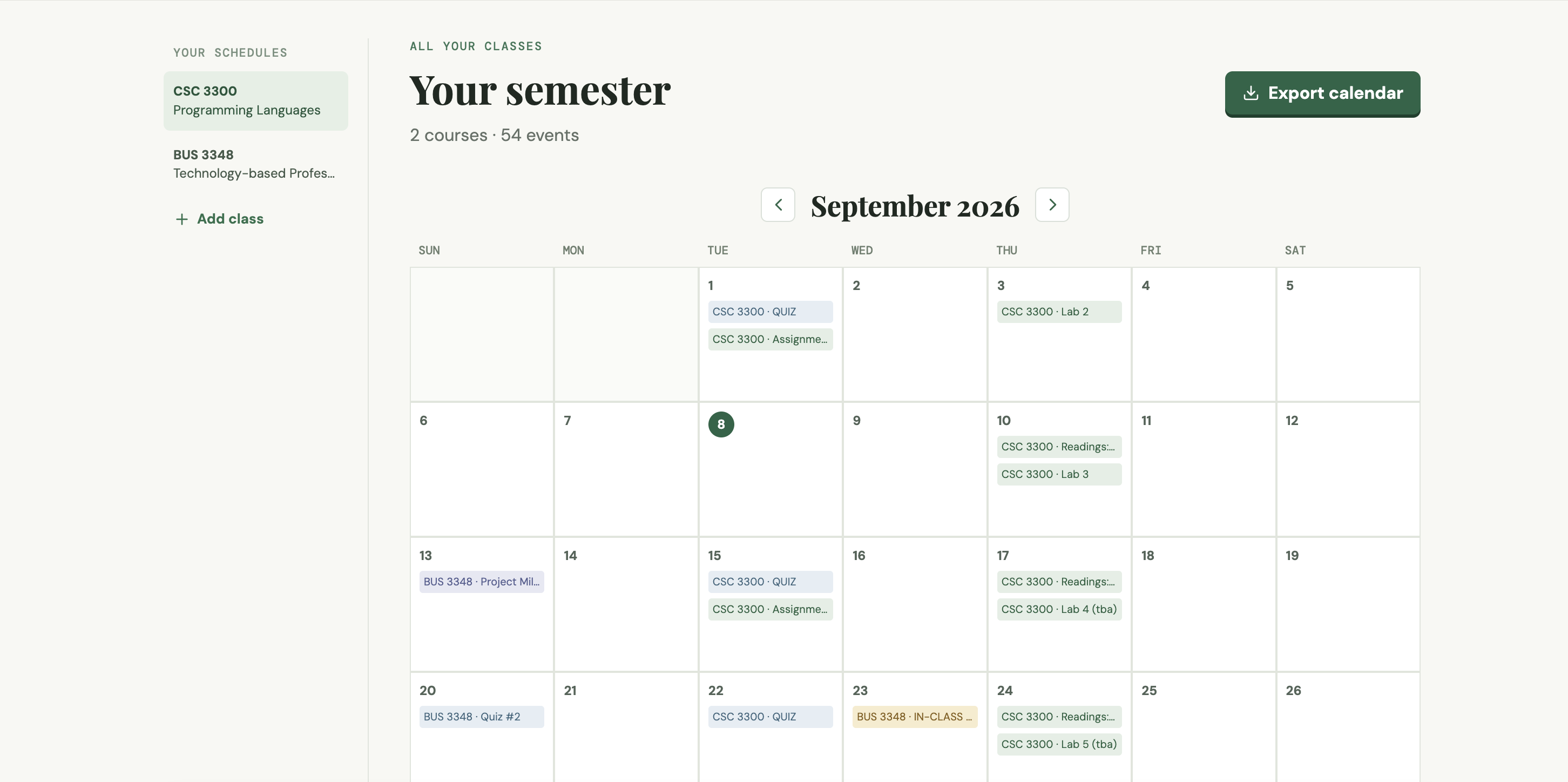
Calendar
SylliSync
Inspiration
Syllabi contain every important deadline, but students often have to manually add assignments, exams, and office hours to their calendars. I built SylliSync to turn that process into a quick, editable semester plan.
What It Does
Users can upload a PDF, DOCX, image, or pasted syllabus text. Gemini extracts course information and dated events, which users can review and edit before saving. Signed-in users can manage multiple courses, view all their deadlines in one calendar, and export selected events as an .ics file.
How I Built It
I built SylliSync with React, TypeScript, Vite, Supabase, and Vercel. PDF.js, Mammoth, Tesseract.js, and heic2any handle document text extraction. Google Gemini converts the extracted text into structured course and event data. Supabase Auth and Postgres securely store each user’s courses and events.
Challenges and Lessons
My first keyword-based parser struggled with real syllabus tables and inconsistent document layouts. I switched to Gemini because it handles different syllabus structures more reliably while still keeping every extracted event editable.
I also learned how to keep API keys securely server-side, build multi-user storage with Supabase Row Level Security, and deploy a React app with serverless AI functions on Vercel.
Built With
- css
- google-gemini-api
- mammoth
- pdf.js
- postgresql
- react
- supabase
- supabase-auth
- tesseract.js
- typescript
- vercel
- vite

Log in or sign up for Devpost to join the conversation.