-
-
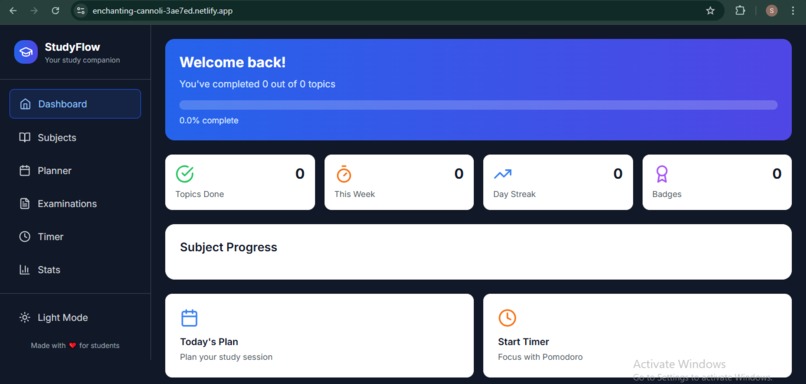
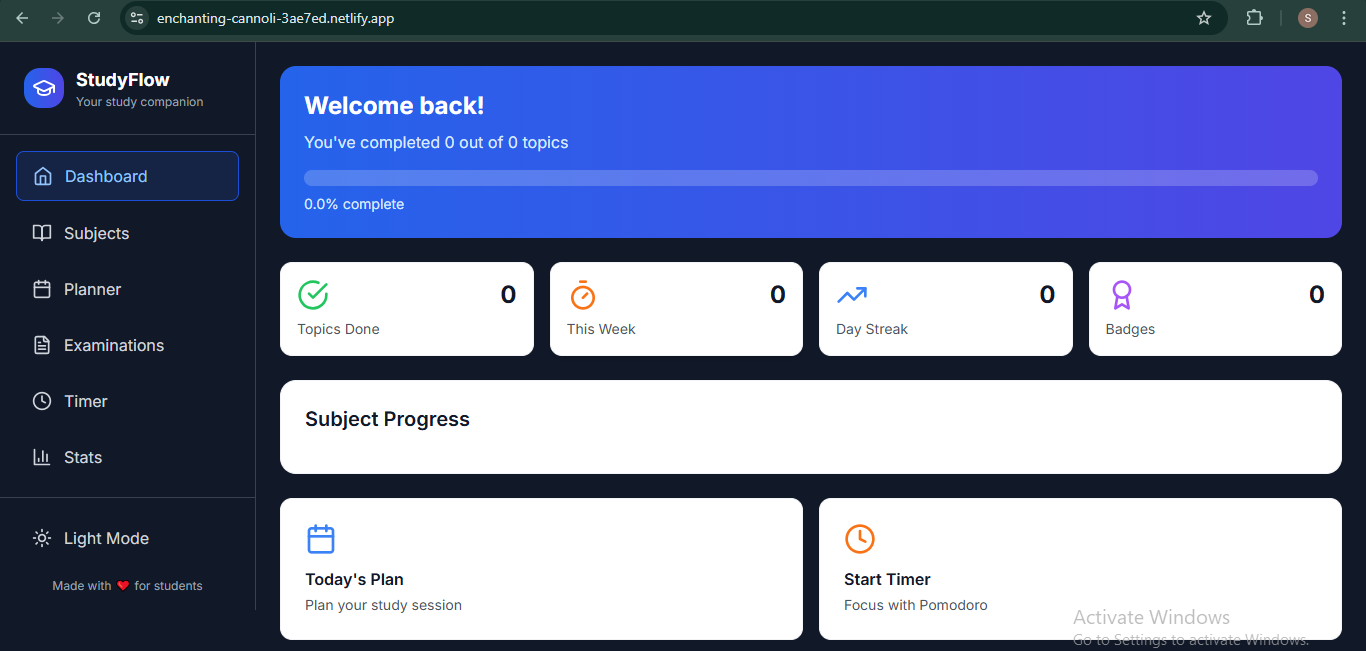
dashboard
Inspiration
As students, we often find ourselves overwhelmed by scattered notes, unorganized syllabi, and inconsistent productivity habits. The idea for StudyFlow came from a desire to build one centralized, elegant solution that simplifies study planning and progress tracking. We wanted something that could mirror how students actually work—jumping between topics, working in sprints, and juggling deadlines—while still keeping them grounded in their goals.
What it does
StudyFlow is an all-in-one study tracker designed to streamline the academic workflow. It allows students to: Upload and parse syllabus files into organized checklists Track progress from subject → module → topic Use a built-in Pomodoro timer to stay focused Plan daily tasks and see exam deadline countdowns View their progress visually through dynamic bars
How we built it
Frontend: React.js with Tailwind CSS for fast, responsive UI Backend/Hosting: Bolt for serverless file handling and data storage Parsing Tools: JavaScript logic to detect and convert structured syllabus text (.pdf/.txt/.csv/.docx) into nested checklist components Extras: LocalStorage integration for session persistence, and modular component design for scalable feature additions
Challenges we ran into
File Parsing: Handling different syllabus formats (PDF, TXT, DOCX, CSV) and converting them into clean, structured data was a major hurdle. UI Complexity: Designing an intuitive interface that didn’t feel cluttered while still showing progress across multiple levels. State Management: Managing data across multiple components without creating bugs in the progress-tracking logic.
Accomplishments that we're proud of
We built a smooth, fully functional syllabus parser that turns uploads into interactive checklists. We created an aesthetically pleasing UI and designed a feature-rich app that still feels simple to use
What we learned
Throughout the development of StudyFlow, we learned how to integrate file uploads and parsing logic effectively within a React environment—handling diverse file types and transforming them into structured data that fits seamlessly into the app. Managing dynamic nested data structures taught us the importance of clean state management, recursion, and predictable component rendering. We also gained a deeper appreciation for UI/UX design, realizing how thoughtful visual cues, intuitive layouts, and responsive feedback can significantly boost user engagement and motivation. Most importantly, we learned how to build modular, scalable features—by keeping components loosely coupled and reusability in mind, we ensured that new functionality could be added without breaking existing flows.
What's next for StudyFlow
Calendar Sync: Integration with Google Calendar or Outlook for deadline tracking
AI Note Assistant: Auto-generate summaries and flashcards from uploaded notes
Collaborative Mode: Share syllabus and progress with study groups
Mobile Version: Build a responsive mobile app for on-the-go tracking
Built With
- bolt
- html5
- javascript
- react.js
- tailwind-css

Log in or sign up for Devpost to join the conversation.