-
cover
-
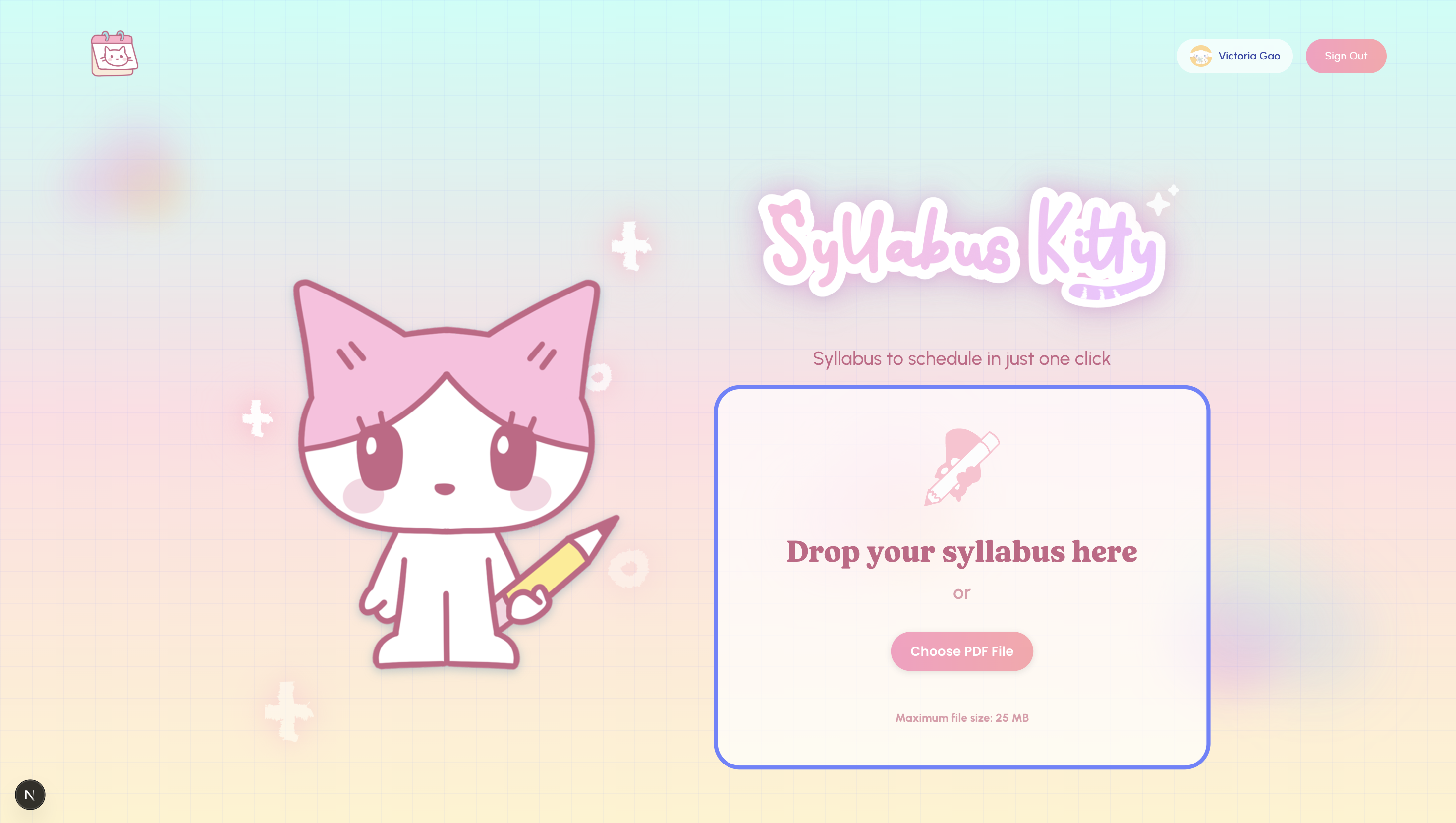
landing page
-
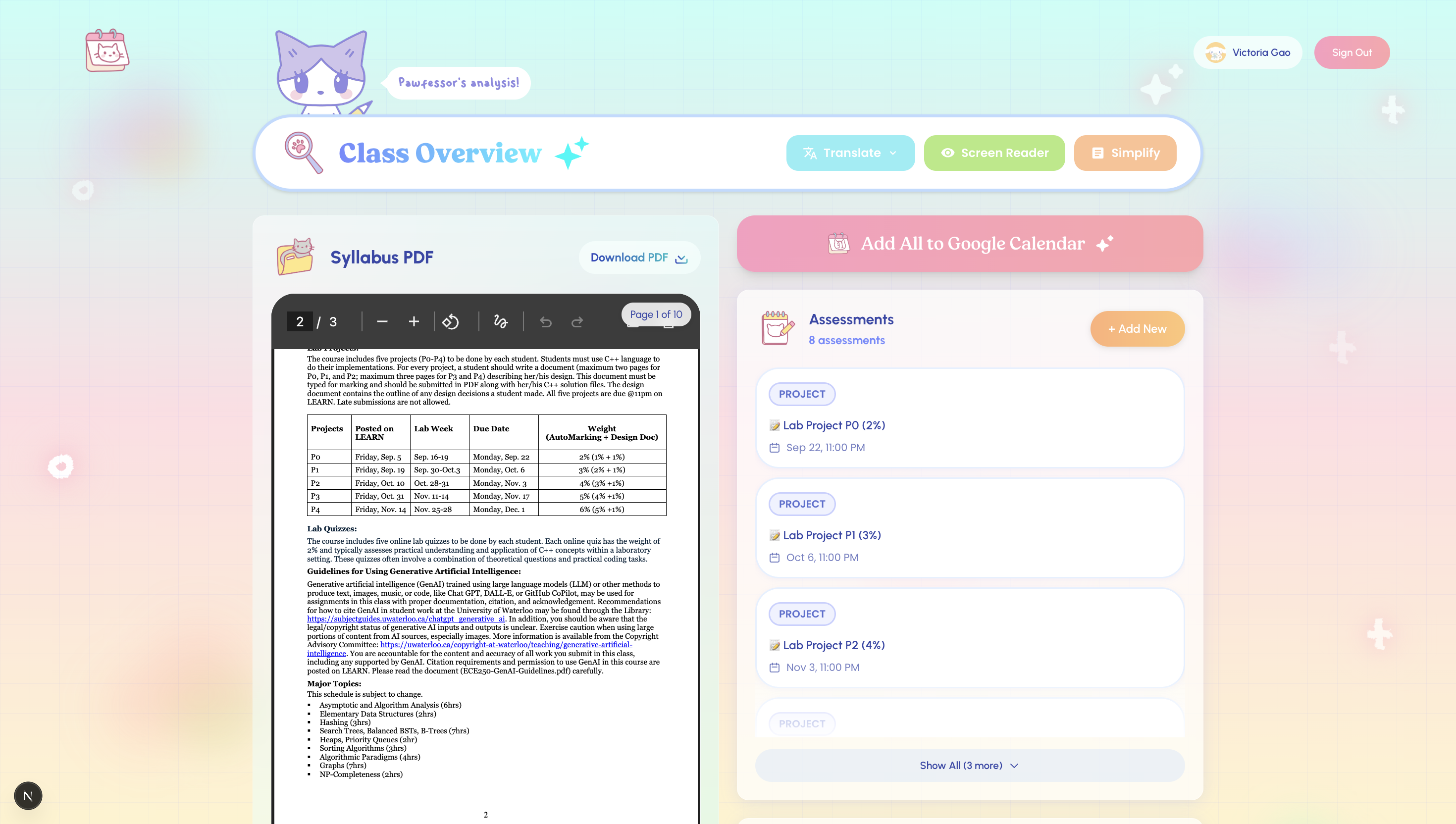
dashboard
-
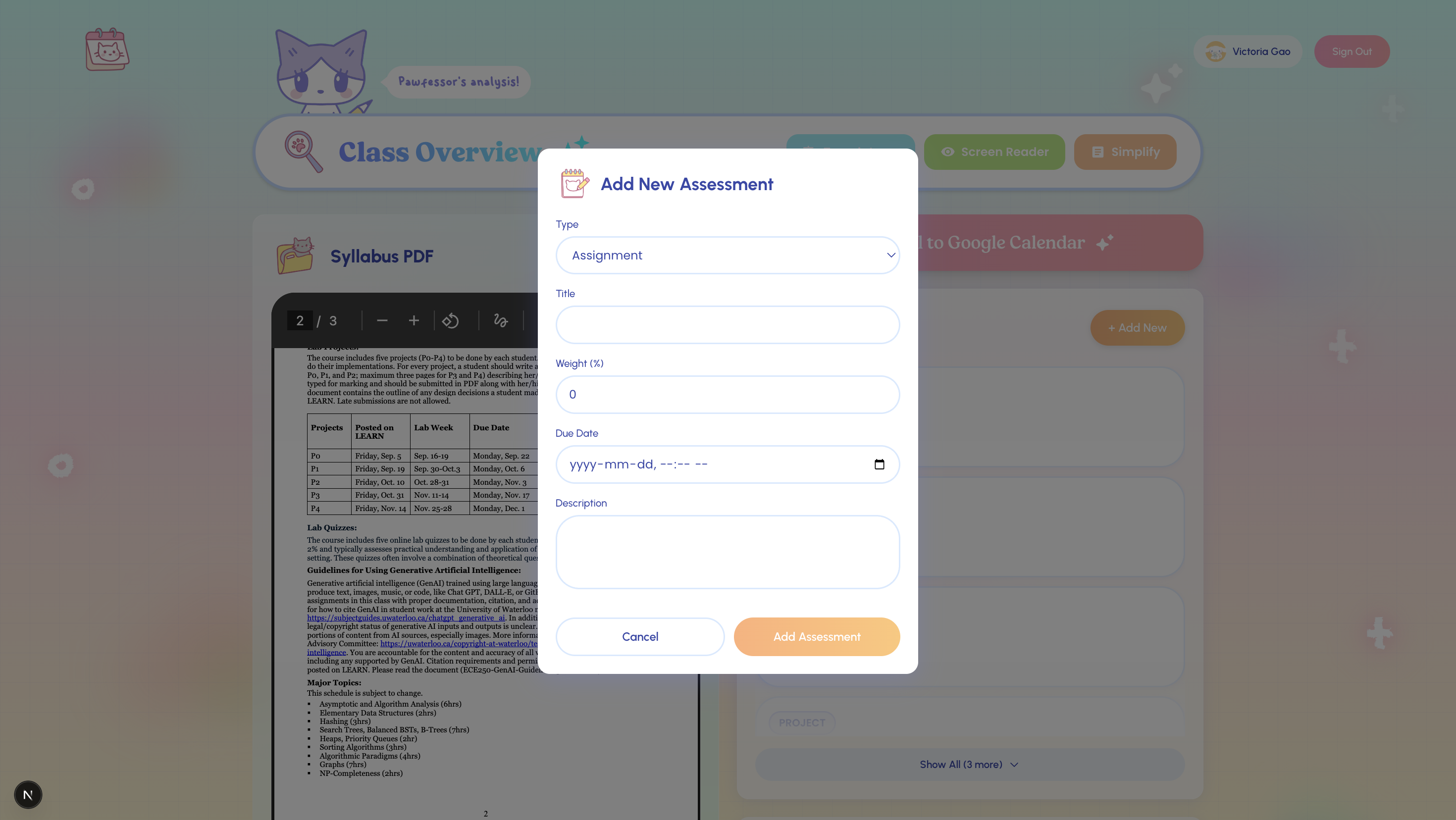
modal
-
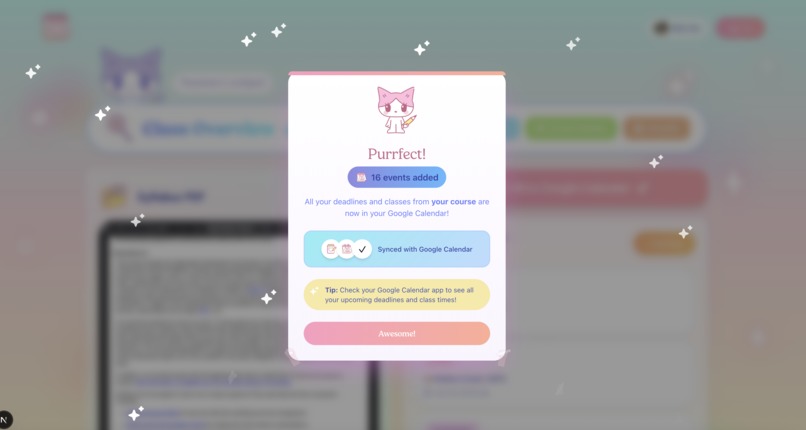
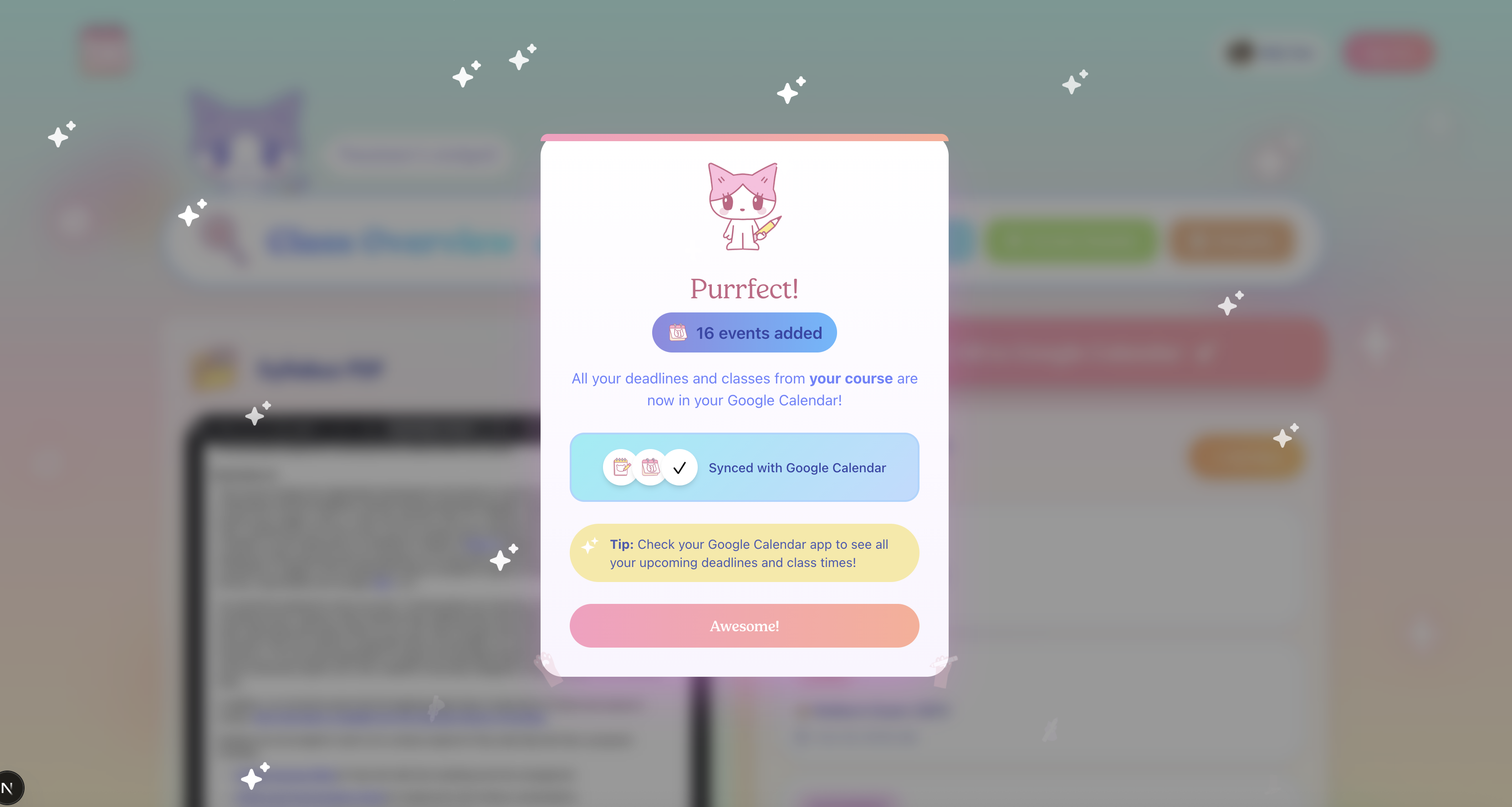
modal
-
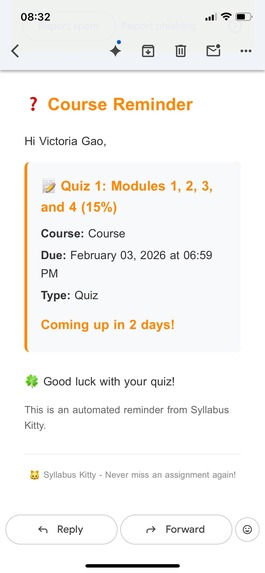
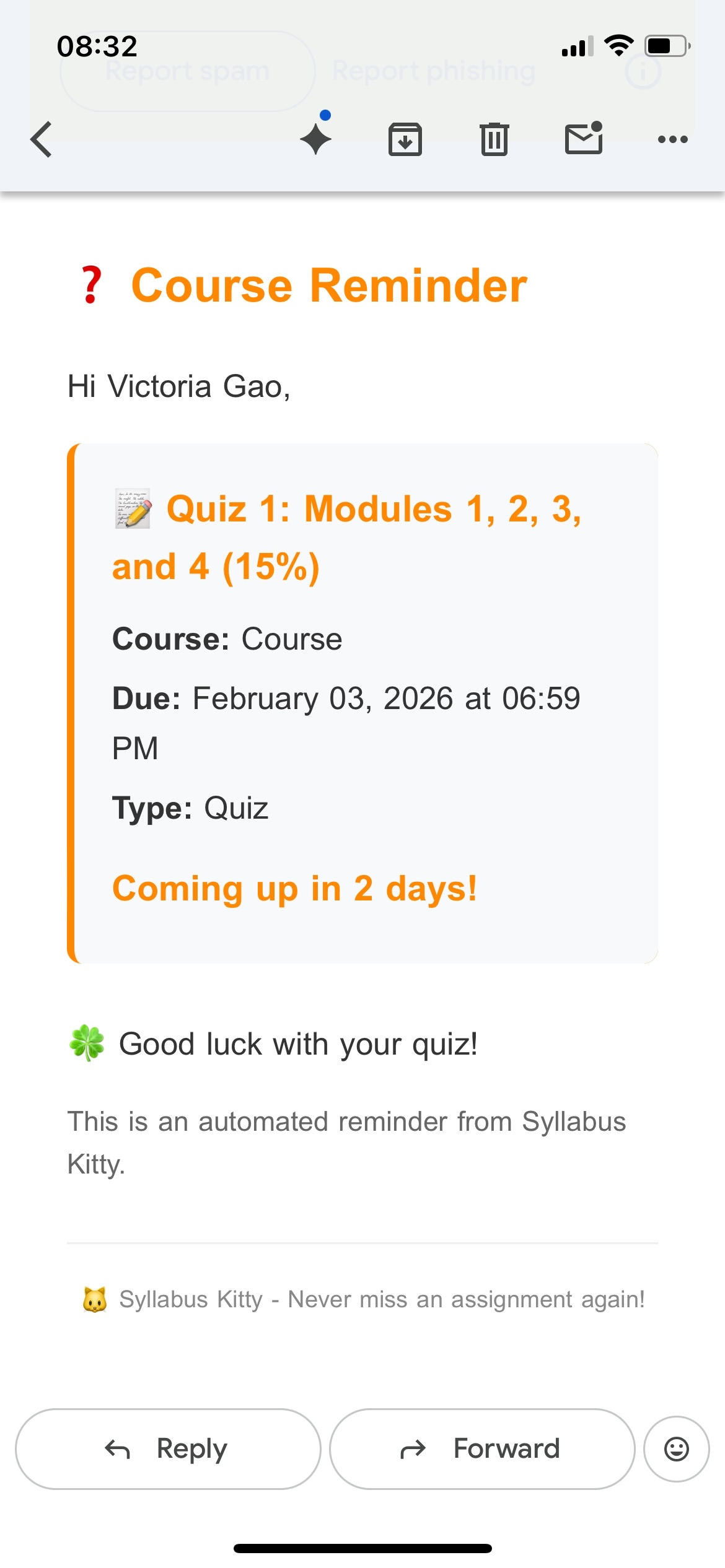
email reminder
Inspiration
Have you ever told yourself you're going to keep up with updating your calendar and reminders, but just completely give up halfway through the semester? Not everyone wants to admit it, but it's more common among all of us than we think. For students with ADHD, one of the biggest challenges is time blindness. When it is hard to sense how much time has passed or how close a deadline really is, planning ahead can feel overwhelming, even with the best intentions.
Research shows students with ADHD do not struggle because they can't use calendars, but because academic information can be overwhelming and difficult to translate into action, even with the smallest micro-steps in between. Studies also show that 70–95% of post-secondary students struggle with procrastination, often because deadlines, expectations, and workload are scattered across long, text-heavy syllabi. Seriously, sometimes you have to scroll forever just to get the information you want on that overloaded PDF.
That is why we built Syllabus Kitty. She helps turns syllabi into clear timelines, workload forecasts, and early stress warnings to help students see time, plan earlier, and stay on track. She skips all the fluff, with additional features that further make the experience helpful for those studying in a second/third/etc. language, or other cognitive disabilities.
What it does
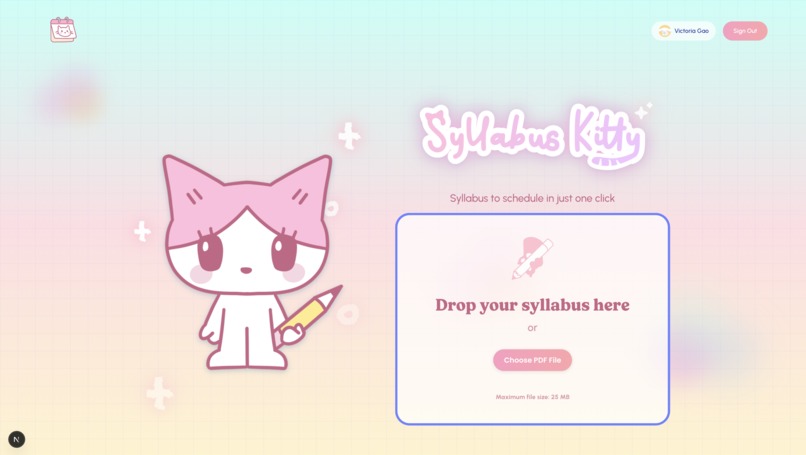
Instead of digging through long PDF documents and manually tracking deadlines, students simply upload their syllabus. From there, Syllabus Kitty turns a syllabus into a clear, usable plan and eliminates the in-between of creating a new event for every single deadline in your Google Calendar, manually. (Trust us, we've been there). What's the difference between doing this and telling ChatGPT to give us a long list of deadlines, or automating event creation? Well, with Syllabus Kitty, it is automated, but it eliminates all the in-between steps with a simple, friendly user experience for those of us who get easily overstimulated. No setup is involved, aside from just logging in to your existing Google Account.
With Syllabus Kitty, students can:
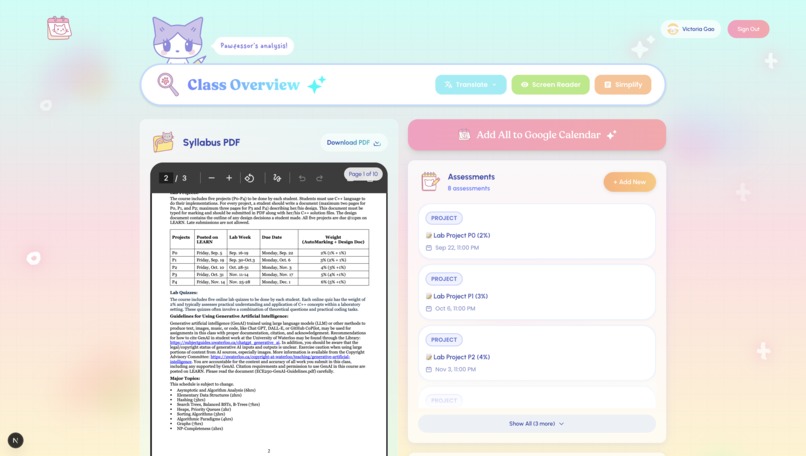
Extract assignment and exam deadlines automatically
Auto-identify recurring events like lectures, labs, and tutorials and calculate all the dates even if missing on your Syllabus
See mark breakdowns and key course information at a glance
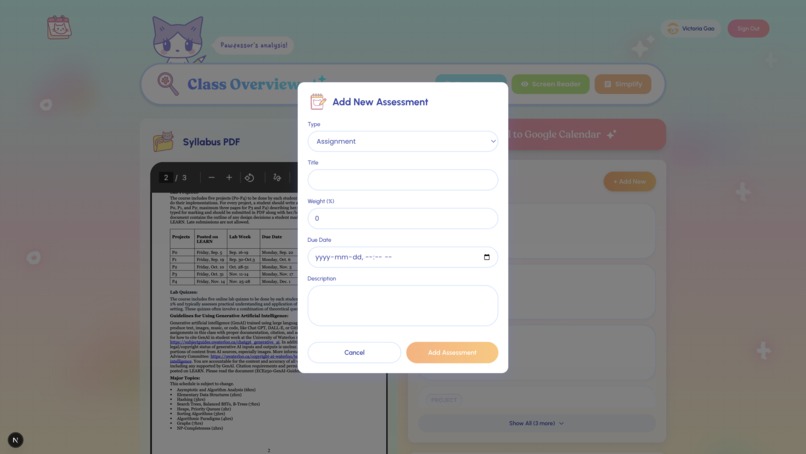
Export all event types directly to Google Calendar, with the option to edit and delete details with a user-friendly interface
Activate an accompanying Google Chrome extension that detects embedded or plain HTML/text versions of class Syllabi on your browser
Convert your syllabi into simplified language with key points (contact information of instructors/teaching assistants, events, required readings, ISPN codes for required readings) and then optionally translate into 15+ different languages, all downloadable into a new, consolidated syllabus
Sends automatic email reminders when deadlines are approaching, so students never miss important dates
The result is a single place where students can see what is due, when it’s due, and how their semester is structured—without having to manually organize it themselves.
How we built it
Frontend
- Next.js, React, TypeScript, Tailwind CSS
- Vanilla JavaScript and ManifestV3 for the Chrome Extension
- WeasyPrint for PDF creation/conversion
Backend
- FastAPI
- Gemini, Gmail, Google Calendar API
Database & Authentication
- Supabase (PostgreSQL) for data storage
- Google (OAuth2.0) for authentication/user management
Design was a deliberate part of how we built Syllabus Kitty. Components were mindfully created with plain CSS for tailoring a calm, accessible, and visually engaging experience that reduces cognitive load and encourages students to interact with their academic materials in a fun and quirky way.
Challenges we ran into
- Integrating the Google Calendar API One challenge we faced was navigating OAuth flows, permission scopes, and event formatting while integrating the Google Calendar API, which caused some issues during test runs.
- Design Scope When it came to data handling, we deliberated over what information to store in the database vs. client-side only processing. We wanted to balance minimising breakage points while prioritising persistence of information for a more personalised experience.
- Coding an actual nice interface We decided to stay faithful to our Figma designs, which meant coding out all our components and hand-drawing our assets. Making every component and perfecting the styles in just CSS without using vibe-coded stuff meant extra tediousness because we decided to prioritise the "user" part of the user experience.
Accomplishments that we're proud of
Turning a real student pain point into a working product. We successfully built an end-to-end application inspired by an everyday experience of ours, with the intention of being able to use our own product afterwards, with the substitution of API keys.
Designing with accessibility as a first principle. All UI elements — including the logo, mascot, icons, and React components- were hand-designed by our team using Figma, Procreate, CSS and Tailwind without using libraries for pre-existing assets and components. We intentionally created a fun, friendly, and visually engaging interface with a simple user flow to reduce cognitive load and make academic information feel less intimidating, especially for students with ADHD, reading difficulties, or anxiety around planning.
Building with unfamiliar technologies and learning fast. Many of us stepped outside our comfort zones by working with new tools and frameworks, including Google APIs, Manifest V3, and Supabase client libraries. Despite the learning curve, we delivered a fully functional web app within a short timeframe.
What we learned
New web app architecture. Separating your frontend and backend is a great way to tackle an end-to-end web app with functional databases and authentication that's still presentable at demo time, even if everything breaks without hardcoding results. Shoutout to our mentor for this tip.
Making a Chrome extension is actually pretty fun and simple. It's like making a basic web app. Basically, JavaScript for the content scripts and publishing one has almost no barriers.
What's next for Syllabus Kitty
If given more time to expand on this project, the Pawfessor would make a cool and customised study buddy to answer questions, give tailored study tips and discipline reminders. Granted permission, she would be a background worker on your browser when viewing/performing academic-related tasks for persistent context-awareness.
As a study buddy, the Pawfessor would be accessible for interaction in an in-app or in-browser chatbox feature with TTS/STT features. The user's academic needs would persist across sessions, and she would have procedural memory so a student could customise their preferred assistive methods for a more personalised experience (some might want direct answers, others prefer a stricter tone, some might want a gentler study buddy, and so on). The way the agent acts should be passively defined throughout its interactions with the user, always receiving and picking up feedback.
Expanding on accessibility in the user experience. This would include additional ESL features and capabilities, like improved translation and readability on different document types, additional UI features (more meta tags, font toggling, dark mode toggle, etc).
Built With
- fastapi
- geminiapi
- manifestv3
- nextjs
- python
- supabase
- tailwind


Log in or sign up for Devpost to join the conversation.