-
-
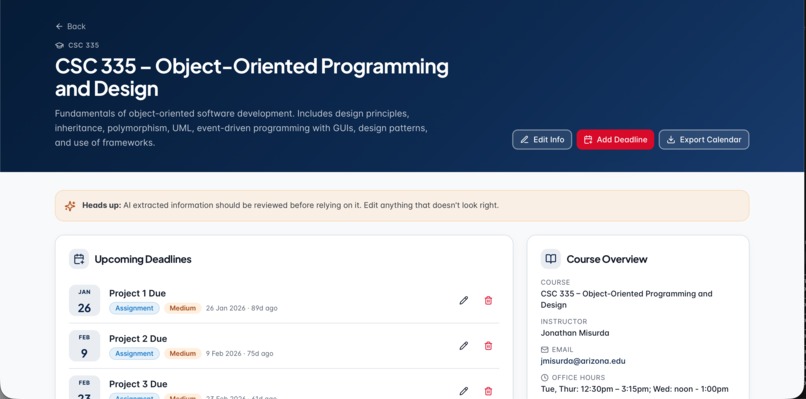
Course Page
-
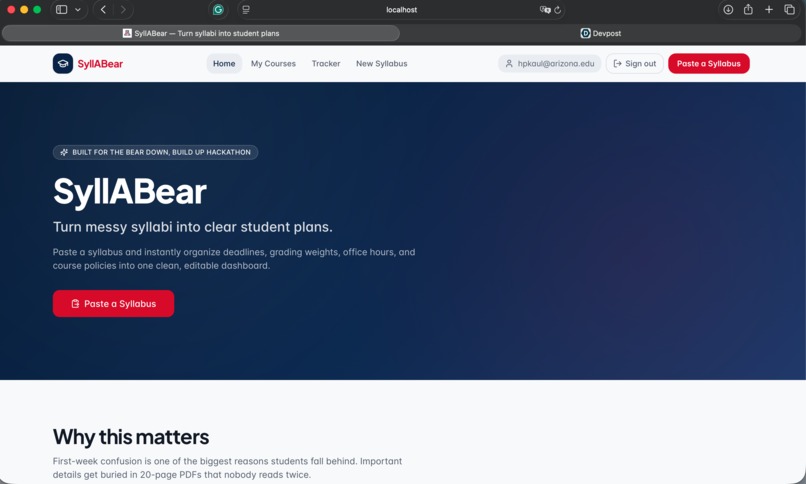
Landing Page
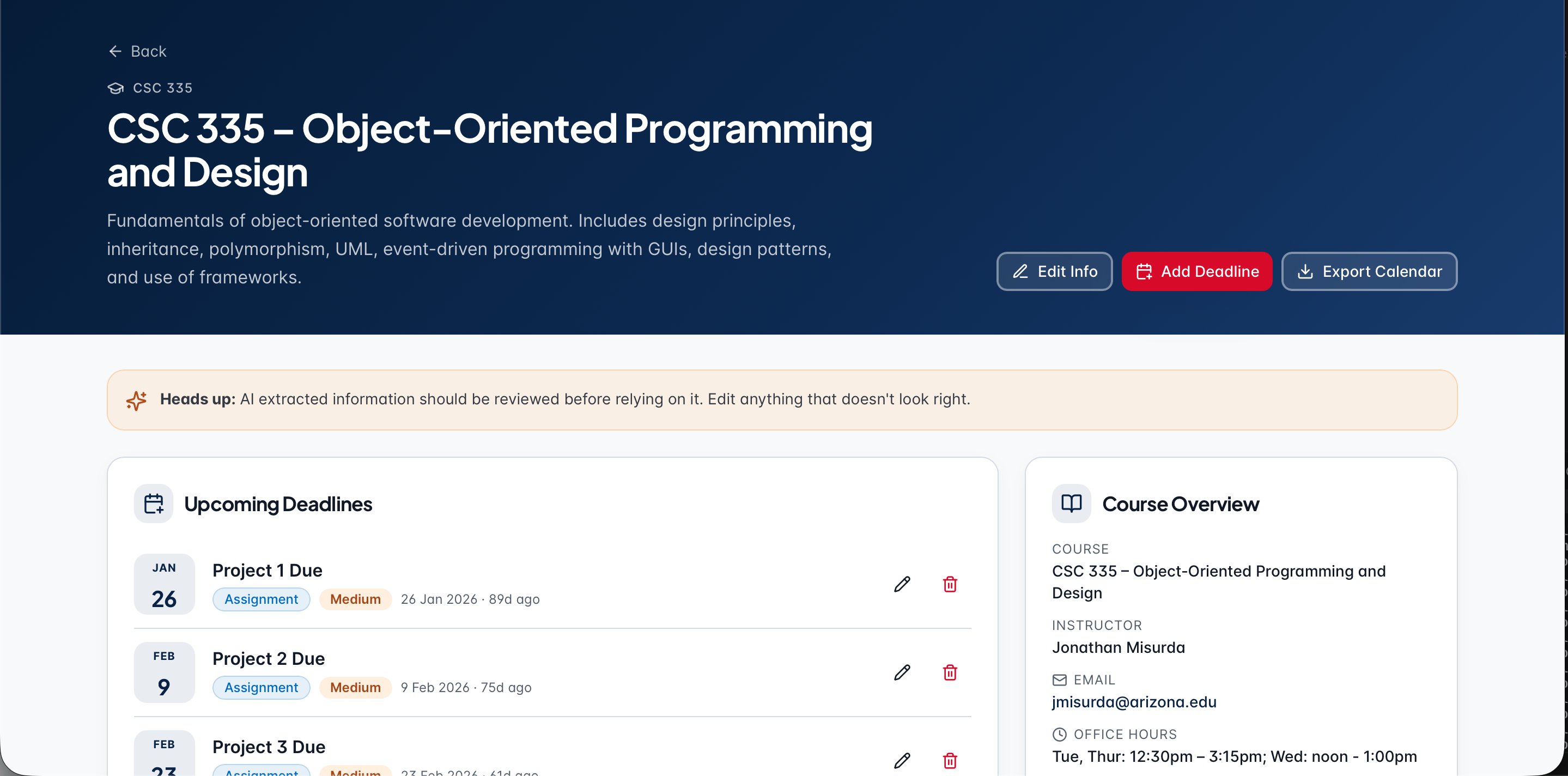
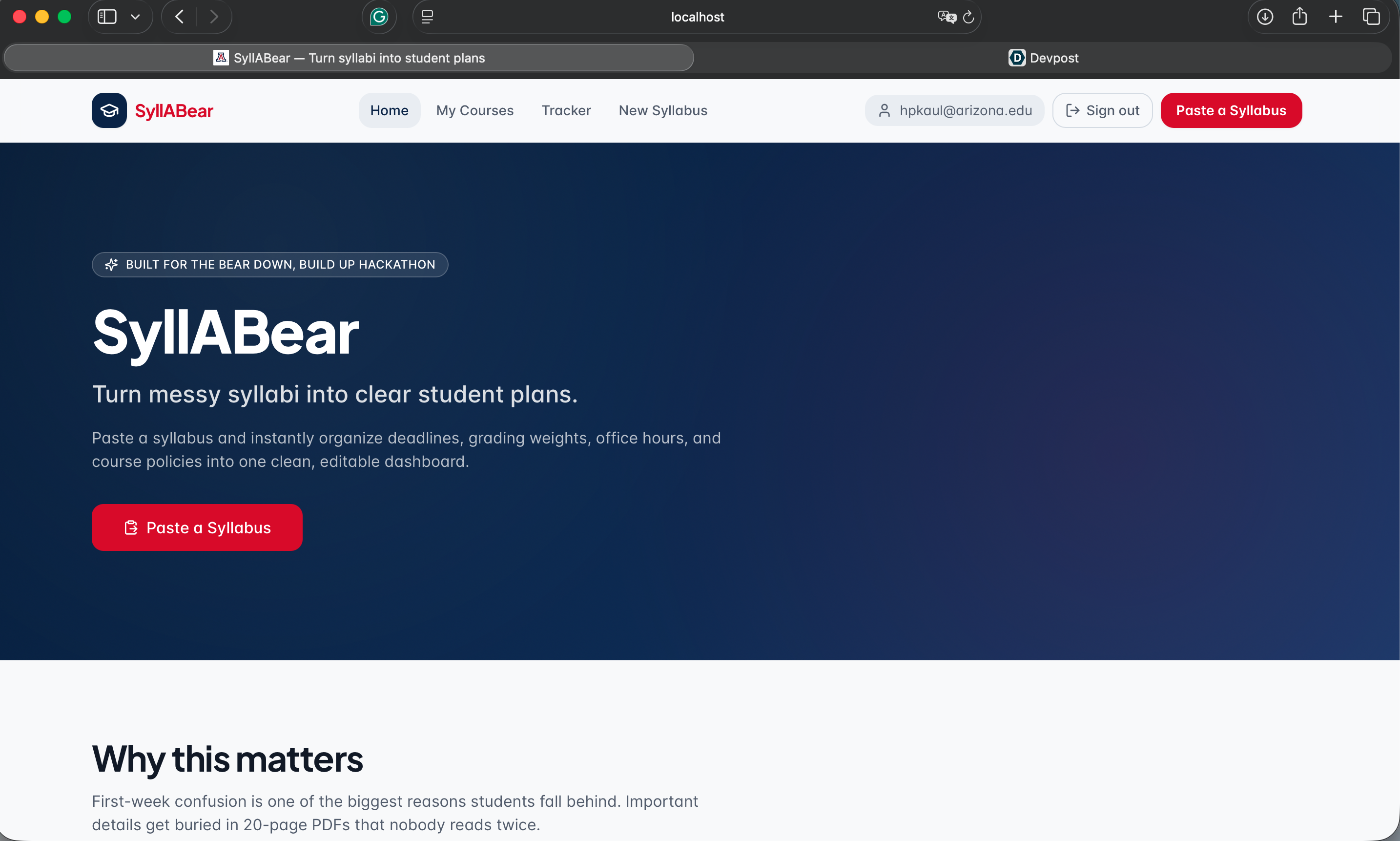
Inspiration
The first week of every semester is chaos. Students get handed five different syllabi, each formatted differently, each 15-20 pages long, and somewhere inside are the deadlines, grading rules, and policies that decide whether they pass or fail. Critical info gets buried, due dates get missed, and points are lost before the semester even really starts. We wanted to fix that. As Wildcats ourselves, we built SyllaBear to give students a calmer, smarter start to the semester, turning messy syllabi into clear, actionable plans.
What it does
SyllaBear lets students upload a syllabus PDF (or Word/text file) and instantly turns it into an organized student dashboard. Our AI reads through the document and extracts: Assignment & exam deadlines with due dates and priority levels Grading breakdown (categories and weights) Instructor info: name, email, office hours, location Course policies: late work, attendance, academic integrity, exam rules Students can review and edit everything before saving, so they stay in control. With one click, they can also export every deadline as a calendar file (.ics) and import it straight into Google Calendar, Apple Calendar, or Outlook, putting their coursework right alongside the rest of their life.
How we built it
Frontend: React 18 + Vite + TypeScript, styled with Tailwind CSS for a clean, accessible design system. React Router handles navigation across the upload, dashboard, and course pages. PDF & document parsing: pdf2jsn for in-browser PDF text extraction AI extraction: A Node/Express backend that pipes the extracted syllabus text into the Lovable AI Gateway (Gemini 1.5 Flash) using a structured tool-calling schema, so the model returns clean, typed JSON instead of free-form text. Calendar export: A custom .ics generator that turns every parsed deadline into a standards-compliant calendar event. State & persistence: A lightweight courseStore so users can manage multiple courses across the semester.
Challenges we ran into
Cross-browser PDF parsing: PDF.js worked perfectly in Chrome but silently failed on Safari/Mac due to strict module-worker MIME handling. We fixed it by changing it to pdf2json and updating/tweaking our text-parser. Inconsistent syllabus formats: Every professor structures things differently. Getting the AI to reliably pull the right dates, weights, and policies without hallucinating required carefully designed tool-calling schemas and prompt iteration.
Graceful failure: Rate limits, missing API keys, and unreadable PDFs all needed clear user feedback. We added a heuristic fallback parser so students can still build a dashboard even if the AI call fails. Editable AI output: AI is wrong sometimes, so we built a full review/edit step with dynamic forms for grading rows, deadlines, and policies, keeping the student in control. Accomplishments that we're proud of: Built a fully working end-to-end pipeline: upload → parse → AI extract -> review -> dashboard -> calendar export within the hackathon window. We also have it Got PDF parsing working reliably across Chrome, Safari, and Firefox, including on Mac. Designed a bold, on-brand UI that feels polished, not like a typical hackathon prototype. Built a graceful fallback system so the app never leaves the user stranded, even without AI access. Made it genuinely useful, something we'd actually use ourselves next semester.
What we learned
How to use structured tool-calling with LLMs to get reliable, typed JSON instead of fragile string parsing. The hidden complexity of cross-browser PDF rendering and how Safari handles ES module workers differently from Chrome. How to design an AI-assisted UX where the model does the heavy lifting but the human always has the final say. The importance of error handling and fallbacks, real users hit rate limits, weird PDFs, bad networks, and the app has to keep working. That a strong design system early on (semantic tokens, shadcn components) pays off massively when iterating fast.
What's next for SyllaBear
Account sync & cloud storage so students can access their courses on any device. Smart notifications push reminders 24/7/30 days before each deadline. Weekly study planner that auto-generates a checklist based on grading weights and upcoming due dates. Multi-syllabus view a unified semester calendar across all courses, not just one. Direct Google Calendar / Outlook integration (no manual .ics import needed). A mobile app so students always have their plan in their pocket. Professor mode lets instructors upload once and share a verified, pre-parsed dashboard with their whole class.
Built With
- javascript
- lovable
- mongodb
- node.js
- npm
- openai
- react
- react-native
- typescript
- vite

Log in or sign up for Devpost to join the conversation.