-
-
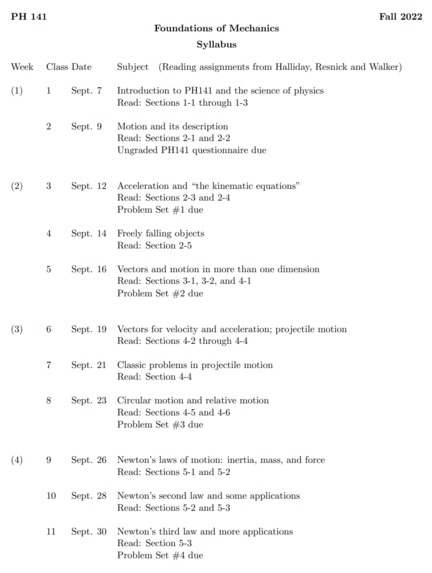
example_syllabus
-
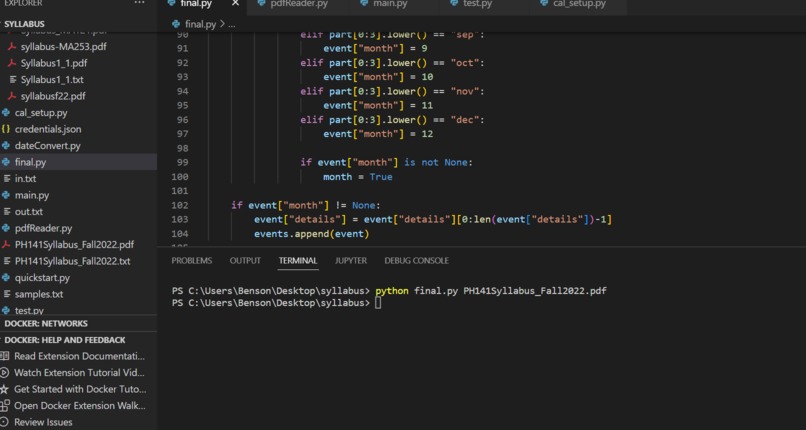
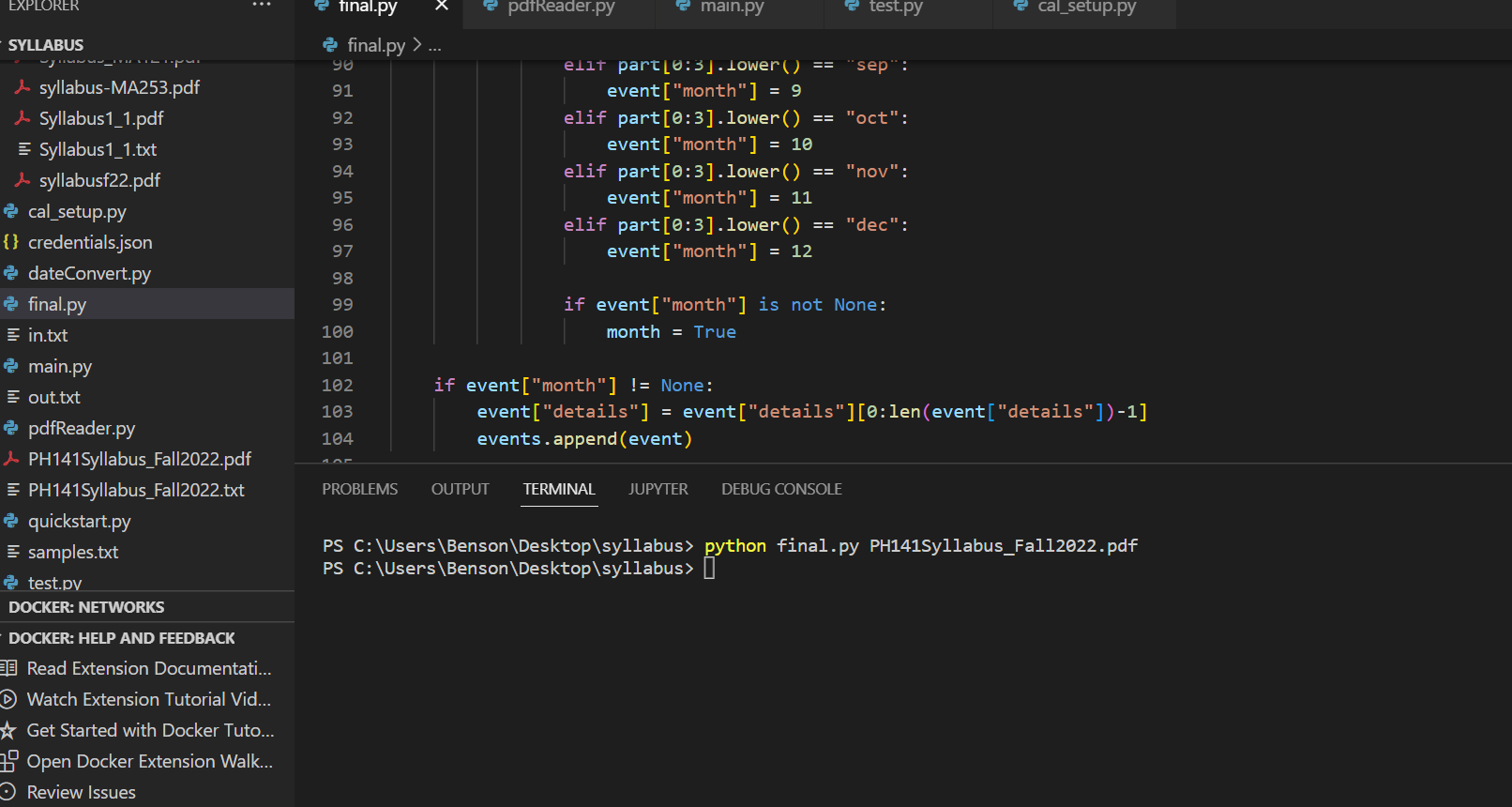
command_line
-
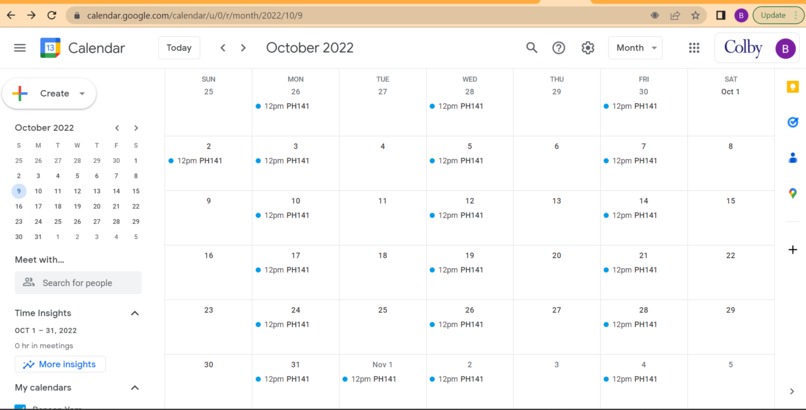
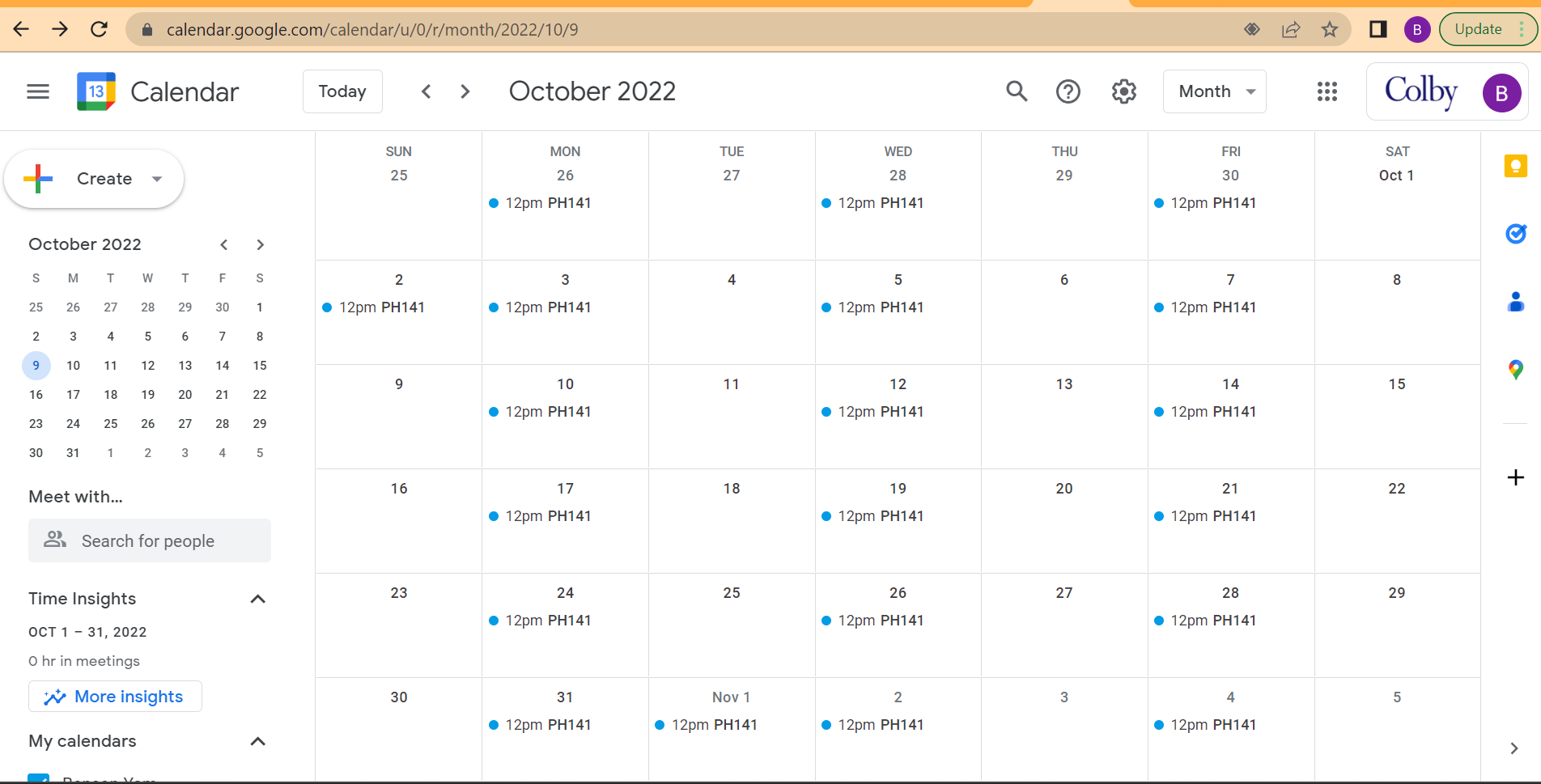
converted_calendar

Track
Automation for meaning.
Inspiration
Annoyance at manually entering events from your syllabus into your calendar.
What it does
For our project, we wanted to see if we could upload a syllabus pdf file and create something that is able to read the pdf and then import the dates, times, and events into your calendar. This would save a lot of time as you don't have to manually input every event from the syllabus into your calendar.
How we built it
We converted the pdf into a text file and then extracted the dates and times. Then we converted the data into a specific format and put it into google calendar. Everything was written in Python.
Challenges we ran into
Extracting the date and time proved to be more difficult than originally thought. We could use data parsers, but they didn’t capture all cases.
Accomplishments that we're proud of
We manage to extract the date and time and put it on Google calendar!
What we learned
How to use pdfreader, a python API, and google API
What's next for Syllab-eye
- Trying with more data, and creating different calendar styles.
- Getting the program to work with more syllabus formats.


Log in or sign up for Devpost to join the conversation.