-
-
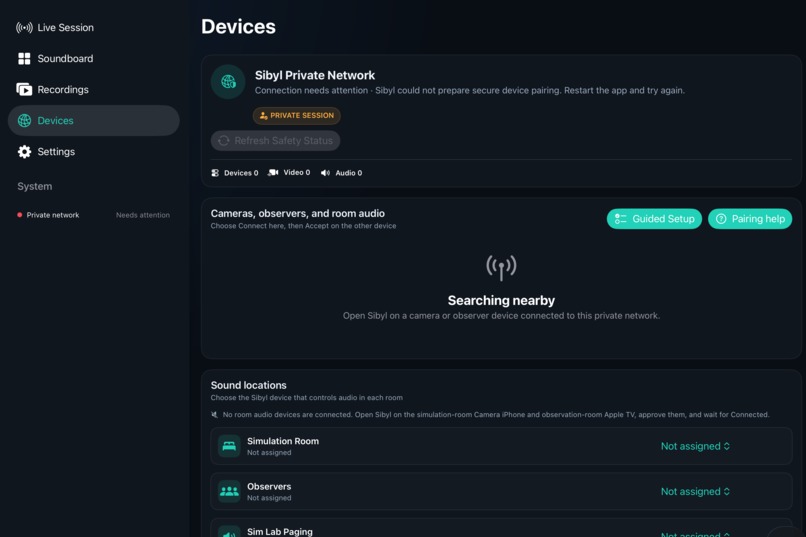
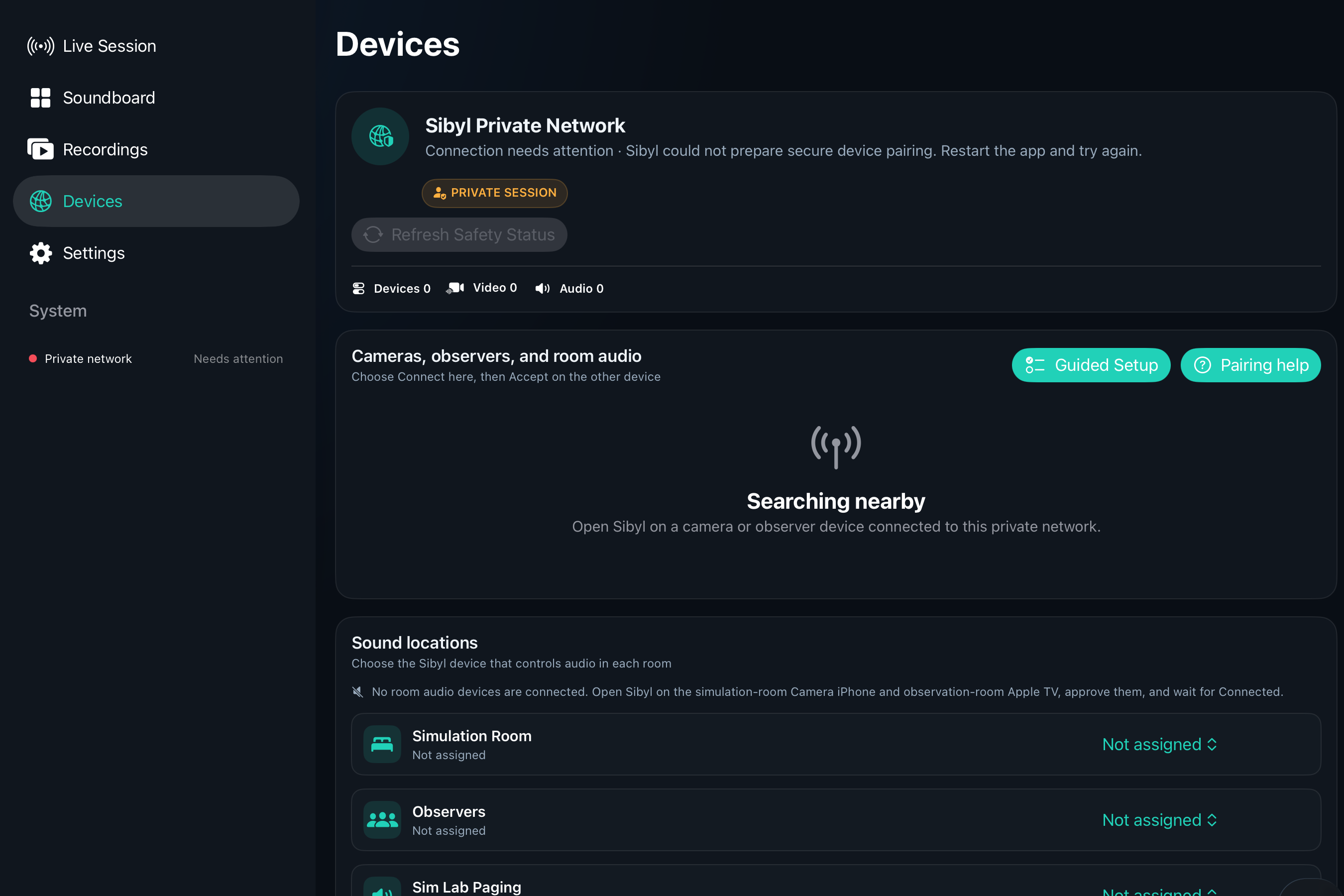
Assign observers, cameras, speakers with a guided set up.
-
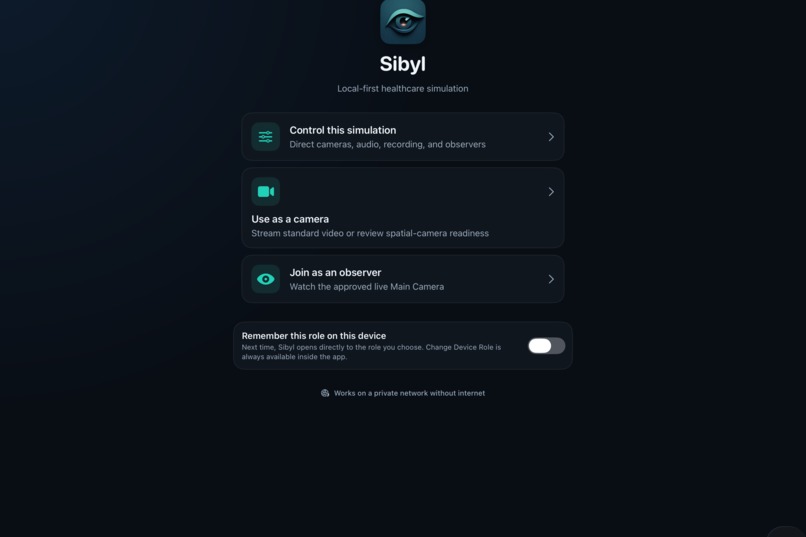
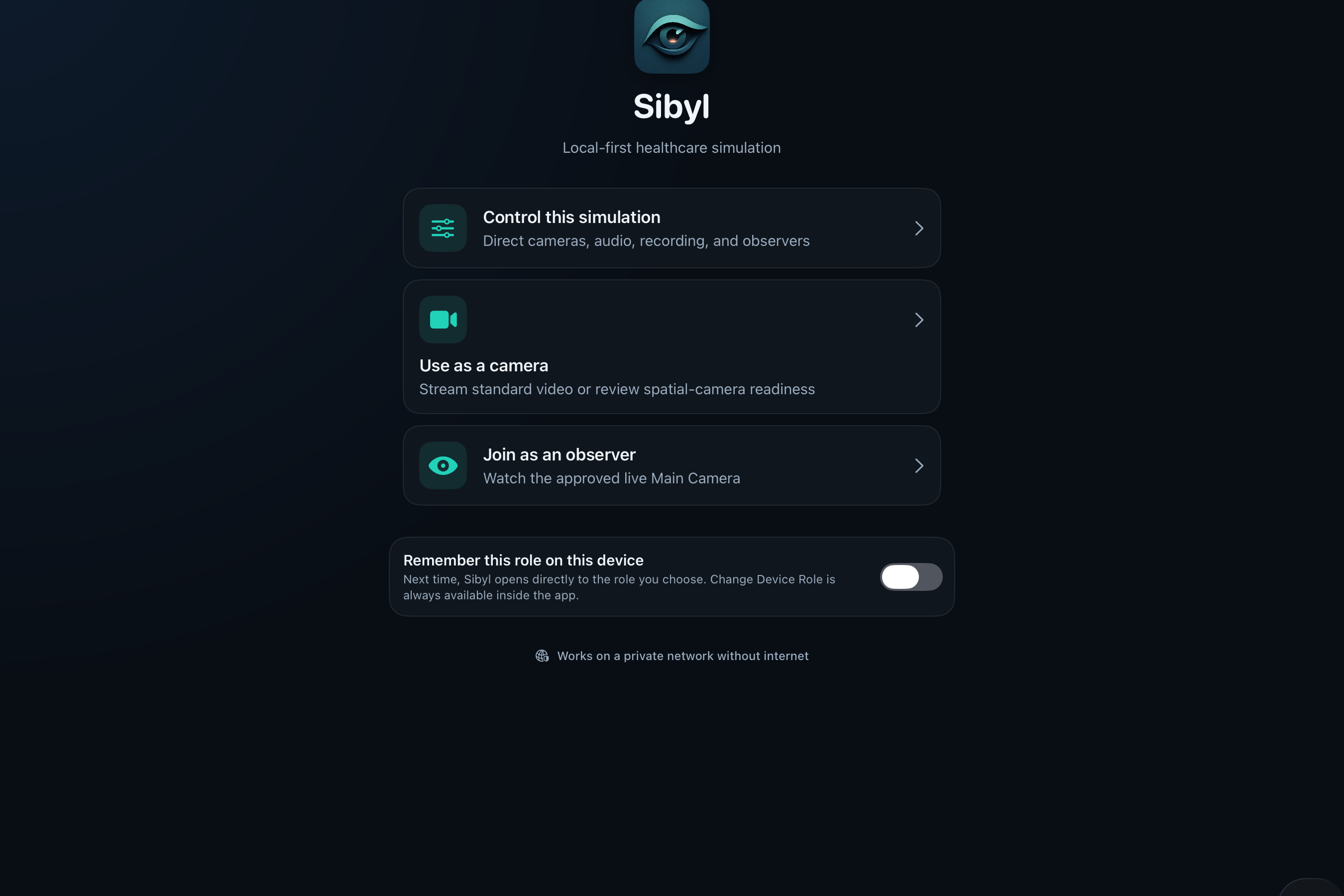
One device can be an observer, controller, or camera
Inspiration
My inspiration for Sibyl Sim comes from that sweet spot where nursing, education, and technology meet. I started programming as a kid, but my dad’s cancer diagnosis pulled me into healthcare instead. Over time, that path took me from bedside nursing into nursing education and healthcare simulation.
These days I work with community colleges to help their healthcare programs make the most of whatever resources they already have. I’ve watched dedicated educators work so hard to create meaningful simulation experiences, only to get stuck because traditional audiovisual systems are expensive, complicated, and usually require specialized tech support just to keep running.
I created Sibyl Sim to make simulation technology actually accessible. Schools should be able to run safe, engaging learning experiences using the familiar devices and tools they probably already own.
What it does
Sibyl Sim turns iPhones, iPads, Macs, and Apple TV into a complete, private healthcare simulation system.
Educators can use Sibyl Sim to:
- Connect up to three camera devices
- View multiple live camera angles
- Select a main camera for observers
- Stream video and audio to Apple TV or other approved devices
- Record simulation sessions locally
- Mark important moments for debriefing
- Play environmental sounds and simulation cues
- Monitor device battery, temperature, and connection health
- Stop recording, streaming, and sound immediately with Privacy Stop
Sibyl Sim runs entirely over a private local network and doesn’t need an internet connection after the initial setup. All recordings and session information stay under the school’s control.
How I built it
Sibyl Sim is a fully Apple-native app built with Swift and SwiftUI. One adaptive app can act as the control hub, a camera, or an observer view depending on the device and the role you assign it.
I used AVFoundation and VideoToolbox for camera capture, video compression, recording, and playback. Apple’s Network framework handles local device discovery and communication across the private network.
Devices communicate through encrypted TLS connections with approval checks and certificate pinning. The media system uses bounded queues, keyframe recovery, and adaptive buffering to keep video and audio stable without relying on any cloud infrastructure.
I designed the interface around how simulation educators actually work. Guided setup, room checks, clear device roles, live session health info, debrief markers, and Privacy Stop let faculty run the system without needing to become AV technicians.
Challenges I ran into
One of the biggest challenges was coordinating multiple devices while still keeping everything simple for the educator. Cameras, control messages, observer displays, recordings, and sound cues all have to stay synchronized. Even when a device disconnects or the network gets unstable.
Keeping audio and video in sync on Apple TV and external displays was another major hurdle. Different TVs and audio routes introduce their own delays, so Sibyl Sim uses adaptive buffering and smart recovery to keep picture and sound together.
Privacy shaped almost every technical decision. The system had to fail safely, automatically reject unapproved devices, protect recordings, and make sure reconnecting or reopening the app could never restart a recording or broadcast without the educator’s knowledge.
I also had to design for the real conditions of community colleges: limited equipment, varying levels of technical support, and networks that often don’t have internet access.
Accomplishments that I'm proud of
I’m proud that Sibyl Sim can turn everyday Apple devices into a fully functional simulation observation and debriefing system.
Key accomplishments include:
- Supporting up to three live camera views
- Providing encrypted local communication without any cloud streaming
- Broadcasting a selected main camera to Apple TV
- Recording sessions locally with protected storage
- Creating timeline-based debrief markers
- Delivering simulation sounds to approved room devices
- Recovering safely from interrupted connections
- Preventing unapproved observers from receiving media
- Building a persistent Privacy Stop that disables every active output
- Creating a faculty-focused interface with guided setup and plain-language recovery instructions
Most importantly, Sibyl Sim shows that powerful simulation technology can be built around the devices and resources many schools already understand and use.
What I learned
I learned that building technology for education takes more than making individual features work. Every feature has to fit naturally into an educator’s real workflow and still make sense when things get busy during a live simulation.
I also learned that privacy can’t be added at the end. It has to shape how devices connect, how recordings are stored, how sessions recover, and how clearly users understand what the system is doing.
Reliable local streaming requires careful control of buffering, timing, network interruptions, and device state. Something can work perfectly in a simulator and still behave differently once you have several physical devices, televisions, speakers, and wireless connections involved.
Above all, I learned that accessibility isn’t just about interface design. It also means creating technology that institutions can realistically afford, support, and sustain over time.
What's next for Sibyl Sim
The next step is supervised testing with physical devices in real simulation environments. I plan to validate three-camera operation, long recording sessions, audiovisual synchronization, network recovery, device temperature, and fully offline use.
Future development will explore synchronized multi-camera recording,


Log in or sign up for Devpost to join the conversation.