In 2013 I made the decision to completely re-invent our company, Swyft Technology. We would take our proven cloud based platform adopted by large enterprise accounts and extend it to an inexpensive cloud-based mobile solution.
Having been in the mobile data space for almost twenty years, I have been in a position to observe the evolution of mobile offerings and the resulting capabilities. As software has advanced enabling more flexible feature rich mobile solutions, I realized that the primary beneficiaries of these solutions appear to be enterprise accounts. It was clear that SMB and smaller mid-market companies (1 to 999 employees) were an under served or even ignored market.
One of our guiding principles in building a mobile solution for SMB was that it had to have the features and capabilities of a robust enterprise solution, yet be inexpensive, configurable and easy to set up and install.
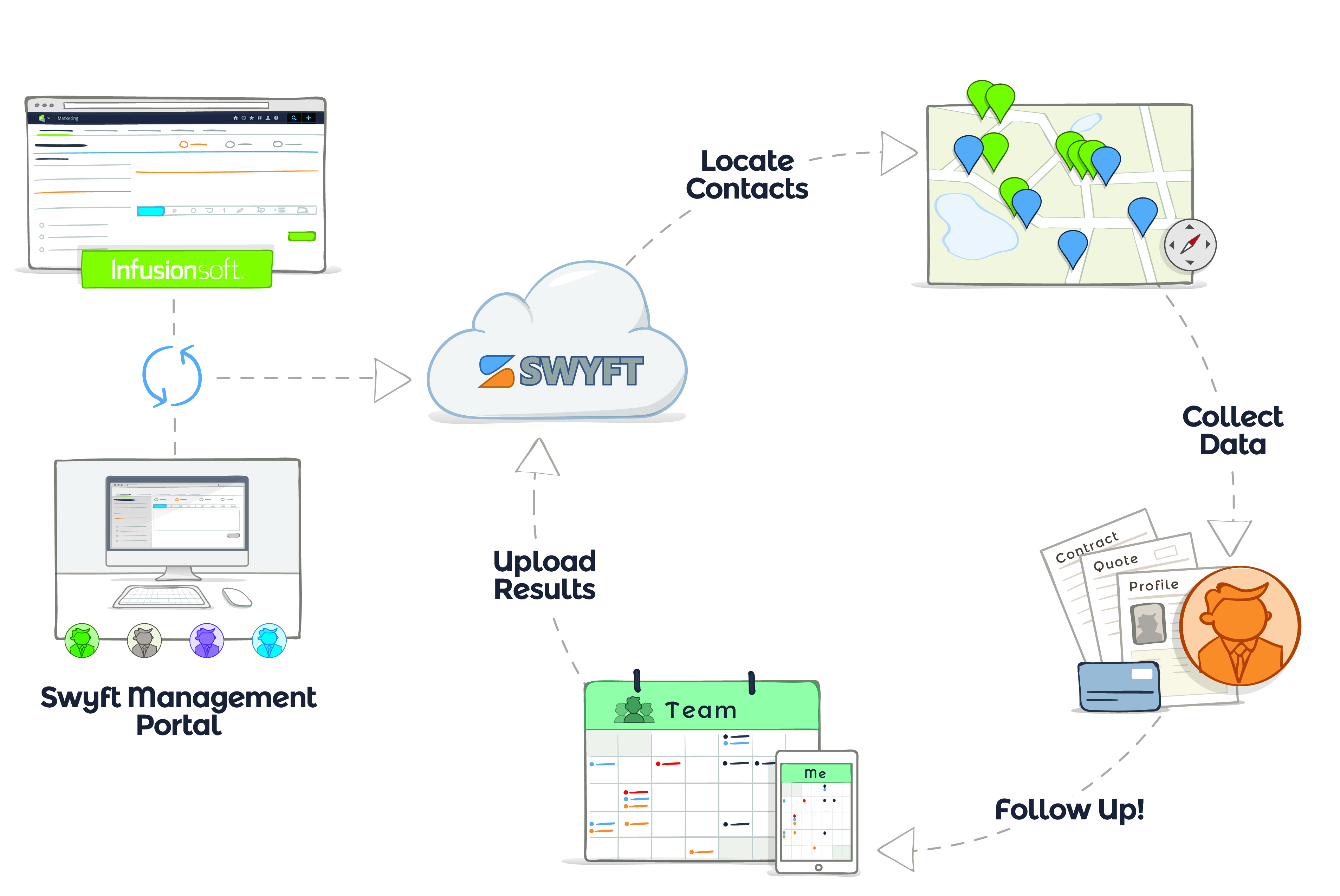
With Swyft Mobile, we have delivered on that 2013 vision. A robust inexpensive mobile solution, fully integrated with Infusionsoft, out-of-the-box.
The Infusionsoft customer profile that Swyft and Infusionsoft have jointly identified as great targets for Swyft Mobile Management Portal are: • Team or individuals on the go and away from the office • Clients with fleets • Local service providers • Businesses with a requirement of full mobile integration with Infusionsoft (workflow, scheduling, forms) Some examples of local service providers currently using Swyft Mobile Management Portal to maximize their investment in Infusionsoft: • Landscaping (business process from assignment of a lead to project planning and installation) • Real estate firms - supports any agent sales model • Carpet cleaners • General contractors, roofers, remodeling and restoration • Pool repair (service industry model) • Property management and maintenance
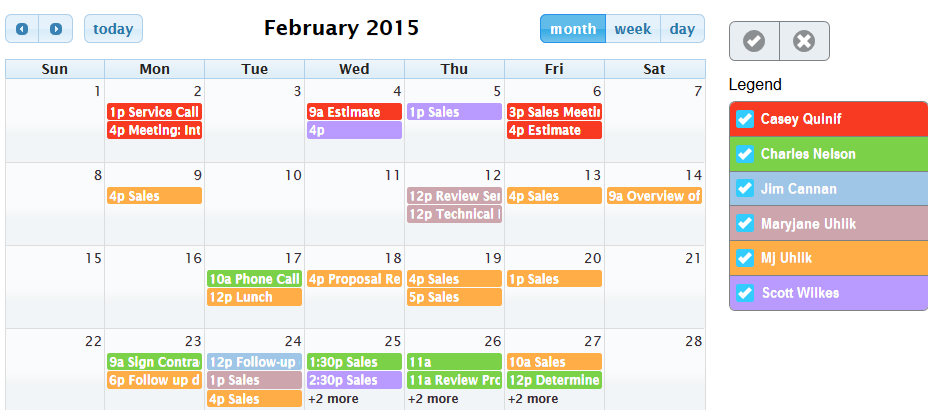
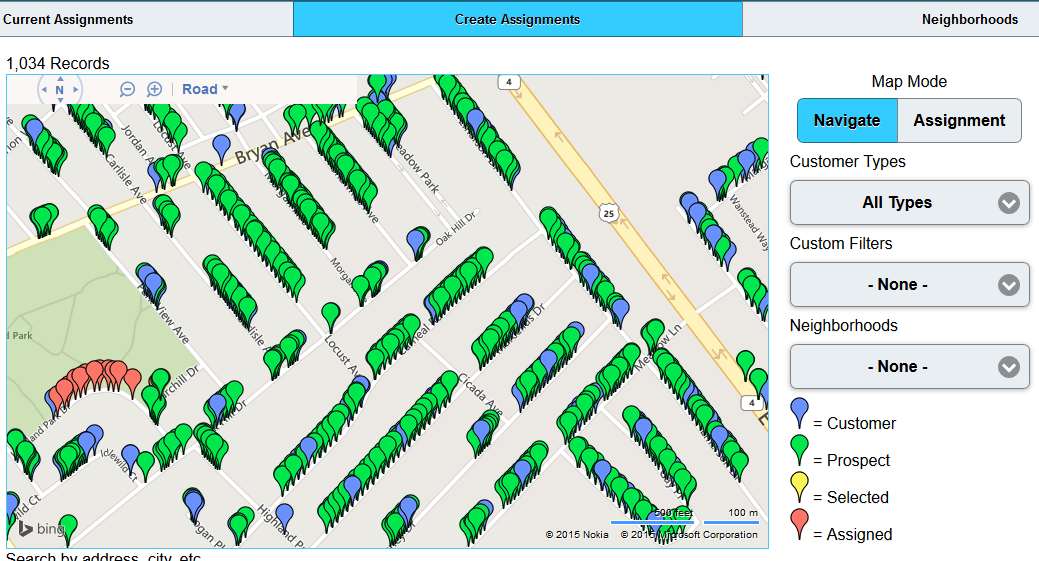
The key Swyft Mobile and Management Portal features that Infusionsoft clients find the most compelling and helpful to their business are: • Contacts – search, view, edit, create and add notes • Map View of closest prospects and customers (IS customers love this capability) • Appointments – color coded calendar view, lists, details. Add new appointments and record results • Advanced Scheduling – set appointments by team, skill set, appointment type and availability (IS customers tell us this capability is HUGE) • Infusionsoft Tags – configurable buttons to apply Infusionsoft tags to progress campaigns and action sequences • Capture Results - record appointment outcomes and capture both standard and custom data fields • Infusionsoft Opportunities – advance opportunity stage from the field, add follow-up notes and update next follow-up action
In addition to the Swyft Mobile capabilities listed above, the Swyft Mobile Management Portal includes the following additional capabilities: o Assignment Manager - real time assignment of prospects and customers, activity tracking of hot leads, simplified territory management, new and re-assigned leads o Appointment Manager - view and edit consolidated calendar of all team members, reschedule and reassign by team, skill set, and appointment type and availability o Reporting - real-time on-line reporting by location, activity and data collected in the field Infusionsoft customers find these Swyft Mobile Management Portal capabilities so compelling, some IS clients only subscribe to the Management Portal integrated with IS and no Swyft Mobile users.
Built With
- android-ios-jquery-html5-asp.net-javascript-phonegap

Log in or sign up for Devpost to join the conversation.