-
-
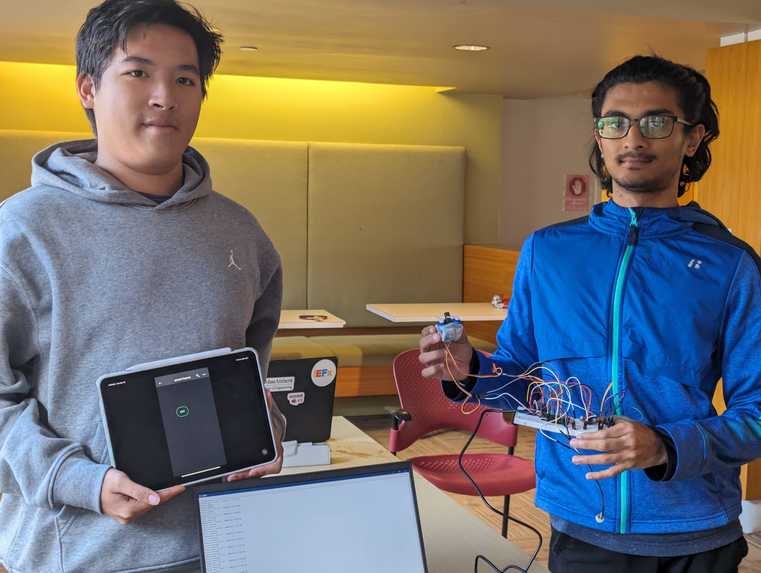
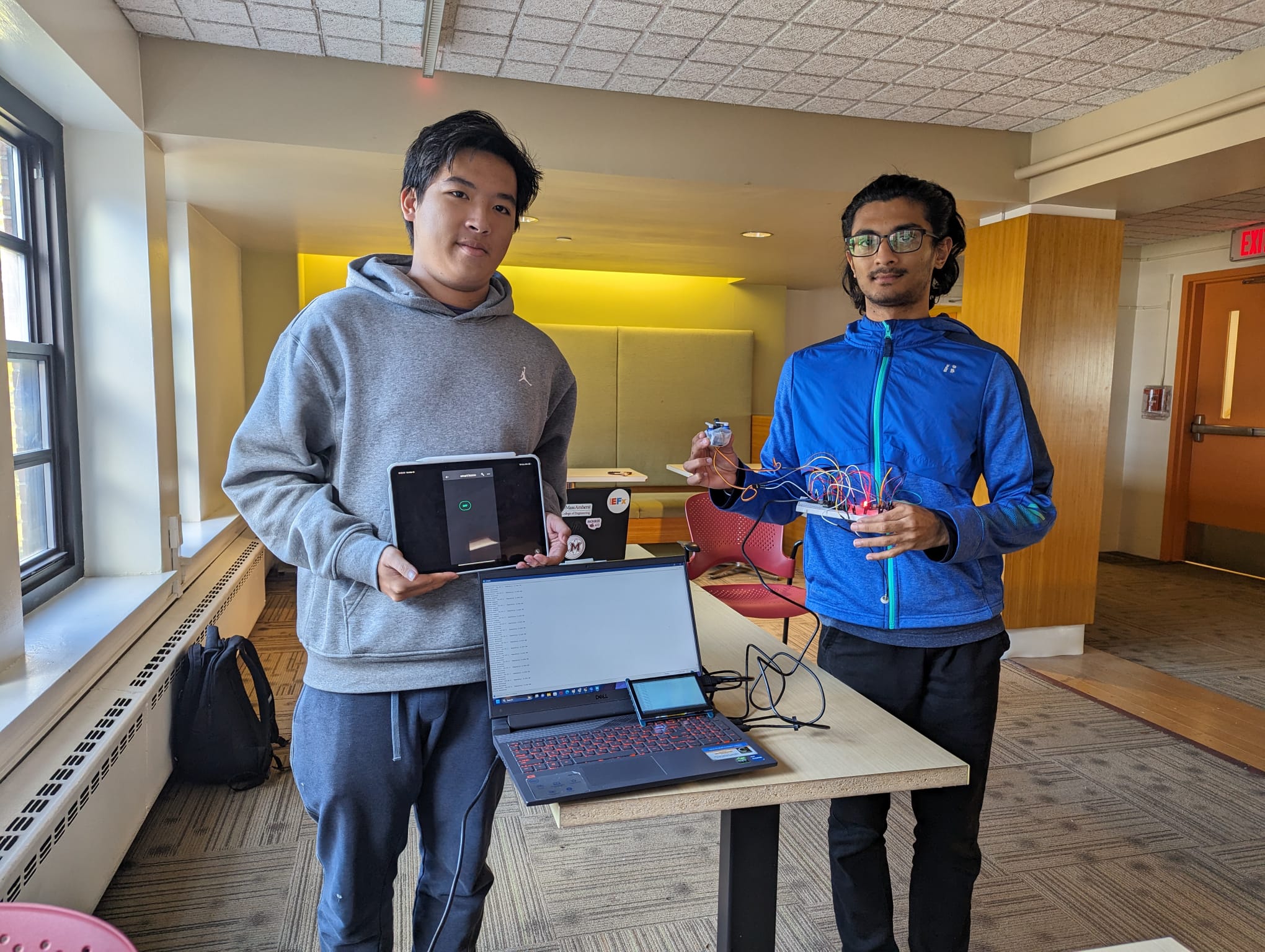
Team Photo
-
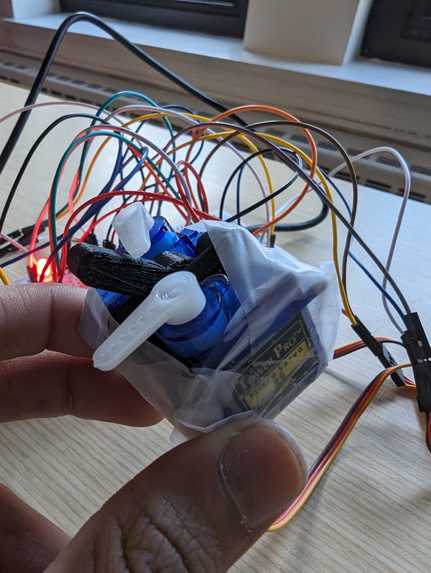
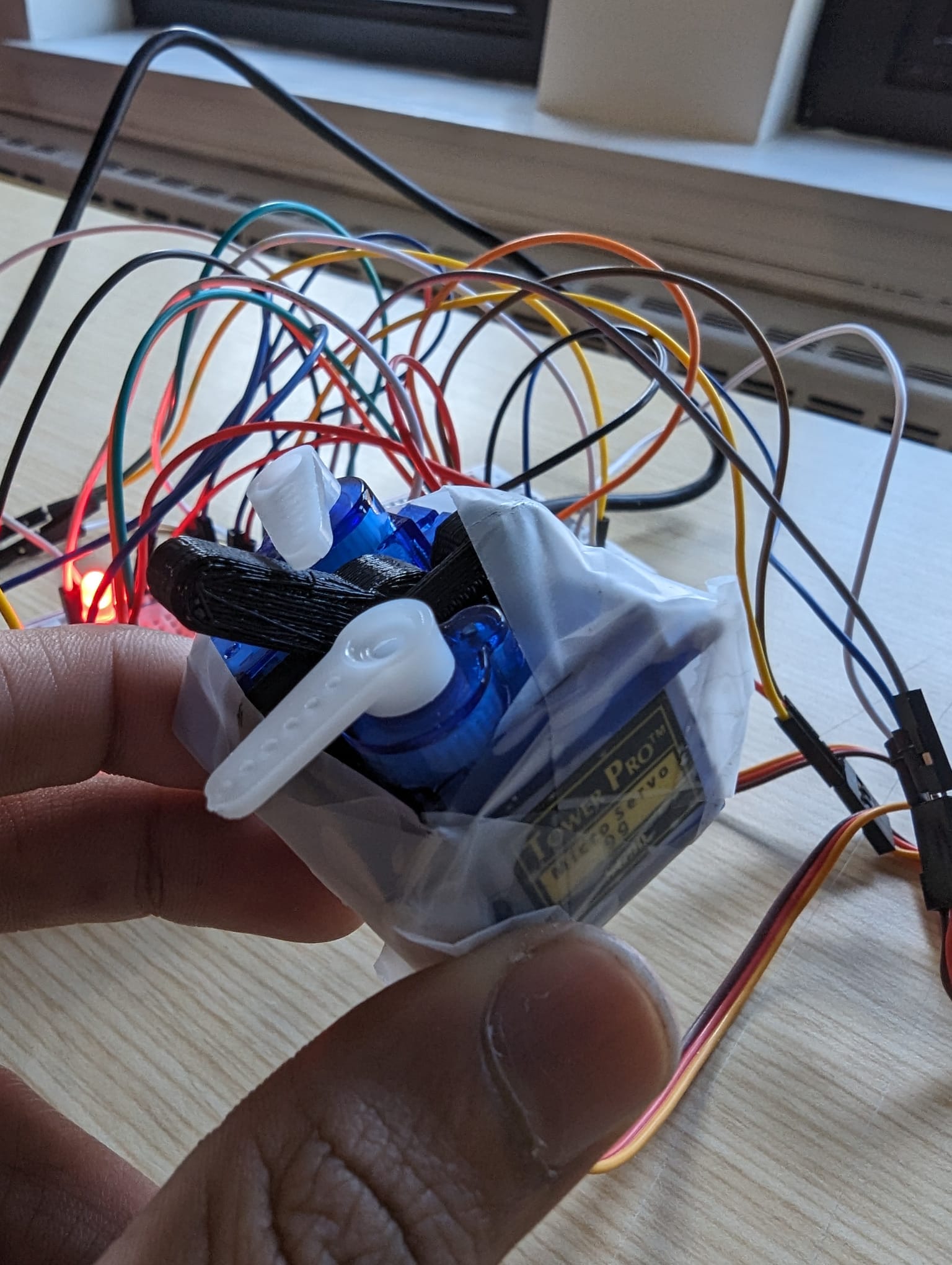
The Servo Switch
-
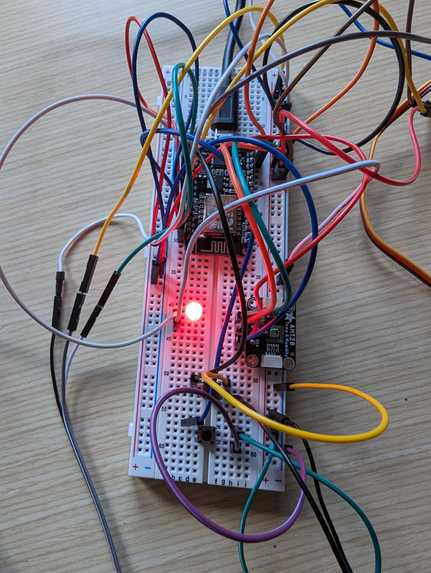
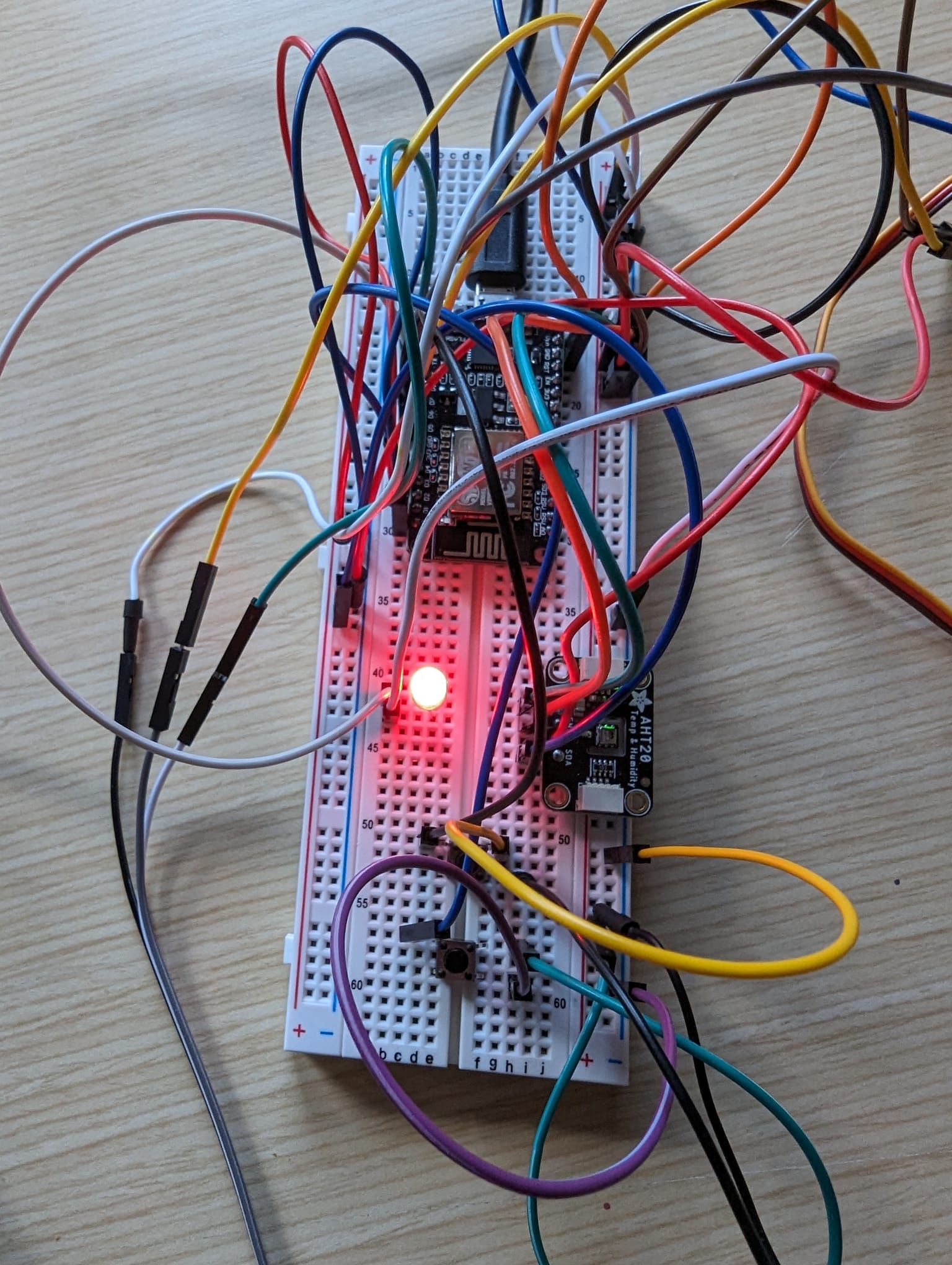
Breadboard Circuit
-
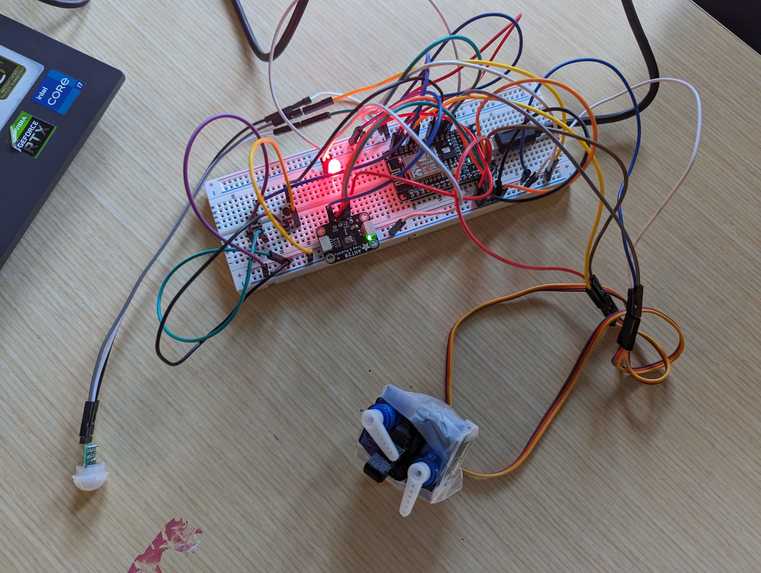
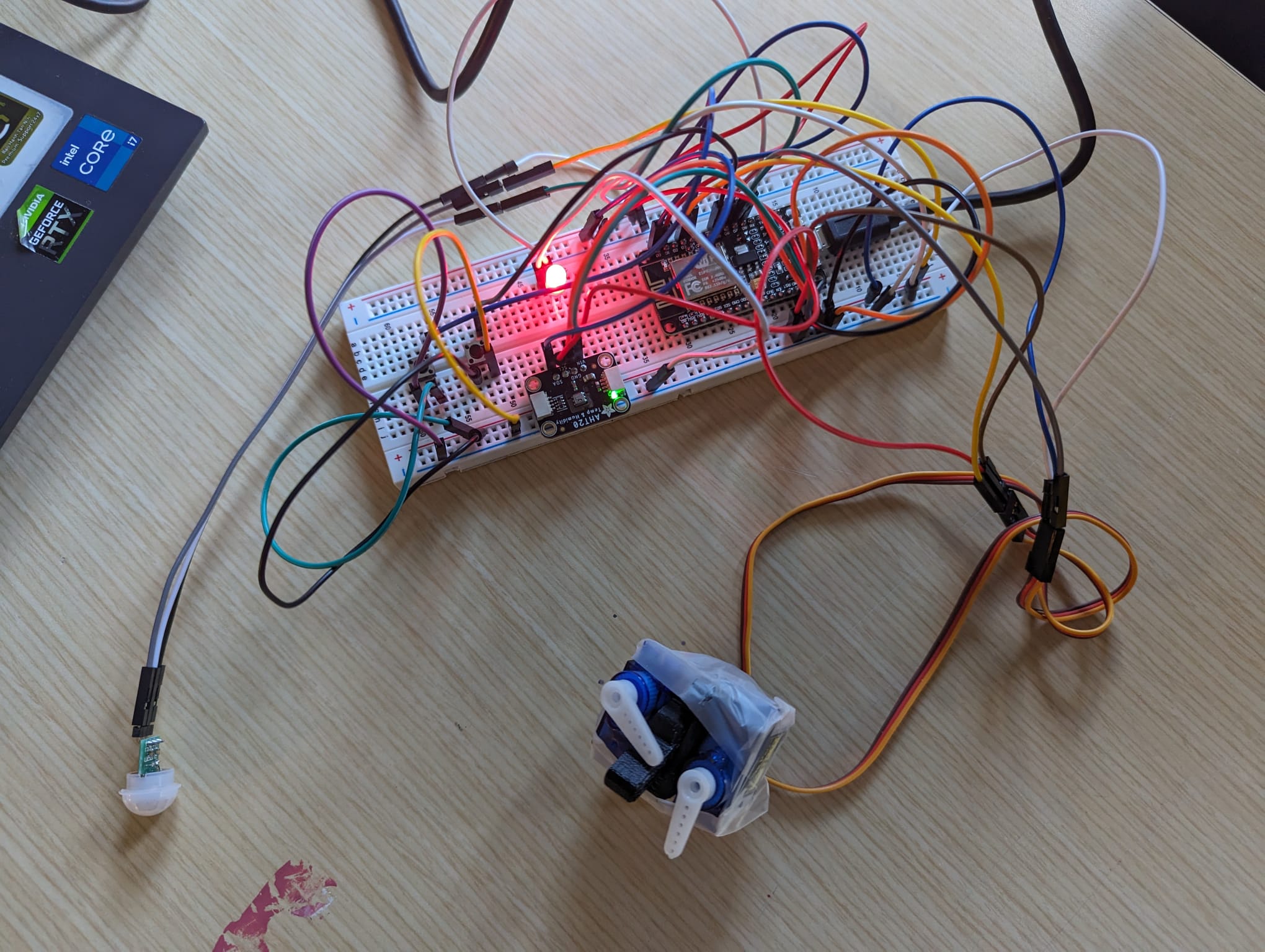
Full Circuit
-
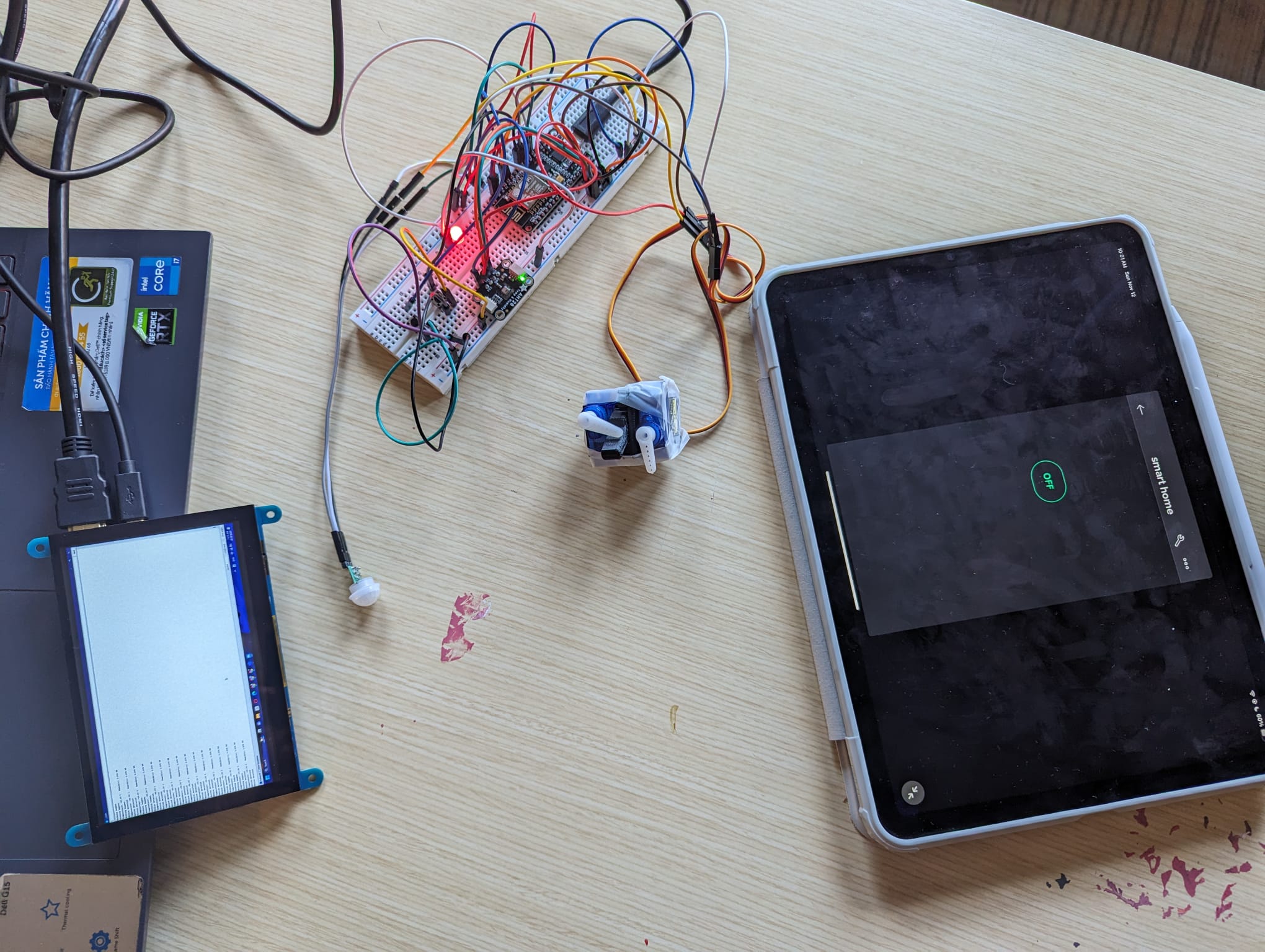
The Setup
-
Team Photo
-
Team Logo
-

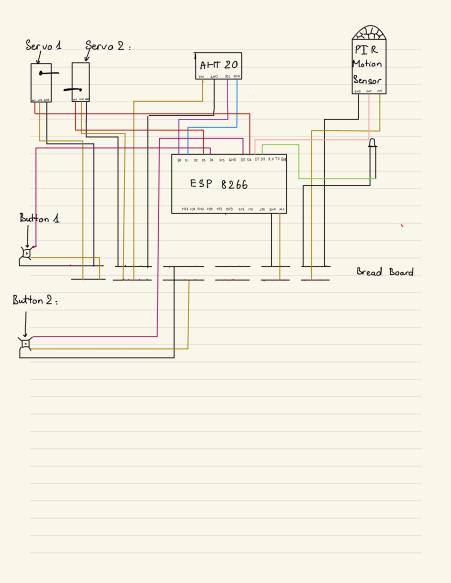
Circuit Diagram
Inspiration
The Laziness in us got the better of us 😁
We derive our inspiration from the shared feeling of laziness of our brethren to get out from bed to turn the lights off. (Duh! Get out of bed to turn off the lights? How lame can you be?) Especially in college dorms, where everything feels they're from the 1950s. So, we decided to build an autonomous system (Smart Dorms!!) where all the tech in your room is just one click away.
What it does
Makes your life stress-free
Once our system is fully implemented into your room, you don’t have to worry about moving around a lot in your room. You can stay in bed and do pretty much anything. Turn off your Lights, Turn the Heaters on/off, Open/Close curtains, and detect motion in your room in your absence and so much more. (Even though, it is at its rudimentary stage, it is a system, once implemented, will become really popular among college students.)
Conserves energy
We all have those posters hanging behind every dorm room that says “turn lights and other appliances off when not in use” But with the amount of assignments, stresses of life, and in hangovers, we forget to turn those lights off. Our SwitchUpSmart (or the SUS system) systems will not only make your lives more lazy and easygoing, but also do good to our mother earth.
How we built it
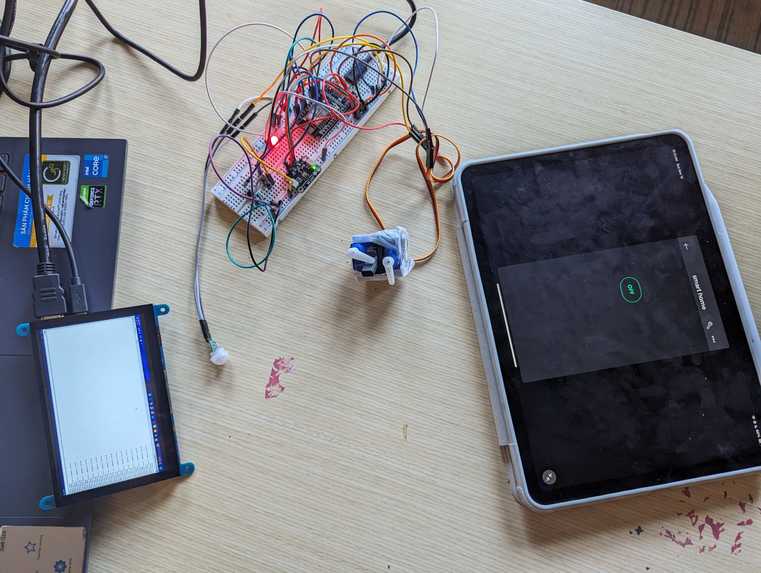
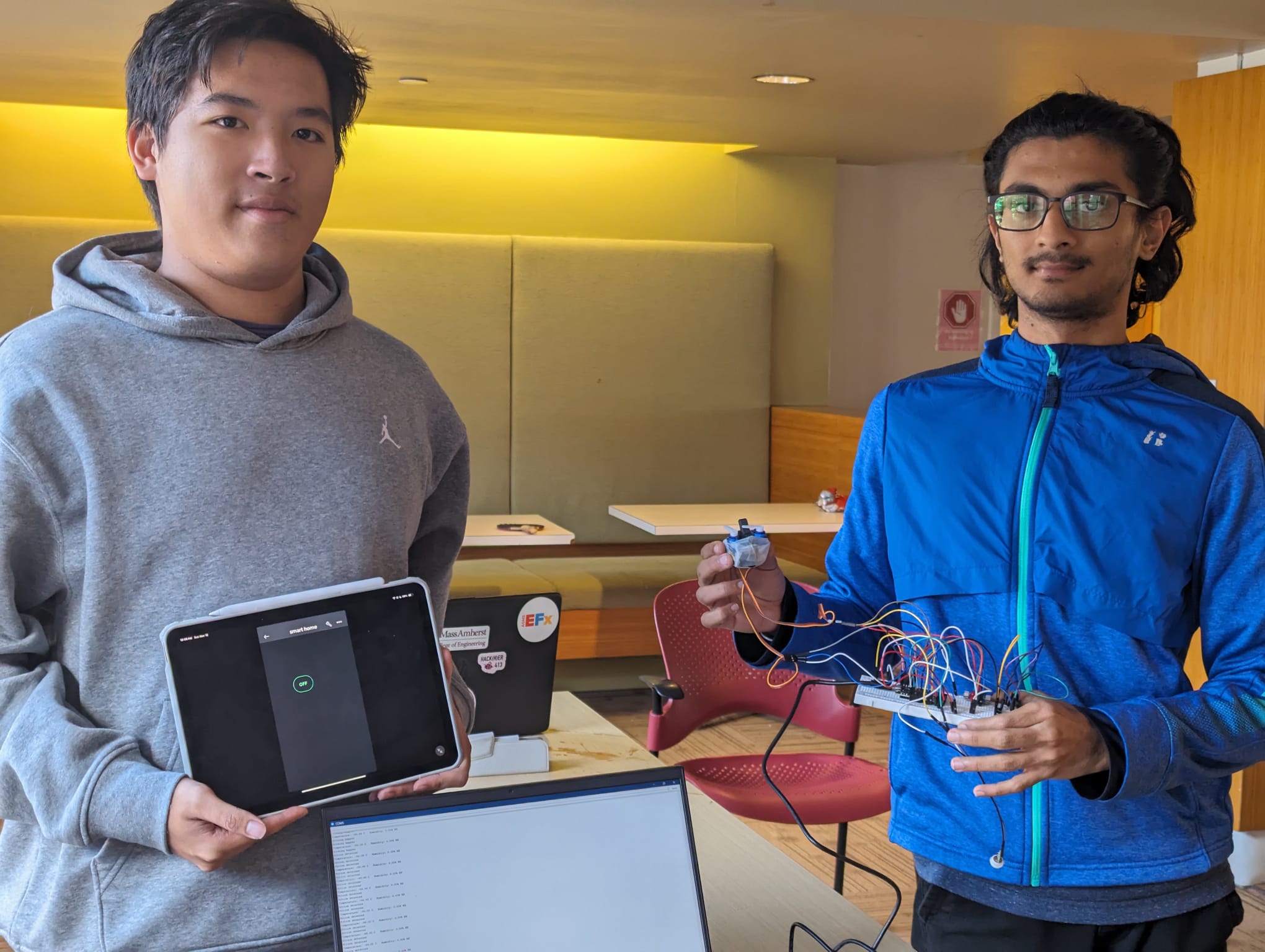
In the development of our smart home system, we integrated various sensors, including the AHT20 and PIR Motion Sensor, along with a Micro Servo to manage the room's switch. The switch, modeled after the dorm room switch, was 3D printed, and servos were attached for seamless on/off control. The system operates on the ESP8266 and is connected to a Blynk server, allowing users easy access to control the device remotely. Additionally, sensor data is displayed on an LCD screen, providing real-time information. To address potential worst-case scenarios, we implemented both a "kill switch" and a "manual switch" for straightforward circuit and system control. The servos are strategically angled to efficiently toggle the light switch, enhancing the system's functionality.
Challenges we ran into
No Experience
We were touching the microcomputers for the first time in our lives. We had little to no experience with Arduino IDE. Almost all the components like the breadboard, Servo Motors, all the sensors on board were new to us. We had to learn everything from zero.
Thinking of Designs
The dorms in the university are as such that we cannot dismantle or do anything with the switches. It is a violation and isn’t allowed. So, we had to make something mechanical, making it work from the outside.
Blynk Server
We wanted to implement it to work on a mobile phone, like we intended to. (and we did it 😤😤) But we faced a lot of challenges. The application was hard to get connected to. Initially, we were using buttons to get the servos running. But to truly have the essence of a smart system, we had to get it done. We had challenges with stopping the servos going back to its original state.
Accomplishments that we're proud of
Successfully resolve all our challenges
We are really proud of the fact that we could resolve all the challenges that we mentioned above. We got the Blynk Server to connect and working with the ESP8266.
The Learning
We learned so much in just this 36-hour challenge. We have mentioned what we learned in the next section. Furthermore, we got the project finished almost as we had intended it to be, that we are proud of. We weren’t over ambitious in our goals of being a first hackathon. (But our future plans are ambitious and achievable). But overall, everything we did was new and actually sparked an interest in continuing to work on these systems.
What we learned
Arduino & other Microcomputers
We learned a lot about using Arduino IDE, breadboards, Raspberry Pi, ESP and other sensor components (Temperature and humidity sensors). Learning to code in the Arduino IDE.
Electrical & Circuitry
We learned how to use Breadboards to connect the components with each other without permanently connecting them. We realized how helpful soldering is. Not only that, but we learned about which pins should be connected with which in the circuit. (Funny enough, we saw so many people using transistors and capacitors in their circuits. We don’t know its use till now)
Side Projects
The both of us worked on individual side projects, hoping it could be part of the main one. One of us worked on getting windows onto a 5in LCD through a Raspberry Pi. We didn’t know we had to upload an OS onto the Raspberry Pi through the laptop via a micro SD card to how up on the LCD. We got that done finally(only to find out we got LINUX on and not WINDOWS. Windows needed a bigger size micro SD card) But it was cool to use LINUX with a keyboard and mouse on a small screen. The other was working on deploying the code to Blynk server and how to control the servo using a push button on Blynk. The server requires a few time to figure out its authentic token and connection protocol. So, it took us quite a number of tries to figure it out. But in the end, we have learned a new way to implement a code on a third-party application on a mobile device, which will be so useful for future projects.
What's next for SwitchUpSmart (SUS)
Our Next plans are to work on more systems like automating the heater systems by measuring the room temperature to release the valves. To automate the curtains in different dorms by using spring push piston like devices.
We thought of a business model that we could possibly start once we figure out the mechanism for at least 3 systems and start selling these systems to students across campus. We will integrate all these systems into a single mobile app that is simply be an on-off switch or a timer for the curtains(, so it wakes you up in the morning).


Log in or sign up for Devpost to join the conversation.