-
-
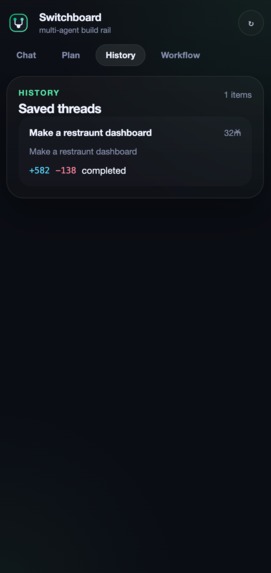
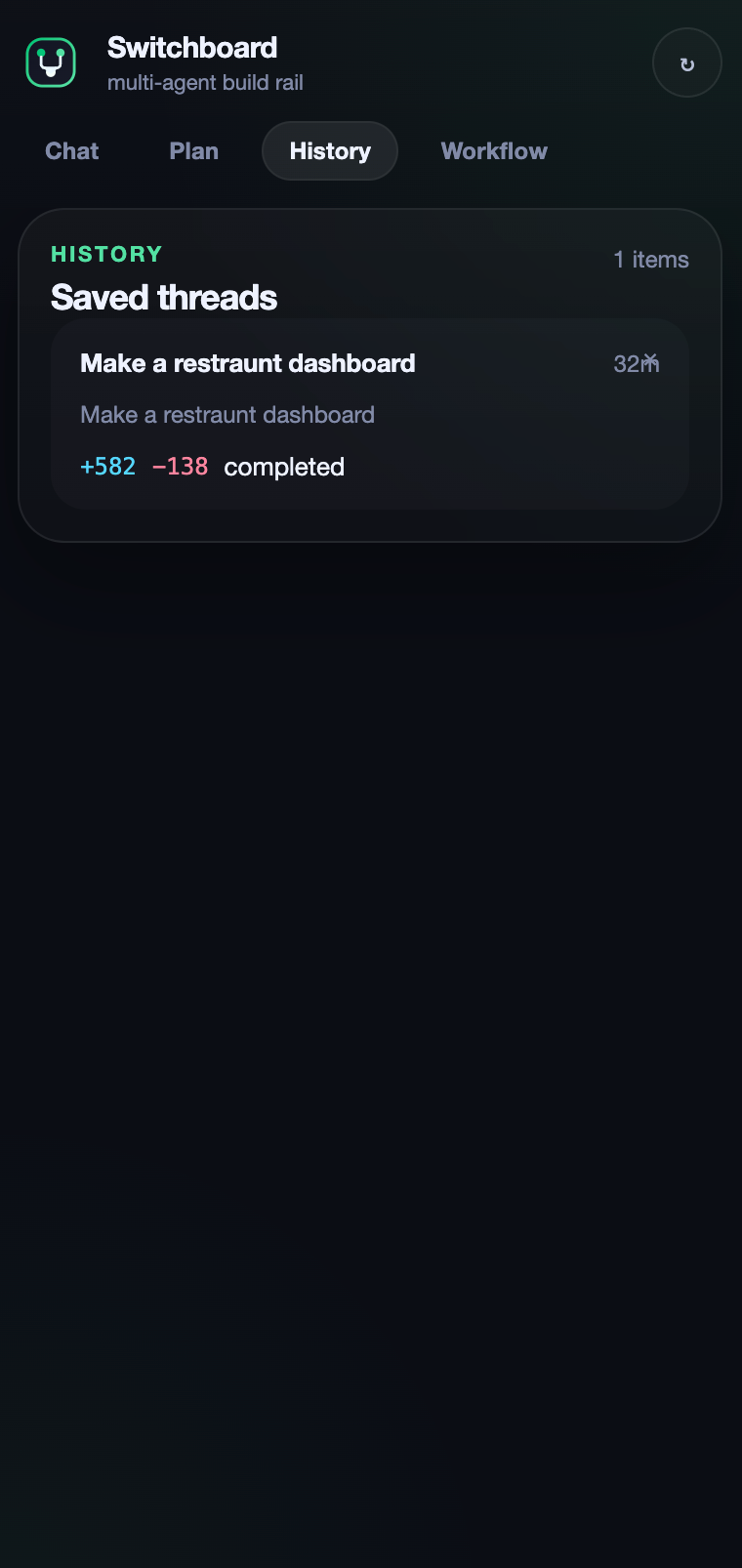
history
-
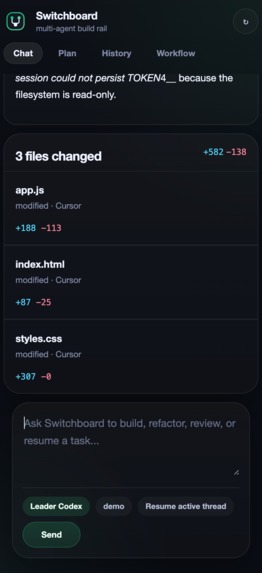
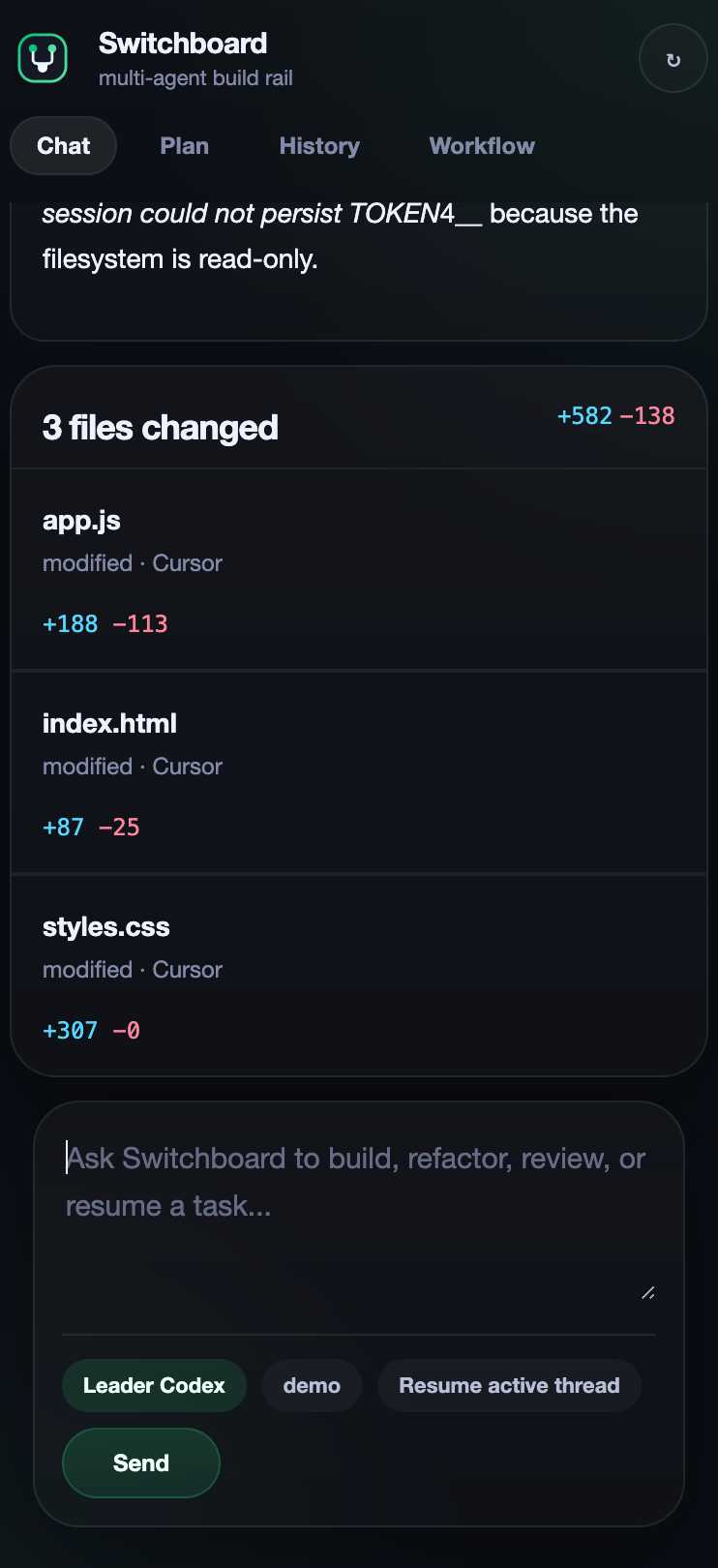
Chat-diffs
-
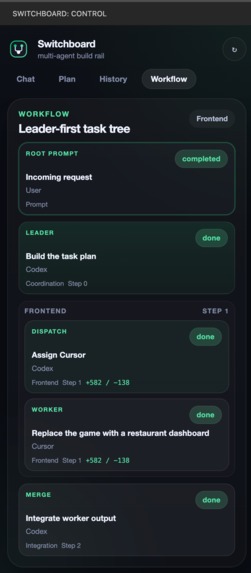
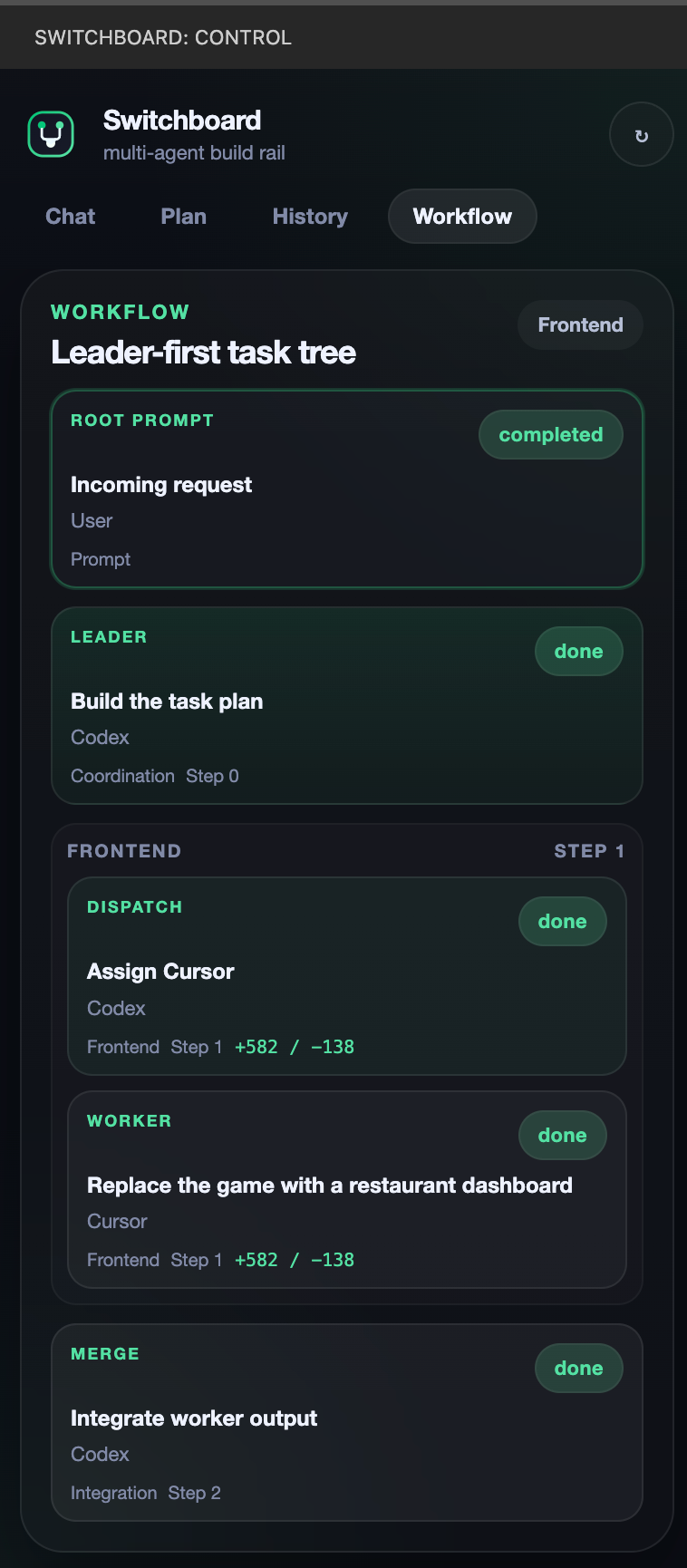
Workflow
-
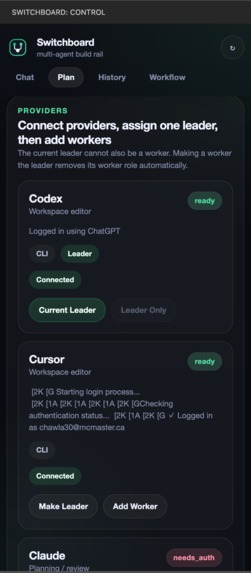
Plan
-
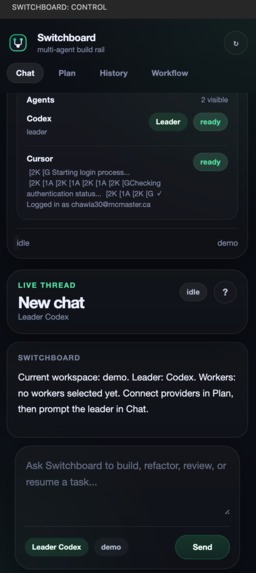
Chat
Inspiration
We built Switchboard because modern vibe coding is still far too manual. Developers keep switching between agents like Codex, Cursor, Claude, and Gemini, but each tool holds context differently, loses memory differently, and forces users to manually decide who should do what. On top of that, debugging and verification often depend on human judgment alone, token usage gets wasted through repeated prompts, and there is rarely a real execution plan behind the work.
What it does
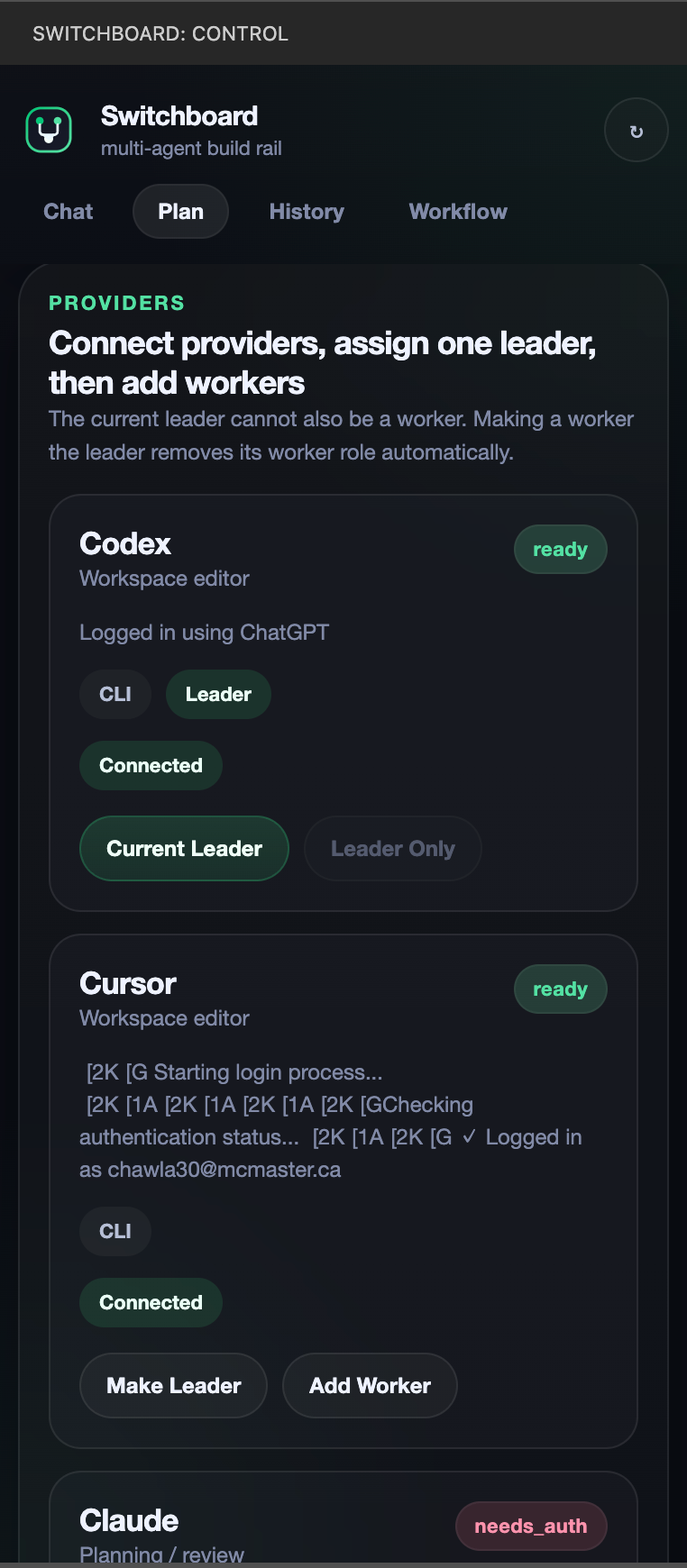
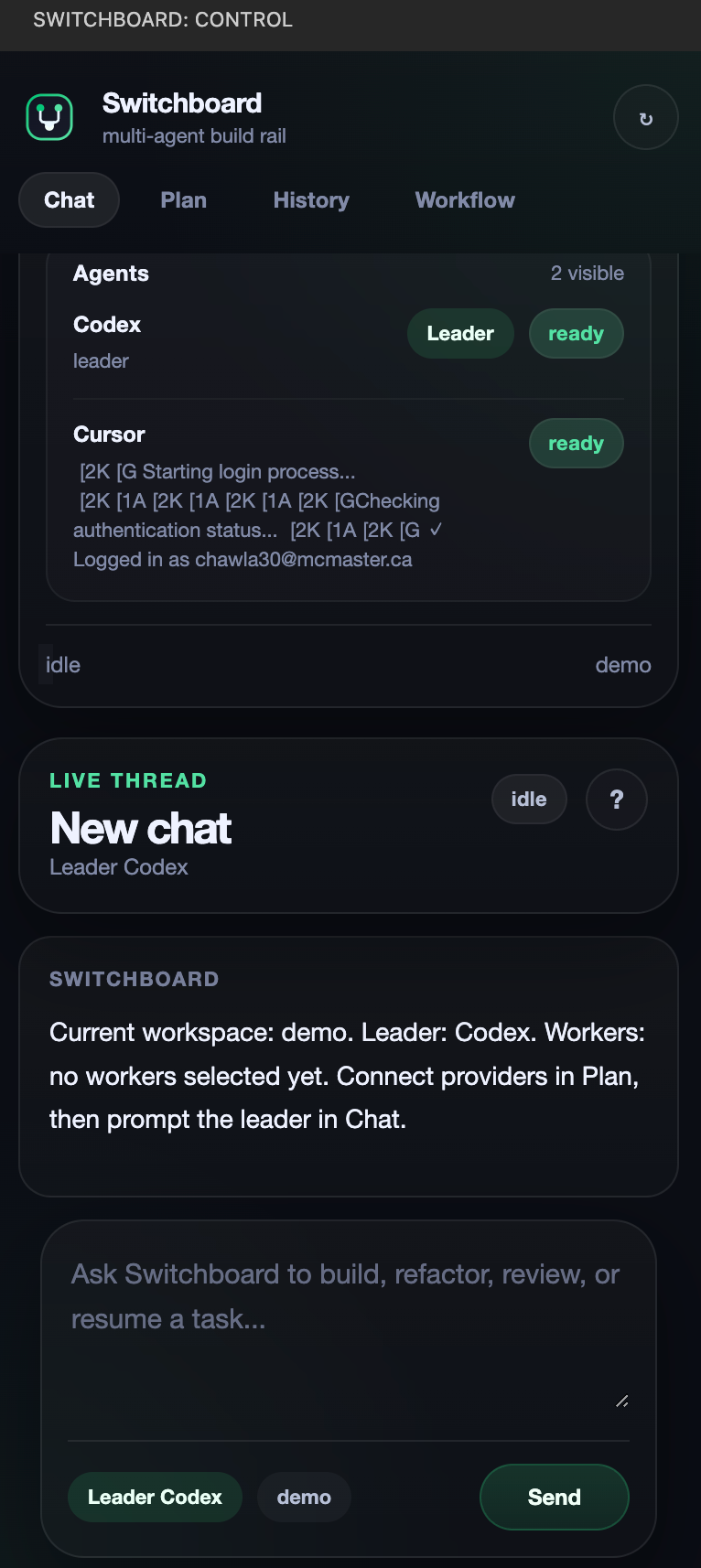
Switchboard is a custom VS Code extension that turns multiple coding agents into one coordinated system. Instead of chatting with every agent separately, the user connects their preferred agents, assigns exactly one Leader, and makes the rest Workers. The Leader is the only agent the user talks to directly. It takes the initial prompt, creates a clear plan, breaks the work into sections such as frontend, backend, scripts, or review, then assigns each worker the best sub-task with its own focused prompt. As workers complete their tasks, they report back, and the Leader merges the results into the final implementation.
How we built it
We built Switchboard as a VS Code extension with a custom webview interface for Chat, Plan, Workflow, and History. The backend is written in JavaScript on Node.js and uses the VS Code Extension API to access the current workspace, manage provider connections, and persist resumable thread memory. We integrated real coding agents through Codex CLI, Cursor terminal tooling, and direct API connections for Claude and Gemini. We also built workflow visualization, per-thread memory, and real file-diff tracking so the user can see how many files changed and the exact line additions and removals during execution.
Challenges we ran into
The hardest part was making very different agents feel like one system. Every provider has different auth flows, different capabilities, and different ways of reporting output. Another challenge was building resumable memory so a user could return later and continue a task instead of starting over. We also spent a lot of time designing a workflow view that clearly shows how the Leader routes work to Workers without overwhelming the user. Finally, tracking real workspace edits and turning them into trustworthy file and line-change summaries was much harder than simply showing agent messages.
What we learned
We learned that multi-agent development is not just about connecting more models. The real value comes from orchestration: role design, memory, planning, verification, and clear execution visibility. We also learned that users do not want more agent tabs; they want one clear interface that remembers context, reduces prompt engineering, and makes agent collaboration understandable.
Built With
- claude
- codex
- css
- cursor
- gemini
- html
- javascript
- node.js
- vscode

Log in or sign up for Devpost to join the conversation.