Inspiration
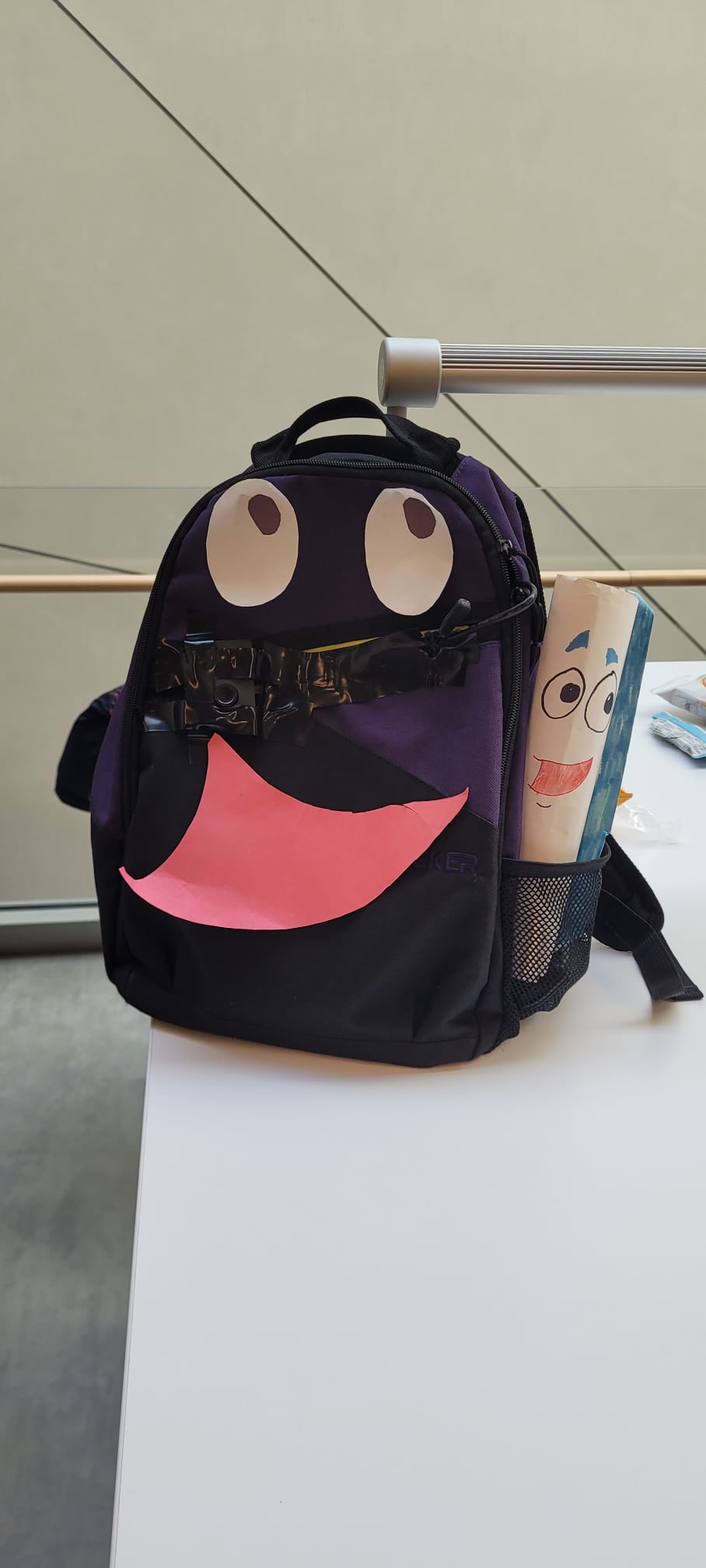
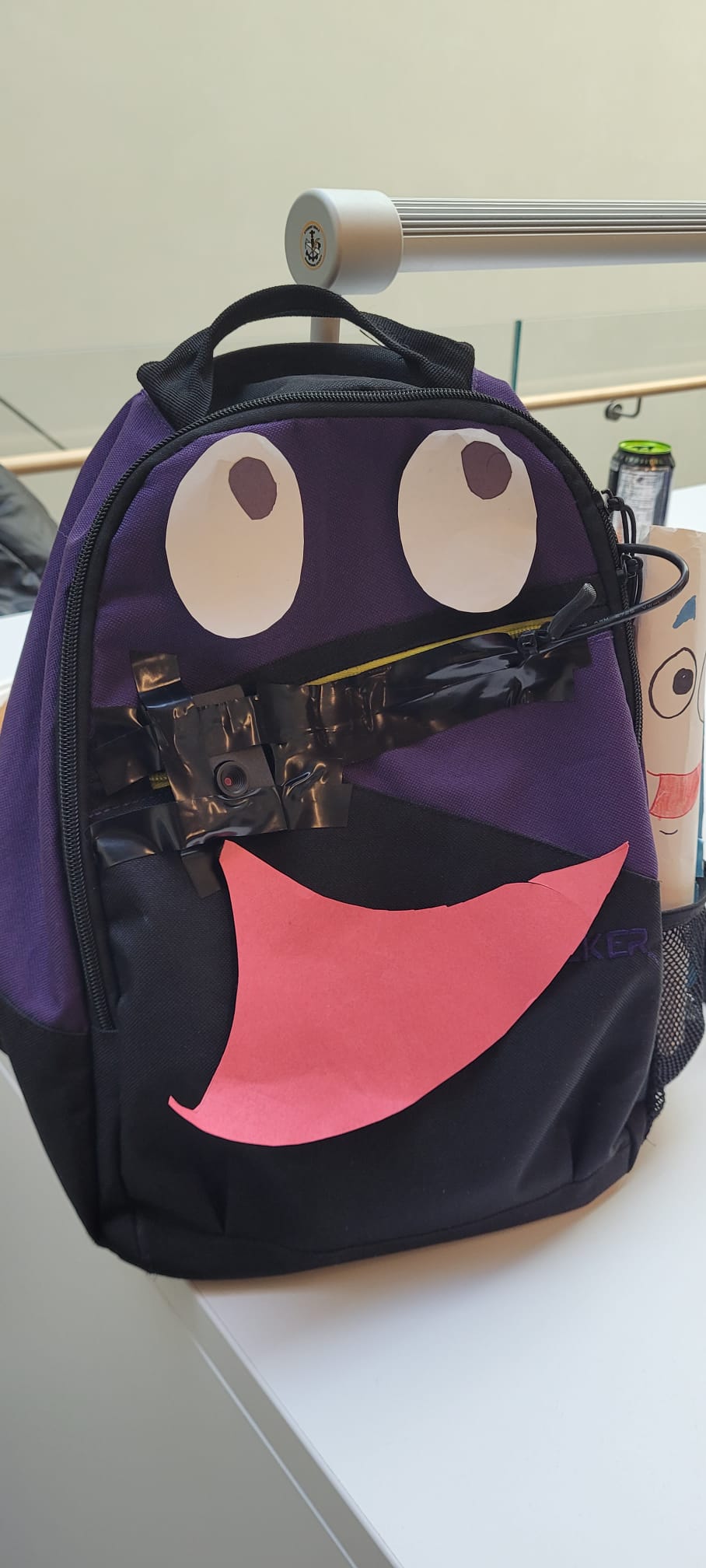
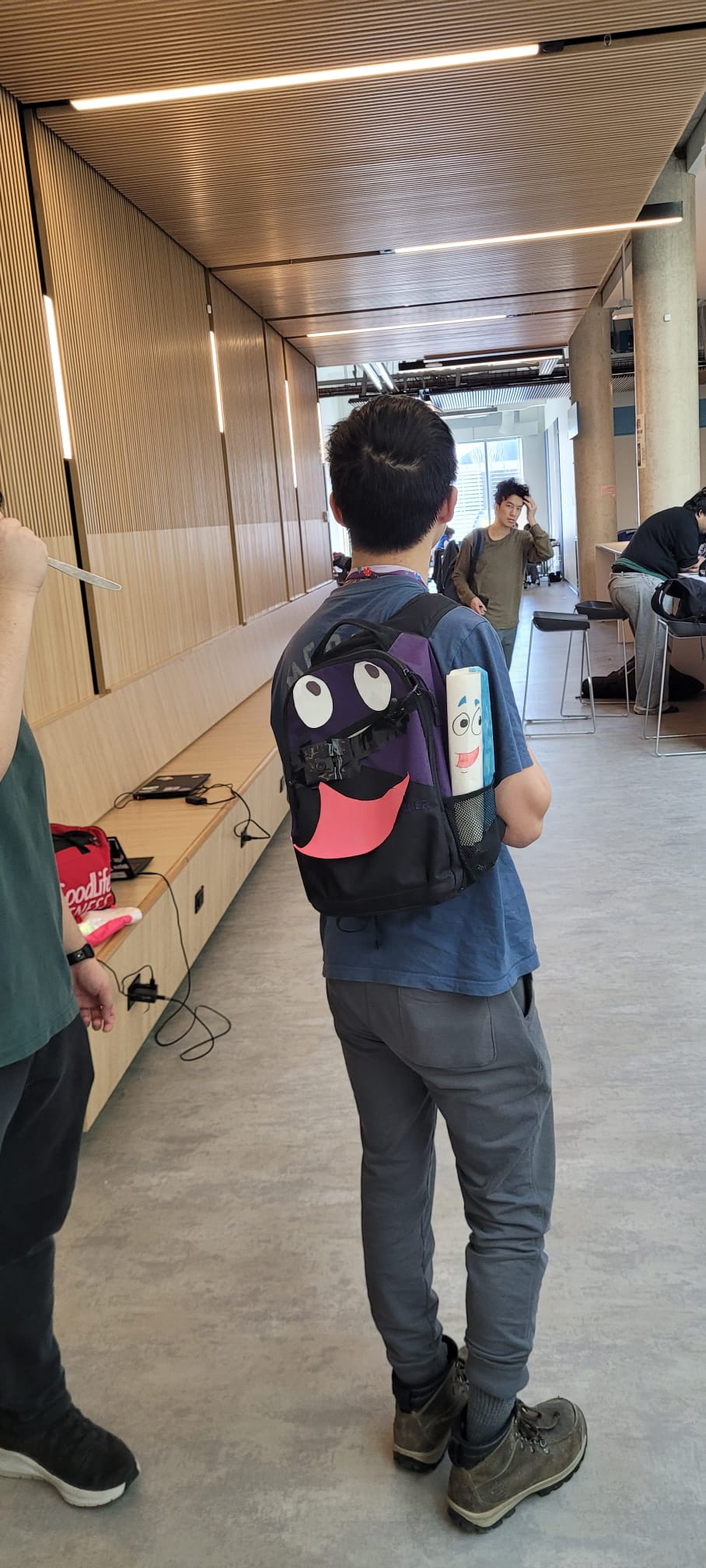
The inspiration behind our project came from a desire to create a practical and innovative solution to everyday safety concerns. We drew from the iconic design of Dora the Explorer’s backpack, making the safety tech discreet yet functional. With rising concerns about personal safety, particularly theft and physical threats, we saw an opportunity to incorporate advanced technology into a common item, like a backpack, to help protect people in real-time. We wanted to design something that could seamlessly blend into daily life while offering a layer of security, enhancing users' peace of mind without being obtrusive or cumbersome.
What it does
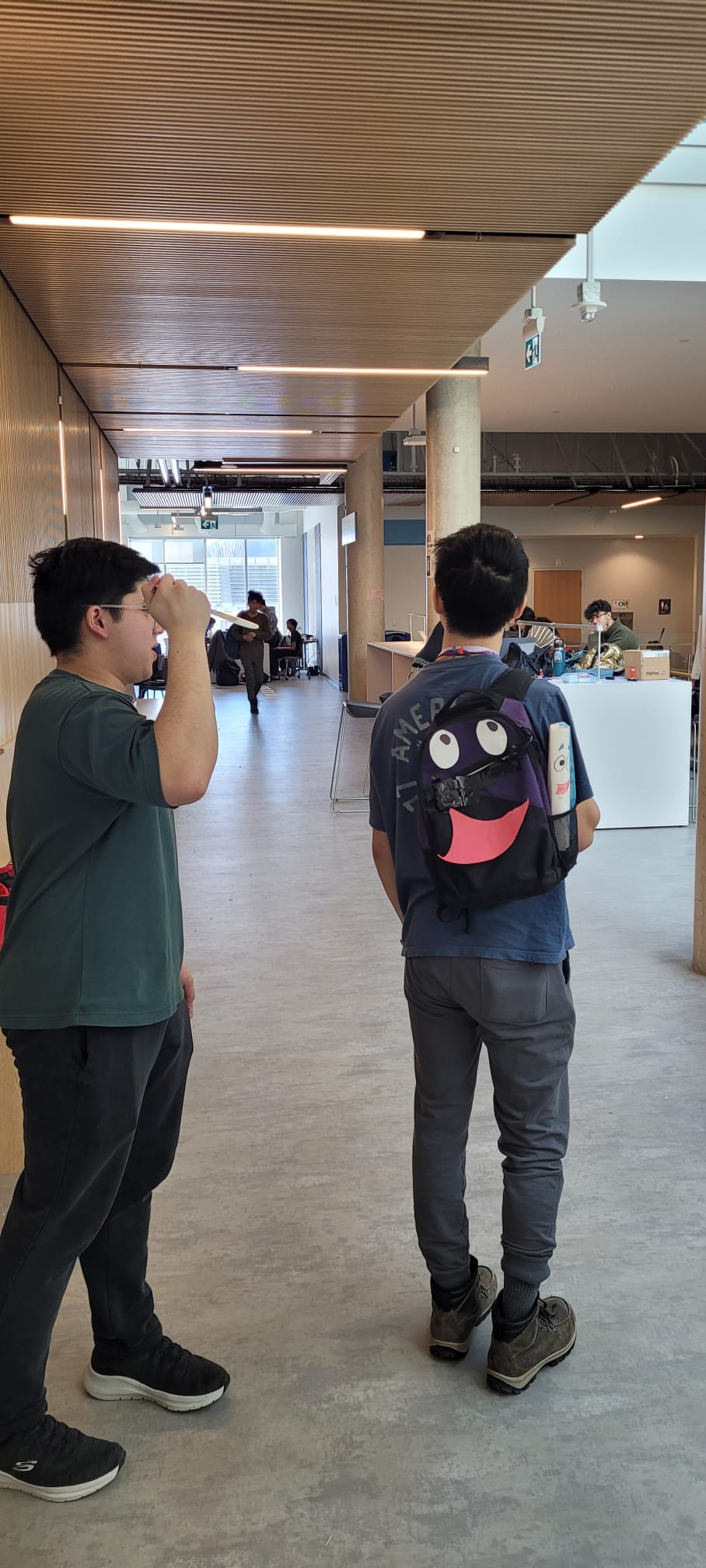
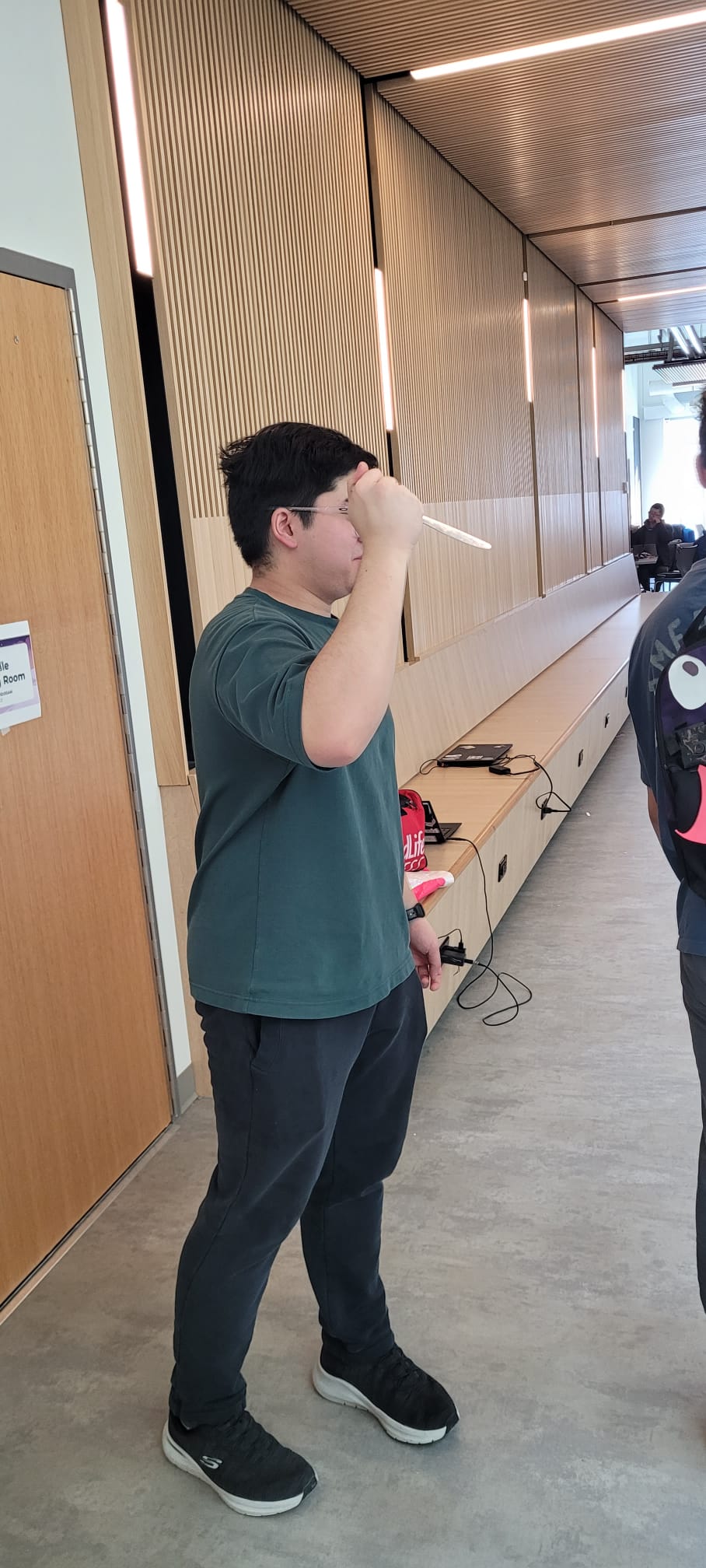
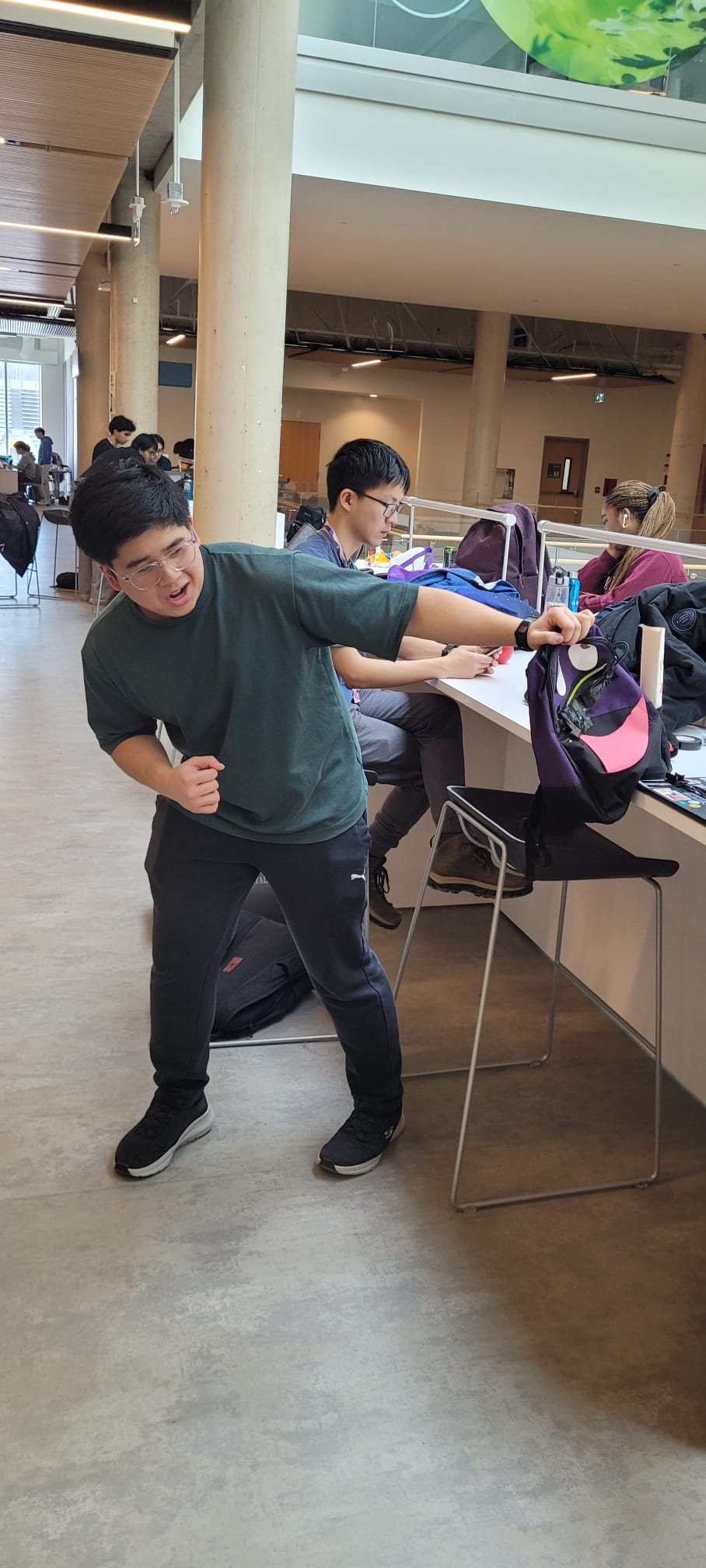
The backpack has two main functionalities: an theft deterrent and a threat detector. The theft deterrent can be turned on and off with the press of a button. When the program is turned on, the bag's accelerometer will begin reading the acceleration of the backpack. If the backpack is yanked with an acceleration of over 1.5Gs, the backpack will play a noise of the user's choice. The threat detector uses a camera attached to the back and an algorithm trained to recognize knives in the video. If the camera detects what it thinks is a knife, the user will receive a notification on their phone of the potential threat behind them. This allows the user to be fully aware of all their surroundings without needing to turn around and alert the other party that they're aware of the other's presence.
How we built it
We used a nano33 IoT arduino sensor to detect any acceleration in the x, y and z directions. We then used these values, and found the net vector using the Pythagorean theorem and returned a single value for the net acceleration of the sensor. This value was then read from the Serial monitor of the arduino into the Python code, which determines the acceleration required for the code to activate. Next we found an mp3 file of Dora saying "Swiper no Swiping" to play when the bag is stolen. We used pygame to play this sound whenever the accelerometer detected an acceleration greater than 1.5Gs. The final step was to add a way of turning the theft detection on and off. For this we used the mouse library in python to detect left and right mouse clicks on a computer. Pressing the left button will turn on the anti-theft detection and pressing the right mouse button will turn the program off.
Challenges we ran into
One of the challenges we ran into was getting the knife recognition algorithm to work natively rather than working on the cloud. This was crucial to ensure that the program was both more efficient, and able to work offline. Another challenge we encountered was finding the best sensitivities for both the knife recognition and acceleration of the bag. If either of these values are too low or too high, the backpack would either return a large volume of false negatives, or the program would never notify the user of any danger or theft. Finding the optimal value to minimize false positives while still being able to recognize the dangers was crucial.
Accomplishments that we're proud of
We were able to utilize a object recognition algorithm successfully, which was a task none of us had had experience with before. Getting the program to recognize the knife reliably was challenging, but rewarding when we finally got the program working. Another accomplishment we're proud of was getting this entire project completed in the span of one day. This was something we thought couldn't happen, but by working hard, and collaborating effectively, the project was finished and we could be proud of the overall product.
What we learned
We learned how to send Arduino Serial monitor output to a python program. This is extremely useful for whenever various sensors are being used, and the readings from those sensors are being used for functionalities unavailable in the Arduino IDE. We also learned how to use the object recognition algorithm to recognize any object if the program is trained beforehand. This can be used for a grand variety of applications, from threat recognition to autonomous machines performing tasks.
What's next for Swiper, No Swiping!
Next for Swiper, No Swiping, we hope to further refine the values used to detect theft and knives. The object recognition software can also be better optimized to recognize knives more reliably and give less false positives overall. Another addition would be to make a dedicated app for phones. This app would be the one to send notifications, could allow you to see the camera feed and have the on-off button for the anti-theft rather than it being a physical button.


Log in or sign up for Devpost to join the conversation.