-
-
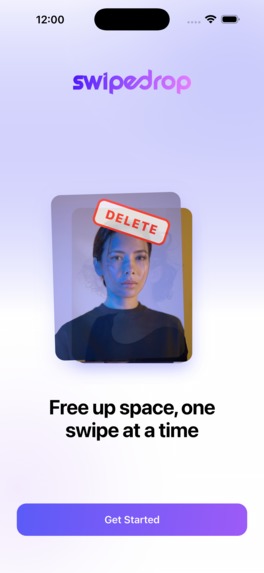
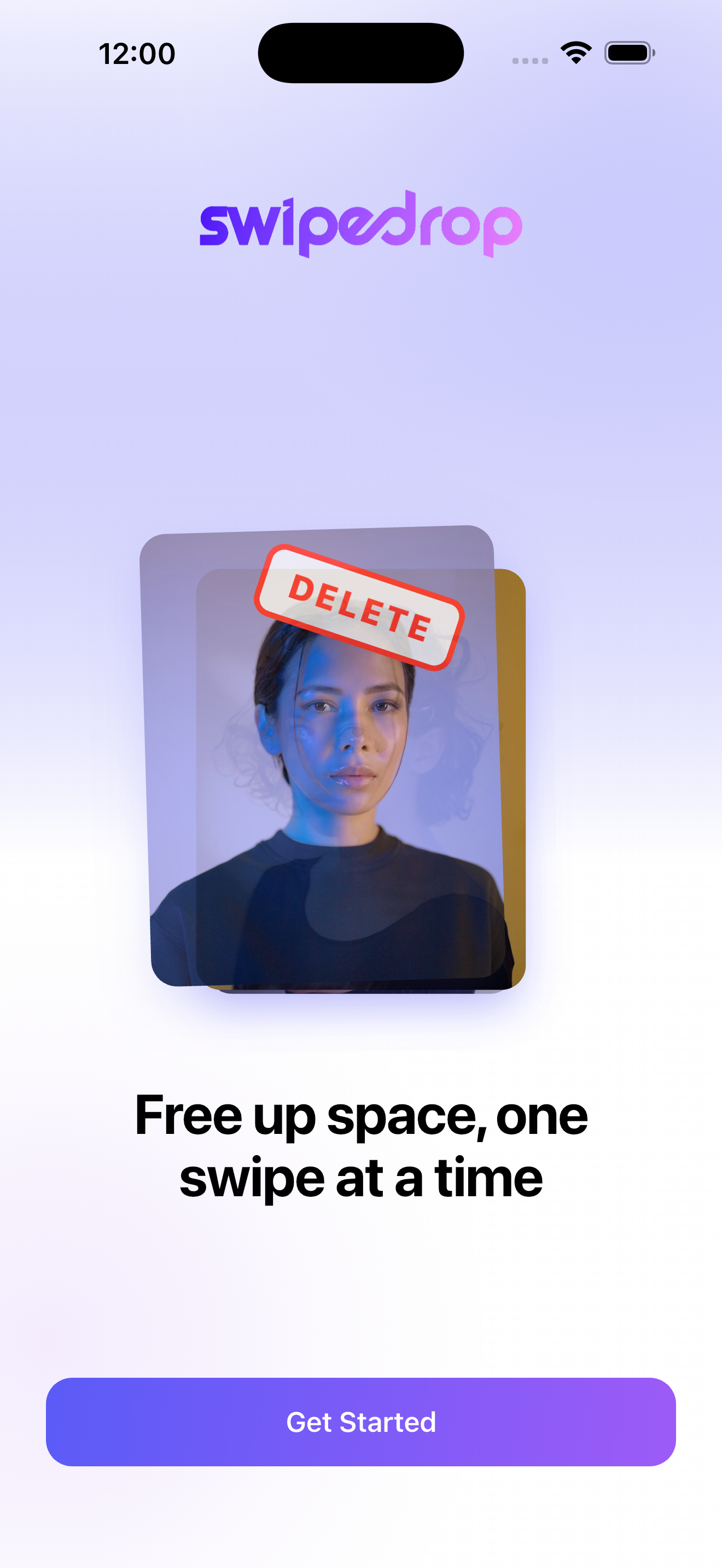
Welcoming users by showing core app feature animation.
-
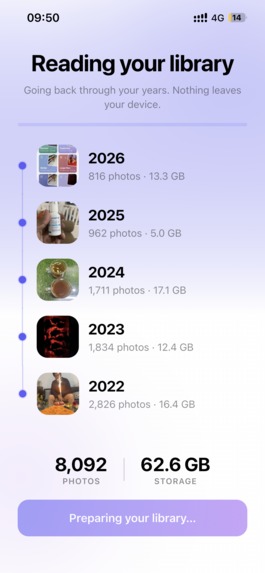
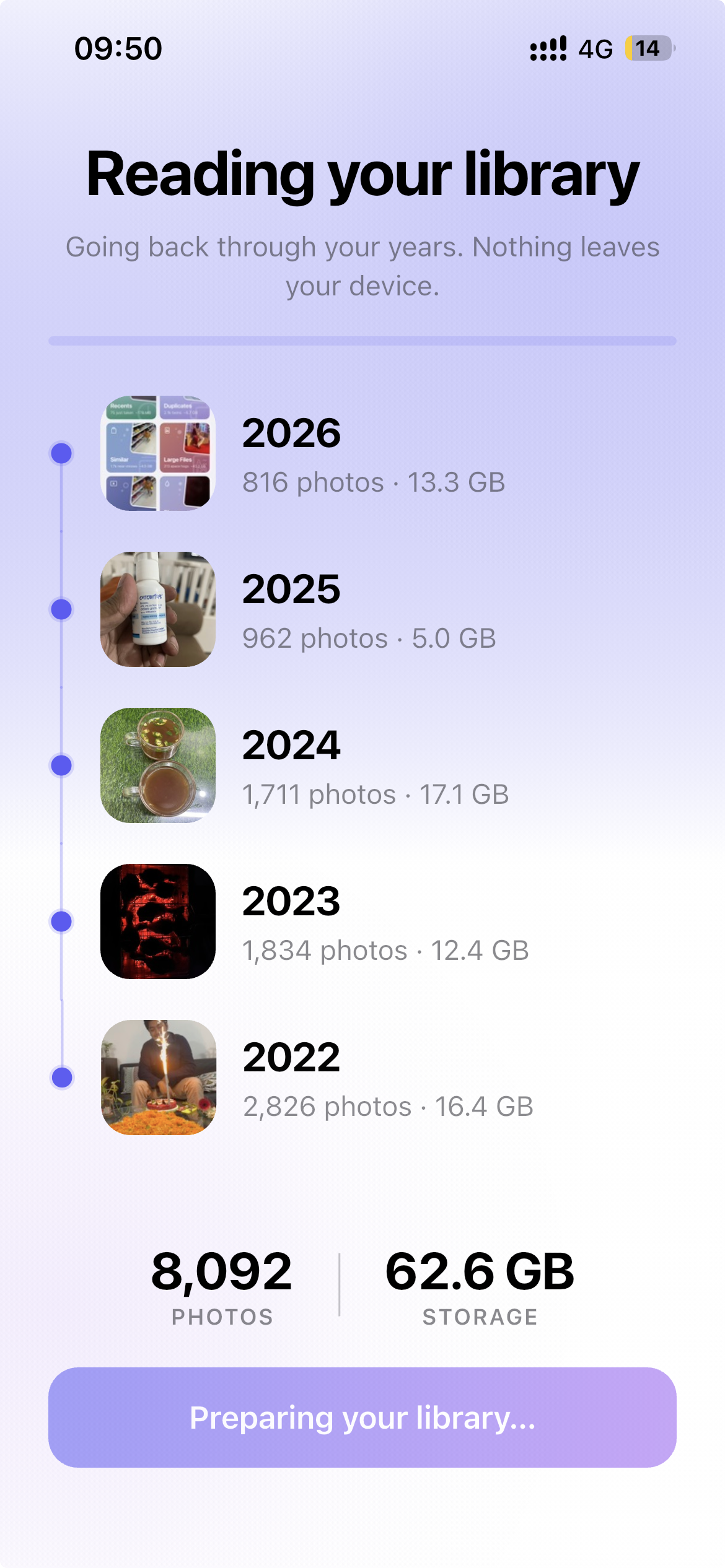
Scanning photo library to find duplicates, on this day memory, etc
-
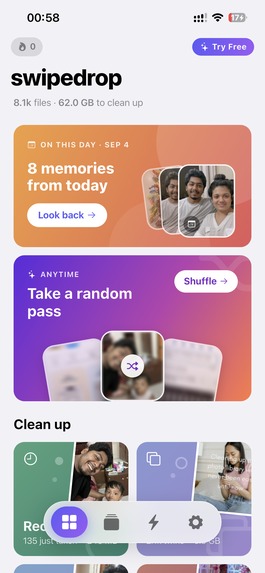
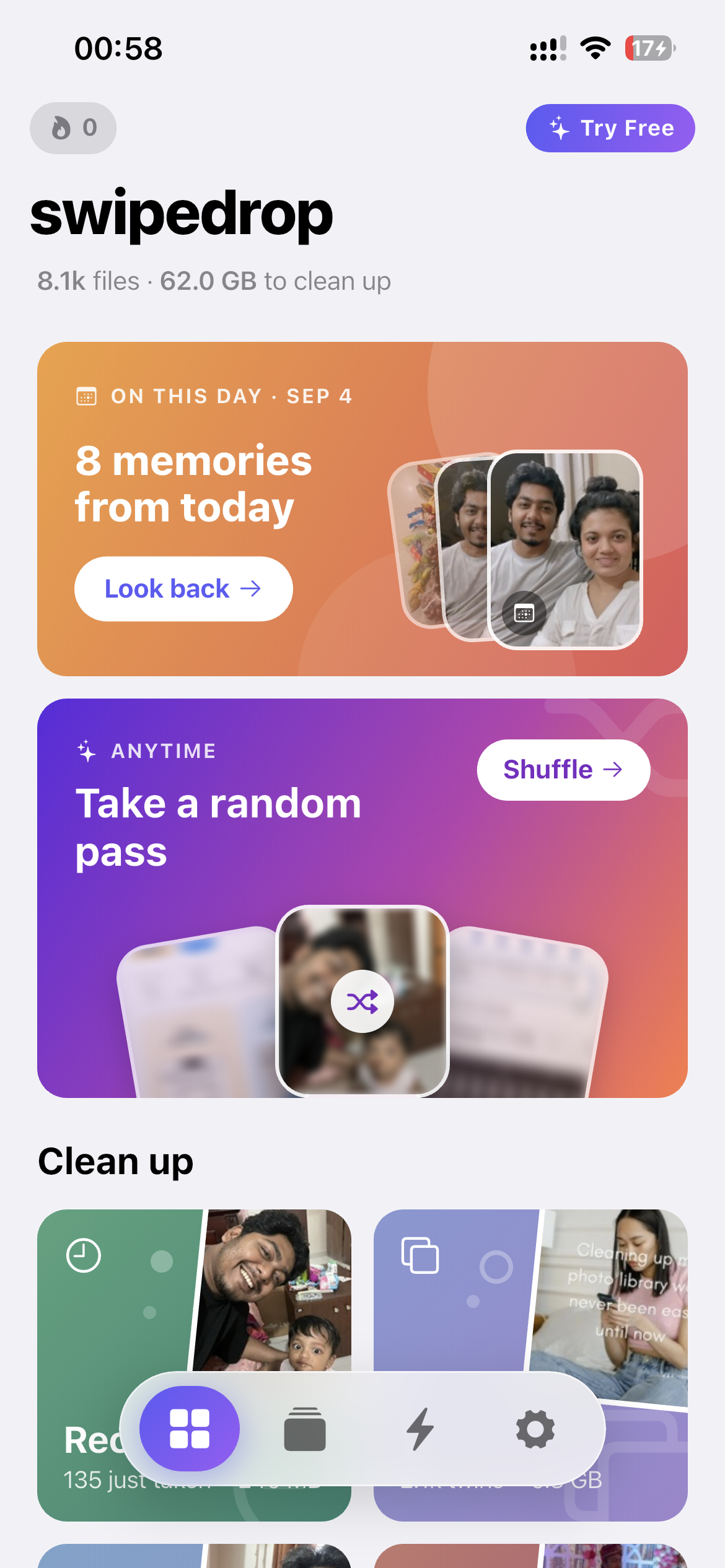
Home: "On this day" memories, a random Shuffle pass and smart cleanup piles, ready the moment you open the app.
-
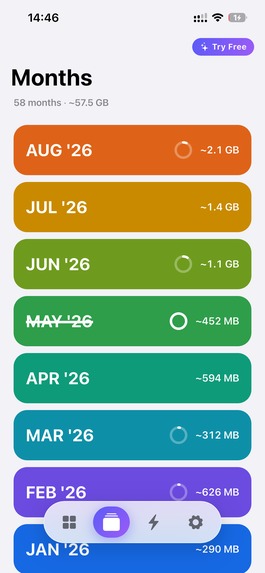
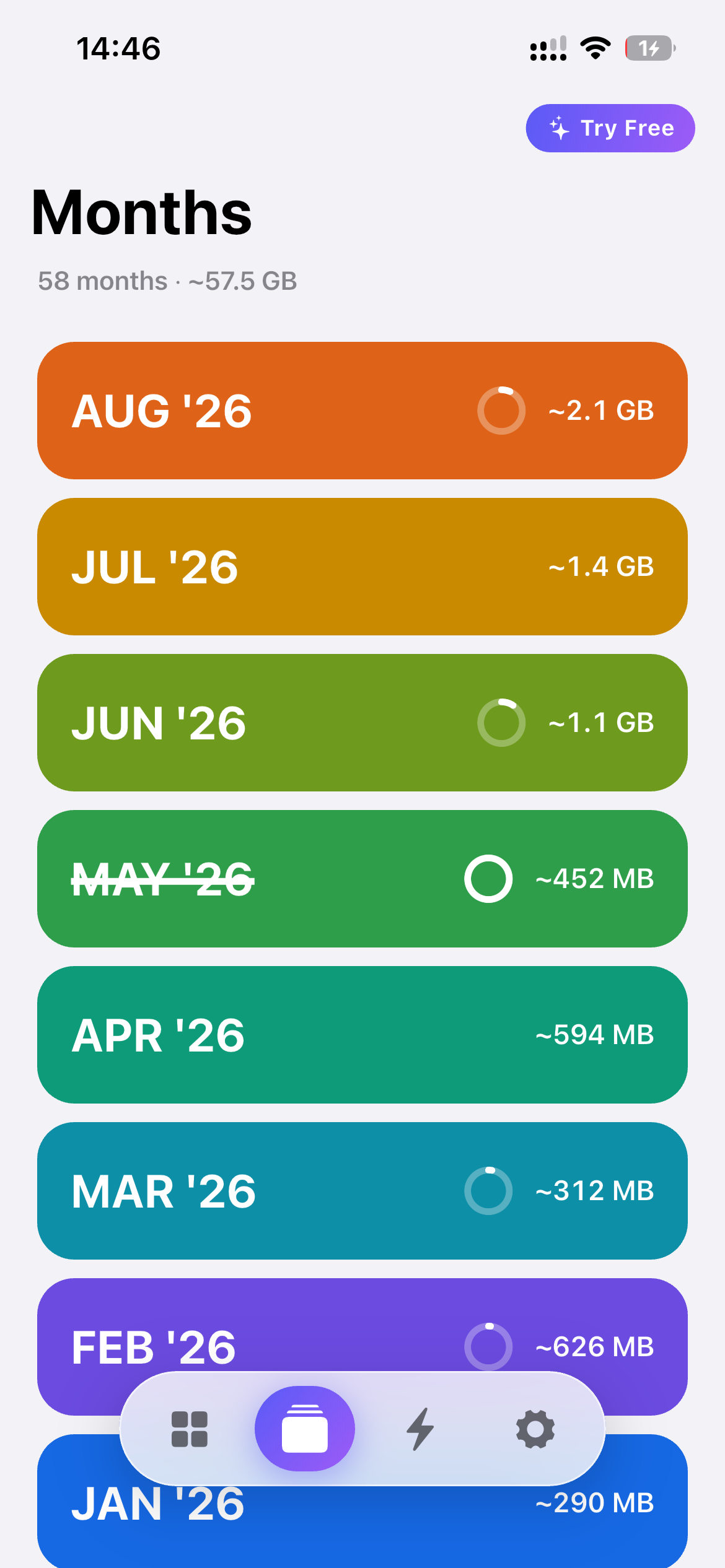
Month by month: your whole library split into months, each showing how much space it could free.
-
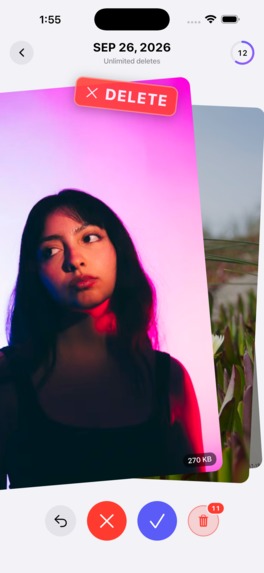
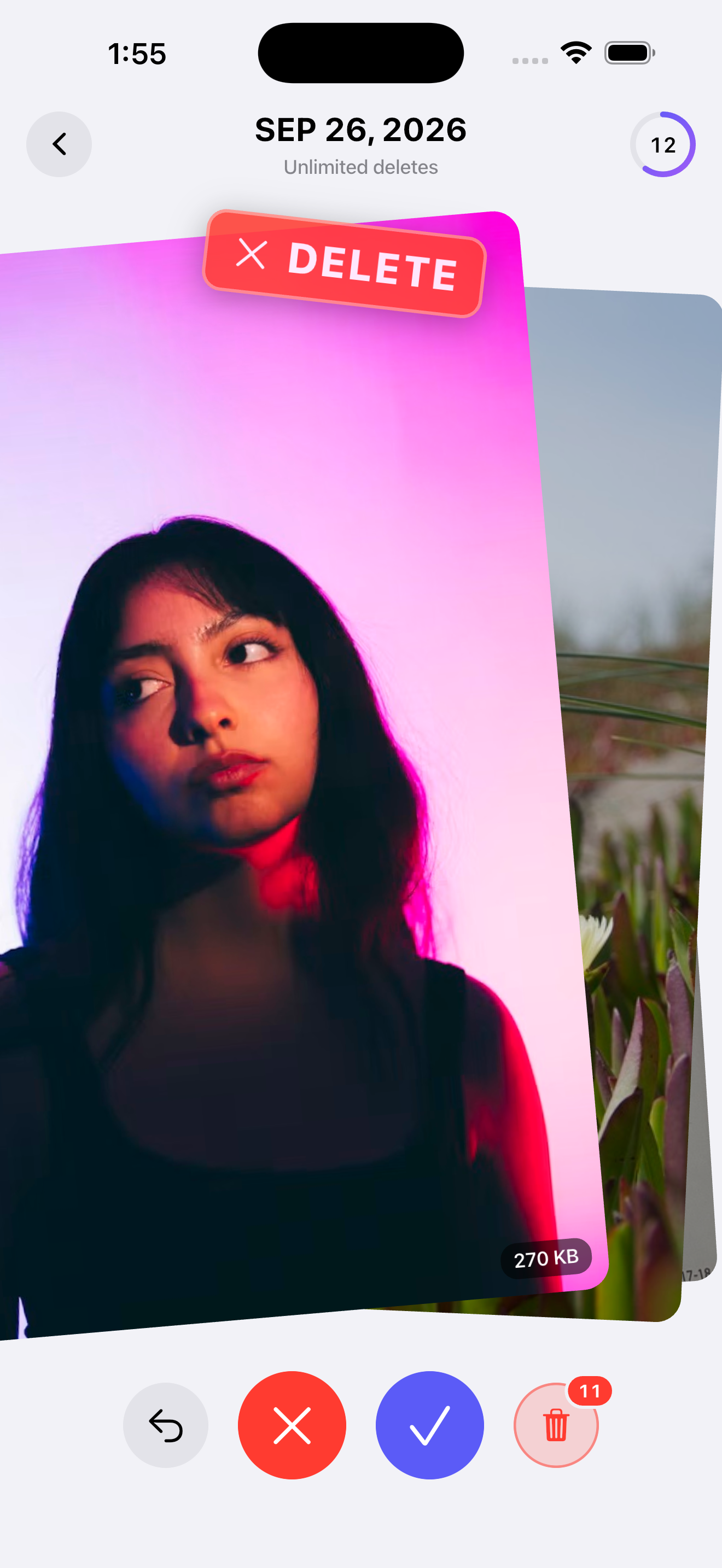
Swipe left to delete. Nothing is removed yet: every drop waits for your review.
-
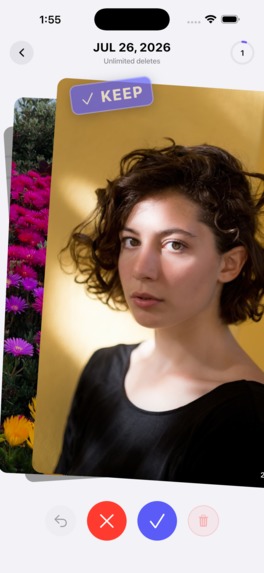
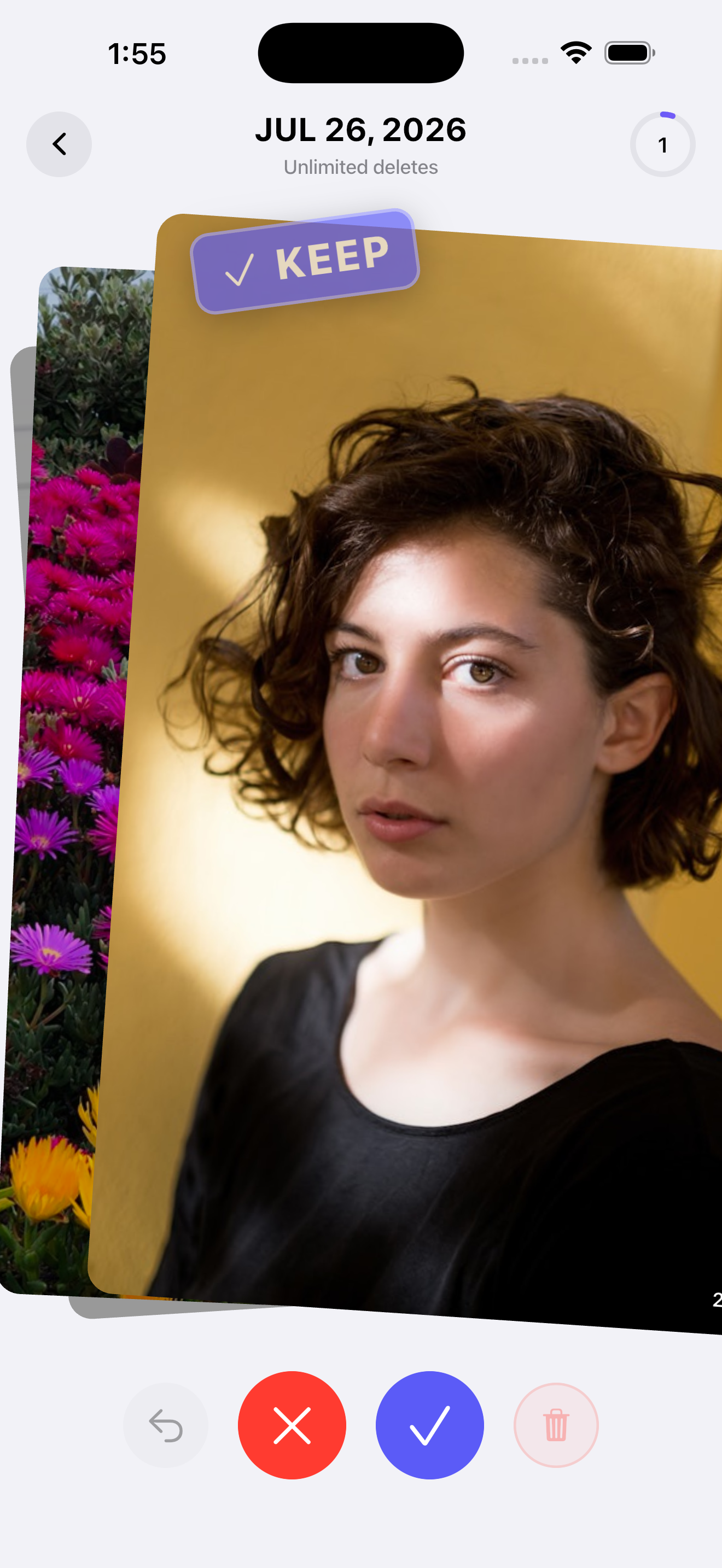
Swipe right to keep. One photo, one decision, with one-tap undo.
-
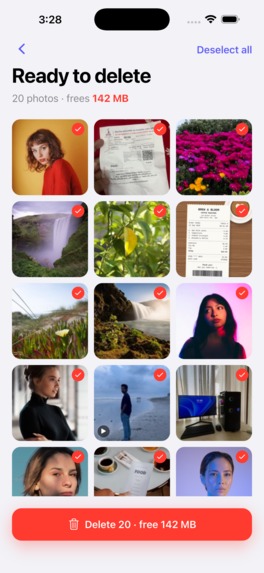
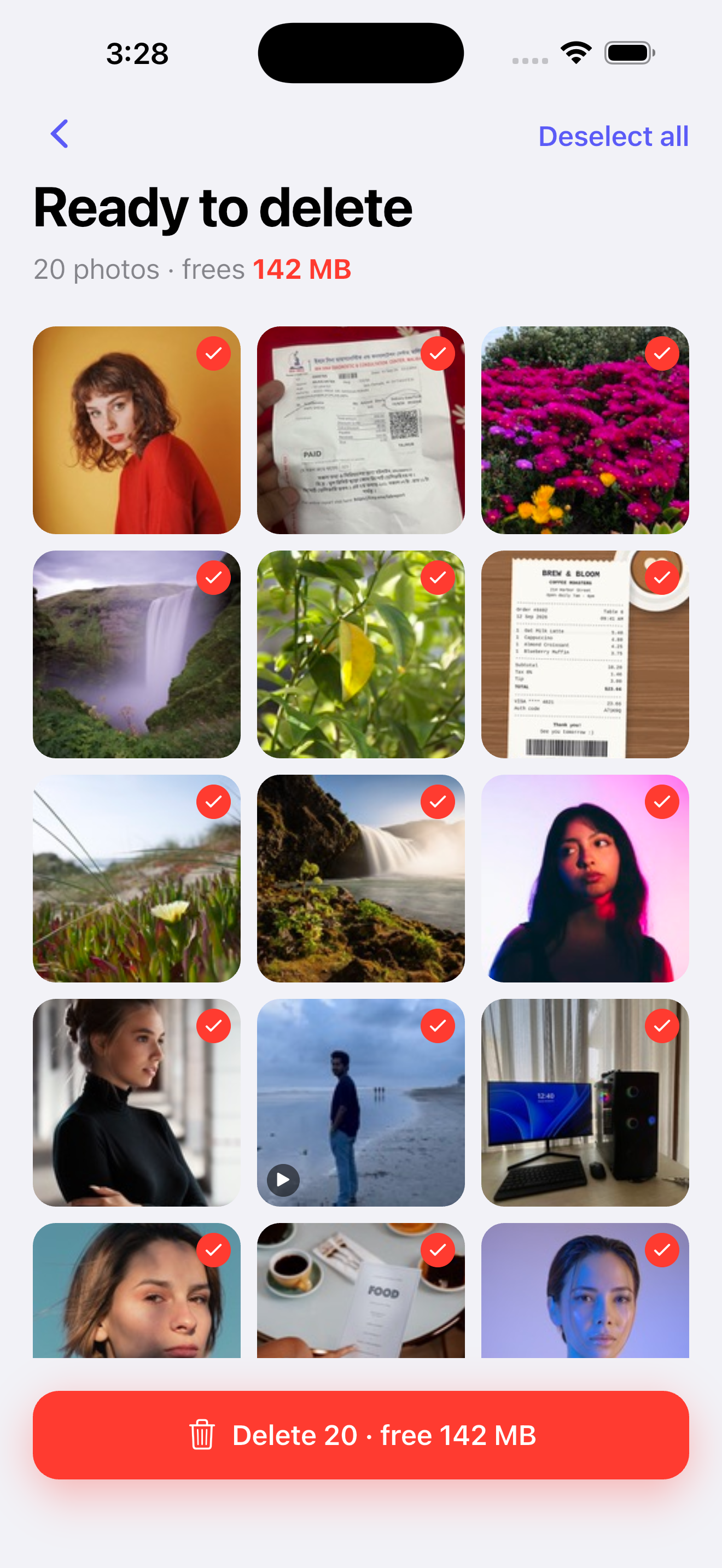
Review before delete: check every dropped photo, then clear the whole batch in one tap.
-
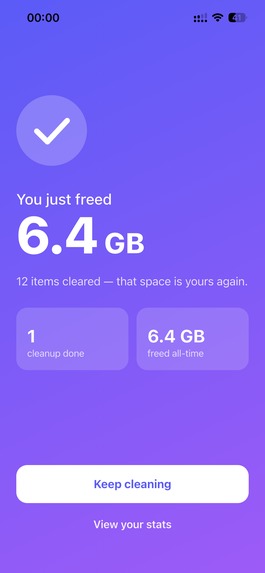
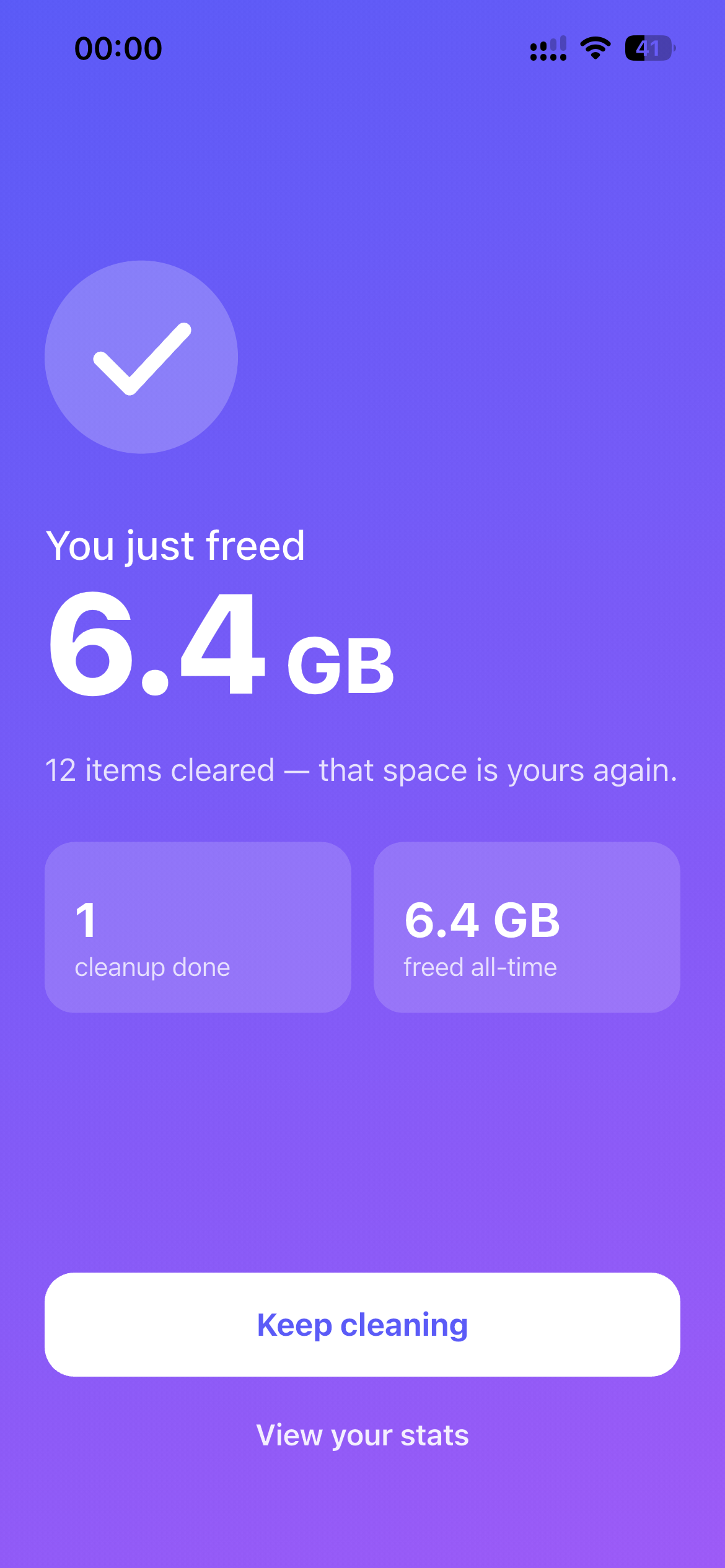
The payoff: see exactly how much space you just freed, plus your all-time stats.
-
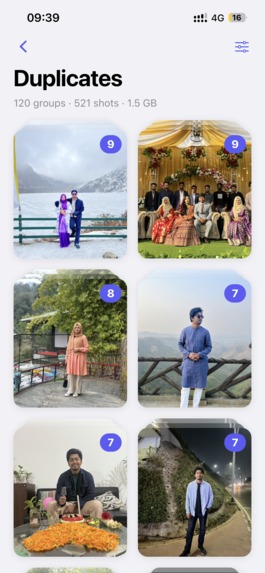
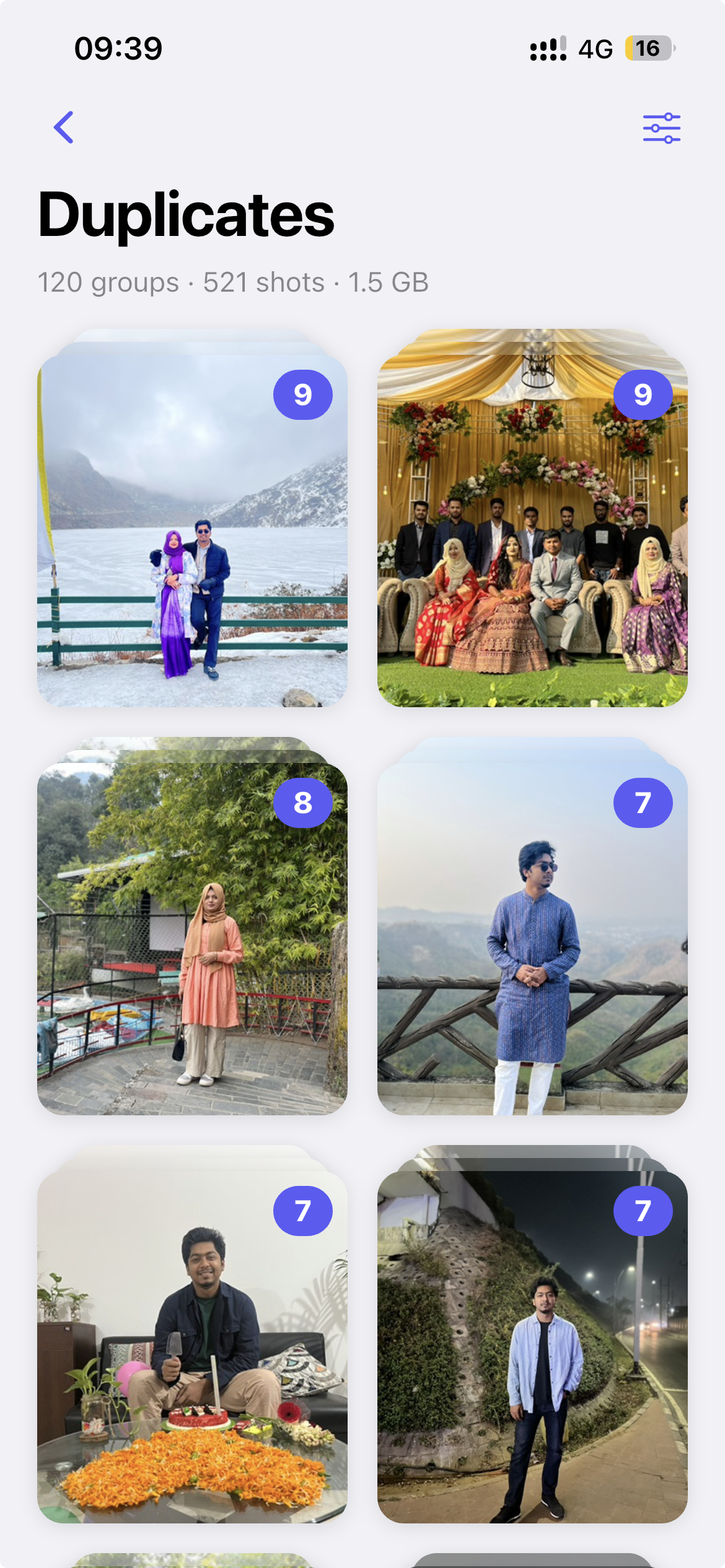
Duplicates grouped automatically with on-device image fingerprinting. No photo ever leaves your phone.
-
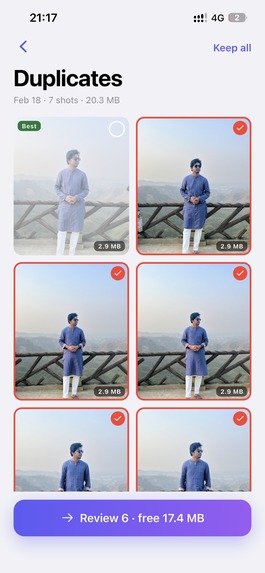
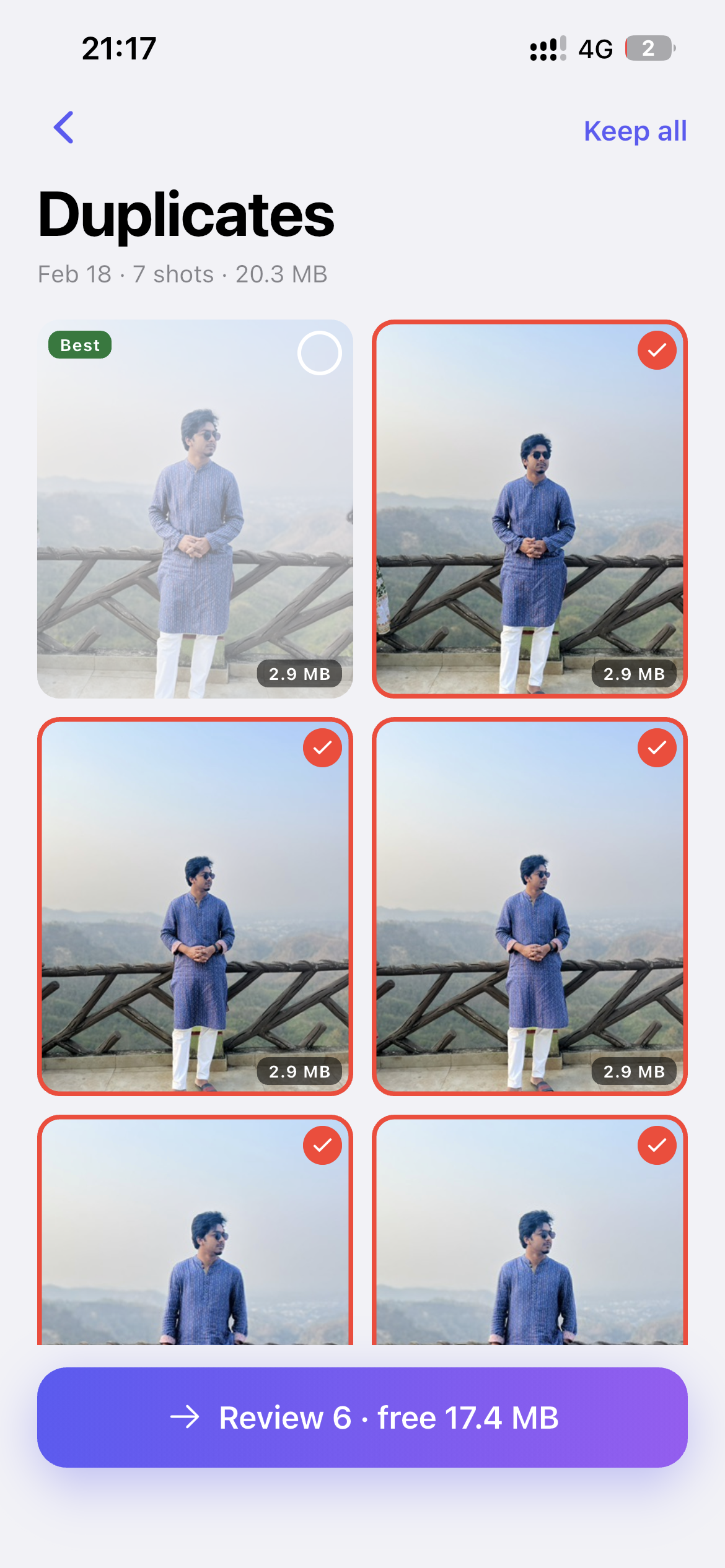
Pick the best shot in each duplicate group and drop the rest in one go.
-
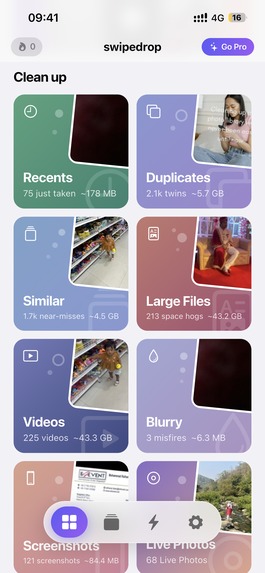
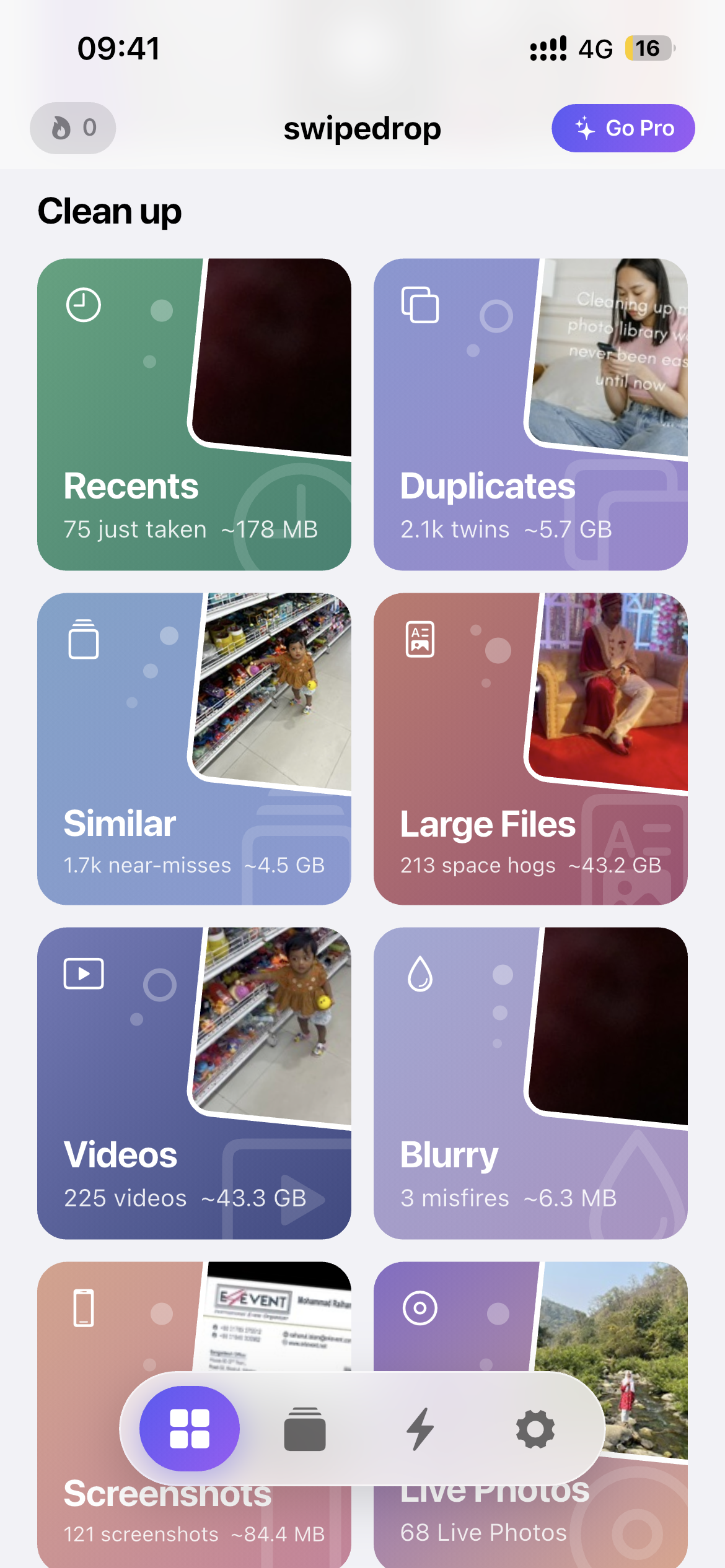
Smart cleanup piles: Recents, Duplicates, Similar, Large Files, Videos, Blurry, Screenshots and Live Photos.
-
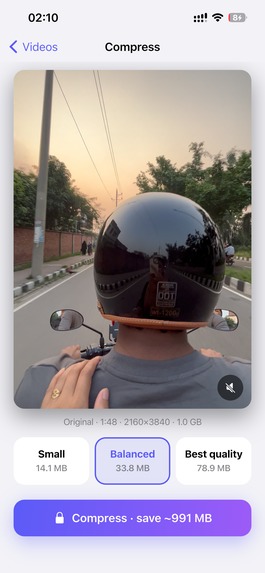
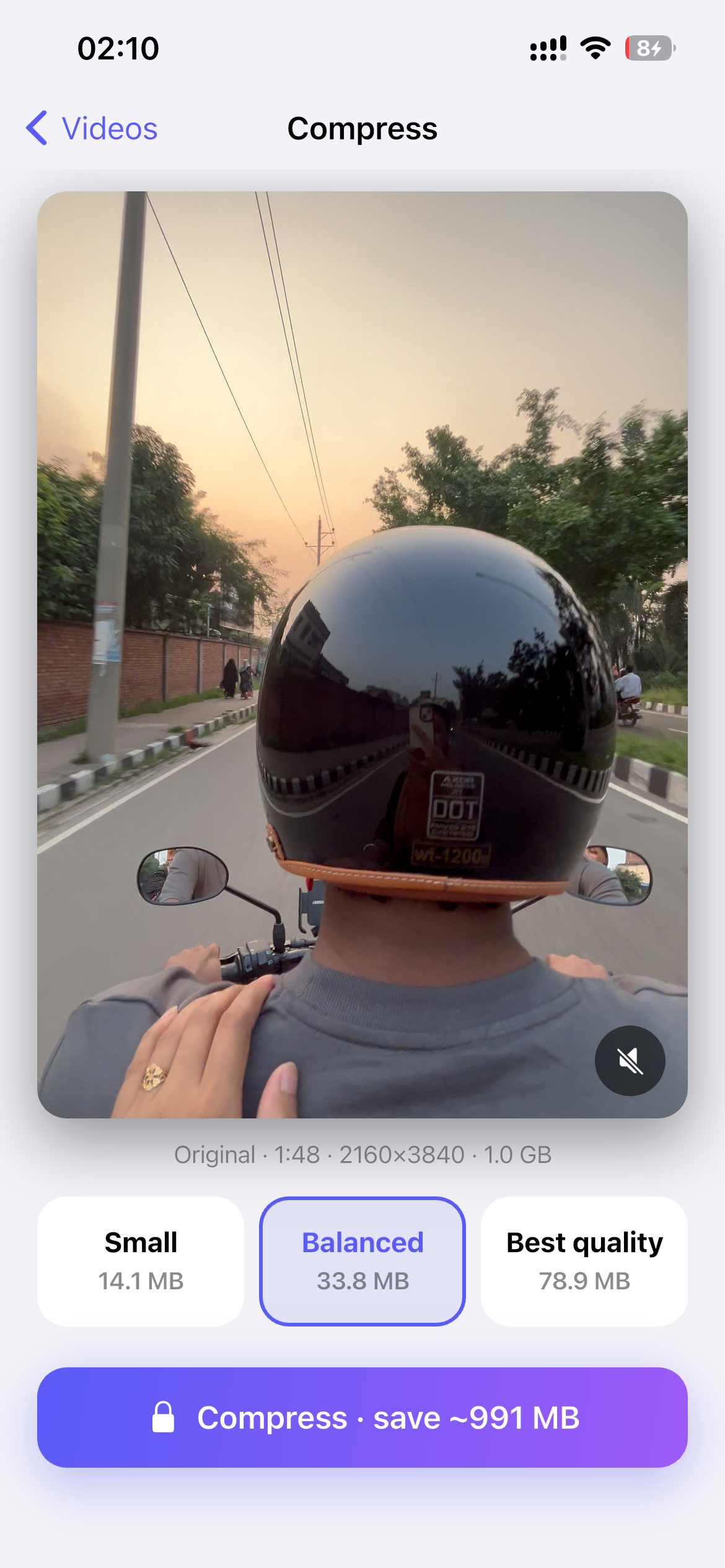
Compress videos at Small, Balanced or Best quality, with the saving shown before anything runs.
-
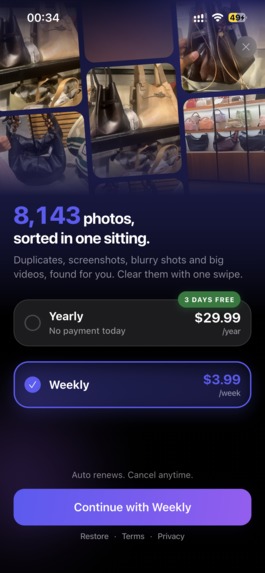
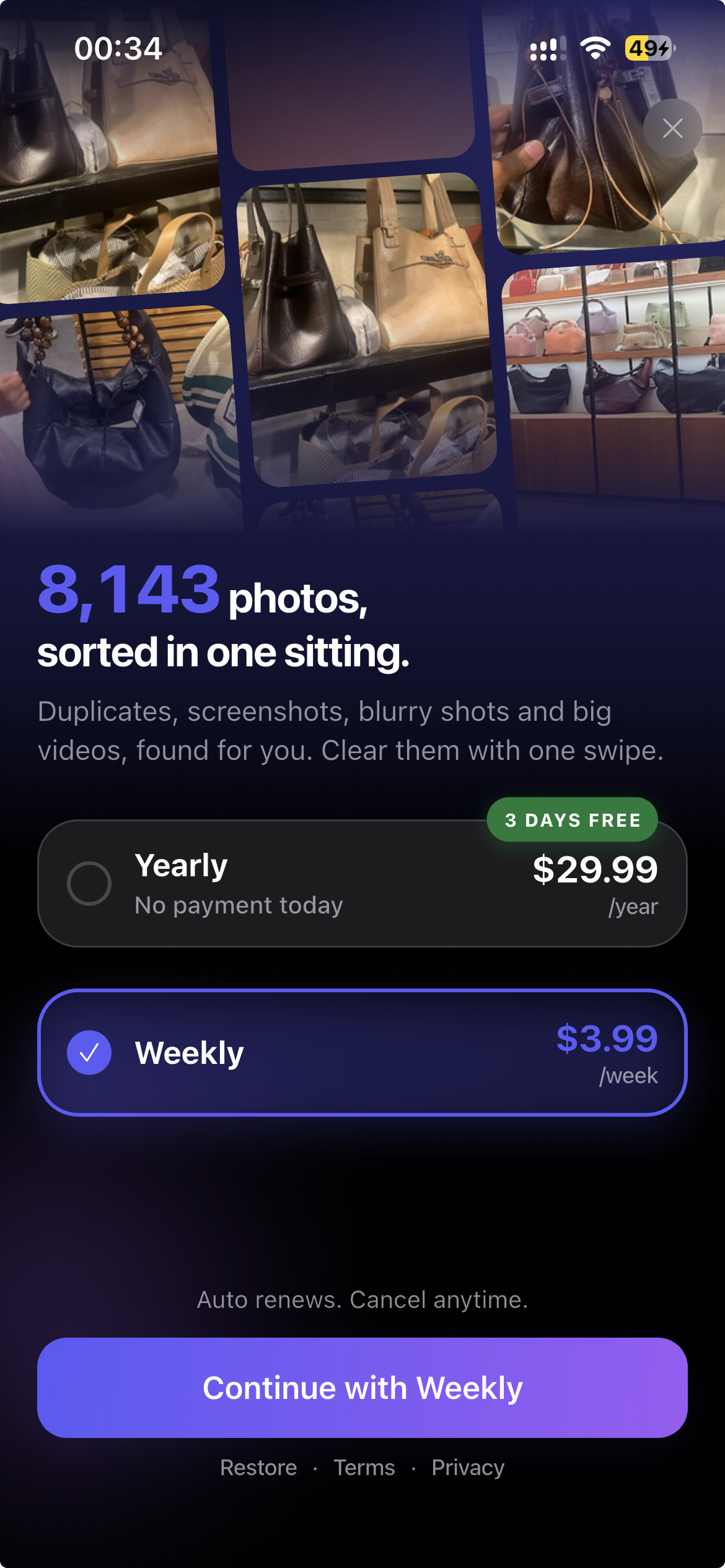
Onboarding Paywall
-
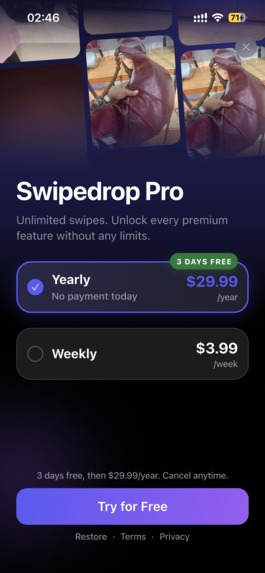
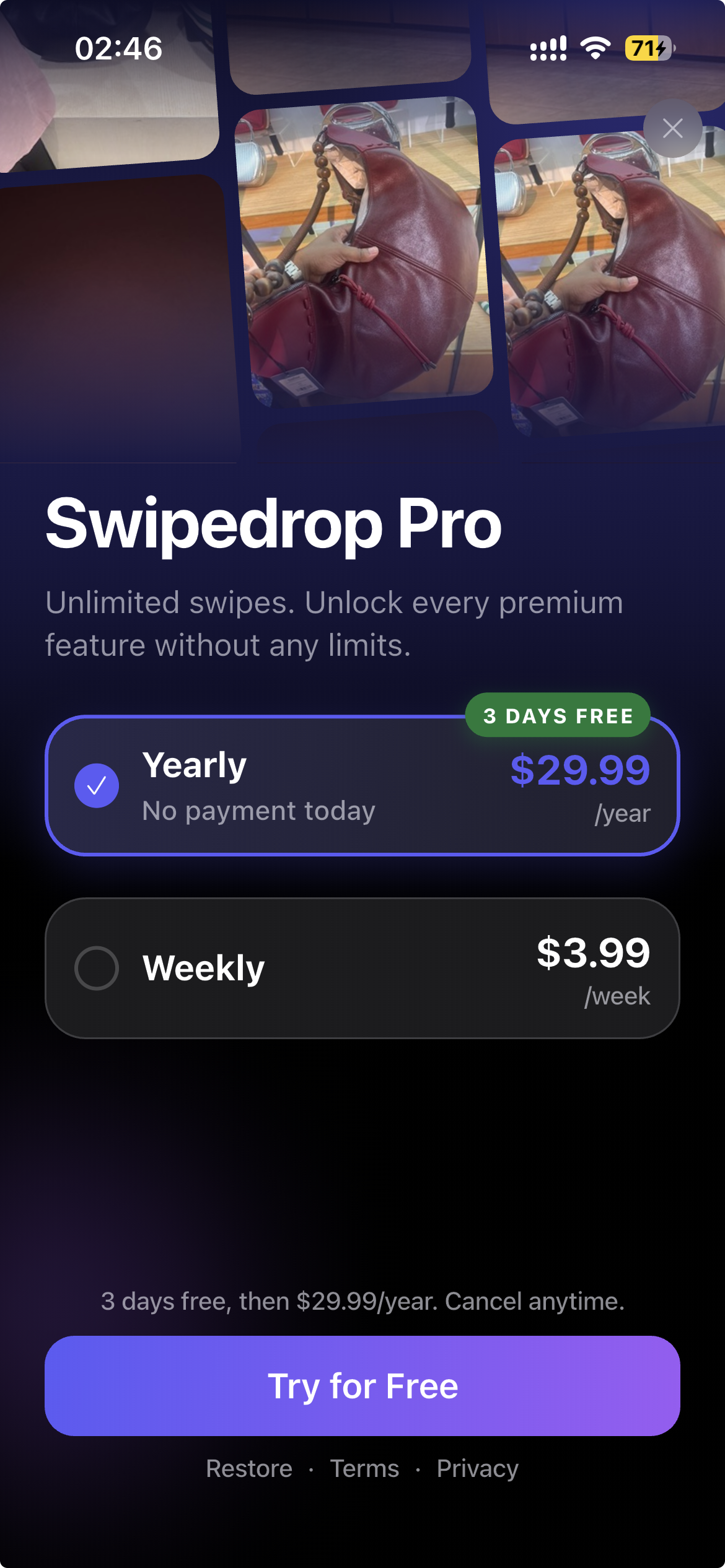
Pro Paywall
Inspiration
Most people have thousands of photos they'll never look at again: duplicates, blurry misfires, old screenshots and huge videos. Scrolling through 12,000 photos is a wall. Ten minutes on the sofa is not. Swipedrop turns camera-roll cleanup into something you can actually finish, one swipe at a time, without a single photo ever leaving your phone.
What it does
- Swipe to decide. Swipe left to drop, right to keep. Undo at any time.
- Review before deleting. Swiping only stages a decision. Dropped photos collect in a review grid, and one confirmation clears the whole batch (on iPhone, they go to Recently Deleted for 30 days).
- Your library, already sorted into jobs. Nine piles are found automatically: Duplicates, Similar, Large files, Videos, Blurry, Screenshots, On this day, Recents and Shuffle, plus albums, month-by-month browsing and a "From apps" pile. A hero card points at whichever pile frees the most space.
- Optimize without deleting (Pro). Compress videos (Small, Balanced or Best quality, with the saving quoted up front) and convert Live Photos to stills in batches.
- Progress you can see. Space freed, photos cleaned, day streaks and a 14-day activity chart.
- Half-finished sessions are saved, so you never lose your place.
How we built it
All analysis runs 100% on-device. Every photo gets a perceptual-hash fingerprint based on what it actually looks like, and fingerprints are compared bit by bit: a tiny distance means a duplicate, a slightly larger one means a near-miss. Blurry shots are found by scoring real edge detail in the image. The heavy work runs on background threads, so the library is browsable within seconds. There is no backend, no account and no upload.
Monetization is powered by RevenueCat: a genuinely useful free tier (every pile, a first uninterrupted cleanup of up to 100 photos, then a daily delete allowance) and Swipedrop Pro with weekly, monthly and yearly plans and a 3-day free trial.
Challenges we ran into
- Making duplicate and similar detection accurate without any server.
- Designing a delete flow where nothing disappears by accident, while respecting each platform's own delete behaviour on iOS and Android.
What's next
More smart piles, faster analysis on very large libraries, and continued growth through our storage guides at swipedrop.mrb-lab.com/blog.

Log in or sign up for Devpost to join the conversation.