Inspiration
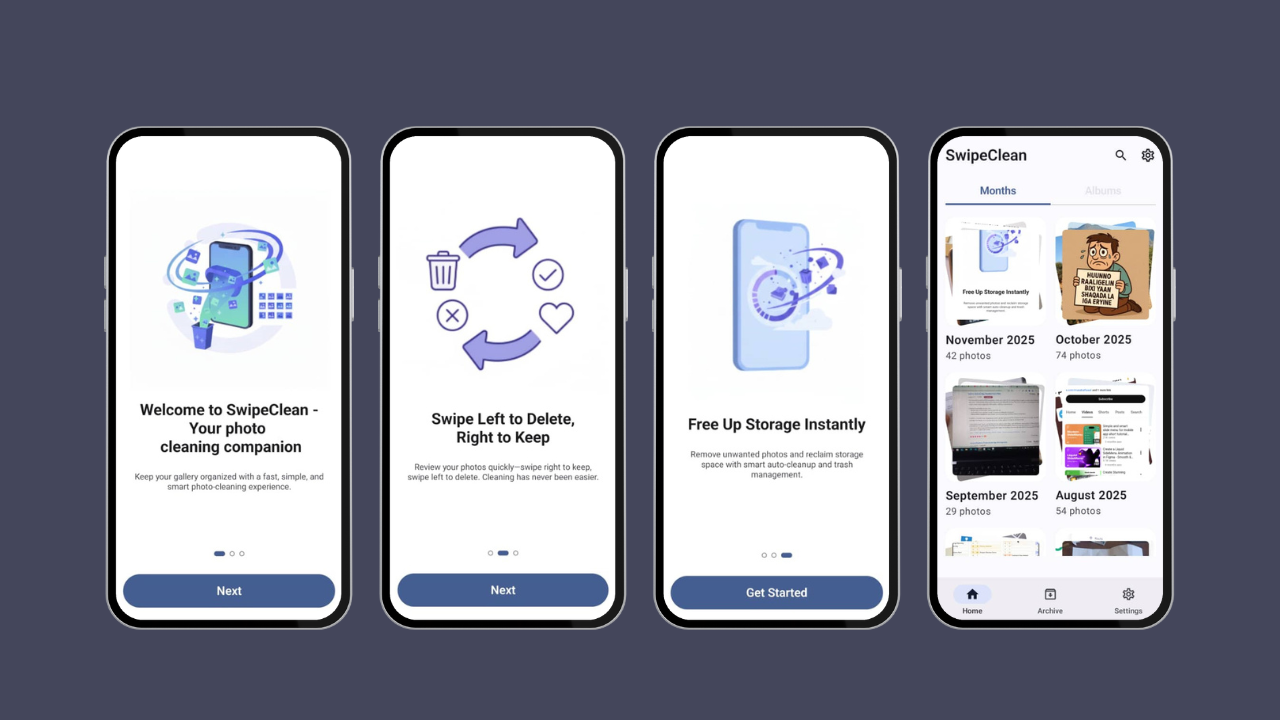
Managing photos on a phone can be tedious and time-consuming. Many users have cluttered galleries with unwanted photos, and deleting them one by one is boring. SwipeCleen was inspired by the idea of making this process fast, fun, and interactive — turning cleanup into a simple swipe gesture.
What it does
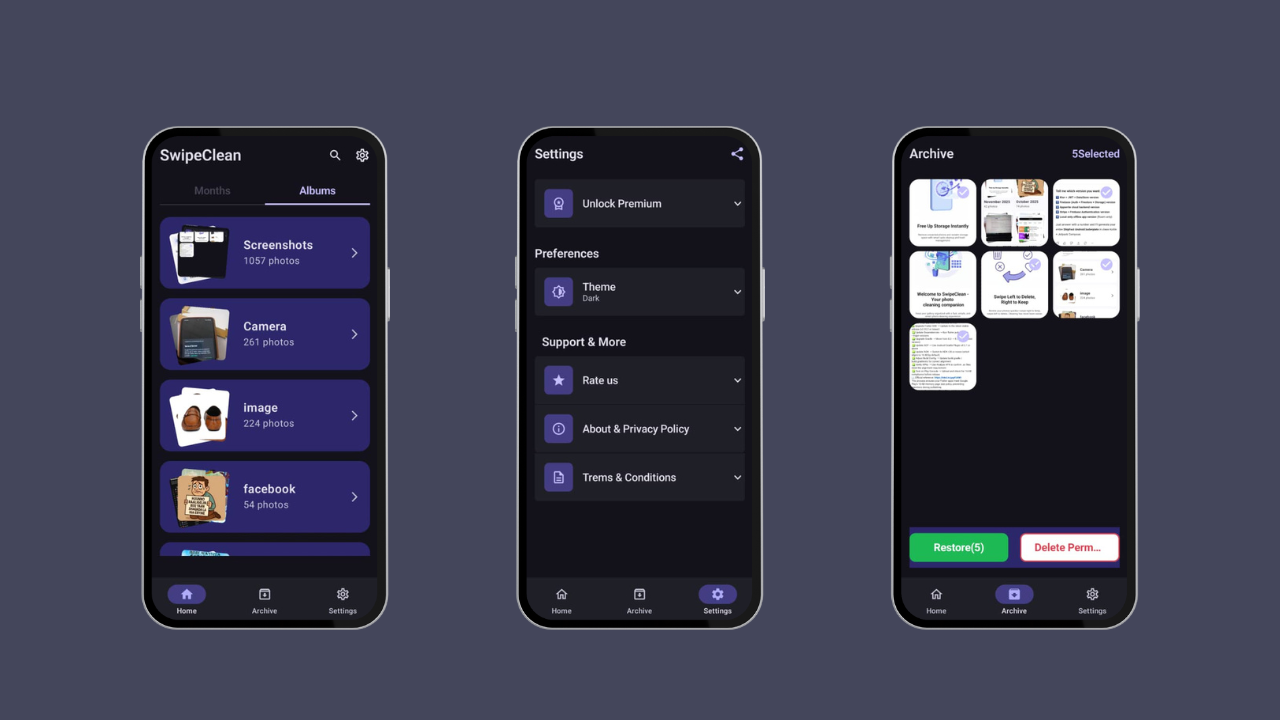
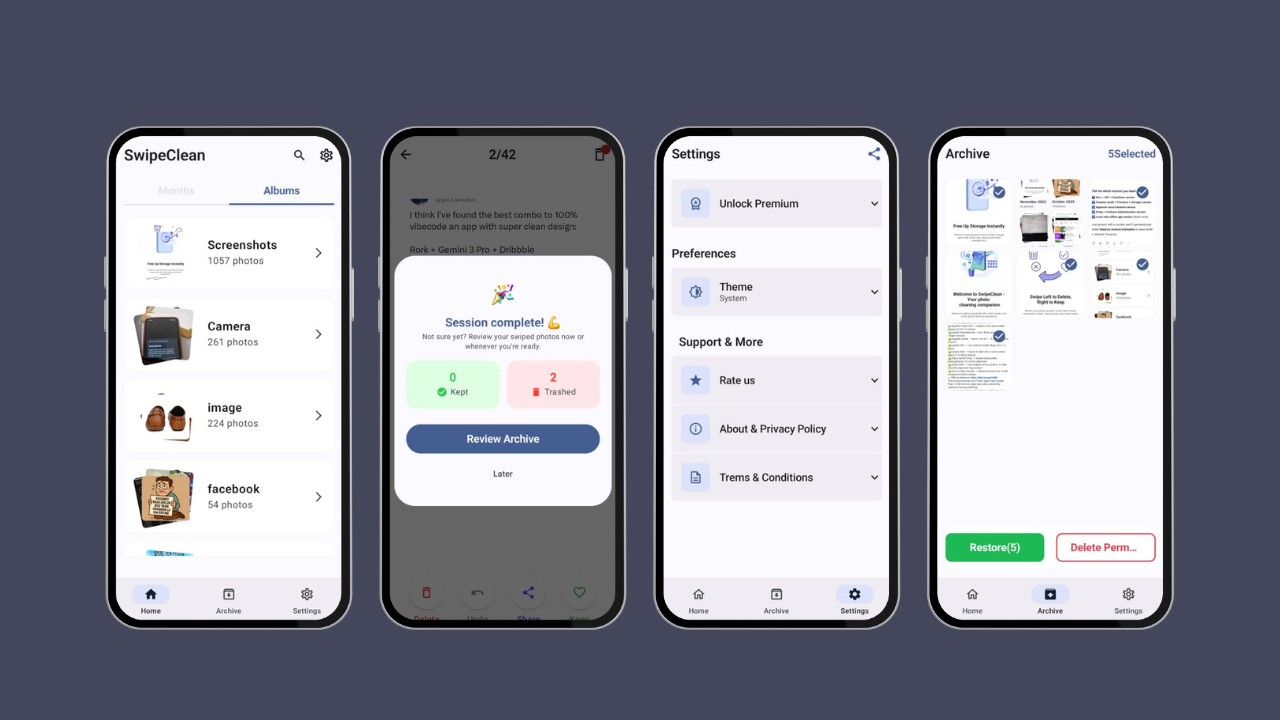
SwipeCleen allows users to quickly browse their photo gallery and swipe to delete unwanted photos. Features include:
Swipe left/right to remove photos
Undo deleted photos if needed
Full-screen photo preview
Optional batch cleaning for faster decluttering It helps users free up storage and organize their gallery effortlessly.
How we built it
SwipeCleen is an Android app built with Kotlin using Android Studio. Key technologies and tools include:
Kotlin for core app logic
Jetpack Compose for UI design
Android’s Gallery API for accessing photos
Animation libraries for smooth swipe interactions
Challenges we ran into
Handling large photo galleries efficiently without slowing down the app
Implementing smooth swipe animations for a satisfying UX
Ensuring undo functionality works reliably without affecting performance
Accomplishments that we're proud of
Fully functional swipe-to-delete feature
Clean, modern, and intuitive UI
Efficient handling of large photo galleries
Turned a boring task (photo cleanup) into a fun experience
What we learned
How to implement gesture-based navigation in Android apps
Techniques for optimizing performance with large datasets
Importance of UX and animations in making apps engaging
What's next for SwipeCleen
Add smart suggestions to highlight photos likely to be deleted
Include cloud backup integration for safer deletions
Gamify cleanup sessions to make photo management even more fun
Add multi-photo select and swipe options for faster cleaning
Built With
- jetpackcompose
- koin
- kotlin


Log in or sign up for Devpost to join the conversation.