-
-

Logo
-
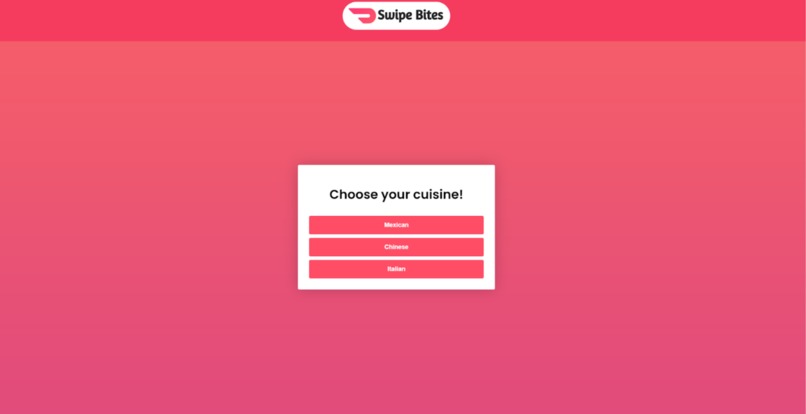
Home Page (pick a cuisine)
-
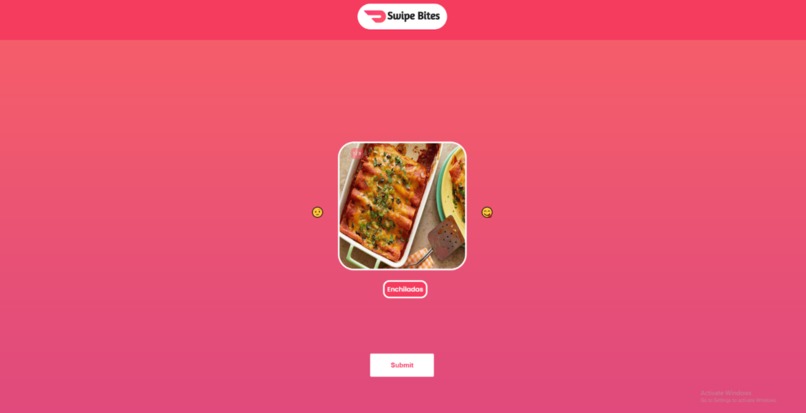
Swipe Page (swipe left/right if you didn't like/like the food)
-
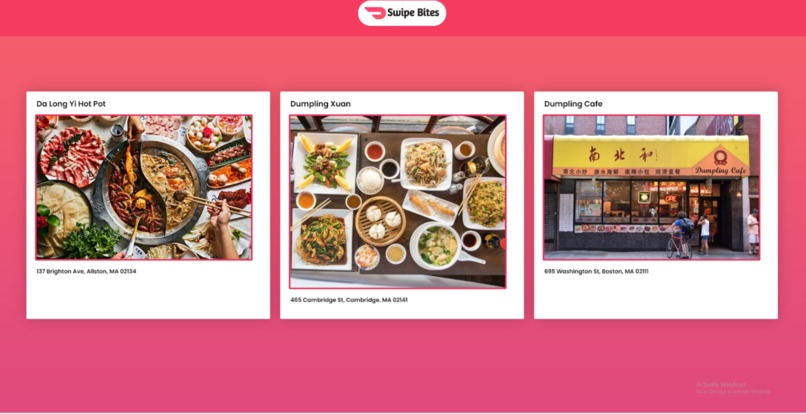
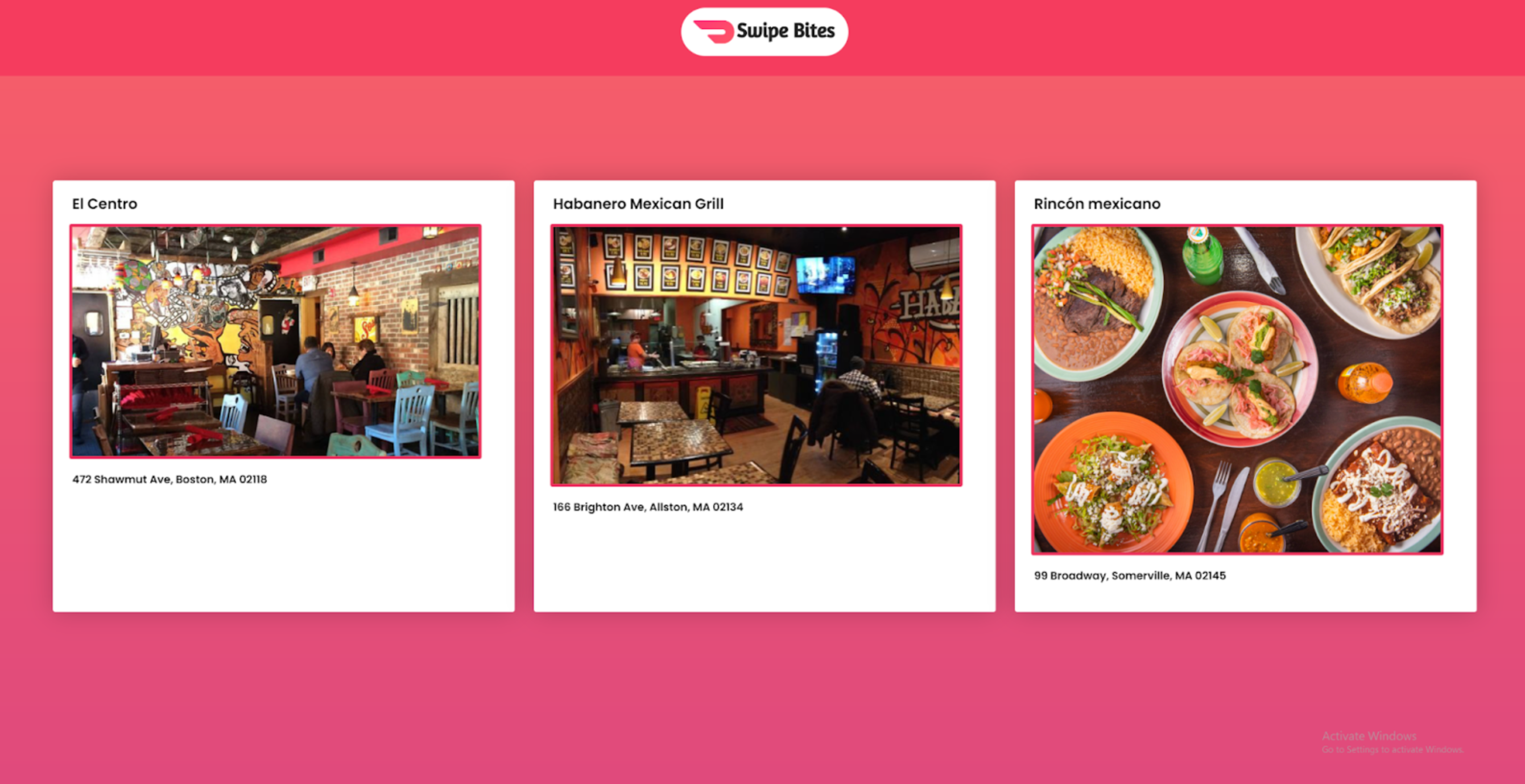
Restaurant Recommendations Ex.1
-
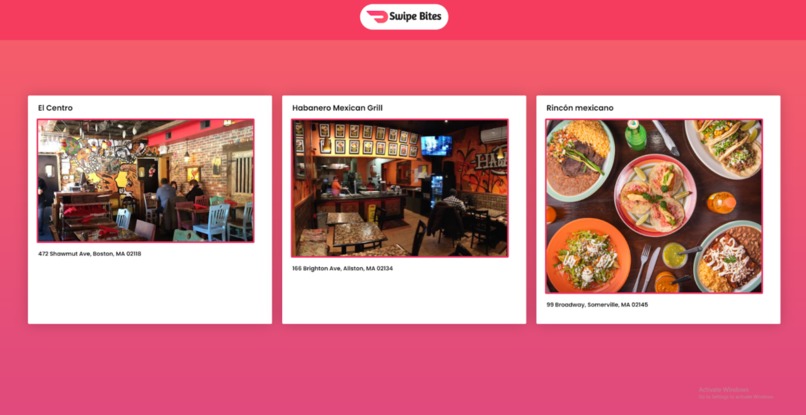
Restaurant Recommendations Ex.2



Inspiration
We love eating out, but we often find that it’s to find and decide on one restaurant to choose - especially when there are many people. We decided to make a website to help people decide based on their preferences. We liked the ease of use that Tinder has, so we took inspiration from their user-interface.
What it does
Swipe Bites helps people decide on where to eat out in a fun, interactive manner. Users swipe right (Yum) or left (Nah) on different food options. The website then uses these inputs to generate restaurant recommendations.
How we built it
We used HTML, CSS, and JavaScript to create the website.
Challenges we ran into
Originally, we wanted the images to slide away into a separate pile when it was swiped right/left on (instead of simply fade to the next food image). We came very close, however, we weren’t able to get the image to slide properly due to our lack of experience with JavaScript. So, we decided to opt for a fade transition instead since time was running out. Both achieve the same end goal, so we learned the importance of prioritizing functionality and completion over smaller UI preferences. We plan to continue working on this feature so that one day, the food images will slide.
Accomplishments that we're proud of
We are proud of creating a website that looks finished and is intuitive to use. One of our big goals was to have an easy-to-use and fun website, and we believe that we achieved this. Additionally, we are proud of being able to make our idea a working application. While it was difficult to get the food images to show one after another, we were able to get it working and look presentable.
What we learned
We had minimal experience coding in HTML and CSS, and JavaScript was almost completely new to both of us. We learned a lot about each of the languages during the process and how to use them.
What's next for Swipe Bites
In the future, we want to add more cuisines and implement a Google Maps API to show where the restaurants are relative to the user.
Built With
- css
- html
- javascript
- vscode

Log in or sign up for Devpost to join the conversation.