-
-

Logo
-
Work in progress
-

Partners in display


Inspiration
As golf and tech enthusiasts, we noticed a gap in how golfers analyze and improve their swing technique. Traditional videos only show one angle, making it hard to fully understand body positioning, follow-through, and swing dynamics. We were inspired to create Swing.XR, a solution that uses AR/VR to offer a fully immersive, 3D experience which brings interactivity to golf training.
What it does
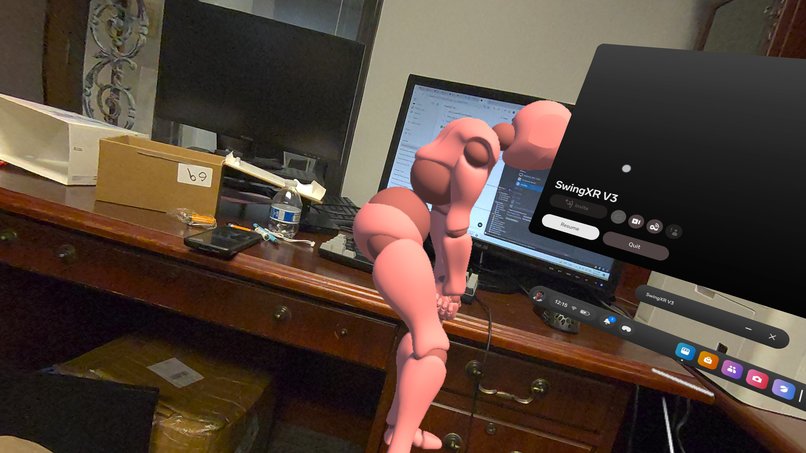
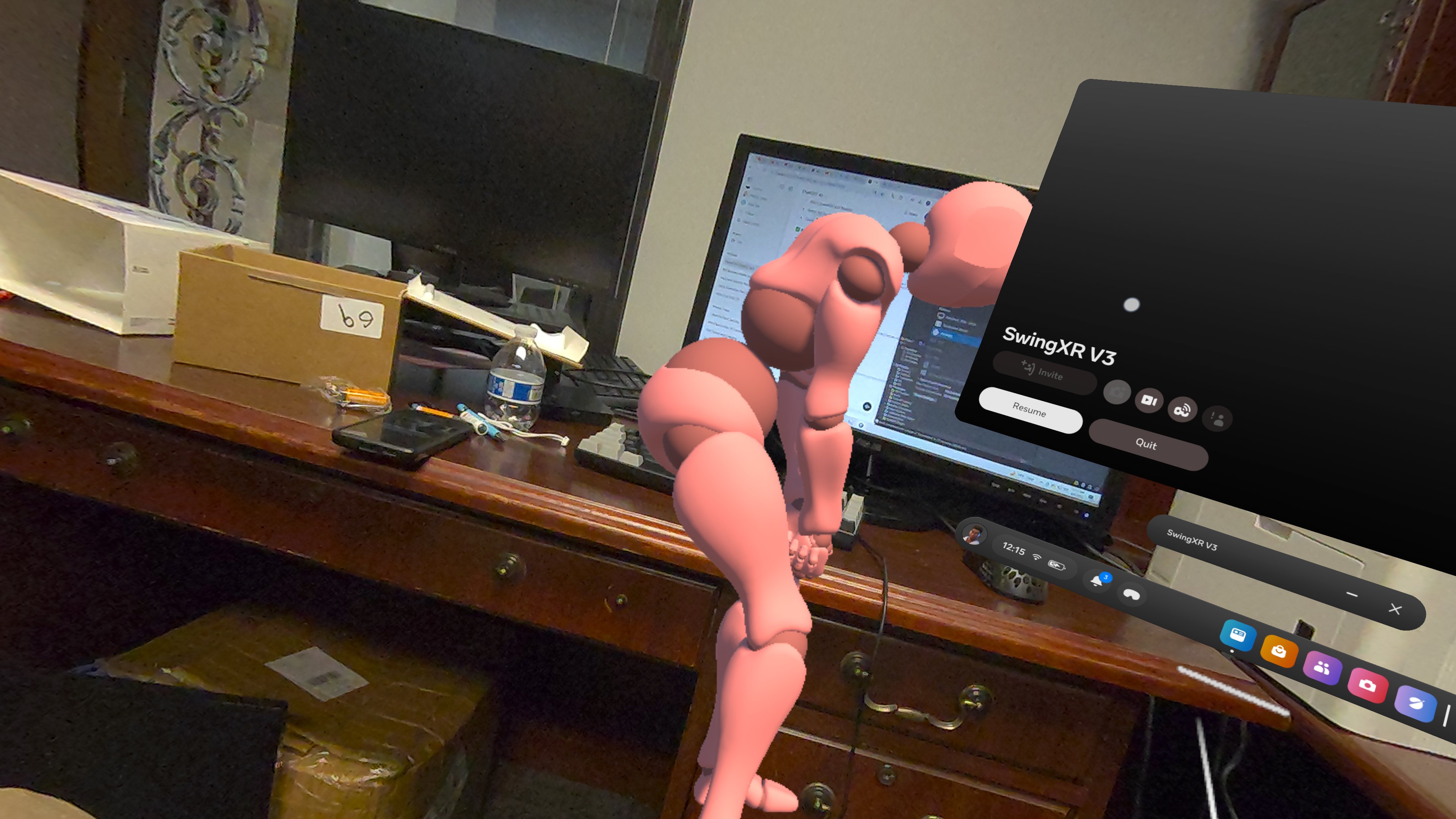
Swing.XR allows users to view and study professional-grade golf swing animations from any angle in a virtual environment. Whether you're a beginner or looking to refine your form, you can walk around, zoom in, and closely observe each motion in 3D space. The goal is to help users internalize proper technique by seeing it like never before.
How we built it
We used Unity with the XR Interaction Toolkit to build the core experience, designing the environment and interactions for VR headsets. High-quality swing animations were imported and optimized for real-time rendering. We focused on smooth playback, intuitive user controls, and creating a sense of physical presence around the swing model. For version control and collaboration, we used GitHub.
Challenges we ran into
- Finding realistic, high-quality swing animations with correct form was difficult.
- Getting the animations to look smooth and natural in VR required fine-tuning the rig and motion curves.
- Integrating the XR toolkit with our desired user interactions took time, especially when refining camera angles and interaction distances.
- Performance optimization was crucial—we had to reduce lag without sacrificing visual fidelity.
Accomplishments that we're proud of
While we don’t have a finished product yet, we’re proud of how far we’ve come in such a short time. We took an idea and turned it into a working prototype, explored new tools and workflows, and pushed ourselves outside of our comfort zones. As a team, we collaborated effectively, learned a ton, and laid the groundwork for something we’re excited to keep building. Just getting to bring our vision to life, even in its early stages, feels like a big win for us.
What we learned
The importance of clean animation data and rigging for realistic motion. How to integrate AR/VR tools with Unity to create an intuitive, immersive user experience. Collaboration and version control are key when building under a short deadline.
What's next for Swing.XR
Adding swing variations (e.g. drives, chips, putts) and customizing for user skill levels. Incorporating user-uploaded swings for side-by-side comparison and improvement tracking. Expanding to include other sports in the future, baseball, tennis, cricket, and more. Enhancing with AI feedback that evaluates user form and suggests corrections.


Log in or sign up for Devpost to join the conversation.