-
-
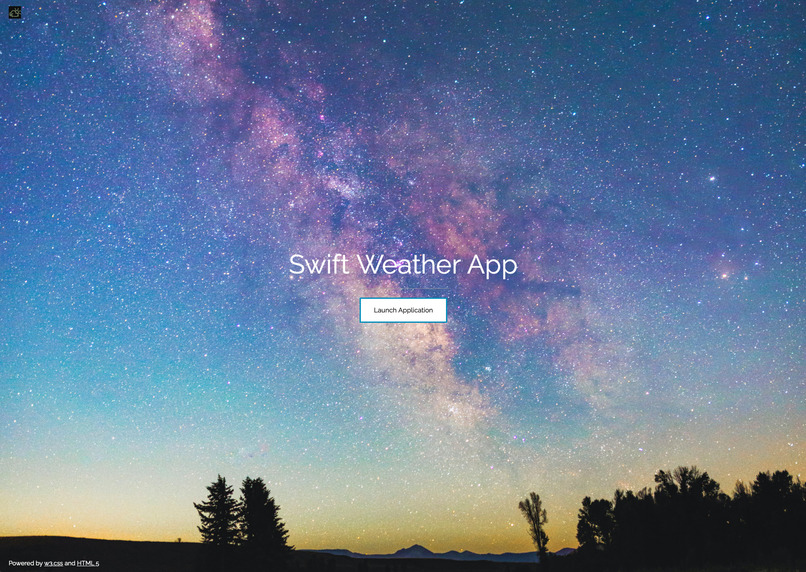
Home Page - Swift Weather App
-

Choose a City Page
-

Swift Weather App Logo
-
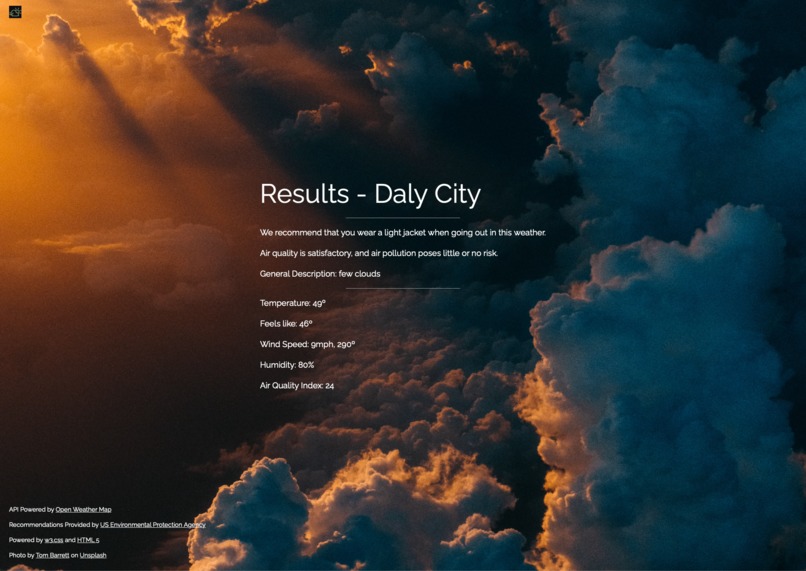
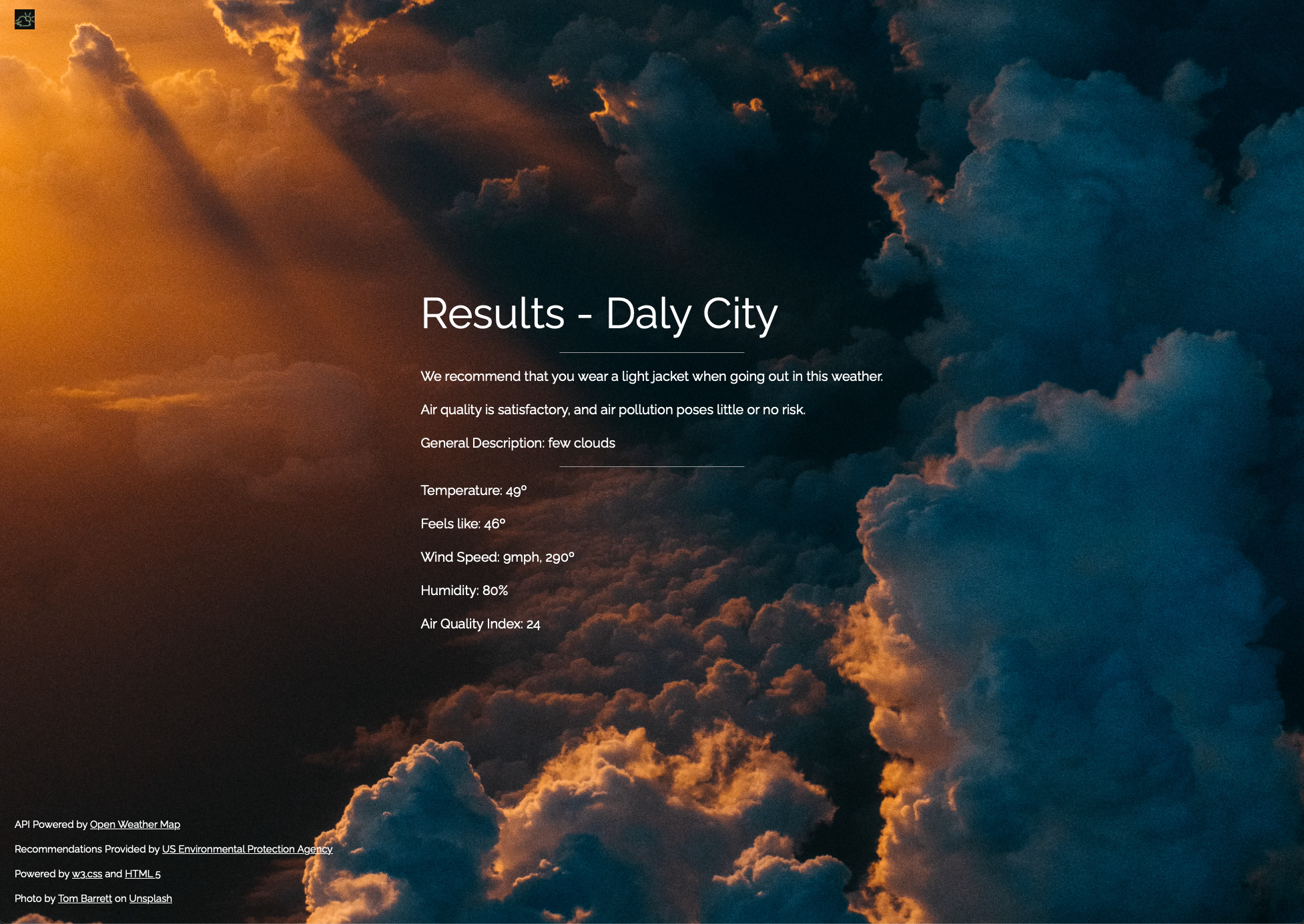
Weather Statistics & Recommendations Page


Project Pitch
Announcing Swift Weather App, which not only gives you all the necessary weather information, but also gives you customized advice on what to wear based on the current weather. With the help of our software, you can stop worrying about dressing inappropriately for the weather. And that's not all. Our app keeps track of the local air quality and notifies you when it is safe to venture outside so you can schedule your day accordingly. Our app contains all the information you require to make the most of your day, whether you're planning a day at the beach or a hike in the mountains. Try out our app right away and eliminate uncertainty from your outdoor activity planning!
Inspiration
Our inspiration came from the dramatic changes of weather in our hometown of Sunnyvale, California. On one day, it is beautiful and sunny, while on the next, there could be rain. Many students at Fremont High School were inappropriately dressed for the weather at school. This inspired us to create a solution that can help anyone around the globe. That’s why we created Swift Weather App, an application that advises you of what to wear so you are never over or under dressed!
What it does
The application is a weather app and displays important weather statistics to help you plan your day. On the home page, you are able to click a button to launch the application. The application will prompt you to choose a city based on its zip code and its country’s ISO 3166 code. Every city in the world will work for this. Once you enter the zip code and ISO 3166 code, pressing the next button brings you to a page that displays weather statistics and recommendations of what clothing you should wear.
How we built it
We primarily used Flask to build the application. Flask is a python framework that allows us to use Python, HTML, CSS, and Javascript to create a web application, which is the Swift Weather App. Python served as the “backbone” of our project and enabled us to implement Open Weather Map’s APIs to display the weather. We also coded all of the logic of the program (like determining which recommendation to display) in Python. HTML, CSS, and Javascript allowed us to use the information from the Python files and display it in the form of a website, which includes the background image, text, and formatting.
Challenges we ran into
While we were building our project, we ran into various different challenges, one being trying to split the main python file from the API python file. This caused multiple errors because we needed to pass data in between the 2 python files. After spending a grueling 5 hours trying to solve the issue, we eventually stumbled across the method of using a txt file to pass information in between the files. This posed us a variety of different challenges, but we are able to overcome these challenges through perseverance.
Accomplishments that we're proud of
One thing we are proud of is getting the weather APIs to work with our code. This is our first time using APIs in coding and we were able to implement them successfully. All of the information displayed on the web application is extremely accurate and reliable. Anyone in the world would be able to use this web application to determine what would be appropriate to wear outside.
What we learned
We learned all about APIs and how to use this. Like how it is mentioned before, this is our first time using APIs so we were not 100% sure how to go about using the APIs in our code. We also gained a great deal of perseverance to push through our low times and keep going even with countless errors in our code.
What's next for Swift Weather App
Our future plans for Swift Weather App include making this app accessible for anyone in the world to use for their benefit. To do this we are going to find a web hosting platform to upload our app to, that way anyone from around the world will be able to check their weather and air quality situation. Other features that we plan on adding are changing the background of the weather statistics page to match the current weather in that area. For example, if it is cloudy in the city you specified, the background of the website will have a lot of clouds, so it is easier for the user to see the conditions of their surroundings. We also plan on adding a weather map on the web application so users can see the weather of neighboring cities without typing each of their zip codes manually.


Log in or sign up for Devpost to join the conversation.