-
-
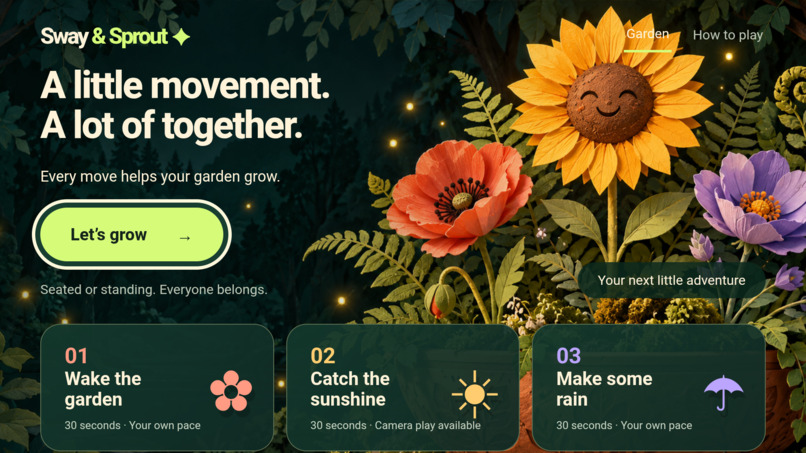
Sway & Sprout on Android TV Emulator: three gentle activities, seated or standing, with remote navigation.
-
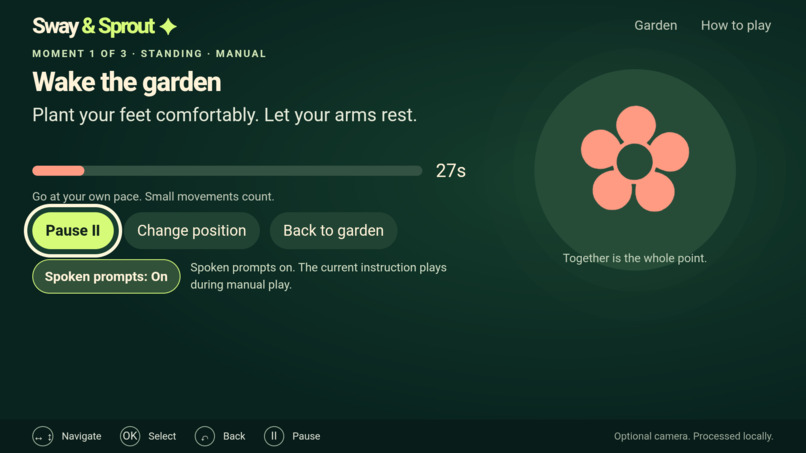
Optional AWS Polly spoken prompts, bundled for offline play and enabled with a remote on Android TV Emulator.
-
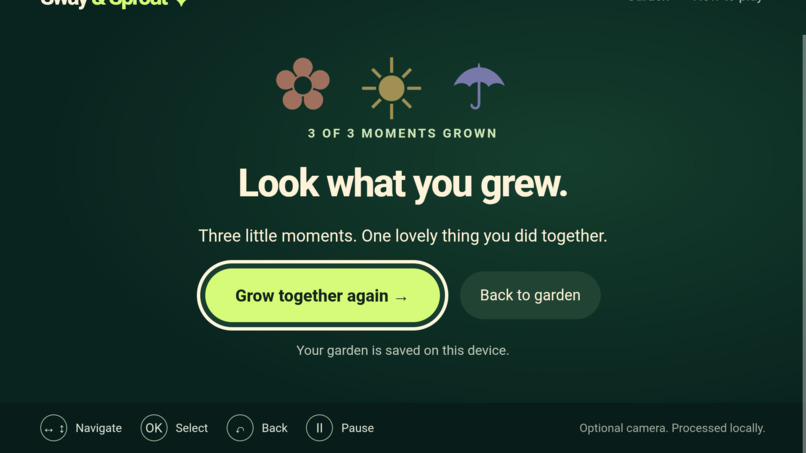
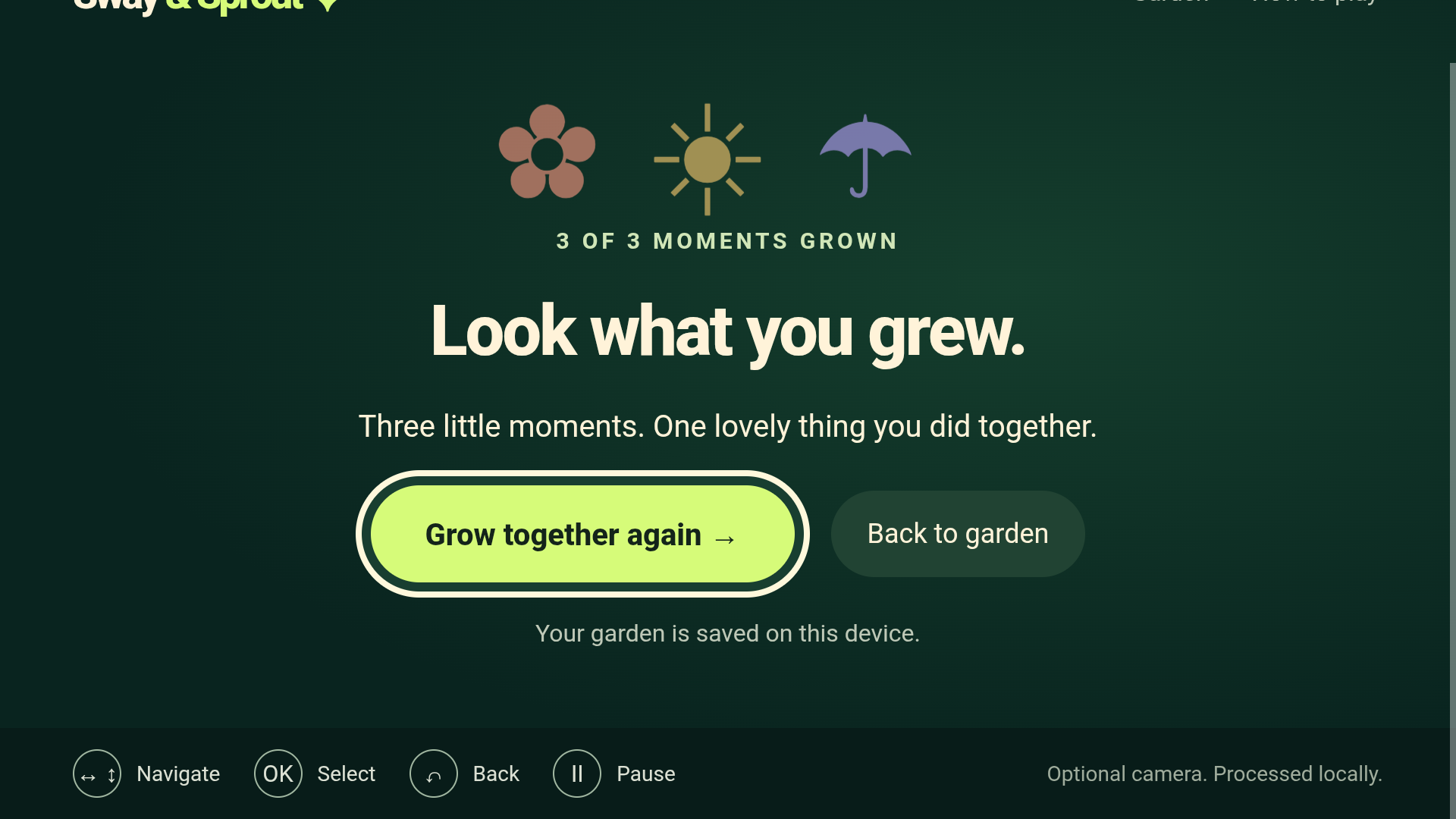
Three self-confirmed moments complete the shared garden; progress is saved on the device.
-
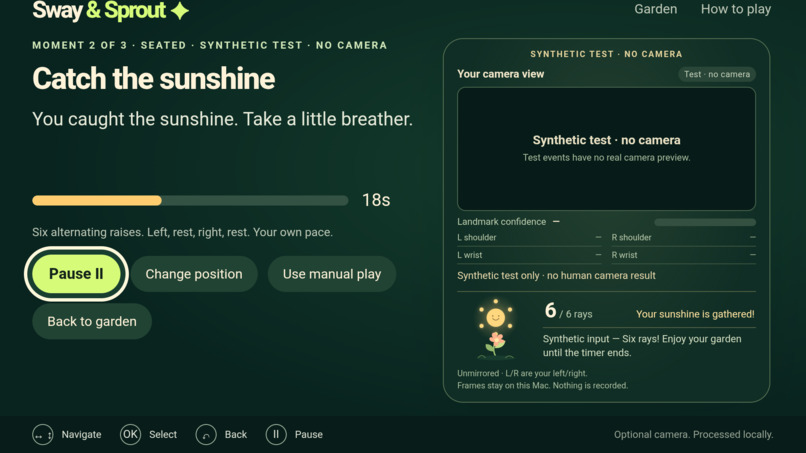
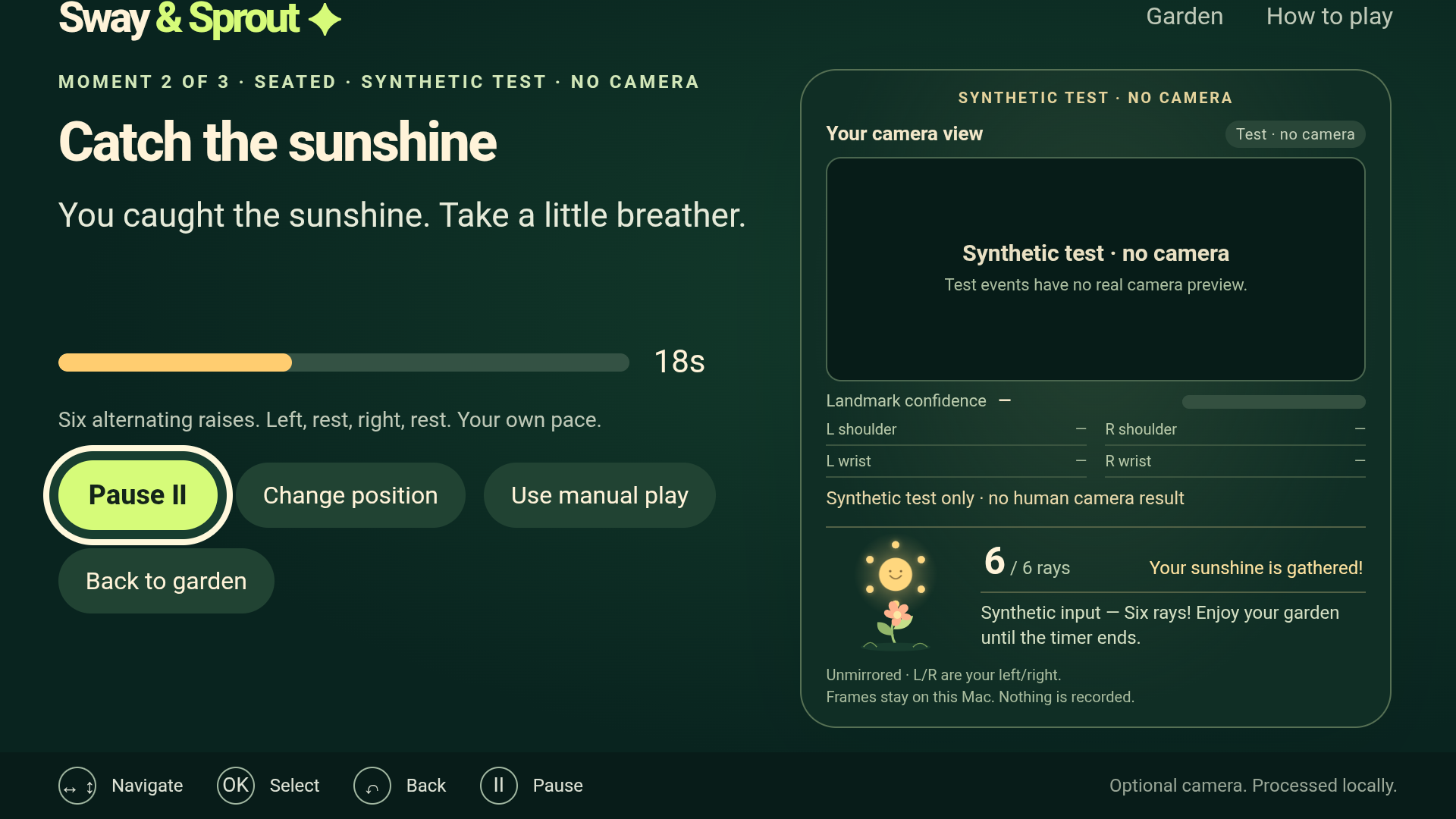
Labelled synthetic test, no camera: six of six sunshine rays collected through the native-to-Mac bridge.
-
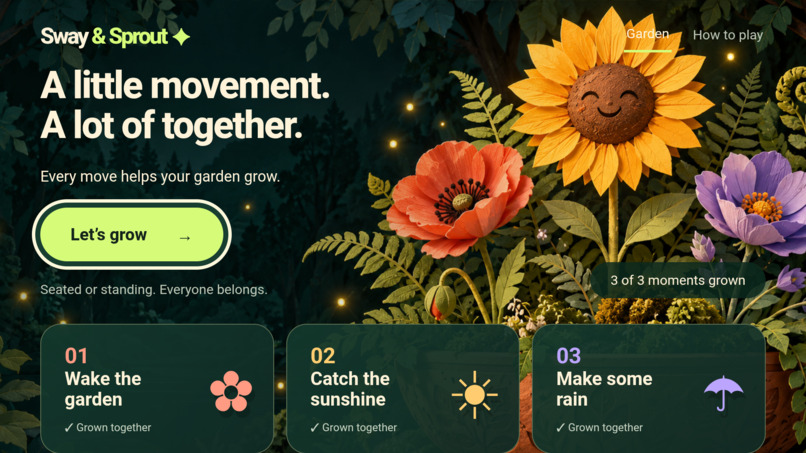
After synthetic completion and restart, the native garden still shows the original three saved moments.
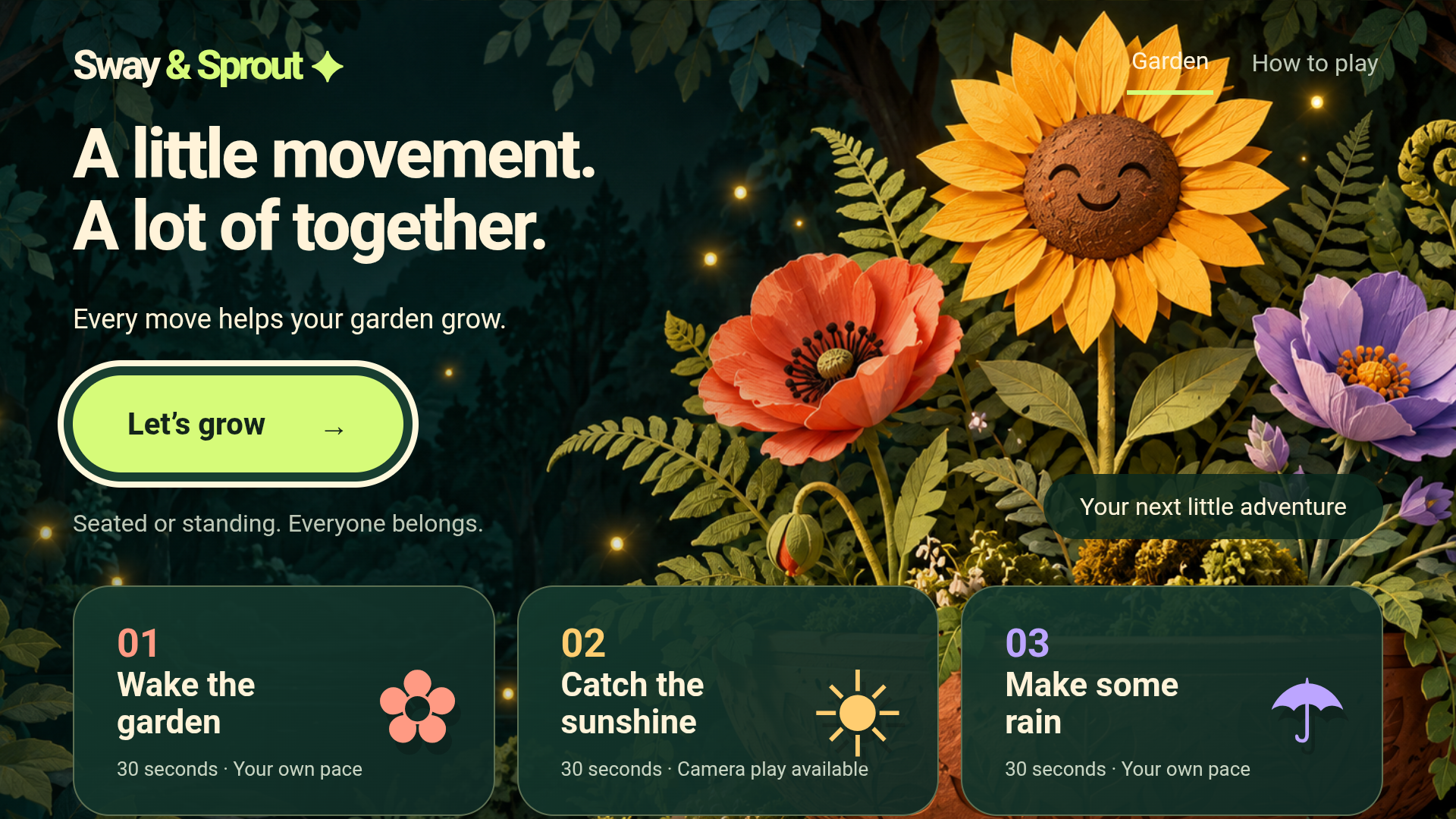
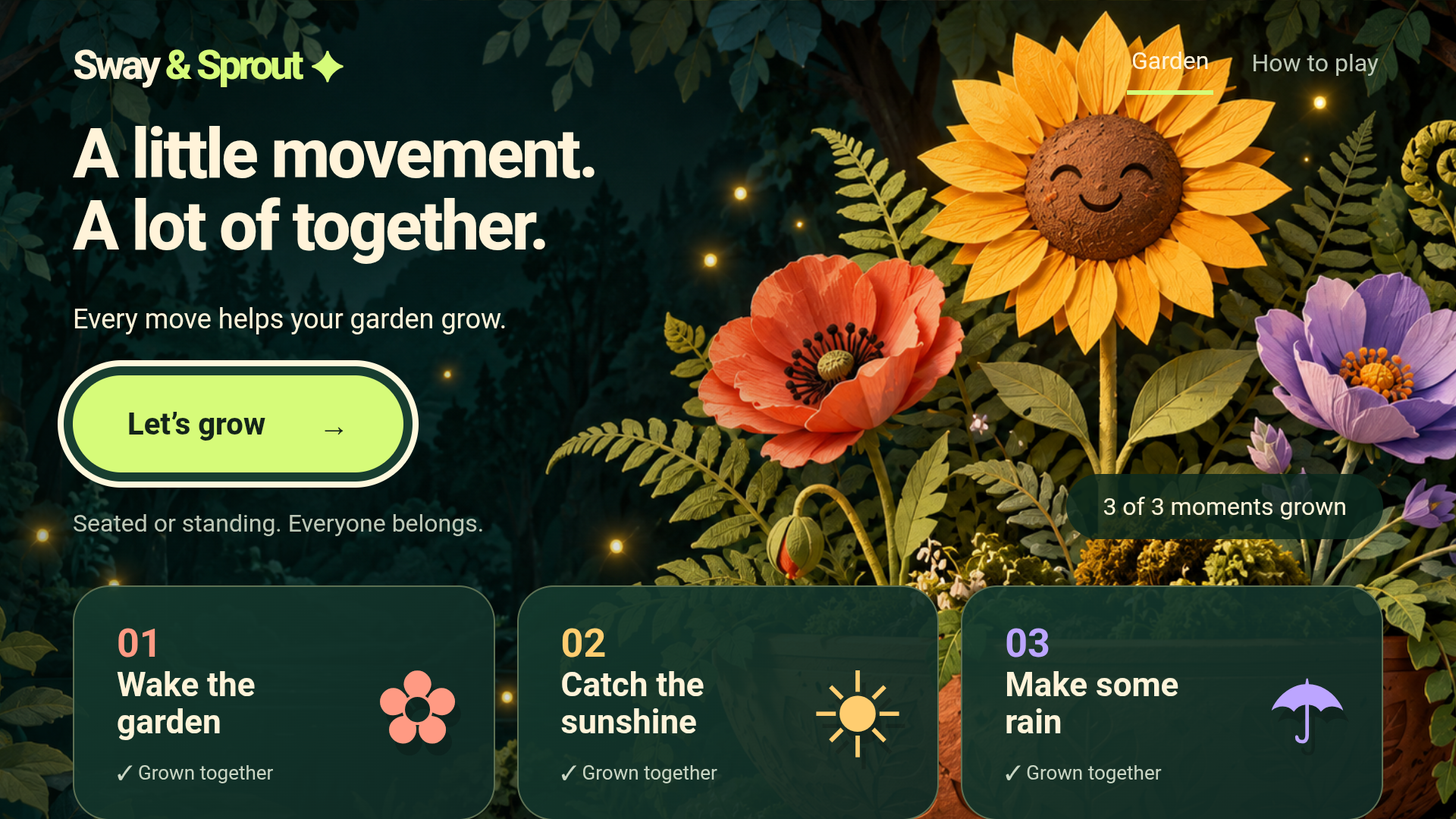
Every move helps your garden grow.
Inspiration
Imagine a family on the couch: one person stands to stretch, another joins from their seat, and someone else watches the garden bloom. Sway & Sprout makes that small shared moment the point, with gentle prompts and no competition.
What it does
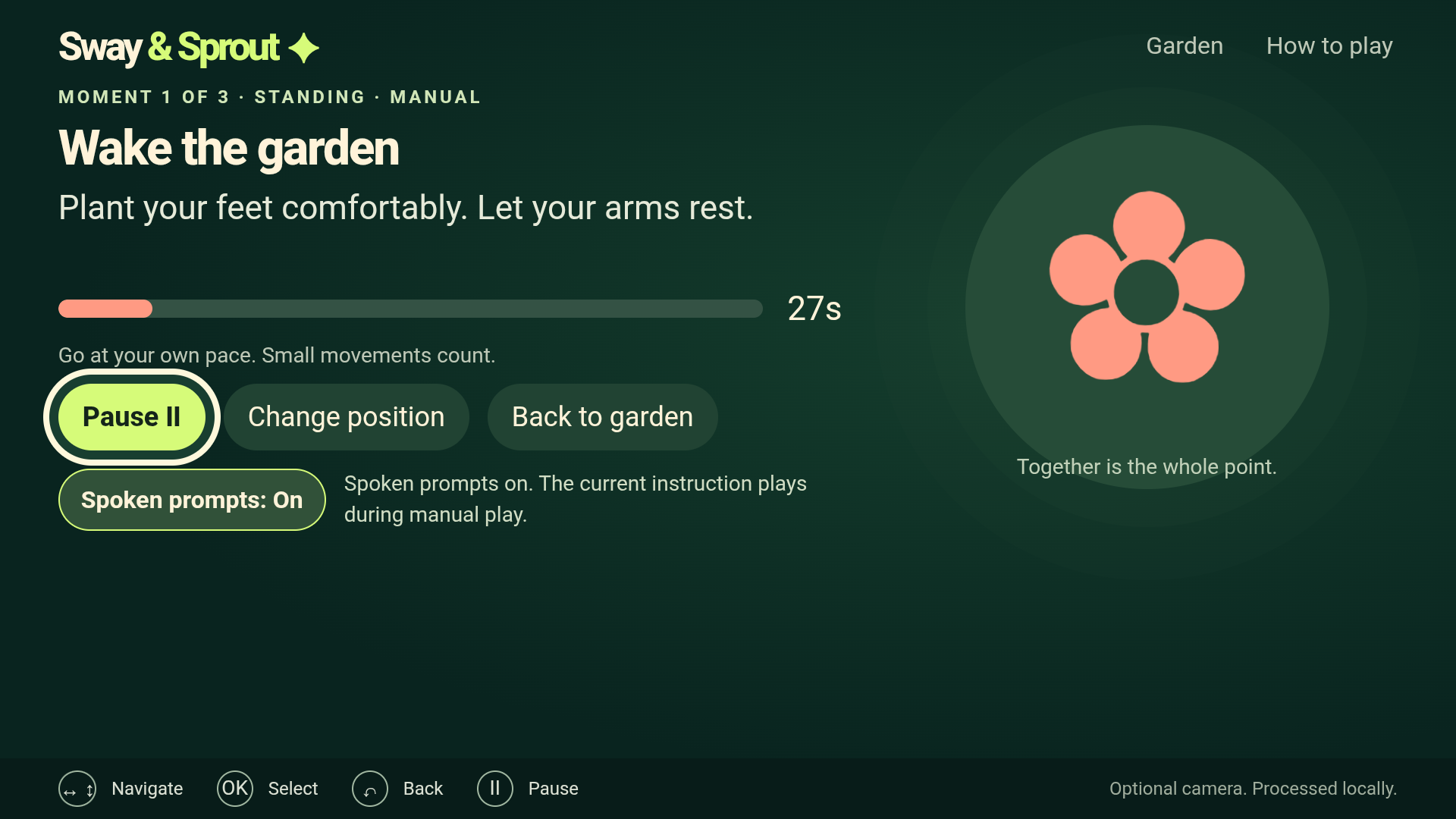
Families follow three playful, 30-second moments: Wake the garden, Catch the sunshine, and Make some rain. Each offers seated and standing prompts. One TV remote navigates the app, pauses a round, changes position, and resumes play.
After each manual moment, players decide whether they joined in. Their self-confirmation grows one of three shared garden moments. Ordinary play works offline without a camera or account. Progress stays on the device.
Catch the sunshine also has an optional local motion prototype. The demo sends labelled synthetic landmarks from a Mac service through the native Android app, catching six test rays while keeping saved participation unchanged.
How it was built
JavaScript, CSS and Vite power the shared interface; an Android WebView host packages it for TV remote navigation. Local storage preserves the garden.
Codex assisted implementation, tests, documentation and video production. OpenAI image generation supplied the original decorative garden artwork. Cirro edited the footage, Remotion assembled the video and captions, and AWS Polly Joanna Neural supplied its narration. The organizer’s FAQ permits Android TV Emulator demonstrations.
AWS Builder mini challenge
Polly generated 18 bundled prompt clips at build time; playback is fully offline.
Players can enable Spoken prompts for manual play. Each activity plays its current seated or standing instruction from a local MP3. Pause stops speech, Resume restarts the cue, and position changes pause before switching prompts. Audio defaults to Off after restart. Playback sends no player data to AWS.
The reproducible pipeline uses the official AWS CLI’s SynthesizeSpeech operation with Joanna Neural in us-west-2. Request-based caching avoids regenerating unchanged clips. The Spoken prompts control is shown in the project page screenshot and documented in docs/AWS-SPOKEN-PROMPTS.md. Polly also generated the demo video's narration.
Open Source mini challenge
Caption Pause Map is a separate MIT-licensed Python CLI created during the hackathon. It generalizes the demo’s caption-retiming work so other developers can insert narration pauses while keeping captions aligned.
The tool maps captions through source-preserving audio segments, rejects unsafe or ambiguous edits, and exports JSON and SRT. It uses only Python’s standard library, includes a synthetic example and passes 35 tests.
Challenges and learning
Small TV interactions matter: reliable focus, readable prompts, predictable Back behavior and restart persistence. Keeping self-confirmed participation separate from synthetic input also gave us a clear way to test feedback without awarding artificial progress.
What the demo verifies
The video shows three real 30-second manual rounds in an Android TV Emulator, including remote navigation, pause/resume, seated-to-standing switching and self-confirmation. Saved garden progress survives an app restart. The labelled synthetic chapter catches six rays without changing participation; synthetic motion never counts as a person joining in.
Try it
Clone the source, run npm ci and npm run dev, then follow the README. Use arrow keys and Enter, choose Manual play for sunshine, and confirm participation after each round. Enable Spoken prompts to try the offline voice guidance.
What’s next
The app has not yet been tested on physical Fire TV or with live users. Next, we will test with consenting families and target hardware, evaluate natural motion recognition, and improve the optional prototype while preserving the complete camera-free manual experience.
Built With
- amazon-polly
- amazon-web-services
- android
- css
- html
- java
- javascript
- numpy
- opencv
- playwright
- python
- svg
- vite

Log in or sign up for Devpost to join the conversation.